# The Autodidacts
> Exploring the universe from the inside out
Public Ghost content for AI and LLM tooling. This file includes a bounded export of public pages first, then recent public posts.
Append `.md` to any post or page URL to get the content in Markdown (for example, `/example-post.md`).
## Pages
### Message Sent
URL: https://www.autodidacts.io/message-sent/
Last updated: 2024-05-02T18:58:21.000Z
Thanks for contacting us! We’ll try to get to your message as soon as possible.
### About Autodidacts.io
URL: https://www.autodidacts.io/about/
Last updated: 2026-09-07T05:50:34.000Z
**Autodidacts.io is the blog of three thing-building, self-educating, voraciously-reading, computer-tinkering, music-playing brothers** who hail from Canada’s west coast, where the weather is wet, the post office is open three days a week, and power outages are frequent.
> Autodidacticism (also autodidactism) or self-education is the act of teaching oneself about a subject or subjects in which one has had little to no formal education. — Wikipedia
The topics covered here are eclectic — from nerdy commentaries on programming and web development, to philosophical musings on life and happiness, to the occasional primer on DIY neuroscience, and many other things besides. If you’re interested in just one category, subscribe to a tag: for example, you could [subscribe to the RSS feed for Essay](https://www.autodidacts.io/tag/essay/rss) to skip the tutorials and technology articles, and just be notified of new essays.
Feel free to post questions, opinions, and other outputs from your unique and marvellous mind in the comments on any article. Or, you could even [send us an email](https://www.autodidacts.io/contact).

Despite an AI-generated prank byline in Make Magazine stating otherwise, The Autodidacts is written by three danish-canadian brothers, **Immanuel, Adam, and Clarence Smith.**. The brothers live on Galiano Island.
### Say Hello to The Autodidacts
URL: https://www.autodidacts.io/contact/
Last updated: 2024-04-14T22:43:17.000Z
Have a comment? A question? Just want to say *Good Day*? This is the place! Just use the contact form below and we’ll do our best to get back to you:
Subject (optional) Email Address
Message
Send Message »
### Affiliate Disclosure
URL: https://www.autodidacts.io/affiliate-disclosure/
Last updated: 2026-09-17T22:47:36.000Z
**This blog is powered by Ghost. If you click on a link to Ghost, such as the “Proudly published with Ghost” link in the footer, and decide to sign up for Ghost(Pro) hosting based on what you see, we get a commission for referring you.** ~~The price stays the same.~~
**Update*: use the discount code `nFFYMCxS` to take 10% off your hosting bill (for life, I believe).*
If you *wouldn't* like us to get a commission, click this non-affiliate link instead: [https://ghost.org](https://ghost.org/?ref=autodidacts.io). Or, use MagicPages or Synaps Media hosting. They’re also great!
Alternately, if you click this opt-out button, we will do our best to make all the links on the site *non*\-affiliate links for as long as the opt-out cookie remains in your browser:
Set a Cookie to Opt Out
*Note: we wrote this affiliate opt-out system ourselves, and *we can’t guarantee it will work in all cases*. Please [contact us](https://www.autodidacts.io/contact/) if you notice an affiliate link that has slipped through our system.*
If you’re wondering if you’ve stumbled into a den of [sleazy affiliate marketers](https://www.autodidacts.io/ethical-affiliate-marketing/), rest assured: we’ve been using, recommending, and linking to Ghost for \~7 years, and only now had the brainwave that since we were recommending Ghost anyway, we could make it a referral link.
At the time of writing, polite links to Ghost (that would have been there anyway) are the *only* referral links on the entire site. None of our posts are sponsored. None of our posts contain affiliate links to any other product. And we don’t run ads.
*Last updated 2026-09-17.*
### Thank You!
URL: https://www.autodidacts.io/thank-you/
Last updated: 2026-09-21T19:19:29.000Z
_This page is for paying subscribers only._
### Privacy Policy
URL: https://www.autodidacts.io/privacy/
Last updated: 2022-11-09T19:31:56.000Z
Last updated November 9th 2022
### Introduction
This Policy outlines the principles and practices we will follow in collection, storage, and protection of visitors’ personal information. We do our best to ensure the accuracy, confidentiality, and security of our visitors personal information, and to allow allow our visitors to request access to, and correction or removal of, their personal information.
### Collection of Personal Information
We try to collect and store as little information as possible. (Also, we not only allow but encourage users to use Ad-blocking software and other privacy safeguards.)
**Some information about visitors is automatically collected, including:**
- **Access logs,** includingstandard web server access logsfrom our web host (Fly.io) and website software (Ghost), collected in order to recognize and stop any misuse, and debug technical errors.
- **Usage data collected by Ghost** (our blogging platform) and **Matomo Analytics** collected so that we can understand our users and improve the quality of our service. When you visit our site, we may store information such as: the website from which you visited us from, the parts of our site you visit, the date and duration of your visit, your IP address, information from the device (device type, operating system, screen resolution, language, country you are located in, and web browser type) you used during your visit. **We have Matomo Analytics set to honor the user’s browser “do not track” preference.** We only use functional cookies that are required for the website to function; we configured Matomo NOT to use tracking cookies.
We have also configured our Matomo installation to allow users to opt-out of Matomo Analytics usage data collection:
**Information you may choose to provide us with:**
- Name
- Email Addresses
- Payment Information (processed by Stripe)
- Any other information you give us in the course of using our site, including comments, messages sent through the contact form, etc.
### Your Rights and Consent
By visiting this site, you grant us the right to collect and process data that is neccessary for the website to function. By opting in to our newsletter or purchasing a membership, you grant us the right to store and process the personal information required to provide you with the services you have requested.
As a visitor, you are granted to right to request a copy of any information we have stored about you. You are also granted the right to request us to delete this information from our system. To exercise these rights, [contact us](https://www.autodidacts.io/contact) with your request. (Email: `"info" AT "autodidacts" DOT "io"`).
### Third party services
We use a selected number of trusted third party service providers for certain technical data processing and/or service offerings. These service providers are carefully selected and meet high data protection and security standards. By using this site you grant us the right to share your personal information with these third parties as neccessary, and grant them the right to store and process that information in accordance with their respective terms & privacy policies. Third parties used include:
- **Fly.io** (Web host) ([privacy policy](https://fly.io/legal/privacy-policy/?ref=autodidacts.io))
- **Canadian Web Hosting** (Web host for Matomo Analytics) ([privacy Policy](https://canadianwebhosting.com/company/privacy%5Fpolicy?ref=autodidacts.io))
- **Stripe** (Payments processor) ([privacy policy](https://stripe.com/en-ca/privacy?ref=autodidacts.io))
- **Mailgun** (Bulk email service for newsletters) ([privacy policy](https://www.mailgun.com/legal/privacy-policy/?ref=autodidacts.io))
- **Postmark** (Bulk email service for transactional email) ([privacy policy](https://postmarkapp.com/privacy-policy?ref=autodidacts.io))
- **ZeroBounce** (Email validation) ([privacy policy](https://www.zerobounce.net/privacy-policy.html?ref=autodidacts.io))
- **Reacher** (Email validation) ([privacy policy](https://help.reacher.email/politique-de-confidentialit?ref=autodidacts.io))
- **Formspree** (Contact form) ([privacy policy](https://formspree.io/legal/privacy-policy/?ref=autodidacts.io))
### Retention of data
We will retain your information as long as necessary to provide you with the services or as otherwise set forth in this Policy. We will also retain and use this information as necessary for the purposes set out in this Policy and to the extent necessary to comply with our legal obligations, resolve disputes, enforce our agreements and protect our legal rights.
We also collect and maintain usage data (as outlined above) which we may retain indefinitely.
### Limitation of Liability
We make our best effort to ensure the accuracy and quality of the information on this website. It is, however, offered on an “as-is and as-available basis”, for use at your own risk, and with absolutely no warranty.
### Privacy Policy Changes
We may update this Policy at any time. Changes to this Policy take effect immediately. The date this policy was last changed is available at the top of this page.
### Conclusion
Thank you for using this website. If you have any questions or concerns, please [contact us.](https://www.autodidacts.io/contact)
### Terms of Service
URL: https://www.autodidacts.io/terms/
Last updated: 2022-11-02T22:42:11.000Z
Last updated November 2nd 2022
This site is provided without warranty of any kind. It may go down; it may break; the information provided may be incorrect; and we may stop publishing and become unreachable. Paid memberships should be considered recurring donations, since we cannot guarantee that we will be able to to provide value to every member for every billing period.
If at any time you would like to cancel your membership, it is possible to do so even if we are unreachable. (If for some reason automatic cancellation doesn't work, please contact us; if you do not hear back from us in a reasonable timeframe, contact Stripe — and if all else fails, request a chargeback from your credit card company).
By signing up for membership, you agree not to share non-public content (newsletters, members-only posts, paywalled posts) without written permission. If you would like to quote a paywalled article, or send it to a friend, don't hestitate to contact us.
Since we cannot operate this site without potentially storing visitors personal information, people under legal age in Canada or their own country (whichever is higher) are prohibited from visiting this site. If you believe we have stored personal information of someone under legal age, please [let us know](https://www.autodidacts.io/contact/) so we can delete it.
These terms may be changed in the future. Any changes take effect immediately.
By visiting this site, you agree not to sue us. ♥
### Welcome!
URL: https://www.autodidacts.io/welcome/
Last updated: 2024-05-10T00:50:31.000Z
Thank you for joining the Autodidacts newsletter, which you can expect in your inbox every sometime.
It’s wonderful to know who is on the other end of the email addresse, and we’re never too busy to say hello. **Hit reply and introduce yourself! (Feel free to give a plug for any projects you’re working on, too.)** We read every email, and always do our best to reply in kind.
We send a digest of recent Autodidacts posts every month or few. We know you’re busy, and we don’t want to overwhelm your inbox. *In the meantime, you can...*
1. Add “**[postmaster@email.autodidacts.io](mailto:postmaster@email.autodidacts.io)**” and “**[info@autodidacts.io](mailto:info@autodidacts.io)**” to your address book! This makes it possible for our newsletters to actually reach you; otherwise, they may be treated as spam by your email provider and deleted before you even see them.
1. Check out some of our **most popular posts**, if you haven’t read them already:
- [Taxonomy is Hard](https://www.autodidacts.io/taxonomy-is-hard/)
- [What Game Are You Playing?](https://www.autodidacts.io/what-game-are-you-playing/)
- [How to Make Your Smartphone Boring](https://www.autodidacts.io/how-to-make-your-smartphone-boring/)
2. Point out a typo or error in our reasoning. We are always trying to become more rigorous in our thinking, and **we absolutely *welcome* feedback** and constructive criticism! Just hit reply and tell us your frank opinion of what we’ve written! (To give feedback anonymously, use [this link](https://www.autodidacts.io/contact/), and put, `anonymous-feedback@example.com` in the email field. We won’t be able to respond, of course!)
Thanks so much for joining us.
The Autodidacts ([@curiositry](https://curiositry.com/?ref=autodidacts.io), [@amckent](https://x.com/amckent?ref=autodidacts.io), [@immanuel](https://autodidacts.io/author/immanuel/?ref=autodidacts.io))
### Your Voice, Online: Additional Resources
URL: https://www.autodidacts.io/folku/
Last updated: 2025-11-07T06:00:05.000Z
## Platforms
- [Bear Blog](https://bearblog.dev/?ref=autodidacts.io)
- [Matoara](https://mataroa.blog/?ref=autodidacts.io)
- [Substack](https://substack.com/?ref=autodidacts.io)
- [Ghost](https://ghost.org/?via=curiositry&ref=autodidacts.io)
- [WordPress](https://wordpress.com/?ref=autodidacts.io)
- [MailChimp](https://mailchimp.com/?ref=autodidacts.io)
- [NeoCities](https://neocities.org/?ref=autodidacts.io)
- [Buttondown](https://buttondown.com/pricing?ref=autodidacts.io)
---
- [Patreon](https://patreon.com/?ref=autodidacts.io)
- [BeHiiv](https://www.beehiiv.com/pricing?ref=autodidacts.io)
- [Wix](https://wix.com/?ref=autodidacts.io)
- [Pika](https://pika.page/?ref=autodidacts.io#pricing)
- [Publii](https://getpublii.com/?ref=autodidacts.io)
- [Write.as](https://write.as/pricing?ref=autodidacts.io)
- [SquareSpace](https://www.squarespace.com/?ref=autodidacts.io)
- [ListMonk](https://listmonk.app/?ref=autodidacts.io)
- [PHPList](https://www.phplist.com/?ref=autodidacts.io)
**Some sites with reviews of the different platforms**
- [https://verysimpleblogging.com/directory/](https://verysimpleblogging.com/directory/?ref=autodidacts.io)
- [https://manuelmoreale.com/blog-platforms](https://manuelmoreale.com/blog-platforms?ref=autodidacts.io)
## Inspiration
- [Jim Nielsen](https://jim-nielsen.com/?ref=autodidacts.io) (Static Site)
- [Raptitude ](https://www.raptitude.com/?ref=autodidacts.io) (WordPress)
- [Julia Evans](https://jvns.ca/?ref=autodidacts.io) (Jekyll)
- [Henrik Karlsson](https://www.henrikkarlsson.xyz/?ref=autodidacts.io) (Substack)
- [The Autodidacts](https://www.autodidacts.io/) (Ghost)
- [Dynomight](https://dynomight.net/?ref=autodidacts.io) (WordPress)
- [Dan Luu](https://danluu.com/?ref=autodidacts.io) (HTML)
- [Rachel by the Bay](https://rachelbythebay.com/?ref=autodidacts.io) (IDK)
## Additional links
My revision checklist:
A free Grammarly alternative:
[https://languagetool.org](https://languagetool.org/?ref=autodidacts.io)
Two nice text editors, one of which works in your browser:
[https://zenpen.io/](https://zenpen.io/?ref=autodidacts.io)
[https://ia.net/writer](https://ia.net/writer?ref=autodidacts.io)
Markdown tutorials:
[https://commonmark.org/help/tutorial/](https://commonmark.org/help/tutorial/?ref=autodidacts.io)
[https://herman.bearblog.dev/markdown-cheatsheet/](https://herman.bearblog.dev/markdown-cheatsheet/?ref=autodidacts.io)
An introduction to RSS:
A free online tool to crop images:
[https://resizeimage.dev/](https://resizeimage.dev/?ref=autodidacts.io)
A free online tool to reduce the filesize of images:
[https://bulkresizeimages.online/](https://bulkresizeimages.online/?ref=autodidacts.io)
A free online tool to convert image formats:
[https://imageconverter.dev/](https://imageconverter.dev/?ref=autodidacts.io)
A free online tool to print and preview markdown:
[https://markdowner.github.io/](https://markdowner.github.io/?ref=autodidacts.io)
Opinions about about getting feedback and iterating effectively:
How I troubleshoot my website when it breaks:
[https://autodidacts.io/troubleshooting/](https://autodidacts.io/troubleshooting/?ref=autodidacts.io)
## Managed Ghost Hosting
**Ghost(Pro)** \- $25 USD/mo when billed annually - [10% off with referral link](https://ghost.org/pricing/?via=curiositry&ref=autodidacts.io) / [non-referral link](https://ghost.org/pricing/?ref=autodidacts.io)
This is the official hosting by the people who make Ghost. It has been around since the beginning, and is likely to *stay* around the longest. The profits from Ghost(Pro) are what funds the Ghost Foundation. The servers are in the EU, the legal entity is in Singapore, and the team is remote (the two co-founders are UK-based). The downside is that it isn’t the cheapest option.
**MagicPages** \- \~$10 USD/mo with the non-profit discount, billed annually - [sign up with my referral link](https://magicpages.co/nonprofit/?aff=wV1yWmVTyfzy&ref=autodidacts.io) / [sign up without referral](https://magicpages.co/nonprofit/?ref=autodidacts.io)
Based in Austria. More affordable, but still competent-seeming, and donates part of the profit to the Ghost Foundation. The downside is that this is a one-person company. The upside is that Jannis seems like a competent and trustworthy person who has been active in the community for a long time, and is likely to stick around for a while.
**Gloat** \- \~$16 USD/mo billed annually - [non-referral link](https://gloathost.com/?ref=autodidacts.io)
This is another one-person company. The developer is UK-based and active in the community. They offer EU datacentre locations. Like FirePress and Ghost(Pro), even though you can choose a non-US datacentre, they use Digital Ocean cloud hosting, which is a US company. (MagicPages and PikaPods host with Hetzner Online GmbH, a German cloud provider with EU datacentres.) This seems like a relatively solid option, but I don’t see anything about it that is better than MagicPages for most use cases (they do set up Stripe payments infrastructure for you), and I haven’t researched it as much.
**PikaPods** \~$2-5 USD/mo - [non-referral link](https://www.pikapods.com/?ref=autodidacts.io)
This is a more general-purpose app hosting platform that offers managed Ghost hosting, but isn’t exclusively a Ghost hosting provider. It’s the most affordable managed Ghost hosting I am aware of. People who use it seem relatively happy with it. On the smaller plans ($2/USD mo), site speed might not be quite on par with the more expensive options, but I don’t expect it to be a big concern, and you could always scale up resources as needed. The company is based in Malta, and you can choose to host your data in an EU datacentre.
The downside: **PikaPods doesn’t come with newsletter sending configured**. If you were planning to fully integrate your newsletter the way Ghost makes possible, PikaPods wouldn’t be a good choice. It would be *possible*, but you would have to sign up for Mailgun separately, and go through the account approval and verification process, which is quite involved and tedious; and once it was set up your would be fully responsible for your email sending reputation, which can be hurt by things like spam attacks. (I deal with my own email infrastructure using Mailgun and Postmark, and am the one who defends my site against spam and cyberattacks. This stuff is a pain even for someone technical. Though I would seriously consider using it for my own projects, I can’t really recommend PikaPods, unless cost is a significant consideration, and migrating your email newsletter is not a priority.)
**Note:** *re referral / non referral links. These don’t affect what you pay, or what you get. You can use either. For the hosting companies that I like and recommend, I have signed up to get a special URL that tells them I’m the one who spread the word about their service, and they give me a bonus if the customer is happy during the trial period and stays. It’s nice for me if you sign up with the referral links, but I want to be clear that this doesn’t effect you, and does help me. I try to avoid letting who I know or have referral programs with bias my recommendations — and I know most of the people in the Ghost ecosystem to some degree, so this is hard! — which is why I include both referral and non referral links, and leave the final choice to you.*
## Posts
### Curiosity Traps
URL: https://www.autodidacts.io/curiosity-traps/
Last updated: 2026-10-21T04:49:51.000Z
In computing, honeypots attract bad actors into interacting with a system.
As usual, this principle can be reversed. You can deliberately put out some kind of intellectual honey that will attract *good* actors instead, and lead to joyful serendipity.
If you wear a shirt that says, “Dyslexics are teople poo”, that attracts one kind of conversation; a CERN standard model tee attracts another (in my case: “what’s it mean?”, “dunno”, the end.). The examples are endless – trail race swag attracts conversations with fellow trail runners; wearing something handmade gets the attention of other crafters – but conversations started by conversation pieces aren’t usually that deep or well-targeted.
Conversation pieces are decent at starting conversations, but we don’t see that many people face-to-face (well, *I* don’t!), so there’s a limit to how specific you can make the reference, and still meet people who get it.
Henrik Karlsson (are you tired of me referencing Henrik Karlsson yet?) articulated the idea that a blog, or any public collection of work, is a way of passively collecting a network of interesting people that are unusually well-matched with your interests, without having to go to hundreds of speed-networking events in a nerdy tee shirt.
[A blog post is a very long and complex search query to find fascinating people and make them route interesting stuff to your inboxWhen writing in public, there is a common idea that you should make it accessible. This is a left over from mass media.Escaping FlatlandHenrik Karlsson](https://www.henrikkarlsson.xyz/p/search-query?ref=autodidacts.io)
This seems true. I’ve met a lot of interesting people by putting things out on the internet. But this, like most worthwhile things, can be fractal.
First you go in public, then you wear a conversation piece, then you leave “handles” and “doorknobs” in your answers to the basic questions, creating a choose-your-own adventure for your conversation partner.
First you make stuff, then you put it on the internet. If you stop here, you’re missing out! That’s like going out in public – with airpods in, and staring at the ground. The next step is to put lots of links to your contact form or email, and explicitly ask for feedback, and make it easy for people to say hello.
Each post is a hook for a different conversation, with a different kind of person. Each post has a chance of pushing a reader over the activation energy threshold to start a conversation. Posts are, also, cumulative. Someone might read for years, and then write in to discuss draining pasta without a colander.
(Other people might subscribe, and then realize, *oh, that’s not actually an $X blog, it’s a kitchen sink blog, and I’m only interested in 1/10th of the things they write about. Bye!* If you have to pay to send emails, this is actually a good thing. They can still read your posts about $X when they bubble up in the $X communities they hang out in.)
But within a blog, you can also place Easter eggs that target sub-segments of your readers.
\[ SPOILERS FOR WAITBUTWHY READERS AHEAD \]
I’m old enough to remember [the turtle in Wait Buy Why’s footer](https://web.archive.org/web/20180728093339/https://waitbutwhy.com/), which went to a page that said “You clicked the turtle”. This is a classic curiosity trap. The people who end up on that page are a small segment of their most engaged and curious readers.
I don’t see the turtle in the footer anymore. *Only today* did I discover that it’s turtles all the way down. [The turtle page](https://waitbutwhy.com/you-clicked-the-turtle?ref=autodidacts.io) has a turtle that goes to [*another* page](https://waitbutwhy.com/oh-come-on?ref=autodidacts.io), that has a smaller turtle that goes to [another page](https://waitbutwhy.com/you-win?ref=autodidacts.io) that claims “You Win” but actually has a tiny turtle that goes to [I actually can’t believe you](https://waitbutwhy.com/i-actually-cant-believe-you?ref=autodidacts.io), which has a giraffe that goes to [Tim Urban’s old blog](https://timurban.blogspot.com/?ref=autodidacts.io). Maybe it also has a pico-turtle that I missed.
This was probably what gave me the idea for using the interrobang as the icon for my [/intractable](https://www.autodidacts.io/intractable/) page. And the whole idea of the intractable page is that it’s an *entire box of doorknobs*. Whether or not they found it via the tiny interrobang in the footer, nifty people have written in as a result of that page, and I consider it a success.
I’d like to cook up a game that writers and anyone else can play, of burying things in their work that only the most attentive people will notice, as a way of incentivizing that kind of close attention.
Then I thought, wait, that game has already been invented! It’s called life.
This is also, generally, how art works. (Adam Mastroianni has [a great post about art that rewards close attention](https://www.experimental-history.com/p/i-like-em-thick?ref=autodidacts.io).)
But even if the universe already works this way, and art already works this way, we can turn up the gain, and create a subsubgame within the subgame within the game, where the rules and rewards are made more clear and immediate.
Wait But Why gives one simple example: a treasure hunt with the first clue hidden. Footnotes are another.[\[1\]](#fn1) For anything put in public, there is a distribution of how deeply people engage with it. For public art: ignore, glance over, stop and look, go over and look, climb/look-up-on-the-internet/copy/vandalize/destroy.[\[2\]](#fn2)
One of the tricky things about creating layered art is how to make it work on all levels. (Henrik thinks this isn’t necessary; I somewhat disagree.) If you put the heavy math in the main text, mathphobes stop reading. Basically, everyone is looking for an excuse to stop reading, so the more tangents and puzzles you include, the fewer people make it to the end. [\[3\]](#fn3) Different people have different goals about how widely they want to appeal, and how many people they are willing to drive off, in order to engage their ideal readers.
Footnotes[\[4\]](#fn4), inside jokes that
don’t
disrupt
the flow
of reading,
and [links to explainers](#:~:text=links%20to%20explainers) of unfamiliar concepts are all ways of catering to different audiences in the same piece, the same way that cafés offer both dine-in and takeout.
An obvious example is text holding invisible significance. Cyphers are fun, but they tend to be fun in the same way that picking very small berries is fun. It’s fun at first, but only as a novelty, because the payoff doesn’t justify the effort. They often feel like a tangent.

Can you spot [the hidden tiger](https://www.creativebloq.com/news/tiger-optical-illusion?ref=autodidacts.io)? (Image credit: Rusty Rust)
I spent two days before I thought I found it, and felt ripped off.
While we're at it, an obnoxious fortune cookie riddle: "What goes up a drain pipe down, but not down a drain pipe up?" I have been mulling this one over for more than a year. I come up with countless answers that satisfy the constraint (hot air, helium, bubbles, ivy, "pipe down!"), but none of them are the official correct answer.
Many famous people [make it possible, but difficult, to find their contact info 🔒](https://www.autodidacts.io/how-to-find-contact-information-of-public-figures/). This is another example of rewarding the most engaged readers. And tech companies often put their job postings in the sourcecode, or print them to the browser console, as a way of filtering candidates. [\[5\]](#fn5)
Another problem with the whole concept of curiosity traps is that sometimes the people who engage most deeply are obsessed weirdos, rather than people with unusually aligned interests. This is more a problem for people who are famous personalities. In my experience, the people who write in to obscure blogs tend to be unusual in a *good* way.
Easter Eggs and gimmicks are fun, and worth including. But after trying to write an article about these artificial curiosity traps, I have realized that the best curiosity traps emerge naturally. If you write from concrete experience, and you publish a lot, people will notice the details. Because I was once a designer, every time I go to a website made by a designer, even if the layout is very plain, there’s something hard to place, but recognizably *designed*, that I appreciate. This applies everywhere: **we notice when other people care about the things we care about.** And when we notice that someone else cares about *very similar things*[\[6\]](#fn6), it feels like meeting a friend we haven’t met yet.
---
1. You clicked the footnote! You are special. Now we are stuck in here together. If my footnote script supported nested footnotes, we could keep going all day! [\[7\]](#fn7) [↩︎](#fnref1)
2. Most public art disappoints me, but the pretzeled balsa rubber band aeroplane in Stanley Park – er, I mean, *cough* [Aerodynamic Forms in Space](https://vancouver.ca/files/cov/public-art-brochure-aerodynamic-forms-in-space.PDF?ref=autodidacts.io#page=5) *cough* — has always tickled me.[\[8\]](#fn8) [↩︎](#fnref2)
3. Case study: someone who is fairly close to my ideal reader read a draft of this essay. He pointed out design flaws with my blog, typos, and “unfinished thoughts”, and generally engaged deeply with the text[\[10\]](#fn10) (even opening the devtools to inspect the footnote implementation), yet *missed every single easter egg*, and concluded that the last paragraph was his favourite, because:
> I don’t really engage with the internet as a social… as a way of meeting people. I mostly engage in other ways that are mostly fairly mercantile: to learn or disseminate knowledge, in an urgent way.
This is a valuable reader who I would like to keep, even if they miss all my curiosity traps, so it’s important to make the traps subtle enough that they don’t slow down and irritate readers of this type, who aren’t interested in solving silly puzzles, and just want to get to the point, if there is one. [↩︎](#fnref3)
4. I mostly use footnotes like this: 1) move the weakest and most digressive parts to footnotes, then 2) realize they aren’t needed, and 3) delete the footnotes. This one got missed. [↩︎](#fnref4)
5. Google is famous for their [billboard problem](https://www.npr.org/2004/09/14/3916173/google-entices-job-searchers-with-math-puzzle?ref=autodidacts.io): . [↩︎](#fnref5)
6. A recent example: [https://stevekrouse.com/readme](https://stevekrouse.com/readme?ref=autodidacts.io) [↩︎](#fnref6)
7. [https://dn721608.ca.archive.org/0/items/a-night-at-the-opera-1935-HD/A Night at the Opera.mp4#t=250,285](https://dn721608.ca.archive.org/0/items/a-night-at-the-opera-1935-HD/A%20Night%20at%20the%20Opera.mp4?ref=autodidacts.io#t=250,285) [↩︎](#fnref7)
8. I am sorry that I spoiled both of these in the post about how I figured out how to deeplink :( [\[9\]](#fn9) [↩︎](#fnref8)
9. Okay, if you're here you are very special, having figured out that I deliberately left my nested footnotes broken so you would have to view source or use reader mode. (In my markdown file, this footnote has the id #final-boss.) You are also probably the kind of person who would *definitely* click on "Don't click this link!". Also, by now you may agree with me that puzzles and cyphers, without an adequate payoff, are an annoying tangent. [↩︎](#fnref9)
10. The same reader recommended the subtitle "honeypot for pooh bear". Does this not throw doubt on everything else he said? Unless, of course, it was a test to make sure I wasn't [shunting the brain](https://www.autodidacts.io/iteration/#:~:text=shunting%20the%20brain.%20The%20opposite%20of%20being%20stubborn%20and%20defensive%20about%20feedback%20is%20treating%20other%20people%E2%80%99s%20opinions%20as%20gospel%2C%20and%20acting%20on%20their%20feedback%20without%20thinking%20it%20through.%20It%E2%80%99s%20mum%20I%E2%80%99m%20tired%20in%20yes%20mum%20disguise.%20It%20acts%20like%20a%20goody%20two-shoes%20opposite%2C%20but%20it%E2%80%99s%20just%20as%20lazy.%20I%20find%20myself%20mindlessly%20implementing%20suggestions%20surprisingly%20often%2C%20and%20it%E2%80%99s%20dangerous.%20I%20can%E2%80%99t%20count%20the%20number%20of%20times%20I%20tried%20to%20%E2%80%98correct%E2%80%99%20subtle%20wordplay%20that%20I%20hadn%E2%80%99t%20noticed.%20Oof!%20And%20people%20frequently%20point%20out%20%E2%80%9Ctypos%E2%80%9D%20in%20my%20drafts%20that%20are%20not%20accidental.%208) and blindly following all his suggestions. [↩︎](#fnref10)
### Listening to music as an active process
URL: https://www.autodidacts.io/listening-to-music-as-an-active-process/
Last updated: 2026-10-12T00:33:26.000Z

**Yes Music in the Amphitheater, 1970* by Ed Uthman
Although I’m a semi-professional musician, most days, I listen to far less music than my friends. I generally work in silence, cook in silence, run in silence. When I do listen to music, usually in the evening, I give it my full attention. Everybody is different, and different kinds of music work well in different contexts, but I can’t help feeling that anyone who doesn’t *sometimes* listen to music the way I do is missing out.
The way I do it is like this: lying on my back, wearing headphones, from an MP3 player rather than a smartphone/computer, usually in the evening in bed, after I have put down my book, but before I will be able to sleep, with, if possible, nothing on my mind.
Most good music has a story. Sometimes, a song can have multiple stories, depending on what you bring to it. I like to place my mind on the melody, the the needle of a record player placed in the groove, and stick to it and see where it takes me. Melodies are stories, and I’m a sucker for stories. Song lyrics are also often stories. And a good story isn’t just the story that’s told: it’s all the other stories that have the same shape, and the story of the negative space of what isn’t said.
Most stories are like fractals, and implied in the scale perceived is the resonance of the micro and macrocosm that have the same shape.
But even if you aren’t interested in stories, lyrical or melodic, there are good reasons to listen this way. There’s so much to hear in a good song! There’s no way I could absorb it all in one pass through, or with it on in the background. I can listen to a song dozens or hundreds of times, and still be surprised when I really hear one part for the first time.
(For more on this theme, see [The Joy of Selective Attention](https://www.autodidacts.io/selective-attention/).)
I have my music collection organized into four parts: the stuff I’m tired of or never really liked (which stays in cold storage), an “inbox” of things to check out, a collection of songs that do *something* really well that I could learn from but which aren’t really my thing, and then my active collection of songs that have turned my crank before. I usually start from the inbox (explore), and end with my main collection, or a specific playlist from my main collection (exploit).
If there’s a new album from an artist I like, I try to listen to it in one sitting, without multi-tasking. I still remember the day I did that with Oliver Schroer’s [*Hymns and Hers*](https://open.spotify.com/album/7ufNqsSBRxz1hWOWe1nerX?ref=autodidacts.io), and David Francey’s [*The Breath Between*](https://www.davidfrancey.com/product-page/the-breath-between?ref=autodidacts.io), and in my rap phase, *The Miseducation of Lauryn Hill* — and with Leonard Bernstein’s version of Beethoven’s 9th Symphony, which I later heard wasn’t even the best one — and was richly rewarded.
I like using playlists, but depending on how the day has gone, which songs affect me varies widely. But I can usually tell which song I need to hear within a few seconds. So I find that a playlist of a few hundred songs, all of which I have moved or inspired or amused me *sometimes*, is the right balance of being able to find the song for the moment, without spending too much time clicking fast-forward. And there’s something about (pseudo) randomness delivering me musical deliverance that I like. Sometimes, the song that would be just the thing is one that I wouldn’t have chosen, if the choice had been mine.
Although I prefer to listen to songs that are good (according to me) through-and-through, there are songs that I listen to just for *one word.* I’m a connoisseur of grittily-enunicated filler “yeah”s. The rest of the lyrics might be dumb, but the sound of that careless British “yeah” in The Cars’ *Just What I Wanted* is hard to beat. (Ziggy Marley’s *Circle of Peace* also features an exceptional yeah.) I’ll also listen to music for the electric guitar tone (I have yet to hear an overdrive crunchier than Green Day), or the bass solo (Bakithi Kumalo on *You Can Call Me Al,* the breakdown in *Miracles out of Nowhere*), or the snare tone, or the storytelling (Dispatch’s *The General),* or fragments of poetry (“with his eyes he said he loved them” in *Circles Around the Sun),* or the associations with a particular time of my life
Listening to music like this is less like sitting in front of a TV, and more like a choose-your-own-adventure game. It requires sustained attention. I know it’s an active process, because if I’m really tired, to the point that my mind wanders and my heart feels sodden, then it doesn’t work. If I don’t bring anything to it, I don’t get anything from it. Such is life.
### TIL how to deeplink all the things
URL: https://www.autodidacts.io/how-to-deeplink-to-specific-part-of-text-audio-video-pdf-image/
Last updated: 2026-10-07T05:22:06.000Z
I have written before about how to [link to a specific segment of a youtube video](https://www.autodidacts.io/link-to-segment-of-youtube-video-with-set-stop-time-using-end-url-query-parameter/), and how to [link to specific words or paragraphs within a webpage](https://www.autodidacts.io/scroll-to-text-fragment-bookmarklet/). I even knew, vaguely, that you could link to pages of PDFs. But, all in the course of a normal workday researching a blogpost, I found myself wanting reference a specific \~30 second chunk of a Marx Brothers movie from 1935, and the last page of a PDF about a piece of public art.
The PDF was easy, using the [#page=n](https://vancouver.ca/files/cov/public-art-brochure-aerodynamic-forms-in-space.PDF?ref=autodidacts.io#page=5) syntax.
As for the scene from the movie: nobody had clipped that specific part out and [put it on YouTube](https://www.youtube.com/watch?v=AW8G6A9mgTY&ref=autodidacts.io) – in fact, I didn’t even find the scene I was looking for – but I did find an mp4 on the Internet Archive with a scene that fit my requirements.
It turns out, you can link to a specific segment of an Mp4, too!
*This is thanks to the* *Media Fragments URI 1.0 (basic)* *W3C spec recommendation from 2012\. According to CanIUse,* [*media fragments are supported by all major browsers*](https://caniuse.com/media-fragments?ref=autodidacts.io) *(97-99% of users).*
The syntax is nice: `https://example.com/video.mp4#t=startTime,endTime`
(Notice that it’s a pound/hash symbol. I always wanted to use a question mark.)
An actual example:
[https://dn721608.ca.archive.org/0/items/a-night-at-the-opera-1935-HD/A Night at the Opera.mp4#t=250,285](https://dn721608.ca.archive.org/0/items/a-night-at-the-opera-1935-HD/A%20Night%20at%20the%20Opera.mp4?ref=autodidacts.io#t=250,285)
What’s especially cool is that you can **play from** (only specify start time):
[https://dn721608.ca.archive.org/0/items/a-night-at-the-opera-1935-HD/A Night at the Opera.mp4#t=250,](https://dn721608.ca.archive.org/0/items/a-night-at-the-opera-1935-HD/A%20Night%20at%20the%20Opera.mp4?ref=autodidacts.io#t=250,)
**…play to** (only specify end time):
[https://dn721608.ca.archive.org/0/items/a-night-at-the-opera-1935-HD/A%20Night%20at%20the%20Opera.mp4#t=,285](https://dn721608.ca.archive.org/0/items/a-night-at-the-opera-1935-HD/A%20Night%20at%20the%20Opera.mp4?ref=autodidacts.io#t=,285)
*…o*r **play a segment* (specify both start and end time):*
[https://dn721608.ca.archive.org/0/items/a-night-at-the-opera-1935-HD/A Night at the Opera.mp4#t=250,285](https://dn721608.ca.archive.org/0/items/a-night-at-the-opera-1935-HD/A%20Night%20at%20the%20Opera.mp4?ref=autodidacts.io#t=250,285)
*And,* you can format the timestamps as seconds by using a plain integer, or as `hh:mm` or `hh:mm:ss` . (You can also, weirdly, use `h:mm:ss` format.) This is generally more convenient, since most video players reference current playhead location using hours and minutes, not seconds.
*And* it works for audio files too?!
Look at how much good stuff I have been missing out on!
While we are at it: [you can also crop SVGs](https://developer.mozilla.org/en-US/docs/Web/URI/Reference/Fragment/Media%5Ffragments?ref=autodidacts.io#displaying%5Fa%5Fsubset%5Fof%5Fan%5Fsvg%5Fimage). I didn’t know that, either.
At this point I’m just duplicating the excellent, slightly more intimidating article on MDN, so if you like what you’ve heard, [go read it](https://developer.mozilla.org/en-US/docs/Web/URI/Reference/Fragment/Media%5Ffragments?ref=autodidacts.io).
Even better, try the playgrounds: [link](https://developer.mozilla.org/en-US/play?uuid=09bd84828601ed3ff4f981daa46f9b246ef559ab&state=bY7BbsIwEER%2FxRquCU4pXCLbX7KXKNnioMSOvBugQvx7Reihh55GGr2nmQeizhNauOs4cDZ9TlryJOY2Dho94XBqCIGSMU7yWno2UnpPsBK7wkPdibCK3WyxX1O%2BcdnPy3Gn%2FlAdCUa%2FF%2FaEDbDz8qpsoOTeSqBEycWydZRctw7jnxf%2Fbm2M1brwvS65e8197tRXTdM2H4Tg3kSghAq9CFqgwuU3NfLMaDGN56h4%2FgA%3D&srcPrefix=%2Fen-US%2Fdocs%2FWeb%2FURI%2FReference%2FFragment%2FMedia%5Ffragments%2F&ref=autodidacts.io), [link](https://developer.mozilla.org/en-US/play?uuid=20693178b866291b35721eab7a0714799df9946a&state=pY%2FBasMwEER%2FRWwptBBHSmgviu0v2YtibyS1smy0iuM25N%2BLnbqFXnuYZZmFnTdXcLkLoKH0ncUoBKemQpDsTKK2MMyUWfrOWGJJk%2BmGQCxPPtGpn4rQ237Lo32YPi6u2im1mfVyF8L87%2BLb7CqE%2FWo48tbl1RGyxoixdGndWj%2BKJhjmCuFoM3FGqEvZ%2BrHGCBtomEHD9n4S158MLXZKPR5%2BI7TYKzVMi3M0zbtN%2FTm2xdJFi3MKT%2F%2Fs%2BS2E578Z7D9Ji1c1TMs4YLwt7G8zOmwgO%2BoINISZE25f&srcPrefix=%2Fen-US%2Fdocs%2FWeb%2FURI%2FReference%2FFragment%2FMedia%5Ffragments%2F&ref=autodidacts.io)!
### How to copy URLs of multiple Firefox tabs without installing an extension
URL: https://www.autodidacts.io/how-to-copy-urls-of-multiple-firefox-tabs-without-installing-an-extension/
Last updated: 2026-09-24T23:26:32.000Z
Once upon a time, I ran across an experimental project called [TabFS](https://omar.website/tabfs/?ref=autodidacts.io), which mounts browser tabs as a filesystem. This seemed like such a cool idea! Ever since, I have wanted a way to interact with tabs programmatically. But the main thing I’ve wanted to do is be able to grab the URLs of some or all of my open tabs, and paste them into a text file.
Each time I have looked into this before, it hasn’t been possible without installing an extension. And I don’t *like* installing extensions.
I often have text files of URLs, one per line, related to some project. Often I want to be able to open them all in Firefox (easy in Helix editor with `%s\nxgf` [\[1\]](#fn1)) while I’m working on the project, close ones that aren’t relevant any longer and follow new leads, and then save the updated list when I’m done, without interacting with bookmarks (my graveyard for URLs that are “interesting” and “relevant” and I’m definitely never going to visit again).
Another common use-case is when I want to copy the URLs for a group of tabs and pass them to a script (in this case, my [Ghost API markdown export script](https://www.autodidacts.io/script-export-post-as-markdown-via-ghost-admin-api/)).
Today, I discovered that it’s not just possible, it’s easy! It looks like this feature was [added](https://bugzilla.mozilla.org/show%5Fbug.cgi?id=2032602&ref=autodidacts.io) in **v152.0a1**, 4 months ago.
1. Select some tabs (right click on a tab, then click “Select all tabs”; or click on one tab, then shift click on another to select range, or ctrl click to cherry-pick individual tabs)
2. Right click on tab, or open File menu
3. Click “Share”
4. Click “Copy *n* links”
Watch:
0:17
/0:19
1×
**You can do steps 2-4 in one go by pressing (in sequence) Alt f h l**
I want to be able to do *everything* with the keyboard. However, although you can cycle through tabs and move tabs with keybindings, weirdly, there doesn’t seem to be a Firefox keybinding for *selecting* tabs, or for opening the tab right click menu (Shift+F10 opens the page right click menu, even if tabs are selected and the mouse is hovering over a tab).
If you paste these tabs into a rich text field, they will be links with titles, but if you paste them into a plaintext editor, they will be plain URLs, one per line!
---
1. `%` select buffer, `s` open split dialog, `\n` split delimiter, /Enter split selection on delimiter, `x` extend selections to whole line, `gf` (g)oto (f)ile, which opens URLs in the browser [↩︎](#fnref1)
### Older than the dog
URL: https://www.autodidacts.io/how-wise-do-our-mentors-need-to-be/
Last updated: 2026-09-05T23:14:30.000Z
*\[ In* [*Iteration*](https://www.autodidacts.io/iteration/)*, I wrote about the mistake of demanding* [*painting lessons from van Gogh*](https://www.autodidacts.io/iteration/#:~:text=painting%20lessons%20from%20Van%20Gogh.%20It)*. This essay tugs upon on the same thread. \]*
There's an old saying that in order to teach a dog, you just have to be smarter than the dog. As with most proverbs, I think there's some truth there, but it's not that simple.
1. If the path is straight, to lead the dog, you just have to be ahead of the dog.
2. If the path is non-linear, mentorship from someone just ahead of you might help, but also might lead you on unnecessary detours.
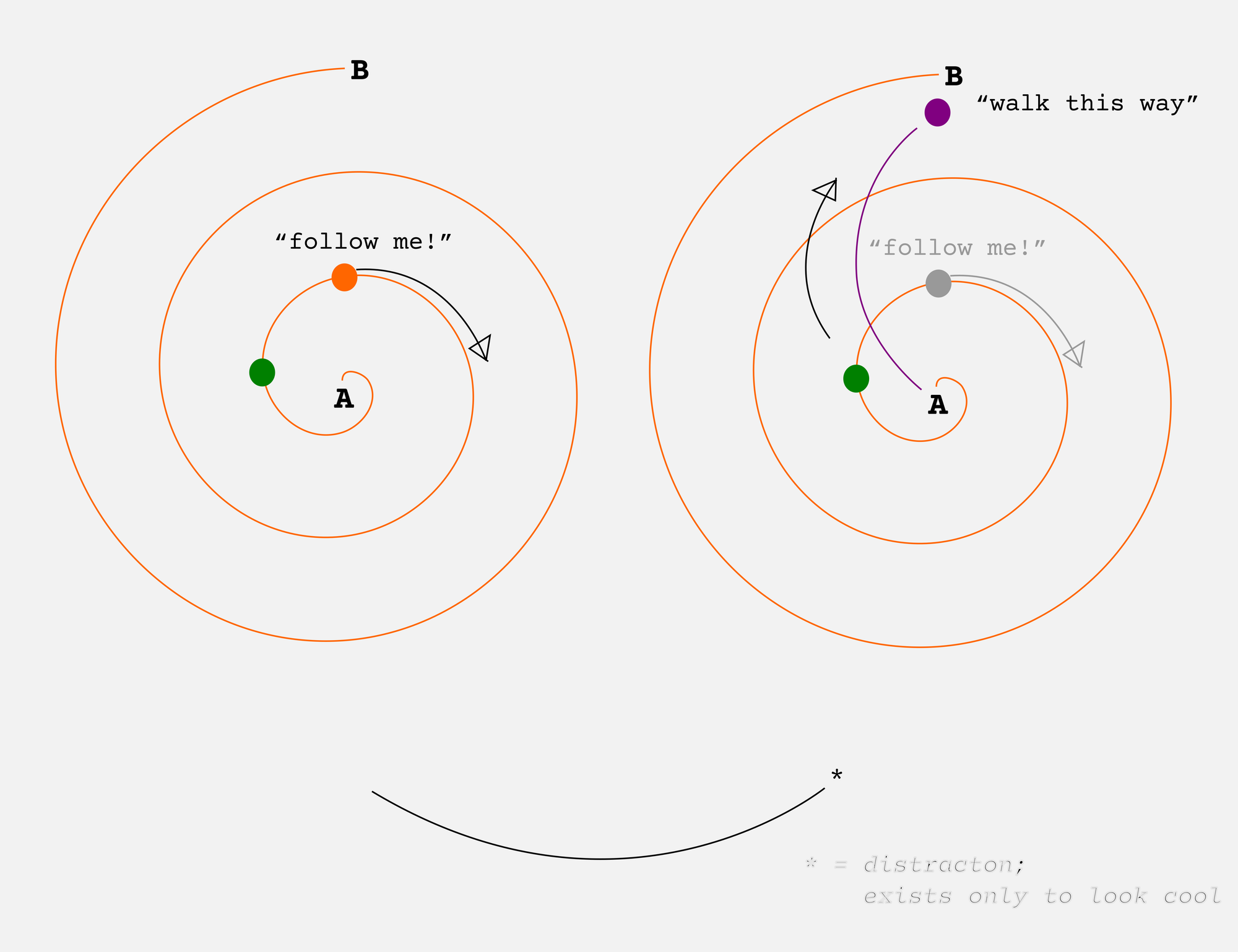
As far as I can tell, **approximately nobody's development follows a straight line toward a destination**.
Even with simple skills, like, say, swimming a certain distance faster, following the advice of someone better than you might have suboptimal results. Because it's possible to "improve" using naïve optimization that makes you better in the short run, but worse in the long run.
A slightly more advanced student might try to improve the floundering student's back crawl, since that's what they're using, poorly, and the coach is using more skillfully. But anyone with actual experience will try to figure out why the student can't breathe properly doing front crawl. [First it will be slow, then it will be fast](https://www.autodidacts.io/bothering-to-understand/), which, in the long run, is much better than getting quick gains and then plateauing at a local optimum (very fast at a very slow stroke).
*(A wiser mentor, even if they took a circuitous path, might, in hindsight, be able to see that the path they took isn't the best path. However, it's also possible that the shortest/fastest path is not the best one for a particular student, for reasons that are opaque even to the wise mentor. Perhaps, if the wise mentor were even wiser, they would see that the detours are, in this case, necessary. So, in the case of my illustration, a wiser wise mentor could have taken the direct route* or the spiral route*, and might recommend the route they took* or the other route*, depending on circumstances. However,* [*as long as the game is in play, there's perhaps a limit to the knowledge of even the wisest of the wise*](https://www.autodidacts.io/we-dont-know-until-the-end-and-its-never-the-end/)*.)*
But getting a fancier coach isn't the whole answer, because of the problems I mentioned in Iteration: the scarcity of expert-time, expert-access, and expert-patience, as well as difficulty stepping down expert advice to a level that can be understood and applied by the student. (The difference between an expert and a teacher is, I suppose, whether the stepping-down is bundled with the expertise.)
My solution is, go ahead and learn from the person just ahead of you, but verify what you've learned with a true expert.
When I did my lifeguarding pre-requisite course, I found coaching from a more advanced student more helpful than coaching from the instructors. The advanced student had *just learned* what I was trying to learn. It was fresh, rather than muscle memory. The instructors would explain some new stroke: I’d try it, and it would totally fail to work. I'd watch the instructors do it, but they made it look so effortless I couldn't even tell what was going on. So I'd ask the more advanced student if he'd gotten it to work, and he'd say, yeah, by ignoring what the instructors said, and doing what felt intuitive. I managed to get the imperfect intuitive version to work, which got me from zero propulsion, to enough propulsion I could continue practicing the stroke without sinking.
If I continued to just do that version, I might end up with some bad habits. But from there, I could try to make it look more like what the instructors were doing, and then ask them, *does this look right?*
---
In the AI world, the cool kids often run cheap dumb models to do the grunt work, and smart expensive models to do the planning and the evaluation. In business, it's the same, with high paid people monitoring and correcting, and low paid people doing the work.
(As much as it pains me to suggest that the AI and business junkies are onto something, they are. But it's an idea they stole from the structure of the human brain and/or an ant colony, so we don't need to give them credit.)
We need multiple mentors, some far ahead of us, and some just ahead of us. That way, I can spend most of my time learning the practical details of the skill from the person just ahead of me, and then occasionally check in with the real expert, to make sure I'm going the right direction, and haven't ended up copying the intermediate student's flaws along with their skills.
### Ode to Metadata
URL: https://www.autodidacts.io/ode-to-metadata/
Last updated: 2026-09-04T05:08:53.000Z
The first thing I wrote when I started this essay was, "Written 2026-09-01." Then I wrote "Idea long before that". Then I opened my post ideas file and searched for "metadata", and found the line where I had written down the title for this essay, four years ago. Then I wrote "Idea and title 2022-07-30".
Does this sound tedious? It is tedious. But, it's worth it.
I have written before about [how much I like dating](https://www.autodidacts.io/save-the-date/). (No, no, not *that* kind of dating. [ISO\_8601](https://en.wikipedia.org/wiki/ISO%5F8601?ref=autodidacts.io) dating!) But my obsession with timestamps is just part of a broader belief in the long-term value of metadata.
Why save metadata? Briefly: *because it's *way* easier to record data when it's fresh, than to have to piece it together later.*
Additionally, I think that:
1. We wildly overestimate our chance of [remembering things](https://www.autodidacts.io/memory-improves-with-use/).
2. We often have [no idea what will prove to be important](https://www.autodidacts.io/we-dont-know-until-the-end-and-its-never-the-end/).
We think, oh, that doesn't matter. Or, oh, I'll never forget *that.* But it does, and I will, and I'll only realize that it does after I have.
More likely, someone *else* will realize it does, long after I'm gone. And they'll be like me: wasting a non-profit's money and getting a headache trying to trace the provenance of obscure foreign-language manuscripts that were published under different titles in different languages.
What does this mean in practice? Here are some examples:
---
I write songs. When I write a song, I make sure to:
1. record a memo of it
2. write down the lyrics
3. put the chords in the lyrics
4. [fill out a template](https://git.sr.ht/~curiositry/nashville-chord-chart-formatter/tree/master/item/lyrics-dir-example/Example%20Song/Example%20Song%20META.md?view-source&ref=autodidacts.io) with all kinds of boring stuff about it: the key, capo position, accompaniment, date started, date worked on, date finished, tempo.
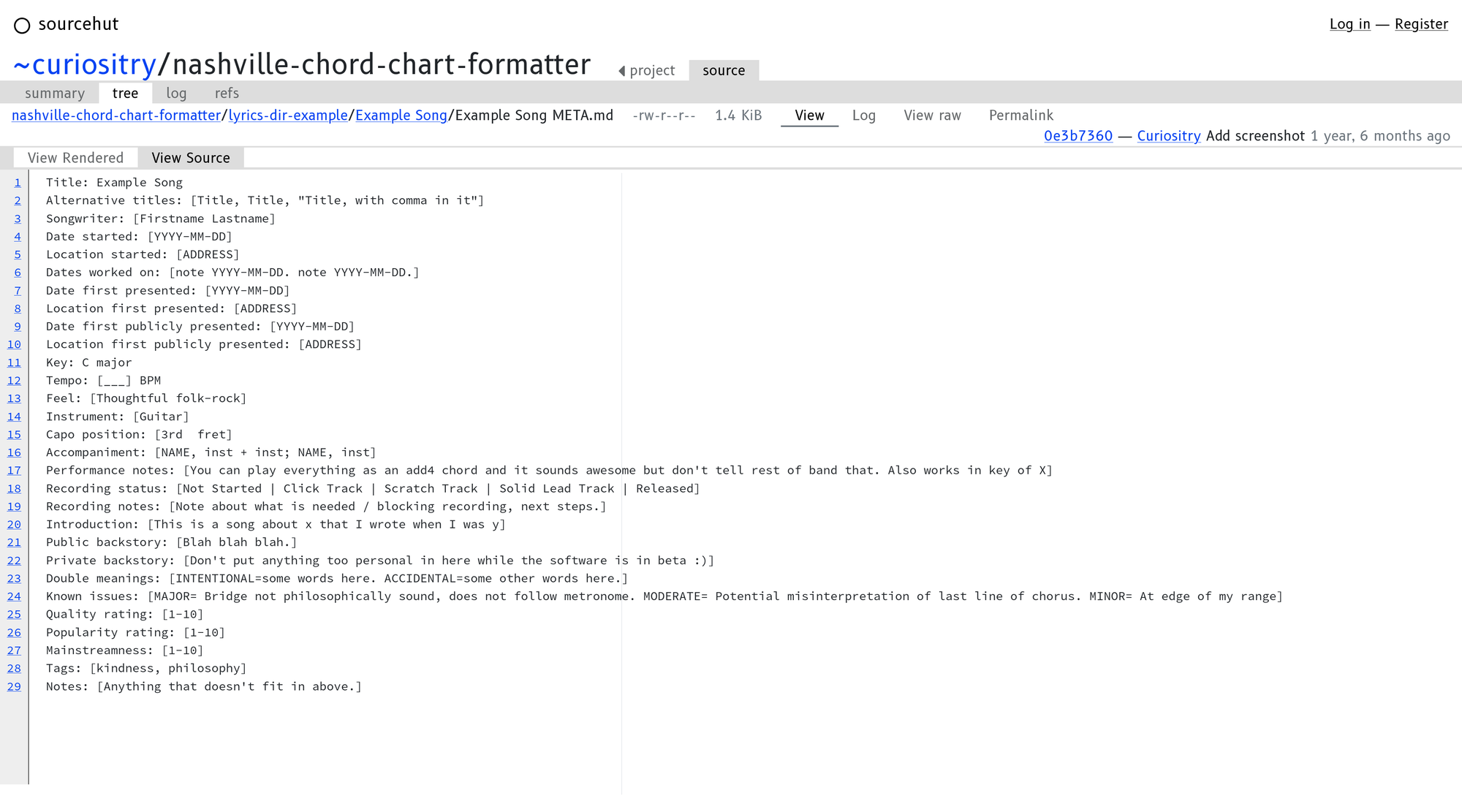
Just looking at it makes me tired
At the time the song is fresh, it all seems a bit absurd. Am I really going to forget *what instrument I play* on a song that I wrote? A song that took me, probably, a day to six months to finish? Am I going to forget what key it's in? Forget what order the three chords go in?
Yes, yes I am. And years later, the drummer is going to forget he played drums, and try to play cello on it, and it will sound bad.
Some songwriters I know don't put the chords in their songs, or notate the key. They are the creative types that write in a cute little notebook, and haven't written custom software for managing their song catalogue. Then, years later, they try to play them, and discover that they have forgotten which order the three chords go in.
(Fun fact of interest of to almost nobody, because the Venn diagrams of "songwriter" and "nerd" have so little overlap: [Regex](https://www.autodidacts.io/horrible-amazing-regex/) can make adding chord notation to lyrics way faster.)
Also, lyrics will drift. Usually this is good. Unmemorable parts get dropped, just like with folk songs. But sometimes you want to go back to the first version, in case something good got left by the wayside.
---
Code comments are another obvious form of metadata:

this is from actual code, sadly

watching a neanderthal rub sticks together trying to make fire
I write a lot of infrequently used shell scripts. Some of them are meant to be run from a particular place, or as a step in a pipeline, or are full of known footguns that I haven't bothered to fix. It saves a lot of time to add a comment at the top with usage instructions, while I still remember how to run the script. Better yet, *echo* the usage instructions, and exit if the config is wrong.
I also think of logging as a form of metadata. As soon as something breaks, the first thing I do is add logging. So I've started by adding logging right at the beginning, so all I need to do when the software breaks is turn on the logging.
If you have [gone to the dark side](https://www.autodidacts.io/vibecoding-isnt-as-fun-as-writing-code-by-hand/), I highly recommend that you record:
- what model you used
- if running locally: quantization, inference engine, and parameters
- the prompt
The thing about vibecoding is that I don't understand it, so I don't remember it. This paper trail allows me to remember where I was on a project, if it gets shelved and then I try to come back to it.
---
If you're a writer, have a good schema for tracking different versions of things. Fancy people use git; I use numbers at the end of the filename. `Title final-final-FINAL.doc` does not count as "a good schema for tracking different versions of things".
Any time I write an email in a text editor, and then paste it into my email client before sending, and then tweak it in the email editor, I add a note to the text file NOT UP TO DATE. (Sometimes, I put CANONICAL VERSION in whatever *is* the up-to-date version of a document that lives multiple places, in different forms. This is, of course, fragile, but it's often better than nothing.)
When I scan papers, I pencil on them that they have been scanned (or, typed in), and the date.
---
Another reason to save metadata: to protect against lawsuits. Often, I write something, or write a song, and then notice a similarity to some other work. If I saved a good record of my process, I can cross-reference: had I read that article, or heard that song, before I started mine?
(Astute readers will notice that this won't actually protect me from lawsuits, though maybe it would help. But it will ease my conscience.)
Obviously, if you are into plagiarism, then you probably *shouldn't* save metadata, since it will make it easier for them to catch you!
---
Another kind of metadata is **indexing metadata**. It's not data about what, it's data about where: lightweight, easy-to-find data that points to heavy buried (meta)data somewhere else. Things like [unreasonably long filenames](https://www.autodidacts.io/knowledgebase/#:~:text=The%20titles%2Ffilenames%20are%20ridiculously%20long%20and%20descriptive%2C%20and%20include%20all%20the%20likely%20synonyms.), and notes about where the notes are.
---
What are the reasons not to save metadata?
- It's slow
- It takes up space
- It's tedious
- It's revealing
These are legitimate reasons, but in most cases, I think they are outweighed by the benefits.
**Metadata adds the fourth dimension to your projects: their trajectory through time.** It's much easier to steer something into the future if you know the path it took on its way to the present.
### How to fit Qwen3.8-27B into 16GB of VRAM and run it on a single RTX 3080 card: the best quantizations and Llama.cpp flags I've found
URL: https://www.autodidacts.io/how-to-fit-qwen3-8-27b-into-16gb-vram-run-with-llama-cpp-rtx-3080-flags-quantizations/
Last updated: 2026-08-28T16:59:53.000Z
Despite being a notorious [AI](https://www.autodidacts.io/underrated-reasons-to-dislike-ai/) [skeptic](https://www.autodidacts.io/vibecoding-isnt-as-fun-as-writing-code-by-hand/), when Qwen3.8-27B came out, I spent several afternoons trying to get it to run on a 16gb Nvidia card with halfway decent results.
Eventually I did, and this is how.
*Note: This is the sequel to the nearly-identical saga of* [*trying to get Qwen3.6 to run*](https://www.autodidacts.io/how-to-fit-qwen3-6-35b-a3b-into-16gb-vram-run-with-llama-cpp-rtx-3080/) *on the same hardware.*
### Step 1: Lower Your Expectations
The [cool](https://simonwillison.net/2025/Oct/14/nvidia-dgx-spark/?ref=autodidacts.io#:~:text=The%20device%20retails%20for%20around%20%244%2C000.%20They%20officially%20go%20on%20sale%20tomorrow.) [kids](https://github.com/antirez/ds4/tree/main?ref=autodidacts.io#:~:text=your%20consumer%20hardware%2C%20a%20MacBook%2C%20a%20DGX%20Spark%2C%20or%20a%20Strix%20Halo%20for%20example.) are all running dual RTX PRO 6000 Blackwells or DGX Sparks, or, if they’re really impoverished, AMD Strix Halo with 128gb unified memory.
The average HackerNews reader seems to run inference on their spare M6 MacBook with 960gb of RAM.
I just bought a new old laptop, with four times the GPU of my last one: 16gb of VRAM seemed like a dream to someone who couldn't even *run* models above 14b, let along run them with all layers on the GPU.
I soon learned that, actually, no, the dream life begins at *32*gb of VRAM, and that on the internet, if you use "16gb" in the same sentence as "local AI", expect pity/sniggering/incredulity, and recommendations for woefully outdated 8B parameter models.
If you look at those annoying "Will it run on my hardware" websites ([link](https://www.canirun.ai/?ref=autodidacts.io), [link](https://willitrunai.com/?ref=autodidacts.io), [link](https://notactuallytreyanastasio.github.io/shoehorn/?ref=autodidacts.io#fits)), they all say, NOPE!
Qwen 27B is generally meant to fit on 32gb+ of memory, at a reasonable quantization (q8, usually) and context length. The official Llama website says so, and refuses to link to quants below q8.
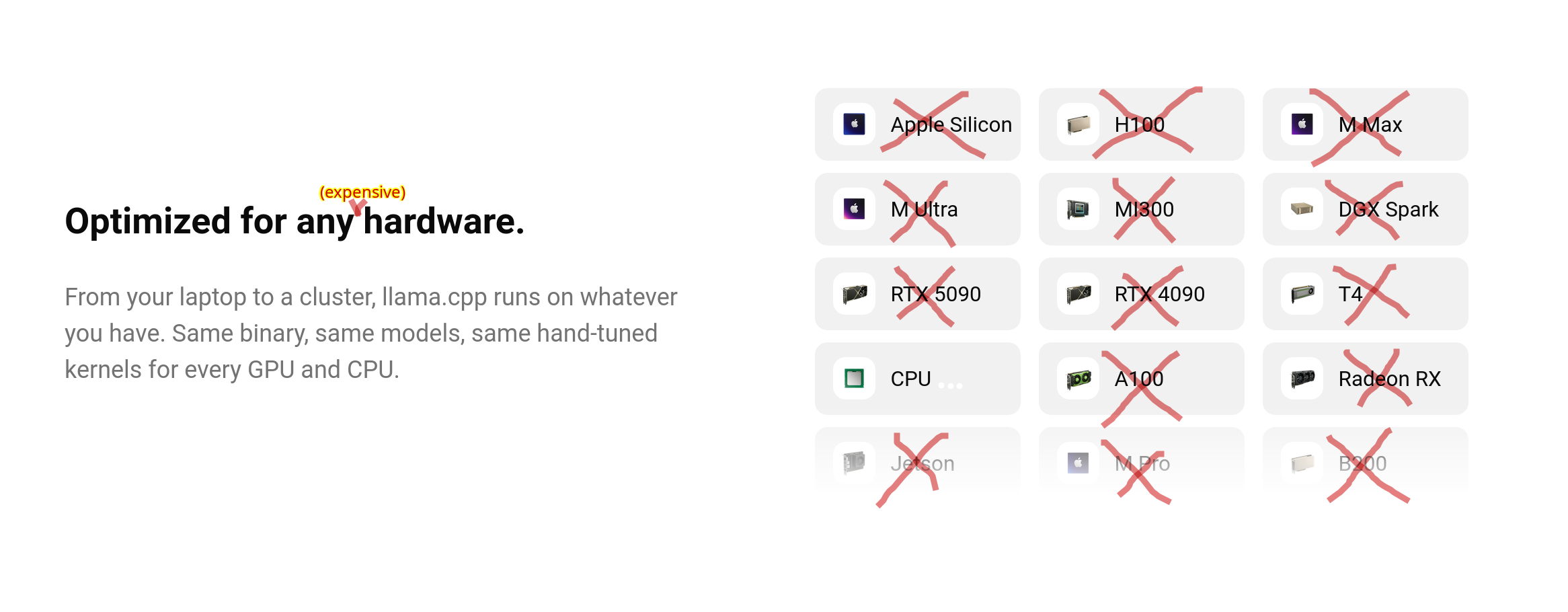
Look, ma! I Vandalized a website!
Anything below q4 is generally considered to be akin to talking to a toddler, and KV quantization is frequently described as “lobotomy”.
So, I’m going to break it to you right now: according to the experts, we’re going to be talking to a toddler with a lobotomy. Because the best results I’ve had are with UD-IQ3\_XXS, with the KV cache also quantized to smithereens.
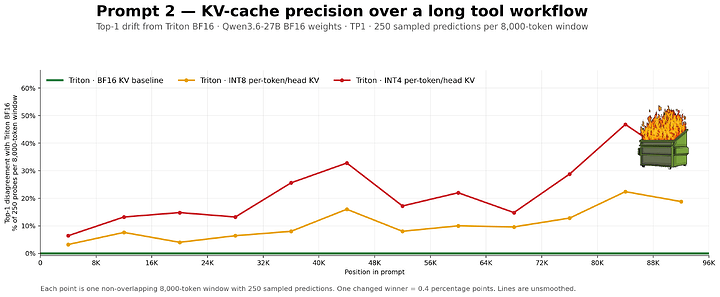

An illustration of our future, [via Level1Techs](https://forum.level1techs.com/t/why-your-local-llm-feels-dumber-than-it-is/253917?ref=autodidacts.io).
(The Level1Techs post was benchmarked on, you guessed it, an RTX Pro 6000 Blackwell)
### Interlude: Qwen3.8 is weird
The first thing you notice when you run this model is that it *sounds* like a toddler when it’s reasoning, and this has nothing to do with our extreme quantization.
Qwen3.8 talks to itself in grug-brained cavespeak.
I think this is pretty cool, actually. It probably saves tokens!
The other thing everybody is talking about is [how long it thinks for](https://simonwillison.net/2026/Aug/16/qwen-38-27b/?ref=autodidacts.io). It thinks for a *long* time! I ran Qwen3.8-27B-UD-Q5\_K\_M for *36 hours,* grinding along at like 1.5 t/s, before it spat out the script I’d asked for (which was cool, but didn’t work first try), and almost all of that was thinking.

### Step 2: Download Llama.cpp (if You Don’t Have it)
Since I last wrote about it, [Llama built a website](https://llama.app/?ref=autodidacts.io), and now has a curl-to-bash installer. If you trust ‘em, just run:
```bash
curl -LsSf https://llama.app/install.sh | sh
```
For what it's worth, when I tried it, this installer delivered a binary built for ... you guessed it, RTX *Blackwell.*
Or, if you [trust *Linuxbrew* with Curl to bash](https://brew.sh/?ref=autodidacts.io), and [managed to get it on your $PATH](https://docs.brew.sh/Installation?ref=autodidacts.io#:~:text=Post-installation%20steps), you can run:
```bash
brew install llama.cpp
```
... and `llama-cli` and `llama-server` will be available everywhere, with (in my case), Vulkan support, but not CUDA. This is likely the fastest way to get up and running.
Like last time, I had a big nightmare trying different Nvidia drivers, and CUDA toolkits, and eventually got everything set up right (610 driver didn't work, so I went with 595-open, which *used* to not work, but now works fine):
```bash
sudo apt purge *nvidia*
sudo ubuntu-drivers install
sudo apt install nvidia-cuda-toolkit
```
... and then [built Llama.cpp from source with CUDA support](https://github.com/ggml-org/llama.cpp/blob/master/docs/build.md?ref=autodidacts.io#cuda) for my actual architecture (Ampere) and compute capability (like, nothing):
```bash
git clone https://github.com/ggml-org/llama.cpp.git
cd llama.cpp
sudo apt-get install libvulkan-dev glslc spirv-headers # <-- without these *Vulkan* might break when you try to build.
cmake -B build -DGGML_CUDA=ON
cmake --build build --config Release
cp build/bin/llama "/home/$USER/.local/bin/llama"
```
For the first time ever, when I run `llama serve --list-devices` I have CPU, Vulkan (both intel and Nvidia), *and* CUDA support. This is *big.*
### Step 3: Download the model
As before, I went with [Unsloth’s quantizations](https://huggingface.co/unsloth/Qwen3.8-27B-GGUF/tree/main?ref=autodidacts.io).
First I tried Q4\_K\_M. Too slow! And there wasn’t much headroom for context.
Then, I tried IQ4\_XS. Maybe a bit better? But not much.
Then I tried UD-Q3\_K\_XL. Meh.
Then I tried UD-Q3\_K\_S?
\[ Here, Unsloth updated all models to Dynamic v3 quantization. \]
Then I tried [UD-IQ3\_XXS](https://huggingface.co/unsloth/Qwen3.8-27B-GGUF/resolve/main/Qwen3.8-27B-UD-IQ3%5FXXS.gguf?download=true&ref=autodidacts.io). This is *way* faster. All layers fit on the GPU. I haven’t noticed an obvious quality degradation, though there probably is one. But if you can [iterate](https://www.autodidacts.io/iteration/) faster, that can make up for it. This is the only model I’ve tried that a) fits in VRAM, b) while giving reasonable generation speed, with c) plenty of headroom for context. (Also, it loads fast.)
I also have [UD-Q5\_K\_M](https://huggingface.co/unsloth/Qwen3.8-27B-GGUF/resolve/main/Qwen3.8-27B-UD-Q5%5FK%5FM.gguf?download=true&ref=autodidacts.io) in case I need something more epic. It does not fit in VRAM, but it will run with `-n-gpu-layers 24`, albeit really slowly.
You also might want the vision projector for multimodal use. I went with [mmproj-BF16.gguf](https://huggingface.co/unsloth/Qwen3.8-27B-GGUF/resolve/main/mmproj-BF16.gguf?download=true&ref=autodidacts.io) because that's what I've mostly seen other people use.
### Step 4: Tune the knobs
Here's the behemoth I've running (in a moment we will break it down; some of it is of dubious utility):
```bash
LLAMA_CACHE="models/" llama serve --model models/Qwen3.8-27B/Qwen3.8-27B-UD-IQ3_XXS.gguf \
--mmproj models/Qwen3.8-27B/mmproj-BF16.gguf \
--cache-type-k q4_0 --cache-type-v q4_0 \
--n-gpu-layers all --gpu-layers-draft all \
--flash-attn on \
--spec-type draft-mtp,ngram-mod --spec-draft-n-max 2 \
--top-p 0.95 \
--top-k 20 \
--min-p 0.0 \
--temp 1.0 \
--ctx-size 32000 \
```
- `LLAMA_CACHE="models/"` set an environment variable for where models live. This only matters if you're downloading from HuggingFace etc. I wanted it here, rather than the default location, which is too obscure. (The default location is so obscure I can't even remember what it is: I might be thinking of Ollama.) It doesn't have an effect when you're passing the model the way we are.
- `llama` the binary we just built/installed (Note: I can't remember if Linux brew provides llama, or just `llama-server` and `llama-cli`)
- `serve` start the server (with Web UI + API) rather than `cli` or other utilities.
- `--model models/Qwen3.8-27B/Qwen3.8-27B-UD-IQ3_XXS.gguf` pass the path to the model we just downloaded, in GGUF format.
- `--mmproj models/Qwen3.8-27B/mmproj-BF16.gguf` pass the path for the vision projector (this is only needed if you want multi-modal capabilities, like having it critique your outfit in a photo, which can have hilarious results, or detecting wildfire smoke). I'm not sure what's the ideal quantization for this, so I just used what I used before, which seems to be what other people use, too.
- **`--cache-type-k q4_0 --cache-type-v q4_0`** this is one of the actually important parts. This sets the quantization of KV (key value) cache. The first flag is key quantization, and the second is value quantization. If you can afford to set it higher, do so! People say that Qwen handles aggressive cache quantization better than other models. Many people run both at q8\_0: **`--cache-type-k q8_0 --cache-type-v q8_0`** I've also commonly seen **`--cache-type-k q8_0 --cache-type-v q4_0`**. Basically, what this is doing is buying you more VRAM (for context/more layers/higher model quant), at the cost of output quality, and speed (it eats some compute). So if you have VRAM to spare, which you will if you are asking one off questions, skip this. But without KV quantization, I can't get above \~32000 context. With it, I can get to 128000+.
- `--n-gpu-layers all --gpu-layers-draft all` put *everything* on the GPU, so it's fast; which we can do because we're using a small quant, and doing all this fancy stuff. Running UD-Q5\_K\_M, you will not be able to fit all layers on a 16gb GPU. I fit 24 layers (maybe more would fit, I didn't test higher than that).
- `--flash-attn on` this is supposed to make it fast. I haven't noticed any effect; I think it's maybe on by default in recent versions.
- `--spec-type draft-mtp,ngram-mod --spec-draft-n-max 2` multi-token prediction (MTP). Makes it faster, at cost of using more VRAM. I haven't noticed a huge effect. It seems that higher values (3-5) result in generation speeding up over time, at least at the start, while lower values result in generation slowing down rapidly as more tokens are produced. 2 seems like the sweet spot. The overall benefit seems small, but it might help speed a bit. `ngram-mod` seemed to noticeably add a few extra tokens per second.
- `--top-p 0.95 --top-k 20 --min-p 0.0 --temp 1.0` these are Qwen's recommended sampling parameters. I haven't experimented much with them. If you are using lower reasoning, or doing OCR or something, you might want to lower the temperature.
- `--ctx-size 16000` this is the most important part! Set it low and it's fast, and you can run less quantized model/cache. But it's a pain to run out of context, and Qwen3.8 really burns through context with reasoning. The default of \~4k is a joke. 16000 to 32000 is okay for one-shot questions, but for coding or longer back-and-forths you'll probably want 64000 to 128000\. I haven't needed higher than 128ooo, but I have been able to get that high with q4 cache quantization on UD-IQ3\_XXS. Note that higher contexts really effect generation speed. For long running back-and-forths, I will restart the server with longer context between turns as needed, rather than starting at 128000\. You can also set it to 0, and it will try to to use the model's context length.
- Other flags people recommend that I sometimes use, but haven't noticed clear effects from, and/or don't fully understand:
- \--load-mode mlock # lock model in memory
- \--kv-unified
- \--kv-offload # move KV to CPU
- \--chat-template-kwargs '{"preserve-thinking": true, "reasoning\_effort": "medium"}'
- \--reasoning auto
- \--reasoning-preserve
- \--batch-size 512 # people disagree on values for these
- \--ubatch-size 256
- \--jinja # templating
- \--fit off
- \--parallel 1
- \-- tensor-split # if you have two cards; I didn't manage to offload anything to my peensy intel integrated graphics
### Conclusion
I'm getting about 20–30 tokens per second generation with this set up, though it varies a lot with context length.
You can monitor GPU usage with `nvidia-smi`, `rocm-smi`,`btop`, `nvtop`, etc. I mostly use btop because it's purdy:
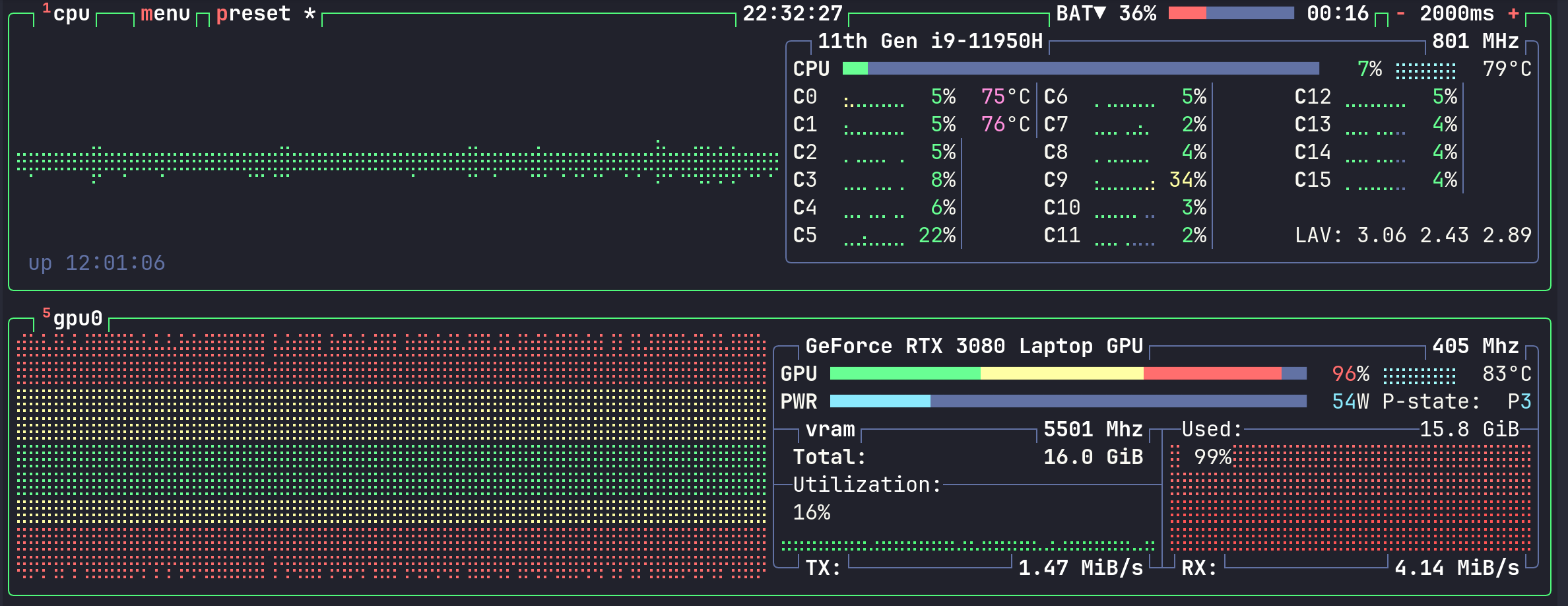
I told you it was purdy!
If anyone has a config that can squeeze out more accuracy or performance on a 16gb card, I'd like to hear about it.
*AI Disclosure: As usual, no* was *AI used to write this post.*
### Vibecoding isn't as fun as writing code by hand
URL: https://www.autodidacts.io/vibecoding-isnt-as-fun-as-writing-code-by-hand/
Last updated: 2026-08-20T22:51:05.000Z
I like building things: it makes me happy. Learning and discovering things is a close second, but building is more satisfactory.
Since I’m not that good at actually, you know, *building* things, the thrill of “building”, in my case, has mostly come from writing software. Software is one of the easiest ways to create something satisfyingly useful out of nothing.
For a long time I’ve known, at some level, how much joy building gives me. [\[1\]](#fn1) But it really sunk in while working on two recent hobby software projects. They were both dumb little Python scrapers that I cobbled together, that did something useful that I’d wanted for a long time. ([Link](https://salez.ca/?ref=autodidacts.io), [link](https://www.curiositry.com/free-silver-price-api/?ref=autodidacts.io).) They were pretty basic, but gave me so much irrational pleasure. It was the most fun I’d had programming in years. [\[2\]](#fn2)
Then, *\[cue Jaws theme song\]* AI came along.
Like pretty much everyone else, I’ve been cautiously experimenting with AI-assisted coding. We are past the point where we can easily dismiss AI as “stupid” (though it is), or “doesn’t actually make me more productive”. So, in classic motte and bailey fashion, I am retreating, while pretending not to: AI coding is *less fun.*
This seems counter-intuitive, because vibecoding is *absolutely thrilling …* AT FIRST.
Refactoring vibecoded software? Not thrilling.
I’m not going to claim, as some do, that vibecoding doesn’t give the thrill of actually building something. Because it does, partly.
I think that one of the things that’s driving the adoption of vibecoding is that it **frontloads the fun**, at both the project- and career level.
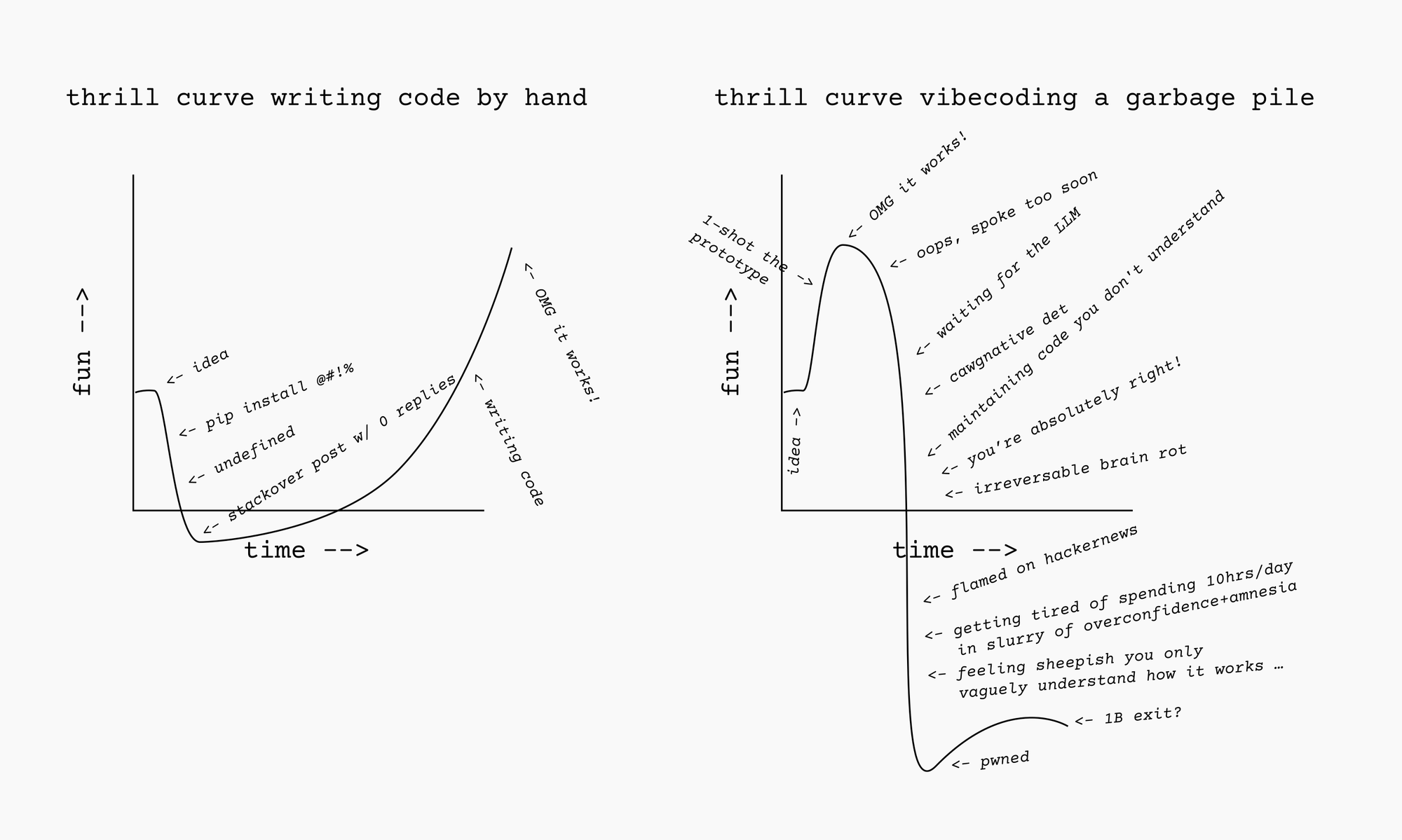
The Vibecoding Thrill Curve
If I have an idea, I can usually get a working prototype *very* quickly, with very little effort. Instant dopamine!
Similarly, someone with no coding experience can “code” an app, and it will probably work. Instant dopamine!
I have a personal policy against frontloading the fun. So, I don’t like this, just like I don’t like getting paid for work I haven’t done, going into debt, and arrangements where someone else does my work today in trade for me doing their work tomorrow.
I posit that there are several distinct sources of thrill/satisfaction when building something:
1. The thrill of the idea
2. The thrill of making the idea real
3. The satisfaction of hard-won accomplishment
4. The satisfaction of a job well done
5. The thrill of learning
6. The satisfaction making something that solves a problem you have
Vibecoding, in general, can give you 1, 2, and 6\. But 3, 4, and 5 are not natural consequence of vibecoding.
In tenuous defense of vibecoding:
I can, and have, built things with AI that I either never could have, or never would have, built otherwise. Mostly, it’s cases where it would not be worth me spending weeks building it by hand, but if I can build it in minutes or days, it is worth it.
- I one-shotted a *has-this-already-been-submitted-to-hackernews* bookmarklet ([HN?](javascript:void%20function%28%29{javascript:%28function%28%29{%22use%20strict%22;const%20a=10,b=a=%3E{try{const%20b=new%20URL%28a%29;return%20b.search=%22%22,b.hash=%22%22,b.toString%28%29}catch%28b%29{return%20a}},c=a=%3E{if%28!a||0===a.hits.length%29return%20null;let%20b=a.hits[0],c=-1;a.hits.forEach%28a=%3E{a.points%3Ec%26%26%28c=a.points,b=a%29}%29;const%20d=a.hits.length,e=new%20Date%28b.created%5Fat%29.toLocaleDateString%28%29,f=document.createElement%28%22span%22%29;return%20f.style.cssText=%22font-size:0.75em;%20color:%23ff6600;%20margin-left:6px;%20font-weight:bold;%20white-space:nowrap;%22,f.innerHTML=`HN:%20${b.points}pts%20|%20${b.num%5Fcomments}c%20|%20${d}x%20|%20${e}`,f},d=async%20a=%3E{const%20c=b%28a%29,d=`https://hn.algolia.com/api/v1/search%3Ftags=story%26restrictSearchableAttributes=url%26query=${encodeURIComponent%28c%29}`;try{const%20a=await%20fetch%28d%29;if%28!a.ok%29throw%20new%20Error%28%22Network%20response%20was%20not%20ok%22%29;return%20await%20a.json%28%29}catch%28a%29{return%20console.warn%28`HN%20Fetch%20failed%20for%20${c}:`,a%29,null}},e=Array.from%28document.querySelectorAll%28%22a%22%29%29,f=e.filter%28b=%3Eb.href%26%26%28b.href.startsWith%28%22http://%22%29||b.href.startsWith%28%22https://%22%29%29%29,g=new%20Map;f.forEach%28a=%3E{const%20c=b%28a.href%29;g.has%28c%29||g.set%28c,a%29}%29;const%20h=Array.from%28g.entries%28%29%29;let%20i=0;const%20j=%28%29=%3E{if%28!%28i%3E=h.length%29%29{const%20b=h.slice%28i,i+a%29;i+=a;const%20e=b.map%28%28[a,b]%29=%3Ed%28a%29.then%28a=%3E%28{linkElement:b,data:a}%29%29%29;Promise.all%28e%29.then%28a=%3E{a.forEach%28%28{linkElement:a,data:b}%29=%3E{const%20d=c%28b%29;d%26%26a.appendChild%28d%29}%29,setTimeout%28j,200%29}%29}};j%28%29}%29%28%29}%28%29;)), based on Taylor Troesh’s [Discuss on HN snippet](https://taylor.town/hn-discuss?ref=autodidacts.io). It gave me significant satisfaction, solved a problem I had, I use it regularly on my Wallabag favourites page.
- In very little time, I vibecoded “Party Market”, a prediction market simulator party game to go along with a flash lecture on prediction markets, and ran a market on “how long will I drone on for”, live, during my lecture. It turned a dry and boring lecture into grade-A entertainment. The code was garbage and it was full of bugs, but I never could have done it writing it by hand in that amount of time. It wasn’t a choice between doing it with AI and doing it by hand: it was a choice between doing it with AI *and not doing it at all.*
- When a fire chief I know was going to invest way too much money in an “AI appliance” that didn’t even say which Nvidia card it had, or what model/generation of Xeon it was, I vibecoded *with free plan Lumo*, in two afternoon sessions, a functional Pyronear based Wildfire Early Warning System that ran in realtime on a live feed on my laptop, and was able to detect the first frame of smoke on the ignition footage I fed it.
- I built a browser-based Kobo database migration assistant ([link](https://www.curiositry.com/kobo-data-migration-assistant/?ref=autodidacts.io)), so that people unfamiliar with SQLite can [move their books and annotations to a new device](https://www.autodidacts.io/migrate-kobo-ereader-content-books-annotations-to-new-device/).
- When a singing lesson with my vocal coach fell through, I built the realtime pitch training app I’ve always wanted — and have planned to build for about a decade.
In most of these cases, I was immensely pleased with the results, but the process wasn’t *fun* the way writing my dumb little scrapers was fun. Of course, handwritten software development isn’t always fun. [My first Golang project](https://github.com/TheAutodidacts/InternetTelegraph?ref=autodidacts.io) was, for large sections of time, with a deadline, certified Not Fun™. Fighting the Rust compiler the first time I tried to write, [like, twenty lines of Rust](https://git.sr.ht/~curiositry/lyric-sheet-formatter?ref=autodidacts.io) code was Not Fun™. But it was, in the long run, Type II fun, because it gave me the sense of accomplishment, and the glorious *I did it!* feeling (And, next time, it would be easier.)
I’ve tried everything from local models running in llama-server, to copy-and-pasting from free, no sign-up services (Phind, Lumo, etc) for one-shot scripts, to full on remote server Clod Masterpiece 200™ all-you-can-eat plan with custom-written auto-approval hooks that were worryingly close to `–dangerously-skip-permissions`, developing algorithmic trading models.
**It’s all the same**: it’s “productive”, but I don’t like the way it makes me feel, and I don’t like the quality of the output. It manages to [make me feel dumb](https://www.autodidacts.io/underrated-reasons-to-dislike-ai/) and superfluous (and, sometimes, dirty for even using it), without earning my respect.
The word “dopamine” made me think: vibecoding is a bit like a series of first dates or one night stands. You don’t develop a relationship with the project: you don’t get the same kind of warm fuzzies, oxytocin, attachment. The problem with a dopamine-only life is that thrills become dull with repetition.
Another way to look at it: vibecoding introduces a layer between you and reality. I am the kind of person that thinks, in general, reality is *more fun* when experienced first-hand.
Vibecoding is like being an executive of a large company that is barely under your control. You never feel like you *really* know what’s going on, and there’s always the suspicion of sabotage and loafing. Things appear fully formed, but not quite how you imagined. Sometimes they work, and sometimes they don’t, and there’s nothing you can do about it, other than pouring more money into the black box, and yelling louder. So that’s what you do.
*This essay was outlined in blue ink by candlelight. AI wasn’t even allowed to correct my typos: savour them.*
---
1. As a kid, I wanted to be an inventor, which neatly combines building and discovery. Writing and songwriting, my other main activities, are also forms of building that, like software, require mercifully little contact with physical reality and other humans. [↩︎](#fnref1)
2. I’d mostly been writing shell scripts, and Bash is not known for being *fun*. [↩︎](#fnref2)
### The Hopefully Eventually Ultimate Desktop Linux Troubleshooting Guide: Recovering from Crashes and Freezes
URL: https://www.autodidacts.io/troubleshooting-desktop-linux-crashes-and-freezes/
Last updated: 2026-08-21T03:42:42.000Z
****Note:** this post is part of [#100DaysToOffload](https://www.autodidacts.io/100daystooffload/), a challenge to publish 100 posts in 365 days. These posts are generally shorter and less polished than our normal posts; expect typos and unfiltered thoughts! [View more posts in this series.](https://www.autodidacts.io/tag/100daystooffload/)
I've been using Linux as my main/only operating system for my entire life. While I would like to brag that Linux is more stable than Mac, the simple fact is that it isn’t. This is sad, because it’s great in every other way, and the bugs are mostly fairly surface-level, yet give it a patchy reputation among normal users.

“Oh no! That **Was* The Backup…”, ¬Oil on ¬Canvas
Because I spend a lot of time in the terminal, and all my friends also run Linux, I often get called in to help when their systems have issues. Often, I fail to solve the problem, which is frustrating. So over the past few years I have taken some time to learn more about recovering from all the issues that need recovering from, and collecting my techniques. Here are some of the most useful tools and approaches I have found.
Over the years, I have used Knoppix, Ubuntu, Linux Mint, Manjaro, NetBSD, OpenBSD, and others. These tips are mostly for Ubuntu, Linux Mint, and other Debian-based distros. I have used Xfce, Compiz, CWM, Cinnamon, Sway, Mate, and Gnome. These are mostly about Gnome and Cinnamon.
*Note: this article is a living document that I intend to add to as I learn more and have more time. If you have a specific problem, write in or drop a comment, and I will prioritize that section.*
This post pairs well with the more high-level advice in [*Troubleshooting: A Skill That Never Goes Obsolete*](https://www.autodidacts.io/troubleshooting/)*.*
### If a program has crashed
`killall PROGRAM_NAME` (usually, `killall firefox`)
### Scary black screen
If all you see is text, there's a goodish chance that it’s a problem with the graphics drivers. Try re-installing them. If you're using the proprietary Nvidia drivers (which are a nightmare in my experience) try using the open Nouveau driver. Also try switching to a different Nvidia driver if one is available. Also, try fully purging and re-installing Nvidia drivers. If you're using the Nouveau driver, try switching to Nvidia drivers. If you're using Xorg, try switching to Wayland. If you're using Wayland, try switching to Xorg.
```
sudo apt purge *nvidia* # potentially dangerous
sudo ubuntu-drivers install # follow prompts
```
If you’re using a Macbook, *good luck*. In my experience, despite what everyone says, Macbooks have some of the worst Linux support. The four Macbooks I’ve encountered that were running Linux were all unmitigated problem cases, and graphics drivers were the weakest point. Once I spent seven hours getting a friend’s Macbook back to graphical functionality after an Ubuntu upgrade. I breathe a sigh of relief when Macbooks finally conk for good, and ardently recommend the owner upgrade to a ThinkPad if they want me to keep doing tech support.
Google the issue + the model of your laptop. Often you can edit `/etc/default/grub` and add something to the `GRUB_CMDLINE_LINUX_DEFAULT=...` line. Often that something is `nomodeset`. This is also often how I fix issues with screen brightness and backlight.
Once you get back to functionality, you can try to figure out *why* the specific configuration you had before broke, by looking in the logs. Or if you're happy with the new config, just forget about it and use what works.
###
### If the mouse slows down and gets jittery, and the fans rev up, and the I/O light blinks fast or goes solid, and then the system fully freezes
This usually means that:
1. Somebody opened too many tabs in Firefox (likely something JavaScript heavy like Reddit, YouTube, or Facebook)
2. The computer ran out of RAM
3. It started swapping
4. Now it’s crashed
We can stop this at any point in the chain, but the farther up, the better.
Don’t open so many tabs. Or, use `about:unloads` to unload the heaviest tabs when you start to notice slow downs. If you catch it when the mouse starts to lag, *immediately* hit alt-f4 to quit the most resource intensive app that won't lose work (usually your browser), then wait. **Do not press close over and over again: it will just make the computer mad.** If you manage to get a heavy app closed before the system becomes unresponsive, it will likely recover, and you can take further steps.
You can also start the culprit app (usually a browser or media transcoding workload or LLM) with a systemd memory limit, which generally prevents it from causing this issue. (Or you can try to `renice` the app, but this doesn't seem to be as effective.)
Here’s how to run an app with a 4GB memory limit:
```
systemd-run --scope -p MemoryMax=4G --user COMMAND_NAME
```
(Change COMMAND\_NAME to `firefox`, `ffmpeg`, `llama-server`, or whatever is taking the system down with it.)
There’s also ulimit, but I haven't used it as much.
The simplest fix: BUY MORE RAM. Years ago, going from 8gb to 12gb of RAM on my ThinkPad went from daily seizures of this type to annual seizures. Basically cured!
Bad ram (or badly-seated ram) can also be the culprit.
On servers with limited RAM, adding swap can save the day, but I find that when a desktop Linux system starts swapping, that’s pretty much the end of the good times and the beginning of the bad times.
An SSD might help, because swap speed will be closer to RAM speed. (An SSD is one of the most effective ways to make your computer go faster, other than adding more RAM.)
There are various settings related to swapping behaviour ("swappiness") and overcommiting memory that *may* help (see [here](https://news.ycombinator.com/item?id=34395119&ref=autodidacts.io)), but I haven't actually used them on desktop Linux.
If you don't manage to get the app closed, try to get to a console. Try: opening a terminal (likely won't work), alt+f2 (also likely won't work, because it's part of the window manager which is crashed), and then dropping to a virtual console with Ctrl+Alt+f2\. Press each key slowly, on after the other, holding down the previous keys: the response time is way slower than a normal keyboard. The exact f-key varies: generally Ctrl+Alt+f1 gets you to a login session screen, which you don't want, and the main session is on Ctrl+Alt+f5 or Ctrl+Alt+f7, so I find that f2 or f3 are most likely to get me to a virtual terminal.
Enter username and password. Now you should be able to run `killall firefox` (or ffmpeg, or ollama, or whisper-stream, or whatever it is). You can also inspect what's crashed with `top` or `htop`. `htop` is good stuff! (and also makes it easy to send stop signals with f9 and then a number; in this case, likely 9) If you can get to the virtual console, you can usually can rescue an out-of-ram freeze caused by a specific app.
But the most powerful technique I've found for this is enabling [Magic System Request keys](https://en.wikipedia.org/wiki/Magic%5FSysRq%5Fkey?ref=autodidacts.io), and then using Ctrl+Alt+PrintScr+f at the first sign of trouble to activate the OOM\_KILLER to terminate the most resource-intensive process (usually a firefox tab). It works wonders.
Check your current sysrq value with:
```
cat /proc/sys/kernel/sysrq
```
Edit the `kernel.sysrq` numerical value in the alphabetically last file listed by this command:
```bash
ls /etc/sysctl.d/ | xargs -I{} grep -l kernel.sysrq /etc/sysctl.d/"{}"
```
(After rebooting, check that the value stuck using the previous command.)
Then you can see what it quit with:
```
dmesg -T | egrep -i 'killed process'
```
... and hope it wasn’t anything important.
### If it’s the desktop environment that has crashed
If you’re running Cinnamon (Linux Mint’s default desktop environment), try running this from a virtual console:
```bash
DISPLAY=:0 cinnamon --replace
```
If you’re using Gnome (on Xorg), you can try these, but I have never managed to restart a Gnome session without it quitting all open apps, and losing data:
```
pkill -3 gnome-shell
sudo pkill -9 ^gnome-shell
```
If you know how to, let me know!
### If you’re unclear about the difference between a window manager, a desktop environment, a display server, and a distro(bution) are
I’m a bit fuzzy on this, too! Specifically, the where the line is between a window manager and a desktop environment. But the general stack goes, from low-level to high level:
Operating System Family (ie, Linux, BSD, Mac, Windows) → Distro (ie, Linux Mint, Ubuntu, NetBSD) → Display Server (X Window System, Wayland) → Desktop Environment (ie, Xfce, Gnome, Cinnamon, KDE) → Window Manager (Compiz, Openbox, Sway, i3) → Theme & Settings (these days I just use the default, but I used to regularly break my system trying to make it look fancy).
### If your screen goes all colorful or develops lines and weird patterns
If you’re using an external monitor, likely the cable connector isn’t seated correctly, or the contacts are dirty.
If it’s a laptop, it’s most likely an issue with the graphics drivers, or the screen connector. I have had this happen a few times, usually related to GPU intensive workloads and suspend, but I haven’t found the root cause, because I encounter it so rarely. All I know is that restarting Cinnamon from a virtual console doesn’t help.
### If it has fully crashed and rebooted on its own
Oof, this is serious. In my experience this is fairly rare. I/O issues on peripherals have caused this in the past (ie, excessive power draw from a dying hard drive). Check the logs for insight.
### Suspend issues
These often have to do with the graphics drivers, and the specific hardware. Sometimes adding grub command line options helps. Often changing drivers helps.
### If you want to know what a program is *doing*
```bash
sudo strace -p$(pidof firefox) -e trace=write -s1000 -fp 18386 2>&1 | grep -o '".\+[^"]"'
```
(replace `firefox` with the name of the program you want to know about)
If a program has a bug, this is useful for viewing the error message / stack trace, without quitting the program and re-running it from terminal.
### If you want to know what is hogging all the resources
My go-to is the wonderful `htop`. `top` is installed by default. `glances` and `btop` can also be helpful.
For figuring out suspiciously heavy network or disk write activity, try `iotop` and `nethogs`. Also, `powertop`, if you want to tune battery life.
### If you want to know whether a script actually quit or crashed and left pieces churning along in the background
Run `htop` and search with f3\. I often find that a script called some process, then crashed, and left a heavy process still running. This mostly happens when you're developing (ie, for me, Bash/Python scripts that called Whisper C++ or Selenium), or using really bad quality software. Also, viruses.
### If you're stuck in Vim
`:q!`
### If the screen is black
Is the backlight on?
Try plugging in an external monitor. This will tell you whether it's your graphics drivers, or hardware.
If external monitor works, it could be your backlight (common), or your screen connector. (These are both pretty easy to fix if you have a repairable laptop like a thinkpad.) Or, it could be the LCD panel itself.
It also could be a hardware/driver issue that can be fixed with the grub command line options.
### If the Wifi doesn't work
Try wired internet. If it doesn’t work either, the problem isn’t the Wifi drivers.
Make sure you can get internet from the network on a different device.
Check what the output of `ifconfig` looks like.
Try running `sudo service NetworkManager restart` (fixes it surprisingly often!)
### If your WiFi hotspot has no internet in it
Maybe it’s your VPN, or firewall. But in my case, it was broadcasting on channel 13, which is only supported in Japan.
I was able to fix it with:
```
nmcli con modify "Hotspot" 802-11-wireless.band bg # band must be set. Options, in my case, were "a" and "bg". I do not know the difference, but "bg" worked.
nmcli con modify "Hotspot" 802-11-wireless.channel 6 # set the channel
nmcli con up "Hotspot" # bring it up
```
(Change "Hotspot" to your network name or UUID.)
### If the printer won’t print
Try rebooting the printer.
Try a different USB port!
Try clearing the print queue and re-sending the job (very often works!)
Make sure you sent it to the right printer (there are often multiple entries for the same printer, only one of which works.)
Try running `sudo service cups restart`. This works quite often.
### If your mouse or touchpad has stopped moving
Open terminal and run this command to reload the drivers:
```bash
sudo modprobe -r psmouse && sudo modprobe psmouse
```
This usually fixes it.
If it doesn’t: try switching to Synaptics drivers if you’re using libinput drivers, and to libinput drivers if you’re using Synaptics drivers.
### If you're having trouble installing software
Try running `sudo apt update` to make sure you have up-to-date package cache. Look at the error message when you run `sudo apt upgrade` or `sudo apt install PACKAGE_NAME_HERE`. The error messages here are often more helpful than the ones you get from the GUI.
Remove old PPAs etc that you don't need any more.
Try running `sudo apt install --fix-missing`; this usually fixes it.
If an app installed with snap has mysteriously disappeared, it might be in the process of being updated.
### If you get Error Splicing File errors
Your external media or internal HDD are likely full! This is a terrifying situation that happens all the time. Many things will cease to function, because they require `tmp` space, even things that you would expect to keep working.
Find out if your internal root disk is full with:
```bash
df -h /
```
Here are some commands for finding big files that you might be able to delete:
```bash
du -a 2>/dev/null | sort -n -r
du --max-depth=1 /path | sort -r -k1,1n
find /home -type f -exec du -s {} \; | sort -r -k1,1n | head
du -a -h /path | sort -h -r | head -n 10
```
At the time of writing, my 1TB internal drive is 100% full, with 7gb free. Wish me luck!
### If the issue is with external media (thumbdrive, HDD)
If it doesn't show up in file manager, check in Gnome Disks; if it doesn't show up there, check in the logs (and also try it on a different computer, and a different USB port, and try a known-good flashdrive/HDD on the computer in the same USB port to isolate the problem).
Errors tend to show up in dmesg. Grep for the manufacturer name (ie `ADATA`), or for `usb` or `device`. Sometimes the actual device is rebranded, so it will say one thing, but will show up as a bigger manufacturer (often Toshiba).
This will help get the /dev/sdX, and then you can go from there.
### If a SD card / flashdrive got corrupted
If it is critical, take it to a specialist. This will cost a bundle. Otherwise:
- Create a disk image with `ddrescue`
- Do all further operations on a *copy* of the disk image, not on the disk image, and definitely not on the device itself (read/write intensive operations might damage it more)
- Use fsck to repair corrupted file systems. Often it works. (It sometimes leaves garbage fragments of deleted files.)
- Use photorec to recover photos and videos that fsck can't recover
- Use untrunc to piece back together corrupted videos (as long as you have a good video from the same camera)
- ^^^ these two tools can save rashers and rashers of bacon. Consider donating to the maintainers (and also, the bloggers who told you about them)
Free advice: never buy no-name-brand ultra-good-price storage from Ebay or Amazon. Never. When it comes to storage, cheap can be very, very expensive.
## Check the logs
The logs are the troubleshooter’s best friend. On Linux, the good stuff is mostly in /var/log
There, you will likely find logs for all kinds of things. The most interesting ones:
dmesg (includes peripherals, startup stuff. #1 stop)
syslog (#2 stop)
kern.log (kernel stuff, obviously)
Xorg.log (X Window System)
Probably there will be multiple files for each log, because logs are rotated. So you'll have dmesg, dmesg.0, dmesg.1.gz, dmesg.2.gz, etc, etc.
Five ways to view a log:
1. `cat filename` (print whole thing to console. most basic)
2. open in a text editor `vim filename`. Useful for searching, reading at leisure, filtering, etc. Some text editors will choke on very large files (gedit, for example). Vim is pretty good at opening gigantic text files.
3. view top of bottom part with tail or head (ie, `tail -n 10 filename` to view last ten lines), or watch a file live with `tail -f filename`, then do the thing that might cause the error message, and see what gets output.
4. search in a file `grep -i fail syslog` or in the whole log directory (which tends to be slow) `grep -i fail`
5. journalctl is the fancy new thing that I don't really know how to use. It's supposedly great. Try it with `journalctl -u cron` or `journalctl --since=-1hour`. It can filter by process ID, executable name, date (including since-last-boot), urgency, and more
6. Bonus option: print it out on a thousand sheets of paper like a real hacker and then inspect it with a magnifying glass
---
The main things I do:
1. Just browse through all the logs and look for something that looks suspicious, or related to the problem
2. Tail the most-likely-to-be-relevant log with `-f` (follow) and then do the thing that triggers the bug and see what comes out of the log (very effective if the bug is reproducible, ie, an external drive won't mount, or a program crashes on startup)
3. Explicitly grep for error messages. These can take several forms. Sometimes it says Error, and sometimes it says Err: ... sometimes it says Failure to X and sometimes it says Failed to start Y. Other watchwords are "segfault", "panic", "fatal", "crash", (core) "dumped". You can find them all with:
```bash
grep -i -E "fail|fatal|err|panic|segfault|segmentation fault|dumped|core dumped|killed|warn|bad" syslog # grep case insensitive with extended regex for any of the following
```
###
### Befriend the terminal
You won't get far troubleshooting Linux crashes without getting used to running commands.
Command history (up arrow) and completion (tab) and reverse history search (ctrl+r) and copying-and-pasting (ctrl+shift+c and ctrl+shift+v instead of ctrl+c and ctrl+v) are essential.
Also, normal keystrokes like Ctrl+Z and Ctrl+S do weird things in the terminal. Avoid.
### Learn a console text editor
You will also want to get a decent grasp of a fully console-based text editor that is installed everywhere – Vi(m) or Nano. Nano is simpler, Vim is more powerful.
Just practice editing files with them for fun (write me an email in one!), and then you'll know how to open files, navigate around, edit, save, and quit, when it matters.
Also:
System files generally need to be opened with `sudo` (ie, `sudo vim path/to/file.conf` or `sudoedit path/to/file.conf`). If you don't, you might make all your changes and then not be able to save!
If you're in Vim when this happens, you can use `:w !sudo tee %`. (In Helix, it’s `%:pipe-to sudo tee %`, but heed [this warning](https://github.com/helix-editor/helix/discussions/4251?ref=autodidacts.io#discussioncomment-17771897) about the importance of that first percentage sign to select all.)
### General advice
Search the forums.
If necessary, post to the forums. Try to do your homework first. If people trying to help you are rude in their replies, try to ignore the tone and make use of the advice they give, be polite and grateful, and maybe do more homework next time.
The Arch Linux wiki is helpful even you don’t run Arch. Arch users have encountered nearly every bug under the sun. It tends to be pretty technical, though.
Reboot the machine.
Always backup first.
Try to understand commands before running them (but in practice sometimes you have to fly blind).
Unplug anything you don't need plugged in.
Try to figure out what changed that might have triggered the problem.
Beware "Partial Upgrades".
Do a fresh install from time to time.
Write down the exact time the problem occurred (so you can match it to log timestamps). Also, make sure to account for potential timezone differences: sometimes logs are in UTC.
Read my essay [on troubleshooting](https://www.autodidacts.io/troubleshooting/).
Read the docs/manual for the software in question.
Keep trying.
### Conclusion
If this article helped you, share it with a friend. If it *didn’t* help you, share it with an enemy. <3
If you know more than me, send me corrections and/or invective. If you know less than me, send me money and/or praise.
If you have an idea of how to fix the problem, try it. If you have no idea how to fix the problem, look it up. If the idea you had generated a *new* error message, you are either getting closer or farther away from solving the problem. Google the new error message.
If nothing works, keep trying. If everything works, switch to BSD.
EOF
### Failure Modes
URL: https://www.autodidacts.io/failure-modes/
Last updated: 2026-07-29T17:28:29.000Z
A lot of thought and talk goes into how good things are, when they’re new, and the review industry is big business. A smaller amount of thought goes into durability, but some people do think about it: there are products with lifetime warranties, the buy it for life movement, and human longevity research.
Longevity researchers have discovered that “lifespan” is a misleading metric. Often, people die gradually, not all at once. Sometimes, people can’t even decide whether someone is dead or alive: it’s that ambiguous. So a single number doesn’t really cover the decay curve. “Healthspan”, and disability-adjusted life-years, became the new metrics.
(I think we could go further, and coin some kind of meaning-span — the time someone lives before becoming jaded and giving up — in order to codify the Jack Londen-esq *I’d rather be ashes than dust* sentiment.)
But in the case of physical things, we are still stuck with concepts that map more closely to “lifespan” than “healthspan” (let alone meaningspan). But the *health*span of products is as relevant as it is for humans.
Different materials decay in different ways. It’s an oversimplification, but, broadly, cotton fails beautifully. It gets *softer*, and denim, according to the people who buy jeans that have been destroyed before they even got them, falls apart in alluring ways. It fails in a fairly predictable, linear fashion. Same with copper and brass and silver, which develop patinas that some people like, and wood and leather, which weather fairly well. (Wood does rot, so that’s an exception.)
Manufactured materials, in contrast, tend to get ugly with age. Polyester pills up, and then bursts. It shrinks in the dryer until pants cling like shrink-wrap. Spandex bags out grotesquely, while the other fibers try to hold the garment together. Plastic patio furniture develops that cell-y sunburned I’m-turning-to-dust layer that is ick, while wood just turns grey and slimy like decaying materials are meant to.
But material is only part of it. Quality also affects decay patterns. A well-built thing will tend to decay more elegantly than a poorly built thing. A poorly built thing tends to have weak points that fail dramatically. Well-built things tend to just wear down. Immanuel touched on this in his article on [joyful frugality](https://www.autodidacts.io/how-to-spend-less-money/): sometimes, being cheap is expensive. But when you buy a pair of cheap polyester pants from Costco, the tag doesn’t say, “looks great now but will be a pill festival in two weeks!”, or “$3 per wear and then a lot of stress about it not being recyclable”, or “2-for-1 jeans that turn into tights in the dryer!!!”, or “advanced self-disassembling model”.
Software is like this, too. Vibecoded apps that are packed with features tend to explode into a mosaic of loading icons and error messages when you try to actually use them. BSD, from my limited experience, is like a slower, jankier version of Linux, but the way it fails is *so much more fun*. It just slows down. You can watch the re-paints happening in real time. It’s a very small motor with a very large gearbox, that just keeps going uphill. Linux has more motor, but less gearbox, so it goes fast until smoke comes out of the hood, but then it doesn’t go at all.
Modularity also matters. [If something can be replaced piecemeal, it’s more likely it can be repaired.](https://www.autodidacts.io/troubleshooting/#fixing-the-problem) If electronics fails, and it’s surface mount and potted in some nasty goo, there isn’t all that much hope (I’ve never managed to fix a quartz watch). But mechanical watches, and boots that can be re-soled, and laptops like golden era Thinkpads and Frameworks, with multiple different modules that plug into each other, can, though repeated Phoenix-esq rebirths, become objects-of-Theseus.
And, yes, humans are like this, too. There are NetBSD people: not fast or glamorous, but just as functional when under extreme load as any other time. And then there are polyester people, who look great in the store and fall apart two weeks later.
When shopping, building, and dating, consider: will I still love this when it falls apart? Because that’s a larger portion of the lifespan of products and people than it may seem.
### Just being is worthwhile
URL: https://www.autodidacts.io/just-being-is-worthwhile/
Last updated: 2026-07-29T16:37:27.000Z
Some moments are intensely vivid and pleasant. Other moments are intensely and vividly unpleasant, or, more commonly, unmemorable and weakly depressing for no reason. The types of experience can be separated, on lucky occasions, by a matter of seconds, and minimal change in external stimuli, which reveals the fraud of one or the other if not both.
While meditating for an ambitious seven minutes, I had a thought about this so interesting that it was kind of the end of my meditation. It was, *this is why boredom is good*.
(I had, in fact, been bored for hours before I started meditating: the seven minute sit was just the cherry on top.)
My theory is, boredom works like this: first, the mind rushes around stirring up dust and fetching pieces of flotsam and pointing at things and worrying, trying to find or generate something “interesting” despite the lack of novelty. This can go on for quite some time. **But then it gives up.** If the mind was a dog, it has lain down and rolled on its back with its tongue out, sleeping or dead.
This is when the Just Being™ starts.
(I know, I’m like two thousand years late to the party; and also, I’m already blogging about meditation after a seven minute sit with my belly full of whipped cream and chia pudding. Please ignore my lack of credentials; something my long-term readers have become skilled at.)
The thing about Just Being is that it is inwardly and outwardly pretty much like being bored, *except it’s not boring*. For whatever reason, top-quality Just Being feels more important, more intrinsically valuable, even more *urgent* than just (notice the lack of capitals) doing.
Boredom tends to produce daydreamy “good ideas” as the mind unspools, recombining recent impressions in potentially novel ways. When I go camping for a few days with no internet, I find that I am sometimes hot and bored and sweaty at first, and feel like I’m not “accomplishing” anything, but by the end, my whole life is reënchanted, and I return to civilization filled with ideas for new projects.
But I think the value of real boredom, as well as the best ideas, the ideas that are from a completely different frame — I should quit my job kinds of ideas, rather than here’s a way to do better at work kind of ideas — has less to do with the decaying pseudohypnagogic associative activity of a mind driven to distraction with boredom, and more to do with this sudden contact with reality when the mind gives up on being entertained.
This space intentionally left blank:
### People and Clothes
URL: https://www.autodidacts.io/people-and-clothes/
Last updated: 2026-07-11T01:00:27.000Z
Some people’s clothes have a way of riding up in unfortunate places, in a way that seems almost willful. It’s as if the clothes are sentient, and cloth and wearer are locked in a lifelong battle for supremacy. I know people who can look out-of-place in a tailored jacket. In fact, I am one of them.
I know other people who are the opposite: they can get away with anything. Cloth, no matter how cheap or poorly cut, drapes over their muscles. If I am exhibit A, Immanuel is exhibit B. He can look stylish wearing things that I’d be ashamed to even be seen in public wearing. He had a pair of boots that he’d repaired with bicycle inner tubes and brass rivets. The repaired section immediately blew out, but he wore them all over town, to special events, as if they were the latest hip thing, and because he pretended, and maybe even [believed](https://www.autodidacts.io/expectation-fields/), that they *were* the latest hip thing, they were, and everybody commented approvingly.
This is, of course, totally unfair. And, since, in this case, I am on the wrong end of the bargain, I want to know *how it works*.
Hypothesis time:
**One**: some people are just the wrong shape.
In so far as clothes are made for an average-size average-shape person, some of us are just plain unlucky, by being non-standard. We rattle around in our clothing like a metric allen key in the head of an imperial allen screw.
I have long arms, and large ~~man-boobs~~ *pecs*, and wide shoulders, and a super huge neck. There is not a single off-the-rack dress shirt that fits me, and I’ve looked.
This is a nice theory, but I think it’s at best partly true.
**Two**: suave people are always adjusting their clothes without us noticing.
Maybe everyone’s clothes, without maintenance, look equally ridiculous, but, somehow, suave people are more aware of how ridiculous they look, without seeming to be preoccupied with their clothes, or having it take them out of the moment, and are thus able to be constantly making image-maintaining micro-corrections to their outfit.
The difference between the person with the wedgie and the person without is that the person without pulled their clothes out of the wedgie before anyone noticed.
I think this is probably partly true. I’ve noticed that glamorous people are often continuously touching their hair, in a way that is totally pointless, other than as a way of attracting attention to their hair, and as a result, attracting a mate. So, if your clothes are nice, and you look nice, constantly adjusting them could have a double benefit.
**Three**: goofballs aren’t embodied
The people with clothes that never seem right are often the people who are clumsy, or absent-minded.
The people who always have the just right outfit are often more *embodied* in other ways (like, actually going to the gym).
Is this a coincidence?
Maybe it’s simply that some of our minds don’t tend to notice the sensations from our bodies, because we are (obviously) super busy thinking about important things (like why other people look better in their clothes than we do), so we don’t notice the tactile sensation of fabric bunching up and stretching, or don’t connect those sensations to a need to do something about them.
**Four**: it’s a psyop
Maybe there is absolutely nothing physically different about the appearance of the suaves and the suave-nots. It’s all in how we perceive people (and likely, how confident they are, which affects how we perceive them, which affects how confident they feel… unfortunately).
In this case, Immanuel can get away with his hideous boots, because everybody is lost in his eyes and full of warm fuzzies and social bonding neurotransmitters. But when they’re talking to *me*, they’re bored and uncomfortable, so they look at my feet, and think, *dang!* that guy needs a new pair of boots!
I think it’s definitely partly a psyop, and we shouldn’t let them get away with it.
### Autodidacts Newsletter #26
URL: https://www.autodidacts.io/autodidacts-newsletter-26/
Last updated: 2026-06-29T06:28:19.000Z
We’ve been distracted these past few months by getting certified as wildland firefighters, learning to drive excavators, competing in running races, and suffering from technological breakdowns. Now, these activities have abated, allowing us to spend enough time staring into space to produce another batch of articles.
These articles are still part of [#100DaysToOffload](https://www.autodidacts.io/100daystooffload/), but a few of them are more in-depth.
My favourites are probably [*Curation and Its Side Effects*](https://www.autodidacts.io/curators-skim/) and [*Treat People as Flowers*](https://www.autodidacts.io/treat-people-as-flowers/).
Runners up: my list of [petty (and not so petty) grievances with AI](https://www.autodidacts.io/underrated-reasons-to-dislike-ai/), and the story of my lifelong, Sisyphean struggle with [bookworm pronunciation syndrome](https://www.autodidacts.io/bookworm-pronunciation-syndrome/). There are several others that I really enjoyed writing, which I’ll let you discover for yourself.
[Underrated reasons to dislike AIThe big arguments for and against AI have been endlessly discussed, and I don’t feel I have much to add. AGI and existential risk; human obsolescence; power use; cybersecurity; safety + censorship; slop; misinformation. Also, I’m kind of tired of everything being about AI, which is why I haveThe AutodidactsCuriositry](https://www.autodidacts.io/underrated-reasons-to-dislike-ai/)
[How I find the email addresses of public figures 🔒This post is for paid members onlyThe AutodidactsCuriositry](https://www.autodidacts.io/how-to-find-contact-information-of-public-figures/)
[An indie blog’s directory of indie blog directoriesBlogs are back. RSS is cool again. (Said the blogger to his RSS feed.) Here is a collection of small, independent directories of blogs, personal websites, and smol/indie/slow/human web sites that I’ve run across and bookmarked. Most of them accept submissions. Some of them have RSSThe AutodidactsCuriositry](https://www.autodidacts.io/indie-blog-directory-directory/)
[Ideas Evolve in DialogueYou can sort of have a conversation with a book. I sometimes write rude comments in the margins when I disagree with the author. But the Stoics recommend that when you’re insulted, you just ignore it. Books are incredibly advanced stoics in this regard. And it’s kind ofThe AutodidactsCuriositry](https://www.autodidacts.io/ideas-evolve-in-dialogue/)
[Old site, new site bookmarkletsA small utility that’s surprisingly useful during website migrationsThe AutodidactsCuriositry](https://www.autodidacts.io/old-site-new-site-bookmarklets/)
[Sheep Music & Wedding BandsOn knowledge gaps and bookworm pronunciation syndromeThe AutodidactsCuriositry](https://www.autodidacts.io/bookworm-pronunciation-syndrome/)
[Some thoughts about backing up, which occurred to me after my laptop abruptly expiredI had other plans for what to write about, and also plans for the day that didn’t involve disassembling my connection to the outside world with a screwdriverThe AutodidactsCuriositry](https://www.autodidacts.io/thoughts-on-digital-fragility/)
[My criteria for a good Linux developer laptopWell-built, cheap, and fast: I pick all three.The AutodidactsCuriositry](https://www.autodidacts.io/my-criteria-for-a-good-linux-developer-laptop/)
[The butterfly effect of revenge bedtime procrastinationWasting time isn’t bad because it wastes timeThe AutodidactsCuriositry](https://www.autodidacts.io/the-butterfly-effect-of-revenge-bedtime-procrastination/)
[Curation and its side effectsSome fundamentals about how it works, and what to do when it doesn’tThe AutodidactsCuriositry](https://www.autodidacts.io/curators-skim/)
[Bothering to understandFirst it makes you slow, then it makes you fast (maybe)The AutodidactsCuriositry](https://www.autodidacts.io/bothering-to-understand/)
[Delusional Optimism & the Art of Sneaking Up on Your GoalsYou can succeed, but you can’t fail — because you aren’t officially tryingThe AutodidactsCuriositry](https://www.autodidacts.io/sneaking-up-on-your-goals/)
[The art of getting back on one’s horseIt’s a long processThe AutodidactsCuriositry](https://www.autodidacts.io/the-art-of-getting-back-on-one-s-horse/)
[The bid-ask spread on used physical goodsFor most of my life I fundamentally misunderstood buy & sell pricesThe AutodidactsCuriositry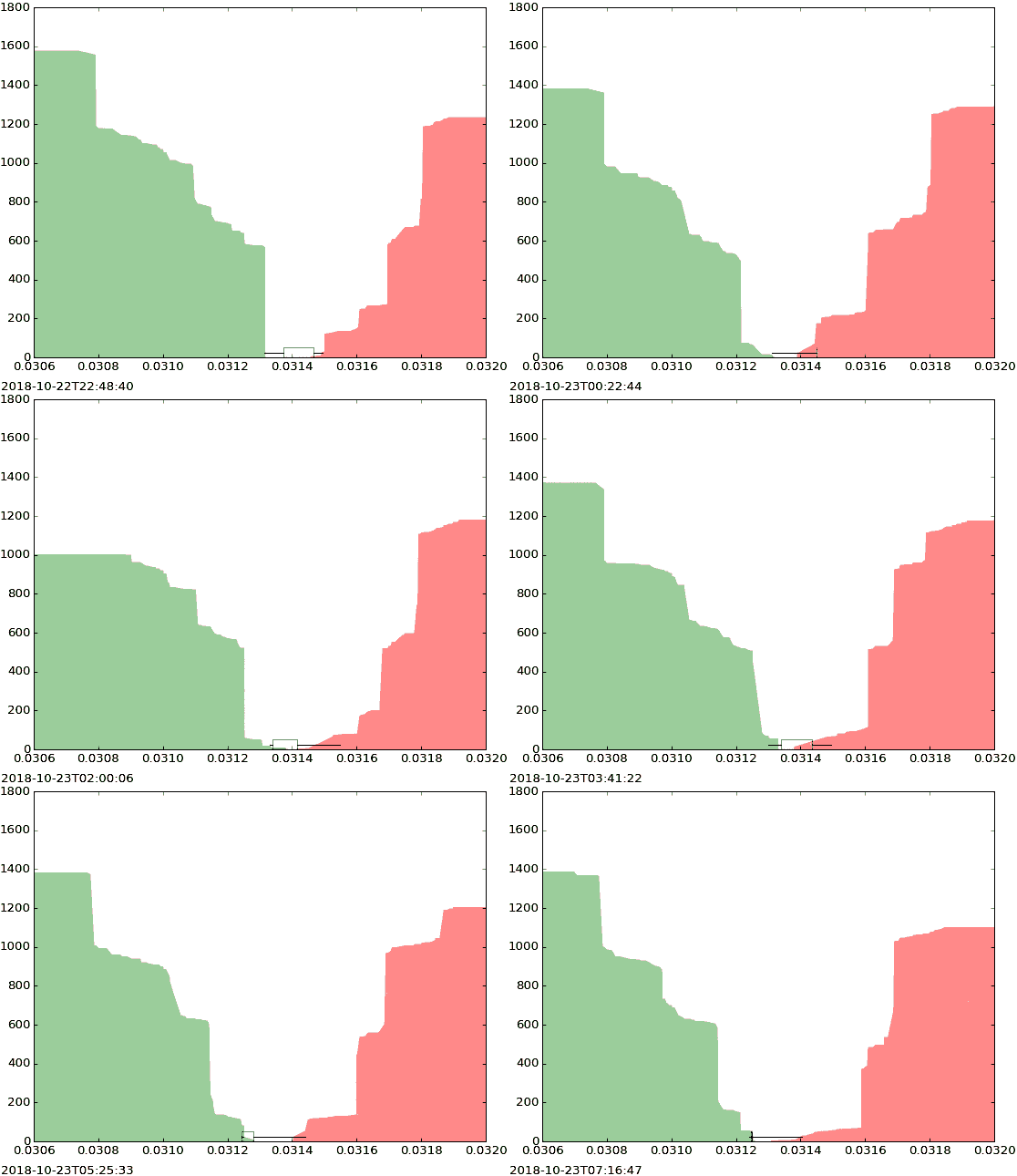](https://www.autodidacts.io/the-bid-ask-spread-on-used-physical-goods/)
[All Polymarket temperature markets missing, along with the money bet on themAlong with the money bet on them?The AutodidactsCuriositry](https://www.autodidacts.io/polymarket-temperature-markets-dissappear/)
[How to drain pasta without a colander, without burning yourselfA cooking tip for unusually bright cave peopleThe AutodidactsCuriositry](https://www.autodidacts.io/how-to-drain-pasta-without-a-colander-without-burning-yourself/)
[20 years of Linux and I finally started using job controlAnd it’s amazingThe AutodidactsCuriositry](https://www.autodidacts.io/20-years-of-linux-and-i-finally-started-using-job-control/)
[Backpack Activation EnergyPortrait of a gumption trapThe AutodidactsCuriositry](https://www.autodidacts.io/backpack-activation-energy/)
[Bookmarklet: Copy Ghost Post ID to ClipboardSave several milliseconds with two lines of JavaScriptThe AutodidactsCuriositry](https://www.autodidacts.io/copy-ghost-post-id-to-clipboard-bookmarklet/)
[The search for a good offline dictionary for Linux… proved longer than expectedThe AutodidactsCuriositry](https://www.autodidacts.io/good-offline-linux-dictionaries/)
[Treat People as FlowersSometimes people say goodnight by saying, see you in the morning, if that’s expected. This bugs me.\[1\] While I certainly hope to see them in the morning, and consider it highly probable, even in a modern world, it isn’t guaranteed. To me, all goodbyes are an acknowledgementThe AutodidactsCuriositry](https://www.autodidacts.io/treat-people-as-flowers/)
[Let’s call ’em “aigents”The portmanteau is overdueThe AutodidactsCuriositry](https://www.autodidacts.io/aigents/)
[How to fit Qwen 3.6 35B A3B into 16GB of VRAM, & run it with Llama.cpp on an RTX 3080The belly hangs over the belt, but it fitsThe AutodidactsCuriositry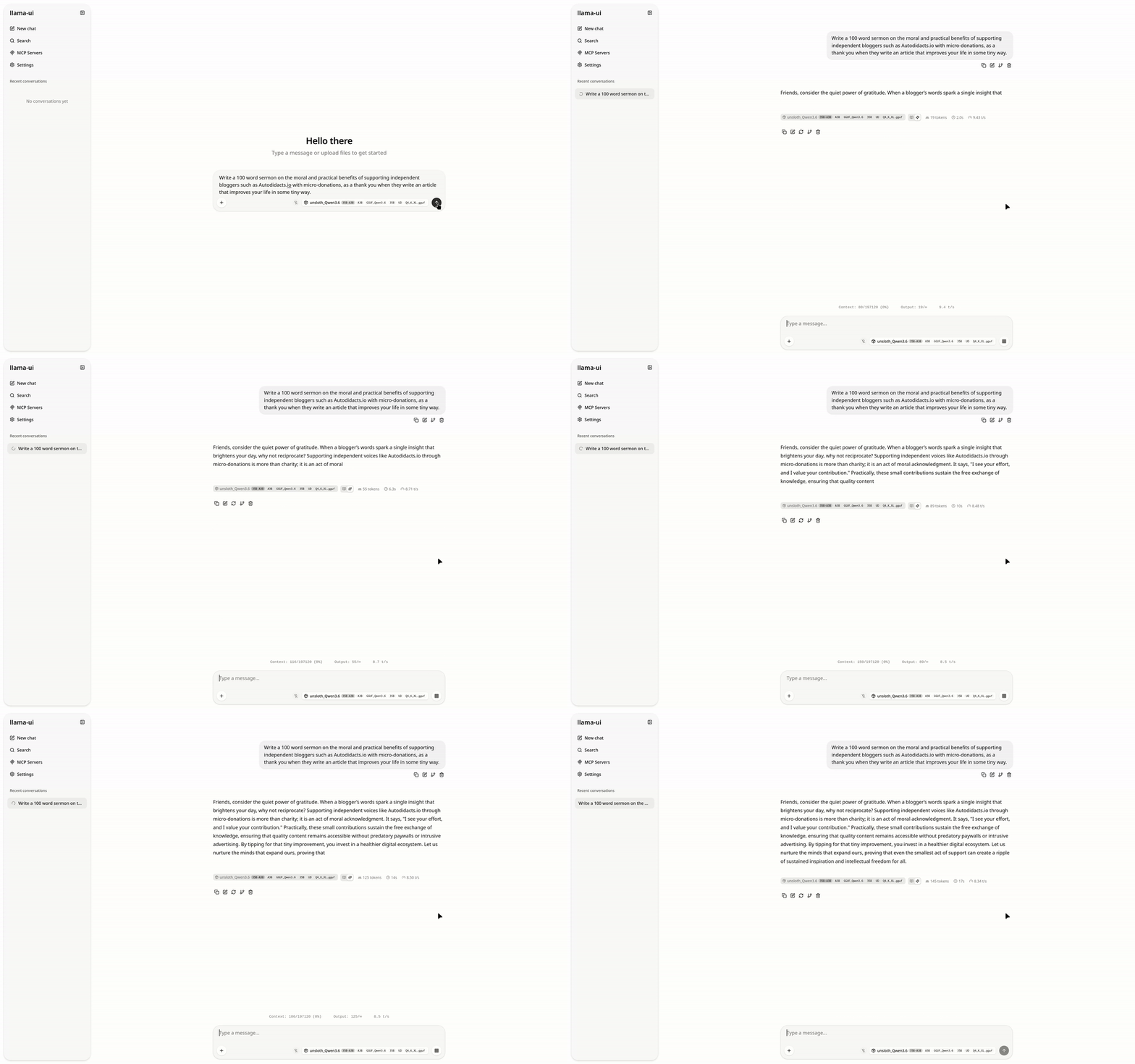](https://www.autodidacts.io/how-to-fit-qwen3-6-35b-a3b-into-16gb-vram-run-with-llama-cpp-rtx-3080/)
[What Should We Optimize Away?Optimize away optimizing awayThe AutodidactsCuriositry](https://www.autodidacts.io/holistic-optimization/)
Thanks for reading — some of you, for over a decade!
The Autodidacts
### What Should We Optimize Away?
URL: https://www.autodidacts.io/holistic-optimization/
Last updated: 2026-06-29T03:18:07.000Z
Consider the dishwasher. Dishwashers are great: I really, really like having a dishwasher. Growing up, we didn’t have a dishwasher. Much time was spent immersing plates in soapy water. Now, a house that doesn’t have a dishwasher seems *lacking*. I recently moved to a house that lacked a dishwasher (now, there's a small mobile unit that I complain about constantly). Much as I disliked not having a dishwasher, adding a dishwasher hardly saved any time, because, following the timeless freemarket principles of supply and demand, dish usage soon caught up with dishwashing capability. The equilibrium — time spent immersing objects in soapy water — was maintained, even as thruput increased. Rather than saving dinner dishes for dessert, all kinds of culinary extravagances cropped up, like drinking wine out of wineglasses instead of mugs, and eating small objects on fussy little saucers, and so forth: extravagances which anyone who has gone camping, or lived without a dishwasher, will know are optional make-work. ([Colanders](https://www.autodidacts.io/how-to-drain-pasta-without-a-colander-without-burning-yourself/) are still outré, thankfully.)
This, in case you didn’t notice, is a metaphor for AI. Because these days everything’s a metaphor for AI, and vice versa. We used to write all our bugs by hand, and then fix them. It was very slow. Now, AI writes our bugs for us, and fixes them. The amount of code generated is, indeed, quite large. However, time spent working has not seemed to decrease. Shouldn't we all be sitting on the beach drinking out of coconuts now, like we’re designed to do? Hasn’t that been the dream since the industrial revolution? And hasn’t it always remained just that: a dream?
I don’t know whether I like efficiency because I like programming, or like programming because I like efficiency. In any case, optimizing optimization is endemic among engineers. The idea is, you automate the boring stuff, and then get to work on the important/interesting/fun stuff (like babysitting Claude while it has spitups).
But I can’t help noticing that the faster we speedrun optimization, the faster the treadmill goes, and the whole system begins to seem zero-sum.
This, I think, is a key insight that the Amish beat most people to by several hundred years. Optimization is great for “productivity”, whatever that means, but seems orthogonal to the quest for eudaemonia.
In case you haven’t noticed, despite being what is officially known as a lazy bum, I am a card-carrying member of the school of Do Hard Things: the meaning over pleasure camp. Because, as far as I can tell, pleasure alone is hollow, and, also, relative. Paradoxically, suffering can make joy more intense. Hence the ultramarathoning and cold water plunges.
Given that I believe that Hard Stuff (at the right dose) often makes us tougher in the long run, and resilience makes us happier than mere ease, here’s a question that nags me almost continually: **what hard stuff should we optimize away?**
The normal answer is, *all of it!*. But I’m not so sure.
I’ve met survivalists who almost starved because it took them so long to hunt a bear; homesteaders who make their own cheese, and spend most of their time meeting their own needs for food and shelter, with minimal interchange with the outside world; and executives who don’t even clean their own house or write their own emails. And, frankly, it doesn’t seem like the executive lifestyle is maxxing out Maslow’s Hierarchy of Needs as hard as other lifestyles.
In what sense is it optimization to pay someone else to chop your firewood, and then turn around and pay the gym for weights and a room to lift them in?
But this is just part of the question. If there are strenuous activities that are enjoyable (like chopping and stacking wood, in moderation), then it’s pretty obvious that just doing them makes more sense than delegating them and then needing to get this bourgeois thing called “exercise”. But what about psychological hardship? The Stoics are big on making your goat ungettable. And, as all skydivers know, practice makes perfect. So, obviously, the way get an ungettable goat is to surround yourself with an army of goat-getters and fight the good fight ceaselessly until thy goat is ungettable, amirite?
So (taking the argument to its conclusion), the too-small dishwasher with the pump that makes chewing-on-broken-glass sounds, and the obnoxious friend, and the horrible politicians, and the sun with no dimmer and the earth with no thermostat are all part of the grand journey to un-goat-gettable Stoic perfection.
Or, is it possible that if I *fixed* the things that bother me, the universe would graciously provide even more skillful goatgetters for my personal benefit? Or, at least, that I would be able to be annoyed by new, bigger things?
Perhaps, just has [perfectionism is (often) optimizing at the wrong scale](https://www.autodidacts.io/holistic-perfectionism/), holistic optimization needs to account for the fact that sometimes bugs have a role in the ecosystem.
Between the Scylla of overoptimization, and the Charybdis of waste … there’s a whirlpool of Scylla and Charybdis metaphors, which we just got sucked into.
### How to fit Qwen 3.6 35B A3B into 16GB of VRAM, & run it with Llama.cpp on an RTX 3080
URL: https://www.autodidacts.io/how-to-fit-qwen3-6-35b-a3b-into-16gb-vram-run-with-llama-cpp-rtx-3080/
Last updated: 2026-06-16T17:15:04.000Z
I have been informed by the internet that using Ollama is passé. Though it’s easy to get set up and use, and [popular](https://www.autodidacts.io/ocr-typewritten-manuscripts-with-local-ollama-vision-model/) [with](https://www.autodidacts.io/usable-local-ai-handwriting-recognition/) rank [beginners](https://www.autodidacts.io/increase-ollama-context-length-num-ctx/) like The Autodidacts, power users balk at the fact that:
1. Performance is worse than llama.cpp *et al.*
2. It’s a VC-backed startup that’s rapidly selling-out on the local-first promise by touting paid cloud offerings
3. It relies on Llama.cpp for the heavy lifting, without giving credit where credit is due
Long ago, I thought, okay, I should just switch to llama.cpp. I’ve used whisper.cpp, how hard can it be?
Let me just say: there’s a *reason* Ollama is so popular.
Every time I tried to switch to llama.cpp, it either a) it wouldn’t compile, or b) I got cryptic CUDA memory allocation errors. (Even when I went to run the commands to test for this article, it was broken, because of an interrupted brew upgrade.)
But now I am past that. After fruitless Googling, I threw command line arguments at it until it worked, and now this post is fruit for you to Google.
### Step 0: Pre-requisites
You will need a system that can run the model you want to run. Two websites that are useful for getting a general idea of what’s likely to fit (though they aren’t the last word!):
- [https://www.canirun.ai/](https://www.canirun.ai/?ref=autodidacts.io)
- [https://willitrunai.com/](https://willitrunai.com/?ref=autodidacts.io)
(Which one is ripping off which? I can’t tell.)
For this post, I’m assuming 16gb of VRAM. You will also want a fast-enough processor and plenty of system RAM, since we will be offloading some of the work to CPU + system ram, and some to GPU + VRAM.
(Find out how much VRAM you have with `nvidia-smi`, `rocm-smi`, or `lspci -v | grep -i vga -A 12`)
### Step 1: Install Llama.cpp
Once you figure it out, compiling it is easy. But llama.cpp changes so fast, I prefer to use the version packaged by brew, for simplicity and automatic updates.
Once you have [Linuxbrew installed](https://brew.sh/?ref=autodidacts.io), and [on your $PATH](https://docs.brew.sh/Installation?ref=autodidacts.io#:~:text=Post-installation%20steps), you can run:
```
brew install llama.cpp
```
... and `llama-cli` and `llama-server` will be available everywhere.
### Step 2: Download the Model
Obviously, we’re going to be using a quantized model. 4 bit quantization seems to generally be considered a good compromise, and I’m not fancy, so I went with the crowd.
Llama.cpp can download directly from HuggingFace. Unsloth seems like a reasonably trustworthy provider, so I went with [unsloth\_Qwen3.6-35B-A3B-GGUF\_Qwen3.6-35B-A3B-UD-Q4\_K\_XL.gguf](https://huggingface.co/unsloth/Qwen3.6-35B-A3B-GGUF/resolve/main/Qwen3.6-35B-A3B-UD-Q4%5FK%5FXL.gguf?ref=autodidacts.io) and [mmproj-BF16.gguf](https://huggingface.co/unsloth/Qwen3.6-35B-A3B-GGUF/resolve/main/mmproj-BF16.gguf?ref=autodidacts.io).
Then I read about MTP models on [this HackerNews thread](https://news.ycombinator.com/item?id=48542100&ref=autodidacts.io), and switched to Qwen3.6-35B-A3B-**MTP**\-GGUF, same quants: [Qwen3.6-35B-A3B-UD-Q4\_K\_XL.gguf](https://huggingface.co/unsloth/Qwen3.6-35B-A3B-MTP-GGUF/resolve/main/Qwen3.6-35B-A3B-UD-Q4%5FK%5FXL.gguf?ref=autodidacts.io) and [mmproj-BF16.gguf](https://huggingface.co/unsloth/Qwen3.6-35B-A3B-MTP-GGUF/blob/main/mmproj-BF16.gguf?ref=autodidacts.io). Way faster!
In fact, it *appears* that the MTP model fits entirely in VRAM, so if you have 16gb, you can skip the next section, and use `--n-gpu-layers -1`, `--fit on`, or nothing, and it will just work. If you have less VRAM, a different config, or a different quant, the section on making it fit will still be relevant.
If you opt for downloading with llama.cpp rather than manually, you can use:
```bash
LLAMA_CACHE="models/" llama-cli -hf unsloth/Qwen3.6-35B-A3B-MTP-GGUF:UD-Q4_K_XL
```
... assuming your models directory is a subdirectory of your working directory.
(FWIW I have no idea what I’m doing. You should probably go read Simon Willison or something. Except, they don’t write about stuff this basic. So you’re stuck with me!)
### Step 3: Make it fit!
After reading various things about offloading the MoE (mixture of expert) layers to CPU, and trying all kinds of things that didn’t work, I found one that did: offloading only \~16-24 of 40 layers to GPU. Otherwise, I got CUDA allocation errors (ie, not enough VRAM).
The relevant flag:
```bash
--n-gpu-layers 16 # or -ngl 16
```
I was able to get up to 29 layers on GPU. 32 was too many. You can calculate exactly how many you can get, if you want (layer\_size = model\_size / num\_layers), but it also depends on what else is using VRAM, so aim conservative.
It’s also instructive to see what Llama can find in the way of devices. It might be `CUDA0` or `Vulkan1` (or possibly `Klingon2`). Find out what you’ve got with: `llama-cli –list-devices`
### Step 4: Run it!
Here’s the full command (adjust the paths to match where you downloaded the model):
```bash
llama-cli --model /path/to/models/Qwen3.6-35B-A3B-MTP-GGUF/unsloth_Qwen3.6-35B-A3B-GGUF_Qwen3.6-35B-A3B-UD-Q4_K_XL.gguf --mmproj /path/to/Qwen3.6-35B-A3B-MTP-GGUF/mmproj-BF16.gguf --n-gpu-layers 24 -p "Write a 100 word sermon on the moral and practical benefits of supporting independent bloggers such as Autodidacts.io with micro-donations, as a thank you when they write an article that improves your life in some tiny way."
```
Here is the turgid homily Qwen produced:
*Beloved, heed the call of gratitude. When an independent voice on Autodidacts.io sharpens your mind or eases your burden, however slightly, return the blessing. A micro-donation is no small matter; it is moral alchemy, transforming gratitude into justice for the creator.*
*Practically, these scattered offerings fuel the engine of truth. They ensure the lights remain on, servers hum, and wisdom flows free from corporate chains. By tipping for tiny improvements, you sustain the ecosystem of ideas. Support the independent blogger. Honor the craft. Let your thanks keep the wellspring fresh. Amen.*
It’s so bad, it kind of makes it *better*, because it makes its own point!
### Or run a jazzy web interface
It turns out that `llama-server` is super easy to run, and much more pleasant to use. Really, the only reason I can think of to use llama-cli is for one-off questions and scripting in bash pipelines, when you don’t want to write a Python wrapper.
Start it like this:
```bash
llama-server --model /path/to/models/Qwen3.6-35B-A3B-MTP-GGUF/unsloth_Qwen3.6-35B-A3B-GGUF_Qwen3.6-35B-A3B-UD-Q4_K_XL.gguf --mmproj /path/to/Qwen3.6-35B-A3B-MTP-GGUF/mmproj-BF16.gguf --n-gpu-layers 24 # you might not need this last argument if you’re running the MTP model
```
Then, go to [0.0.0.0:8080](http://0.0.0.0:8080/?ref=autodidacts.io) (the default host and port), and you get a nice web UI. I didn’t even know it existed, but it does, and it’s as good as Jan.ai or Lumo.
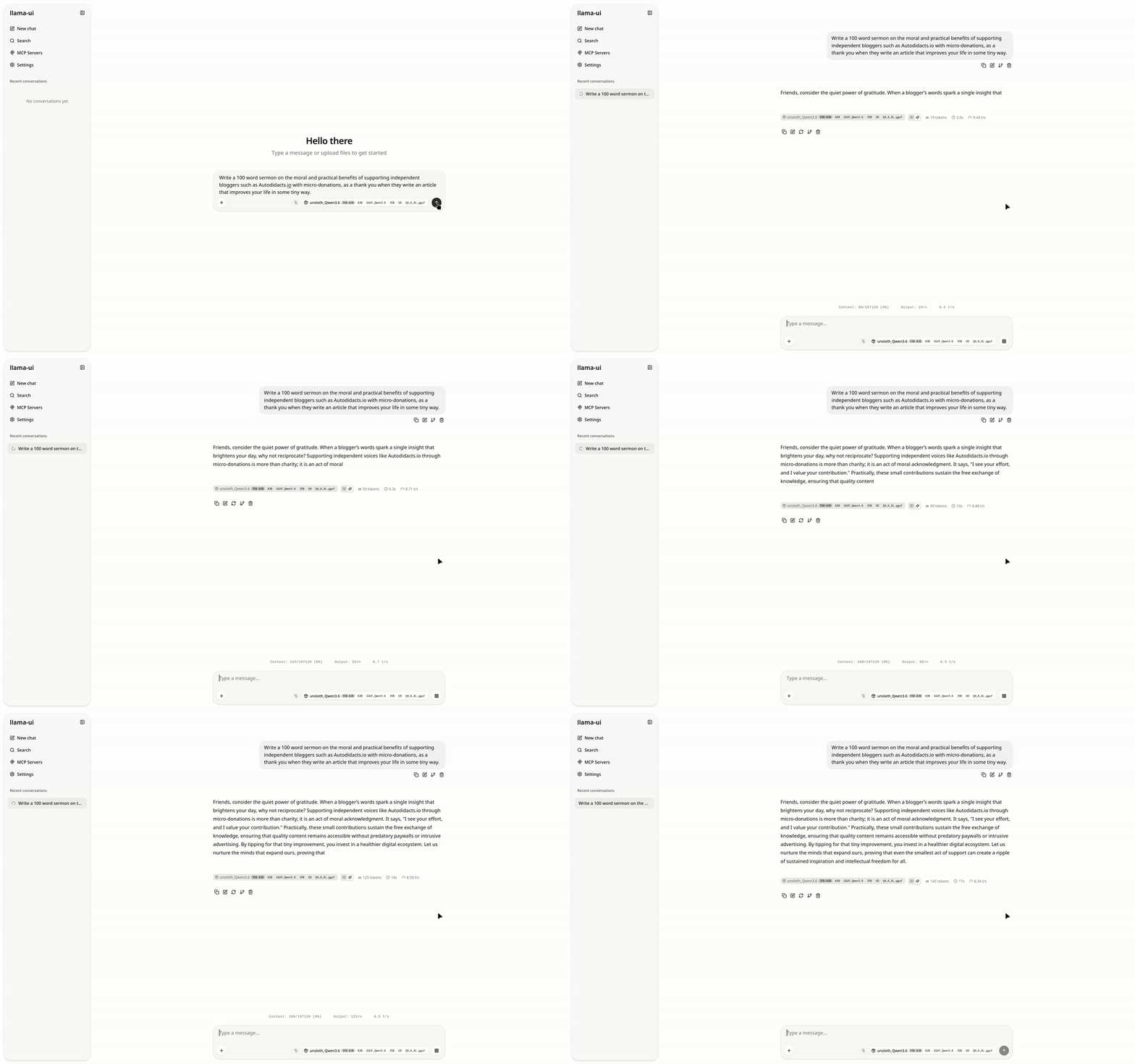
### Conclusion
I’m getting 14-22 t/s, which is pretty feeble, but adequate for my limited needs (mostly, looking up syntax I’ve forgotten when I’m offline). This is probably because my CUDA install is, as usual, broken, and I’m using Vulkan. **Update:** the MTP model is more like 30 t/s.
*\[Every time I buy a laptop,* [*I decide that* next time *I’m buying AMD graphics*](https://www.autodidacts.io/my-criteria-for-a-good-linux-developer-laptop/)*. And then, because I’m a cheapskate, I buy Nvidia, and spend the next half-decade fighting with my graphics drivers.\]*
Soon, I’ll write about using Llama.cpp for handwriting OCR. (Spoiler: Qwen 3.6-35B-A3B works even better than [Qwen3-VL:8b](https://www.autodidacts.io/usable-local-ai-handwriting-recognition/).)
Other people use the 8 bit quant of Qwen 3.6 27B, and like it. I don’t know where the sweet spot is between a bigger model with more aggressive quantization, and a smaller model with less aggressive quantization. I haven’t tried 27B Q8 yet, but I probably will soon. If you’ve tried both, let me know your impressions!
### Let’s call ‘em “aigents”
URL: https://www.autodidacts.io/aigents/
Last updated: 2026-06-29T03:18:58.000Z
Every one’s talking about their agents. What agents are we talking about — secret agents? casting agents? foreign agents? literary agents? cleaning agents? *(this slop is just* full *of ionic and non-ironic surfactants—)*. Oh, oh, *AI* agents.
I dislike ambiguity except when I don’t.
AI agents is clumsy, and begs to be shortened. Agents is the obvious contraction, but when you drop the AI, it becomes [annoyingly ambiguous](https://en.wikipedia.org/wiki/Agent?ref=autodidacts.io) out of context. It is a canker that eats previous usages of a useful word!
So, let’s call them aigents.
Let’s call it, *aigentic engineering.*
I’m surprised no one has coined this portmanteau yet; or, if if they did, it never caught on. It’s totally unambiguous, and it’s a fresh namespace. Existing secret-foreign-travel agents needn’t get mixed up in this.
It’s weird, but we’ll get used to it. And when we get bored, we can shorten it to “aigs”.
### Treat People as Flowers
URL: https://www.autodidacts.io/treat-people-as-flowers/
Last updated: 2026-06-29T02:33:07.000Z
Sometimes people say goodnight by saying, *see you in the morning,* if that’s expected. This bugs me.[\[1\]](#fn1) While I certainly *hope* to see them in the morning, and consider it highly probable, even in a modern world, it isn’t guaranteed.
To me, all goodbyes are an acknowledgement of this fact. They exist, mainly, for the unlikely case that this *is* the last time. The intensity and duration of the goodbye reflects the value of the relationship, times the probability that it’s the last goodbye.
Thinking like this isn’t about fixation with death, it’s about appreciation of life. In my goat-like focus on whatever I’m working on, it’s easy to ignore the transient beauty all around me. Awareness of mortality — my own and others’ — is the antidote.
When you have a rose bush in your yard, or a vase of cut flowers, you don’t think, *oh, that’s nice, but I’m in a hurry; I’ll stop and appreciate that tomorrow.* (Or maybe you do: but that’s lame.) Because it might not *be* there tomorrow.
People often seem more durable than they are. In any town, there are reminders of this, and somehow it still seems like a surprise. Grandma; the obituary for a 40-year-old single mother, with no cause of death; the fiddler who gets in a car crash a week after the jam.
There are also people that just … *drop*. On the stop signs and people’s laptops in my community are stickers, “What would Lily do?”, after a beloved community member — a vibrant young adult with no preexisting health conditions — collapsed playing volleyball on the beach, and never got up again, leaving all the friends she used to bring together, and two grieving dads.
There’s the old guy who ran the second hand shop: a dirty old man in the most literal sense, a fountain of information and opinions, ensconced in a pile of junk and papers and half-eaten toast buzzing with flies. Even the kind of person who seems indestructible, like a piece of the town itself, is gone one morning, the shop boarded up.
I was in the city for a few days. In the lobby, a couple stood, amused, watching as we took cheeky photos in formal wear. The guy, twinkling, said it looked like an album cover. We said we actually were a band, and got talking, and then went our separate ways. A few hours later, at a random intersection of the city, we meet the couple again. They are about to get married: they are staying right across the hall. (A man bent double from fentanyl poisoning, holding a Tropicana orange juice bottle that probably contains something else, shuffles by on a skateboard: the contrast with the mood of the moment is poignant.) The guy we’re talking to is one of the happiest, kindest, twinkliest-seeming fellows I’ve met. I ask if he’s a meditator: he is, a fairly serious Tibetan Buddhist. I ask him what’s the secret to his happiness. We stand in the rain for probably half an hour, talking.
Two weeks later, the woman comes to a concert in a different city. The man is dead: an accident. But she doesn’t know if it was actually an accident. It may have been suicide, which was how he had just lost one of his best friends.
I only knew him for about an hour, but I still think about him often.
There are others in the same category, still with us. But I only every learned their first name, and the world is a big place.
---
Two of the first songs to move me deeply, when I was a child, both spoke of impermanence. One was *Big Yellow Taxi,* by Joni Mitchell. Specifically, these lines:
> *Don’t it always seem to go*
> *that you don’t know what you’ve got, ’til it’s gone*
> *they paved paradise and put up a parking lot* [\[2\]](#fn2)
Another was *On The Road Again,* by Willie Nelson:
> *On the road again*
> *Goin’ places that I’ve never been*
> *seeing things that we may never see again*
My advice to you, kind stranger, is to treat everyone, the beautiful and the broken, as flowers that come and pass away. You can’t tell just by looking how long they’ll last. So cherish them while they bloom, even if you’re just passing by.
---
1. Even though I do it, too. [↩︎](#fnref1)
2. I always heard it as *pay-paradise and pudapuparkinglot.* I had no idea what that line meant, but the lines before were enough. [↩︎](#fnref2)
### The search for a good offline dictionary for Linux
URL: https://www.autodidacts.io/good-offline-linux-dictionaries/
Last updated: 2026-06-09T20:02:50.000Z
To me, not having access to a good dictionary feels a bit like forgetting to put on clothes. When Flaubert throws a big word at me, I marinate in my own confusion, helpless and vulnerable.
Those of you who rarely disconnect from the internet might be surprised to learn that the dictionaries for many desktop dictionary apps live in the internet, not in the app, and stop working when offline. This seems so silly! The biggest dictionary in the world would be smaller than my `node_modules`.
Since paper dictionaries are passé, and rarely have the word I’m looking for, when travelling, I tend to turn to my Kobo dictionary even if I’m at my computer. It rarely has the word I’m looking for, but at least it’s quick to find out that it doesn’t have it.
After going through the rigmarole of selecting and adding dictionaries to KOReader, I thought, how hard can it be to use one of these on Linux? Let’s just say: this is my third attempt.
As with most things Linux, it’s only hard if you don’t know how to do it. And even the first time, it isn’t hard, per se, it’s just annoying, and confusing, and barely worth it.
### INTERLUDE
Have I mentioned that I don’t like copyright? Anyway: I don’t like copyright. Ever since I read Cory Doctorow’s *Content,* and probably long before that, I have disliked copyright.
My main activity in life is creating this tasteless, odorless material called “Intellectual Property”, and then, generally, giving it away.
The reason configuring a good offline dictionary on Linux is hard is, you guessed it: *copyright*. If there were *good* dictionaries that were public domain, distributions would bundle them. As it is, there’s Wiktionary and Wordnet, and the excellent but hopelessly out of date Websters 1913.
If you want a really good dictionary — say, a comprehensive Oxford — you have to bring it yourself. You have to decide which one you want, and then buy it in the right format, or download inscrutable, volunteer-converted, possibly virus-riddled `dict.dz` and `.idx` files of uncertain copyright status from an obscure MobileRead post.
The contenders:
- gnome-dictionary (online by default, but supports dictd servers)
- dict (command line, online by default) and dictd
- stardict (GUI) and sdcv (command line)
- [GoldenDict](http://goldendict.org/?ref=autodidacts.io)
- [Artha](https://artha.sourceforge.net/wiki/index.php/Home?ref=autodidacts.io)
- [Wordbook](https://flathub.org/en/apps/dev.mufeed.Wordbook?ref=autodidacts.io) (untested)
If you are content with Wordnet, `sudo apt install artha` and you’re done. (N.B. Artha is technically a thesaurus.) It has some cool features like hotkey lookup that just works, and regular expression search.
Or, the less attractive but more powerful GoldenDict:
```
sudo apt install goldendict goldendict-wordnet
```
I am not content with Wordnet. I am also not content with a GUI only app, because part of the motivation for this project was that I wanted to export my Kobo vocabulary builder table, and generate an Anki deck of flashcards with the words I had saved on one side, and a good definition on the other.
You can easily add bought/pirated/out-of-copyright dictionaries to GoldenDict (Edit > Dictionaries, and click add), and it seems to take the same format as KOReader.
### Command Line Usage
To get sdcv working, you need to install it (`sudo apt install sdcv`), and add dictionaries to `/usr/share/stardict/dic`. Or, go where your dictionaries are, and run:
```
ln -s /path/to/dictionaries/this-is-the-dictionary-i-want/* /usr/share/stardict/dic
```
Note that linking to top-level folder into `dic` doesn’t work: it needs the individual files in there.
You can then run `sdcv --list-dicts` to check that they added successfully. You can also use a specific dictionary in future commands, using what shows up here.
My next surprise was that `sdcv` output raw HTML on the command line.
This is probably because I’m using the wrong conversion, but my bandaid solution was to pipe it through [pandoc](https://pandoc.org/?ref=autodidacts.io), and into a pager (since good dictionaries tend to have exhaustively long entries):
```bash
sdcv --use-dict "this-is-the-dictionary-i-want" test | pandoc -f html -t plain | less
```
### Hotkey Lookup with GoldenDict
There was one final feature that I wanted: [an equivalent of long-press lookup on ereaders](https://www.autodidacts.io/bothering-to-understand/#:~:text=The%20built-in%2C%20long-press-to-look-up%20word%20in%20dictionary%20on%20e-readers%20makes%20it%20convenient%20to%20learn%20unfamiliar%20vocabulary%20without%20breaking%20the%20flow%20of%20reading.%20The%20catch%3A%20unless%20you%20load%20a%20custom%20dictionary%2C%20if%20you%20have%20a%20tolerably%20large%20vocabulary%2C%20a%20significant%20percentage%20of%20unfamiliar%20words%20won't%20be%20in%20the%20default%20dictionary%2C%20especially%20if%20you%20read%20things%20heavy%20in%20neologisms%20and%20technical%20terms.).
GoldenDict probably has this built-in, but I didn’t get it working. Instead, I added a custom keyboard shortcut, with the following contents:
```bash
bash -c "goldendict \"$(xsel | tr '\n' ' ' | sed -r 's/^[^[:alpha:]]*([-[:alpha:]]*).*$/\1/')\""
```
Don’t ask me *how* it works: it works, and that is enough.
****Note:** this post is part of [#100DaysToOffload](https://www.autodidacts.io/100daystooffload/), a challenge to publish 100 posts in 365 days. These posts are generally shorter and less polished than our normal posts; expect typos and unfiltered thoughts! [View more posts in this series.](https://www.autodidacts.io/tag/100daystooffload/)
### Bookmarklet: Copy Ghost Post ID to Clipboard
URL: https://www.autodidacts.io/copy-ghost-post-id-to-clipboard-bookmarklet/
Last updated: 2026-06-03T06:18:54.000Z
I often need to get the internal UUID for a Ghost CMS post: for example, in order to [save it as markdown](https://www.autodidacts.io/script-export-post-as-markdown-via-ghost-admin-api/).
Previously, I would go to the post, append `/edit` to the URL, hit enter, and then copy the last section of the URL, which is the UUID for the post in the editor. Tedious!
As I suspected, the post ID is right there in the HTML of the post: it’s used to load comments for the right post. So, [like I did](https://gist.github.com/curiositry/a47551d970255301197a?ref=autodidacts.io) for appending `/edit` to the URL:
Drag the link below to your bookmarks bar and click it when you’re viewing a post on your Ghost blog:
[Edit Post!](javascript:void%20function%28%29{var%20url%20=%20window.location;newUrl%20=%20url+%22/edit%22,window.location.replace%28newUrl%29}%28%29;)
It will append `/edit` to the url and reload, so you can edit your post
— Built with ❤ by [@curiositry](http://curiositry.github.io/?ref=autodidacts.io) ([Twitter](http://twitter.com/curiositry?ref=autodidacts.io), [GitHub](http://github.com/curiositry?ref=autodidacts.io))
.... and [linking to text fragments](https://www.autodidacts.io/scroll-to-text-fragment-bookmarklet/), and [jumping between staging and production versions of a site](https://www.autodidacts.io/old-site-new-site-bookmarklets/), I wrote a two-line bookmarklet to extract the current post ID, and put it on the clipboard:
```javascript
let postId = document.querySelector("[data-post-id]").getAttribute("data-post-id");
navigator.clipboard.writeText(postId).then(() => {
console.log('Post ID copied to clipboard:', postId);
});
```
Drag the link below to your bookmarks bar, and click on it when you want to get a post ID from your blog:
[Copy Ghost Post ID to Clipboard](javascript:void%20function%28%29{let%20a=document.querySelector%28%22[data-post-id]%22%29.getAttribute%28%22data-post-id%22%29;navigator.clipboard.writeText%28a%29.then%28%28%29=%3E{console.log%28%22Post%20ID%20copied%20to%20clipboard:%22,a%29}%29}%28%29;)
(Thanks to Chris Zarate for making the [excellent bookmarklet encoder](https://chriszarate.github.io/bookmarkleter/?ref=autodidacts.io) applet that I use every time I need to make a bookmarklet. It works great, and can even be saved and used offline.)
### Backpack Activation Energy
URL: https://www.autodidacts.io/backpack-activation-energy/
Last updated: 2026-08-19T19:01:46.000Z
In my travel & packing notes for next time, there is a line item — slightly above the assertions that “the eggs are usually gross” at hotel breakfasts, and “ferry WiFi is varely\[sic\] worth using” — that says: *I rarely have time/energy to do as many things as I think*.
I travel a reasonable amount, and tend to feel overbooked leading up to a trip, and think, *oh, I’ll have time for that on the drive/plane/train/ferry.*
So I stuff my backpack full of torn-out notebook sheets of things to finish, and then sit in a bleary-eyed torpor eating food of questionable quality and staring out the window, while the things I brought to work on get crumpled and food-strained, and prepare to silently judge me when I unpack upon arrival.
I have often pondered: why does time traveling go by so quickly? Why are those long hours so often effectively a write-off?
The obvious factors are obvious. When traveling, I tend to be tired, potentially nauseous, hot, sweaty, greasy, frequently-interrupted, dehydrated, full-bladdered, cramped, incessantly-talked at, interested in the scenery, and saving my energy for whatever I am traveling to do.
Eventually, I realized these facts, and made two lists:
1. *Fun or useful things to do in the van on long drives.md*
2. *Things that it’s possible to productively work on when very tired.md*
But there’s something *else* going on. Yes, I tend to be tired, sweaty, and full of junk food. Yet, even when I am a passenger, I don’t even tend to get around to doing *simple*, non-intellectually-taxing tasks!
I noticed that there is one thing I can reliably do: *read.* Specifically, read on an e-reader. Often, I can read reasonably taxing books; almost always, I can manage to read something light, at least for a few hours until my eyes tire.
It was by thinking about this one thing that I reliably get around to doing when travelling that I discovered the hidden gumption trap that was catching the feeble productive impulses my brain and body do occasionally produce.
I call it **backpack activation energy.**
What is it that makes e-reading easy? Three things:
1. It only requires one item, which has endless battery life and a built in light, and which is easy to hold even when cramped.
2. My Kobo is 7.6 mm thick, lives in the most accessible place in my backpack, and can reliably be extracted and returned, blindfolded, no matter how overstuffed my luggage is.
3. I like doing it.
Using my computer is probably the second-easiest thing to get around to when travelling: it shares many of the same features.
Reading physical books that I brought with rarely ever occurs, even though I doggedly persist in bringing them, and in theory reading paper books has a lot in common with reading on an e-reader. The difference? Paper books get banged up when traveling, and produce a peculiar fingernails-on-chalkboard sensation when I reach into my snake-digesting-an-elephant backpack and pull out my book, and it feels like tug-of-war between me and the six USB cables caught between the pages.
Yes, you have just read an entire essay about the fact that **I don’t like getting things out of my backpack.** Finding and extracting things from a full backpack takes physical and psychic energy that I don’t have — unless, of course, it’s chocolate.
What about solutions? I don’t have any good ones, but here are some that are slightly better than nothing:
1. **Use ziploc bags**. I put all small items that I use frequently in a few large clear ziploc bags in the main compartment, categorized by category (though categorizing by colour would look cool). Looking like a homeless person = in this case, totally worth it.
2. **Don’t bring so much stuff.** Last I checked, personality surgery hadn’t been invented yet, but I’m definitely on the waiting list.
3. **Partially accept partial defeat**, and then doggedly demand partial victory. Realize that BAE is a *thing* that must be worked with. Then, figure out which productive things are just at or below your personal BAE threshold, and do those things, rather than the things for which there is no hope.
4. **Keep a notebook and pen in your pocket at all times,** [so you don’t have to bargain with yourself](https://www.autodidacts.io/productive-insomnia-tips-for-hypnagogic-creativity/#:~:text=Write%20it%20down.%20When%20you%20have%20an%20idea%2C%20chances%20are%20you%20won%E2%80%99t%20feel%20like%20writing%20it%20down%2C%20because%20you%E2%80%99re%20so%20comfortable%20and%20drowsy%2C%20and%20it%20feels%20like%20you%E2%80%99ll%20remember%20it.%20In%20my%20experience%2C%20even%20the%20most%20vivid%20ideas%20will%20be%20gone%20by%20morning.%20If%20it%E2%80%99s%20a%20really%20good%20idea%2C%20I%20write%20it%20down%20immediately.%20If%20it%E2%80%99s%20so-so%2C%20and%20I%E2%80%99m%20willing%20to%20risk%20losing%20it%2C%20I%20make%20one%20of%20two%20bargains%20with%20myself%3A,%20%20%20%20Or%2C%20I%20commit%20to%20writing%20it%20down%20next%20time%20I%20change%20position.%20This%20means%20that%20if%20I%E2%80%99m%20actually%20about%20to%20fall%20asleep%2C%20I%20won%E2%80%99t%20rouse%20myself.%20Either%20I%E2%80%99ll%20fall%20asleep%2C%20or%20I%E2%80%99ll%20capture%20the%20idea.).
5. **Pretend you are wrestling a bull to the ground** when digging for your earplugs, and the sweating and grunting is part of the glory.
6. **Drink more coffee.** Sorry, it’s the best I’ve got.
****Note:** this post is part of [#100DaysToOffload](https://www.autodidacts.io/100daystooffload/), a challenge to publish 100 posts in 365 days. These posts are generally shorter and less polished than our normal posts; expect typos and unfiltered thoughts! [View more posts in this series.](https://www.autodidacts.io/tag/100daystooffload/)
### 20 years of Linux and I finally started using job control
URL: https://www.autodidacts.io/20-years-of-linux-and-i-finally-started-using-job-control/
Last updated: 2026-06-01T22:11:53.000Z
I have been using Linux since before I owned my own computer, and for much of that time, have been comfortable with the command line (I'm a computer programmer, after all; though not a particularly fancy one).
I have always been annoyed that Ctrl+Z doesn’t work in terminal (not to mention, Ctrl+S, and all other table-stakes keybindings. [Keybindings should be universal, man!](https://www.autodidacts.io/universal-keybindings/)). I knew, vaguely, what it did. It didn't sound interesting to me.
I slowly warmed up to GNU readline keybindings. They’re not as good as universal keybindings, but I sure miss them when they're gone, and now I've started using them when I write TUI dashboards. And I spend my time in a console text editor, in a non-standard shell, in tmux. Which is just to say, I'm not a *complete* rube.
But, job control? “*Wuts job control?*” said the self-styled CLI enthusiast. I knew, vaguely, that jobs could be backgrounded (whatever that meant), but I frankly didn't see the point. If you need to run something in the background, just use `command &` like a normal person (and then watch it rudely spit characters into your terminal when it feels like it anyhow).
So.
Then I was working on a project in which I spent large swaths of my day SSH'ed into an underpowered box running way too many heavy processes, via a bastion server. The nature of the work required binocular vision, so — prepare for the yuck — I would split my home Tmux into two panes, open *two* SSH sessions, knowing vaguely how gross that was, and double-hop to the server, using one pane for my main work, and the other for poking around the file system as needed.
Probably a month into the project, which involved running interminable Python analysis scripts against a 20gb SQLite DB, I (*re?)* read the wonderful post [*Shell Tricks That Actually Make Life Easier (And Save Your Sanity)*](https://blog.hofstede.it/shell-tricks-that-actually-make-life-easier-and-save-your-sanity/?ref=autodidacts.io). There was that little `fg` thing again...
Suddenly, I was able to run *one* SSH session. Mind blown!
It works like this:
1. Start long running process: `python3 my_epic_analysis_script.py --do-all-the-extra-stuff-too`
2. Background it with Ctrl+z (and `bg` if you want to to keep going rather than go on ice)
3. Do other stuff, like poking around the file system, or madly trying to recover from swap thrashing
4. When ready to check if it finished (we're not fancy enough to have it notify), run `fg` to bring it back
This is amazing right on its own, but it gets even better. Did you know that modern CPUs with modern CLIs can run *two programs at once?!*
1. Start long running process: `python3 oh_my_gosh_this_is_going_to_take_all_night.py --auto-resume-when-you-crash`
2. Background it with Ctrl+z (and `bg`)
3. Start *another* thing that’s super slow and resource hungry: `emacs`
4. Background that too with Ctrl+z (and `bg`)
5. Where did all my stuff go? Someone tidied up my room and now I can't find the clothes I left on the floor! That’s a job for `jobs`
6. Which one do we want? The first one, or the second one? The first one: `fg %1` (← unclear what the percentage sign is up to but there it is)
7. Still not done! Ctrl+z and `bg`, then `fg` (we can skip the `%2` because there is no third job at present), then Ctrl+z and `bg`, then, in the morning, `fg %1`.
I sometimes wonder if someone who really *knew* Linux would ever need to install applications. The problem, often, isn’t that the feature isn’t there: the problem is *discoverability.*
It was the same thing when I was learning Vim. I would install all kinds of glorious plugins, and then, months or years later, learn that the base install provided 98% of the functionality I needed, it just was a bit weird, and hard to find.
Now you can press ctrl+z on this blog, and `fg` on whatever you were trying to do when you found it.
****Note:** this post is part of [#100DaysToOffload](https://www.autodidacts.io/100daystooffload/), a challenge to publish 100 posts in 365 days. These posts are generally shorter and less polished than our normal posts; expect typos and unfiltered thoughts! [View more posts in this series.](https://www.autodidacts.io/tag/100daystooffload/)
### How to drain pasta without a colander, without burning yourself
URL: https://www.autodidacts.io/how-to-drain-pasta-without-a-colander-without-burning-yourself/
Last updated: 2026-05-21T22:24:05.000Z
****Note:** this post is part of [#100DaysToOffload](https://www.autodidacts.io/100daystooffload/), a challenge to publish 100 posts in 365 days. These posts are generally shorter and less polished than our normal posts; expect typos and unfiltered thoughts! [View more posts in this series.](https://www.autodidacts.io/tag/100daystooffload/)
I have a reputation for ~~laziness~~ efficiency, and have always considered colanders to be a waste of resources. Unless you need your pasta totally dry (in which case you have other problems), draining directly from the pot works fine. So that’s what I've always done.
However, if you're not careful, it's easy to get a steam burn; and I think it's these preventable steam burns that drives the world's obsession with colanders. The first time I learned this trick for preventing steam burns, I was immensely pleased, and I've used it every time I drain pasta since.
To drain pasta from the pot, you have to hold the lid on. Sophisticates use dual hotpads (or dish towels) to clamp each side of the askew lid. This is a safe and reliable method that has the same issues as colanders: waste and complexity.
The fully grug-brained pasta draining method uses just hands, and pot. The problem: the lid has to be held on, askew, while the water is drained; the handle of the lid is generally in the middle; as the water is draining, it is pouring out, near boiling, inches below the hand holding the lid; steam rises from the water pouring out of the pot and burns the hand holding the lid.
(This applies both to long-handled pots, and to pasta pots with two handles, in which case one gets hooked over the sink to hold the pot in place, and the other is used to hold the pot. With pasta pots, the steam can get *either* hand, because it will also come out the gap where the lid is askew at the top)
The solution is beautifully simple: blow the steam away from your hand. As long as you pour the water out reasonably slowly, a steady stream of air passing over your hand (don’t faint!) will keep the temperature pleasant, no hot-mitts or colanders needed.
### All Polymarket temperature markets have disappeared
URL: https://www.autodidacts.io/polymarket-temperature-markets-dissappear/
Last updated: 2026-06-20T00:15:15.000Z
On May 17th, [a trader](https://polymarket.com/@0x63-1773286871210?tab=activity&ref=autodidacts.io) bet \~$20 at 1c per share (implied 1% probability) on the [*wrong*](https://www.wunderground.com/history/daily/mx/mexico-city/MMMX/date/2026-5-17?ref=autodidacts.io) bucket for Mexico City temperature, and then bet again. [That bucket won](https://polymarket.com/event/highest-temperature-in-mexico-city-on-may-17-2026?ref=autodidacts.io), and \~$50 turned into \~$5000.
On May 17th, Polymarket’s high temperature market for Miami was missing the winning bucket, and the ones around it.
Then, [the May 17th market for Miami ](https://polymarket.com/event/highest-temperature-in-miami-on-may-17-2026?ref=autodidacts.io) was “archived” — which is not what happens to markets that are resolved normally — along with [the money that people had bet on it](https://www.reddit.com/r/PredictionsMarkets/comments/1tga53n/has%5Fpolymarket%5Freduced%5Fits%5Fweather%5Fmarkets%5Fto/?ref=autodidacts.io). Other markets followed (or preceded; its hard to find a clear timeline).
There was no official response from Polymarket about what had happened, and speculation was confined to [the comments](https://polymarket.com/event/highest-temperature-in-miami-on-may-16-2026?ref=autodidacts.io), X, and Reddit.
Someone speculated that it was an exploit, pointing to the Mexico City trader’s wallet (though that person might have just noticed something was weird, or gotten lucky):
> 🚨 Bad resolution on Polymarket
>
> Miami May 17 Highest Temp (86-87°F) resolved as No ❌
>
> But official high is 87°F on Wunderground KMIA. Resolved way too early.[@Polymarket](https://twitter.com/Polymarket?ref%5Fsrc=twsrc%5Etfw&ref=autodidacts.io) [@UMAProtocol](https://twitter.com/UMAprotocol?ref%5Fsrc=twsrc%5Etfw&ref=autodidacts.io) can we get a review?[#Polymarket](https://twitter.com/hashtag/Polymarket?src=hash&ref%5Fsrc=twsrc%5Etfw&ref=autodidacts.io) [#ResolutionIssue](https://twitter.com/hashtag/ResolutionIssue?src=hash&ref%5Fsrc=twsrc%5Etfw&ref=autodidacts.io)[https://t.co/Ml6wUxzieC](https://t.co/Ml6wUxzieC?ref=autodidacts.io)
>
> — 𝔻𝕖𝕗𝕝𝕒𝕩 💥 (@Deflax\_) [May 17, 2026](https://twitter.com/Deflax%5F/status/2056148288542257574?ref%5Fsrc=twsrc%5Etfw&ref=autodidacts.io)
Rumors surfaced of an Oracle bug:
> POLYMARKET DIGEST — 18 MAY 2026
>
> ⚠️ Bugs & Issues
> Major weather market oracle failure caused wrong temperature brackets to be resolved across multiple cities (Miami, Mexico City, Seoul, Hong Kong). Mass archiving of weather markets led to positions disappearing from portfolios.…
>
> — Digest Polymarket & UMA Discord (@predictdigest) [May 18, 2026](https://twitter.com/predictdigest/status/2056254680791908471?ref%5Fsrc=twsrc%5Etfw&ref=autodidacts.io)
Eventually, *all* US and international [temperature markets](https://polymarket.com/weather/high-temperature?ref=autodidacts.io) disappeared, not just for May 17th, retroactively, but also for May 18th to May 22nd:

The only acknowledgement from Polymarket so far seems to be this tweet from @kea1on:
> There has been a misconfiguration on a very small subset of markets - mostly weather markets, and a couple of tweet markets. We have archived all the misconfigured ones and are going to issue refunds for these markets.
>
> — keaton (@kea1on) [May 18, 2026](https://twitter.com/kea1on/status/2056214822081929488?ref%5Fsrc=twsrc%5Etfw&ref=autodidacts.io)
The Polymarket status page shows no notices for May 16th, 17th, or 18th:
[Polymarket - StatusPolymarket StatusPolymarket](https://status.polymarket.com/?ref=autodidacts.io)
I don’t know what's going on, but I thought it was strange enough that someone should collect what facts are available, and none of the big news outlets seem to be covering it yet.
**Update:** on May 19th, Polymarket temperature markets re-appeared. Markets from 17th and 18th did not re-appear.
### The bid-ask spread on used physical goods
URL: https://www.autodidacts.io/the-bid-ask-spread-on-used-physical-goods/
Last updated: 2026-06-27T22:45:10.000Z
On the stock market, prediction markets, and elsewhere, things don’t have One True Price (or, therefor, one true valuation). There is the price people with the thing are willing to sell it for, and there is the price people without the thing are willing to pay to get it. These two prices are generally not the same, and the gap between them — the [bid–ask spread](https://en.wikipedia.org/wiki/Bid%E2%80%93ask%5Fspread?ref=autodidacts.io) — is often wide.
After decades of considering myself a fairly canny bargain hunter and negotiator, I noticed something: if I bought something that was “an incredible deal”, and then tried to sell it, I generally lost money. What?! Isn’t the idea that something is a “good deal” if the asking price is below its value? And if its asking price is below its value, doesn’t that mean that you should be able to sell it at its value?
*No no no!*
All this time, my mental model of the pricing dynamics at play was completely wrong. Because **the bid–ask spread is everywhere!**
The bid–ask spread *generally* represents the cost of doing business. In the case of the stock market, transaction fees (and liquidity).
In-person used-good transactions, though generally fee-less, have an invisible cost of doing business. This, along with the fact that both buyers and sellers are opportunistic (and negotiation room is often included in the price), explains the bid–ask spread. The cost of doing business — the hidden transaction fee — includes the risk of getting scammed, or discovering that the item is worth significantly less than expected, and the time and energy of arranging to meet a scary stranger somewhere safe, getting cash out of the bank, asking friends whether you should buy it, researching whether it’s a good deal, waiting in a coffee shop with sweaty palms waiting for the scary stranger to show up, etc.
All this blithering is leading up to a very simple idea. Well, three ideas.
**First:** good deals are expensive, not in money, but in time/risk/stress. There is almost always a reason something is underpriced. Sometimes, the reason is simply, sometimes things are underpriced for no reason. But the reason you *found* the underpriced thing is because you’d been obsessively checking for underpriced items in category X every morning, instead using that time to making enough money to buy a fairly priced item in category X, or decide you don’t need the thing in the first place, and can re-assign the time to reading Proust.
**Second**: possessions are far more expensive than they seem, when you include the deferred financial and attentional expense of maintenance and disposal. I highly recommend David Cain’s exploration of this idea:
[Everything Must Be Paid for TwiceOne financial lesson they should teach in school is that most of the things we buy have to be paid for twice. There’…Raptitude.comDavid Cain](https://www.raptitude.com/2022/01/everything-must-be-paid-for-twice/?ref=autodidacts.io)
**Third:** If you want a good deal, don’t think about whether you’re getting an incredible deal. (You will usually answer, *Yes!)* Instead, ask: how much could I reasonably get for this if I immediately flipped it? **How much would *I* be comfortable charging?** (For bonus points, *how much would I charge a friend if I sold them this*, or *what would I let someone negotiate me down to if I was selling this.*)
This flips the set-point from **is this a fair ask-price** to **is this a fair *bid*\-price.** Which can turn something from a great deal into a pretty bad deal!
If you’re just getting something for yourself, and you’re in a hurry, it might not matter. But if you’re getting something, and part of your plan is that you want to be able to sell it, at a minimal loss, if it turns out buying it was a mistake, then you shouldn’t pretend you’d be able to sell it for the price you’d be willing to pay for it.
****Note:** this post is part of [#100DaysToOffload](https://www.autodidacts.io/100daystooffload/), a challenge to publish 100 posts in 365 days. These posts are generally shorter and less polished than our normal posts; expect typos and unfiltered thoughts! [View more posts in this series.](https://www.autodidacts.io/tag/100daystooffload/)
### The art of getting back on one’s horse
URL: https://www.autodidacts.io/the-art-of-getting-back-on-one-s-horse/
Last updated: 2026-06-27T17:12:49.000Z
Suppose one is thrown from one’s horse. There is a period, perhaps, of being dragged behind the horse, with one foot stuck in the stirrup. Then, a period of sitting on the ground in a cloud of dust, feeling dazed and disoriented. Then, perhaps, a period of feeling one’s head, and moving each finger and toe to make sure they are still attached, in preparation for standing up, with a grunt. Then one must look for ones horse, shielding the eyes from the sun, and squinting into the distance. There. The pursuit of the horse begins. Once the saddle is regained, there may be a period where the rider is clinging on, canted slightly to one side, but hardly in control: wide-eyed and galloping, it may occur to the rider that the scene is ridiculous, and, specifically, that the scene makes *them* look ridiculous, and, in the interest of propriety, it would be best to let go of the whole idea of getting back in the saddle, and instead, to accept defeat, and walk, but walk in dignity.
My point is: dignity, at times, is less important than clinging on, and continuing to go in the direction you were heading, even if it creates, briefly, a source of amusement for passers-by. Re-starting a habit feels a bit like trying to get back on a horse that’s run away from under you. It’s an awkward process. To succeed, you must try, and trying doesn’t always look hip.
Fortunately, looking hip is optional.
****Note:** this post is part of [#100DaysToOffload](https://www.autodidacts.io/100daystooffload/), a challenge to publish 100 posts in 365 days. These posts are generally shorter and less polished than our normal posts; expect typos and unfiltered thoughts! [View more posts in this series.](https://www.autodidacts.io/tag/100daystooffload/)
### Delusional Optimism & the Art of Sneaking Up on Your Goals
URL: https://www.autodidacts.io/sneaking-up-on-your-goals/
Last updated: 2026-03-17T20:58:55.000Z
It's hard to sneak up on yourself, but worth it.
It's not really as paradoxical as it sounds. It isn't your *whole* selfout sneaking up on your whole self. It's more like a conspiracy in which some parts of yourself collude against other parts of yourself. Or, better yet, a theater piece: the part being fooled *knows* its being fooled, but lets it happen anyway.
I was reminded of the joys of sneaking up on my goals when I was out for a long run in the drenching rain and snow yesterday. The half-way point was a coffee shop. We'd taken a back route that I'd only been on once before, which I remembered taking us *directly* into the lap of luxury. I was timing my catastrophic indigestion to hit the moment we arrived at safety. But, lo! The back road popped out only about *halfway* to the coffee shop. The whole time I had been basing my survival on a delusion, and it worked great! The coffee shop was *just* around the corner for twice as long as it should have been, and as a result, I was able to keep up the threshold-run pace, and made it to the washroom in the nick of time.
Pretty much every single time I have broken my all-time running distance record, it has been by a sneak attack. I am "officially" only going to go long-ish. But a part of my mind knows its a good opportunity to break my all-time record. It makes sure to tuck a few extra energy bars into my pockets or hydration pack. There's nothing to be scared of: there's no commitment to doing something hard. There's just the opportunity, and the preparation to make use of it. But guess what: at kilometer 25, I don't *have* to run a marathon. I just have to run another five, to get to a nice round 30\. And then at 30, might as well make it 35\. And at that point, 42 is just around the corner, so it'd be a waste not to run the full distance. At which point *fifty* is just around the corner. And on and on until legs give out.
At no point do I contemplate running a marathon, until I already have. I only sucker myself into going just a *bit* farther, and keep on doing that over and over again. And rather than realizing, *I keep on suckering myself into going farther than I planned! This is mission creep!* I re-frame it, and think, *that wasn't so bad, why not throw on another 5K…*
The few times when I planned on breaking my distance record, some joint would develop the wrong kind of pain, or other responsibilities would get in the way, and I'd be bent out of shape about "failing" to achieve my goal. So I have become superstitious about using my preferred method, and sneaking up on my goals.
First I cover my eyes, then I say boo. It works every time.
### Bothering to understand
URL: https://www.autodidacts.io/bothering-to-understand/
Last updated: 2026-06-13T20:17:18.000Z
If I throw an unfamiliar word or concept at you in the first paragraph of this essay, will you bother to look it up? If the answer is yes, you can close the tab, unless you want to bookmark it in your “people saying things I already believe” folder, to inflict upon someone less advanced.
I'm pretty good at bothering to look up *words* I don't know. But what about when a blogger or AI model starts justifying their reasoning with little mathematical symbols, and it makes me uncomfortable, because I don't know what they mean, and am too proud to ask? Not so much.
Now that I'm old and busy, I find it harder to get around to learning-for-the-sake of learning. It’s much easier to get around to learning in the process of doing! Yet, opportunities frequently pass me by. I scroll past the unfamiliar symbol; the elk footprints go uninvestigated; “that's funny...” is left at that's funny, rather than, “aha!”.
Dan Luu calls this "[willingness to look stupid](https://danluu.com/look-stupid/?ref=autodidacts.io)". Slime Mold Time Mold call it [the scientific virtue of stupidity](https://slimemoldtimemold.com/2022/02/10/the-scientific-virtues/?ref=autodidacts.io). I call it bothering to understand. Slowing down, amid all the breakneck chaos, to figure out *why* it crashed, rather than just restarting it.
This is unlikely to pay off in the short term. But *next* time it crashes, or maybe not even then, but next time something vaguely like it does something vaguely like what it did, I'll have a foundation to build upon.
Knowledge compounds. You only have to make the wand once, then you can blow bubbles with it forever.
Make the wand.
### Techniques for putting this principle into practice
Principles are mainly useful when applied. Talking about them isn't the point.
In this case, two things tend to get in the way, depending on context: discomfort, and inconvenience.
#### Social discomfort
- **The sooner I start bothering to understand, the less awkward.** This applies over the course of a lifetime, in relationships with specific people, and within an interaction.
- It's less awkward to ask ignorant questions when you're young, than to always be an ignoramus
- It's less awkward to learn how to pronounce / remember someone's name the first time you hear it
- It's less awkward to clarify unfamiliar terms and concepts the moment they come up: if you have to go back and clarify them later, after *pretending* to understand them, it calls your bluff, which doesn't look good.
- **Just get over it**, it doesn't get easier, but in the long run, it's the right thing to do, *and* higher status, to bother to understand, even if that means crossing a moat filled with alligators of (possibly imagined) social judgement
#### Inconvenience
Without the pressure of an in-person interaction where I would lose credibility or waste people's time by asking dumb questions, the main barriers become time, energy, and inconvenience.
- The built-in, **long-press-to-look-up word in dictionary** on e-readers makes it convenient to learn unfamiliar vocabulary without breaking the flow of reading. The catch: unless you load a custom dictionary, if you have a tolerably large vocabulary, a significant percentage of unfamiliar words won't be in the default dictionary, especially if you read things heavy in neologisms and technical terms.
- KOReader takes this a step further with built-in Wikipedia lookup
- I **write down things to look up,** if I'm in the middle of something that I don't want to interrupt. And rather than typing my paper notes into a text file, I often type them directly into the Firefox search bar, even if I'm working offline. Then, next time I'm using my browser, the tabs will be in my way, and I won't forget.
- **Doing things myself,** whether self-hosting a website, fixing a computer, or building a rock wall, results in learning all kinds of things by necessity and coincidence, and it's much more natural than taking a course.
- If I'm **hanging out with an expert** (and almost everyone is an expert at something) — say, a radiographer scanning me at the hospital — I try to ask as many inquisitive questions about the fundamentals as I can get away with, early on. (It's easy to think, *that's a dumb question, I could just Google it.* But chances are I *won't* Google it.) This way, I'm more likely to be able to have an interesting and educational conversation with them, and then an even better conversation with the *next* radiologist I talk to.
- I try to **get up and investigate first hand** when I encounter things I don't understand, like a weird beetle or a mysterious object. I have a natural resistance to getting involved with the physical world, so I make a point of getting out of my comfortable seat and going over to the thing to learn more — to get down on all fours, prod, sniff, or peer, as the circumstance dictates — even if it feels undignified and child-like, and gets my knees grubby.
###
### Curation and its side effects
URL: https://www.autodidacts.io/curators-skim/
Last updated: 2026-03-14T06:37:07.000Z
### I: Curators Skim
Curators and gatekeepers, because of the nature of their work, default to skimming. It's easy to be annoyed that the editor might only read the first page (or the first paragraph, or even the first sentence) of a story you spent days, months, or years writing. But most of the time, the editor only needs a few seconds to gauge the quality of the writing, and whether it’s a fit for their audience.
*\[ This interesting dynamic sunk in after reading* [*The View from RSS*](https://www.carolinecrampton.com/the-view-from-rss/?ref=autodidacts.io)*, a behind-the-scenes view of curation by the glamorous and shockingly intelligent Caroline Crampton, who describes what it’s like to live underneath a pile of two thousand RSS feeds, possibly including this one. Full disclosure: I am plotting to use the ideas in this article to get featured by The Browser again, preferably without having to spend 6 months writing* [*a 5,500-word essay*](https://www.autodidacts.io/troubleshooting/) *to do so. \]*
Songwriters have shortened the average length of the instrumental intro, to get to the catchy chorus hook while the goldfish are still listening. The usual story is that attention spans are declining. But is it the *audience’s* attention spans that are dictating this change? Or, is part of it a systemic bias for things that front-load the value, and are easily curatable?[](https://www.newyorker.com/books/under-review/why-good-ideas-die-quietly-and-bad-ideas-go-viral?ref=autodidacts.io#:~:text=What%20captured%20Asparouhova%E2%80%99s%20attention%20was%20the%20book%E2%80%99s%20introduction%20of%20something%20called%20a%20%E2%80%9Cself-keeping%20secret%E2%80%9D%20or%20%E2%80%9Cantimeme.%E2%80%9D%20If%20memes%20were%20by%20definition%20hard%20to%20forget%20and%20highly%20transmissible%2C%20antimemes%20were%20hard%20to%20remember%20and%20resistant%20to%20multiplication.%20If%20memes%20had%20done%20a%20lot%20of%20damage%2C%20maybe%20antimemes%20could%20be%20cultivated%20as%20the%20remedy.)
In some cases, there’s an incentive for curators to share things they haven’t deeply read: speed. If their heuristics are accurate, skimming-only allows them to be the first curator to break good articles, increasing their status as taste-makers.
### II: Skim Milking
I realized underdog independent bloggers could use curators’ skimming against them. In the spirit of Gwern’s [hacker mindset](https://gwern.net/unseeing?ref=autodidacts.io) essay, we could optimize our writing *for* these curators, by tailoring the parts that stand out to specifically catch curators' attention.
Then I realized: this is what the popular writers do. Have you noticed all the James Clear-like life advice writers with their bold text, catchy statements, and soundbites? Is it a coincidence that the most popular writers use bold text and write eminently-skimmable articles?
The tricky part is how to deliver the best value for the end-reader at the same time as fishing for curators.
*Note: after I wrote this post, but before I published it,* [*Dynomight wrote*](https://dynomight.net/formatting/?ref=autodidacts.io) *a longer and probably better post about formatting. I only skimmed it.*
### III: Applied Antimemetics
If, for some reason, we wanted an article *not* to go viral, ala [Nadia Asparouhova's anti-memetic self-keeping secrets](https://www.newyorker.com/books/under-review/why-good-ideas-die-quietly-and-bad-ideas-go-viral?ref=autodidacts.io#:~:text=What%20captured%20Asparouhova%E2%80%99s%20attention%20was%20the%20book%E2%80%99s%20introduction%20of%20something%20called%20a%20%E2%80%9Cself-keeping%20secret%E2%80%9D%20or%20%E2%80%9Cantimeme.%E2%80%9D%20If%20memes%20were%20by%20definition%20hard%20to%20forget%20and%20highly%20transmissible%2C%20antimemes%20were%20hard%20to%20remember%20and%20resistant%20to%20multiplication.%20If%20memes%20had%20done%20a%20lot%20of%20damage%2C%20maybe%20antimemes%20could%20be%20cultivated%20as%20the%20remedy.), we could deliberately emphasize the boring parts. The exact same content, with different emphasis, could make it so that curators who didn't read the whole thing would think it was a badly written, boring article. But readers who read the whole thing would realize that it wasn't, or even, that the parts that weren't in bold directly contradicted the parts that were in bold.
In the spirit of adventure, I could publish two versions of this essay. One of them would highlight the interesting parts, and attempt to optimize for the skimming curators and gatekeepers. The second version would only highlight the worst and boringest parts, and optimize for the readers who read the whole thing, and specifically try to *prevent* the curators from discovering it.
### IV: Holes in the Sieve
Certain articles or books take a while to get rolling. Steinbeck comes to mind: an entire chapter about the weather. It seems these would be at risk of being passed over by a skimming curator.
And some types of material resist shallow engagement. They seem boring, or dumb, or empty when you blaze though them. But, sometimes, they’re not!
Once a week I go through my comparatively modest collection of \~151 RSS feeds (some of which are, in turn, curated collections of links), as well as a few aggregators, and select my week’s reading material. Like Caroline, “*I’ve become very good over the years at allowing my eye to slide over everything, stopping when I see a headline or phrase that looks promising.*” The first step of triage happens in my RSS reader. For noisy feeds, I only read the headline. Or, I skim the article. I open the articles that seem interesting, and I save the best to Pocket/Wallabag/Instapaper/Readeck.
Arguments for and against things, self-help, and hot takes are easy to skim, and get a decent sense of whether they will be interesting. These are what I will call “point based” writing. They have a point, and it’s either right or wrong, and it’s either relevant or irrelevant to my life, and it’s either well written or not.
But there are a few categories of things that can get triaged when they shouldn’t.
**Buried nuggets.** Often, 98% of the value I get from an essay is a single idea or piece of information, which I haven’t encountered before, buried somewhere obscure — often in a footnote. Real-life example from yesterday: a Dwarkesh Patel [interview](https://www.dwarkesh.com/p/gwern-branwen?ref=autodidacts.io) with Gwern Branwen crossed my screen. I skimmed it briefly, and triaged it as “modafinil mode” content (the hyper-intellectual cottonwool prose of the Rationalists, which takes a lot of effort to understand for an uncertain payoff). Because the software I wrote for my ereader was buggy, the articles I chose for the week did *not* show up on my ereader, and the offending 16,000-word Gwern essay downloaded itself, along with a bunch of Amazon book listings and other random crot. I was bored, so I read it, along with some of the other triaged essays. Some of it was modafinil mode, and I skimmed, but two little asides made it worth it. I learned that like me, Gwern is broke, even though he’s a household name. And I learned that he isn’t into psychedelics, which totally broke my model of Gwern as the reckless pharmacological self-experimenter. (His argument nearly matched an unpublished essay I wrote, *Experimentation and Downside Risk.*)
**Emergent payloads.** Another type of material that breaks triage workflows is when the whole is greater than the sum of the parts. The piece, every part of which is mundane, creates a *vibe*, and something about the gestalt of all the boring subpieces is educational or moving. The Russian classics come to mind.
**Quiet depth** is also triage-resistant. Some people, like Wendell Berry, write in a very plain tone about ordinary things. It might not jump out at you. They don’t use the flashy literary tricks, and the pace skews slow. But if you pay close attention, and let the seeds they plant in your mind bloom, something extraordinary happens. Often, these seeds appear to be platitudes. Alone, they would bounce off the modern consciousness. But the rest of the essay fertilizes the readers mind for the small, commonplace seed. If you rush through these essays, the seed will not germinate. It will just fall on dry soil, and get laughed at, because it’s such a tiny and ordinary seed.
### V: Dumpster Diving
To deal with un-skimmable material, curators follow *other* curators that keep tabs on specific beat. If a sub-curator with a good track record surfaces something that seems boring on the surface, chances are it’s worth a deeper look.
However, even if the multi-leveled curatorial juggernaut worked *perfectly*, there's another concern. The curators are trying to find the *best* articles for their audience. The more influential the curator, generally, the more general the audience. Everything they pick has to be good, and it has to be evenly good: palatable enough they don't lose their audience.
But you and I are not an audience. We are individuals, and our needs cannot be optimized for by a system of this scale. Curators are a band-pass filter. They remove most of the bad stuff, and some of the good stuff that can be confused for the bad stuff.
But I have found some real treasures in dumpsters and at recycling centres. You can't always judge the best by the mean or the median. I have built electric bicycles out of windshield wiper motors, even though the entire car they were removed from was dead and smashed up. Curators don't tend to serve us smashed up cars with cool components that still work.
That's why, in addition to *The Browser* and *Hacker Newsletter,* I subscribe to high-noise-to-signal uncurated feeds like *HN Blogs.* Sometimes I want to go to Tiffany’s; sometimes I want to hold my nose and go dumpster diving. The average is worse, but you find things you won't find anywhere else.
### The butterfly effect of revenge bedtime procrastination
URL: https://www.autodidacts.io/the-butterfly-effect-of-revenge-bedtime-procrastination/
Last updated: 2026-09-07T04:45:36.000Z
I often stay up late reading books. I am told this is called “Revenge Bedtime Procrastination”. Then I get up late and groggy, or early and under-slept.
When I was reading an excellent old English novel last night, it occurred to me: these little habits of “wasting time” are simultaneously totally harmless (in a vacuum), and potentially *sometimes* very consequential, in context.
I spend a lot of time thinking about what *could* have happened if what did happen didn’t happen. And I have always felt a bit ripped off that we make trade-offs every moment of our lives, *without knowing what we are trading off*.
Predicting the future seems, by and large, futile. But if there’s any part of the future that we *might* be able to predict, it’s our own tomorrow morning.
So I have taken to trying to calculate, any time I am contemplating harmlessly wasting time or staying up late, not, *would I be doing something important if I didn’t do this* (the answer is, usually, no), but, would I be doing something important *when I end up doing the thing that I would otherwise do now.*
Because it’s the second and third order effects, as usual, where the consequence shows up.
If I stay up late reading, that might seem fine, if I have nothing to do the next morning. But if I have something to do early the morning *after* that, I will be tired, because I will be on a late schedule.
Or: if I read Hacker News for twenty minutes, that might seem fine, because I’m too tired to get any work done anyway. But slacking off isn’t displacing work (which wouldn’t have happened anyway, according to the narrator). It’s displacing things like [actually resting](https://www.autodidacts.io/tips-for-boosting-energy-levels-mitochondrial-function/), and doing chores. And *those* things, if displaced, might in turn displace work at a time when work *could* have been done! In which case, in terms of causality, even though it seemed like it wasn’t, reading Hacker News was a *direct* tradeoff against accomplishing the most important item on my todo list.
It is perhaps worth mentioning that I read until two AM last night. And I *may* have watched two episodes of Star Trek this afternoon, because I had a cold. So here I am, [at 11:30 PM](https://www.autodidacts.io/the-evening-writing-effect/), having accomplished approximately nothing in the day other than planting fifteen scarlet runner bean starts, with silence all around me except for the dishwasher, reflecting on the wisdom of my choices.
### My criteria for a good Linux developer laptop
URL: https://www.autodidacts.io/my-criteria-for-a-good-linux-developer-laptop/
Last updated: 2026-09-05T18:22:18.000Z
****Note:** this post is part of [#100DaysToOffload](https://www.autodidacts.io/100daystooffload/), a challenge to publish 100 posts in 365 days. These posts are generally shorter and less polished than our normal posts; expect typos and unfiltered thoughts! [View more posts in this series.](https://www.autodidacts.io/tag/100daystooffload/)
I’m [looking for a new laptop](https://www.autodidacts.io/thoughts-on-digital-fragility/), suddenly, which involves a lot of time with [elaborate search criteria](https://www.autodidacts.io/ebay-still-supports-dorking-with-and-or-not-logical-operators-boolean-expressions/) on Ebay/Craigslist, and visits to PassMark’s [CPU benchmark](https://www.cpubenchmark.net/?ref=autodidacts.io) so frequent that I made a URL-bar shortcut for the site.
From my experience of previous laptops, this is what I’m looking for, and why:
**Main criteria:**
1. **Good Linux support.** I don’t want to have to drag my developer laptop into the world of open source kicking and screaming. My experience so far: ThinkPads good, Macbooks bad, everything else mediocre.
1. This constraint narrows the field down to Lenovo ThinkPads, Dell XPS Developer Edition, Framework Laptops, and Linux-first startups and resellers such as System76, StarLabs, Slimbook, and Tuxedo.
2. **Durable and repairable.** Old ThinkPads are my benchmark. I have had to repair every laptop I have owned, myself, and I want it to be *nice.* I use my laptop hard, and travel a lot.
3. **High enough spec to run SOTA local models.** For me, this means \~64gb–128gb RAM, a late model gaming-grade GPU, and a CPU faster than what I had (Ryzen 7, \~20k CPU bench). <14B models don’t cut it. I’d like to be able to run 70B. And I have spent a lot of time trying to jam overlarge models into limited RAM/VRAM, and determined that it’s a waste of time.
**Secondary criteria:**
1. **15+ inch screen.** I’ve mostly used 13–14 inch laptops, and I find they’re too small to feel fully productive.
2. **Loaded to the gills with RAM and SSD storage**, since they’re getting more expensive. I want my next laptop to have as much RAM and storage as I’m going to need from day one (2TB+ storage, and \~64gb+ RAM).
3. **Cheap**. Did I mention that I wanted my insanely powerful dream computer to be dirt cheap? There’s no way to get these specs objectively cheap, but patience, bargain hunting, and sacrificing on cosmetics can get you part-way there, and close the gap between purchase price and resale value.
4. **Not a gaming laptop.** My last laptop was a gaming laptop, because that was the tradeoff for getting good specs at a good price. But I find gaming laptops ugly, and less care seems to go into the design and build quality, since they go obsolete so quickly. Since my gaming laptop broke after two years of use, I’m not getting another gaming laptop.
5. **RJ45 Ethernet Jack + 3.5mm headphone jack**. I don’t want to have to use a USBC hub for things I use every day.
**Nice to have:**
- A 4k screen — but I’ll settle for a good non 4k screen. (To go back to my old saw, the screen on T14s and Dell XPS are way better than the screen on my gaming laptop. The screen on my Asus G14 *sucked*.)
- Ability to drive multiple external 4k monitors — but I’d settle for 1.
- Easily-swappable harddrive + battery + RAM (old ThinkPads totally spoiled me)
- Coreboot
- Good battery life
- (Open)BSD support
- Non-janky keyboard and trackpad
- Lots of USB C + USB A ports
- A keyboard drain :)
So what options are there that match these criteria? The ones that come to mind are:
- The Framework 16 (expensive for the specs, but pretty much perfect otherwise)
- ThinkPad T15, T16, or X1 carbon ← probably the sweet spot
- Various of the (generally hard-to-find-used) StarLabs and System76 workstations
I’m hope I’m missing some good options. If I am, let me know! I’m also curious, if you have vaguely similar criteria: what things *are* worth sacrificing, in order to prioritize more important things?
My strategy so far has been to buy dinged-up junkers, used, and then fix them. And to do my research, and then wait, and wait, and wait. If I billed for the time I spend trying to save money, I would be a rich man.
### Some thoughts about backing up, which occurred to me after my laptop abruptly expired
URL: https://www.autodidacts.io/thoughts-on-digital-fragility/
Last updated: 2026-09-05T18:20:02.000Z
Today, for no apparent reason, my 2021 Asus ROG Zephyrus G14 experienced a sudden power failure. This was the second or third time I had experienced abrupt restarts, and, apparently, the last.
I have spent the last four or five hours tearing down the laptop trying to [troubleshoot](https://www.autodidacts.io/troubleshooting/) what went wrong, and in the process, have thought of several ways that I could have been better prepared for such an eventuality.
In no particular order, here are some things that you may realize after a sudden loss of digital competence, and might want to realize *before* your laptop shuts down for the last time:
1. Backing up is not a luxury, it’s a necessity. *It’s only a matter of time.*
2. There is probably a gap between how often you think you should back up, and how often you back up. Try to split the difference.
3. Hard-drives are expensive, but lack of backup hard drives is *more* expensive.
4. A good back-up system doesn’t just include (multiple, offsite, verified) back-ups. It also includes a spare laptop. And it also includes the piece I was missing: a way to get the drive from your primary laptop into your secondary laptop.
5. Multi-factor authentication is a key failure point, so make a plan. Personally, I think mandatory 2FA does more harm than good: The number of times that I have been slowed down at critical times (such as when fending off a spam attack), or fully locked out of my accounts for stupid reasons, far outweighs the number of times my data has been hacked because I didn’t have 2FA enabled (\~0). MFA is good, but if the narrative is that it’s there for the *user’s* benefit, maybe check in with the user about their priorities?
6. Inspiring tangent: there are still people out there that are *incredibly hardcore* about repairing laptops. Following [ten-page troubleshooting threads](https://www.badcaps.net/forum/troubleshooting-hardware-devices-and-electronics-theory/troubleshooting-laptops-tablets-and-mobile-devices/93233-asus-rog-g14-ga401-battery-spark-dead?ref=autodidacts.io) on the badcaps forums, where a Fluke meter and thermal camera are table stakes, makes me feel like a Neanderthal with a soldering iron. This is a good thing.
7. Maybe don’t buy a laptop that’s famous for having the motherboard go bad, and has liquid metal thermal paste that *melts and runs out and short circuits the motherboard?*
8. If you insist on buying this laptop, maybe learn about these weaknesses before you get all clever and [dock your laptop on its side](https://www.autodidacts.io/loud-laptop-fans-fix-docking-laptop-beside-desk-reduces-noise/) so you can run performance profile all the time with custom fan curves.
9. If you’re wondering how to get around to daily-driving OpenBSD, catastrophic power failure on your Linux laptop is a solid option.
### Conclusion
**One:** take a moment to be grateful for the fact that your computer works and you still have access to all your data.
**Two:** Go back-up your computer, *right now.*
### Sheep Music & Wedding Bands
URL: https://www.autodidacts.io/bookworm-pronunciation-syndrome/
Last updated: 2026-03-09T06:06:14.000Z
When I was a kid, and my older siblings were working their way through the Royal Conservatory of Music curriculum, I thought notated music was called “sheep music”. [\[1\]](#fn1)
I was reminded of this fact last night, when I was reading Thackeray, and realized that for twenty-odd years I have been hearing “wedding banns” as “wedding *bands”.* [\[2\]](#fn2)
The cause of both of these silly mistakes is the same: I’d never read the word, I’d only heard it spoken.
The opposite problem, pronouncing book-learned words wrong, causes me even more frequent and severe embarrassment.
How is a [blissfully-politically-ignorant](https://www.autodidacts.io/intentional-computing/#parkinsons-law##:~:text=Every%20Monday%2C%20I%20check%20my%20newsletters%20folder%20and%20RSS%20reader%2C%20skim%20the%20headlines%20and%20articles%2C%20and%20send%20the%20items%20I%20want%20to%20spend%20my%20limited%20time%20on%20earth%20reading%20to%20my%20Kobo%20e-reader%2C%20where%20I%20can%20read%20them%20at%20leisure.,I%20have%20this%20luxury%20because%20my%20work%20is%20not%20tied%20to%20the%2024-hour%20news%20cycle%2C%20and%20I%20don't%20live%20in%20a%20war%20zone.%20Also%2C%20the%20people%20around%20me%20keep%20close%20track%20of%20local%20news%20and%20world%20events%2C%20so%20I%20hear%20about%20any%20real%20%E2%80%9Cnews%E2%80%9D%20almost%20in%20real-time%20%E2%80%94%20even%20when%20I'm%20offline.) twenty-something to know that **Reuters** is pronounced “ROY-tərz” not “ROO-tərz”, because [the British news agency](https://en.wikipedia.org/wiki/Reuters?ref=autodidacts.io) was founded by [a German baron](https://en.wikipedia.org/wiki/Paul%5FReuter?ref=autodidacts.io)? By saying “*according to ROOTERS \[…\]”*, and getting corrected by someone who watches the news, that’s how.
(I was relieved to learn that well-respected generalists, such as Gwern Branwen, have the same problem.)
Even though I’ve been a member of the Tildeverse for 12 years, and type tildes countless times per day, I was recently corrected when I pronounced it “til-DEE”. Crestfallen, I looked it up, and Merriam-Webster agreed that the correct pronunciation was til-DEH. (Wikipedia lists both, which was comforting: my pronunciation wasn’t wrong, per se; just unpopular.)
*\[ This is exacerbated by* [*my tendency to chunk/pattern match words*](https://www.autodidacts.io/dostoyevsky-isnt-difficult/#:~:text=It%20was%20even%20worse%20for%20me%3A%20I%20discovered%20that%20I%20don%E2%80%99t%20actually%20read%20names%2C%20I%20just%20pattern%20match%2C%20and%20I%20have%20sometimes%20gotten%20hundreds%20of%20pages%20into%20a%20novel%20before%20I%20realize%20that%20I%20have%20no%20clear%20sense%20of%20the%20the%20middle%20syllables%20of%20the%20protagonist%E2%80%99s%20name.) *rather than sounding them out. For many years, I inserted extra letters, so “Balsamic” vinegar became “Balsalamic” vinegar. It sounded similar enough that nobody corrected me. \]*
There is further confusion because people often try to “correct me” to the American pronunciation. (I pronounce data “DAH-ta”, which is common in Canada, Ireland, and Scotland, but most people pronounce it “DAY-ta”, so I have to chameleon sometimes.)
**There isn’t enough overlap between what I read and what I hear people talk about.** I often have been reading about something for years, and writing about it, giving me time to think I know how to pronounce the word. Eventually, it comes up in casual conversation with someone who knows the word, and often it turns out I’m wrong. (Unfortunately, me excitedly telling my friends about things I read on the internet doesn’t help.)
It’s the old *my Venn diagram looks like John Lennon’s glasses* problem.
Solutions time!
The obvious answers:
1. **To address bookworm pronunciation syndrome**: use the dictionary audio pronunciation guide, or IPA ([International Phonetic Alphabet](https://en.wikipedia.org/wiki/International%5FPhonetic%5FAlphabet?ref=autodidacts.io)).
2. **To address sheep music syndrome**: Look up new words I that learn orally.
These are fairly bad answers. The problem isn’t that I *can’t figure out* how to pronounce things. It’s that I *don’t know when I don’t know* how to pronounce a word. It would be way too cumbersome to have to verify the pronunciation of every word I learn.
A slightly better plan:
1. Make a point of using words I learned from books and essays in conversation, to give people a chance to correct me. And maybe even record podcasts of me garburating the English language, to increase the chances of being corrected.
2. Make a point of consuming at least *some* technical and scientific content via audio and video (ick) rather than reading, so that I can cross-reference pronunciations. As it is, I don’t really listen to podcasts, and other than Khan Academy, rarely listen to lectures. Maybe binging on some [3Blue1Brown](https://www.3blue1brown.com/?ref=autodidacts.io) would help.
3. Work through a deck of IPA (International Phonetic Alphabet) Anki flashcards ([this one](https://ankiweb.net/shared/info/81778780?ref=autodidacts.io) is the best I’ve found), so that I can get the full benefit from dictionary definitions when I use them.
If you have found a better solution to bookworm pronunciation syndrome, send me an email, or let me know in the comments.
---
1. I thought this was strange and funny, but the world is pretty strange and funny, so this particular strangeness didn’t seem remarkable. [↩︎](#fnref1)
2. … which *sort* of makes sense, since there are various traditions of binding the bride and groom’s hands together? Also, I was thrown off the scent by the fact that wedding rings are sometimes called wedding bands. [↩︎](#fnref2)
****Note:** this post is part of [#100DaysToOffload](https://www.autodidacts.io/100daystooffload/), a challenge to publish 100 posts in 365 days. These posts are generally shorter and less polished than our normal posts; expect typos and unfiltered thoughts! [View more posts in this series.](https://www.autodidacts.io/tag/100daystooffload/)
### Old site, new site bookmarklets
URL: https://www.autodidacts.io/old-site-new-site-bookmarklets/
Last updated: 2026-03-07T04:25:52.000Z
During the review phase of a website migration that involved decades of content and a complex URL structure, which meant going through the site page-by-page checking for content and formatting that was missed or mangled in the migration, I made two simple bookmarklets: **Go to this page on old {{client\_name}} site** and **Go to this page on new {{client\_name}} site**.
They didn’t replace side-by-side comparison and automated diffs, but I found these bookmarklets surprisingly useful for quickly tabbing to the same page on the other version of the site any time I noticed something anomalous.
The code was ridiculously simple:
```javascript
javascript:void function(){javascript:(function(){window.location=window.location.toString().replace(/www.oldsite.com/,"www.newsite.com")})()}();
```
Here is a hand-coded interactive widget, if you’d like to make your own *old site, new site* bookmarklets for a migration:
[Go to page on old site](javascript:void%20function%28%29{javascript:void%20function%28%29{javascript:%28function%28%29{window.location=window.location.toString%28%29.replace%28/staging.example.com/,%22www.example.com%22%29}%29%28%29}%28%29}%28%29;) [Go to page on new site](javascript:void%20function%28%29{javascript:void%20function%28%29{javascript:%28function%28%29{window.location=window.location.toString%28%29.replace%28/www.example.com/,%22staging.example.com%22%29}%29%28%29}%28%29}%28%29;) [Toggle to page on other site](javascript:void%20function%28%29{javascript:void%20function%28%29{javascript:%28function%28%29{window.location=window.location.toString%28%29.replace%28/www.example.com/,%22staging.example.com%22%29}%29%28%29}%28%29}%28%29;)
Put the URLs of the old site, and the new/staging site, into the two inputs above. (Skip the protocol, but include the subdomain if there is one.) Then, drag the gaudy bookmarklet buttons to your bookmarks bar.
****Note:** this post is part of [#100DaysToOffload](https://www.autodidacts.io/100daystooffload/), a challenge to publish 100 posts in 365 days. These posts are generally shorter and less polished than our normal posts; expect typos and unfiltered thoughts! [View more posts in this series.](https://www.autodidacts.io/tag/100daystooffload/)
### Ideas Evolve in Dialogue
URL: https://www.autodidacts.io/ideas-evolve-in-dialogue/
Last updated: 2026-03-05T05:45:23.000Z
You can sort of have a conversation with a book. I sometimes write rude comments in the margins when I disagree with the author. But the Stoics recommend that when you’re insulted, you just ignore it. Books are incredibly advanced stoics in this regard. And it’s kind of infuriating to insult someone and have them not even notice. Conversations with books are, generally, parasocial.
I’d like to be able to have interesting ideas on my own, but as I get older, the more I find that this doesn’t happen. Ideas rarely spring up from within me, like a seep in the desert. More often, they become visible in contrast to something else.
I realize I believe something when I meet someone who believes the opposite thing. Until then my belief was just the water I swam in. I realize I stand for something when somebody tramples that thing before my eyes.
Or, ideas are drawn out of me. Someone asks a question, and I say something that I didn’t know I knew, but which seems to be true.
When I just read and think and write, that works up to a point. I am exposed to new ideas. They combine and interact with the things I already know. I write about the synthesis, or defend one idea or the other. But it’s easy to get stuck following the same old intellectual cart-tracks, wearing them deeper with each trip.
It might sound like I’m leading up to the idea that self-styled intellectuals should get out of the house and experience the world, whatever that means. No, no, no! I mean, that’s good too, but leaving the house is a lot to ask of a self-styled intellectual. A more realistic step: write really long emails to people who are at least *slightly* different from you.
Long conversations, whether in person or by email, draw out things I haven’t consciously thought of, but, it seems, have been mulling over in some background process for a long time. I am often surprised to discover what I think, in the process of replying to a question.
Good questions can exhaust the cache of shallow opinion, and get to things that are more deeply held and interesting, and then, after a surprisingly small number of whys, to all the things I don’t know. And that’s like a quarry for new ideas.
****Note:** this post is part of [#100DaysToOffload](https://www.autodidacts.io/100daystooffload/), a challenge to publish 100 posts in 365 days. These posts are generally shorter and less polished than our normal posts; expect typos and unfiltered thoughts! [View more posts in this series.](https://www.autodidacts.io/tag/100daystooffload/)
### An indie blog’s directory of indie blog directories
URL: https://www.autodidacts.io/indie-blog-directory-directory/
Last updated: 2026-07-07T04:26:02.000Z
Blogs are back. [RSS](https://www.autodidacts.io/what-is-rss/) is cool again. *(Said the blogger to his RSS feed.)*
Here is a collection of small, independent directories of blogs, personal websites, and smol/indie/slow/human web sites that I’ve run across and bookmarked.
Most of them accept submissions. Some of them have RSS feeds.
### Directory-ish Directories
[ooh.directory: a place to find good blogs that interest youA collection of 2,388 blogs about every topic](https://ooh.directory/?ref=autodidacts.io)
[Mataroa Collection](https://collection.mataroa.blog/?ref=autodidacts.io)
[BlogScroll - Personal Blog & Site DirectoryAn open directory of personal sites and blogs, maintained entirely on GitHub.Personal Blog & Site Directory](https://blogscroll.com/?ref=autodidacts.io)
[Ye Olde Blogroll - Because blogs are the soul of the webYou are viewing a humanly curated list fine personal & independent blogs and sites that are updated regularly. No algorithms ever!Blogroll](https://blogroll.org/?ref=autodidacts.io)
[Blogroll ClubA home for everyone’s blog and post rolls.Blogroll Club](https://blogroll.club/?ref=autodidacts.io)
[blogs.hnA tiny tech blog directory.Taylor Troesh](https://blogs.hn/?ref=autodidacts.io)
[Indieseek.xyz Indie Web DirectoryA web directory of Indieweb | Indie Web or Independent websites. We index the creative web.Indieseek.xyz Indie Web DirectoryIndieseek.xyz Indie Web Directory](https://indieseek.xyz/?ref=autodidacts.io)
[The Big List of Personal WebsitesThis is a big list of links to personal websites.](http://biglist.terraaeon.com/?ref=autodidacts.io)
[MinifeedMinifeed⬤ minifeed](https://minifeed.net/?ref=autodidacts.io)
[JamboreeFind pages and sites from all around the World Wide Web! Jamboree provides a directory of links to help you navigate the Web.](https://www.webjamboree.net/?ref=autodidacts.io)
[PersonalSit.esPersonal sites are sick as hell, so this site was built so we can all discover each other’s. This directory of links are by folks that want to share their site with the world.Yes we got hot and fresh sites](https://personalsit.es/?ref=autodidacts.io)
[HN Personal Websites Directory](https://hnpwd.github.io/?ref=autodidacts.io)
[Blogroll — Personal blogs, globally.A curated directory of 3667 personal blogs across 936 cities worldwide. Browse by continent, country, and city.Blogroll](https://blogroll.blog/?ref=autodidacts.io)
[Blogosphere — Discover Independent Blogs & Personal WritingBlogosphere brings together over 1,000 independent and personal blogs in one place. Real stories, real people — aggregated. Rediscover the personal web.](https://blogosphere.app/?ref=autodidacts.io)
### RSS-centric
[powRSS - Discover the Indie WebpowRSS is a public RSS feed aggregator for small and independent websites.Discover the Indie Webfiercefreesia](https://powrss.com/?ref=autodidacts.io)
[RSS.Social](https://rss.social/?ref=autodidacts.io)
[feedle: Search and Discover Quality RSS Feeds from Thousands of Blogs and PodcastsA search engine for blogs and podcasts, where every search is an RSS feed.feedle](https://feedle.world/?ref=autodidacts.io)
[ScourScour interesting reads from noisy feeds you can’t keep up with and smaller sites you didn’t know to check.Scour](https://scour.ing/?ref=autodidacts.io)
[Explore Indie Blogs | Blogs Are BackBrowse our hand-curated directory of independent blogs. Writers on tech, design, personal essays, creativity, and more.Blogs Are BackBlogs Are Back](https://www.blogsareback.com/explore?ref=autodidacts.io)
### StumbleUpon-like
[Read Something InterestingCelebrating great writing on the webReadSomethingInteresting.com](https://www.readsomethinginteresting.com/?ref=autodidacts.io)
[Kagi Small WebDiscover the small web - personal blogs, independent YouTube channels, and webcomics from genuine humans on the internet.](https://kagi.com/smallweb?ref=autodidacts.io)
[The ForestRediscover the joy of getting lost on the webThe Forest](https://theforest.link/?ref=autodidacts.io)
### Constraint-based
[The 250kb ClubAn exclusive membership for web pages presenting themselves in no more than 250kb.koehr](https://250kb.club/?ref=autodidacts.io)
[512KB ClubThe 512KB Club is an exclusive list of web pages weighing less than 512 kilobytes.512KB ClubKev Quirk](https://512kb.club/?ref=autodidacts.io)
[1MB Club: A collection of web pages weighing in less than 1MBAn exclusive membership for web pages weighing less than 1 megabyte.](https://1mb.club/?ref=autodidacts.io)
[Hall of glory | The no-JS.clubThe no-JS.club](https://no-js.club/members/?ref=autodidacts.io)
### Search Engines
[Wiby - Search Engine for the Classic WebWiby is a search engine for older style pages, lightweight and based on a subject of interest. Building a web more reminiscent of the early internet.Search Engine for the Classic Web](https://wiby.me/?ref=autodidacts.io)
[Marginalia SearchMarginalia Search is a small independent do-it-yourself search engine for surprising but content-rich websites that never ask you to accept cookies or subscribe to newsletters. The goal is to bring you the sort of grass fed, free range HTML your grandma used to write.Marginalia Search](https://marginalia-search.com/?ref=autodidacts.io)
### How I find the email addresses of public figures 🔒
URL: https://www.autodidacts.io/how-to-find-contact-information-of-public-figures/
Last updated: 2026-03-05T06:14:02.000Z
This post is for paid members only
_This post is for paying subscribers only._
### Underrated reasons to dislike AI
URL: https://www.autodidacts.io/underrated-reasons-to-dislike-ai/
Last updated: 2026-06-14T00:01:36.000Z
The big arguments for and against AI have been endlessly discussed, and I don’t feel I have much to add. AGI and existential risk; human obsolescence; power use; cybersecurity; safety + censorship; slop; misinformation. Also, I’m kind of tired of everything being about AI, which is why I have specifically avoided writing about it.
But here is a list of petty grievances with AI, that don’t make the cover of WIRED.
- Basically none of it is actually open source. Lots of the tooling is, but “open weights” is fundamentally different, and worse, than source available, let alone open source. There can be targeted attacks, or blatant censorship, in open weights models. They’re a black box: they aren’t *safe*. And *none* of the state-of-the-art models release their code + training data.
- This is not just big companies are bad: it’s partly because the training data is huge (and usually pirated copyrighted material, and too poorly vetted to want to make public).
- AI is centralized even though that’s bad architecture. Check what server you’re connecting to when working with local LLMs: it’s invariably HuggingFace. But models are huge, and though there would be certain legal and technical hurdles, BitTorrent would be a far more efficient technology to distribute open weight models.
- AI makes Nvidia rich, and I don’t like Nvidia because their Linux support sucks ♥
- Because it’s so resource intensive, AI is even *more* of a [Matthew effect](https://en.wikipedia.org/wiki/Matthew%5Feffect?ref=autodidacts.io) than technology in general. In the local LLM world, it’s the people who can afford a late-model Macbook with 64–128gb RAM and a hefty GPU that get to use the actually good models while maintaining their sovereignty, so the people who are empowered become more empowered. This gets even worse the farther up the chain: the capital requirements mean they are only a handful of frontier AI companies worldwide.
- AI is fundamentally non-deterministic. At societal and epistemic levels, this is, obviously, disastrous. AI has no conception of truth: only probability of seeing it in the training data. Non-determinism can’t be “aligned” away with RLHF: it’s baked in. Tesseract is vastly worse than AI OCR. But the damage a Tesseract error can cause is bounded. The damage of what AI can hallucinate is practically unbounded. This means some of the practical advantages of AI are offset by how carefully the transcript/code/OCR must be reviewed if it’s being used in a context where the truth/meaning matters.
- AI’s mistakes are less obvious. Surface-level mistakes are a red flag in human output. AI makes fewer surface level mistakes, but more fundamental errors. Because our heuristics are trained on human outputs, this makes it seem more trustworthy than it is.
- AI adds another layer between humans and the world, distancing them from the consequences of their choices. People spend more money when they use a credit card than when they use cash. Cash is an abstraction layer on work. Credit cards are an abstraction layer on an abstraction layer, making it even *more* convenient to spend money. I worry that this distancing will make (for example) waging war with semi-autonomous weapons, or just trading on the stock market, feel even more like a video game than it currently does, and buffer the operator from the real-world consequences of their operations. Anyone who has read *Ender’s Game* knows that this kind of gamification can end badly.
- AI feels grievously inefficient. It took 29.29 minutes to OCR the 4-page handwritten draft of this essay with Qwen3-VL:8B. I didn’t get exact power draw, but it was likely at least 45 watts, and could have been up to the rated 110 watts TPD. A human brain is estimated to draw \~20 watts, and could do the task in a fraction of the time. This feels...wasteful. And this is just inference! (To be fair, humans require training, also.)
- Probably, much of this will be optimized away. And part of it is inherent to general-purpose systems, which are, by definition, not optimized for a given task. After all, many operations that were once too inefficient for widespread use — full disk encryption, VPNs — are now widespread.
- Without knowing what consciousness is, we won’t know whether AI has become conscious. We also don’t know whether whether AI is conscious will matter. Which is a scarier: conscious AGI, or AGI *without* consciousness?
- AI makes me feel dumb.
****Note:** this post is part of [#100DaysToOffload](https://www.autodidacts.io/100daystooffload/), a challenge to publish 100 posts in 365 days. These posts are generally shorter and less polished than our normal posts; expect typos and unfiltered thoughts! [View more posts in this series.](https://www.autodidacts.io/tag/100daystooffload/)
### Autodidacts Newsletter #25
URL: https://www.autodidacts.io/autodidacts-newsletter-25/
Last updated: 2026-02-28T23:48:51.000Z
It’s unclear how long human thought and human writing will remain relevant, so we are growing hay while the sun shines, and before the autonomous tractors make such efforts seem quaint.
Here are 25 new human-written posts, fresh this month, only *some* of which are about AI.
*For those who are new: in 2026, we took on a writing challenge that’s a departure from usual Autodidacts deep dives. This newsletter is the Q2 report, covering posts written in February (posts 26–50-ish of 100).*
If you’re in a hurry: my favourites are probably [*In Praise of Earnestness*](https://www.autodidacts.io/earnestness/)(not necessarily the most well-written, but something I feel strongly about) and [*Sonder is a word I like*](https://www.autodidacts.io/sonder/)(more experimental style, and another topic I’ve been thinking about a lot).
I enjoyed writing about [not being fake in social interactions](https://www.autodidacts.io/social-cache-busting/) (and helping other people escape from their tapeloops), semi-accidentally [improving my memory](https://www.autodidacts.io/memory-improves-with-use/), [feeling more creative in the evening](https://www.autodidacts.io/the-evening-writing-effect/), the [benefits of simplicity](https://www.autodidacts.io/the-fewer-ingredients-the-better/), bothering to [eat flax and do pushups](https://www.autodidacts.io/tips-for-boosting-energy-levels-mitochondrial-function/) when I feel like a wet rag, and making my chronic [insomnia](https://www.autodidacts.io/productive-insomnia-tips-for-hypnagogic-creativity/) *productive.*
A number of posts are on using local AI for optical character recognition and dictation: boring if you’re not interested in that, but quite a breakthrough in my workflow. You’ll also find assorted tech tutorials, and a few additions to my read-it-later migration saga (including a suggestion to use your nose as a touchscreen stylus).
Here are this month’s posts!
[My Silver price API now has an RSS feed with the day’s bid priceAlso, I now know about RFC-822 dates, which is not something I was interested in learning aboutThe AutodidactsCuriositry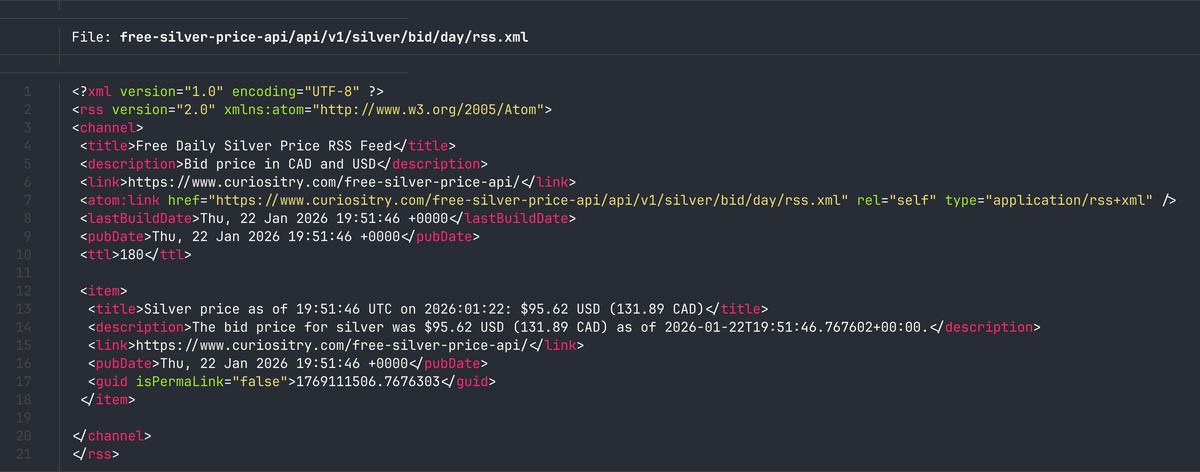](https://www.autodidacts.io/free-daily-silver-bid-price-rss-feed/)
[A basic way to hotreload an AppImageRepack and run every time you hit saveThe AutodidactsCuriositry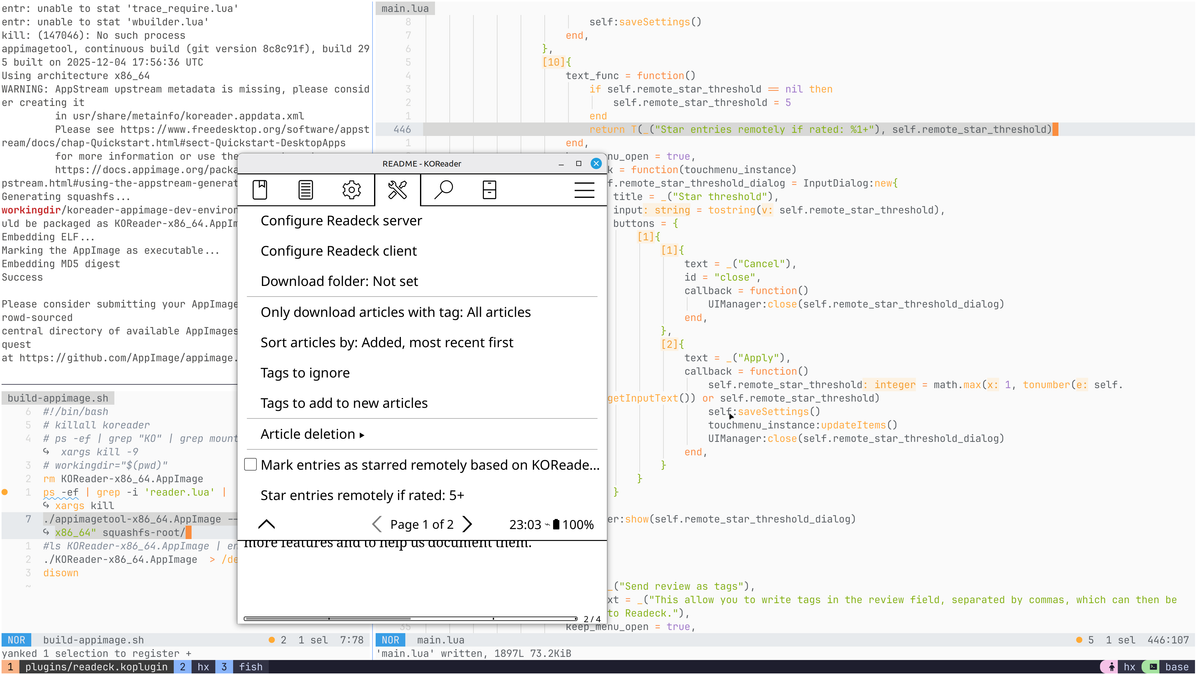](https://www.autodidacts.io/hotreload-an-appimage-extract-modify-repack-with-entr/)
[Script: bulk star Wallabag entries by URLUseful if you imported from Pocket CSV, and it didn’t include your favouritesThe AutodidactsCuriositry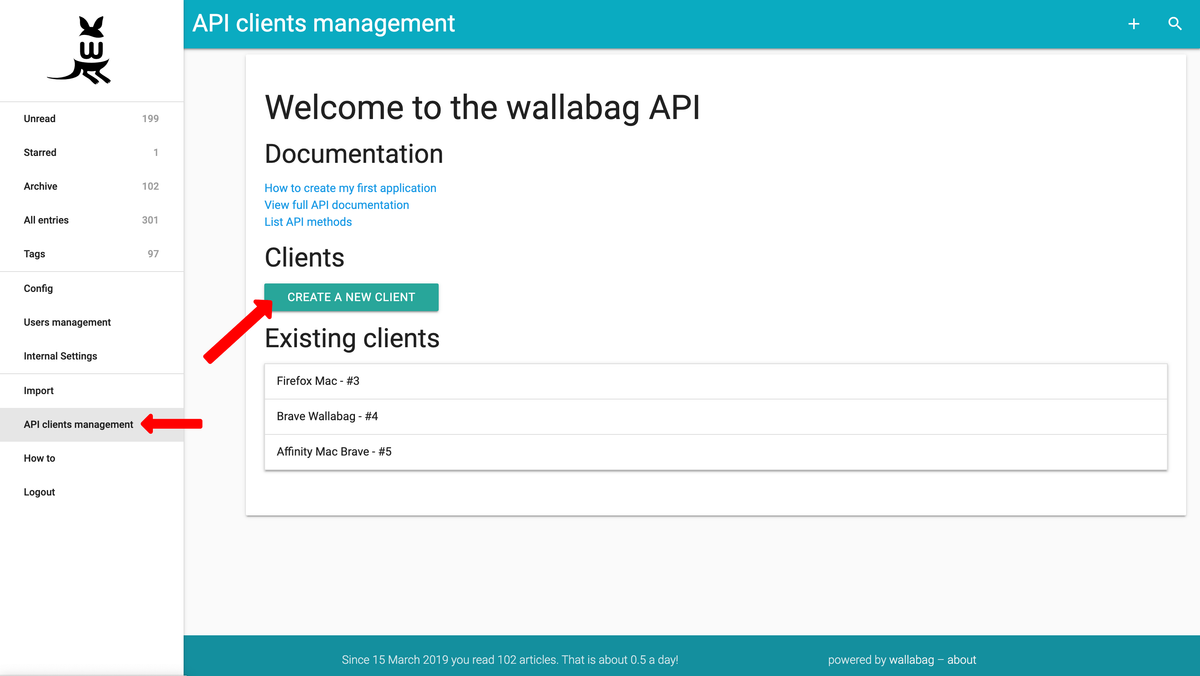](https://www.autodidacts.io/star-entries-by-url-wallabag-api-python-script/)
[Script: bulk star Readeck entries by URL (with URL cleaning)A better version of the script I wrote for WallabagThe AutodidactsCuriositry](https://www.autodidacts.io/readeck-api-like-star-favorite-entries-by-url-python-script/)
[In Praise of EarnestnessLet’s make it cool again, because it is.The AutodidactsCuriositry](https://www.autodidacts.io/earnestness/)
[An extremely silly bug🐞The AutodidactsCuriositry](https://www.autodidacts.io/an-extremely-silly-bug/)
[OCR Typewritten Documents with a Local Vision Model (Qwen3-VL:8B + Ollama)It’s now possible to get results better than Tesseract, without relying on cloud servicesThe AutodidactsCuriositry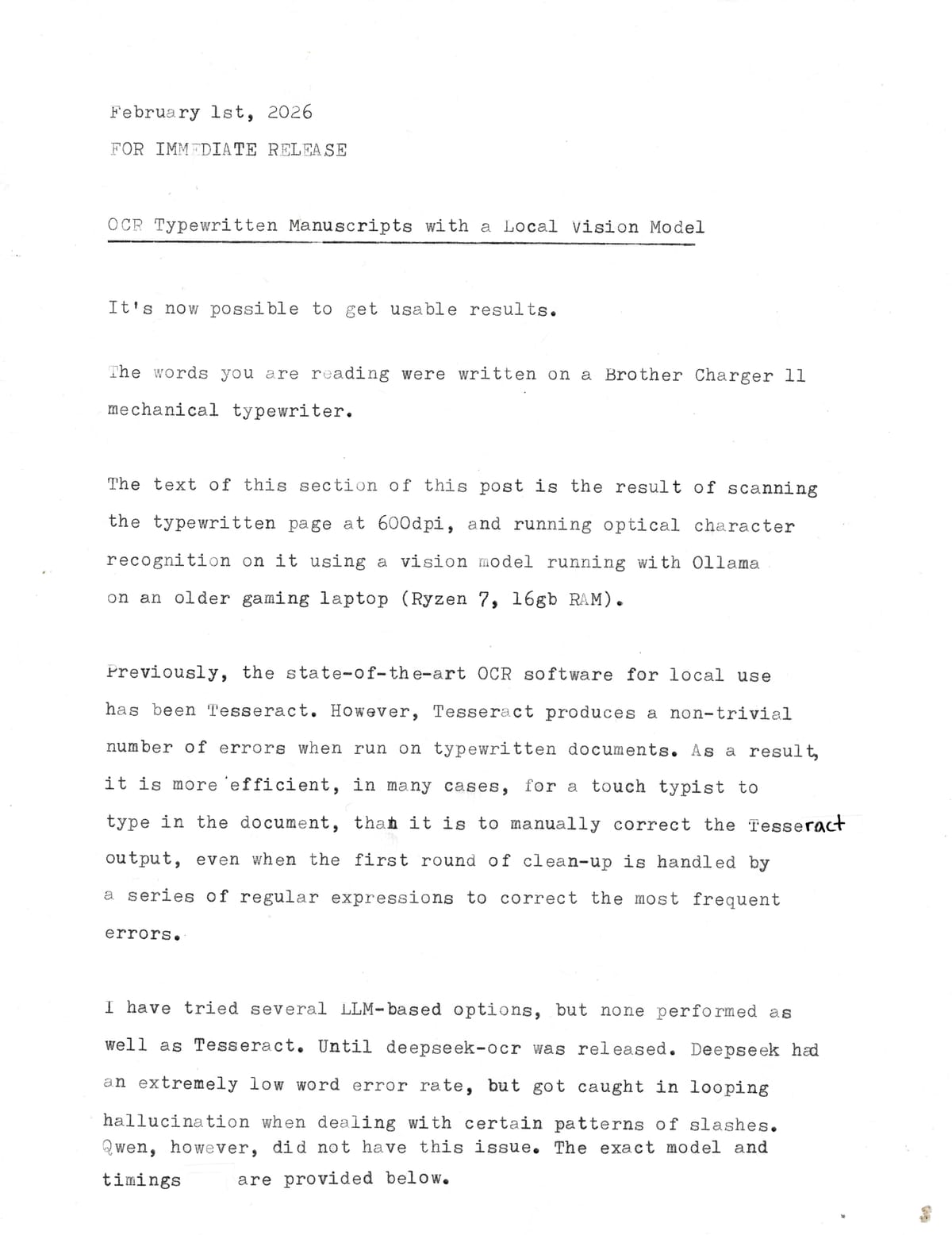](https://www.autodidacts.io/ocr-typewritten-manuscripts-with-local-ollama-vision-model/)
[How to pause and resume a resource-intensive process on Linux with SIGSTOP: specifically, Ollama LLM inferenceKeep your system resources to yourself when you need them, and put them to good use when you don’tThe AutodidactsCuriositry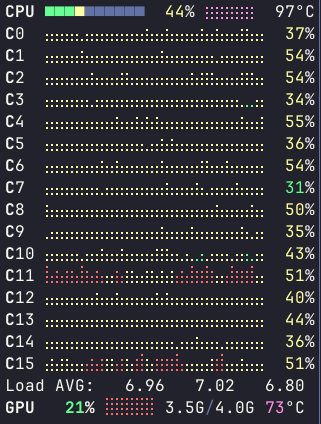](https://www.autodidacts.io/pause-resume-resource-intensive-llm-inference-process-on-linux-with-sigstop-sigcont/)
[Something good happened to my memory, and I have a theory about what caused itAccidental strength training for the hippocampusThe AutodidactsCuriositry](https://www.autodidacts.io/memory-improves-with-use/)
[Star rating support has been merged into the Readeck KOReader pluginI ported over the patch I wrote for the Wallabag plugin, and improved itThe AutodidactsCuriositry](https://www.autodidacts.io/readeck-koreader-plugin-now-supports-syncing-star-ratings-as-likes-and-labels/)
[How to increase Ollama context lengthOLLAMA\_CONTEXT\_LENGTH environment variable didn’t have an effect, but there’s another wayThe AutodidactsCuriositry](https://www.autodidacts.io/increase-ollama-context-length-num-ctx/)
[Insomnia isn’t a waste of timeSub-clinical insomnia is endemic among the people I know. And I’ve rarely heard anyone say anything good about it. We all know how important good sleep is for good health, and about the increase in heart attacks when daylight savings time kicks in, and that getting less than 6hrsThe AutodidactsCuriositry](https://www.autodidacts.io/productive-insomnia-tips-for-hypnagogic-creativity/)
[Maybe don’t optimize conversion rate?Some of the most interesting people are allergic to funnelsThe AutodidactsCuriositry](https://www.autodidacts.io/maybe-dont-optimize-conversion-rate/)
[Handy.computer is the Linux dictation app I’ve always wanted.and this post is written with it.The AutodidactsCuriositry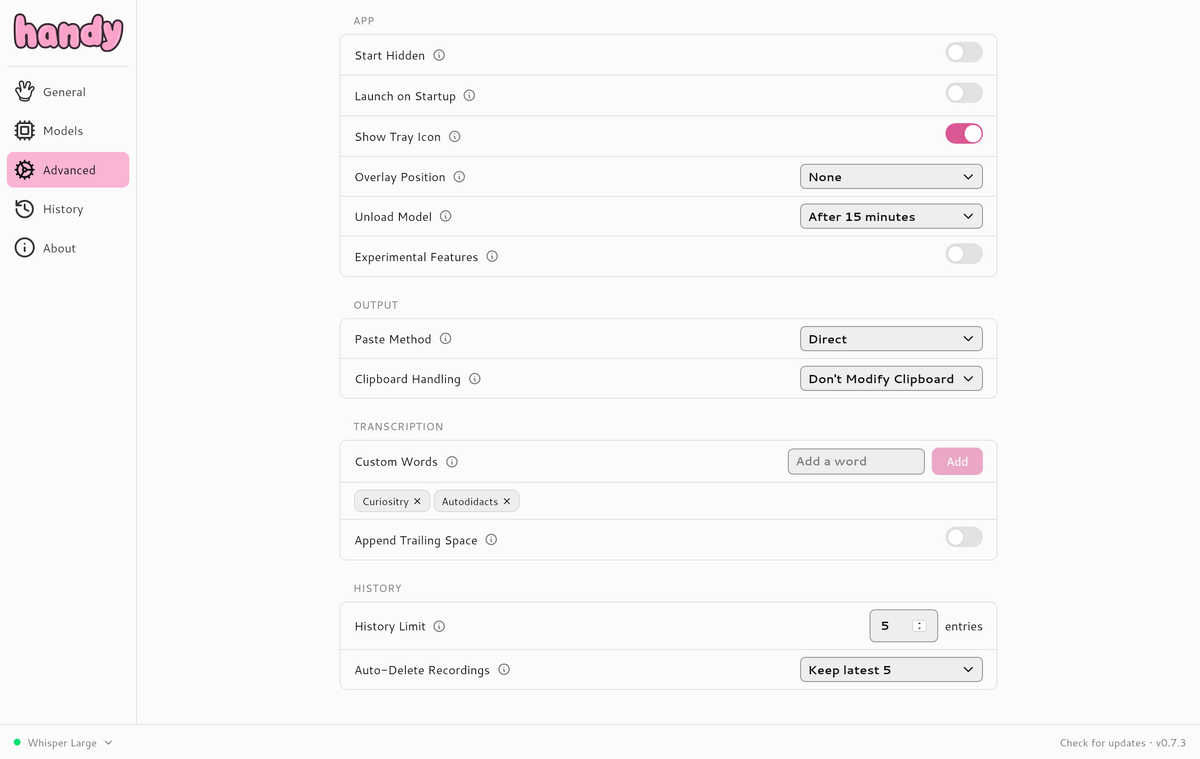](https://www.autodidacts.io/dictate-into-active-text-box-at-cursor-with-handy-linux-app/)
[A strange workaround for when the capacitive touch screen of your e-reader isn’t responding to dry fingers: use your noseNo, really.The AutodidactsCuriositry](https://www.autodidacts.io/nose-as-a-stylus-fix-for-capacitive-touch-screen-not-registering-dry-zombie-fingers/)
[An unexpected benefit of docking my laptop beside my deskI can run Performance profile all the timeThe AutodidactsCuriositry](https://www.autodidacts.io/loud-laptop-fans-fix-docking-laptop-beside-desk-reduces-noise/)
[Sonder is a word I likeAt a certain point in my life it dawned on me that other people are people too. That guy bent over with Fentanyl? A whole world: boyhood, rites of passage, dreams, regrets, memories, crushes — the works. The evil billionaire? Old wounds, sincere beliefs, time with grandchildren — playing Legos — staring atThe AutodidactsCuriositry](https://www.autodidacts.io/sonder/)
[Taking responsibility for my energy levelsBootstrapping mitochondrial function one flax seed at a timeThe AutodidactsCuriositry](https://www.autodidacts.io/tips-for-boosting-energy-levels-mitochondrial-function/)
[TIL how to accidentally overwrite a decade worth of data in LibreOffice calcAnd also, how to restore from my backup with similar single-keystroke efficiencyThe AutodidactsCuriositry](https://www.autodidacts.io/libreoffice-calc-multi-sheet-paste-can-quietly-edit-or-overwrite-data-by-accident/)
[PSA: local AI handwriting recognition is usable nowTo my delight and surprise, local Qwen3-VL:8b WER is acceptable, even on my cryptic handwritingThe AutodidactsCuriositry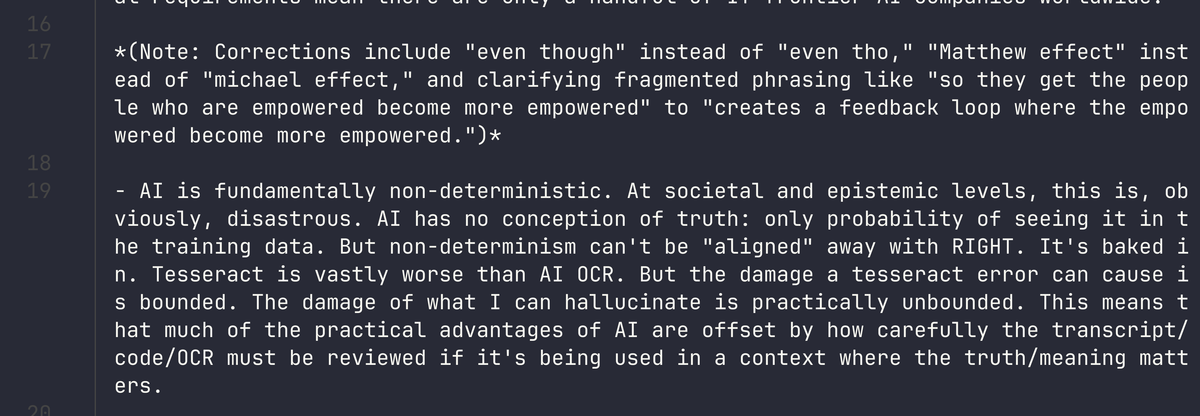](https://www.autodidacts.io/usable-local-ai-handwriting-recognition/)
[De-optimize your search terms to skip the SEO slopFinding the human in a sea of salesThe AutodidactsCuriositry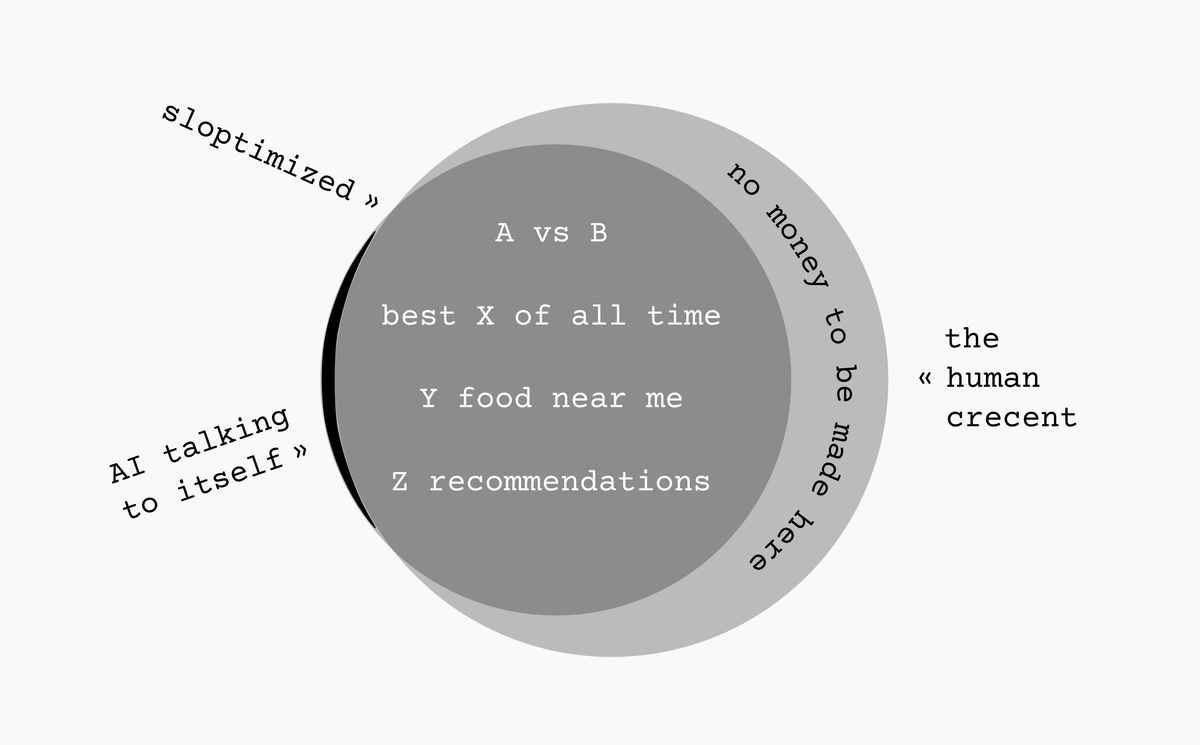](https://www.autodidacts.io/de-optimize-your-search-terms-to-skip-seo-slop/)
[The Evening Writing EffectTime for some night-owl counter-propagandaThe AutodidactsCuriositry](https://www.autodidacts.io/the-evening-writing-effect/)
[Social Cache BustingHow do you ask questions that people don’t just hippopotamus?The AutodidactsCuriositry](https://www.autodidacts.io/social-cache-busting/)
[The Fewer Ingredients The BetterGood quality ingredients hardly need seasoning. I only need to add spices if I’ve burnt the soup.The AutodidactsCuriositry](https://www.autodidacts.io/the-fewer-ingredients-the-better/)
[Paste clipboard contents in places where you can’t pasteUse AutoKey send\_keys() to put clipboard content places where it can’t normally be putThe AutodidactsCuriositry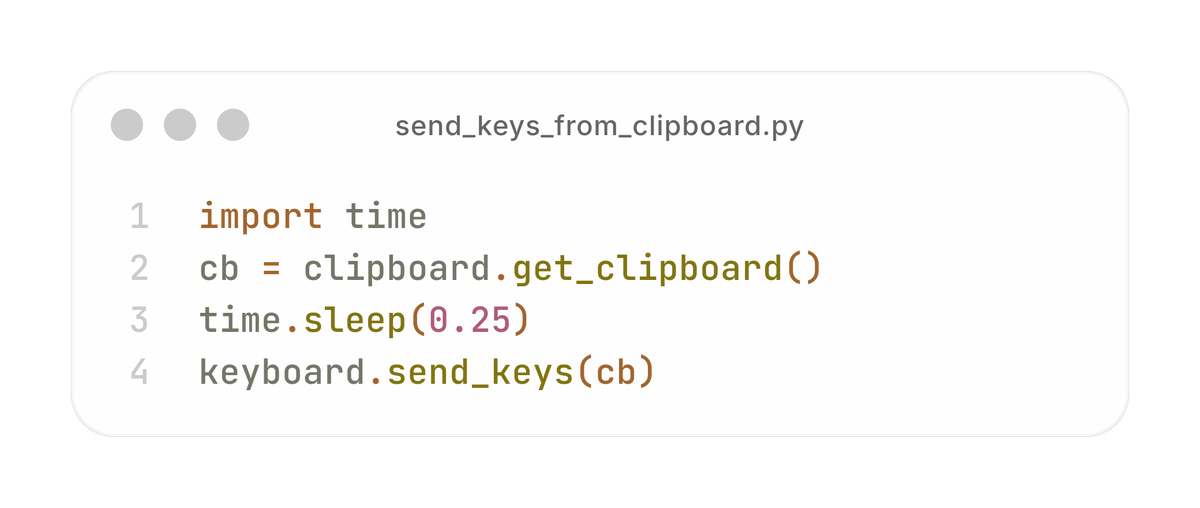](https://www.autodidacts.io/insert-clipboard-content-in-places-that-do-not-allow-pasting-with-send-keys/)
[It’s surprisingly hard to reliably paste the current date at the cursor on LinuxLong, long ago, in a dotfiles directory far away, I had this snippet: bindsym control+semicolon exec date ‘+%Y-%m-%d’ | tr -d ”\\n” | xsel -i -b && xdotool sleep 0.5 key “ctrl+v” Isn’t it a beauty? But it worked, in i3 on X11\. I devoted 500The AutodidactsCuriositry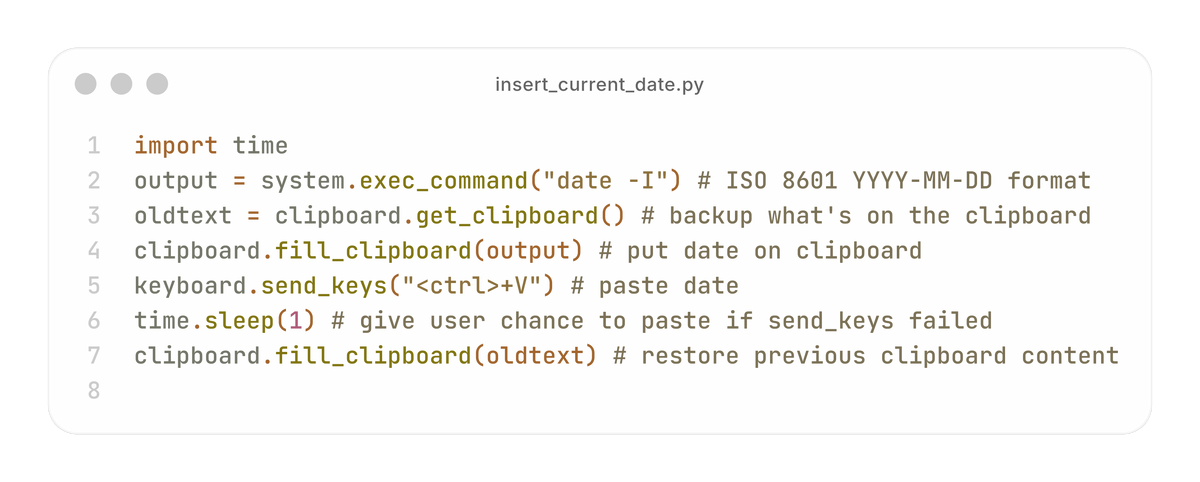](https://www.autodidacts.io/reliably-insert-current-date-at-cursor-on-linux/)
[We don’t know until the end, and it’s never the endJudging a book by its content doesn’t work eitherThe AutodidactsCuriositry](https://www.autodidacts.io/we-dont-know-until-the-end-and-its-never-the-end/)
---
The questions, corrections, comments, kind words, and good advice we receive by email from strangers and long-time readers means a lot. Thank you! We are also grateful for the donations and paid subscriptions that cover our expenses and keep morale up.
We hope to have another 25 new posts for you by the end of march.
The Autodidacts
### We don’t know until the end, and it’s never the end
URL: https://www.autodidacts.io/we-dont-know-until-the-end-and-its-never-the-end/
Last updated: 2026-02-27T22:58:00.000Z
I was perusing my reading spreadsheet, and my reviews of books I read a few years ago don’t always match my current opinion of the book, based on my memory of it.
*\[I was perusing my old book reviews, not because I’m diligent about reviewing the things I’ve learned, but because I was trying to put the pieces back together having recently learned an ominous factoid the hard way: when you have all sheets selected, to search in all sheets,* [*editing a row in the current sheet overwrites the data in that row of every other sheet*](https://www.autodidacts.io/libreoffice-calc-multi-sheet-paste-can-quietly-edit-or-overwrite-data-by-accident/)*.\]*
The obvious conclusion is that my [recently-celebrated](https://www.autodidacts.io/memory-improves-with-use/) memory is, in fact, feeble, and what I wrote in the spreadsheet cell the day I finished the book is more accurate than what I tell people about the book now. I think this is part of it. I don’t remember most of the details.
But there’s another explanation that I like better. **I don’t know whether a book will change my life until it does.** Sometimes, I might have a hunch. Or, I might enjoy reading it. But the effect a book has on me has a lot to do with what sticks with me, and if it changes my thinking and behavior. Some books, which didn’t seem that great, communicated an idea that I took to heart, and acted on. When I think back on those books, I don’t remember the prose, or necessarily even the bad/good parts. I remember, [*that book*](https://www.autodidacts.io/libreoffice-calc-multi-sheet-paste-can-quietly-edit-or-overwrite-data-by-accident/#:~:text=I%20hadn%E2%80%99t%20particularly%20enjoyed%20the%20book%3B%20I%20found%20it%20repetitive%2C%20and%20barely%20bothered%20to%20finish%20it%20at%20all.%20But%20it%20did%20change%20my%20relation%20to%20frugality.%20In%20fact%2C%20the%20trio%20of%20that%20book%2C%20The%20Psychology%20of%20Money%2C%20and%20Mr.%20Money%20Mustache%E2%80%99s%20posts%20completely%20transformed%20my%20spending%20and%20saving%20habits.) *was half-responsible for me becoming a frugality enthusiast,* or [*that book*](https://www.autodidacts.io/learn-to-enjoy-running/#read-born-to-run-by-christopher-mcdougall) *inspired me to become an ultramarathon runner,* or *that book make me de-clutter my room and give away half my clothing.*
Other books, wonderful books, I read [too early](https://www.autodidacts.io/dostoyevsky-isnt-difficult/#:~:text=When%20I%20was%20twelve%20or%20fourteen%20I%20got%20halfway%20through%20War%20and%20Peace%2E%20Unfortunately%2C%20the%20vagaries%20of%20Russian%20names%20befuddled%20me%2C%20and%20pretty%20soon%20I%20didn%E2%80%99t%20know%20what%20was%20going%20on%20and%20didn%E2%80%99t%20really%20care%2E) or [too late](https://www.autodidacts.io/dostoyevsky-isnt-difficult/#:~:text=books%20that%20made%20me%20cringe%20but%20also%20feel%20stupid%20%28A.E.%20Van%20Vogt%20after%20my%20A.E.%20Van%20Vogt%20phase%29%3B), or when I had a stomach ache, and they passed through me without leaving a trace.
*Or did they?*
If 32,000-year-old seeds buried by Siberian squirrels can [germinate and flower](https://www.nationalgeographic.com/science/article/120221-oldest-seeds-regenerated-plants-science?ref=autodidacts.io), I see no reason to think that impressions planted in my brain a few years ago have expired and become inert. They might be merely dormant, waiting for the right conditions to sprout.
Like the story of [the old man who lost his horse](https://en.wikipedia.org/wiki/The%5Fold%5Fman%5Flost%5Fhis%5Fhorse?ref=autodidacts.io), it is too soon to say.
****Note:** this post is part of [#100DaysToOffload](https://www.autodidacts.io/100daystooffload/), a challenge to publish 100 posts in 365 days. These posts are generally shorter and less polished than our normal posts; expect typos and unfiltered thoughts! [View more posts in this series.](https://www.autodidacts.io/tag/100daystooffload/)
### It’s surprisingly hard to reliably paste the current date at the cursor on Linux
URL: https://www.autodidacts.io/reliably-insert-current-date-at-cursor-on-linux/
Last updated: 2026-02-25T07:46:31.000Z
Long, long ago, in a dotfiles directory far away, I had this snippet:
```bash
bindsym control+semicolon exec date '+%Y-%m-%d' | tr -d "\n" | xsel -i -b && xdotool sleep 0.5 key "ctrl+v"
```
Isn’t it a beauty?
But it worked, in i3 on X11.
I devoted 500 words to [bemoaning](https://www.autodidacts.io/switching-to-sway-wayland-from-i3-x11-ubuntu/#more-fun-with-segmentation-faults) how hard it was to port this over to Wayland + Sway. The section was titled *More Fun with Segmentation Faults,* and my “solution” involved building alpha-quality software from source, and accepting an 80/20 solution.
And then I migrated to a boring version of Linux: Xfce (and later Cinnamon) on Linux Mint. Even though I was on X again, for some reason my original snippet no longer worked 😭.
I ended up running [AutoKey](https://github.com/autokey/autokey?ref=autodidacts.io) 24/7 *just so I could have this snippet.* And it didn’t even work reliably.
*Further reading:* [*Save the Date*](https://www.autodidacts.io/save-the-date/)*.*
Paste didn’t work in my terminal emulator, and I spend most of my time in Helix text editor, in Fish Shell, running in a Tmux session, in Ghostty (I know, I insist on making things difficult for myself).
I set it to fill the clipboard with the current date so that I could paste it, but I often ended up having something important already *on* the clipboard when I ran the shortcut, and overwriting it.
So today I made a small improvement. It tries to input the date directly with send\_keys. But it also *temporarily* puts the date on the clipboard. Before it puts the date on the clipboard, it backs-up whatever was on the clipboard. Then, after one second has elapsed, it restores the clipboard to its original state.
So if I’m in Helix, I hit Ctrl+; Ctrl+Shift+V (which is only as many keystrokes as typing `2026-`, so we are saving ourselves five whole keypresses here! And that’s assuming I know what the date is in the first place, which I usually don’t.)
Otherwise, it’s Ctrl+; and done.
Here’s my current AutoKey script:
```python
import time
output = system.exec_command("date -I") # ISO 8601 YYYY-MM-DD format
oldtext = clipboard.get_clipboard() # backup what's on the clipboard
clipboard.fill_clipboard(output) # put date on clipboard
keyboard.send_keys("+V") # paste date
time.sleep(1) # give user chance to paste if send_keys failed
clipboard.fill_clipboard(oldtext) # restore previous clipboard content
```
It still isn’t perfect, but it’s almost good enough.
### Paste clipboard contents in places where you can’t paste
URL: https://www.autodidacts.io/insert-clipboard-content-in-places-that-do-not-allow-pasting-with-send-keys/
Last updated: 2026-02-25T06:11:34.000Z
****Note:** this post is part of [#100DaysToOffload](https://www.autodidacts.io/100daystooffload/), a challenge to publish 100 posts in 365 days. These posts are generally shorter and less polished than our normal posts; expect typos and unfiltered thoughts! [View more posts in this series.](https://www.autodidacts.io/tag/100daystooffload/)
Today I was trying to run an AppImage in a firejail sandbox, to debug the issue that is currently blocking [my KOReader Wallabag plugin patch](https://github.com/koreader/koreader/pull/14793?ref=autodidacts.io).
In the process, I had to paste API keys that were too long to reliably type, and I couldn’t paste into the AppImage with the normal methods.
It turns out you *can* (duh) paste with a long press, just like on an e-reader. But this is so wildly unintuitive on desktop that I didn’t think of it at the time.
Instead, I wrote a two-line Python [AutoKey](https://github.com/autokey/autokey?ref=autodidacts.io) script, bound to a keybinding (Ctrl+Alt+Shift+Super+k, because all the good keybindings are already taken).
```python
cb = clipboard.get_clipboard()
keyboard.send_keys(cb)
```
This gets the current clipboard content, and emits it as if it was being typed. Simple, and effective.
I’ve run into places where I can type but can’t paste before, so although there was a simpler solution in this particular case, the snippet might be useful in other circumstances.
### The Fewer Ingredients The Better
URL: https://www.autodidacts.io/the-fewer-ingredients-the-better/
Last updated: 2026-02-24T07:14:54.000Z
The day before yesterday I made Borscht. It was delicious, if I do say so myself. Making Borscht is like a conjuring trick: you put a bunch of boring root vegetables in a pot, and it turns into a delicious soup.
When I was making this pot of Borscht the other day, I kept being tempted to put some *interesting* ingredients in it; to spice things up a bit. But the more-experienced cooks I consulted, both in person and on the internet, all advised against it. The secret of Borscht, they said, is its simplicity.
A good heuristic for whether a food is healthy is the length of the ingredients list, and the length of the words in that list. If you don’t know what something is, question whether you should be eating it. If a candy bar took that much sweetener and flavouring and preservatives just to make it edible, question whether you should eat it. What are they trying to cover *up* with all that stuff?!
Lousy quality, most likely. Have you ever had plain rice? Plain fresh rolled oats? Straight organic milk? Delicious! Exquisite, just on their own. Sweet. Flavourful. *Addictive*, even. The same goes for almost every good-quality food I have tasted in its traditional form. But if you have bad-quality, flavourless ingredients, you have to somehow bury that rank taste under a bunch of bold look-at-me spices. It’s like hanging an air freshener in a porta-potty that need cleaning: it fools nobody.
And what are those Tocopherols for, anyway? They’re there because the food is so old, or so poorly stored, that it’s actively trying to decay. It has reached the end of its natural life. But somebody wanted to profit, so they pumped it full of preservatives, to make it remain presentable when it really should be feeding the worms.
But things that have just a few ingredients don’t give bad quality anywhere to hide. If something’s rotten about it, *you’ll know.*
This doesn’t just apply to food. It applies to, like, everything. Websites that have so much bling and hype that you can’t even figure out what product they’re selling. Books that use big words and sweeping statements to create a diversion from the fact that they have absolutely nothing to say that is of any real relevance. There are people like that, too. And songs. The best songs are often very focussed. They say one thing, lyrically, musically, and emotionally, but they say it well.
Don’t underestimate a good pot of Borscht.
### Social Cache Busting
URL: https://www.autodidacts.io/social-cache-busting/
Last updated: 2026-02-23T05:22:36.000Z
If you’ve ever tried chatting with a public figure, you probably know what I mean by “hitting the cache”. They produce slick soundbites that sound smart-ish, and could plausibly be connected to the question you asked, or what you said. But the responses aren’t bespoke. It’s like they have a lookup table, and compare the vague topic and sentiment of what you said to their roster of prepared responses, and return the best match.
This is not unique to public figures. I do it. I think almost everyone does it to some degree. And the degree tends to correlate with how often they get asked the question. (The same way a webserver serves cached versions of the most frequently-requested, slow-to-load pages.) Since public figures get asked the same questions a lot, it makes sense that they serve most traffic from the cache.
The cache can have good stuff in it, but it’s never as interesting as interacting directly with the origin. The cache is stale. The cache is optimized. The cache is *safe*.
How do we bust the cache?
The first step is to notice that we’re hitting it in the first place. If you are happy with the response you get, there’s no reason to bust the cache.
But if you’re talking to a performer, and they have a fake, glassy-eyed smile, and go through all the correct motions, while obviously being totally checked out, *you’re not asking the right questions*. Clearly, you are asking boring questions that everyone asks, and saying boring complements that everyone says: otherwise, they wouldn’t be able to leave the interaction on autopilot.
Sometimes, just awareness can bust the cache. The person realizes they’re talking to someone who is *listening*, rather than just waiting to talk. Respect demands respect.
But people giving canned responses sometimes aren’t even there to notice whether the person they’re talking to is paying attention.
In this case, a better approach is to try to ask a question that they’ve *never* been asked before — or make an observation astute enough to pull them back to reality. The question should be something that they are excited to answer: something that makes them learn something new by answering. [\[1\]](#fn1)
(Corollary: if you’re an interviewer, you have to do a lot of research, so you can build on everything they’ve already said, instead of starting from scratch.)
It sounds like a contradiction that someone could learn something new by answering a question. Isn’t that just spitting out something they already know? No, I don’t think so. Ideas evolve in dialogue, and a good question can demand synthesis of existing knowledge, rather than parroting it; or make someone realize they know something, and have for some time, without knowing that they knew it.
In this way, busting the cache is a gift. It lifts the conversation out of the usual fan/boss/co-worker dynamic, into something more alive. It lets the person you are talking to have novel, original thoughts, rather than repeating the thoughts they’ve had before.
If someone starts talking the moment the other person finishes, chances are it’s a cache read, and not even a cache read responding to the full content: a cache read that was queued up in response to the *first* part of what was said.
If someone says, “ah, that’s interesting”, or “weird!”, or “hmm, good question”, and then stops to think, agonizingly, for an awkwardly long time, with a sort of bulging wide-eyed look, you might be about to get a fresh shipment of thoughts and feelings.
---
1. Any question I suggest is, almost by definition, probably not the right one. You can’t demand non-canned answers to a canned question! Besides, I have never managed to feel natural asking questions that I read about in a blogpost. My favourite canned question is, what have you learned recently? I find it doesn’t feel fake to ask this, even if I’ve asked other people that question before. My brother likes to ask, what are your passions in life? Or, what’s new and inspiring in your world right now? The usual “ask open-ended questions about things the person is interested in” seems to apply, but it’s quite different depending on who you’re talking to, and why. [↩︎](#fnref1)
### The Evening Writing Effect
URL: https://www.autodidacts.io/the-evening-writing-effect/
Last updated: 2026-02-22T23:37:46.000Z
****Note:** this post is part of [#100DaysToOffload](https://www.autodidacts.io/100daystooffload/), a challenge to publish 100 posts in 365 days. These posts are generally shorter and less polished than our normal posts; expect typos and unfiltered thoughts! [View more posts in this series.](https://www.autodidacts.io/tag/100daystooffload/)
Gwern looked into [the morning writing effect](https://gwern.net/morning-writing?ref=autodidacts.io), and I read the post with interest.
I would like to contribute my n=1 randomly uncontrolled study. This very poor quality, woefully underpowered study concludes: the morning writing effect is fake! The *evening* writing effect is real.
The entire body of research consists of thinking about how many times in the past two months I have gotten up, feeling rested and energetic, and with plenty of time side aside, sat down to write an essay, and discovered that I have nothing to say.
And, how many times I have been struck by an idea that feels alive, sometime between 7pm and [2am](https://www.autodidacts.io/productive-insomnia-tips-for-hypnagogic-creativity/).
It happened this morning. I re-arranged my list of hundreds of essay ideas, sorting them by interestingness. I kept my computer offline. An hour set aside, caffeinated, no excuses. No ideas.
Now, it’s 9:30, and I have an early morning tomorrow. Finally I feel like putting words down.
I’ve published 46 posts in the past month, and drafted many more, and the pattern has become very familiar.
---
In the comments on *The Morning Writing Effect,* someone [brought up](https://news.ycombinator.com/item?id=23688744&ref=autodidacts.io) “the idea that writers lie about their morning writing because it makes them sound virtuous.”
But I know that for some people, who aren’t writers, the morning writing effect is real. Some night-owl chronotypes even seem to do their best creative work in the mornings.
Maybe I’m just tired? Does that explain my failure of morning writing? No. Even when I go to bed early, get up early, and fatigue isn’t the problem, I feel like my prime time is usually the second half of the day.
A number of factors could contribute to *both* the early morning, and evening, writing effects:
- in the morning and evening, we’re less likely to feel like we need to “get to work” on more productive things
- in the morning in evening, we’re more likely to be able to work in solitude for extended stretches of time without being interrupted
- in the morning and evening, our human, urban, and natural environments are quieter
And then there are some factors that are specific to one time or the other:
- in the **morning**, we might still be in a groggy, dreamy condition
- in the **morning**, our minds might be more blank
- in the **evening**, we might have more thoughts and impressions rattling around from the day
For me, I think it’s the last one.
I started an essay five years ago titled *The* *Idea Collider,* touched on the topic in [Intentional Computing](https://www.autodidacts.io/intentional-computing/#:~:text=However%2C%20in%20each%20week%E2%80%99s%20reading%2C%20I%20inevitably%20run%20across%20ideas%20that%20percolate%20and%20ferment%20and%20recombine%20in%20my%20mind%2C%20and%20end%20up%20forming%20the%20germ%20of%20some%20new%20project%2C%20story%2C%20or%20song.), and have another one in progress called *It’s scary that the mind is basically a blender.*
When I have a long-running project that I work on every day, I can usually get in the flow, if not in the morning, at least by noon. The ideas are partly there, and mainly what’s needed is to load them back into memory, and go from there.
It’s harder to start from scratch.
I find that when I haven’t been reading, or getting new impressions, I have nothing to say. Perhaps this is the case at multiple scales. (Many things are.)
Or perhaps, I’m way off the mark, because it’s late at night and my brain has shut down.
### De-optimize your search terms to skip the SEO slop
URL: https://www.autodidacts.io/de-optimize-your-search-terms-to-skip-seo-slop/
Last updated: 2026-02-20T20:23:12.000Z
I used to search for “Best Wired Earbuds” and “Best SciFi Films” and so forth, because I like *perfection.*
But these kinds of searches don’t get me *the best X,* they get me *the X with the best marketing team.* These are not the same thing.
It took me a long time, and countless affiliate-link-laden “comparisons” before I realized that the top results for “best” anything range from comparing-while-motivated (Wirecutter) to pure unrefined vegetarian snake oil.
If there’s money to be had from the people searching for something, somebody, somewhere, has probably spent money to get a particular thing in front of the eyeballs of the populace.
As usual, once we understand the system, we can find loopholes in the system.
The default thing to search for when looking for opinions about products/media/etc is “best such and such” or maybe “such and such comparison”. But humans often ask questions like, “what’s your favorite such and such?”, or “what X do you use for Y?”.
There’s a Venn diagram of what people search for, and what people SEO optimize for:
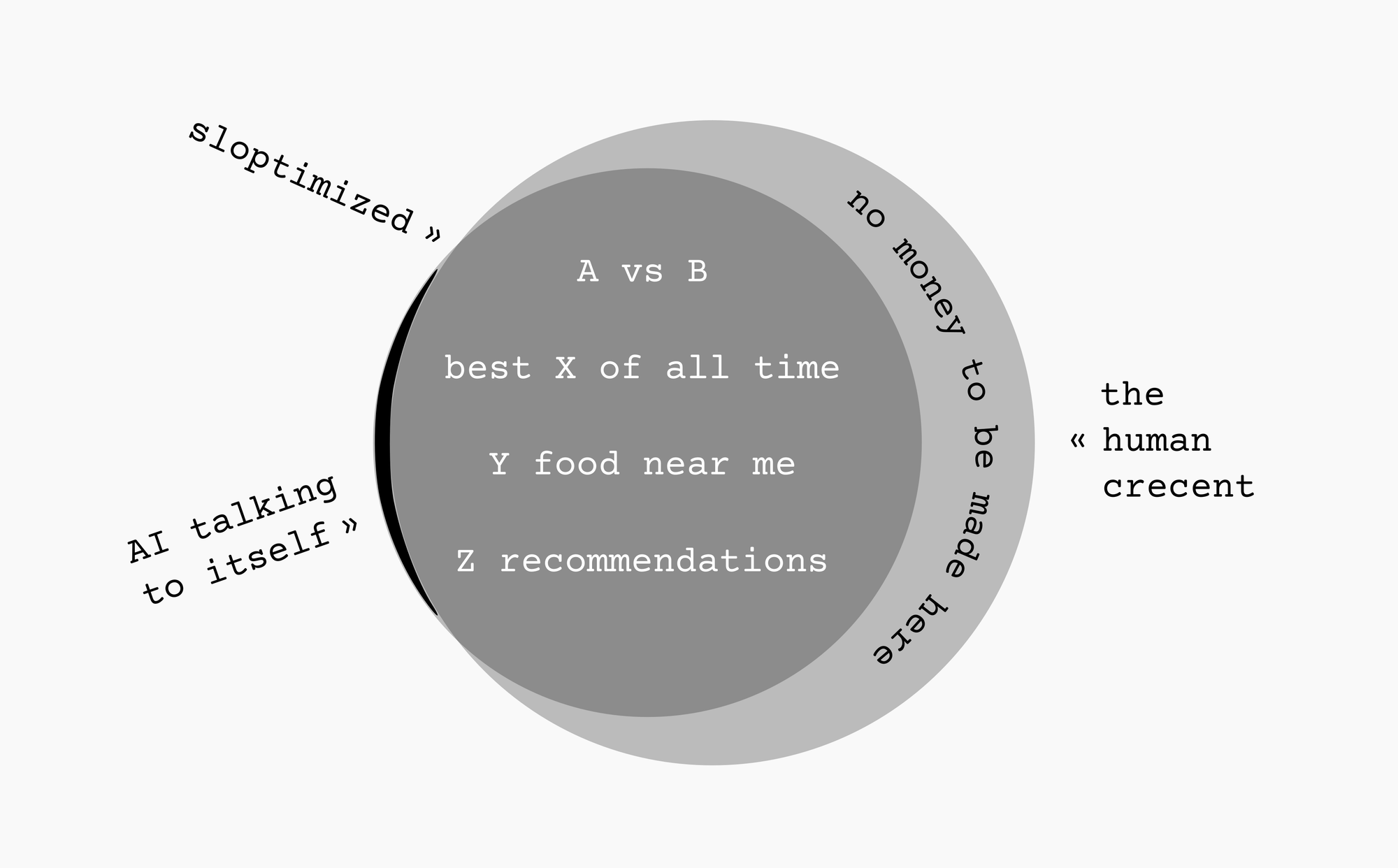
This human crescent on the right is where we can find peace, and good quality information.
Now excuse me while I go search for the second best wired earbuds, fairly decent scifi movies, and serviceable camping tents.
Perhaps we will meet again in the comments of one of those “less-well-known generalist blogs.”
### PSA: local AI handwriting recognition is usable now
URL: https://www.autodidacts.io/usable-local-ai-handwriting-recognition/
Last updated: 2026-02-20T04:57:42.000Z
****Note:** this post is part of [#100DaysToOffload](https://www.autodidacts.io/100daystooffload/), a challenge to publish 100 posts in 365 days. These posts are generally shorter and less polished than our normal posts; expect typos and unfiltered thoughts! [View more posts in this series.](https://www.autodidacts.io/tag/100daystooffload/)
I recently wrote about [using local LLMs (aka “AI”) for OCR of typewritten manuscripts](https://www.autodidacts.io/ocr-typewritten-manuscripts-with-local-ollama-vision-model/). A few days later, I tried the same set-up with an essay that I’d written in the middle of the night, and was stunned at how good the results were.
*Specifically, the first draft of [my essay on Sonder](https://www.autodidacts.io/sonder/), which was written “almost in a frenzy”, as [Dostoyevsky](https://www.autodidacts.io/dostoyevsky-isnt-difficult/) might say, while half asleep, following the technique described in my essay on [productive insomnia](https://www.autodidacts.io/productive-insomnia-tips-for-hypnagogic-creativity/). Since I had no plans to run OCR on it, or show the draft to anyone, I was optimizing for speed, not legibility.*
My handwriting is … not renowned for its legibility. I write quite a bit, and tend toward fast and sloppy. I have hoped that *eventually* an OCR would be able to process my handwriting, but until now, nothing was even close.
Using the same command and prompt as I used for typewritten documents, the word error rate was far worse than typewritten, but definitely worthwhile. As before, I was processing JPG files scanned at 600dpi. It took \~20–30 mins to process 4 pages. I later tried it on another essay, with `deepseek-ocr`, and processing time was *much* faster, and accuracy seemed relatively equivalent.
Qwen3-VL has a bad habit of including its thinking in the output even when it’s not supposed to. It even had the gall to correct “michael effect” to “[Matthew effect](https://en.wikipedia.org/wiki/Matthew%5Feffect?ref=autodidacts.io)”. (It was right, of course; I suspected I had mis-remembered the name, and would have caught it in fact checking.) This crossed a line: I don’t want OCR editing my text, even if it makes it better! This was especially offensive because the handwritten text it was correcting without my consent was my forthcoming essay, *Underrated reasons to dislike AI,* and non-determinism featured prominently.
I ran it again, using [Boris Smus’s prompt](https://smus.com/notes/2025/local-e-ink-handwriting-recognition-with-on-device-vlms/?ref=autodidacts.io) to keep Qwen on the rails:
```bash
time ls **.jpg | sort -n | xargs -I{} ollama run qwen3-vl --hidethinking "./{}\n$(cat path/to/dotfiles/prompts/qwen-handwriting-ocr.txt)" >> output.txt
```
The quality regressed a tad in other ways (Tesseract became Tessera), but this got Qwen to stop talking to itself and correcting me. I could bask in my typos.
Claude Opus is, of course, better. But if you want your writing to stay on your device, local vision models can now OCR handwriting decently well on consumer hardware. And Qwen3-VL:8B is currently the top open-weights model on the [OCR Arena leaderboard](https://www.ocrarena.ai/leaderboard?ref=autodidacts.io).
### TIL how to accidentally overwrite a decade worth of data in LibreOffice calc
URL: https://www.autodidacts.io/libreoffice-calc-multi-sheet-paste-can-quietly-edit-or-overwrite-data-by-accident/
Last updated: 2026-09-05T18:28:52.000Z
As I have mentioned before, and will surely mention again, I’ve been keeping track of the books I read for my entire adult life, and my books spreadsheet is dear to me. Each year, I add a new sheet, because I’ve accidentally shifted the columns a few times, and it was rather difficult to piece back together.
When I want to search across all the books I’ve read, I have to select all the sheets first.
Recently, I was perusing data from over the years, to confirm or falsify a hypothesis for an essay. (The fact the essay was never published says all you need to know about how *that* went.)
I discovered something strange: every year, going back to 2015, the *fifth* book I read was the same: *The Millionaire Next Door.*
*(I hadn’t particularly enjoyed the book; I found it repetitive, and barely bothered to finish it at all. But it did change my relation to frugality. In fact, the trio of that book, The Psychology of Money, and Mr. Money Mustache’s posts completely transformed my spending and saving habits.)*
Obviously something horrid had occurred. I soon guessed what: **when all sheets are selected, entering data into a cell enters it into that cell in every sheet.** And since I search much more often than I add data, I usually have all sheets selected. When you type or paste, there’s a warning, but it looks the same as the warning when you’re overwriting a single cell: not concerning. What actually happens is ... very concerning. Let me show you:
0:00
/0:20
1×
Fortunately, I had a backup. I tediously manually restored every row that had been overwritten. Except 2024\. My backup drive had run out of space, and I deleted my backup from 2024\. To this day, I do not know with certainty what was the fifth book I read in 2024, when I read it, or what I thought of it. I just know it wasn’t *The Millionaire Next Door.*
Then, later, I found *another* cell that had been overwritten. My review of *The Mom Test* by Rob Fitzpatrick had been pasted into the review cell for every book in row 21 going back through time: a book by a Buddhist Rinpoche, a book of Sufi poetry, a Spanish easy-reader children’s book, books by Ursula K. Le Guin, Ted Chiang, David James Duncan, Frank Herbert, O’Henry, Truman Capote, James P. Carse...
I put the restoration process on my todo list, but I wasn’t looking forward to it.
Today, I learned good news: not only is it easy to overwrite every sheet in LibreOffice calc by accident, it’s also possible to paste data *from every sheet*, *into every sheet —* even if the values in each sheet are different.
I think of it like operating a hole punch on a stack of paper. One little disc will say a, the next b, the third c, and so on. Then you can punch a different stack of paper with the same number of sheets, and swap the pellets. Watch:
0:00
/0:25
1×
### Taking responsibility for my energy levels
URL: https://www.autodidacts.io/tips-for-boosting-energy-levels-mitochondrial-function/
Last updated: 2026-02-16T05:19:02.000Z
Every so often, I feel tired all the time. If I’m lucky, and I *notice* that I feel tired all the time, I make a point of reviewing the things I’ve learned from the likes of [Lyn Alden’s article on energy](https://www.lynalden.com/increase-energy/?ref=autodidacts.io) and Ari Whitten’s Energy Blueprint series of lectures.
According to many pundits, weak mitochondria = lower energy. Whether or not this is true, many of the activities that health pundits recommend make me feel healthy and energetic. This may be the placebo effect, but I like the placebo effect too, so it’s not a big deal if it is. Since “energy” is pretty subjective anyway, if it *feels* like they work, might as well do them!
### Health
So much has been written about this, I’m going to mostly just breeze over this section. It also tends to be pretty specific to the individual.
For me, it means:
1. **Get enough sleep**. I default to 9 hours, which is an hour or two more than most people.
- To do this: a dark, quiet environment (earplugs help, and an eye cover); a strict caffeine cutoff; no late screentime; enough time to wind-down reading/writing before bed; avoiding eating late in the day.
2. **Get enough exercise**
- For me, this means going for a run \~3 times a week (\~1,500 kilometers per year), walking most of the days I don’t run, and whenever possible riding my bicycle instead of driving. I’ve heard that though cardio is great, strength/resistance training is as or more important for energy and longevity. Kettlebell swings are the least horrible-feeling form of strength training I have found, so I do them ... intermittently.
3. **Eat well**
- For me, this means a vegetable-based diet of unprocessed foods, with some fish, enough protein to rebuild from long runs, lots of fibre and healthy fats, and small amounts of whole grains. 98% home-cooked, from scratch. I find it’s especially helpful to eat a high protein and or high fiber breakfast, because it tends to help me feel satiated for the rest of the day and avoid snacking on junk food. In my case, this is usually whatever vegetables I can find, sardines or salmon, eggs, or DIY zero-sugar chia + hemp cereal with milk or yogurt (often with almost a cup of chia/hemp/ground flax)
### True rest
Few things are more draining than passively slacking off: it makes me feel guilty for not working, without being true *rest* that restores my health and energy.
When I feel tired, I ask myself, am I still trying to accomplish something? Or am I trying to rest?
If I’m still trying to accomplish something, then it’s not time for doom scrolling. If I’m trying to rest, it’s also not time for doom scrolling. It’s time for resting. There are very few things that are fully restful, and the main one is fully resting. For example, lying on the couch with my eyes closed, trying to nap and knowing I won’t, but still feeling relaxed.
Sometimes, it’s necessary to actually rest like this. Often, switching activities or going for a walk or doing something totally different, preferably away from a screen, is as effective as true rest. For the kind of tired that I tend to feel, running is more restful than sitting on the couch using a computer.
### Connection
Connection includes things like hanging out with people I care about, or writing emails to nifty strangers on the internet, but also things like listening to Beethoven or appreciating other art that makes me feel connected to the whole.
- [Practice gratitude](https://autodidacts.io/in-search-of-gratitude/?ref=autodidacts.io)
- [Bask in Sonder](https://autodidacts.io/sonder/?ref=autodidacts.io)
- [Do something nice for someone](https://www.autodidacts.io/how-to-make-someones-day/)
### Challenge
**Pushing my edge.** I feel most alive when I’m working on a new project that pushes my skills, and or when I’m around new people who I haven’t yet got to know and become comfortable around.
**Hormesis.** Going for ice-cold swims in the ocean makes me feel very alive. And, although hypoxia can be dangerous, there’s a recent fad of [intermittent hypoxia training](https://pmc.ncbi.nlm.nih.gov/articles/PMC9254677/?ref=autodidacts.io#abstract1). Fasting also belongs in this *feel bad to feel great* category. I’ve also noticed, paradoxically, that sometimes (not always!) I feel most energetic on days when I went for a 20k+ run in the morning.
**Status and self-respect.** Success can’t be planned, but I find that if I take on the right challenges, usually some of them pay off and make me [feel competent](https://blog.nateliason.com/p/proof-you-can-do-hard-things?ref=autodidacts.io) and like I’ve accomplished something. And feeling like what I’m doing is worthwhile and effective has more effect on my energy levels than everything else.
*Side note: a modest dose of stereotypical self-help and success literature does seem to help. The book that had the most striking effect on my energy level, even though I found it obnoxious, was High Performance Habits by Brendan Buchard. I had also just done a 5-day water fast, and a lot of running, so there may have been confounding factors.*
### Conclusion
When I feel tired or generally poorly it’s easy to just feel disgruntled, and be aware that I’m tired and feeling poorly, but not do anything about it. But if I can set-up a habit trigger, *when feeling poorly, automatically do X*, where X is any of the above activities that increase my energy level, I can bootstrap my way to a more energetic and joyful state.
****Note:** this post is part of [#100DaysToOffload](https://www.autodidacts.io/100daystooffload/), a challenge to publish 100 posts in 365 days. These posts are generally shorter and less polished than our normal posts; expect typos and unfiltered thoughts! [View more posts in this series.](https://www.autodidacts.io/tag/100daystooffload/)
### Sonder is a word I like
URL: https://www.autodidacts.io/sonder/
Last updated: 2026-02-20T21:52:21.000Z
At a certain point in my life it dawned on me that other people are people too.
That guy bent over with Fentanyl? A whole world: boyhood, rites of passage, dreams, regrets, memories, crushes — the works.
The evil billionaire? Old wounds, sincere beliefs, time with grandchildren — playing Legos — staring at the trees in the mist out the window through the coffee steam and wondering wordlessly what it all means, what it adds up to. Fond memories, perhaps, of watching Star Trek or Star Wars or playing on the beach or in the snow. Doubts if a 1-billion donation will be enough to make them feel like a good person — a generous person.
The woman who is so pretty but doesn’t seem to realize it, who I’m trying not to stare at too much — but not totally wholeheartedly, because, c’mon, *look* at her — might have a terrible stomach ache, and be thinking about whether she will pass her biomedical exam. She might be mulling over the chapter of Montaigne’s essays she just finished, which was vulgar and about farts, but he did have a point. She smiles, then remembers the gap in her teeth, which reminds her that she’s getting fat and should lose a few pounds. And maybe she should pivot and work in AI safety because will anything else matter if she doesn’t? She sees an adorable kid walk by, which triggers an ache because she wants to have a family. With Thomas. But she doesn’t even know if Thomas likes her like that or is just being friendly. He hasn’t responded. Is he okay? But also having kids is so expensive, how could they afford it?
The boy who walked by is not just ‘a kid’, or even an ‘adorable kid’. He’s Adrian, with a rich inner life of his own. He’s thinking about the cranky pirate from Swallows and Amazons, which he’s reading because Mum won’t let him use the iPad after dinner. Captain Flint is so funny. His chest is full of feelings that he doesn’t have names for that stretch his ribs outward. He picks his nose idly while thinking about Napoleon.
The writer writes and wonders if he’s any good, if anyone will read it, if he’s blowing smoke and putting on airs. But there’s something here, isn’t there, yearning to be born, if he can get the forceps on its head and pull, and remembers to cut that metaphor when editing. Maybe a nifty person will read his blog and write in. Maybe he’s just trying to feel important. Is it working? It’s hard to tell.
The reader is busy, and probably wasn’t planning to read this. Maybe breakfast is burning or the flight boarding, or sleep waiting for the glowing rectangle to go away. The main thing the reader notices is that it’s all made up. The inner lives are fake! They can tell, because this never occurred to them. All these rich inner worlds all sound a lot like the author’s fantasy about what other people are like. Because, they are … barring 100th monkey divine intervention. And yet, there’s something intriguing about the botched attempt. The reader reads on, hoping to feel and learn something — for a payoff, an aha. Maybe fantasy is better than nothing. The author is way off the mark, but at least he’s trying. If he keeps his heart open and doesn’t get cocky, he might get someplace. Wait – I can help. The reader clicks “reply by email” to straighten the author out on a few points, and writes what it’s really like to be a different person – different gender, different size, different language, different religion, different background, different country, different age, different *everything* … except what isn’t different at all.
****Note:** this post is part of [#100DaysToOffload](https://www.autodidacts.io/100daystooffload/), a challenge to publish 100 posts in 365 days. These posts are generally shorter and less polished than our normal posts; expect typos and unfiltered thoughts! [View more posts in this series.](https://www.autodidacts.io/tag/100daystooffload/)
### An unexpected benefit of docking my laptop beside my desk
URL: https://www.autodidacts.io/loud-laptop-fans-fix-docking-laptop-beside-desk-reduces-noise/
Last updated: 2026-02-13T06:43:00.000Z
Although I have plenty of monitors, keyboards, and mice for the purpose, until recently, I rarely got around to docking my laptop — even though I know having multiple monitors is one of the few things that measurably increases productivity.
Before, when I’ve docked my laptop via a USB-C hub, whether using my laptop’s trackpad and keyboard or an external mouse and keyboard, I’ve put my laptop on the same desk as the monitor, out-of-the-way, in clamshell mode.
This configuration has some benefits: big high-resolution screen, ergonomics, 104-key keyboard, and single-cable undocking for all peripherals (including Ethernet and USB-C charging).
Recently, I tried **docking the same way, but storing my laptop on its side on the floor beside my desk, and discovered: this is way better!**
Not because I have more desk space to cover with coffee cups and books, but because I can run my in Maximum Performance profile at all times **and I never hear the fans.**
The difference between different CPU profiles’ performance is substantial. Everything feels sluggish on Quiet, and snappy on Performance, and the timings on localhost show that Performance profile can give objectively faster load times (by \~3x).
I bought a gaming laptop even though I’m not a gamer, because the price-to-performance blew the competition out of the water. The downside, aside from the B-grade aesthetics and build quality, is that even after customizing the fan curves as much as I dared, the fans are *loud.* As one forum user put it, it “sounds like a fighter jet taking off” compiling Rust or running a local LLM.
Now, that doesn’t matter.
****Note:** this post is part of [#100DaysToOffload](https://www.autodidacts.io/100daystooffload/), a challenge to publish 100 posts in 365 days. These posts are generally shorter and less polished than our normal posts; expect typos and unfiltered thoughts! [View more posts in this series.](https://www.autodidacts.io/tag/100daystooffload/)
### A strange workaround for when the capacitive touch screen of your e-reader isn’t responding to dry fingers: use your nose
URL: https://www.autodidacts.io/nose-as-a-stylus-fix-for-capacitive-touch-screen-not-registering-dry-zombie-fingers/
Last updated: 2026-02-12T06:20:25.000Z
The capacitive touch screen on my Kobo Sage is rather fickle. Fairly reliably, it fails to respond to long presses if my skin is dry. This is most common after I’ve had a shower, been out in the cold, or done the dishes. Generally, simple taps and swipes still respond, but long-press to lookup in dictionary, and long-press-and-grab to highlight a passage, do not.
*This is a known phenomenon called “zombie finger”, most common in cold climates like Canada, where everything is drier, and exacerbated by calluses, which musicians develop on the pads of their fingers if they play a stringed instrument.*
This is not only due to the moisture content. I have tried moistening my hands, but it doesn’t help.
However, I have found a comical workaround that is quite reliable: **highlight passages with my nose.**
My nose is always moist and greasy enough that the screen responds.
I have to go slightly cross-eyed to target the start and end of the sentence or paragraph, but it’s not too hard. And even if I miss by a word, it’s often possible to adjust the grab handles by that much after the fact using my finger.
This post sounds like a joke, and when I do it, it feels like a joke. But it’s not a joke. Try it: it works.
Many a reading session has been saved by taking “having my nose in a book” a few inches further.
****Note:** this post is part of [#100DaysToOffload](https://www.autodidacts.io/100daystooffload/), a challenge to publish 100 posts in 365 days. These posts are generally shorter and less polished than our normal posts; expect typos and unfiltered thoughts! [View more posts in this series.](https://www.autodidacts.io/tag/100daystooffload/)
### Handy.computer is the Linux dictation app I've always wanted.
URL: https://www.autodidacts.io/dictate-into-active-text-box-at-cursor-with-handy-linux-app/
Last updated: 2026-09-05T18:28:58.000Z
Not too long ago, I wrote about [Whispering](https://www.autodidacts.io/whispering-open-source-dictation-app-for-linux/), an open source, offline dictation app for Linux. However, what I've always wanted, and once even tried to build using Whisper C++ and shell scripts, is a dictation app that inserts the dictated text at my cursor.
Handy.computer is that app and this post is written with it.
The gloriously pink settings UI. Notice the custom words section: very useful.
Handy is available for Windows, Mac, and Linux. It is written in Rust and supports a variety of models. I am using Whisper-Large, however, it also supports Moonshine and NVIDIA Parakeet, which are significantly faster, though slightly less accurate.
I am four paragraphs into this post, and so far I haven't made a single correction. I will list the total number of corrections at the end of this post.
0:00
/0:07
1×
so meta
Handy was a breeze to install and so far seems easy to use and stable. The main weak point that I've noticed is that the first few words of each transcription tend to get missed. I find it helps to clear my throat at the beginning of a sentence and give a few moments before I start speaking.
You have to be careful with a dictation app that automatically inserts the transcript at the cursor. After dictating the previous paragraph, I alt-tabbed to btop to check the resource usage while Whisper-Large was transcribing, and the app pasted a whole paragraph of text into the filter dialog of btop.
Handy is built with rust and tauri by CJ Pais. Learn more at [Handy.computer](https://handy.computer/?ref=autodidacts.io).
---
*The entire text up to the divider was dictated using Handy, with only *2 corrections*. Handy rendered tauri "tarry", and I had to remove an extraneous "it." from the end of the title. I added the hrefs to the links, but left the text unchanged. I ran dictation a paragraph at a time, so linebreaks were added manually. The image and video were added after I finished dictation.*
****Note:** this post is part of [#100DaysToOffload](https://www.autodidacts.io/100daystooffload/), a challenge to publish 100 posts in 365 days. These posts are generally shorter and less polished than our normal posts; expect typos and unfiltered thoughts! [View more posts in this series.](https://www.autodidacts.io/tag/100daystooffload/)
### Maybe don’t optimize conversion rate?
URL: https://www.autodidacts.io/maybe-dont-optimize-conversion-rate/
Last updated: 2026-02-09T06:43:55.000Z
****Note:** this post is part of [#100DaysToOffload](https://www.autodidacts.io/100daystooffload/), a challenge to publish 100 posts in 365 days. These posts are generally shorter and less polished than our normal posts; expect typos and unfiltered thoughts! [View more posts in this series.](https://www.autodidacts.io/tag/100daystooffload/)
Substack has a pop-up that’s really in your face and kind of annoying. I figured that Substack has probably A/B tested that pop-up thoroughly, and decided the tradeoff is worth it.
So I copied it for the Ghost theme running on this blog, and made it *slightly* less annoying. (Instead of a popup, it’s a full viewport shown to logged-out users, with only one clear thing the user can do other than scroll: subscribe!) I discovered that it worked staggeringly well: 10–20x more subscribers than the normal opt-in forms.
I congratulated myself for my incredible audience funnel and moved on to other things, like trying to write more than 6 posts per year, and keep my server from crashing.
After a while, I started to worry. [Goodhart’s Law](https://en.wikipedia.org/wiki/Goodhart%27s%5Flaw?ref=autodidacts.io) states, “When a measure becomes a target, it ceases to be a good measure”. Conversion rate is probably the most common *target* metric.
Maybe it works so well because people don’t realize they can just scroll down? Maybe they think they’re stuck there, and it is just a newsletter? *Maybe I am selecting an audience of people who don’t know how to scroll down, while driving away the people who are most like me: the people who don’t like marketing, popups, captchas, and anything that smells like a “funnel” or “content”.*
I turned it off for a long time. Then I turned it on. There’s a 50% chance it’s on the homepage right now.
I’m going to go on an entomological tangent. Suppose you want to fill an aquarium with cool bugs. You are lazy and ask someone else to do it, and you pay them by the bug. You don’t specify the task quite clearly enough. They optimize their acquisition, put out flypaper next to the compost pile, and fill your aquarium with dying flies.
This seems to be what many internet content businesses are doing.
*No no no no.*
The coolest insects are the ones that are out in the *grass*, and the coolest wild insects are the ones that are sneaky and hard to catch.
The person with the most teeming and vibrant aquarium is the one who goes crawling around getting mud and grass-juice on the knees of their jeans, finding the bugs where they are. Or, maybe, attracting the bugs to them. But if you just dig through the compost, it will all be worms. Good for the metrics (if you’re into bait fishing or vermiculture), but missing the rest of the ecology.
The capturing part of this metaphor is problematic, but has some truth.
If you capture a stink bug or cedar bug, it will spray you. Skunks, also, don’t like to be captured. (The list of creatures that dislike captivity is long, and I am on it.) But cedar bugs are pretty nifty creatures, if you just hang out with them without making them feel trapped. Cedar bugs like me thrive as [RSS](https://www.autodidacts.io/what-is-rss/) subscribers, who can come and go as they please.
If you want to write for a living in the 21st century, you have to be a ridiculously good writer, or a solid writer with great marketing.
Hence, the flypaper popup I installed on this blog, which tripled my readership — but at what cost?
How much quality makes up for how much lack of quantity? How much growth hacking odor will your best readers tolerate before they unsubscribe?
Where is the balance between having no one find the things you make, and making the wrong things and having too many of the wrong people like them? The balance, where you make the things that matter, and get them to the people who care about them?
I recently updated my social media byline to “get your answers questioned”, and I seem to have been hoist by my own petard.
### Insomnia isn’t a waste of time
URL: https://www.autodidacts.io/productive-insomnia-tips-for-hypnagogic-creativity/
Last updated: 2026-02-08T05:28:47.000Z
Sub-clinical insomnia is endemic among the people I know. And I’ve rarely heard anyone say anything good about it.
We all know how important good sleep is for good health, and about the increase in heart attacks when daylight savings time kicks in, and that getting less than 6hrs rest is equivalent to being over the legal alcohol limit in its impact on reaction time when driving a car, and that basically if we’re lying in bed not sleeping we are literally probabilistically giving ourselves alzheimer’s, cardiovascular disease, and cancer all at once.
For most of my life, I’ve been a night owl (generally considered a character flaw by those around me, and a symptom of laziness), and part of it is because though I sleep soundly, for the most part, once I start, it takes me a long time (0.5–3+ hrs) to fall asleep unless I’m dog-tired. I’ve tried everything the internet has to offer and nothing has helped. ([Yet](https://www.autodidacts.io/intractable/#:~:text=Fall,hygiene%E2%80%9D%2E%29).)
(I suspect growing up in a family of meditators, but finding meditating boring and never really getting into it, even though I know it’s good, incentivized getting up late, so I wouldn’t have to meditate, or disturb the people who were.)
In addition to changing how I think about [what counts as sleep](https://www.autodidacts.io/sleep-is-a-continuum/), I have found another trick for not getting wigged out about how long it takes me to fall asleep: embracing the benefits of hypnagogia.
Edison, Dali, *et al* are famous for taking daytime naps in a chair while holding a key over a metal pan, to wake them the moment they lost muscle tension — and then writing down the ideas they had had.
Recently, I realized that probably half of my ideas come to me while I’m failing to fall asleep. (Another quarter in the shower, and the rest when I’m meditating.)
Often, insomnia does feel useless. Fairly reliably, though, there will be one epic night of sleeplessness every week or month, often on the full moon (or, perhaps, I just notice that it’s the full moon when I’m wondering why I have such terrible insomnia), when I fill up a full page with ideas for essays, projects, things to research, and so on.
In general, the worse the insomnia, the more ideas I come up with. For best results, drink coffee late in the day, eat a late dinner, and finish off with a large slab of strong chocolate cake. Half-marathon to ultramarathon length runs also seem to tend to generate the good kind of insomnia for having ideas, the lying awake buzzing kind.
**Tips for productive insomnia:**
- **Always keep a notebook by your bed.** Keep the notebook open at all times, with an inked pen sitting on it.
- **Keep a dim lamp next to the notebook.** My preferred choice is a $5 junk-shop brass lamp, with a 5-10 watt incandescent bulb, on a dimmer. This doubles as a reading lamp that’s nicer on the eyes than an e-reader frontlight. When I’m travelling or camping, I use a Petzl headlamp on night vision mode, which has a handy glow-in-the-dark ring that makes it easy to find and turn on.
- **Write it down.** When you have an idea, chances are you won’t feel like writing it down, because you’re so comfortable and drowsy, and it feels like you’ll remember it. In my experience, even the most vivid ideas will be gone by morning. If it’s a really good idea, I write it down immediately. If it’s so-so, and I’m willing to risk losing it, I make one of two bargains with myself:
- I commit to writing it down once I have \~2–3 ideas to write down, which is about how many I can hold in my working memory, and also the max I’m likely to remember in the morning (if I’m lucky, and remember any).
- Or, I commit to writing it down next time I change position. This means that if I’m *actually* about to fall asleep, I won’t rouse myself. Either I’ll fall asleep, or I’ll capture the idea.
- **Load the raw material for what you want your subconscious to work on into your mind** before you go to bed. If I read the news, or watch a movie, or have an argument before going to bed, my brain will tend to theorize about the plot, or rehash the argument. The results don’t tend to be very actionable, or useful. Instead, I like to load my memory with one of three categories of things:
- **The working draft** of my top-priority project. This could mean re-reading the draft of an essay, or listening to voice memos of unfinished songs, or thinking about where I’m stuck on a programming project.
- **Good philosophical stuff** that will put my brain to work on the big questions, rather than gossip and trivia (this tends to generate ideas about how to improve myself and my life, and psychological insights, rather than project ideas)
- **Concrete facts from diverse fields.** In my case, this tends to mean reading the essays I chose [on Monday](https://www.autodidacts.io/intentional-computing/#parkinsons-law#:~:text=Every%20Monday%2C%20I%20check%20my%20newsletters%20folder%20and%20RSS%20reader%2C%20skim%20the%20headlines%20and%20articles%2C%20and%20send%20the%20items%20I%20want%20to%20spend%20my%20limited%20time%20on%20earth%20reading%20to%20my%20Kobo%20e-reader%2C%20where%20I%20can%20read%20them%20at%20leisure.), which are about all kinds of things, and tend to include a mix of tech, science, and philosophy, with an emphasis on people’s blogs where they write about whatever interests them. I find that reading in-depth articles on wildly different niche topics, back to back, and then drawing connections between them, fairly reliably generates interesting essay/business/project/song ideas.
- **Review in the morning.** Many of the ideas I have during insomnia are really dumb, but don’t seem dumb at the time. (This might be a key to why insomnia generates so many ideas: the censor is on a cigarette break, so bad-seeming ideas don’t get automatically shot down.) In the morning, I look at the page of [illegible](https://www.autodidacts.io/personal-shorthand-symbols/) notes I took, and transfer out of the good ones. Many are crossed off. A few seem worth pursuing further. This essay was one of them.
****Note:** this post is part of [#100DaysToOffload](https://www.autodidacts.io/100daystooffload/), a challenge to publish 100 posts in 365 days. These posts are generally shorter and less polished than our normal posts; expect typos and unfiltered thoughts! [View more posts in this series.](https://www.autodidacts.io/tag/100daystooffload/)
### How to increase Ollama context length
URL: https://www.autodidacts.io/increase-ollama-context-length-num-ctx/
Last updated: 2026-02-07T05:58:35.000Z
****Note:** this post is part of [#100DaysToOffload](https://www.autodidacts.io/100daystooffload/), a challenge to publish 100 posts in 365 days. These posts are generally shorter and less polished than our normal posts; expect typos and unfiltered thoughts! [View more posts in this series.](https://www.autodidacts.io/tag/100daystooffload/)
I was trying out `glm-ocr`, and discovered, that though it has performance close to Qwen3-VL or deepseek-ocr, while requiring less resources, it produces empty output with Ollama’s (tiny, 4096) default model context size.
Discussion [here](https://github.com/ollama/ollama/issues/14114?ref=autodidacts.io) pointed me in the right direction.
According to [Ollama’s docs](https://docs.ollama.com/context-length?ref=autodidacts.io), you can set the context length with the `OLLAMA_CONTEXT_LENGTH` environment variable.
I tried it, both by exporting the variable and restarting the Ollama service (`sudo service ollama restart`), and by passing it directly to the Ollama run command. No luck!
Rather than debug what was going wrong, I found a workaround.
It was simple to set the context length from the REPL that starts when you start a session with `ollama run glm-ocr`, with no prompt:
```bash
/set parameter num_ctx 10240
```
But I wasn’t running `glm-ocr` from the REPL, I was running it from the CLI. And `/set` doesn’t persist once you exit the REPL.
I found the answer I needed [in a comment](https://old.reddit.com/r/LocalLLaMA/comments/1nffm7r/psa%5Ffor%5Follama%5Fusers%5Fyour%5Fcontext%5Flength%5Fmight%5Fbe/ndwl63i/?ref=autodidacts.io) on the r/LocalLLaMA subreddit.
Set the context, as above, with:
```bash
/set parameter num_ctx 10240
```
*Then*, save a copy of the model with the current parameters as the default settings:
```bash
/save glm-ocr-10k
```
Now, I can use it on the CLI by using the new model name:
```bash
ollama run glm-ocr-10k "Text Recognition: ./image.jpg"
```
**What values work well?**
Since Ollama silently truncates context, it’s hard to know what’s the right value to use. Set it too high, and it will max out your resources. [Ollama recommends 64000 for agents etc](https://docs.ollama.com/context-length?ref=autodidacts.io), but this won’t run on an older laptop.
- The default (4096) produces no output with `glm-ocr`, just empty markdown and text code fences.
- 10240 produces output (with errors)
- I’m currently trying 20480\. It has the same errors as 10240, but is pretty good; I don’t know whether the errors relate to the context size or not.
- 64000 requires > 16gb RAM.
**Why not just downscale the images?**
That’s what I’m going to try next.
### Star rating support has been merged into the Readeck KOReader plugin
URL: https://www.autodidacts.io/readeck-koreader-plugin-now-supports-syncing-star-ratings-as-likes-and-labels/
Last updated: 2026-02-05T02:13:55.000Z
****Note:** this post is part of [#100DaysToOffload](https://www.autodidacts.io/100daystooffload/), a challenge to publish 100 posts in 365 days. These posts are generally shorter and less polished than our normal posts; expect typos and unfiltered thoughts! [View more posts in this series.](https://www.autodidacts.io/tag/100daystooffload/)
I am happy to report that my pull request adding star rating synchronization to iceyear’s Readeck KOReader plugin was merged today, and I have submitted a follow-up PR with UI improvements.
[Sync KOReader star status to Readeck (as labels / favorites) by curiositry · Pull Request #20 · iceyear/readeck.kopluginI have ported over and improved a patch I wrote for the Wallabag plugin (koreader/koreader#14793), to add rating syncing to this plugin. If the user checks a feature checkbox, this syncs star ratin…GitHubiceyear](https://github.com/iceyear/readeck.koplugin/pull/20?ref=autodidacts.io)
I took [the code I wrote for the Wallabag plugin](https://www.autodidacts.io/star-wallabag-entry-from-koreader/), and the feedback I received on the [KOReader pull request for that patch](https://github.com/koreader/koreader/pull/14793?ref=autodidacts.io), and combined the two. So this patch has a nice menu entry.
It might not look like much, but it’s quite blingy, by my standards!
Next, I plan to port the new UI back over to the Wallabag plugin, so that patch can be merged.
### Something good happened to my memory, and I have a theory about what caused it
URL: https://www.autodidacts.io/memory-improves-with-use/
Last updated: 2026-02-04T06:13:36.000Z
In my youth, I had a decent but unremarkable memory. I tended to remember things I had learned fine, but wasn’t good at remembering “facts” that I didn’t immediately put to use, such as names and dates.
This changed [perceptibly](https://www.autodidacts.io/my-year-of-100-books/#:~:text=I%20remember%20more%20of%20what%20I%20read%3B%20I%20used%20to%20remember%20concepts%2C%20plots%2C%20and%20characters%20%E2%80%94%20but%20retaining%20dates%2C%20figures%2C%20and%20other%20details%20was%20a%20lost%20cause.%20For%20better%20or%20worse%2C%20my%20memory%20for%20names%20and%20places%20and%20obscure%20factoids%20seems%20much%20stickier.%20That%20said%2C%20I%20didn%E2%80%99t%20run%20any%20tests%20on%20memory%20before%20the%20challenge%2C%20so%20this%20is%20a%20purely%20subjective%20experience%20of%20personal%20growth%2C%20and%20therefore%20profoundly%20suspect.) in 2015, when [I challenged myself to read 100 books](https://www.autodidacts.io/my-year-of-100-books/) in a year. (There may have been other factors, including several months of travel, and getting into music, but the reading binge seems like the most likely cause.)
I didn’t make any special effort to remember the books I read. It would be another year before I tried taking serious reading notes, and this was also before my spaced repetition phase. So I remember little about many of the books I read (that year, and in general). I like the Emerson ([?](https://quoteinvestigator.com/2016/06/20/books/?ref=autodidacts.io)) quote:
> “I cannot remember the books I’ve read any more than the meals I have eaten; even so, they have made me.”
Still, something about trying to absorb that many stories and names and facts, without getting them muddled, caused a change that’s still apparent a decade later, even though I have never managed to read that many books in the years since, and in the past few years, have been lucky if I read more than 20.
Since then, there are two other things that I believe have also strengthened my memory in a non-trivial way: **journalling** in a way that leans heavily on autobiographical memory, and **writing down my dreams**. More on the exact details, and why I think it helped, at the end of the post.
*This is relative to my baseline. I’m not a memory athlete with impeccable recall. I can’t count cards, and sometimes I drink out of other people’s cups. I forgot about the idea for this essay for several days after I came up with it, and also often forget to eat breakfast.*
My casual study of memorization techniques is *not* one of the three things that seem to have made a significant difference, though I’m sure it helped. For a while, after reading posts on the SuperMemo blog, and [Michael Nielsen](http://michaelnielsen.org/?ref=autodidacts.io)[’s superb essay on spaced repetition](https://augmentingcognition.com/ltm.html?ref=autodidacts.io) (among others: [1](https://borretti.me/article/effective-spaced-repetition?ref=autodidacts.io), [2](https://gwern.net/spaced-repetition?ref=autodidacts.io)), I got really into it, and memorized a lot of digits of Pi and other useless things using Anki.
I made the rookie mistake of importing huge decks into Anki, and then got bogged down by the tiresome reviews of material that wasn’t worth learning in the first place, and eventually gave up on it. It still auto-starts when my computer boots.
In addition to spaced repetition, I read about memory palaces (which I never managed to get to work effectively, though it *maybe* helped for memorizing a long poem), and tried to start a Zettlekasten.
In short: I had a phase where I was into memory, but it didn’t really stick or produce huge results.
It’s possible the perceived improvement in my memory is an illusion. It’s also possible that it did improve, but I’m attributing the effect to the wrong thing. Lifestyle factors that are likely contributing: I get lots of sleep, exercise, and healthy fats; avoid smartphones and social media; have a passing interest in most fields, because they can all inform my writing, so I work against discarding information as irrelevant; write a lot by hand; deliberately repeat names and phone numbers to myself over and over until I think I’ll remember them; am a touring musician, which means I need to have the chords and my part *more-or-less* memorized for over a hundred songs, and lyrics memorized for the subset of those songs that I wrote or sing harmony on; and like to be right, and win arguments and bets.
However, two things did noticeably help, in a way that felt similar to reading all those books in 2015, though less dramatic:
1. I have kept paper-and-ink journals on and off for most of my life. Mostly, it’s a pretty boring *then I did this then I did that* history, with occasional complaining/philosophizing/rubber-duck-debugging thrown in. At some point, I became more zealous about never missing a day, to the point of *backfilling* days or weeks from memory (and notes) if I get behind. This is kind of a burden. It’s unclear if journalling makes me happier, or if it’s just that feeling guilty about not journalling makes me *unhappy*. But regardless of the benefits or drawbacks of journalling, having to remember and re-construct what I did, sometimes days or weeks later, means I have to make effortful use of my memory on a daily basis.
2. For a while, I wrote down my dreams every morning. This was very tedious and not all that psychologically insightful: they were mostly insipid, sordid, or bonkers, and I rarely found deep insights in them, or strong correlations with my recent activities. It also took *ages*, because if you actually remember your dreams, the amount of data is equivalent to a screenplay for a feature length film. (This was part of the motivation for creating a [personal symbol shorthand](https://www.autodidacts.io/personal-shorthand-symbols/).) However, there’s something unique about remembering your dreams. It feels like *they’re always at the perfect point on the forgetting curve for a review.* They’re almost always hard to remember. But I know that if I try hard enough, in the right patiently-non-effortful sneaking-up-on-the-memory way, there’s guaranteed to be something there to remember. **Remembering my dreams feels like strength training for the memory-retrieval networks of my brain.**
The common thread in these observations is that **memory improves with use.** Saying “I have a *terrible* memory for names” can be a self-defeating self-fulfilling prophesy. Instead, try, “*Samantha.* Good to meet you!”, and then, under your breath, *Samantha. Samantha. Sam-an-tha.* And then, fifteen minutes later, “I was talking to … sam… sam-*an*\-tha—”. You get the idea!
Maybe these three techniques apply more broadly. I hope so! If you’ve found a helpful technique/essay/book, or I forgot something when I was writing this post, please reply by email or leave a comment.
****Note:** this post is part of [#100DaysToOffload](https://www.autodidacts.io/100daystooffload/), a challenge to publish 100 posts in 365 days. These posts are generally shorter and less polished than our normal posts; expect typos and unfiltered thoughts! [View more posts in this series.](https://www.autodidacts.io/tag/100daystooffload/)
### How to pause and resume a resource-intensive process on Linux with SIGSTOP: specifically, Ollama LLM inference
URL: https://www.autodidacts.io/pause-resume-resource-intensive-llm-inference-process-on-linux-with-sigstop-sigcont/
Last updated: 2026-02-03T07:14:29.000Z
****Note:** this post is part of [#100DaysToOffload](https://www.autodidacts.io/100daystooffload/), a challenge to publish 100 posts in 365 days. These posts are generally shorter and less polished than our normal posts; expect typos and unfiltered thoughts! [View more posts in this series.](https://www.autodidacts.io/tag/100daystooffload/)
Yesterday, I wrote about how to run [OCR with local vision models and Ollama](https://www.autodidacts.io/ocr-typewritten-manuscripts-with-local-ollama-vision-model/). One of the main drawbacks of running local LLMs with Ollama (or any other tool) is that they’re almost comically resource-hungry.
It’s hard to run LLM inference “in the background” while doing other things. The fans rev up, the keyboard deck grows warm to the touch, and sometimes the whole system freezes.
I have tried limiting the Ollama’s RAM usage with ulimit, and systemd memory limits (`systemd-run –scope -p MemoryMax=12G –user ollama run qwen3-vl`), but it *needs* the memory. And I’ve tried `renice`ing it to lowest priority, but the fans still get noisy.
Now, I have better solution: *pause* inference when I’m using my laptop, and *resume* when I get up to get a snack or go for a run.
I’ve known, for a while, about Ctrl+Z, and had the vague sense that jobs must be able to be stopped and resumed, in cases where this is possible.
Today, I bothered to look it up, and learn about the graceful request, 20 SIGTSTP, and the forceful order 19 SIGSTOP, both of which are resumed with 18 SIGCONT.
(Full table of signal numbers can be found [here](https://man7.org/linux/man-pages/man7/signal.7.html?ref=autodidacts.io#:~:text=SIGCONT%20%20%20%20%20%20%20%20%2018%20%20%20%20%20%20%20%20%20%2019%20%20%20%20%20%2025%20%20%20%20%20%2026,%20%20%20%20%20%20%20SIGTSTP%20%20%20%20%20%20%20%20%2020%20%20%20%20%20%20%20%20%20%2018%20%20%20%20%20%2024%20%20%20%20%20%2025).)
However.
When I tried these in `htop`, they didn’t work. There are many different processes. There’s the ollama server, the ollama runner, ollama run, and the rest of the pipeline that started the workload. Take a look!
```
ps aux | grep ollama
```
Which one is actually relevant?
I tried several things that didn’t work. (If you want the spinner to freeze, stop the **ollama run** command :)
What I learned:
1. The heavy resource usage is from the **runner** process(es)
2. The **serve** and **runner** processes cannot be paused and resumed without using sudo
3. Memory remains tied up while the process is stopped (the same amount, or just some?). It would be cool if there was a way to write this to disk and then load it back into RAM.
4. Ollama doesn’t listen to Terminal Stop (SIGTSTP, -TSTP, -20)
5. One time, using SIGSTOP resulted in losing *one page* of the OCR pipeline. I don’t understand why: obviously the Ollama process didn’t like being put on ice. When I tried to get this to happen again, no pages were lost.
Here’s the command I ended up using.
```bash
sudo killall -STOP ollama
```
(Confirm it worked by listening to the fans spin down, seeing the resource usage and load average drop in `htop`, and running `ps aux | grep ollama` and again an seeing that there’s a **T** added to column 5; or run `ps -p $(pidof ollama) -o pid,stat,cmd` and the T will be in the STAT column)
Then, when I’m done using my laptop, and want to put those idle clock cycles to use, I run:
```bash
sudo killall -CONT ollama
```
It’s pretty handy!
### OCR Typewritten Documents with a Local Vision Model (Qwen3-VL:8B + Ollama)
URL: https://www.autodidacts.io/ocr-typewritten-manuscripts-with-local-ollama-vision-model/
Last updated: 2026-02-02T07:29:27.000Z
****Note:** this post is part of [#100DaysToOffload](https://www.autodidacts.io/100daystooffload/), a challenge to publish 100 posts in 365 days. These posts are generally shorter and less polished than our normal posts; expect typos and unfiltered thoughts! [View more posts in this series.](https://www.autodidacts.io/tag/100daystooffload/)
---
February 1st, 2026
FOR IMMEDIATE RELEASE
OCR Typewritten Manuscripts with a Local Vision Model
It's now possible to get usable results.
The words you are reading were written on a Brother Charger 11 mechanical typewriter.
The text of this section of this post is the result of scanning the typewritten page at 600dpi, and running optical character recognition on it using a vision model running with Ollama on an older gaming laptop (Ryzen 7, 16gb RAM).
Previously, the state-of-the-art OCR software for local use has been Tesseract. However, Tesseract produces a non-trivial number of errors when run on typewritten documents. As a result, it is more 'efficient, in many cases, for a touch typist to type in the document, than it is to manually correct the Tesseract output, even when the first round of clean-up is handled by a series of regular expressions to correct the most frequent errors.
I have tried several LLM-based options, but none performed as well as Tesseract. Until deepseek-ocr was released. Deepseek had an extremely low word error rate, but got caught in looping hallucination when dealing with certain patterns of slashes. Qwen, however, did not have this issue. The exact model and timings are provided below.
---
The command that generated the above transcript was:
```bash
time ls **.jpg | sort -n | xargs -I{} ollama run qwen3-vl --hidethinking "./{}\nOCR this document." >> output.txt
```
It took 5 minutes and 31.96 seconds to generate the output, running on Maximum Performance profile, with many other applications also open and using resources.
You will need to have Ollama, xargs, enough RAM to run an 8 billion parameter model (12–16gb, probably, given that 16gb is usually *just* enough to run 14b models), enough free disk space to pull the model (6.1gb), and either Fish shell or bash with `setopt globstar`. And, be willing to have the machine it’s running on get bogged down (or set a systemd memory limit, renice, etc)
You will notice that it is set up to process an entire directory of scanned images and append the output from each page into a single text file.
### An extremely silly bug
URL: https://www.autodidacts.io/an-extremely-silly-bug/
Last updated: 2026-02-01T07:38:41.000Z
It was one in the morning. I was coding a JavaScript front-end calling an API. Every time I hit the load data button, in addition to loading the data, the browser’s print dialogue would open. [Like this.](#1)
I was suspicious, because I'd used a 3rd party slugify function with unicode regex that I didn’t really understand:
```javascript
slug = slug.normalize('NFD').replace(/[\u0300-\u036f]/g, '')
```
Malware? I read about code almost this innocent-looking containing obfuscated malware-delivery, and also about researchers finding code snippets in the wild that display differently from what gets copy-and-pasted, so people might read them, and then paste and run them without *re-*reading them, and suddenly discover that they're curl-ing to bash and uploading all their SSH keys and crypto wallets.
I was also paranoid because I hand-code pretty much all my software without LLM assistance, but for this one-off script (gathering data for an Autodidacts newsletter, and not using any auth or non-public data) I'd generated the boilerplate code with an LLM.
The answer, as foreshadowed by the title, was much more embarrassing and funny.
I had been writing a lot of Python. And I had added some logging to make sure the slugify function was working properly...

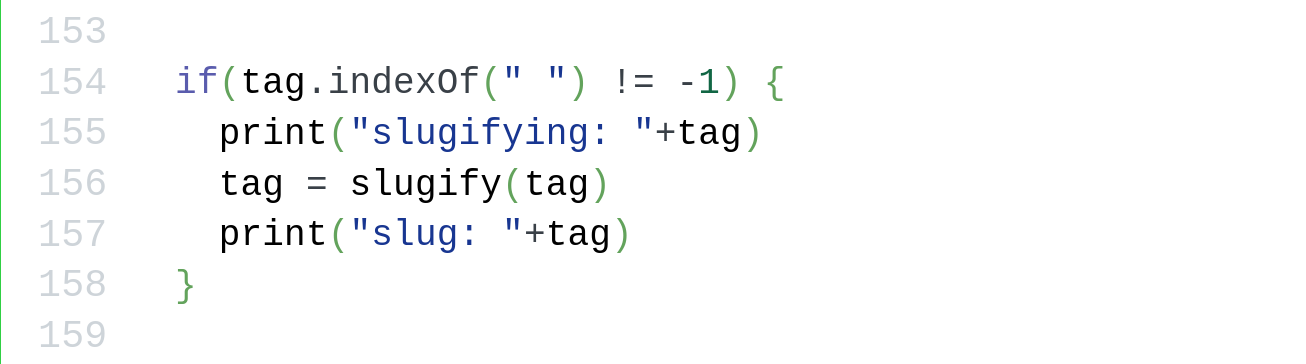
That’s right. I had used Python’s `print("Message")` for logging instead of JavaScript’s `console.log("Message")`. And, guess what `print()` does in JavaScript!
### In Praise of Earnestness
URL: https://www.autodidacts.io/earnestness/
Last updated: 2026-01-31T00:52:53.000Z
Goodness could use a better marketing department. Somehow, cool has always tracked edgy, and been more correlated with bad behavior than good. And with a seeming disenchantment with heros and “moralizing”, this has gotten more so. I often read studies like [this one](https://www.apa.org/pubs/journals/releases/xge-xge0001799.pdf?ref=autodidacts.io), and think, what could be done to make non-performative goodness *cool* and high status?
I am starting my advertising campaign by taking out a full page ad for the virtues of earnestness.
Earnestness is having a tiny Renaissance in certain obscure corners of the internet, with Visakan Veerasamy and Henrik Karlsson two of its most eloquent champions.
People make fun of other people for being earnest. Sometimes this is warranted. People who are still earnest, despite being laughed at, tend to have a level of social obliviousness, or lack of self consciousness, that is both a strength and a weakness. Sometimes, also, earnestness is a product of naïveté, and people are not being laughed at for being earnest, but for being (in the critics’ eyes) so confidently wrong. But being laughed at tends to make people close up, and either not do the thing they get ridiculed for, or only do it in private.
Another word for closed-upness? Cynicism. With all apologies to Diogenes, who was pretty rad, lower-case cynicism is just lame.
Brett McKay wrote a fairly tolerable post skewering cynicism as a life philosophy. I don’t usually link to AOM, mostly because of the name. It sounds cringe, or like some manosphere thing. Also, it’s conservative, and Christian. So uncool in the SF internet filter bubble! But you know what? I have been reading AOM since 2008-ish. It’s the only “men’s lifestyle” blog I follow. And I’m going to take my own advice and be cringe. I don’t agree with all of it, but I think AOM is one of the more consistently thoughtful and sane self-help and life skills blogs.
Apart from the theory about people getting hurt and then retreating into their shell, Brett says that the antidote to cynicism is love. And earnestness is, essentially, loving something enough – even if it’s just an unpopular hobby – that they’re willing to sacrifice status (ie, comfort) for it.
Earnestness is most powerful when combined with “seriousness”: being earnest and sticking your neck out for things that *matter*.
In *The Moat of Low Status* and *Crossing the Cringe Minefield*, Sasha Chapin and Cate Hall argue that mastery almost always requires a period of being painfully (and often, publicly) inept. Dan Luu has written insightfully on the same theme in *Willingness to Look Stupid*. (SMTM’s post on *The Scientific Virtues* harps on this, too.) Cate Hall also mentioned somewhere that there’s a reason the symbol for love includes an arrow. I’d always thought that was so dumb. But viewed through the frame of Brett’s post, it kind of makes sense!
Cringe is another concept that badly needs skewering. There is some signal in cringe. Shameless self-promotion is cringe and rightfully so. So is talking too loud on the phone in public. So far so good. The problem is that cringe has more to do with what’s currently in vogue and what’s outmoded than with what’s objectively good or bad. Skeuomorphic design is outmoded and possibly cringe, despite having some objective UX advantages over flat design and material design. Being able to tell that a button is a button has utility, no matter what the taste-makers think.
The other problem is that the people who are really cringe don’t even know it, while basically well-intentioned, self-conscious pushovers limit their degrees of freedom due to excessive social sensitivity and fear of being cringe. And a third problem is that cringe is a construct that has a lot to do with what we think other people think (about us), as a result of what we think about some third thing. People tend to be terrible at predicting what other people think and feel, yet we shape our lives around our projections of other people’s projections. It’s silly. Half the time, they probably aren’t thinking about us in the first place: they’re too busy thinking about Trump and themselves (and if they like us, what we think of them and what we think they think about us.)
Earnestness as a default mode has several advantages in addition to being uncynical and immune to cringe consciousness.
It seems to be correlated with humility, openness, and positivity. Cynicism assumes it knows what’s possible and what’s not, and then aims low and snickers at anyone who doesn’t. But predicting the future, by writing off the possibility that it could be different than the past, is kind of arrogant. Profitable for an investor, maybe, but not for an inventor.
Criticising is much easier than building, but building is more valuable. Earnestness is a builder’s attitude.
And sometimes, even when paired with “unrealistic” ideas and optimism, that attitude is just what’s needed to change the world.
When the situation is hopeless, our only hope is earnest people who don’t know, or refuse to accept, that the situation is hopeless — and therefor, try.
---
*I would like to dedicate this essay to the memory of Ray Bradbury. I teared up just looking for a photo of the guy to use as a post image. This quote has stayed with me:*
> *I have never listened to anyone who criticized my taste in space travel, sideshows or gorillas. When this occurs, I pack up my dinosaurs and leave the room.*
### Autodidacts Newsletter #24
URL: https://www.autodidacts.io/autodidacts-newsletter-24/
Last updated: 2026-01-28T21:48:06.000Z
On Dec 31st 2025, I boldly announced that I was thinking of trying to publish a vast quantity of posts, in lieu of a handful of long-chewed-over deep dives.
Feedback came in **69:31** in favor of the experiment. Despite my encouragement of honest/blunt feedback, I assume a slight bias toward positive feedback, but the sentiment was probably still >50% positive, which meant it was up to me — and I thought, *let’s go for it.*

actually i use helix
In the past month, I published four times more posts (24) than I published in all of 2025 (6).
I’ll be the first to admit: they aren’t as good. But this is not the beginning of a long slide into short-form clickbait and tech tutorials. This post-a-lot-and-see-what-sticks experiment is temporary, and calculated to do two things: 1) give me a lot of practice writing, and 2) create a large quantity of quietly useful posts that help people solve problems, and also bring in new readers for the more philosophical essays, by giving search engine exposure. In the long run, I plan to continue the gradual transition — which this experiment has temporarily interrupted — toward more in-depth posts and perennial topics.
Five or six of the posts are general-interest. My favorites are probably [*Human Beings are Waterproof*](https://www.autodidacts.io/human-beings-are-waterproof/) and [*Dostoyevsky Isn’t Difficult*](https://www.autodidacts.io/dostoyevsky-isnt-difficult/). There are also a couple of posts on sleep (a favorite activity of mine). I drafted many philosophical posts, but I tended to get cold feet about publishing them when they were still raw, and fall back on tech how-tos.
I tried to put enough jokes in the niche tech tutorials to make them modestly entertaining even for people who don’t have the problems they solve. I enjoyed writing about [Patching KOReader](https://www.autodidacts.io/star-wallabag-entry-from-koreader/) (because I actually fixed it), [Split Testing in \~50 Lines of JavaScript](https://www.autodidacts.io/split-testing-in-50-lines-of-javascript/) (more technically in-depth than some), and [the psychology of Ghost signup spam](https://www.autodidacts.io/ghost-newsletter-sign-up-spam/) (because I made funny memes).
Here’s the full list of posts:
[Cerelog’s ESP-EEG is a new 8 channel biosensing board at a hobbyist-friendly priceThe same number of channels of EEG/EMG/ECG for half the priceThe AutodidactsCuriositry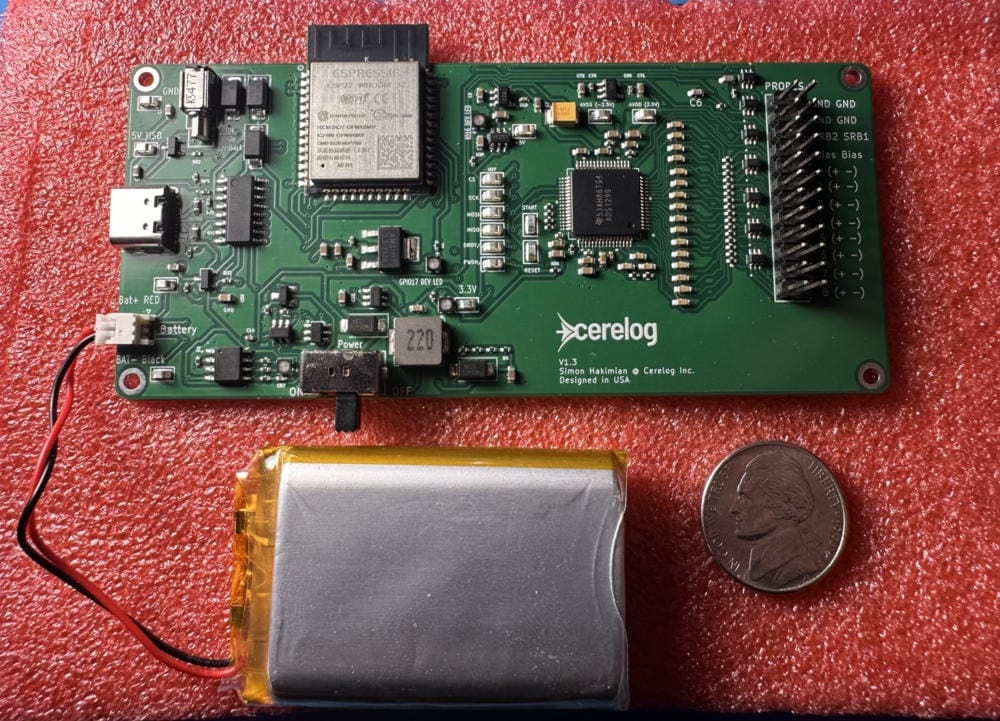](https://www.autodidacts.io/cerelog-esp-eeg-affordable-openbci-like-board/)
[Filtering RSS feeds by tagUse CommaFeed filter expressions to hide irrelevant posts like this oneThe AutodidactsCuriositry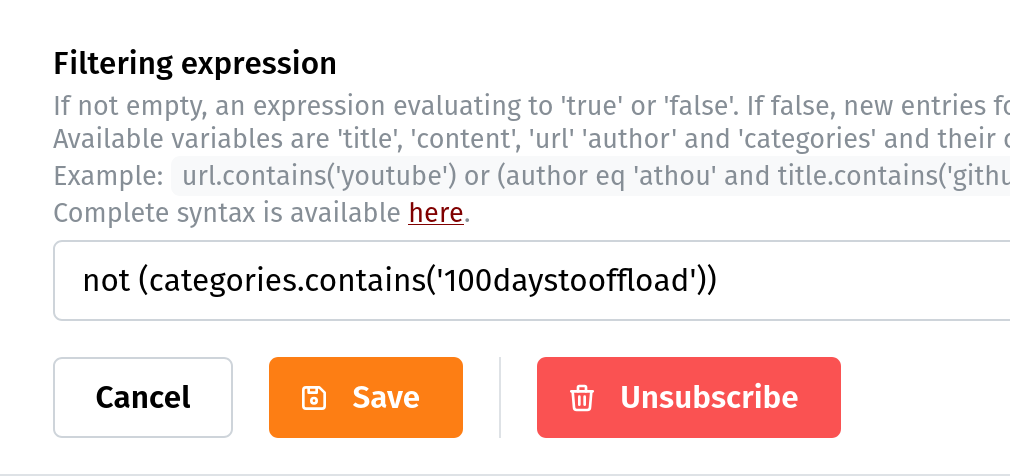](https://www.autodidacts.io/filter-rss-feeds-by-tag/)
[An unsolved question in sleep scienceOr, a display of my ignorance of sleep scienceThe AutodidactsCuriositry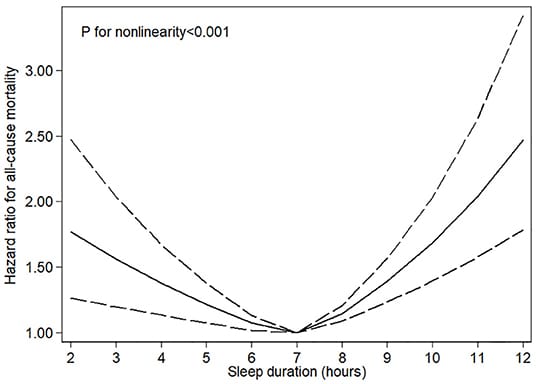](https://www.autodidacts.io/long-sleep-duration-and-mortality/)
[A list of public Wallabag instances that seem legitEspecially free-to-use instances that might be around for a whileThe AutodidactsCuriositry](https://www.autodidacts.io/wallabag-instance-list/)
[Patching KOReader Wallabag Plugin to add star supportNow you can star Wallabag entries from the comfort of your Kobo e-readerThe AutodidactsCuriositry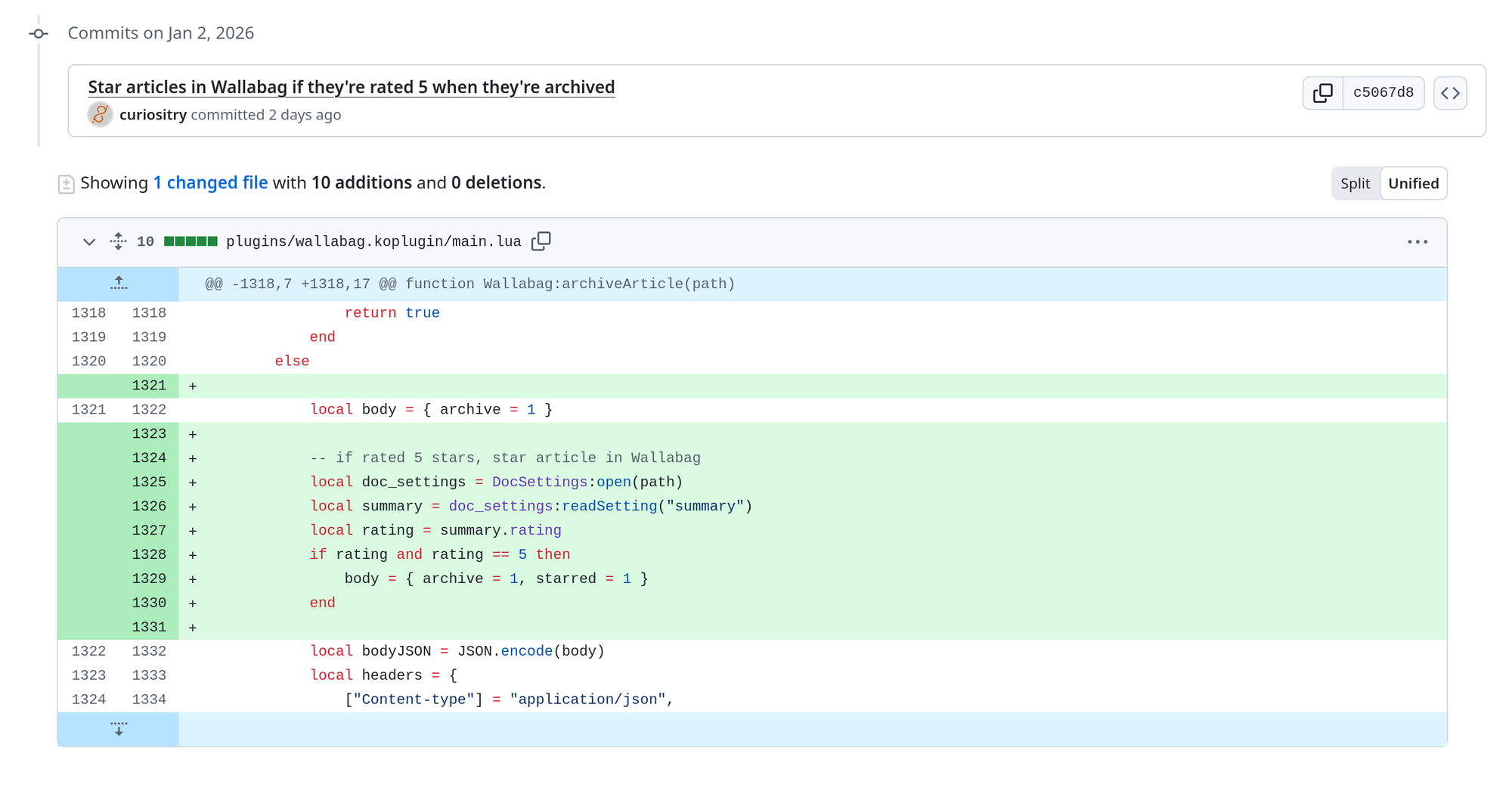](https://www.autodidacts.io/star-wallabag-entry-from-koreader/)
[Sleep is a continuumDon’t believe the HypnogramsThe AutodidactsCuriositry](https://www.autodidacts.io/sleep-is-a-continuum/)
[Wallabag wins, despite its flawsFreedom and flexibility make up for the rough edges (and the competition has its own usability issues)The AutodidactsCuriositry](https://www.autodidacts.io/wallabag-wins-despite-its-flaws/)
[Regex is horrible, yet regex is amazingAnd it’s not just for programmersThe AutodidactsCuriositry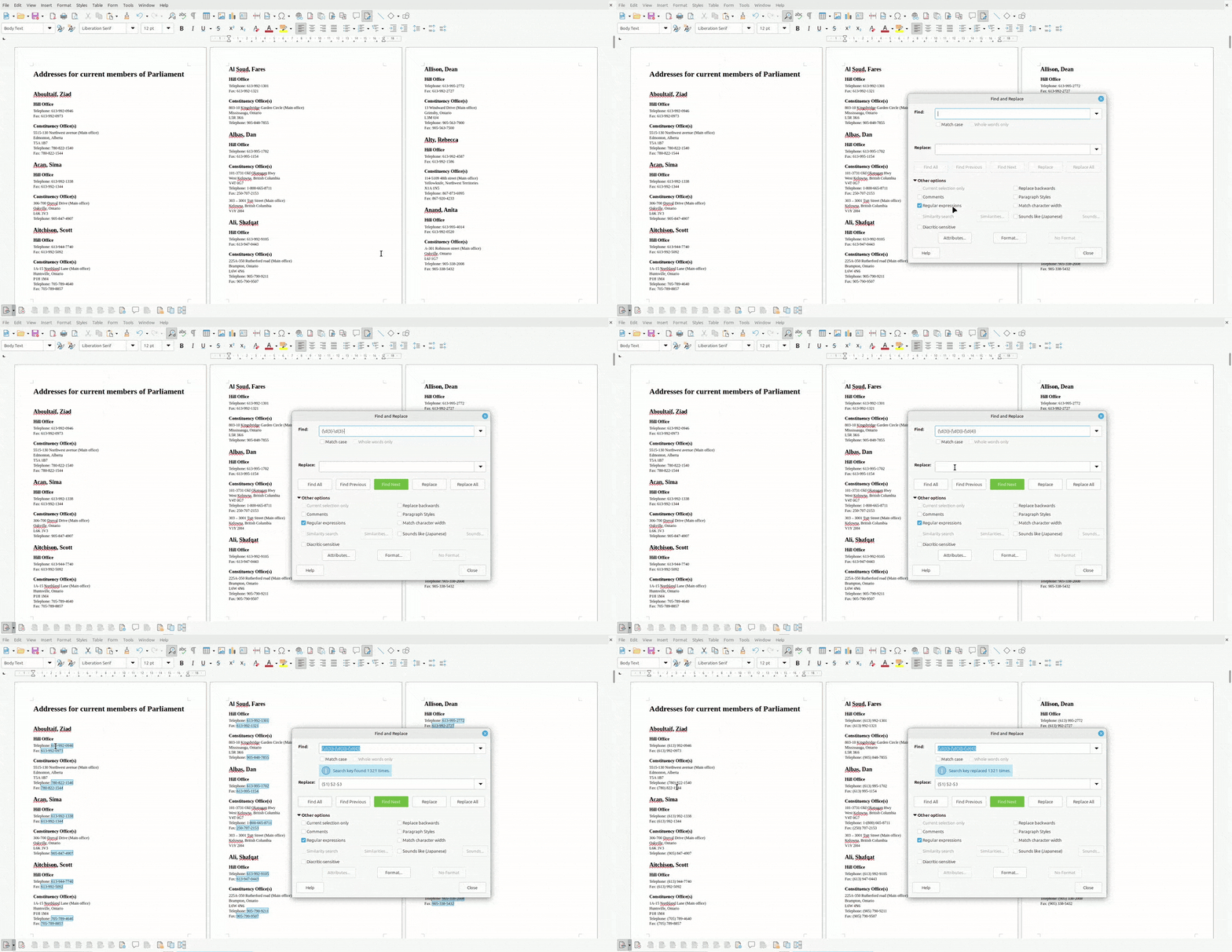](https://www.autodidacts.io/horrible-amazing-regex/)
[Create custom filtered RSS feeds in Ghost, the easy wayCreate custom feeds, on custom routes, without editing theme filesThe AutodidactsCuriositry](https://www.autodidacts.io/create-custom-filtered-rss-feeds-with-ghost-cms-routes-channels/)
[Script: export post as Markdown via Ghost Admin APIOnce upon a time I deleted the production databaseThe AutodidactsCuriositry](https://www.autodidacts.io/script-export-post-as-markdown-via-ghost-admin-api/)
[How to Migrate Kobo eReader Books & Annotations to a New DeviceAnd probably not even brick itThe AutodidactsCuriositry](https://www.autodidacts.io/migrate-kobo-ereader-content-books-annotations-to-new-device/)
[What’s the end game for Ghost newsletter sign-up spam?My theory of mind is failingThe AutodidactsCuriositry](https://www.autodidacts.io/ghost-newsletter-sign-up-spam/)
[A Fish shortcut for rapidly appending clipboard data to text filesText editors are for normiesThe AutodidactsCuriositry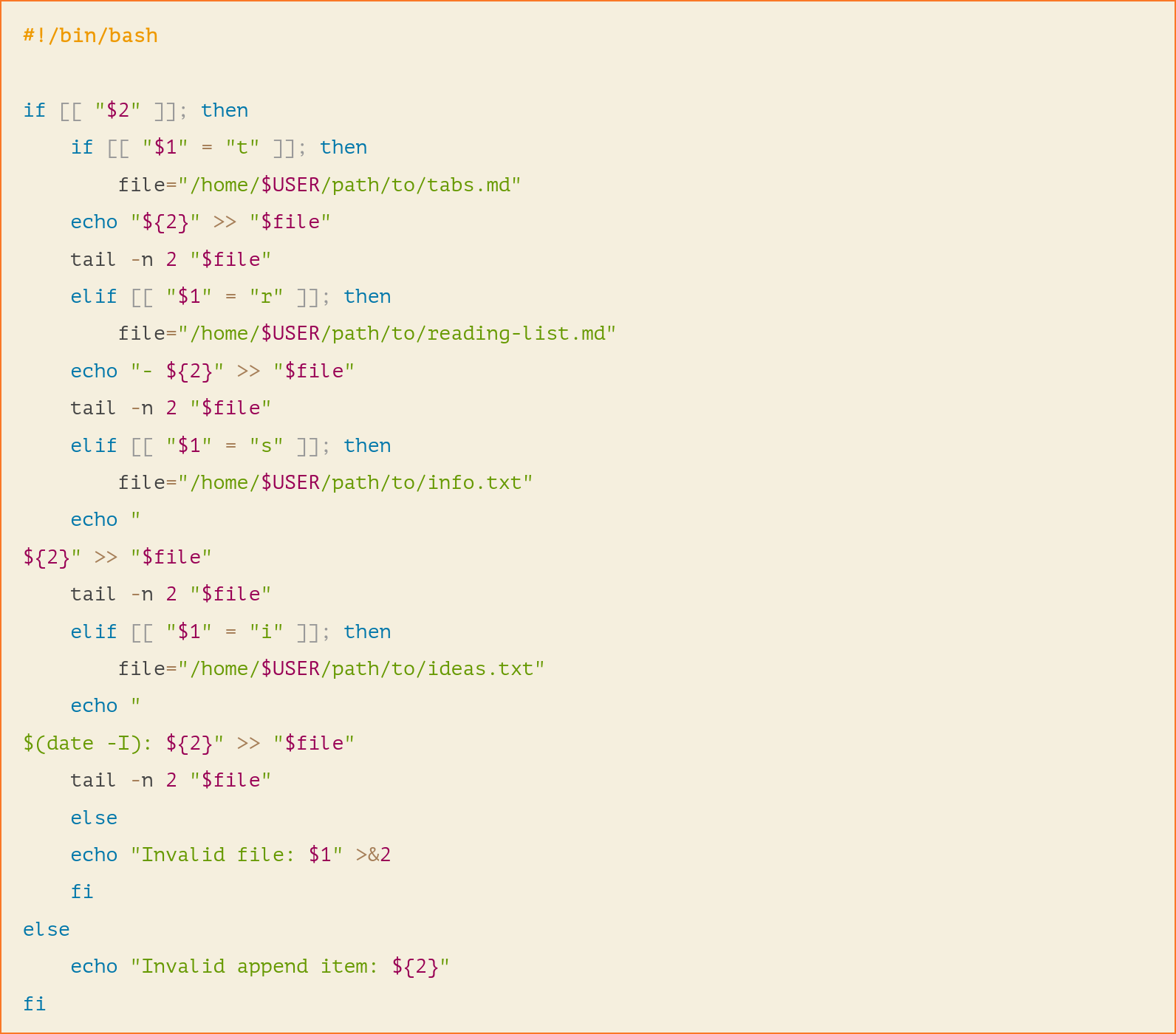](https://www.autodidacts.io/fish-bash-clipboard-append-to-file/)
[Split Testing in \~50 lines of JavaScriptI tried to use a Matomo A/B testing plugin and it didn’t work, so I wrote my own: sometimes, re-inventing the wheel is the fastest way to get on the road.The AutodidactsCuriositry](https://www.autodidacts.io/split-testing-in-50-lines-of-javascript/)
[Finally, an open-source dictation app for Linux that actually worksFor decades, I’ve contemplated capitulating and buying a proprietary dictation app, such as Dragon Naturally Speaking. Now I don’t have to.The AutodidactsCuriositry](https://www.autodidacts.io/whispering-open-source-dictation-app-for-linux/)
[And then there’s ReadeckA look at another open-source read-it-later app with Kobo supportThe AutodidactsCuriositry](https://www.autodidacts.io/readeck-open-source-read-it-later-app-with-kobo-support/)
[Human beings are waterproofSome exceptions applyThe AutodidactsCuriositry](https://www.autodidacts.io/human-beings-are-waterproof/)
[The Benefits of Creating a Personal Shorthand of SymbolsA guide to devolving your handwritingThe AutodidactsCuriositry](https://www.autodidacts.io/personal-shorthand-symbols/)
[I couldn’t find a free Silver price API — so I’m making oneWriting a web app because I want to do calculations in a spreadsheetThe AutodidactsCuriositry](https://www.autodidacts.io/free-silver-price-api/)
[Dostoyevsky isn’t difficultOther than the names. The names are difficult.The AutodidactsCuriositry](https://www.autodidacts.io/dostoyevsky-isnt-difficult/)
[My Free Daily Silver Price API is LiveWhat comes before alpha?The AutodidactsCuriositry](https://www.autodidacts.io/my-free-daily-silver-price-api-is-live/)
[It’s 2026 and LibreOffice Calc still can’t parse JSON API responses without a pluginI check every year or soThe AutodidactsCuriositry](https://www.autodidacts.io/parse-filter-json-api-responses-in-libreoffice-calc/)
[I fixed my crashing AWS t2.micro instance by adding swapAn obvious solution to a simple problem, overlooked due to previous experienceThe AutodidactsCuriositry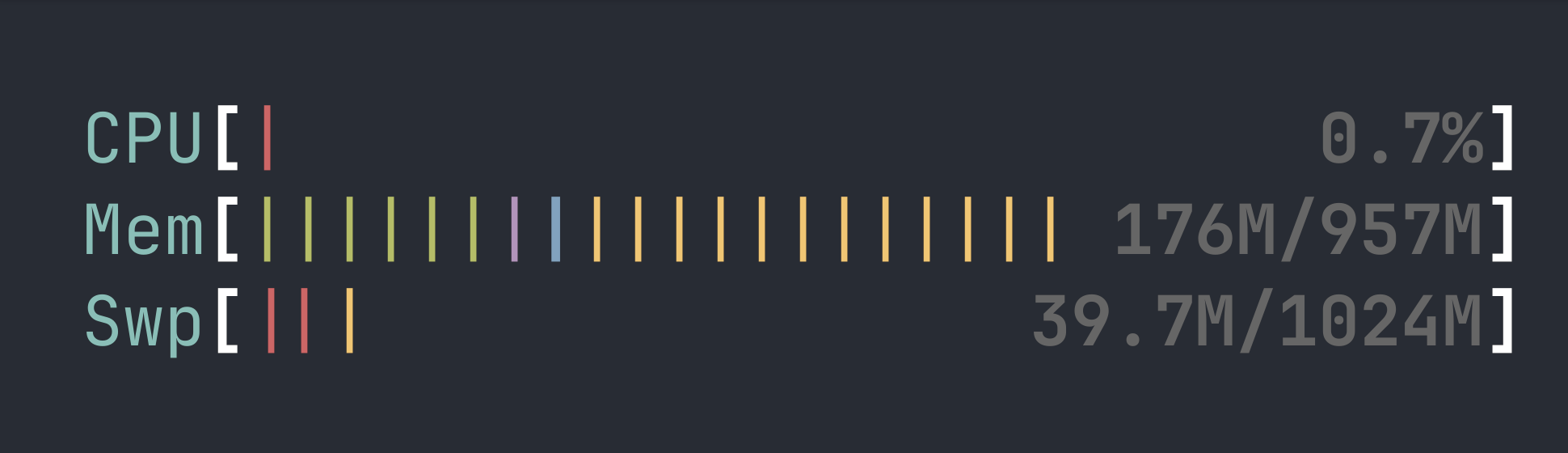](https://www.autodidacts.io/i-fixed-my-crashing-aws-t2-micro-instance-by-adding-swap/)
[You’re in a computer literacy filter bubbleSomeone I know started teaching a podcasting course at a better-than-average high school in one of the richest parts of one of the richest countries. After his first day, he told me, with wide eyes, some of the students don’t know how to move or copy a file. IThe AutodidactsCuriositry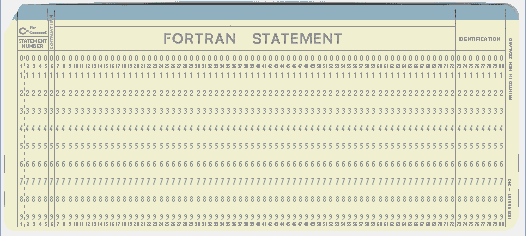](https://www.autodidacts.io/computer-literacy-filter-bubble/)
---
**Thanks for sticking with us for this experiment!**
If you have any topics you’d like to see covered in the next 25 posts, hit reply.
The Autodidacts
### Script: bulk star Readeck entries by URL (with URL cleaning)
URL: https://www.autodidacts.io/readeck-api-like-star-favorite-entries-by-url-python-script/
Last updated: 2026-02-05T02:48:43.000Z
****Note:** this post is part of [#100DaysToOffload](https://www.autodidacts.io/100daystooffload/), a challenge to publish 100 posts in 365 days. These posts are generally shorter and less polished than our normal posts; expect typos and unfiltered thoughts! [View more posts in this series.](https://www.autodidacts.io/tag/100daystooffload/)
I have adapted [the script I wrote for Wallabag](https://www.autodidacts.io/star-entries-by-url-wallabag-api-python-script/) to work with the [Readeck](https://www.autodidacts.io/readeck-open-source-read-it-later-app-with-kobo-support/) API, and made it vastly better in the process.
Please refer to the previous article for basic information on usage, jq pipelines for bulk starring, configuration, and dependencies; that stuff is mostly the same.
In this post, I’ll just cover what’s *different.*
1. This script uses authlib for OAuth bearer token authentication. This means, in your environment variables, you can skip username, password, etc, and just provide *tw*o environment variables: `READECK_BASE_URL` and `READECK_API_TOKEN`.
2. There are two additional dependencies, so the uv pip install command is: `uv pip install json requests authlib urlparse`
3. Readeck doesn’t provide an “exists” endpoint. I tried using the search parameter, but it didn’t work, so what I ended up doing is fetching all bookmarks from the (paginated) API the first time it runs, and caching them in /tmp/readeck-bookmarks.json. Subsequent runs always use the cached version if it’s there.
4. While Wallabag seemed to store the URLs imported from the Pocket CSV basically unchanged, Readeck URLs don’t always match the original URL that was imported. So this script has a long chain of redirect-following and URL cleaning logic. If it fails to match a URL, it then fetches the headers and checks where the URL currently redirects to, and tries that. If that doesn’t work, it cleans the original URL, removing the scheme, query parameters, and fragment, and tries that. Then it tries a cleaned version of the redirected URL. Then it gives up.
Though this script is way fancier than my Wallabag script, it *still* doesn’t work as well. The Wallabag script was able to star 654 articles (ie, it missed one).
This script starred 621 articles. It admits it failed, for good reason, on two. I’m still sorting out the remaining 31\. One of them was [https://en.wikipedia.org/wiki/M%C3%BCnchhausen\_trilemma](https://en.wikipedia.org/wiki/M%C3%BCnchhausen%5Ftrilemma?ref=autodidacts.io)…
Here’s the script:
```python
import requests
from urllib.parse import urlparse, urlunparse, unquote
import json
import os
import os.path
import sys
class ReadeckAPI:
def __init__(self, BASE_URL, API_TOKEN):
self.BASE_URL = BASE_URL
self.API_TOKEN = API_TOKEN
self.access_token = None
def fetch_bookmarks(self):
params = {'limit': 100}
headers = {'Authorization': f'Bearer {self.API_TOKEN}'}
# params = {}
endpoint = f"{self.BASE_URL}/api/bookmarks"
self.data = []
def fetch_page(endpoint):
response = requests.get(endpoint,
headers=headers,
params=params)
response.raise_for_status()
newdata = response.json()
# print(newdata)
self.data = self.data + newdata
# print(self.data)
print(len(newdata))
print(len(self.data))
if response.headers['Current-Page'] != response.headers['Total-Pages']:
print(f"Page {response.headers['Current-Page']} of {response.headers['Total-Pages']}")
# print(f"Fetching {response.links['next']['url']}")
fetch_page(response.links['next']['url'])
fetch_page(endpoint)
def get_redirect_destination(self,url):
try:
headers = {}
# headers = {'User-Agent':'If you get 403 errors or redirect following, try putting something in here'}
r = requests.head(url, headers=headers,allow_redirects=True)
if r.status_code == 301 or r.status_code == 200:
return r.url
else:
print(r.status_code)
return False
except Exception as e:
print(f"Redir err:{e}")
def star_article_by_url(self, urls):
"""Star an article by its URL"""
for bookmark in self.data:
for url in urls:
if url in bookmark['url'] or bookmark['url'] in url:
print(f"Starring {bookmark['id']} ({url})")
# Star the article
headers = {'Authorization': f'Bearer {self.API_TOKEN}'}
response = requests.patch(
f"{self.BASE_URL}/api/bookmarks/{bookmark['id']}",
headers=headers,
data={'is_marked': True}
)
response.raise_for_status()
return True
else:
# print(f"URL doesn't match ({url} != {bookmark['url']}")
continue
print(f"URL not found in bookmarks: {urls}")
return False
# Initialize API client
Readeck = ReadeckAPI(
BASE_URL=os.environ["READECK_BASE_URL"],
API_TOKEN=os.environ["READECK_API_TOKEN"],
)
if __name__ == "__main__":
if len(sys.argv) != 2:
print("Usage: python script.py ")
sys.exit(1)
url = sys.argv[1]
# Readeck.fetch_bookmarks()
# Cache all bookmarks for bulk starring
if os.path.isfile('/tmp/readeck-bookmarks.json') != True:
Readeck.fetch_bookmarks()
with open('/tmp/readeck-bookmarks.json', 'w+', encoding='utf-8') as f:
json.dump(Readeck.data, f, ensure_ascii=False, indent=4)
else:
with open('/tmp/readeck-bookmarks.json') as f:
Readeck.data = json.load(f)
# success = Readeck.star_article_by_url(url)
# print("success",success)
# print("trying redirect")
u = urlparse(url)
# print(u)
newu = u._replace(scheme="",fragment="",query="")
# print(newu)
cleaned_url= urlunparse(newu)
# print(f"Trying with cleaned URL {cleaned_url}")
cleaned_decoded_url = unquote(url)
# print(f"Trying with cleaned idecoded URL {cleaned_decoded_url}")
urls = [url,cleaned_url,cleaned_decoded_url]
success = Readeck.star_article_by_url(urls)
if success == True:
exit(0)
redirected_url = Readeck.get_redirect_destination(url)
if redirected_url and redirected_url != url:
# print("redir url not match url")
# print(type(redirected_url))
# print(f"URL redirects to {redirected_url}. Trying that URL.")
u = urlparse(redirected_url)
# print(u)
newu = u._replace(scheme="",fragment="",query="")
# print(newu)
cleaned_redirected_url = urlunparse(newu)
cleaned_redirected_decoded_url = unquote(cleaned_redirected_url)
# print(f"Trying with cleaned redirected URL {cleaned_redirected_url}")
redirected_urls = [redirected_url,cleaned_redirected_url,cleaned_redirected_decoded_url]
urls = urls + redirected_urls
success = Readeck.star_article_by_url(redirected_urls)
if success == True:
exit(0)
print(f"Total fail for url: {url} ({urls})")
exit(1)
```
### Script: bulk star Wallabag entries by URL
URL: https://www.autodidacts.io/star-entries-by-url-wallabag-api-python-script/
Last updated: 2026-01-26T23:41:44.000Z
****Note:** this post is part of [#100DaysToOffload](https://www.autodidacts.io/100daystooffload/), a challenge to publish 100 posts in 365 days. These posts are generally shorter and less polished than our normal posts; expect typos and unfiltered thoughts! [View more posts in this series.](https://www.autodidacts.io/tag/100daystooffload/)
I migrated my Pocket data to Wallabag when Pocket shut down. As I have mentioned before, the official Pocket CSV export doesn’t include which articles were favorite. However, data from [the unofficial 3rd party Pocket exporter](https://github.com/ArchiveBox/pocket-exporter?ref=autodidacts.io) that I also used, does.
But the Wallabag importer is designed for use with the Pocket CSV, not the pile of JSON files from the 3rd party export.
So, I imported my Pocket CSV.
Then, I wrote a Python script that accepts a URL as input, and uses the Wallabag API to find the entry with that URL and star it.
Then, I wrote a `jq` snippet, which goes through all the JSON files from the 3rd party export and spits out the URLs for the entries that were starred in Pocket.
```bash
cat **.json | jq '.. | objects | select(has("isFavorite") and .isFavorite == true) | .url'
```
(Run it in Fish shell or Bash with `setopt globstar` to make \*\* work.)
Try that on its own in the directory with your 3rd party Pocket export first, to make sure everything looks good.
And test the script with just one URL to make sure *it* is working.
Then, you can pipe each of those URLs to the Python script (below) with `xargs`:
```bash
cat **.json | jq '.. | objects | select(has("isFavorite") and .isFavorite == true) | .url' | xargs -I{} python3 star_wallabag_entry_by_url.py "{}"
```
Boom! 659 favorites appear. (Actually, it runs pretty slowly.)
You will need to create a Wallabag API client (if you don’t already have one) and provide `WALLABAG_BASE_URL`, `WALLABAG_CLIENT_ID`, `WALLABAG_CLIENT_SECRET`, `WALLABAG_USERNAME`, and `WALLABAG_PASSWORD` as environment variables. (Unfortunately the Wallabag API requires the username and password. I know, it’s not good!)
You will also need to create a virtual environment and install two Python packages. I like to use `uv` for this:
```bash
uv venv .readitlater
source .readitlater/bin/activate
uv pip install requests json
```
*(Note: I actually got this script to run in the browser, 100% client-side, with PyScript. If you want to bulk-star Wallabag entries by URL without using Python and installing stuff, let me know and I will clean up and publish that version.)*
Here’s the script. It isn’t fancy, or designed to handle every edge case — because for my purposes, it just had to work *once,* on my machine — but it gets the job done.
```python
import requests
import json
import os
import sys
class WallabagAPI:
def __init__(self, BASE_URL, CLIENT_ID, CLIENT_SECRET, USERNAME, PASSWORD):
self.BASE_URL = BASE_URL
self.CLIENT_ID = CLIENT_ID
self.CLIENT_SECRET = CLIENT_SECRET
self.USERNAME = USERNAME
self.PASSWORD = PASSWORD
self.access_token = None
def _get_access_token(self):
if not self.access_token:
data = {'username': self.USERNAME, 'password': self.PASSWORD,'client_id': self.CLIENT_ID, 'client_secret': self.CLIENT_SECRET, 'grant_type': 'password'}
response = requests.post('{}/oauth/v2/token'.format(self.BASE_URL), data)
access_token = response.json().get('access_token')
self.access_token = access_token
return access_token
def star_article_by_url(self, url):
"""Star an article by its URL"""
# First get the article ID
headers = {'Authorization': f'Bearer {self._get_access_token()}'}
params = {'url': url, 'return_id':1}
response = requests.get(f"{self.BASE_URL}/api/entries/exists.json",
headers=headers,
params=params)
response.raise_for_status()
data = response.json()
print(data)
entry_id = data['exists']
if entry_id:
print(f"starring {entry_id} ({url})")
# Star the article
response = requests.patch(
f"{self.BASE_URL}/api/entries/{entry_id}.json",
headers=headers,
data={'starred': 1}
)
response.raise_for_status()
return True
else:
print(f"No ID found ({entry_id}) for url: {url}")
return False
# Initialize API client
wallabag = WallabagAPI(
BASE_URL=os.environ["WALLABAG_BASE_URL"],
CLIENT_ID=os.environ["WALLABAG_CLIENT_ID"],
CLIENT_SECRET=os.environ["WALLABAG_CLIENT_SECRET"],
USERNAME=os.environ["WALLABAG_USERNAME"],
PASSWORD=os.environ["WALLABAG_PASSWORD"],
)
if __name__ == "__main__":
if len(sys.argv) != 2:
print("Usage: python script.py ")
sys.exit(1)
url = sys.argv[1]
wallabag.star_article_by_url(url)
```
### A basic way to hotreload an AppImage
URL: https://www.autodidacts.io/hotreload-an-appimage-extract-modify-repack-with-entr/
Last updated: 2026-01-24T07:34:00.000Z
****Note:** this post is part of [#100DaysToOffload](https://www.autodidacts.io/100daystooffload/), a challenge to publish 100 posts in 365 days. These posts are generally shorter and less polished than our normal posts; expect typos and unfiltered thoughts! [View more posts in this series.](https://www.autodidacts.io/tag/100daystooffload/)
I have been going down a read-it-later app rabbit hole — Pocket, Instapaper, Wallabag, Readeck: I’ve tinkered with them all — and I have reached the depth where I start to hack on the software to make it work how I want.
At first, it was API scripts for Instapaper and Wallabag. Then, [I patched the KOReader Wallabag plugin to add star support](https://www.autodidacts.io/star-wallabag-entry-from-koreader/). Then, I [tried Readeck](https://www.autodidacts.io/readeck-open-source-read-it-later-app-with-kobo-support/), and tinkered with [OPDS](https://opds.io/?ref=autodidacts.io). Then, [I ported my Wallabag patch over to the Readeck KOReader plugin](https://github.com/curiositry/readeck.koplugin?ref=autodidacts.io).
The KOReader maintainers, understandably, [wanted there to be a way to disable](https://github.com/koreader/koreader/pull/14793?ref=autodidacts.io) my lightly-tested feature.
It wrote the patches blind, loaded them onto my Kobo, and they worked first try. But writing *UI* code that way, in a language I’ve never used? Not likely!
I looked into [setting up a KOReader development environment](https://github.com/koreader/koreader/blob/master/doc/Building.md?ref=autodidacts.io) (in an emulator). But it turns out this isn’t necessary:
> If you only want to work with Lua frontend stuff, you can grab the AppImage and run it with `–appimage-extract`.
I know nothing about AppImages, and nothing about Lua; I even haven’t read a single tutorial. Let’s go, this sounds like fun!
I downloaded the latest KOReader AppImage from [https://github.com/koreader/koreader/releases/latest](https://github.com/koreader/koreader/releases/latest?ref=autodidacts.io).
Now I had `koreader-appimage-ARCHITECTURE-vYYYY.MM.AppImage` (in my case, `koreader-appimage-x86_64-v2025.10.AppImage`) in my working directory.
I ran `./koreader-appimage-x86_64-v2025.10.AppImage –appimage-extract`
A directory appeared called `squashfs-root`, with KOReader things in it. Cool!
I dropped in my modified Readeck.koplugin:
```bash
cp -r path/to/readeck.koplugin/readeck.koplugin/ path/to/squashfs-root/plugins/
```
Now, how to sew the thing back up and run it?
With [appimagetool](https://github.com/AppImage/appimagetool/releases/tag/continuous?ref=autodidacts.io), which is itself (fittingly) an AppImage.
I downloaded `appimagetool-x86_64.AppImage` and ran:
```bash
./appimagetool-x86_64.AppImage squashfs-root/
```
Boom! `KOReader-x86_64.AppImage` appeared, and when I ran it (`./KOReader-x86_64.AppImage`), a KOReader appeared, with the Readeck plugin I had added.
I got hacking on the plugin UI, but that’s a story for another post. Because first, I wanted to get an efficient development environment and [shorten the feedback loop](https://autodidacts.io/troubleshooting/?ref=autodidacts.io#shorten-the-feedback-loop).
I often use the handy `entr` utility for hot-reloading. In this case it was slightly more complicated, for a few reasons:
1. It was strangely hard to find a process ID to quit the old KOReader
1. you can’t run `killall koreader`, or `pgrep -i koreader`, or `pkill –full -i koreader` even though there *is* a process with the short name `KOReader-x86_64` running. You want the ./**luajit** process running **reader.lua**.
2. I made various dumb mistakes
1. we won’t go into it
3. `entr` doesn’t work with a build command that never exits (duh)
1. I thought I should be able to background the process with `./KOReader-x86_64.AppImage &` but that didn’t work and I don’t really understand why. Redirecting all output, running it in the background, and disowning it did work.
**Dependencies**: awk, xargs, entr, fish (optional). Install ’em all on Debian-based distros (if you’re lucky) using:
```
sudo apt install awk xargs entr
```
**The Script**
Create a script called `build-appimage.sh` (or something smarter) with the following contents:
```bash
#!/bin/bash
# remove the old appimage (can't remember if this is needed)
rm KOReader-x86_64.AppImage
# Send SIGTERM to the right KOreader process
ps -ef | grep -i 'reader.lua' | awk {'print $2'} | xargs kill
# ^ this was half the work, because there are a bunch of different processes,
# and this is the one that will actually get rid of the running KOReader
# Pack the new AppImage
./appimagetool-x86_64.AppImage squashfs-root/
# Run it, then get free of its sticky fingers
./KOReader-x86_64.AppImage > /dev/null 2>&1 &
disown
```
(You may need to run `chmod +x build-appimage.sh`, and also possibly chmod +x the AppImages themselves.)
You probably want to also download the runtime(s) for the architectures you need from [https://github.com/AppImage/type2-runtime/releases](https://github.com/AppImage/type2-runtime/releases?ref=autodidacts.io), and pass them to appimagetool so they don’t get downloaded every time it builds. Like this:
```
./appimagetool-x86_64.AppImage --runtime-file="runtime-x86_64" squashfs-root/
```
Then, in Fish Shell, run:
```bash
ls squashfs-root/** | entr ./build-appimage.sh
```
The \*\* is a fish-ism, which is a lazy way of making it watch *all* files in the directory. There are other ways to achieve the same result. (It would probably work to use the same syntax with Bash if you set `setopt globstar`.) Or you can just use the path to the file you’re mainly editing:
```
ls squashfs-root/plugins/readeck.koplugin/main.lua | entr ./build-appimage.sh
```
Now, KOReader restarts with fresh code every time you hit save in your editor.
Check it out!
0:00
/0:32
1×
pay absolutely no attention to the spelling of "entries"
### My free Silver price API now has an RSS feed with the day’s bid price
URL: https://www.autodidacts.io/free-daily-silver-bid-price-rss-feed/
Last updated: 2026-02-28T23:22:16.000Z
I mentioned that I might add an RSS feed, and I did.
Subscribe here: [https://www.curiositry.com/free-silver-price-api/api/v1/silver/bid/day/rss.xml](https://www.curiositry.com/free-silver-price-api/api/v1/silver/bid/day/rss.xml?ref=autodidacts.io)
W3C even gave me a badge for bothering to read [the spec](https://www.rssboard.org/rss-specification?ref=autodidacts.io) and follow it:
[![[Valid RSS]](https://validator.w3.org/feed/images/valid-rss-rogers.png "Validate my RSS feed")](http://validator.w3.org/feed/check.cgi?url=https%3A//www.curiositry.com/free-silver-price-api/api/v1/silver/bid/day/rss.xml&ref=autodidacts.io)
### You’re in a computer literacy filter bubble
URL: https://www.autodidacts.io/computer-literacy-filter-bubble/
Last updated: 2026-01-30T03:42:16.000Z
Skill-testing question: what’s wrong with this snippet?
```bash
user@host:~$ rm $FILENAME
```
You’re still reading. That means it doesn’t look scary. Many of you have already jumped to: this is a code snippet > this is a terminal command > this is probably Bash or POSIX shell > it’s deleting a file > $ doesn’t mean the file is expensive, it means $FILENAME is a variable > the variable is unquoted (!) > this snippet demonstrates one of the most basic and dangerous Bash footguns (see appendix)
You’re still reading. Maybe you understood the above paragraph, or maybe not, but even if you didn’t, you were interested enough to *try* to understand it, and the fact you’re here means you can fire up a modern computing device, put in a password, connect to the internet, browse to an obscure tech blog, scroll, and absorb strange words into your brain.
*You are not normal.*
Someone I know started teaching a podcasting course at a better-than-average high school in one of the richest parts of one of the richest countries. After his first day, he told me, with wide eyes, **some of the students don’t know how to move or copy a file.**
I was shocked. I thought we were the Luddites, and younger generations were running circles around us in the tech literacy department. Some of them are. And most of them are able to operate smartphones. But, copying a file? This is not something human beings are born knowing how to do, and, I now know, not everyone learns how in the natural course of their upbringing.
*(Taking what we know for granted plagues all fields, and there’s a name for it:* [*the curse of knowledge*](https://en.wikipedia.org/wiki/Curse%5Fof%5Fknowledge?ref=autodidacts.io)*. And, of course,* [*a relevant XKCD*](https://xkcd.com/2501/?ref=autodidacts.io)*.)*
My technical literacy filter bubble is Hacker News and Lobsters, where it seems like everyone is smarter and more hardcore than I am. I’ve dabbled in Python, Go, Rust, Bash, C, PHP, and JavaScript, but I don’t feel like a *real* programmer, because I mostly write scripts and websites. *Real* programmers are the ones that write compilers and desktop applications in Lisp and Zig, and run BSD or QubesOS. *Real* programmers are the people that are eternally one step ahead of where I am.
If your mother uses Linux, you’re probably in a computer literacy filter bubble.
If you have happy memories of booting from a treasured Live CD and playing Nibbles for Knoppix on a CRT monitor, and both parents programmed mainframes using punch-cards and FORTRAN, and you prefix anything than involves the terminal with “just”, you’re *definitely* in a computer literacy filter bubble.
Filter bubbles aren’t inherently bad. And there are countless filter bubbles that we *aren’t* in. I’m not in the mechanical competence filter bubble, and I bet most of us aren’t in the fashion filter bubble. Even if we wanted to, I’m not sure it’s possible to fully escape a tech literacy filter bubble while being tech literate and surrounding yourself with people who are *more* tech literate. But I think it’s healthy to deliberately poke our heads out of whatever bubbles we’re in once in a while, take in the view, and realize *how different it is out there.*
Those of us reading, and writing, blogs that routinely talk about [writing shell scripts to save keystrokes](https://www.autodidacts.io/fish-bash-clipboard-append-to-file/), measuring [brainwaves](https://www.autodidacts.io/tag/neuro/), [preventing servers from crashing](https://www.autodidacts.io/i-fixed-my-crashing-aws-t2-micro-instance-by-adding-swap/), and [modifying the software running on embedded devices](https://www.autodidacts.io/star-wallabag-entry-from-koreader/) are so out of touch with the median level of technological literacy, we forget that just knowing how to double-click is a privilege.
### Appendix:
It should be: `user@host:~$ rm “$FILENAME”`, because as it is, if the filename contains spaces, multiple files could be deleted, none of which are the one you were trying to delete. (Or worse, if a bad actor can set the filename variable.)
Suppose you run it, and $FILENAME is `2026-01-21-important-data.sql passwords backup.gz`. Your directory tree looks like this:
```
.
├── 2026-01-21-important-data.sql
├── 2026-01-21-important-data.sql passwords backup.gz
├── backup.gz
└── passwords
```
Once you run the command, you don’t have:
```
.
├── 2026-01-21-important-data.sql
├── backup.gz
└── passwords
```
You have deleted everything *other* than what you were trying to delete:
```
.
└── 2026-01-21-important-data.sql passwords backup.gz
```
****Note:** this post is part of [#100DaysToOffload](https://www.autodidacts.io/100daystooffload/), a challenge to publish 100 posts in 365 days. These posts are generally shorter and less polished than our normal posts; expect typos and unfiltered thoughts! [View more posts in this series.](https://www.autodidacts.io/tag/100daystooffload/)
### I fixed my crashing AWS t2.micro instance by adding swap
URL: https://www.autodidacts.io/i-fixed-my-crashing-aws-t2-micro-instance-by-adding-swap/
Last updated: 2026-01-21T02:01:39.000Z
****Note:** this post is part of [#100DaysToOffload](https://100daystooffload.com/?ref=autodidacts.io), a challenge to publish 100 posts in 365 days. These posts are generally shorter and less polished than our normal posts; expect typos and unfiltered thoughts! [View more posts in this series.](https://www.autodidacts.io/tag/100daystooffload/)
I have a Cron workload running on a *slightly* under-provisioned server, and when it runs it eats up 80–100% of the available CPU and memory of my AWS t2.micro EC2 instance. The job often worked, but when it crashed, it would take the whole server down with it. My SSH sessions would freeze, and I would have to force stop the instance from the EC2 control panel to get it back online.
I spent a while looking for bugs in my code, but even after clean up and optimization it barely fits within the instance’s resource limits, and the instance still went down periodically.
It was more important to me that the instance stayed alive than that the workload never failed, because the workload would run again — but not if the instance was down.
On desktop Linux, I’ve found that system freezes tend to be the result of not having enough RAM, and in my experience are *exacerbated* by increasing swappiness.
I remembered something about setting `vm.overcommit_memory` settings. Maybe this would help it not run out of RAM?
AWS’s default is `vm.overcommit_memory=0` (heuristic). Setting it to 1 enables overcommiting, and setting it to 2 disables it.
I set it, temporarily, with `sudo sysctl vm.overcommit_memory=2`, and then permanently by adding `vm.overcommit_memory=2` to the end of `/etc/sysctl.conf`.
Once this is changed, `vm.overcommit_ratio` comes into effect. The default is 50%. With the default, a heavy workload wouldn’t run at all. (Because, as I understand it, generally far more memory is committed than is actually used.) I tried various settings. Anything below 150-200, and the workload would never run. And at 200, the workload would still bring down the instance.
If I knew more about the exact details of memory usage and commitment, maybe I would have been able to, but using guesswork, I didn’t find a sweet spot where my resource-intensive workload would run, but wouldn’t take down the host.
---
Eventually, I found [this StackOverflow post](https://stackoverflow.com/questions/17173972/how-do-you-add-swap-to-an-ec2-instance?ref=autodidacts.io), and added swap:
```
sudo /bin/dd if=/dev/zero of=/var/swap.1 bs=1M count=1024
sudo chmod 600 /var/swap.1
sudo /sbin/mkswap /var/swap.1
sudo /sbin/swapon /var/swap.1
```
Then, `sudo vim /etc/fstab` and add a new line at the end:
`/var/swap.1 swap swap defaults 0 0`
(AWS EC2 instances have no swap by default. This [*may* be](https://serverfault.com/questions/218750/why-dont-ec2-ubuntu-images-have-swap?ref=autodidacts.io) related to the fact that AWS used to charge for I/O, so swapping could rack up an unpleasant bill.)
---
My instance hasn’t gone down since, and the cronjob has run successfully every time.
### It’s 2026 and LibreOffice Calc still can’t parse JSON API responses without a plugin
URL: https://www.autodidacts.io/parse-filter-json-api-responses-in-libreoffice-calc/
Last updated: 2026-02-06T16:27:59.000Z
****Note:** this post is part of [#100DaysToOffload](https://100daystooffload.com/?ref=autodidacts.io), a challenge to publish 100 posts in 365 days. These posts are generally shorter and less polished than our normal posts; expect typos and unfiltered thoughts! [View more posts in this series.](https://www.autodidacts.io/tag/100daystooffload/)
Spreadsheets, though unhip, are very, very useful.
The best open source spreadsheet software I know of is LibreOffice Calc. In most ways, it seems to be as good as Microsoft Excel and Google Sheets.
So it is with the utmost respect to the hardworking and largely unpaid developers that I loudly complain about the one feature I need that it *doesn’t* have.
**It still can’t parse JSON.** I find this bonkers. There’s the `=WEBSERVICE()` function for fetching data from APIs. There’s the `=FILTERXML()` function for parsing the response … but only if the response is XML. And what percentage of API responses are XML in the year 2026 AD?! Like, *none?*
Well, almost none of the APIs that *I* use. [Cloudflare reports](https://blog.cloudflare.com/landscape-of-api-traffic/?ref=autodidacts.io#:~:text=JSON%20has%20by%20far%20the%20largest%20number%20of%20requests%20%28%7E97%25%29%20while%20XML%20has%20a%20smaller%20share%20of%20requests) a 97:3 JSON to XML ratio. However, since this feature hasn’t been fast-tracked, obviously XML parsing is enough for LibreOffice’s core userbase.
Helpful users have developed workarounds, but none of them appear reliable, or actively maintained.
There is a Java plugin with a typo in the description that hasn’t been updated in 12 years, that has saved a lot of people: [https://github.com/DmytroBazunov/LibreOfficeGetRestPlugin](https://github.com/DmytroBazunov/LibreOfficeGetRestPlugin?ref=autodidacts.io). Do I trust this plugin? Or, there’s a [backup](https://gist.github.com/ThomasG77/4ed97370af8355feabf50cb2909198a0?ref=autodidacts.io) of [this defunct plugin](https://extensions.libreoffice.org/en/extensions/show/libreoffice-getrest-plugin-1?ref=autodidacts.io) in a GitHub Gist. Or, one that was updated seven years ago ([https://github.com/arachan/parsejson](https://github.com/arachan/parsejson?ref=autodidacts.io)), which has an ominous Haiku-like call and response at the end of the README:

What am I to make of this?
There’s [a bug report (#113974) from nine years ago](https://bugs.documentfoundation.org/show%5Fbug.cgi?id=113974&ref=autodidacts.io). The developers added the ability to open *local* JSON files in 2025, and considered the issue solved. Users begged to differ, and [a follow-up issue (#168860)](https://bugs.documentfoundation.org/show%5Fbug.cgi?id=168860&ref=autodidacts.io) was created.
This is not an idle complaint. I was planning to write a different article today, one about how to enrich reading list data in LibreOffice Calc by pulling data from the very promising [Librario.dev](https://sr.ht/~pagina394/librario/?ref=autodidacts.io) *JSON* API.
Then I went down an old and smelly rabbit hole that I go down about once a year (last time, it was when I was trying to use the Google Books API to do the same thing), and found that nothing had changed. Boo hoo!
There are hacks I could use. Cross my fingers and install the plugin. Pull in the data with Python and convert it to XML or CSV. If the length of the JSON values never changed I could even cut up the response with Calc search and substring functions. But I’m not looking for a hack. I’m looking for a solution.
If any LibreOffice developers read this post:
1. Thanks for making a good piece of software that’s used by tonnes of people, and giving it away for free, and putting up with whiny internet randos like me.
2. If you have time, please hit “Reply by email” below this post, and clarify whether:
a. this feature would be really hard to build, or
b. this feature isn’t needed because of $WORKAROUND, or
c. it’s a matter of principle because XML is objectively better than JSON
… and I’ll update this post for the benefit of other people with the same question.
---
**Update 2026-02-005:** Long-time LibreOffice contributor and Orcus maintainer [Kohei Yoshida](https://kohei.us/about/?ref=autodidacts.io) came across this article and took the time to answer my questions by email, and gave me permission to quote the answers here:
First, I am involved in the LibreOffice project, but I'm just an individual, and I by no means represent the entire project. So, what I tell you is just my opinion and view.
With that out of the way, here are my answers to what you asked:
> a. this feature would be really hard to build, or
Not trivial, but we do have some code we could re-use (from the orcus library I maintain) to implement it. The cell function itself is not the hardest part, but adding a new function involves making changes to the ODF spec to allow loading and saving. That part may involve some specification writing etc that some (many?) people find a bit intimidating. Also, if this cell function tends to get used in many cells, then we need to be careful about the performance impact of the function. If it is used in only a few cells in the document, it may not be a big deal, but once the function is there, user may starts to copy-n-paste it to million cells to cause some chaos performance-wise... 😉 Another thing to watch out for is if other spreadsheet applications already have a similar function, we need to keep our own implementation close in order to minimize the interoperability pain. So some amount of competitive analysis should be done before jumping on to implement it.
> b. this feature isn’t needed because of $WORKAROUND, or
Not really. Developers have different priorities. Those who are affiliated with a company are typically prioritizing their clients, and if none of their clients ask for this functionality then it won't get prioritized. Speaking for myself, I am technically also affiliated with one such company, but I also prioritize my own tasks. But I do this as a side hassle now, and I only have very limited time & I tend to prioritize other areas of the codebase.
> c. it’s a matter of principle because XML is objectively better than JSON
Absolutely not. Both are important in my opinion, and I'm fully aware that JSON is very important in today's cloud-centric environment.
HTH,
Kohei
### My Free Daily Silver Price API is Live
URL: https://www.autodidacts.io/my-free-daily-silver-price-api-is-live/
Last updated: 2026-01-20T21:29:47.000Z
****Note:** this post is part of [#100DaysToOffload](https://100daystooffload.com/?ref=autodidacts.io), a challenge to publish 100 posts in 365 days. These posts are generally shorter and less polished than our normal posts; expect typos and unfiltered thoughts! [View more posts in this series.](https://www.autodidacts.io/tag/100daystooffload/)
Tada! After only two afternoons, [the free silver price API I said I was going to build](https://www.autodidacts.io/free-silver-price-api/) is live. It even has its own baby website with no stylesheet:
[Free Daily Silver Price APIA free JSON API that provides the day’s bid price for silver in CAD and USD, for use in simple financial Excel worksheets and applications](https://www.curiositry.com/free-silver-price-api/?ref=autodidacts.io)
Consider it unstable for the time being. While I get testing and monitoring properly configured, the prices might not update on a predictable schedule, or be correct. But it’s better than nothing!
In the long run, I hope to provide a daily average, but at the moment, it’s a single snapshot of the bid price of silver at the time indicated.
You can use it in a LibreOffice Calc worksheet with the following formula:
```
=WEBSERVICE("https://www.curiositry.com/free-silver-price-api/api/v1/silver/bid/day/CAD.json")
```
### Dostoyevsky isn’t difficult
URL: https://www.autodidacts.io/dostoyevsky-isnt-difficult/
Last updated: 2026-01-18T21:57:06.000Z
When I was twelve or fourteen I got halfway through War and Peace. Unfortunately, the vagaries of Russian names befuddled me, and pretty soon I didn’t know what was going on and didn’t really care. But for a long time after this point, I carried the fat paperback around, and read it ostentatiously at the coffee shop where the pretty barista worked. (For the record, this gambit was not successful.)
It would be a while before I next visited Russia, in my grandmother’s apartment. I picked an old copy of Crime and Punishment off the shelf by the fireplace. It was inscribed to my great uncle. Just the title sounds foreboding: a serious, *difficult* book, to be read with spectacles and pursed lips.
I started reading. This was my introduction to Dostoyevsky, whose reputation preceded the meeting. I found myself breezing along, smirking at the descriptions of human nature.
Yes, the classic Russian novels run long. Yes, the names are a nightmare to figure out until you’re used to it. (It was even worse for me: I discovered that I don’t actually read names, I just pattern match, and I have sometimes gotten hundreds of pages into a novel before I realize that I have no clear sense of the the middle syllables of the protagonist’s name.)
The Russians, now that I was slightly older, were nothing like I expected.
The Russians are *hilarious*. And the prose is easier to read than Dickens, let alone Joyce. Yes, the content is often difficult, and disturbing. But the prose? The prose is clear as water! English translated from Russian has a glorious clarity, and, I think, an inherent dry wit. It’s totally different from the interminably-meandering frankenparagraphs of, say, Michel de Montaigne.
Go read a bit of the old Tolstoy, [it’s free on Gutenberg](https://gutenberg.org/cache/epub/2600/pg2600-images.html?ref=autodidacts.io#:~:text=Anna%20P%C3%A1vlovna%20was%20obviously%20serving%20him%20up%20as%20a%20treat%20to%20her%20guests.). Isn’t it downright *lucid*? Not only is it clear, and full of descriptions of people and their foibles that make the mouth twitch, plenty of it is downright *vulgar.* The Classics aren’t some highfalutin thing; they’re stories, made up by flawed human beings who spent more time than average watching other flawed human beings being human. What elevates Dostoyevsky over a newspaper reporter is how tangibly he *cares,* because, it seems, he’s been though it himself. (Many pieces fell into place when [I read just how short and hard a life Dostoyevsky lived](https://www.gutenberg.org/files/2554/2554-h/2554-h.htm?ref=autodidacts.io#:~:text=TRANSLATOR%E2%80%99S%20PREFACE,-A%20few).)
I read the out-of-copyright Constance Garnet translation of War and Peace. I found it eminently readable, and I sought out Garnet translations for all the Russians after that, even though Pevear and Volokhonsky *et al.* are generally better regarded these days.
I’m not the first to observe these facts about the classics. I think it was G.K. Chesterton who wrote a wonderful essay on the fact that the Great Books are often, themselves, eminently readable, and it’s only the lesser interpretations of them that are difficult, and require (further) interpretation by professional academic interpreters.
I’ve read books that I understood every word of but had no *clue* what was going on (*Voyage to Arcturus*); and books where I understood very few words and had only a vague sense of what was going on (Goethe’s *Faust*; the rhymes were nice); and books that scrambled my brains like duck eggs (*Ulysses*); and books that made me cringe but also feel stupid (A.E. Van Vogt after my A.E. Van Vogt phase); and books that made me go *Aaaah* (*Gödel, Escher, Bach*); and books that made me yawn loudly and give up (*The Glass Bead Game*); and stark books (the *Remembrance of Earth’s Past* trilogy; *Blindsight*). These books, in their peculiar ways, I found difficult.
These books all made me realize: the Russians ain’t the difficult ones. Dostoyevsky’s stories endure, near as I can tell, not because they are difficult, but because they are beautifully, beautifully simple.
Re-read the last chapter of *The Brothers Karamazov* before you tell me I’m wrong.

the feeling at the middle (*left*) and the end (*right*) of a dostoyevsky novel
****Note:** this post is part of [#100DaysToOffload](https://100daystooffload.com/?ref=autodidacts.io), a challenge to publish 100 posts in 365 days. These posts are generally shorter and less polished than our normal posts; expect typos and unfiltered thoughts! [View more posts in this series.](https://www.autodidacts.io/tag/100daystooffload/)
### I couldn’t find a free Silver price API — so I’m making one
URL: https://www.autodidacts.io/free-silver-price-api/
Last updated: 2026-01-16T07:12:06.000Z
****Note:** this post is part of [#100DaysToOffload](https://100daystooffload.com/?ref=autodidacts.io), a challenge to publish 100 posts in 365 days. These posts are generally shorter and less polished than our normal posts; expect typos and unfiltered thoughts! [View more posts in this series.](https://www.autodidacts.io/tag/100daystooffload/)
A little while ago, I went looking for a machine-readable source of precious metal price data to pull into a financial worksheet.
I’m not a trader who needs super-accurate, to-the-second data. I just want to know the spot price for the day without Googling it.
There are various paid APIs for fancy people whose jobs/businesses/net worths depend on the prices of precious metals, which probably work great. But for the rest of us?
Everyone seems to recommend XMLChart’s API:
⇒ [https://xmlcharts.com/precious-metals.php](https://xmlcharts.com/precious-metals.php?ref=autodidacts.io)
It’s maybe technically free? Maybe I’m dumb, but I couldn’t get it to work. And there’s no point in using an API if figuring out how to use it is harder that writing your own, from scratch!
My API is going to freakishly basic. I will check the price *once per day* rather than every minute. And I will provide two currencies, CAD and USD, at two different endpoints:
`/api/v1/silver/bid/day/CAD.json`
`/api/v1/silver/bid/day/USD.json`
The endpoints are going to return … *drumroll please* … **a single number.**
And probably I’ll add one more:
`/api/v1/silver/bid/day/updated-at.json`
... returning a UTC ISO 8601 timestamp (`date -u –iso-8601=ns`), which might be off by a few minutes from the *exact moment* that the prices were fetched, but will tell you if the API is dead, or if you already have the data for the day.
I might add an RSS endpoint as well, I haven’t decided yet.
Use this form to join the waitlist and get access (free!) as soon as it’s live:
silver-price-api-waitlist Join Waiting List
And it’s going to be hosted on GitHub pages. Hit it as often as you like 🔥.
### The Benefits of Creating a Personal Shorthand of Symbols
URL: https://www.autodidacts.io/personal-shorthand-symbols/
Last updated: 2026-01-16T06:44:06.000Z
****Note:** this post is part of [#100DaysToOffload](https://100daystooffload.com/?ref=autodidacts.io), a challenge to publish 100 posts in 365 days. These posts are generally shorter and less polished than our normal posts; expect typos and unfiltered thoughts! [View more posts in this series.](https://www.autodidacts.io/tag/100daystooffload/)
I write longhand quite a lot, whether it’s todo lists and midnight idea capture, journalling, or drafting essays. I also have a history of wrist problems and repetitive strain injuries. And, I like efficiency.
Over the years, I have organically grown a set of symbols and abbreviations. My notes have become increasingly cryptic. And I like it, because it saves a lot of time.
My basic shorthand is not *maximally* information dense, or a whole language like [steno](https://en.wikipedia.org/wiki/Gregg%5Fshorthand?ref=autodidacts.io), but it gets the job done.
It began when I started dropping the personal pronouns. And then every other word that wasn’t required for *me* to understand my own notes. Eventually, I regressed to pictograms.
---
An eyeball icon means “look up” the thing that follows. (or, if not on a todo list, “had epiphany”)
A star means important. A detached exclamation mark also means important. Circling the item brings attention to an important/time-sensitive item nestled in with crossed-off todos.
A right arrow means “went to”, which could be “\[FRIEND’s INITITIAL\] → \[CITY ABBREVIATION\]” (literally traveled to), or “\[UNIQUE\_FRAGMENT\_OF\_ARTICLE\_TITLE\] → AD” (published on), or \[MEDIA} → \[FRIEND’s INITIAL\]” (send book/essay/song/website to this person).
DL means “download”
rm means “delete”
mv means move (notice the Unix influence)
| means “or” (notice that the Unix influence suddenly disappeared)
\~ means “approximately” (notice that the Unix influence still isn’t home)
\-$\[amount\] \[item\] \[date\] scribbled among other notes, with no context, is a cash transaction to be added to my ledger
A combination of a > and a checkmark means “I worked on it but it’s not done” (some of the symbols derive from the Bullet Journal system)
A feather means “wrote” / “worked on first draft”.
A filled-in circle means “recorded”
+= means add/append to
!thing means negation “not thing” (!pwr means the power was out)
!= means not equal ≠, because I’m a programmer not a mathematician
:) means went well / was fun / was a highlight
:| means not fun, survived it
… following a keyword means “it’s a long story”
A box with antenna means “watched a movie”
A musical note means “played music / rehearsed”
Square brackets, unless part of markdown link, means “consider removing this part of the sentence when editing”.
And many more…
---
The list is long, and specific to the notes I tend to make. You might be thinking, ya, whatever, I don’t need to draw [rabbit ears](https://en.wikipedia.org/wiki/Television%5Fantenna?ref=autodidacts.io#Rabbit%5Fears) to remind myself I watched a movie. True!
But if you read through the *ephemeral* notes you make in the course of your life and work, you might find that most of the time spent dragging pen across paper is recording uncompressed data that could fit into a few choice symbols. And then you’re like, 💩, should have👂to what that 👨 📝 on the 🌐.
### Human beings are waterproof
URL: https://www.autodidacts.io/human-beings-are-waterproof/
Last updated: 2026-01-15T06:31:41.000Z
****Note:** this post is part of [#100DaysToOffload](https://100daystooffload.com/?ref=autodidacts.io), a challenge to publish 100 posts in 365 days. These posts are generally shorter and less polished than our normal posts; expect typos and unfiltered thoughts! [View more posts in this series.](https://www.autodidacts.io/tag/100daystooffload/)
I just ran 21 kilometers. It was nice when I started, and a stormy downpour when I finished. I did not have a jacket. On the way, I saw a man with an umbrella mounted to his head, and later on, reflected that probably most people would find it strange that a multi hour-run in the rain would be what someone does for *recreation*.
Another time recently, I noticed everyone other than me in an expensive area of the city clutching umbrellas as if they were liferings and scurrying from shop to shop with anxious postures. I was confused. Then I realized, oh right, it’s raining: and most people don’t like to get wet.
This fear of getting wet, if you think about it, is a nonobvious, distinctly grown-up attitude. It’s learned, and therefor, optional.
Have you ever noticed the expression on small boys’ faces when they splash through puddles in the rain in rubber boots? They clearly enjoy it. As a rule, children seem to enjoy the rain. I certainly did, and splashing through puddles with or without rubber boots was a favorite activity, and still is.
Being cold *can* be dangerous, but in the modern world, we are rarely far from warm dry places, and even when we are, we’re usually a phone call away from rescue if we need it.
There is, I think, a gradient between actually dangerously cold and wet, unmitigatably physically unpleasant cold and wet, and merely *psychologically* miserably cold and wet. Most people seem to respond to 2 and 3 as if they were type 1\. But if you are reasonably young and healthy, jedi minds tricks and experience can make type 3 enjoyable, and type 2 endurable!
It’s possible that I’m in a universe of one on all this: I’ve always been cold tolerant, so there’s a chance this is another one of those “be like me it’s great” posts.
However, there’s a long history of people who say they have gradually increased their cold tolerance through practices like Wim Hof method or [Tibetan Buddhist tummo heat](https://en.wikipedia.org/wiki/Tummo?ref=autodidacts.io#:~:text=Scientific%20studies%20have%20explored%20the%20effects%20of%20tummo%2C%20demonstrating%20body%20temperatures%20up%20to%2038.3%20%C2%B0C%20%28100.9%20%C2%B0F%29%5B6%5D%3A%E2%80%8A1%E2%80%8A%20in%20general%20and%20by%20over%208%20%C2%B0C%20%2846%20%C2%B0F%29%20in%20body%20extremities%5B7%5D%3A%E2%80%8A234%E2%80%8A%20together%20with%20increased%20activation%20of%20the%20default%20mode%20network%20of%20the%20brain%5B8%5D%3A%E2%80%8A195%E2%80%8A%2C%20metabolism%5Bcitation%20needed%5D%2C%20and%20thermal%20power%20output%5Bcitation%20needed%5D%20among%20expert%20meditators).
More prosaically, I find it helps to:
1. Relax into the cold instead of tensing up
2. Realize that mild cold/rain exposure is harmless, toughens me up, and allows me to make use of opportunities that are “underpriced” because most people shudder at the thought of getting soaked to the skin (example: popular tourist spots are often deserted during a rainstorm)
3. Be able to run / do jumping jacks / stay moving if I get too cold, especially if I’m soaked to the bone
4. Ideally, have a plan for how to warm up
5. Wear Merino wool, which is warm even when wet!
Bluster about cold tolerance notwithstanding, when I’m out on a long winter run and discover that my hands are so cold that they fumble with buttons and zippers, and it takes minutes to open a clif bar, I take the hint.
### First impressions of Readeck
URL: https://www.autodidacts.io/readeck-open-source-read-it-later-app-with-kobo-support/
Last updated: 2026-01-29T15:24:28.000Z
I know [I said Wallabag won](https://www.autodidacts.io/wallabag-wins-despite-its-flaws/), but I spun up a [Readeck](https://readeck.org/?ref=autodidacts.io) instance with one Docker command, and it’s really impressive.
The main thing that caught my attention? The pageload times are *insanely* fast.
Here is a local install of Readeck serving the all articles page (with \~4,000 articles imported from Pocket CSV):

It’s definitely not apples-to-apples because it’s a hosted instance (so no network latency, probably lower specs than my laptop), but here’s the page size and timings for a … *different* read it later app, with \~30 articles in the archive, loading the unread view (zero articles):

I had originally passed over Readeck for three reasons:
1. Wallabag has tighter Kobo/KOReader integration. **Update:** [not any more](https://github.com/curiositry/readeck.koplugin?ref=autodidacts.io).
2. I’m not a data hoarder (no, really, I’m not!) who needs or wants a complete forever archive of all the articles I’ve read, with images and everything.
3. It’s new, and apps like this come and go all the time
I tried importing my Pocket CSV. It seemed to be doing a pretty good job of fetching the content until the internet glitched. I didn’t figure out a way to *resume* fetching articles from an import. At this point I discovered another thing: unlike Wallabag etc, there didn’t seem to be a way to bulk-delete articles (either using bulk actions from a filter view, or a delete everything button on the user profile page). Annoying! [It’s on the roadmap](https://codeberg.org/readeck/readeck/issues/5?ref=autodidacts.io), though.
(I ended up deleting my `readeck-data` Docker volume and starting over.)

Notice: in the screenshot, this article has no post image, because the screenshot hadn’t been taken yet.
### Things I don’t like about Readeck:
1. What I just mentioned: the lack of bulk editing
2. There aren’t any hosted instances ([yet](https://readeck.org/en/start?ref=autodidacts.io#:~:text=Hosted%20service))
3. No option to limit complete archiving to starred articles, or disable images and just save fulltext, or disable content extraction entirely and just save URLs and metadata (personally, I want it to save fulltext for starred articles, and Internet Archive Wayback Machine links for everything else)
4. I haven’t found a way to manually re-fetch content for a specific article or set of articles, the way you can with Wallabag
5. It can pull from the Wallabag API for imports, but it can’t import Wallabag JSON
6. It has .zip exports that can be imported into Readeck, but doesn’t support exporting to a format that can be imported into other Read-it-later services without munging (having seen so many services come and go, seamless data portability is just about the #1 feature I look for; it bugs me when software puts more care into their import process than they do into exports, though I see the logic)
### Things I don’t know yet:
1. What will the monetization strategy will be in the long run? Will all features be available to self-hosters, like Wallabag?
2. How does the failed-to-fetch-content percentage compare to Wallabag and Instapaper?
- **Update:** Favourably! Readeck failed to fetch 1,043 articles, and Wallabag failed to fetch 1,108\. So very similar numbers, but Readeck wins by a small margin. At least 608 of these Pocket had failed to fetch, and many of the others are due to linkrot that isn’t Wallabag or Readeck’s fault.
3. How long will it exist?
### More things I like about Readeck:
1. It feels solid, simple, and well-built.
- **Update:** I read through the release-notes posts for every version of Readeck ever, and it re-inforced my confidence. The devloper seems to care about performance, privacy & security, and code quality; listen to user feedback, but not unquestioningly; accept contributions; and have a positive, community-minded attitude.
- I appreciated the thoughtful, non-dogmatic, pragmatic stance on AI integration. Oliver was clear he would not foist unwanted AI features on users, yet would consider using a well-tuned LLM for things that an LLM would actually be the right technology for, like auto-tagging.
2. You can use SQLite or PostgreSQL
3. You can try it with a single Docker command (and it just works)
4. It has an API, and pretty much all the features I need. **Update:** [and I found the API pleasant to use](https://www.autodidacts.io/readeck-api-like-star-favorite-entries-by-url-python-script/).
5. The development is on an open-source forge ([Codeberg](https://codeberg.org/readeck/readeck?ref=autodidacts.io)) rather than GitHub
6. There are (unoffical) KOReader plugins in development ([https://github.com/iceyear/readeck.koplugin](https://github.com/iceyear/readeck.koplugin?ref=autodidacts.io), [https://github.com/flip-rossi/readeck.koplugin](https://github.com/flip-rossi/readeck.koplugin?ref=autodidacts.io)), and a [maybe-abandoned pull request](https://github.com/baskerville/plato/pull/402?ref=autodidacts.io) for Plato.
- **Update:** I installed iceyear’s plugin on my Kobo, and it works. It is *slightly* less polished than the Wallabag plugin, but quite serviceable. (I would have chosen flip-rossi’s, because of signs that iceyear’s was vibecoded, but iceyear’s was significantly more active.)
- **Update #2:** I [forked](https://github.com/curiositry/readeck.koplugin?ref=autodidacts.io) iceyear’s plugin, and added a (much better) version of [the patch I contributed to the Wallabag plugin to add starring support](https://www.autodidacts.io/star-wallabag-entry-from-koreader/), and have [opened a pull request (#20)](https://github.com/iceyear/readeck.koplugin/pull/20?ref=autodidacts.io).
7. It’s the one supported backend for [kobo-pocket-proxy](https://github.com/marklar423/kobo-pocket-proxy?ref=autodidacts.io), which allows you to use the default Kobo instapaper interface with an open-source, self-hosted backend. **Update:** I ran across two other projects that do the same thing, [Kobeck](https://github.com/Lukas0907/kobeck?ref=autodidacts.io) and [Readeckobo](https://github.com/eleith/readeckobo?ref=autodidacts.io).
8. [People say it works great as an OPDS provider](https://angelaambroz.com/posts/readeck/?ref=autodidacts.io) for KOReader on a Kobo
- **Update:** they’re right. Setting up OPDS and browsing Readeck from KOReader on my Kobo was straightforward, and doesn’t require any 3rd-party plugins. However, OPDS is read-only (no support for archiving, starring, annotating, or tagging from the client) so it doesn’t suit my article-reading workflow.
9. The resource requirements are modest (512mb ram, 200mb storage)
10. The full text search seems to work (and is really fast)
11. Did I mention that it’s one of the fastest-loading apps I’ve used?!
Readeck is developed by [Olivier Meunier](https://mamot.fr/@aspyrine?ref=autodidacts.io). It’s cool, check it out.
****Note:** this post is part of [#100DaysToOffload](https://www.autodidacts.io/100daystooffload/), a challenge to publish 100 posts in 365 days. These posts are generally shorter and less polished than our normal posts; expect typos and unfiltered thoughts! [View more posts in this series.](https://www.autodidacts.io/tag/100daystooffload/)
### Finally, an open-source dictation app for Linux that actually works
URL: https://www.autodidacts.io/whispering-open-source-dictation-app-for-linux/
Last updated: 2026-01-14T06:06:19.000Z
****Note:** this post is part of [#100DaysToOffload](https://100daystooffload.com/?ref=autodidacts.io), a challenge to publish 100 posts in 365 days. These posts are generally shorter and less polished than our normal posts; expect typos and unfiltered thoughts! [View more posts in this series.](https://www.autodidacts.io/tag/100daystooffload/)

The following was dictated without a single correction, using [Whispering](https://github.com/EpicenterHQ/epicenter/tree/main/apps/whispering?ref=autodidacts.io) v7.9:
I am yelling at my computer from on an exercise bike to dictate this blog post and tell you that at long last there exists open source dictation software for Linux that actually works. I am using Whispering developed by Epicenter to dictate this blog post so you can get a sense of how accurate the transcription is without editing. I'm sure there will be mistakes but it's a lot better than anything else I've tried. Under the hood it can use a number of providers for transcription including Speeches which is open source but I'm using the simplest that is available for offline transcription. Whisper C++ and it seems to work relatively well. I have used Whisper C++ on its own for transcribing recordings with good results but now there is a GUI app that makes the recording and transcription easy for anyone even people who aren't technical. Not all computers I have tried to install whispering on have got along with that but if you are able to install it and it works it's the best open source dictation software I've found.
---
**Note:* I used Whisper C++ with the Medium model, using CPAL recording method, pipewire as the device, the recommended compression settings, and 16 kHz as the sample rate. I didn’t notice any improvement when I re-transcribed using the Large v3 Turbo model.*
### Split Testing in ~50 lines of JavaScript
URL: https://www.autodidacts.io/split-testing-in-50-lines-of-javascript/
Last updated: 2026-01-22T23:12:45.000Z
I finally read *The Lean Startup*, and my main takeaway was that an entrepreneur who doesn’t use split testing is like a pilot who doesn’t use an altimeter: not likely to last long.
*A note on terminology: *A/B testing* and *split testing* are mostly synonymous, with split testing generally being used for larger changes. *Split testing* and *A/B/n testing* refers to tests with more than two total options. *Multivariate* testing refers to running multiple tests simultaneously on the same page (as opposed to testing multiple complete versions of a page).*
I was about to launch [salez.ca](https://salez.ca/?ref=autodidacts.io), and was using the project as a test-case for the ideas in the book.
I use Matomo for privacy-respecting, self-hosted analytics. Matomo’s official A/B testing plugin is a paid add on, and it’s expensive: it alone would eat most of the profits from a microstartup like the one I was trying to build.
I spent the better part of two afternoons installing Nofrillsplugins’s free [Simple A/B Testing plugin](https://github.com/nofrillsplugins/matomo-simple-ab-testing?ref=autodidacts.io) for Matomo, and trying to get it to work.
It may have been operator error, but *it ran the test condition 100% of the time*. I poked into the code to try to fix it, and then thought, wait, I don’t need a glossy interface for editing my A/B tests, why not just write something from scratch in JavaScript?!? How hard can it be?
As it turned out, not hard at all: I wrote it on the drive from a concert to the hotel, in the back seat of the car.
Here are the features I decided I needed:
1. Support for multiple simultaneous split-tests
2. An algorithm for choosing which variant to show
3. A way to track “conversions” for different variants
1. Include which variant was shown in Matomo data
2. Add click tracking for call-to-action button(s)
4. A way to always show the same variant to a user
5. Stretch goal: support for more than two variants per test
6. Stretch goal: Multi Armed Bandit algorithm (a subject for a future post)
The first thing I did was install a local, testing instance of Matomo. I already had three or four of these, but a fresh one never hurts. My production instance is pig slow – whether from the amount of data, or from the under-spec hosting – so this helps [shorten the feedback loop](https://www.autodidacts.io/troubleshooting/#shorten-the-feedback-loop) and also means that I don’t pollute production split test results with hundreds of page refreshes on localhost.
To store the tests, I used the simplest thing that could work: a JavaScript object. The top level keys are the names of the tests. Right now, each test has a single method, .js(), which is a function with the JavaScript to change the page to that variant. (If you wanted to get fancy you could separate out the CSS into its own method.)
```javascript
splitTests = {
"pricing": {
js: function () {
// do something
}
},
"call-to-action": {
js: function () {
// do something
}
},
"social-proof": {
js: function () {
// do something
}
},
}
```
For v1\. I chose a simple 50/50 split algorithm:
```javascript
if (Math.random() > 0.5) {
// run the variant
} else {
// run the control
}
```
To track variants, I used Matomo Custom Dimensions:
```javascript
_paq.push(['setCustomDimension', i, variantKey + "-" + variantCookie]);
```
**Custom Dimensions need to be created in Matomo first.** (Go to Settings Cog > Websites > Custom Dimensions and click “Configure a New Dimension”). I used 1, 2, and 3 for simplicity, so they can be re-used for future tests.
To track clicks, I could have used Matomo events and onclick handlers, but those are a pain to set up. So I used:
```javascript
_paq.push(['trackVisibleContentImpressions']);
```
Along with the necessary data attributes:
```html
```
It took me a bit to figure out how to use these. (Here are [the docs](https://developer.matomo.org/guides/content-tracking?ref=autodidacts.io).) I gather `data-track-content` is for the area to monitor. `data-content-name` is for something like the product name in an e-commerce setting, while `data-content-piece` is the element actually clicked. So for news site, `data-content-name` might be the name of the post, and `data-content-piece` might be the button clicked.
There’s also `data-content-target`, which I’m not using.
To make sure a given user is always shown the same variant after the first visit, I used localStorage:
```javascript
variantCookie = localStorage.getItem(variantKey)
// The user is already part of a split test: act accordingly
if (variantCookie) {
// set Matomo custom dimensions
if (variantCookie == "1") {
// run variant JS
}
} else {
// Assign new user to a variant
if (Math.random() > 0.5) {
// set Matomo custom dimension
localStorage.setItem(variantKey, "1")
// run variant JS
} else {
// set Matomo custom dimension
localStorage.setItem(variantKey, "0")
// "run control", ie, do nothing
}
}
```
A note on order. It’s important that it goes like this:
```javascript
var _paq = window._paq = window._paq || [];
// split testing code
// normal matomo tracking code, which normally has the _paq line at the start
```
That’s it.
Then, we just need to create custom segments, and compare the data we have gathered. You’ll probably want a control segment and a variant segment for each test.
Click the segments menu (which by default says “All Visits”), and click “Add New Segment”.
For the left side of the equation, select the custom dimension you set for the test (in my case, 1) from the Visitors section of the dropdown. Set the comparator to “contains”. And in the value field, put split-test-TESTNAME-0 (replacing TESTNAME with the key you chose for the test).
Now create a second segment, with the same parameters, except the value is split-test-TESTNAME-1.
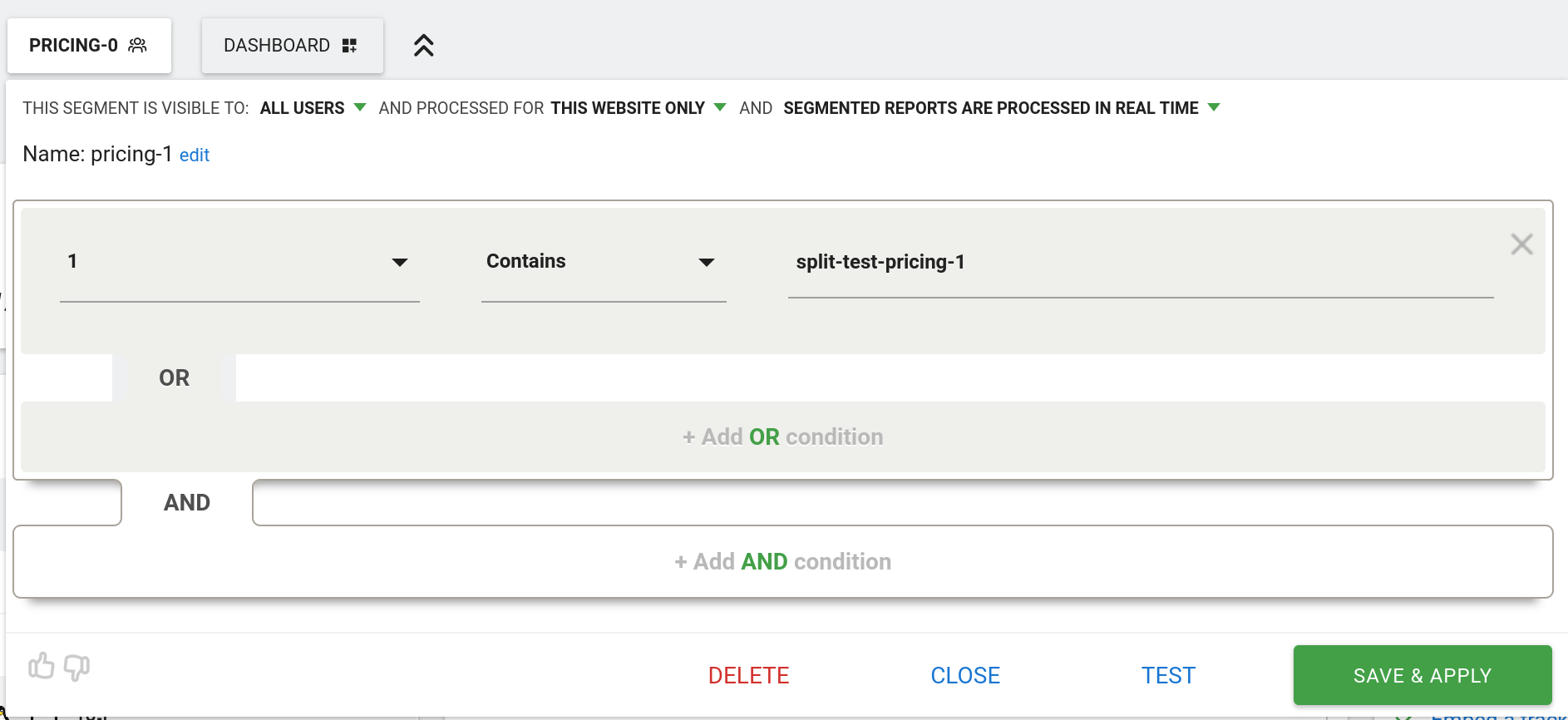
Now, get some data into Matomo for both variants. If you’re testing locally, you will need to delete or modify the variant cookie, since there’s only one user, and each user is always shown the same variant.
Then, select one or other variant from the segments menu, and then click the little compare icon next to the *other* variant:
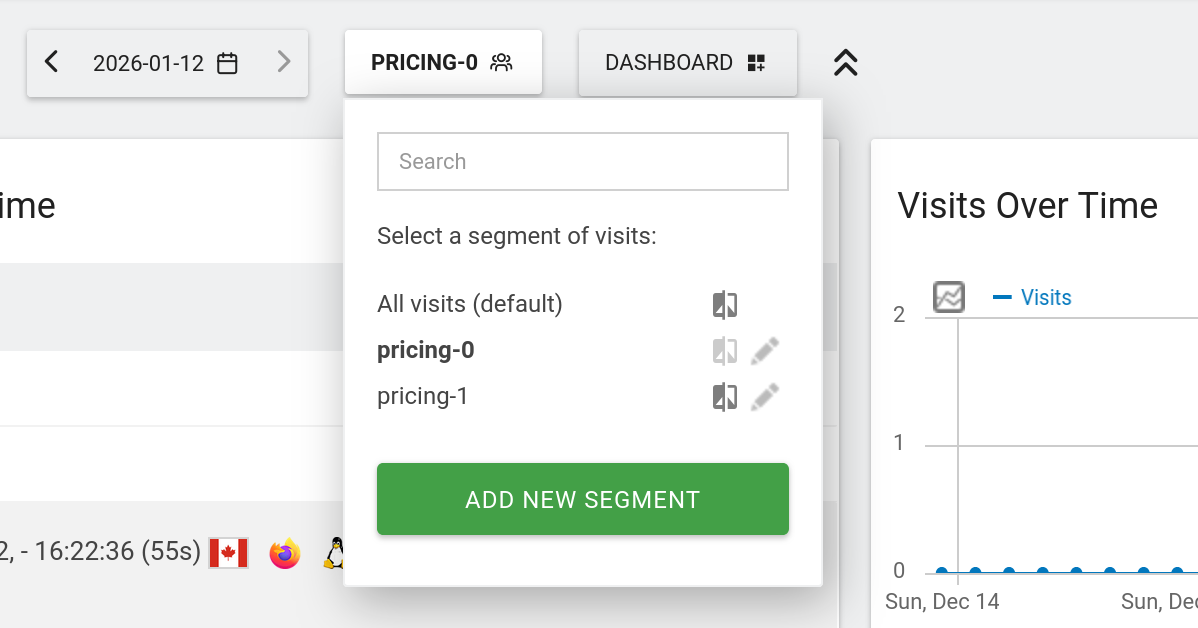
This will give you a glorious dashboard, where *everything* has two values, one for each variant! Exactly what we want:
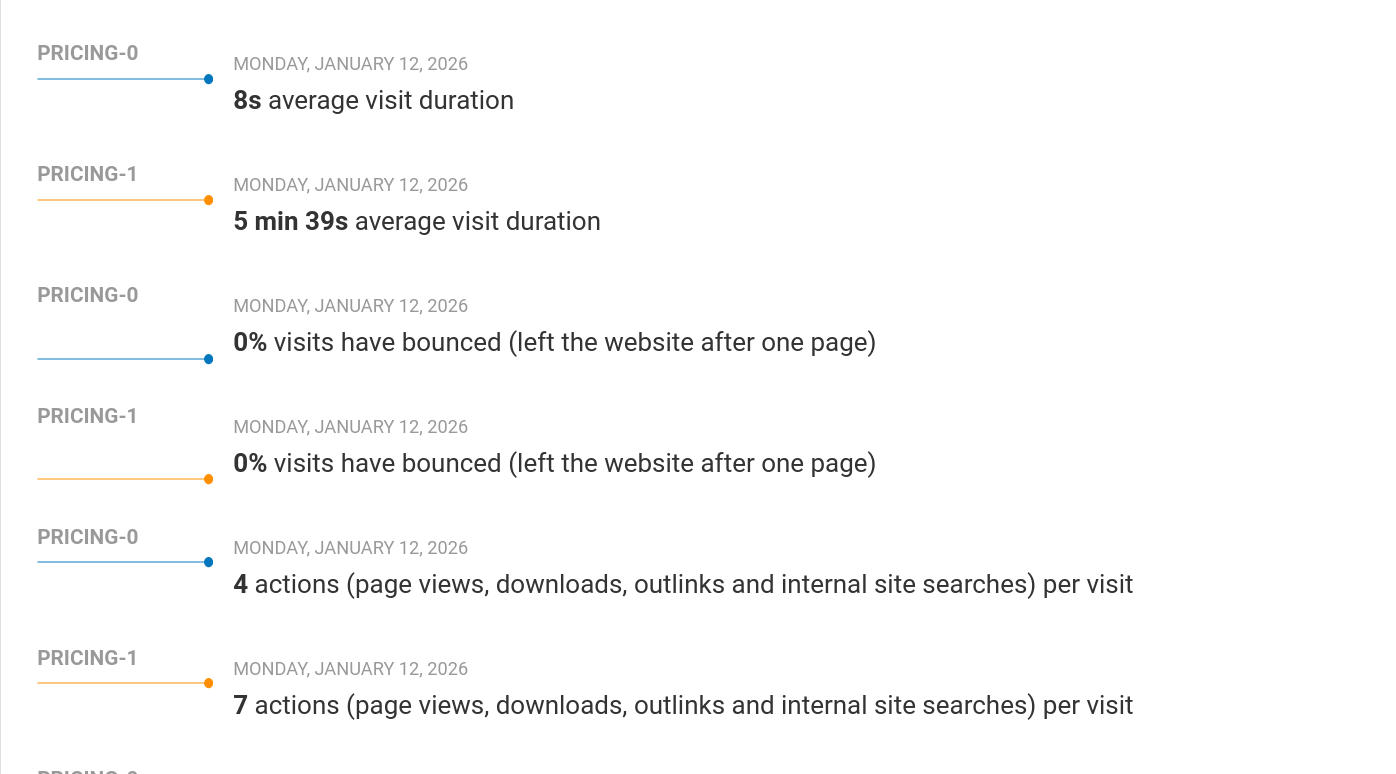
Below is the full code. You will need to adjust what tests you’re running (and the JS for each test), as well as the placeholders YOURDOMAIN, YOURMATOMOURL, and YOURSITEID.
If you’re using Google Analytics / Plausible / Umami / GoatCounter / Fathom, most of the code will be the same, but the JS lines that set up custom dimensions and click tracking will need to be modified accordingly.
```javascript
```
### A Fish shortcut for rapidly appending clipboard data to text files
URL: https://www.autodidacts.io/fish-bash-clipboard-append-to-file/
Last updated: 2026-01-12T01:59:12.000Z
I have a very textfile-centric computing workflow. All my writing, and most of my life admin lists, are text files. I capture ideas and links countless times per day, and when I was on a long trip sitting in a car with my laptop, I got bored of waiting for my text editor to load every time I had an idea, and wrote a script for appending to my most-used text files ultra rapidly.
The system has two parts: a Bash script, and Fish abbreviations.
The shell script is a glorified wrapper for >> append to file redirection. The problem with just doing `echo “stuff into” >> file` is that when I pull up the snippet with ctrl+r reverse history search, the cursor is in the wrong place.
I put the following in my dotfiles, at `bin/append`, and made it executable with `chmod +x append`. (`dotfiles/bin` is on my $PATH, and this, combined with dropping the extension, makes it feel like a real program.)
```bash
#!/bin/bash
if [[ "$2" ]]; then
if [[ "$1" = "t" ]]; then
file="/home/$USER/path/to/tabs.md"
echo "${2}" >> "$file"
tail -n 2 "$file"
elif [[ "$1" = "r" ]]; then
file="/home/$USER/path/to/reading-list.md"
echo "- ${2}" >> "$file"
tail -n 2 "$file"
elif [[ "$1" = "s" ]]; then
file="/home/$USER/path/to/info.txt"
echo "
${2}" >> "$file"
tail -n 2 "$file"
elif [[ "$1" = "i" ]]; then
file="/home/$USER/path/to/ideas.txt"
echo "
$(date -I): ${2}" >> "$file"
tail -n 2 "$file"
else
echo "Invalid file: $1" >&2
fi
else
echo "Invalid append item: ${2}"
fi
```
Okay, so this is all very self-explanatory. There’s a 1-letter code for different life admin files. The command is run with `append t autodidacts.io` to append this domain to the inbox section of my weblink capture file (which I started when between read-it-later services).
Notice that the data now comes last, so when this is called up from history, I can hit ctrl+w and be ready for action (or, populate history with a version without the final argument).
But this is still too slow. Too much typing and pasting!
The good stuff is in config.fish:
```bash
abbr -a a append
abbr -a aci "xsel -b | xargs -0 -I{} append i \"{}\""
abbr -a acs "xsel -b | xargs -0 -I{} append s \"{}\""
abbr -a acr "xsel -b | xargs -0 -I{} append r \"{}\""
abbr -a act "xsel -b | xargs -0 -I{} append t \"{}\""
```
See all those escaping backslashes? That’s living proof that I blew unquoted text all over my shell the first time I tried to run this thing. That’s what you’re paying for here! The rest is commentary.
At first, I thought I just needed to shorten the append command to “a”. (Who would have guessed there isn’t a binary called “a” on my machine? What luck!)
But that’s not good enough. That’s: a, space, i|t|r|s, space, ctrl+shift+v, enter.
I realized that I usually have the thing I want to append already on my clipboard, from a URL, scratch buffer, or some other text file.
So I set the shortest possible abbreviations (getting rid of the spaces), and had them pipe the output of `xsel` (read clipboard data) into my append function via `xargs` (since append doesn’t read from STDIN). (The -0 is important. Otherwise, single quotes cause problems.)
So now the workflow is, for example, ctrl+l (focus and select URL in Firefox address bar), ctrl+c, super+c (launch-or-raise Ghostty with Tmux and Fish), `act` (**a**ppend\[from\] **c**lipboard \[to\] **t**abs \[file\]), and we’re done!
Notice that the append shell script prints out the last two lines after appending (`tail -n 2 "$file"`), so I can visually confirm that it worked, and put it in the right place. It also automatically [dates](https://www.autodidacts.io/save-the-date/) ideas, and adds the Markdown list syntax for books added to my reading list.
Two files, \~31 lines of code, and a six hundred word blogpost later, we have saved several keystrokes!
But this is just the beginning. Wait til I tell you about my `sed` snippet for inserting text into the *middle* of a file…
### What’s the end game for Ghost newsletter sign-up spam?
URL: https://www.autodidacts.io/ghost-newsletter-sign-up-spam/
Last updated: 2026-01-11T06:24:13.000Z
****Note:** this post is part of [#100DaysToOffload](https://100daystooffload.com/?ref=autodidacts.io), a challenge to publish 100 posts in 365 days. These posts are generally shorter and less polished than our normal posts; expect typos and unfiltered thoughts! [View more posts in this series.](https://www.autodidacts.io/tag/100daystooffload/)
> If you know the enemy and know yourself, you need not fear the result of a hundred battles. If you know yourself but not the enemy, for every victory gained you will also suffer a defeat. If you know neither the enemy nor yourself, you will succumb in every battle. ― Sun Tzu, *the Art of War*
I think I’m somewhere between 2) and 3) in Sun Tzu’s taxonomy.

Artist's rendering of self-hosting in 2026
Intermittently, for years, the Ghost blog you’re reading has been barraged by attacks. There are the usual script-kiddies and vulnerability scanners looking for SQL dumps and `/wp-admin` (hah!). But these haven’t been a problem.
The problem has been the spam signups, which never confirm, yet hurt our email sending reputation.
### The pattern
- The addresses appear valid. They’re mostly Gmail addresses, many with a few numbers in them, but also a name. It’s not the SMS spam you hear about on the Ghost forum. There’s no discernible pattern to the email addresses, and if I just saw one I would give it a >50% probability of being legit.
- They *appear* to be hitting the `/send-magic-link` endpoint directly rather than going through the front-end.
- At first, the User-Agent was consistently Python (”Python/3.12 aiohttp/3.9.5”, and then later python-requests), and the originalUrl had a double slash, so it was `//members/api/send-magic-link` rather than `/members/api/send-magic-link`.
- No consistent IP range (Cloudflare listed the IP addresses as originating from multiple countries, including the US and Germany)
- Volume of spam is variable, from a trickle, to \~800+ signups in 24hrs
- Whoever the addresses belong to never click to confirm the subscription
- A few of the addresses have sent spam complaints, indicating that the addresses aren’t controlled by the spammer
### Why it matters: sending reputation
Somebody is “subscribing” these addresses. Since they never confirm, they never get the newsletter. But they still get the *confirm your subscription* email!
And they never signed up for it, so they don’t know who these “Autodidacts” are, and a tiny percentage marks it as spam.
One time, I didn’t catch it in time, got two or three spam complaints from \~800 “subscribes”, and Postmark (our SMTP provider for transactional mail) paused all sending. Fortunately, Postmark support was understanding. But it was a huge headache.
It also hurts our sending reputation, since transactional mail comes from the same address as our newsletter. Not good!
### What are the spammer’s motives?
These are the hypotheses I’ve come up with so far:
1. The spammers are trying to validate a stolen/bought/scraped list.
- How would this work? Maybe they expect the endpoint to balk at invalid addresses (I don’t think it actually does). Or maybe they've discovered that the endpoint's response time leaks data about the validity of the address?
2. The spammers are trying to hack the site with a malicious payload to the endpoint
- Seems likely! But why so many different emails?
3. The spammers are trying to hack *the recipients of the emails*, and are using the site as a transport mechanism for a malicious payload.
- But I haven’t noticed anything indicating this is the case, and it would require a 0-day in Ghost.
4. The spammers are trying to scrape/resell our paywalled/memberwalled content
- This would be plausible, except that the emails never confirm. Also, they could do this with one valid email, so it doesn’t explain the huge volume of signups, unless there is a huge volume of different spammers using the exact same technique. Maybe there’s some hacking course and all the students are doing their homework?
5. The spammers are trying to promote some product with comment spam, but for some reason aren't able to reach that objective
- Once again, there's no point in creating this many accounts (unless they were succeeding, but also getting blocked)
6. The spammers are trying to log-in to potentially-existing accounts, and they *and* the rightful owners have access to the email addresses.
- This would make sense of the sheer volume of submissions
7. It’s some dumb mistake
*If you have a theory about the spammer’s aims, please let me know in the comments. Mitigation tips also welcome.*
### Evasive maneuvers, Mr. Sulu
First, I put the site behind Cloudflare, even though I didn’t want to. Then I moved to an Nginx reverse proxy.
I blocked the bad user agents. This lasted for a while.
I took a shot at setting up fail2ban, but it’s a bit tricky because of the weird stack the site runs (Unofficial Ghost Alpine Docker image, but not *actually* running in Docker, running in Firecracker VMs on Fly.io, behind an Nginx reverse proxy).
Ghost added an integrity token requirement to the endpoint, but that didn’t fix it. They also added domain-level signup blocking, but since there’s no consistent email domain, it doesn’t help in this case. And there's already a honeypot hidden form in the portal, but they aren't going through the portal as far as I can tell.
Currently, I have moved the endpoint, since I suspect the attack is a generic Ghost blog drive-by scan-and-spam campaign. Some of the bad requests had InboxReads as the referrer, which makes me think the spammer might be scraping blog directories to compile their list of targets.
If the bots find the moved endpoint, I’ll have to add a captcha, which Ghost has considered adding, or put the site behind Anubis.
I feel like the king of a very small city with a very large army surrounding it.

The Siege of 2368
Long live the open web!
---
**Further reading:**
*- [https://forum.ghost.org/t/huge-influx-of-spam-signups/52613](https://forum.ghost.org/t/huge-influx-of-spam-signups/52613?ref=autodidacts.io)*
*- [https://forum.ghost.org/t/help-spamming-from-gmail-addresses/55465/6](https://forum.ghost.org/t/help-spamming-from-gmail-addresses/55465/6?ref=autodidacts.io)*
*- [https://forum.ghost.org/t/ghost-sign-up-and-spam/54583/11](https://forum.ghost.org/t/ghost-sign-up-and-spam/54583/11?ref=autodidacts.io)*
*- [https://forum.ghost.org/t/how-to-handle-spam-accounts/47252/11](https://forum.ghost.org/t/how-to-handle-spam-accounts/47252/11?ref=autodidacts.io)*
*- [https://forum.ghost.org/t/fake-sign-ups-from-the-sign-up-page/42463/21](https://forum.ghost.org/t/fake-sign-ups-from-the-sign-up-page/42463/21?ref=autodidacts.io)*
*- [https://forum.ghost.org/t/an-uptick-of-bots-signing-up/54589/19](https://forum.ghost.org/t/an-uptick-of-bots-signing-up/54589/19?ref=autodidacts.io)*
*- [https://forum.ghost.org/t/add-captcha-to-subscriber-form/27/12](https://forum.ghost.org/t/add-captcha-to-subscriber-form/27/12?ref=autodidacts.io)*
*- [https://forum.ghost.org/t/signup-spam-protection-ghost-changelog/55009](https://forum.ghost.org/t/signup-spam-protection-ghost-changelog/55009?ref=autodidacts.io)*
- **[https://forum.ghost.org/t/changing-magic-link-endpoint-to-reduce-spam-signups/61168](https://forum.ghost.org/t/changing-magic-link-endpoint-to-reduce-spam-signups/61168?ref=autodidacts.io)*
### How to Migrate Kobo eReader Books & Annotations to a New Device
URL: https://www.autodidacts.io/migrate-kobo-ereader-content-books-annotations-to-new-device/
Last updated: 2026-01-10T00:31:00.000Z
****Note:** this post is part of [#100DaysToOffload](https://100daystooffload.com/?ref=autodidacts.io), a challenge to publish 100 posts in 365 days. These posts are generally shorter and less polished than our normal posts; expect typos and unfiltered thoughts! [View more posts in this series.](https://www.autodidacts.io/tag/100daystooffload/)
**Note:* this post is largely a footnote improving on the technique described in this [lucid mobileread thread](https://www.mobileread.com/forums/showthread.php?t=336182&highlight=migrate+kobo&page=3&ref=autodidacts.io), and hopefully making it easier to find.*
I am immensely pleased to have successful migrated years worth of highlights, annotations, and books from my defunct Kobo Aura ONE to a new-old Kobo Sage that I scored (untested) on Ebay for $9.99 CAD + shipping.
Prerequisites:
1. Be okay with bricking your new device.
2. Take a complete backup of the content of your old eReader, including (most importantly) the hidden files and folders such as .kobo
3. Make sure your new device is running the same firmware version as the old device. (In my case, all three devices — Touch, Aura ONE, and Sage — were running the latest firmware, so this wasn’t an issue.)
4. Take a complete backup of the (lack of) content on your new device
Now we’re ready to begin.
Let it be resolved: just copying all the content over to a new device with no changes is a bad idea. I tried this. I restored the content of my Aura ONE onto an ancient $12 Kobo Touch (my canary device in case I bricked it). This did not go well. At first, it looked like it had worked. But it threw an ominous error message. Fortunately, it would still mount, so I restored its own content and did more research.
The mobileread post says to copy of the entire (only) row in the “user” table. I squinted at the fields, and decided that the only thing that seemed cruicial was the “DeviceID”.
I grepped through my backup for anything that had the device name (“Aura ONE”) or number (“N709”), and found nothing much ... other than the “device.xml” file in the .adobe-digital-editions folder. I wasn’t using adobe digital editions. I also grepped through the database for any records that seemed device-specific (`sqlite3 KoboReader.sqlite .dump | grep 'N709'` etc).
So here’s how to do what I did:
1. Make a copy of your backup, which you will be modifying. From now on this copy is referred to as “your backup”, but there should be a backup of the backup that you’re modifying :)
2. Open “.kobo/KoboReader.sqlite” FROM YOUR BACKUP in “DB Browser for SQLite” (if your’re running Linux), or whatever app you use for interacting with SQLite the lazy way if you’re on a ~~lesser~~ different operating system.
3. Open “.kobo/KoboReader.sqlite” FROM YOUR NEW DEVICE in “DB Browser for SQLite”
4. Copy the DeviceID value from the user table of the NEW device.
5. Click on the DeviceID field from your backup, paste the value from the new device, click apply, and then write the changes to the DB.
6. Replace the content of “device.xml” in your backup with the content of the “device.xml” file from your new device. (This is probably only neccessary if you’re using adobe digital editions, but I did it anyway.)
7. Load the (modified) backup onto the new device & cross your fingers very hard.
After that, all my books and annotations seemed to be intact, and I could sync my ereader and everything. Just to be sure, I ran a diff between the Sage (post-sync) and the old backup to see if anything seemed dodgy, but aside from the expected changes (including a lot of e-note and handwriting-recognition related cruft), and some changes to the kepub folder that I didn’t quite understand, everything seemed hunky-dory.
Two other kobo mods you might be interested in: disabling some of the creepy built-in telemetry, and a way to use a device without signing up for a kobo account. I might write posts about those next.
### Script: export post as Markdown via Ghost Admin API
URL: https://www.autodidacts.io/script-export-post-as-markdown-via-ghost-admin-api/
Last updated: 2026-09-07T04:34:04.000Z
****Note:** this post is part of [#100DaysToOffload](https://100daystooffload.com/?ref=autodidacts.io), a challenge to publish 100 posts in 365 days. These posts are generally shorter and less polished than our normal posts; expect typos and unfiltered thoughts! [View more posts in this series.](https://www.autodidacts.io/tag/100daystooffload/)
Long, long ago, when I was a young and inexperienced sysadmin, I ran some Heroku commands, and discovered that I had deleted my production Heroku PostgreSQL database for this Ghost blog. There was no option to rollback, and my backups didn’t include my draft posts. On that day, I decided to store the *primary* versions of all my posts locally, as versioned markdown files, that I paste into Ghost when I’m ready to publish.
This has worked fine, but the Ghost editor has gotten so nice, I often want to use it for drafting posts. And at the same time, Markdown, though still supported via the Markdown card, no longer has first-class support, and there’s no way to copy-and-paste formatting created with the new Ghost editor into a Markdown file.
I looked around and couldn’t find any existing scripts to export posts as markdown. So I wrote a little script, based on the [Ghost Admin API demos repo](https://github.com/TryGhost/api-demos?ref=autodidacts.io), that fetches the content of a post by ID, and converts it to Markdown with the wonderful tool Pandoc (which [I’ve written about before](https://www.autodidacts.io/convert-markdown-to-standard-manuscript-format-odts-docs-and-pdfs-with-pandoc/)).
I thought I’d share it in case it’s useful for other people.
You will need to have the following installed:
- NodeJS
- NPM
- Pandoc
The only other dependency is the Ghost Admin API SDK, which can be installed with:
```
npm install @tryghost/admin-api
```
Here is the script itself:
```javascript
// First:
// npm install @tryghost/admin-api
// Run with:
// node get-post-as-markdown.js "POSTID" https://blah.ghost.io "ADMIN_API_KEY" | pandoc -f html+smart -t markdown-smart --wrap="preserve"
if (process.argv.length < 4) {
console.error('Missing an argument');
process.exit(1);
}
const postId = process.argv[2];
const url = process.argv[3];
const key = process.argv[4];
const GhostAdminAPI = require('@tryghost/admin-api');
const api = new GhostAdminAPI({
url: url,
key: key,
version: 'v6.8'
});
api.posts.read({id: postId}, {formats: ['html']})
.then((post) => {
console.log("
"+post.title+"
")
console.log("
"+post.excerpt+"
")
console.log(""+post.slug+"")
console.log(post.html);
})
.catch((err) => {
console.error(err);
});
```
So, how do we use it?
To output the text to your console for testing, run it with:
```language-bash
node get-post-as-markdown.js "POSTID" https://blah.ghost.io "ADMIN_API_KEY" | pandoc -f html+smart -t markdown-smart --wrap="preserve"
```
or, to write to a file (more useful!), use:
```language-bash
node get-post-as-markdown.js "POSTID" https://blah.ghost.io "ADMIN_API_KEY" | pandoc -f html+smart -t markdown-smart --wrap="preserve" -o "$(date -I) My Output Filename 1.md"
```
Obviously, replace `POSTID` with your post id, which you can see when you’re editing a post, because it’s the last part of the url (`https://YOURSITE.com/ghost/#/editor/post/POSTID`). And replace the url with your Ghost url, and the API key with one that you set-up by going to `https://www.YOURSITE.com/ghost/#/settings/integrations/new`, and following the steps, and then copying the ADMIN\_API\_KEY value.
**Caveats:**
1. Sometimes it hard wraps lines. If you don’t like that, try switching `--wrap=preserve` for `--wrap=none`.
2. For some reason, even though it’s set to output HTML, Ghost editor cards such as snippets don’t always render as HTML.
3. It smartens straight typewriter-style quotes and apostrophes into proper curly quotation marks and apostrophes, because I like that. If you don’t, switch this part `-f html+smart -t markdown-smart` to `-f html -t markdown`.
4. Square brackets and other special characters may have unecessary backslash escapes, which you’ll probably want to remove manually.
5. When you pull from a private draft, links have {rel=noreferrer} — I’m [partly responsible](https://autodidacts.io/ghost-private-draft-urls-leaked-via-outlink-referrer-header/?ref=autodidacts.io) — and I haven't bothered to automate removing this yet. (Edit: you can pipe the markdown through this ripgrep command: `rg --passthru -NUF '{rel="noreferrer"}' -r ''`.)
### Create custom filtered RSS feeds in Ghost, the easy way
URL: https://www.autodidacts.io/create-custom-filtered-rss-feeds-with-ghost-cms-routes-channels/
Last updated: 2026-01-08T00:09:22.000Z
****Note:** this post is part of [#100DaysToOffload](https://100daystooffload.com/?ref=autodidacts.io), a challenge to publish 100 posts in 365 days. These posts are generally shorter and less polished than our normal posts; expect typos and unfiltered thoughts! [View more posts in this series.](https://www.autodidacts.io/tag/100daystooffload/)
When [I started 100 days to offload](https://www.autodidacts.io/100daystooffload/), and mentioned that readers could [filter out posts by tag in their feed reader](https://www.autodidacts.io/filter-rss-feeds-by-tag/), an RSS subscriber wrote in suggesting that I create custom feeds instead. That way, readers could keep the longform posts in their [read-every-post feed](https://bojidar-bg.dev/blog/2025-10-26-sorting-feeds/?ref=autodidacts.io), while relegating the firehose RSS feed to a lower-priority section of their inbox.
I have now done this. Here is the feed for everything *other* than #100DaysToOffload posts:
(I may not maintain this route after I finish the challenge, so you’ll want to switch back to (the everything feed) at that point.)
is everything.
is *just* #100DaysToOffload posts.
---
**First, I did it the hard way.** After reading [on the forum](https://forum.ghost.org/t/configuring-custom-rss-feeds-when-using-a-custom-page/44460?ref=autodidacts.io) and [the](https://ghost.org/tutorials/custom-rss-feed/?ref=autodidacts.io) [docs](https://ghost.org/integrations/custom-rss/?ref=autodidacts.io), I used `routes.yaml` and a custom `rss.hbs` in the root directory of my theme.
I added the following to `routes.yaml`:
```yaml
routes:
/filter-100daystooffload/rss/:
template: rss
content_type: text/xml
```
And added an `rss.hbs` template with the following contents:
```xml
<![CDATA[ {{@site.title}} ]]>
{{@site.url}}
{{@site.url}}/favicon.png{{@site.title}}
{{@site.url}}
{{date format="ddd, DD MMM YYYY HH:mm:ss ZZ"}}60
{{#get "posts" limit="100" filter="tags:-100daystooffload" include="authors,tags"}}
{{#foreach posts}}
<![CDATA[ {{title}} ]]>
{{url absolute="true"}}
{{id}}{{date format="ddd, DD MMM YYYY HH:mm:ss ZZ"}}
{{/foreach}}
{{/get}}
```
The only line I had to change, depending on what we want to filter out, was this:
```
{{#get "posts" limit="100" filter="tags:-100daystooffload" include="authors,tags"}}
```
(Note: `limit=”all”` is unfortunately depreciated. But feed readers hit /rss endpoints frequently, and lowering the limit reduces server load, so it’s not a huge deal.)
Note, also, that the default RSS feeds are generated with code: there’s no `rss.hbs` in Ghost core that I could copy. This version has a few small differences from the default RSS template, but works fine.
---
**I didn’t like this approach,** for several reasons. Mainly, the filter is hardcoded, so the template can’t be re-used for multiple custom feeds. And if Ghost updates the default template when a new version of the RSS spec comes out in 2200 AD, this will still be RSS 2.0\. It feels *janky*.
I tried using a collection, but that didn’t work. But, lo! [Channels have RSS feeds by default](https://docs.ghost.org/themes/routing?ref=autodidacts.io#filtering-collections:~:text=These%20are,feed), and can be filtered!
In the end, all that was needed was the following in my `routes.yaml`:
```yaml
routes:
/filter-100daystooffload/:
controller: channel
filter: tag:-[100daystooffload]
```
And as a bonus (assuming you want it), there’s a homepage view as well as the RSS feed.
Along the way, before hitting on this 4-lines-of-text solution, I managed to create the world’s *least* valid `text/xml` RSS feed — the “everything everywhere all at once” edition — with every piece of custom CSS and JS from every post applied at once, including typesetting the whole thing in Comic Sans. It was glorious.
### Regex is horrible, yet regex is amazing
URL: https://www.autodidacts.io/horrible-amazing-regex/
Last updated: 2026-01-07T08:50:45.000Z
****Note:** this post is part of [#100DaysToOffload](https://100daystooffload.com/?ref=autodidacts.io), a challenge to publish 100 posts in 365 days. These posts are generally shorter and less polished than our normal posts; expect typos and unfiltered thoughts! [View more posts in this series.](https://www.autodidacts.io/tag/100daystooffload/)
Programmers mostly know about Regex and dislike it. Normal people are mostly blissfully ignorant of the existence of RegEx.
To me, RegEx is like superpower that’s available to everyone, but most don’t bother to develop, because you have to eat lots of spinach.
What is RegEx (Regular Expressions)? **It’s a language for describing patterns in text.** If a human can describe a pattern (ie, the phone book has numbers with separators) then regex can usually describe that pattern!
You don’t need to be a programmer to use regex because it’s built into most text editors. Even LibreOffice and Word!
Here’s a gif that shows the power of regex:
A simple example: find all telephone numbers and change their format with LibreOffice Writer search and replace.
Regex’s power is even greater when combined with other tools (like multiple selections).
Regex is horrible because the syntax is hard to learn. But once you get it, the syntax is easy. Then, regex is horrible because the syntax isn’t the same for different regex “engines”.
There’s POSIX regex with basic (BRE) and extended (ERE) versions, and Perl/PCRE regex, and Vim regex (which I still haven’t figured out) with its \\verymagic and \\nomagic modes, and probably countless more. (I haven’t found any tool that converts between Regex variants. This seems silly.) Then there’s the fact that the regex engine used by various hip software like Helix and Ripgrep is a Rust crate that doesn’t support regex features that I consider table stakes: lookahead and lookbehind.
But if regex is worth using despite all that, it must be good! And it is.
Here’s my suggestion.
If you’re a programmer, write a tool that can translate between regex flavors.
If you’re a programmer who isn’t super familiar with regex, [regexr.com](https://regexr.com/?ref=autodidacts.io) is the best tool I’ve found for testing and debugging regex.
If you’re a normal person, next time you find yourself looking for a *pattern* – ie, you know some digits of a phone number, or want to find all jpegs without a date in the filename – that you can describe with words, or performing the same operation a bunch of times in a text file, ask a nearby programmer to help you write your first regex. Or email me.
### Wallabag wins, despite its flaws
URL: https://www.autodidacts.io/wallabag-wins-despite-its-flaws/
Last updated: 2026-01-10T00:37:24.000Z
****Note:** this post is part of [#100DaysToOffload](https://100daystooffload.com/?ref=autodidacts.io), a challenge to publish 100 posts in 365 days. These posts are generally shorter and less polished than our normal posts; expect typos and unfiltered thoughts! [View more posts in this series.](https://www.autodidacts.io/tag/100daystooffload/)
The articles that I send to my Kobo are [a big part of my information diet](https://www.autodidacts.io/intentional-computing/#parkinsons-law#:~:text=Every%20Monday%2C%20I%20check%20my%20newsletters%20folder%20and%20RSS%20reader%2C%20skim%20the%20headlines%20and%20articles%2C%20and%20send%20the%20items%20I%20want%20to%20spend%20my%20limited%20time%20on%20earth%20reading%20to%20my%20Kobo%20e-reader%2C%20where%20I%20can%20read%20them%20at%20leisure.).
This workflow broke when Mozilla announced it was shutting down Pocket. For the past seven months I have been trying to find a replacement, and migrate all my data.
Long ago I had used Wallabag, and found the interface clunky, and the article extractor inadequate.
Eventually, I settled on the easy option: just use Instapaper, and which Kobo had chosen as Pocket’s successor.
It’s been around a long time (I used it before Pocket), so it was likely to stay around for a while, which was suddenly a *very important criteria*.
Convenience (good Kobo integration, slickness) won out over principles (Instapaper is proprietary).
Until it didn’t.
When I imported my archive into Instapaper, 1,000 articles silently disappeared.
The official Pocket CSV “export” didn’t even include starred status of articles. Fortunately, I heard about this in time, and had self hosted and run [https://github.com/ArchiveBox/pocket-exporter](https://github.com/ArchiveBox/pocket-exporter?ref=autodidacts.io), so I had a complete export of my Pocket data, and had already explored it, so I knew how many articles *should* be in Instapaper.
I wrote back and forth with Instapaper support, and they were very helpful, and eventually they had me re-import from Pocket CSV (previously it had pulled directly from Pocket API, before Pocket shut down), and all the entries were there.
But now all my favorites were gone! While I was waiting for Instapaper to sort out the missing articles, I had gone ahead and imported everything into Wallabag, and discovered that my favorites were gone. But Wallabag has a good API, so I wrote a little Python script and jq pipeline to get all my favorites from the more complete, unoffical Pocket export, and star them in Wallabag. It worked great.
Since Instapaper couldn’t recover the starred status on their end, I requested API keys so I could adapt my `star_wallabag_article_by_url.py` script for Instapaper.
I adapted my Wallabag script, and they granted my API key request.
This is when I discovered that the “full” Instapaper API has some serious limitations. Officially, [it has an "optional" limit parameter](https://www.instapaper.com/api?ref=autodidacts.io#:~:text=%2Fapi%2F1%2Fbookmarks%2Flist,%20%20%20%20limit%3A%20Optional.%20A%20number%20between%201%20and%20500%2C%20default%2025.), which should be a number between 1 and 500\. Unofficially, *it never returns anything after 500 entries,* even with the correct offset/have parameter.
I’m [not the first person to discover this](https://officeofadamthede.com/blog/2025/05/04/navigating-the-limits-of-the-instapaper-api-exporting-a-decade-of-reading/?ref=autodidacts.io).
~~I contacted Instapaper support again, like the author of this blogpost, and never heard back. To be fair, I haven’t paid them money, so they don’t *owe* me a response, but I feel that they should make this limitation clear.~~ **Update:** After I published this post, Instapaper support replied, confirming that the current API doesn't support pagination, and saying an OAuth2 API with pagination support is in development and should be ready in “a few months”.
If Instapaper isn’t more convenient than the open-source competition, there’s no reason for me to use it. So I researched [Wallabag instances](https://www.autodidacts.io/wallabag-instance-list/), and installed [KOReader](https://koreader.rocks/?ref=autodidacts.io) – and [KFMon](https://github.com/NiLuJe/kfmon?ref=autodidacts.io) and [Plato](https://github.com/baskerville/plato?ref=autodidacts.io) – on my main e-reader. Previously, I’ve relegated KOreader to my spare, junker e-readers.
This is when I encountered bitter medicine:
1. The Wallabag.it **article extractor** failed for 1,108 of 3,947 articles. **In practice, this is not super relevant**, because \~608 were still unread in Pocket, which means they failed to extract and send to Kobo. Of the remaining \~500, I saw a lot of dead URLs (feedproxy.google.com et cetera), which aren’t Wallabag’s fault. I also discovered that while adding a URL directly fails for some sites that worked with Pocket (such as www.mrmoneymustache.com), the Wallabagger extension can extract their content no problem (or, you can save an archive.org snapshot into Wallabag)
2. Large Wallabag v2 **JSON imports are unreliable** [on most instances](https://www.autodidacts.io/wallabag-instance-list/#large-imports). I have yet to find any other Wallabag instance that can handle importing my full Wallabag.it export without timing out or giving a 500 or 413 error.
3. **You can’t star Wallabag entries from KOReader.** What?! Fortunately, [it was simple to patch KOReader](https://www.autodidacts.io/star-wallabag-entry-from-koreader/) to support this vital-to-me feature.
In summary:
Wallabag is slow, the Kobo integration is inferior in the ways that matter to me, the article extractor needs work, imports are a headache, and most instances aren’t kept up to date, **and this volunteer-run project is still better than the well funded competition!**
It’s better because it can import from all kinds of services, it runs on practically any e-reader, it’s open source so it can’t be shut down as easily, you can highlight your articles, you can hack anything about it to be exactly the way you want it instead of just complaining to customer support, there’s a huge [ecosystem](https://github.com/wallabag/wallabag/wiki/wallabag-ecosystem?ref=autodidacts.io), it’s been around for ages, it has a powerful and easy-to-use API that means you rarely need to use the web dashboard, and it supports full-text-search.
Wallabag wins, despite everything.
### Sleep is a continuum
URL: https://www.autodidacts.io/sleep-is-a-continuum/
Last updated: 2026-01-05T07:28:21.000Z
****Note:** this post is part of [#100DaysToOffload](https://100daystooffload.com/?ref=autodidacts.io), a challenge to publish 100 posts in 365 days. These posts are generally shorter and less polished than our normal posts; expect typos and unfiltered thoughts! [View more posts in this series.](https://www.autodidacts.io/tag/100daystooffload/)
You might have seen those sleep stage graphs, or Hypnograms, that make it look like you “fall” asleep, and each stage is a hard delineation. Like this one:
sleep stage graph aka hypnogram ([source](https://commons.wikimedia.org/wiki/File:Sleep%5FHypnogram.svg?ref=autodidacts.io))
I’ve seen enough of these graphs, and read enough about the importance of sleep, that I get anxious when lying awake waiting to fall off that first cliff. Ack! I’m not *sleeping*.
It’s even more frustrating to try to take a nap in the afternoon when I’m incredibly tired, and “fail” to nap, and feel like I wasted my time.
Over the years, though, I’ve noticed the sleep/wake dichotomy isn’t at all clear-cut. **Sometimes, I sleep, but don’t feel rested. And sometimes, I merely rest, yet feel sleeped!**
This is the secret to satisfactorily failing to nap: it doesn’t matter whether you nap (or sleep). What matters, as far as I can tell, is how deeply I *relax.*
A “failed” daytime nap, or nighttime sleep, where I manage to relax to the point where I feel leaden and slightly delirious is restorative.
Anecdotally, I am more likely to feel this way when lying on my back, even though I’m less likely to lose consciousness if I’m lying on my back.
Try it, and I think you’ll notice the same thing.
And as a bonus, the less hard I try to sleep, and the more I just relax, the more likely I am to fall asleep in the unambiguous, hypnogram-approved sense of the word.
### Patching KOReader Wallabag Plugin to add star support
URL: https://www.autodidacts.io/star-wallabag-entry-from-koreader/
Last updated: 2026-01-05T22:14:30.000Z
****Note:** this post is part of [#100DaysToOffload](https://100daystooffload.com/?ref=autodidacts.io), a challenge to publish 100 posts in 365 days. These posts are generally shorter and less polished than our normal posts; expect typos and unfiltered thoughts! [View more posts in this series.](https://www.autodidacts.io/tag/100daystooffload/)
I have been [gradually, painfully](https://www.autodidacts.io/wallabag-wins-despite-its-flaws/) migrating away from the defunct Pocket, to Wallabag.
When I started using the KOReader Wallabag plugin, I discovered that there was no way to star articles from my e-reader. Ugh!
I Googled, and searched through the code base, and found no reference to starring articles from KOreader.
But KOReader is open source.
I squinted at the KOReader Wallabag plugin’s `main.lua`. Hmm, it looked pretty simple. And there’s already the star icons in the book details view… And it’s already set-up to send Wallabag PATCH entry API requests. And I remember from my `star_article_in_wallabag_by_url.py` script what payload to use to star an article.
I [started a discussion](https://github.com/koreader/koreader/discussions/14788?ref=autodidacts.io) about the idea: @Frenzie seemed a bit unimpressed by the primitive approach I had in mind, but supportive in principle.
I’ve never written Lua before, but it looked nice. I installed a Lua LSP for Helix editor (simple as `brew install lua-language-server`, no config needed). Since I was mostly adapting syntax from surrounding code, I didn’t even need to Google or use AI.
[I added \~6 simple lines](https://github.com/koreader/koreader/compare/master...curiositry:koreader:master?ref=autodidacts.io) to `archiveArticle()` in main.lua:
```lua
-- if rated 5 stars, star article in Wallabag
local doc_settings = DocSettings:open(path)
local summary = doc_settings:readSetting("summary")
local rating = summary.rating
if rating and rating == 5 then
body = { archive = 1, starred = 1 }
end
```
Then, I updated `.adds/koreader/plugins/wallabag.koplugin/main.lua` on my e-reader with [the new version](https://raw.githubusercontent.com/curiositry/koreader/refs/heads/master/plugins/wallabag.koplugin/main.lua?ref=autodidacts.io).
The feature worked perfectly, first try.
I have [opened a draft pull request (#14793)](https://github.com/koreader/koreader/pull/14793?ref=autodidacts.io), so there’s a chance this feature might be available in the default KOReader install at some point in the future.
### A list of public Wallabag instances that seem legit
URL: https://www.autodidacts.io/wallabag-instance-list/
Last updated: 2026-01-05T07:04:07.000Z
****Note:** this post is part of [#100DaysToOffload](https://100daystooffload.com/?ref=autodidacts.io), a challenge to publish 100 posts in 365 days. These posts are generally shorter and less polished than our normal posts; expect typos and unfiltered thoughts! [View more posts in this series.](https://www.autodidacts.io/tag/100daystooffload/)
\[ [Skip directly to instance list](#list-of-public-instances) \]
If you clicked on this article, there’s a good chance you already know that Firefox shut down the Read-it-later service Pocket this year, and everyone who used it has been scrambling to migrate to something else.
Pocket was deeply integrated into Kobo ereaders, so for some of us, a worthy successor needs to integrate well with Kobo.
Two of the main contenders are [Instapaper](https://instapaper.com/?ref=autodidacts.io) (freemium, proprietary) and [Wallabag](https://wallabag.org/?ref=autodidacts.io) (open source). ([Readeck](https://readeck.org/?ref=autodidacts.io) and [Sako](https://git.sr.ht/~sbinet/sako?ref=autodidacts.io) are also interesting.)
Both Instapaper and Wallabg have been around for a long time. I used both long before I switched to Pocket, in fact.
Kobo chose Instapaper, and after removing Pocket integration from their e-readers, added Instapaper support a few months later.
Wallabag doesn’t have support from the official Kobo firmware, but for technical folks, it can be used on almost any e-reader via [KOReader](https://koreader.rocks/?ref=autodidacts.io), [Wallabako](https://gitlab.com/anarcat/wallabako?ref=autodidacts.io), or [Plato](https://github.com/baskerville/plato?ref=autodidacts.io).
Sadly, there doesn’t seem to be a public list of public Wallabag instances that allow new users to sign-up.
Until now.
So this is my start, based on the research I’ve done for my own purposes (I self-host too many services already).
### List of public instances
Official instance at [wallabag.it](https://wallabag.it/?ref=autodidacts.io) (€11/ year) (France)
G3L.org’s instance at [bag.g3l.org](https://bag.g3l.org/?ref=autodidacts.io) (free) (France)
BSD Cafe’s instance at [press.bsd.cafe](https://press.bsd.cafe/?ref=autodidacts.io) (free) (Italy?)
I used to use Framabag (Framasoft’s Wallabag instance). After I migrated to Pocket, Framabag was shut down, and [they recommend](https://alt.framasoft.org/en/framabag?ref=autodidacts.io) Wallabag.it, G3L, and these two paid options:
[https://ethibox.fr/wallabag](https://ethibox.fr/wallabag?ref=autodidacts.io) (paid) (France)
[https://www.nomagic.uk/services/#ReadLater](https://www.nomagic.uk/services/?ref=autodidacts.io#ReadLater) (paid) (England)
There is also [https://wallabag.cheredeprince.net/](https://wallabag.cheredeprince.net/?ref=autodidacts.io), which seems to be free to use, and run by a French sysadmin.
### A bit of context on some of the options
Wallabag.it is run by the person who created Wallabag, Nicolas Lœuillet, and funds Wallabag development. The price is reasonable, and it’s likely reliable. I created an account and imported my Pocket export during the free trial phase, and it seemed to work fine.
G3L.org is a French non-profit. It is running an older version of Wallabag.
BSD Cafe’s instance is run by a fairly well-known sysadmin who writes at [https://it-notes.dragas.net/](https://it-notes.dragas.net/?ref=autodidacts.io), so I assume it’s reliable. I’m not sure what the organizational structure of BSD Cafe is (if it has one). When I contacted Stefano when I had issues importing all \~4,000 articles into BSD Cafe’s instance, he responded promptly, increased the upload limit, and also updated to the latest version of Wallabag.
### The wild web
There are [many more instances out there, of unknown provenance and reliability](https://www.google.com/search?q=%22Welcome+to+wallabag%21%22&sca%5Fesv=d21323678e646c0b&udm=14&ei=rANPaabSGMWb0PEPufzJoQc&ved=0ahUKEwim2LXOntyRAxXFDTQIHTl-MnQQ4dUDCBE&uact=5&oq=%22Welcome+to+wallabag%21%22&gs%5Flp=Ehlnd3Mtd2l6LW1vZGVsZXNzLXdlYi1vbmx5IhYiV2VsY29tZSB0byB3YWxsYWJhZyEiMgUQABjvBTIFEAAY7wUyBRAAGO8FMggQABiABBiiBDIIEAAYgAQYogRInihQxwRY5iZwAXgAkAEAmAEAoAEAqgEAuAEDyAEA-AEBmAIBoAIQmAMAiAYBkgcBMaAHALIHALgHAMIHATHIBwCACAA&sclient=gws-wiz-modeless-web-only&sei=WoNPad7AIK7f0PEPj9bwkAo&ref=autodidacts.io).
Nobody seems to have collected them into a list yet, but maybe someone should! It would be pretty simple to write a script that would check the status and version info for instances.
### But which instances are up-to-date?
Many Wallabag instances that are hosted as a public service by kind volunteers aren’t running the latest version of Wallabag. In some cases, the version that they are running might not have features you want (for example, Pocket CSV import was added after v2.6.12), and might be less secure.
There is an about page that lists this information for logged-in users at `/about`, but you can also check which version of Wallabag an instance you’re thinking of signing up for is running by going to the `/api/info/` URL for the instance. (Thanks to Holger for [telling me](https://github.com/wallabag/wallabag/discussions/8617?ref=autodidacts.io) about this.)
For example: [https://app.wallabag.it/api/info/](https://app.wallabag.it/api/info/?ref=autodidacts.io) shows that it’s running the dev branch of the latest public release.
[https://press.bsd.cafe/api/info/](https://press.bsd.cafe/api/info/?ref=autodidacts.io) shows that it’s running the latest version.
[https://bag.g3l.org/api/info/](https://bag.g3l.org/api/info/?ref=autodidacts.io) is a 404 (though inconvenient for us, keeping the exact software version a website is running hidden from bad bots is good security practice, especially if it’s an old version.)
The "allows\_registration" field doesn’t seem 100% accurate, since all three services allowed new accounts to be created at the time I tested, even though only some of them have `allowed_registrataion` set to `true`. YMMV.
### Large imports
By default, most Wallabag instances have a fairly small Nginx `client_max_body_size`. My export is close to 100MB for \~4,000 articles, so there’s no way that’s gonna work. The PHP memory limit can also be an issue when processing large imports.
Whether self-hosting or using a hosted instance, if you have a moderate to large number of articles and are trying to import JSON, you will probably need to update these settings in nginx.conf and php.ini (or Docker environment variables), or get the system admin to do it for you.
You might not notice this right away: importing my \~600kb Pocket CSV into wallabag.it worked fine. It was only when I started testing data portability between Wallabag instances (which includes the full HTML content, rather than just the URLs) that this became an issue.
I have yet to find any free instance that can process my full JSON export without throwing 413 or 500 errors. Whether this is an issue with Wallabag, the instances in question, or my supposedly-valid JSON data, I don’t know.
### My opinion
I haven’t picked a home instance yet. Wallabag.it, BSD Cafe, G3L, or self-hosting all seem like viable options.
### An unsolved question in sleep science
URL: https://www.autodidacts.io/long-sleep-duration-and-mortality/
Last updated: 2026-01-03T01:49:20.000Z
****Note:** this post is part of [#100DaysToOffload](https://100daystooffload.com/?ref=autodidacts.io), a challenge to publish 100 posts in 365 days. These posts are generally shorter and less polished than our normal posts; expect typos and unfiltered thoughts! [View more posts in this series.](https://www.autodidacts.io/tag/100daystooffload/)
After reading *Why We Sleep* by Matthew Walker, and Alexey Guzey’s essay *Matthew Walker’s “Why We Sleep” Is Riddled with Scientific and Factual Errors,* and feeling drawn to join in the fray with an essay titled, gloriously, *Alexey Guzey’s ‘Matthew Walker’s “Why We Sleep” Is Riddled with Scientific and Factual Errors’ Is Riddled with Scientific and Factual Errors* (except that it’s not), one debate still plagues the dinner table:
**Is it unhealthy to get *too much* sleep?** Presumably, *too much* would be 9hrs+, since many sources recommend 7–9hrs sleep for optimal health.
There are graphs showing *correlation* between long sleep and poor health:
Source: [https://www.frontiersin.org/journals/public-health/articles/10.3389/fpubh.2022.880276/full/](https://www.frontiersin.org/journals/public-health/articles/10.3389/fpubh.2022.880276/full/?ref=autodidacts.io)
And [this meta-analysis](https://pmc.ncbi.nlm.nih.gov/articles/PMC2864873/?ref=autodidacts.io) concludes **“Both short and long duration of sleep are significant predictors of death in prospective population studies.”**
(“Sleep duration was assessed by questionnaire and outcome through death certification.”)
But this could easily be confounding factors (sick people need more sleep).
I have never found an *interventional* sleep study of this topic, or one that finds *causation*.
Is this because:
1. **You can’t just tell healthy people to sleep for ten hours a night?** (Or, you can, but they won’t actually do it)?
- But maybe you could tell them to lie still and try to sleep, if you paid them well enough?
2. **It’s an ethics board thing:** nobody can do this study because if it *is* causation and not correlation, you would be hurting people by requiring them to oversleep.
If it’s the second, are there interventional studies of long sleep duration and all cause mortality in rats/mice? And would these generalize to humans?
I’d appreciate comments/emails from anyone who has found good research on this topic.
### Filtering RSS feeds by tag
URL: https://www.autodidacts.io/filter-rss-feeds-by-tag/
Last updated: 2026-01-03T01:51:01.000Z
****Note:** this post is part of [#100DaysToOffload](https://100daystooffload.com/?ref=autodidacts.io), a challenge to publish 100 posts in 365 days. These posts are generally shorter and less polished than our normal posts; expect typos and unfiltered thoughts! [View more posts in this series.](https://www.autodidacts.io/tag/100daystooffload/)
If you’re an RSS subscriber, and aren’t interested in reading a deluge of 100DaysToOffload posts, I have good news: most RSS readers support filtering out posts by keyword! And, you’re probably technical enough, and smart enough, that you can skip this tutorial and just go do it.
If you use Commafeed (which is great), you can filter out these posts like so:
1. When viewing a single feed, append `/details` to the url, or click the little edit icon to the right of the title. At the bottom of the page, you’ll see something like this:

1. Add an expression, following the instructions. In this case,
`not (categories.contains('100daystooffload'))`:
1. Click **Save**, and you’re done!
Posts tagged 100DaysToOffload will now be marked read automatically.
### Cerelog’s ESP-EEG is a new 8 channel biosensing board at a hobbyist-friendly price
URL: https://www.autodidacts.io/cerelog-esp-eeg-affordable-openbci-like-board/
Last updated: 2026-05-16T04:14:24.000Z
****Note:** this post is part of [#100DaysToOffload](https://100daystooffload.com/?ref=autodidacts.io), a challenge to publish 100 posts in 365 days. These posts are generally shorter and less polished than our normal posts; expect typos and unfiltered thoughts! [View more posts in this series.](https://www.autodidacts.io/tag/100daystooffload/)
I recently ran across a new open-source (or is it [source-available](https://github.com/Cerelog-ESP-EEG/ESP-EEG/blob/main/LICENSE?ref=autodidacts.io)?) EEG board that looks interesting: the Cerelog ESP-EEG.

Cerelog ESP-EEG development board in action
At its heart is the Texas Instruments ADS1299 (24-bit, 8-channel) analog-digital converter, the same chip the OpenBCI Cyton uses.
So what's different or better about the Cerelog? From my perusal of the materials, it seems that the selling point is cleaner signal due to true closed-loop active bias, at a price point close to the price of the OpenBCI when it launched (less than half the price of the Cyton now).
Software support includes a fork of the OpenBCI GUI (via Lab Streaming Layer) and Brainflow.
The project is by former SpaceX hardware engineer Simon Hakimian.
Git repository with [firmware](https://github.com/Cerelog-ESP-EEG/ESP-EEG/blob/main/firmware/esp32%5Ffirmware.ino?ref=autodidacts.io) and [schematic](https://github.com/Cerelog-ESP-EEG/ESP-EEG/blob/main/hardware/schematic.pdf?ref=autodidacts.io) here:
⇒ [https://github.com/Cerelog-ESP-EEG/ESP-EEG](https://github.com/Cerelog-ESP-EEG/ESP-EEG?ref=autodidacts.io)
Product page:
⇒ [https://www.cerelog.com/eeg\_researchers.html](https://www.cerelog.com/eeg%5Fresearchers.html?ref=autodidacts.io)
Usage guide:
⇒ [https://www.cerelog.com/eeg\_researchers\_guide.html](https://www.cerelog.com/eeg%5Fresearchers%5Fguide.html?ref=autodidacts.io)
Socials:
⇒ [https://x.com/CerelogOfficial](https://x.com/CerelogOfficial?ref=autodidacts.io)
Announcement post on Reddit r/BCI:
⇒ [https://old.reddit.com/r/BCI/comments/1polj4b/i\_designed\_an\_open\_source\_8channel\_eeg\_board/](https://old.reddit.com/r/BCI/comments/1polj4b/i%5Fdesigned%5Fan%5Fopen%5Fsource%5F8channel%5Feeg%5Fboard/?ref=autodidacts.io)
More info about where this is going:
⇒ [https://www.cerelog.com/investor\_info.html](https://www.cerelog.com/investor%5Finfo.html?ref=autodidacts.io)
Cerelog also has a tCDS board available for pre-order:
⇒ [https://www.cerelog.com/tdcs\_researchers.html](https://www.cerelog.com/tdcs%5Fresearchers.html?ref=autodidacts.io)
YouTube video:
⇒ [https://www.youtube.com/watch?v=6XKdIbguI00](https://www.youtube.com/watch?v=6XKdIbguI00&ref=autodidacts.io)
**Caveats**:
- It has hardware support for Bluetooth/Wifi, but the firmware isn't ready yet, so for the time being it can only be used with USB, which means it isn't electrically isolated, which means **absolutely don't ever use it with a desktop computer or a laptop that is charging**.
- Some of the promo materials sound like they *could* have been hallucinated by an LLM; but then, investor-speak has never sounded human to me.
- Though the schematics and firmware are open source (MIT Licence, and CC-BY-NC-SA 4.0), the PCB layout files are specifically *not* available, and the firmware/schematics only allow **non-commercial use**.
- In the guide [it says](https://www.cerelog.com/eeg%5Fresearchers%5Fguide.html?ref=autodidacts.io#:~:text=Firmware%20Access%20is%20Restricted,To%20receive%20the%20firmware%20source%20code%20or%20if%20you%20need%20the%20code%20to%20change%20montages%2C%20please%20email%20support%40cerelog.com%20with%20your%20proof%20of%20purchase%20%28e.g.%2C%20order%20number%29.%20Firmware%20can%20be%20modified%20and%20flashed%20using%20the%20Arduino%20IDE.) the firmware is not available unless you email; [elsewhere it says](https://github.com/Cerelog-ESP-EEG/ESP-EEG/blob/main/LICENSE?ref=autodidacts.io) it's open source under MIT licence. And in [some places](https://github.com/Cerelog-ESP-EEG/ESP-EEG/tree/main/hardware?ref=autodidacts.io#:~:text=The%20hardware%20design%20files%20in%20this%20repository%20are%20strictly%20for%20NON%2DCOMMERCIAL%20use) it says the hardware is CC-BY-NC-SA 4.0, and [elsewhere it says](https://github.com/Cerelog-ESP-EEG/ESP-EEG/blob/main/LICENSE?ref=autodidacts.io) it's merely CC-BY-SA 4.0\. I'm confused!
**Update:** Simon has [clarified the licencing](https://news.ycombinator.com/item?id=46503132&ref=autodidacts.io): “Regarding licensing, sorry about the confusion between my repo init and the docs. I have updated the repo to clarify the distinction: Firmware & Software: MIT License. I want people to build whatever they want on top of the stack. Hardware Schematics: CC-BY-NC-SA (Non-Commercial). Why the split? Since I am a solo bootstrapper, I need to protect the hardware from low-effort commercial clones while I get the business off the ground. But I strongly believe in "Source Available" schematics so researchers and engineers can debug, learn, and modify their own units, hence the CC-BY-NC-SA choice for the board files.”
**Questions:**
- This is so similar to the OpenBCI, why not just fork the OpenBCI hardware and software, and add true closed-loop active bias?
- **Update:** Simon [responds](https://news.ycombinator.com/item?id=46503132&ref=autodidacts.io): “Why start fresh? It was an architecture decision. The Cyton uses a PIC32 + RFduino stack. I wanted to handle everything natively on the ESP32 for high-bandwidth WiFi streaming, which required a ground-up redesign. I also wanted to add onboard LiPo charging and the ability to experiment with different filter topologies. Building it from scratch helped me uncover a lot of subtle design constraints that aren't obvious until you dig into the layout.”
### I’m trying #100DaysToOffload
URL: https://www.autodidacts.io/100daystooffload/
Last updated: 2026-01-01T01:39:51.000Z
For a while now, I have run across blogposts with the #100DaysToOffload hashtag. What’s this #100DaysToOffload thing? I would wonder, and look it up.
[The official #100DaysToOffload challenge website](https://100daystooffload.com/?ref=autodidacts.io) gives a good overview. (Started by [Kev Quirk](https://qrk.one/?ref=autodidacts.io), it’s a challenge to publish 100 posts on your personal blog in a year.)
Several times, I looked into it, and then moved on.
See, publishing 100 stream-of-thought blogposts goes against my perfectionist tendencies (and also, [Henrik Karlsson’s writing advice](https://www.henrikkarlsson.xyz/p/effort-pieces?ref=autodidacts.io)).
Specifically:
- what if I [say something stupid](https://autodidacts.io/why-i-dont-comment-on-the-internet/?ref=autodidacts.io) that I regret forever and ever?
- what if everyone unsubscribes from my blog?
To mangle a maritime proverb: there are old bloggers, and there are bold bloggers, but there are no old, bold bloggers!
But wait: like *all* the old bloggers are bold bloggers! ~~Controversy~~ er, *authenticity* is the currency of the realm.
Although I and other risk-averse perfectionists might shy away from this kind of challenge, Austin Kleon, James Clear, Derek Sivers *et al.* — the be prolific, build in public, increase luck surface area types — would approve. And people who have done it [say it was great and made them famous](https://wilw.dev/blog/2022/01/13/100-days-in-review/?ref=autodidacts.io).
So, how to mitigate the two risks mentioned above?
1. To start with, I’m going to stick to writing micro tutorials, and wait on the political hot-takes. Once I get used to the rapid cycle time, I might get more adventurous.
2. I’m not going to send #100DaysToOffload posts as standalone newsletters to the full list. Instead, I'll send periodic round-up style newsletters like we used to, and maybe send a *few* of the #100DaysToOffload posts as standalone newsletters. (If you’d like me to ping you *every* time a post goes out, reply to this email.)
This leaves an unknown number of [RSS](https://www.autodidacts.io/what-is-rss/) subscribers (you’re the best!) who will be subjected to the firehose of #100DaysToOffload posts. What about them? Fortunately, most RSS feed readers let you filter out posts containing certain keywords. Like, say, #100DaysToOffload! (I might even write a little tutorial on this.)
This leaves the risk that fancy people I want to impress will go to my blog and see #100DaysToOffload posts on the homepage, and my reputation for intelligent thought will be utterly destroyed by the time they close the tab eight seconds later.
To mitigate this risk, I have removed #100DaysToOffload posts from the main feed, and relegated them to a special section of the homepage. (This is now built-in to my [Laminim ghost theme](https://creativemarket.com/Curiositry/1037280-Laminim-%E2%80%94-Ghost-6-Theme-for-Bloggers?ref=autodidacts.io).)
This leaves one final risk: that people will find my #100DaysToOffload posts via search or people sharing them, and be aghast at the typos and sloppy reasoning and forever associate the good name Autodidacts with typos and slopping reasoning.
So, taking inspiration from Will Webberley and others, I’ll put a big-ol’ disclaimer at the top of 100DaysToOffload posts.
Newsletter readers: I invite you to use the thumbs up and thumbs down icons at the bottom of this post to give feedback on whether you'd rather read 100 tossed-off posts (thumb up, do the challenge) or 10 long, properly-edited posts (thumb down re: doing the challenge, continue as normal).
Don't be shy with the thumb-down button, either: honest feedback is like this is super valuable, and takes guts to give.
Happy New Year!
### Foodie vs Athlete
URL: https://www.autodidacts.io/foodie-vs-athlete/
Last updated: 2025-11-30T03:15:52.000Z
I have always liked food: I enjoy cooking, I like eating, and I especially value sharing mealtimes together with family and loved ones. I also enjoy snacking, and I like going out to coffee shops, and I like eating out, and I like getting bits of take-out and nibbling them while I’m out for a walk or sitting in the park.
But I *also* like to be lean and healthy and fit. And for the last few years, I’ve been on a self-directed nutrition education kick.
These two areas of interest and appreciation have started to butt heads.

This is not a stock photo (even though it looks like one)
When I was young, I was very active, growing, and wasn’t particularly educated about (or interested in) nutrition. My family had a fairly healthy, whole-food, pioneer-style diet: lots of rice, pasta, and grains, but also lots of whole farm milk, fresh fruit, veggies, eggs, and some meat and fish. And very little processed food.
Growing up, I could pretty much eat as much as I wanted — and often did — without getting chubby or noticing any negative consequences.
I still like eating just as much, but now I’m more educated about the effects of different foods, as well as the effects they have on my specific body. But I also don’t want to become a utilitarian machine, who ignores the psychological and social gifts that food, and eating together, have to offer. I want to be vibrant and healthy, but I don’t want to optimize *only* for nutrition and numbers.
So, how to mesh the two?
Certain traditional cultures have done well with this. Like Italy and France, where high quality, wholesome food is a central part of the social fabric in a beautiful, healthy, and sustainable way; enjoyed and celebrated, but also kept in moderation and balance.
Western culture and North America, however, seem to be doing an exceptionally poor job of this, instead encouraging gluttony and excess at every step of the way, and making it much harder for anyone who wants to maintain a healthy and sustainable balance.
## How to Be a Food Lover Without Overdoing It
I’ve tried a lot of different techniques, and below are the ones I’ve found most effective. Cycling through them, one at a time, for a few days at a stretch, can also work well.
- **Get *lots* of exercise.** This one is sweet. Especially if there’s some vigorous exercise modality that you actually enjoy. You can burn your way through the calories, stay healthy and fit, and have lots of headroom to eat the things you enjoy eating. Biking, hiking, long distance running, and sports are all options, as are bodybuilding and swimming.
- **Eat slowly.** I find I naturally eat less when I eat slowly. But it doesn’t reduce my enjoyment of the food, it actually increases it.
- **Aim for proper meals.** Consolidating your day’s food intake into two or three proper sit-down meals, rather than grab-and-go stand up snacking, seems to have good results. Again, it increases the enjoyment of the food rather than reducing it, while also naturally leading to healthier options and eating less.
- **Try smaller portions.** I’ve often noticed that the enjoyment gained from food (as you can see, this is a big thing for me…) decreases the more I eat. I can often get about 80% of the value from half the food, given 100% of my appreciation and attention. Try it out and see if you find the same. If you’d like to double up on saving time and energy cooking, make your usual amount but set half of it aside in the fridge, put the half you’re eating onto a nice ceramic plate with a good garnish so it still looks big and fancy, and enjoy your super-classy-and-modest meal!
- **Preload with the healthy stuff.** If I start my day with a good hearty meal of wholesome, healthy, not too calorie-dense food, I’m way less likely to end up snacking on less healthy things later on in the day.
- **Proactively fill your day** with other interesting things to do and think about, that aren’t food. Like coffee!
- **Get enough protein and healthy fats.** There’s hot debate about the right types, and amounts, of both of these macro-nutrients for optimal health, but getting enough of them early on in the day does seem to reduce cravings for processed foods, starches and sugars; three things that *almost* everyone seems to agree are good to limit in our diets.
- **Reduce processed foods**. Several of the pundits seem to agree that the main problem with the food system in North America is too much highly available, high-calorie, tantalizing, processed food. This isn’t what we evolved to eat, and it messes with our innate senses of satiety. It packs in too much energy in too condensed a form, while being engineered to be addictive, and leads to caloric overshoot. I still enjoy a good chocolate chip cookie, to be sure, especially when someone gives it to me, but I make an effort to get the bulk of my nutrition from nutritious, yummy, unprocessed foods. The less processed the better. Think raw veggies, baked tubers, fish, eggs, nuts, and fruit. Aside from being delicious, these high-quality food sources provide nutrition in its natural form, which the body is better equipped to process and account for without getting confused and wanting more than is healthy.
- **Choose minimal.** Sometimes making a little bait-and-switch on food selection can work well. For example, gradually weaning myself from coffee shop lattes onto grocery-store drip coffees, while not as gloriously bourgeois, has had good effects on both my finances and my calorie intake. Now, I can treat myself to a coffee out for half the price, and one-tenth the calories, while getting pretty much the exact same amount of enjoyment from it. Sometimes more, in fact, because of the non-trivial chances of a careless barista ruining my $7 drink.
- **Find strategic cut-points**. It’s worth identifying the points of least resistance for choosing the healthy option. It often seems like there’s a lot of resistance to forgoing something altogether; “no thanks, I’m not eating any desserts, currently” tends to elicit a cocktail of pity, sorrow, and annoyance from the host, as well as the long-suffering narrator, whereas a cheerful “yes please! but just a half portion” doesn’t usually trigger any negative repercussions. Similarly, I find forgoing second helpings is one of the easier ways to short-circuit the overeating cycle.
- **Absence makes the heart grow fonder.** A five-day water fast can turn the food enjoyment knobs to 11 like nothing else I’ve experienced. I haven’t found a way to make fasting at all easy or enjoyable — though some I’ve talked to have — but it certainly does foster a renewed appreciation for food. Go long enough drinking just water, and the simplest of meals becomes an exquisite feast. And the baseline re-calibration can last weeks.
## Conclusion
These are my current best strategies for prioritizing being healthy and fit *as well as* remaining a die-hard foodie; two identities that don’t always place nice together.
Let me know your best tactics for this in the comments! What are your favourite ways to enjoy healthy and delicious food, without overdoing it?
## Further Reading
I like to always have a health & wellness book on the go along with whatever else I’m reading, to give a little motivational nudge in that direction. Here are some of the best books I’ve read on the topic:
- **What to Eat When:* A Strategic Plan to Improve Your Health and Life Through Food* by Michael F. Roizen and Michael Crupain ([https://www.goodreads.com/book/show/40715560-what-to-eat-when](https://www.goodreads.com/book/show/40715560-what-to-eat-when?ref=autodidacts.io))
- ***The 4-Hour Body*** by Timothy Ferriss ([https://www.goodreads.com/book/show/7148931-the-4-hour-body](https://www.goodreads.com/book/show/7148931-the-4-hour-body?ref=autodidacts.io))
- **Glucose Revolution*: The Life-Changing Power of Balancing Your Blood Sugar* by Jessie Inchauspé ([https://www.goodreads.com/book/show/58438618-glucose-revolution](https://www.goodreads.com/book/show/58438618-glucose-revolution?ref=autodidacts.io))
- **The Oldest Cure in the World:* Adventures in the Art and Science of Fasting* by Steve Hendricks ([https://www.goodreads.com/book/show/60310650-the-oldest-cure-in-the-world](https://www.goodreads.com/book/show/60310650-the-oldest-cure-in-the-world?ref=autodidacts.io))
- **Burn*: The New Science of Human Metabolism* by Herman Pontzer, Phd ([https://www.goodreads.com/book/show/54886566-burn](https://www.goodreads.com/book/show/54886566-burn?ref=autodidacts.io))
- **Outlive*: The Science & Art of Longevity* by Peter Attia ([https://www.goodreads.com/book/show/61153739-outlive](https://www.goodreads.com/book/show/61153739-outlive?ref=autodidacts.io))
### Quality, Quantity, and Effective Iteration
URL: https://www.autodidacts.io/iteration/
Last updated: 2026-01-28T22:50:41.000Z
The blogosphere abounds with free advice, and one of the more frequently-repeated morsels is to “be prolific”, and quality will naturally follow.
The following story, from *Art & Fear* by David Bayles and Ted Orland, is brought in as supporting evidence:
> The ceramics teacher announced on opening day that he was dividing the class into two groups. All those on the left side of the studio, he said, would be graded solely on the quantity of work they produced, all those on the right solely on its quality.
>
> His procedure was simple: on the final day of class he would bring in his bathroom scales and weigh the work of the “quantity” group: fifty pound of pots rated an “A”, forty pounds a “B”, and so on. Those being graded on “quality”, however, needed to produce only one pot – albeit a perfect one – to get an “A”.
>
> Well, came grading time and a curious fact emerged: the works of highest quality were all produced by the group being graded for quantity. It seems that while the “quantity” group was busily churning out piles of work – and learning from their mistakes – the “quality” group had sat theorizing about perfection, and in the end had little more to show for their efforts than grandiose theories and a pile of dead clay.
There are \~1,690 Google results for the exact phrase, “The ceramics teacher announced on opening day”. The story has been picked up by a number of large blogs, including [Stratechery](https://stratechery.com/2015/buzzfeed-important-news-organization-world/?ref=autodidacts.io), [Coding Horror](https://blog.codinghorror.com/quantity-always-trumps-quality/?ref=autodidacts.io), [CSS Tricks](https://css-tricks.com/learning-to-learn/?ref=autodidacts.io), and [HuffPost](https://www.huffpost.com/entry/success-and-motivation%5Fb%5F4570966?ref=autodidacts.io).
I have read many of these posts over the years. They’re inspiring, and seem like great advice — and the scientific-sounding story of the ceramics teacher’s A/B test neatly encapsulates the core idea.
However, the story has been described by some as a “parable”, by others as an “anecdote”. Did it really happen?
[Austin Kleon writes](https://austinkleon.com/2020/12/10/quantity-leads-to-quality-the-origin-of-a-parable/?ref=autodidacts.io) that James Clear, who used a different version of the story in his book *Atomic Habits*, corresponded with Ted Orland (the co-author of Art & Fear) in 2016\. It turns out it is, indeed, a parable — a retelling. The “ceramics teacher” was photographer Jerry Uelsmann of the University of Florida.
## Fail more
### “Be prolific” is a fast car with no steering wheel
That which is asserted without evidence, we are told, can be dismissed without evidence. However, whether myth or fact, the story of the ceramics teacher persists because it encapsulates something that feels true.
However, what’s encapsulated in the ceramics teacher parable, I think, is a small part of the process that’s conjured up in the mind of experts who read it. The unspoken step in the “quantity > quality” formula? Reflection, feedback, and revision. Beginners who hear the story don’t necessarily know this, which can make “create lots of pots” advice unhelpful.
## Fail better
### Reflection, feedback, and revision
I don’t get better by repeating my mistakes. I have to somehow figure out what went wrong, learn the lesson, and try again, making different *smaller* mistakes (on and on until the frog tastes treebark).
I don’t need to publish, or sell, my early drafts. I could shape and re-shape one ceramic pot over and over again, or make a hundred and put them in my basement, or make a hundred and try to sell them. I just need to get enough experience to know what works and what doesn’t.
Feedback is fundamental to learning. We hear about “performance, feedback, revision”, learning from failure, and iterating our way to success. But what *counts* as “performance”? What qualifies as an “iteration”?
## Fail faster
### What counts as an iteration?
My answer: **the unit of effort that results in actionable feedback.**
Many people (as in the ceramics teacher parable) conflate iterations with complete, *public* iterations.
This, as far as I can tell, needn’t be so: here, my opinion diverges from the Doctrine of Prolific Output. I subscribe instead to the Doctrine of Prolific Effort.
There are merits to the Doctrine of Prolific Output:
1. There’s less room for fudging the action-reaction-revision cycle.
2. Actually publishing increases “[luck surface area](https://usefulfictions.substack.com/p/how-to-increase-your-surface-area)”.
3. Publishing makes me not just a better writer, but a better publisher. Publishing and promoting might need as much practice as the writing.
But.
If I want to become a better *writer*, I don’t have to publish prolifically. I just need to put in the performance-feedback-revision cycles.
Doing that in private can be more efficient than doing it in public. And rapid feedback cycles are key to learning and growth.
## Fail privately
### Who are we optimizing for?
The thought-leaders might be right that “putting your work out there”, even if it’s sloppy early work, is helpful for the artist. Maybe somebody will like it, even if I don’t think it’s that good. I think this strategy *is* more likely to result in professional and financial success.
But the people giving advice are focussed on what’s good for the *artist*, not what’s good for society as a whole. The world’s well supplied with half-baked blogposts and lumpy ceramic cups, and it’s getting hard to find the masterpieces buried in the rubble.
(It also might give an aura of mysterious authority to appear on the scene already competent, rather than flailing publicly.)
Though I haven’t published much fiction, for a while I made myself outline three stories per day, and write the first one that I felt excited about. I wrote thirty or forty stories, ranging from 1 to 160 pages, and more outlines than I can count. It was after doing this — never self-publishing my fiction — that magazines started buying my stories. **It’s all about the cycles.**
The first story I sold was the thirty-seventh draft of a story I wrote when I was a teenager. [\[1\]](#fn1)
## Fail outward
### How an idea grows up
Let’s use writing as an example.[\[2\]](#fn2) The usual advice is to write a lot, put pieces out in the world, and learn from how they’re received.
(This is what I have been doing for ten years, and I have learned a lot from it.)
But there are meaningful feedback loops with lower latency. The simplest? Become ChatGPT:
When writing each word, I try to predict *what’s the best word* to go there. When I think I’ve got it, I type it. That’s the performance. Then I read it in context, and notice how I feel about that word. This is the feedback. Then, I try to come up with a better one. And our loop is complete. [\[3\]](#fn3)
This can be extended to the sentence level. Then, to paragraphs and sections. This is how I write: by the feeling of rightness or wrongness, developed over time.[\[4\]](#fn4)
Sometimes, reflection is enough, but usually I need an outside perspective. [\[5\]](#fn5) Once *I* think it’s great, the real work begins. Does anyone else like it?
I can start with my best friends, and work my way outward, perfecting as I go. (Sometimes, people will say something is so bad, it’s more efficient to try again from the start than to try to fix what’s broken.)
Why is this a good idea?
Partly, because **[it’s fast](https://autodidacts.io/troubleshooting/?ref=autodidacts.io#shorten-the-feedback-loop)**. Magazine and book turnaround times are outrageous. Just getting a form rejection in the literary world can take more than a year. Writing, editing, and polishing a whole piece, and then self-publishing it, is also too slow.
Mostly, it’s because **[I get more data back](https://autodidacts.io/troubleshooting/?ref=autodidacts.io#get-information-from-the-system)**. The people around me will give more detailed, and more blunt, feedback. Editors are too busy (also, I want to impress them, so I don’t send them lousy half-baked drafts; but [reasoning errors are easier to fix in the rough-cut version than in the polished version](https://www.autodidacts.io/revision-checklist-for-essays-and-short-stories/).)
Also, it’s because **my friends are my target audience**. Who I get feedback from matters. If I *publish* every half-baked draft, I’ll get feedback from a general audience, and it will tend to create an incentive to pander to a general audience, and drive my output toward the mean. Instead, it works better to get feedback from fewer people, who are *the people who I would like to be like*. The internet may have all kinds of mean (or adulatory!) things to say; but the internet might not even understand what I’m *trying to do*, let alone whether I succeeded. It’s like [scoring a baseball game based on the number of touchdowns](https://www.autodidacts.io/what-game-are-you-playing/).
I show my draft essays to as many friends as I can, as many times as I can — while still having friends to show the next essay to. I write far, far more than I publish.
Once I’ve incorporated feedback from friends, I can start showing pieces of it to pieces of the internet. I buckle in, and read the comments with a box of tissues nearby. I do this with blog posts. Henrik Karlsson beta-tests his ideas piecemeal on Twitter/X, and a secret Substack. In *Antimemetics*, Nadia Asparouhova talks about people who use group chats for prototyping their ideas. And many have talked about how famous comedians workshop their (not yet famously funny) material at small clubs before turning it into a Netflix special, and touring theatre companies start out in small towns so they’ve smoothed out the rough parts by the time they reach the larger and more difficult-to-impress Broadway audiences.
The moral of the story: don’t send your idea into a war zone when it’s in diapers.
Sometimes a picture is worth thirty-six words:
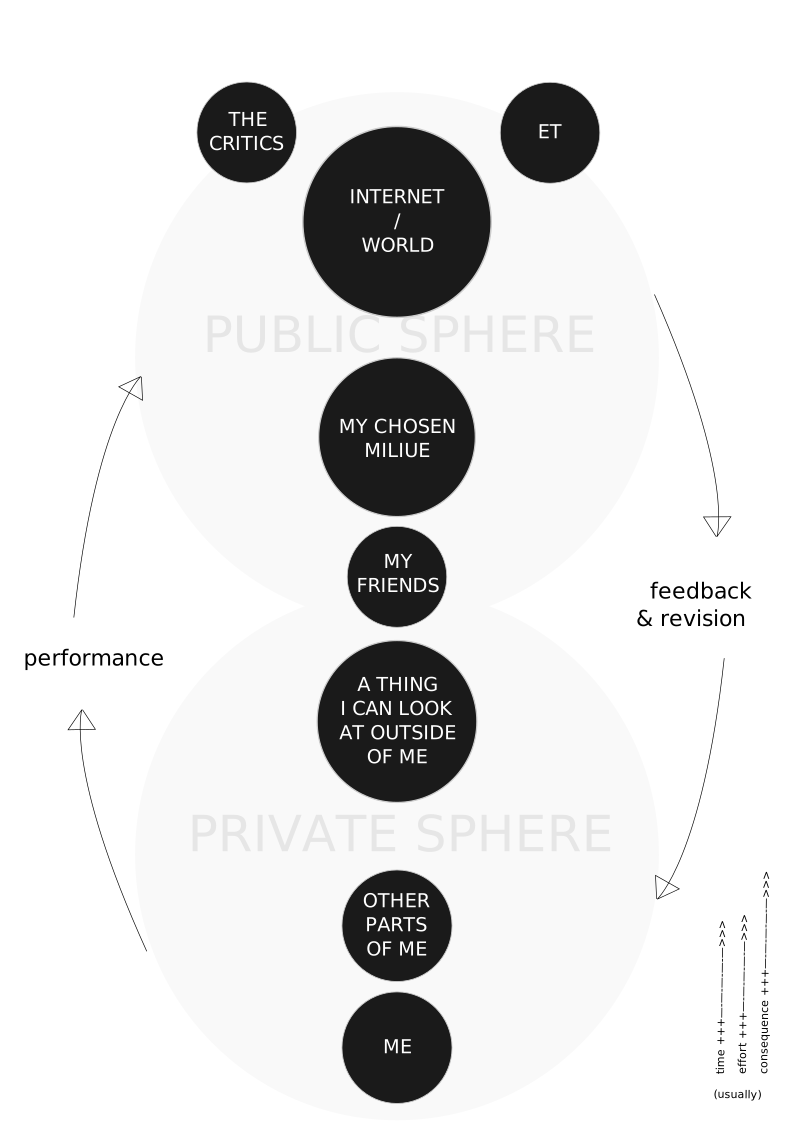
Bands often have a parallel workflow. First, the songwriter has to like the song. Then they play it for the rest of the band. If the band likes it, they test it out in live shows. If it works live, they might record it. And if the band, producer, and record label executives like the recording, it might make it on the album.
## Fail deliberately
### On drilling through walls
When people talk about being prolific and increasing “luck surface area”, they often talk about increasing the number of “shots on goal”. The idea is that you can’t succeed without attempting to succeed, and more attempts also gives more opportunity for opportunity, and more feedback on how to do better.
Each shot gives more data. You can’t generate a pattern if there isn’t enough data, so it’s easier to gain insight by taking more shots, than by squeezing your brain. (If you try, it will likely be wrong.)
However (to return to my old saw), there’s a difference between taking more shots *during the game*, which is what most pundits advocate for, and doing drills to improve your aim.
Drills are more efficient (and the more atomic the drills, the better). It means you can target your weakest point, without wasting time practicing things you are good at, or messing up the game for the other players.
An ideal drill should target a specific skill, have specific criteria for success and failure, and provide actionable feedback. With sports, it’s easy: you try to hit the ball in a certain place, or bounce it on your foot a certain number of times, or whatever, and it’s pretty obvious whether that goal is being reached. With the arts, it’s less clear. Often the drills are about *doing the thing*. Publish every week. Practice every day. These are good, but they don’t guarantee you get better. These are *shots on goal* — but the goal is undefined!
External criteria are harder to fudge, but also more susceptible to [Goodhart’s law](https://en.wikipedia.org/wiki/Goodhart%27s%5Flaw?ref=autodidacts.io).[\[6\]](#fn6) This is where that finicky thing called *taste* comes in; which is, I suppose, what makes the arts arts rather than sciences. If you’ve read this far, I suspect your taste is already ahead of your abilities, and, without trying to pin down what precisely makes something good or bad, like Justice Potter Stewart, we can admit that though we can’t define it, we “know it when we see it.” (This essay isn’t about choosing the destination: it’s about getting there.)
## Fail piecemeal
### There are many ways to debug a song
There are a couple ways to iterate faster:
1. **get the feedback from sources closer by.** This often reduces communication latency, increases bandwidth, and results in more targeted feedback.
2. **slice the thing into smaller pieces**, and get feedback on specific parts.
We’ve talked about #1, but not as much about the slicing.
There are a few ways to do this, depending on the medium. One way is to physically slice the thing up. Get feedback on the first chapter of the book, or the chorus of the song, or the hors d’oeuvre of the dinner. Once that’s dialled in, move on to the rest.
Another approach is to get feedback on a specific “thread”. The rhythm, then the pitch, then the narrative, then the rhyme. The texture, then the taste, then the presentation.
**Somehow, you need to break the thing up without breaking it.** Sometimes parts stand on their own. Other times, you can’t work on one component in isolation. The chorus might be great! But it also has to lead into the next verse elegantly, and optimizing it on its own might make the song *worse*. But the same can apply to a “threaded” approach. Improving the rhymes might make the story, or the melody, or the rhythm fall apart in subtle or glaring ways.
I wrote a lot about splitting systems into pieces in my essay [on troubleshooting](https://www.autodidacts.io/troubleshooting/), and a lot of it applies to making things, too. And I also rhapsodized about the importance of fixing the foundations before applying stucco in my [revision checklist](https://www.autodidacts.io/revision-checklist-for-essays-and-short-stories/) article. And I wrote about [not sacrificing the whole for the parts](https://www.autodidacts.io/holistic-perfectionism/) in [holistic perfectionism](https://www.autodidacts.io/holistic-perfectionism/). (I also translated my best [writing advice into caveman-speak](https://www.autodidacts.io/grug/), if that’s your thing.)
## Fail like Dylan?
### Examples and counterexamples
Many of the most popular songwriters of all time are absurdly prolific. Immediately, Bob Dylan, Ed Sheeran, Dolly Parton, and Taylor Swift come to mind. And Bob Dylan, at least, is famous for *not* revising, and for writing quickly.
Are they counter-examples for my argument? Or, do some people just have so much talent and energy and luck that no matter which approach they take, they succeed?
Then there’s Leonard Cohen, also a highly respected songwriter, who [spent *years* refining his most popular song](https://subtledigressions.substack.com/p/hallelujah-leonard-cohen-and-a-pulitzer). And J.D Salinger: famously unproductive, yet famously famous. And Henrik Karlsson, who takes and [advocates for](https://www.henrikkarlsson.xyz/p/effort-pieces?ref=autodidacts.io) a similarly thorough approach. He’s prolific, but his public output is the tip of the iceberg, and he works harder at refining his essays than most people I know. I’ve read his drafts, and his finished pieces, and they’re often like the [Ship Of Theseus](https://en.wikipedia.org/wiki/Ship%5Fof%5FTheseus?ref=autodidacts.io): almost nothing remains from the first draft, other than the soul of the thing.
There are endless examples from both sides: the hermetic perfectionists, and the prolific experimenters. The examples in the first category seem fewer, but they’re there.
I know many bloggers and songwriters who have oodles of talent and take an excessive number of shots on goal and *just keep on missing*. It’s heartbreaking to watch someone smart enacting a definition of stupidity: doing the same thing, over and over again, and expecting different results.[\[7\]](#fn7)
What do Dylan *et al* do *differently* than the people who seem stuck in abundant mediocrity? And what do Cohen *et al* do differently than the Edward Casaubons who obsess and obsess, but never produce a masterpiece, and eventually shrivel up and die with little to show for their efforts?
I suspect that in both cases it has to do with paying attention — reflecting, and being perceptive — and not getting so attached that they can’t bring themselves to make changes, even changes for the better.
It’s clear both approaches can work. Maybe, some people are better suited to refining existing material, and others to trying again from the beginning. Or maybe it’s a question of what the goal is, and the perfectionists are trying to get *that particular piece* perfect, while the experimenters are trying to *make a perfect piece eventually*.
People often keep iterating until the glue sets. Writers iterate until they publish. Songwriters iterate until they record (or they have to keep it the same so they don’t confuse the band). Web developers get to keep iterating, but people writing software for embedded devices have fewer shots at getting it right.
In life, it seems people often take an informal approach to the [multi armed bandit problem](https://www.henrikkarlsson.xyz/p/multi-armed-bandit?ref=autodidacts.io): they iterate until they’re sort of satisfied, and then they settle down (sometimes in a local optima).
Marriage is an example. People flirt and date (fast iteration), and then eventually commit, at which point the *finding* someone iteration process is complete, unless they get so unhappy with the result that they start over, and the *improving the relationship with the person they committed to* iteration process begins.
I think the frame of what the “goal” is can make a bit more sense of the types of iterations.
1. **Iterations of discovery**: experimenter knows they want to make something good, but whether any given attempt is good doesn’t matter as much, they’ll keep trying new things until one of them is great. The goal is to make *some*thing perfect.
2. **Iterations of refinement**: perfectionist knows what they want, and are shaping what they have made until it is what they want to have made. The goal is to make this thing perfect.
How much time to spend on 1 vs 2 depends partly on temperament, and partly on how good the idea you have is. I tend to spend most of my time working on a few big ideas that I’m excited about and want to do justice to, while also dashing off smaller, more experimental projects that are low cost and might have high upside.
## Fail to fail
### The failure modes of iteration
If effective iteration were easy, people who keep grinding would eventually succeed. It’s pretty clear they don’t.

There are many ways to *feel* like I’m iterating toward victory, without making forward progress; or to make progress, yet still be sailing slower than the tide.
I will categorize these traps as “broken loops” and “wasteful loops”.
If the loop’s broken, more iterations won’t help! Broken loops — which are also wasteful, but whatever — mean the feedback/reflection is wasted in one of two places:
1. **feedback bounces off or passes through the ears**. Often, I ask for feedback (or I reflect), but when I receive it, I get defensive and decide it doesn’t apply (feedback bounces off), or it just passes through and doesn’t register as important.
2. **“but mum I’m tired”**. I hear and understand the feedback, or the voice in my head. I know I should fix the problem: it nags me. But I’m too lazy, and put it off, or ignore it. Either I shelve the project forever; or I ship it in a hurry with the excuse that I didn’t have time to fix it; or I fix it half-heartedly, and am always a bit ashamed that I just slathered fresh paint over the rotten part and hoped nobody would notice.
Technically, failing to reflect or ask for feedback is also a “broken loop”. (Not making anything in the first place is a “no loop” problem.) But we’re grown-ups, and if you’re reading this you’re probably already making stuff, and trying to make it better.
1. **shunting the brain**. The opposite of being stubborn and defensive about feedback is treating other people’s opinions as gospel, and acting on their feedback without thinking it through. It’s *mum I’m tired* in *yes mum* disguise. It acts like a goody two-shoes opposite, but it’s just as lazy. I find myself mindlessly implementing suggestions surprisingly often, and it’s dangerous. I can’t count the number of times I tried to ‘correct’ subtle wordplay that I hadn’t noticed. Oof! And people frequently point out “typos” in my drafts that are not accidental. [\[8\]](#fn8)
2. **winning the wrong game**. Iterating faster is pointless if the goal is no longer meaningful by the time it’s reached, either because it was a dumb goal to start with, or because the design of the iteration process meant it was actually leading towards a subtly different destination, like a compass that points at magnetic north rather than true north: a navigation error that becomes more severe and obvious as the goal gets closer.
3. **calling the structural engineer once it’s built.** The time to get feedback on fundamentals is while the fundamentals are malleable. Once other things are built on top of them, changing one tiny thing often means upheaval. The time to iterate on a foundation is before it’s poured.
4. **l..a..t..e..n..c..y...**. Unnecessary distance and delay anywhere in the performance-feedback-revision loop makes iteration inefficient and onerous. Anyone who has been burned by the delay between turning the knob in the shower and when the water temperature changes knows just how frustrating (and dangerous) laggy feedback loops can be.
5. **painting lessons from Van Gogh.** It feels good to only get input from the best; and sometimes it’s wise, because they notice things others don’t. But often it’s unnecessary, or even counterproductive:
- they’re usually busy, so it’s slower
- they’re usually busy, so they have less time once they get around to it
- it’s disrespectful to demand professional level help for amateur problems
- their feedback can seem baffling or excessively critical, and lead to daunting [gumption traps](https://en.wikipedia.org/wiki/Zen%5Fand%5Fthe%5FArt%5Fof%5FMotorcycle%5FMaintenance?ref=autodidacts.io#Gumption%5Ftraps).
6. **missing the tide**. Going too slow, or dallying, can have cascading effects down the line that aren’t apparent at the time. Projects have natural cycles, both because of internal and external factors. Missing the window when it’s easy can lead to putting in more effort for less (or zero!) results. [\[9\]](#fn9)
---
Keep that loop running fast and smooth. If you fail to fail, what choice is there but to succeed?
As Zig Ziglar said, what counts is “not how far you fall, but how high you bounce”.
---
*Thanks to Davis for reading a draft of this essay and giving feedback. All errors are due to failing to take my own advice or my advice being wrong. Let’s go with the first one.*
*What’s your approach to effective iteration? Hit reply or let me know in the comments!*
---
1. I had cut everything that could be cut; then the editor had me cut it from 6,600 words to 4,000 and it made it better. [↩︎](#fnref1)
2. The same basic process applies to creativity in many disciplines: music, painting, software, science, business. [↩︎](#fnref2)
3. The same process can be run as a mental simulation, with even lower latency and cost. And it usually *is* run as a mental simulation, consciously or unconsciously, as step zero of the “performance”. [↩︎](#fnref3)
4. When I start shaving, what needs to be done is obvious. Big strokes give instant wins, and I fantasize that I’m almost done. But I’m not, not even close. Thick stubborn whiskers hide in the concavities of my chin, demanding patience. If I don’t pay attention there’s blood everywhere. Sometimes a mole is razed — oops, that was alive — and must be bandaged up and grown whole again. By the end, I run my hand over my skin, seeking out rough patches. Lather, scrape, repeat. At last, the Merkur is put back in its pouch and I savour the silky softness for a moment before leaving the sink.
If I was in a hurry, someone will tell me, sometimes hours later, “you missed a patch.”
The next day, it all must be done again. [↩︎](#fnref4)
5. See: [How to avoid making an idiot of yourself](https://www.autodidacts.io/how-to-avoid-making-an-idiot-of-yourself/). [↩︎](#fnref5)
6. There are things that are *partly* aligned with what I want to do, that I could make into a measurable goal. Hitting the front page of HackerNews. Getting more paid subscribers. Minimizing the number of readers who unsubscribe. But there are ways of optimizing each of these that take me farther away from my aim. Writing more technical content makes me more likely to make HackerNews, but writing tech tutorials doesn’t seem like what I’m here to do. Writing about how to make money is a way to make money writing, but then the whole system becomes orobouric. Unsubscribes suck, but audience capture sucks more: I’d rather write for fewer, exceptionally nifty people, than *more* people. [↩︎](#fnref6)
7. Usually mis-attributed to Einstein, the quote is usually a definition of insanity, not stupidity, and isn’t a good definition of either. But it still has a grain of truth. See: [https://quoteinvestigator.com/2017/03/23/same/](https://quoteinvestigator.com/2017/03/23/same/?ref=autodidacts.io) [↩︎](#fnref7)
8. To guard against taking feedback to heart without taking it to brain, before incorporating someone’s feedback, I ask: Do they know what I was trying to do? Is the problem relative to *their* vision for the piece, or mine? How similar are our visions, and which should I aim for? Is their suggested fix the best fix for the problem? [↩︎](#fnref8)
9. An example: there are countless emerging *x* fellowships and young *y* prizes, which reward people who get good at something while other people scroll TikTok and play video games. [↩︎](#fnref9)
### I can haz knowledgebase
URL: https://www.autodidacts.io/knowledgebase/
Last updated: 2025-07-11T22:17:55.000Z
I’ve often felt sheepish about my personal knowledgebase: **it’s just a pile of text files.** Everyone else has their own self-hosted MediaWiki or Obsidian or Digital Garden and mine is stuck in the ‘90s, using `text/plain` without any folder structure or tags.
**But *it works!***
In this very short post I will outline the 2-rule system I use that makes my lack of system so effective, for my basic use-case.
*Also: I recommend you start one if you don’t already have something better! It has saved me so many times.*
### The system:
**A folder of plaintext files, written in [markdown](https://commonmark.org/help/?ref=autodidacts.io). No tags, no directory hierarchy.**
Each one (in this case, `How to write a very long knowledgebase title full of misspellings.txt`) looks like this:
```
# How to write a very long knowledgebase title full of misspellings
YYYY-MM-DD
Description of problem and solution
Source: URL (or, Via: URL)
```
### The rules:
1. **Every time I look something up a *second* time, I add it to my knowledgebase.** I also add things after I look them up the first time if finding the answer was hard, or I’m fairly sure I will need them again at an inconvenient point in the [Ebbinghaus Forgetting Curve](https://en.wikipedia.org/wiki/Forgetting%5Fcurve?ref=autodidacts.io).
2. The filenames all start with “How to” and end with “.txt”. **The titles/filenames are ridiculously long and descriptive, and include all the likely synonyms.**
### Why it works
Emergent phenomena of this systemless system:
1. I can find almost anything in about two seconds using Albert Launcher, **I just need to remember some words related to my problem**, like maybe “ffmpeg” or “crashes” or “printer drivers”.
2. I can drop back to more [powerful](https://github.com/junegunn/fzf/?ref=autodidacts.io) [tools](https://github.com/BurntSushi/ripgrep?ref=autodidacts.io) if needed. And it will be easy to migrate to a fancier system, or tag with AI if AI ever gets good enough at that.
3. No software to update, relearn, or migrate from ♥
4. I can go back to the source I got the info from to learn more, or remember why I used a particular approach.
5. It only has what I need. It doesn’t have most of the stuff I know by heart. And it doesn’t cover stuff that’s beyond my skill level, and I’m unlikely to need. It *only* covers the border between them: things I use, yet forgot how to do at least once. This maximizes the usefulness-to-size ratio.
6. Each time I reference a file, I can easily update it (since it’s always open in a text editor), and make rude comments about my past self or to my future self (or about ffmpeg).
Here’s a relatively representative sample of the basic-yet-niche things that go in it (and I might otherwise have to look up):
How to find which element is overflowing the body with JS in CSS HTML.txt
How to Access Text That Is On the Command Line in Vim.txt
How to Automatically Reflow Paragraphs to Chosen Line Length in Vim.txt
How to boost video volume with FFMPEG.txt
How to Build Compile Sway wlroots wayland meson on Ubuntu 20.04
How To Bulk Resize Autodidacts Images to 1000px Wide with ImageMagick Mogrify.txt
How to connect to and mysqldump remote Fly MySQL Database on the CLI by proxying through localhost.txt
How to Connect to Wifi from Command Line in Wayland (Sway).txt
How to convert scanned JPG or PNG images to a PDF document with ImageMagick convert command.txt
How to Count Non-blank lines in Vim.txt
How to create printable PDF booklet imposition Linux CLI.txt
How to Debug Hangs and Freezes on Ubuntu Linux.txt
How to Delete HTML Comments in Vim.txt
How to Delete Strip HTML comments in VIM.txt # nobody’s perfect; this is why I should have named the first one what I named the second one!
How to Detach a Process and Keep it Running in the Background on Linux.txt
How to Detach a Process From Your Terminal Wile Keeping It Running In The Background.txt # ok this is getting embarrassing
How to Disable Sodo Search on Ghost.txt
How to Figure out What KeyCode a Key Makes, in order to Create i3 or Sway Keybinding.txt
How to find what bash bourne again shell process is keeping flashdrive device busy so it can't be unmounted with lsof.txt
How to fix broken wifi and ethernet networking on Ubuntu Linux.txt
How to Fix Cloudflare 520 error with Page Rule to Redirect Root Apex Domain to WWW Subdomain.txt
How to fix could not resolve github host pups discourse upgrade error.txt
How to Fix Error with Git Network Access from NeuroBB Discourse Docker Image when Running Launcher REbuild.txt
How to Fix Firefox Dark Mode and prefers-color-scheme not working.txt
How to fix grayed out ATA Secure Erase in Gnome Disks
How to Fix Heroku PostgreSQL SSL error.txt
How to Fix ImageMagik Resource Limit Exhaused Error When Converting Images to PDF.txt
How to Fix Immediate Wake From Suspend on Ubuntu.txt
How to fix python pip requirements.txt externally managed environment error.txt
How to Fix Synaptics Touchpad Natural and Horizontal Scrolling Ubuntu 22.04 After XFCE Broke It
How to Fix When Printer Won't Print on Linux By Restarting Cups Service.txt
How to free disk space for Discourse update with journalctl.txt
How to Generate a Static Site from a Local Ghost Instance.txt
How to Get htaccess Url Rewriting Working on LAMP PHP Apache.txt
How to get on public wifi when the portal login page isn't redirecting correctly linux with routes gateway.txt
How to get SMTP mail working from Ghost.txt
How To Get Word Count In Vim Status Line.txt
How to Get Word Count In Vim with WC.txt
How to Google with Advanced Search Criteria.txt
How To Insert Rows With Keystroke in Libre Office Calc.txt
How to Install Studio One 4 on Ubuntu 20.04 with Wine 6.0.txt
How to kill a bash script by name.txt
How to make localhost not accessable over LAN apache ports.conf.txt
How to Minify HTML with sed.txt
How to recieve notification on local machine when longrunning command job on remote ssh machine finishes.txt
How to Recover from Failed Ghost Blog Updates.txt
How To Recover Lost Text in Firefox By Coredumping Firefox.txt
How to Reload vimrc While Editing It.txt
How to remove duplicate lines in a text file with Awk.txt
How to remove headers and footers from Libreoffice calc or writer document when exporting to PDF.txt
How to remove last page from a PDF with the CLI Terminal Linux.txt
How to resize scale Autodidacts images on the command line with ImageMagik.txt # oops groundhog day
How to Run a Command for a Specific Duration.txt
How to Run Atom and Other Electron Applications on Wayland with XWayland by Setting GDK_BACKEND Environment Variable.txt
How to run Piwik Matomo CLI commands from PHP cpanel terminal.txt
How to Save a Vim Session.txt
How to save changes made to readonly file opened in Vim without sudo.txt
How To Search for String in All Tables of Entire SQLite Database.txt
How to Set Soft Wrap in Vim.txt
How to Setup Kobo Bypassing Account Registration.txt
How To Smarten Punctuation In Markdown with Pandoc.txt
How to Sort Lines in Vim
How to Spell Check in Vim.txt
How to Stage Selected Hunks Partial Files from Git CLI.txt
How to start a new Ghost theme from Timeless and Undefined.txt
How to tail view output of running process by PID with strace.txt
How to trim a video by timestamp with FFMPEG.txt
How to Troubleshoot Ghost Migrations.txt
How to Update Ghost Blogs on Heroku.txt
How to Update Ghost on Dokku on AWS.txt
How to Upload Dploy Ghost Theme Via CLI Command Line with Ghost Admin API.txt
How to Use Enable and Use Useful SysRq Magic System Request Key Commands.txt
How to Use FZF.txt
How to Use Spreadsheets.txt
How to Use Tmux.txt
How to Watch and Compile Mutiple Files with Sass on the Commandline.txt
How to Zip A Ghost Theme From the Command Line.txt
---
This knowledgebase lives in my tech directory, and mostly covers the rudiments of Unix neckbearding. I have other knowledgebases. Some are piles of files, like this one, and some are single files with piles of text (even *more* paleolithic, yay!).
I keep running notes for each project, and those live in the project directory. And I keep an ever-growing array of life-admin lists, as well as notes of things I have learned about myself, other people, and the world, and how to navigate the intersection of the three.
I use my tech knowledgebase as an example, because it’s the one I reference most often. After all, when I’m stuck in a conversation that’s going on and on, I can’t really say, “Give me a sec I need to check my notes on how to politely exit a conversation.”
Fortunately, on the web, you can just close the tab.
EOF
### My Favourite Ways to Avoid Spending Money
URL: https://www.autodidacts.io/how-to-spend-less-money/
Last updated: 2025-07-11T23:44:54.000Z
→ Click here if you haven’t heard of Wadsworth Constant (or don’t believe in it)
The other day I happened across a pair of Lululemon shorts on Facebook marketplace. They were beautiful, they were my size, and they were a deal: only $35! (If $35 sounds expensive for used shorts, you haven’t been indoctrinated by Lululemon yet.) I wanted to buy them. I left the tab open for a while, then I closed it. Shorts were not on my shopping list. And I didn’t have money earmarked for clothing, because I knew, from looking in my closet, that I didn’t currently need more clothing.
A few years back, I started trying to teach myself about personal finance. I realized finances are something almost everyone in this world has to deal with. Yet we often just scrape by, never proactively learning about it. Money comes in, money goes out. Companies on all sides try to get us to BUY, BUY, BUY! claiming it will make us happy and attractive, which we all know it doesn’t.
I started reading books. Listening to podcasts.
I doggedly tracked every cent I spent and earned in a spreadsheet. I made iterative improvements to my system each month, while keeping it simple enough that it wasn’t *too* daunting to fill out.
I used to save money so I could buy things. Gradually, I started to enjoy *not* buying things, and finding clever ways to spend less. I tried investing a bit of money in the stock market; something I’d often thought would be interesting, but didn’t consider within my reach. I discovered it *was* within my reach, and much less daunting than it had seemed from the outside. I made and lost little bits of money, and learned.
This post features my current favourite ways to avoid spending money. You’ve probably run across some of these tips already (and maybe you even use them), but there’s at least one *very useful* one that I have never seen elsewhere.
### MY FAVOURITE WAYS TO AVOID SPENDING MONEY
#### Buy Top Quality, Used Items
I’ve noticed that good quality things last longer than cheap ones. Often, by a large margin: double, triple, or even quadruple the life span before needing to be replaced. I’ve also noticed that, at least with some types of items — tools, electronics, clothing, cookware, furniture, kitchen appliances, books — it’s pretty easy to find good quality, secondhand options for well below the cost of purchasing a low-quality new one. Enter [my brother’s recent article on Dorking](https://www.autodidacts.io/ebay-still-supports-dorking-with-and-or-not-logical-operators-boolean-expressions/). Along with being a good financial bargain, and getting good quality items, buying used is a more sustainable option, majorly reducing the amount of waste and resources used.
#### Avoid Browsing
Browsing can be fun. Especially browsing great sales. But, mostly, I’ve noticed that it feels like a waste of time afterwards, and often a waste of money, too. Being somewhat of a completionist, I find the easiest time to stop looking through a sale, with no particular target that I actually need, is right at the start. Yes, I might miss a cool great deal, but think of all the time I will save, and decisions I won’t have to make.
#### Always Keep a Shopping List
I’ve found that keeping a running shopping list on the back page of my [pocket notebook](https://www.autodidacts.io/best-pocket-notebooks/), where I put down the things I actually need, is an effective way to combat impulse spending, and prevent unnecessary purchases. I find this especially helpful when I’m out doing errands with other people. It means I can save both time and money: if they’re going into a store and there’s nothing I need in there, I can simply wait in the car and read — eliminating all temptation of purchasing things I don’t need, or finding “good deals” that I don’t want to pass up.
#### Keep a Bare-bones Phone Plan
This one is *hard*. But, in my opinion, so worthwhile. I’ve already expounded the benefits of having a [boring and affordable relation with your smartphone](https://www.autodidacts.io/how-to-make-your-smartphone-boring/) at some length, but I think it deserves reiterating: if you’re willing to forgo Instagram, TikTok, and YouTube, you can save a whole lot of money every month on your phone plan! And the hidden bonus is you’ll also save a lot of time, attention, and focus. These cheap, low data, pay-as-you-go plans are usually buried deep down on every cellphone provider website, far below the flashy ads for Unlimited Everything. Because they really aren’t keen on you getting one. They don’t make the phone providers enough money. And don’t even get me started on the salespeople at those slick little stores and kiosks. Yikes. Avoid at all cost. This is the plan I’m currently on: [Public Mobile $15/month](https://subscribe.publicmobile.ca/en/bc/activation/plans/unlimitedtalk&text?ref=autodidacts.io). I believe it works in all of Canada, and I think T-Mobile has something comparable in the United States. After the loyalty rewards and various bonus points get added, it’s costing me a grand total of $7.84 CAD per month\*.
\*Unfortunately, due to recent changes in their loyalty program, this incredible deal is no-longer available, and I'm now paying a more ghastly $24.64 per month for my phone plan. If you know of a more affordable Canadian plan, let me know!
#### BYO Snacks
One of my favourite things to do is go out for a stroll in the fresh air, and stop somewhere along the way to get myself a coffee, tea, or small snack. I find it a good way to decompress between action cycles; get some new impressions, fresh air, and exercise; and treat myself to a little something. I still do this often, but I’ve also figured out a workable alternative: go out for the same nice afternoon or evening stroll, but bring my own cup of tea or snack with me. This gets the same fun vibes, for a fraction the cost. Also, I try to separate eating out socially from the function of food. Restaurants can be a great way to hang out and visit, but aren’t always the best value for sustenance nutrition. If this is what I’m after, I like to sus out the best options at grocery store delis. This can be a very affordable way to get a yummy, nutritious, ready-to-eat meal or snack without paying for the atmosphere and service of a restaurant.
#### Find Your Niche Outlets
For ethical reasons, I avoid buying things from Walmart and Amazon. I’ve noticed there are alternative outlets with great prices on *certain* types of things. Ebay, I find, is good for very small electronics purchases such as batteries, cables, and USB chargers. Best Buy (at least in Canada) tends to be good for larger electronics purchases, if it’s something you need to get new (gasp) such as a hard drive, computer, external monitor, or phone. Battdepot.ca is the best source I’ve found for laptop batteries. There are likely local brick and mortar stores in your town to which this same principle applies. In Canada, Stylo.ca is great for stationery supplies and pen ink. For the US version of the same, I like Jetpens.com.
#### Delay, Delay, Okay!
Even though it can seem counterintuitive, in a lot of cases, putting off purchasing something can be a financially advantageous strategy. Often it means you’ll find it at a better price — hopefully at a thrift store or garage sale — it will have dropped in price, or you’ll decide you don’t actually need it after all. If it’s something like running shoes, which are unlikely to reduce in price, and is one of the only items I have a policy of not purchasing used, I will at least have gotten an extra month or two of use out of my old ones in the meantime, therefor reducing my annual spend on that item by a non-trivial amount. I also try to remind myself: **even if something is a “good deal” when I buy it, I’m still unlikely to get my money out reselling it later.**
#### Track & Trace
This one is a bit like work. Once you’ve got a good system in place, though, it’s not so bad. Keeping track of your expenses and earnings is a good way to feel in control of what you choose to spend, and gives you the tools and knowledge to reduce spending where doable. I use a spreadsheet. Pick a system that works for you, and try to make it simple enough, especially at the start, that you can stick with it.
#### Nix Those Bank Fees!
One of the many things I did after reading [Ramit Sethi’s off-puttingly titled, but in fact quite excellent book](https://www.goodreads.com/en/book/show/40591670?ref=autodidacts.io), was arranging that I don’t pay a single cent in monthly bank fees, despite having a premium, full-fledged, all-inclusive account, and a Visa Infinite credit card. It turns out that many banks will waive your monthly fees if you keep a certain amount in your account. They will even put a lock on that amount if you’d like, so you don’t *accidentally* spend it, and thus incur service fees. I phoned my bank, asked them about this, and got it set up. This provides a triple benefit: 1) it reduces the monthly fees on my account to zero, 2) it avoids any accidental overdraft charges, and 3) the amount that I have locked in the bottom of my account doubles as my emergency fund, which I can have them release for me with a phone call, if I really need it.
#### Keep a Positive Balance on your Credit Card
This is not something your credit card company will advertise, and not something I’ve ever read about or heard suggested, even by the inimitable Ramit Sethi, but one of the best financial discoveries I’ve ever made is the tactic of keeping a positive account balance on my credit card. This is as simple as making a random, un-requested payment or two, and means you can get all the benefits of a full-fledged credit card *without ever having to pay a single cent of interest!* And, believe me, I keep track.
Technically, you can use your credit card without getting charged interest by paying your bill off in full, on time, each month, but I prefer a slightly different approach which adds an extra buffer of reliability, accountability, and also protects from any funny business my credit card company might come up with regarding how it calculates billing cycles and interest rates. My strategy is: 1) preemptively transfer money to my card at the beginning of the month to cover any recurring bills that I know will be drawn out of it, 2) always keep a modest positive buffer on my card, and 3) whenever I make a purchase on it, transfer over the exact amount to cover it right away (or that night). This means I have to come up with the actual money for whatever I’m buying without putting it off into the future, it’s easy to avoid having a gnarly big bill at the end of the month, and I still get to gain the benefits that possession of a credit card offers (buying things online, renting cars, extra warranty coverage, booking flights, and receiving bonus points)\* without having to pay *any* credit card interest or credit card debt.
This approach kind of removes the *credit* from the credit card, and just treats it as a useful payment conduit rather than a payment *source* which it **never really was.** We just sometimes get tricked into *thinking* it is. As an added precaution, I proactively request a low limit whenever I get a new card, even if they try to give me a high one, and routinely decline their offers to increase it.
\* = because of the poor ethics of credit card companies, and the fact that they earn a 3% fee off the backs of small independent businesses when we pay with our credit cards, I still often avoid using my credit card to pay for things.
#### Spin Them Pedals
I’ve often thought it’d be *fun* to own a car, but so far, I haven’t needed to. I’m grateful for this, and have been trying to keep it that way. [Cars are expensive](https://www.mrmoneymustache.com/2011/04/18/get-rich-with-bikes/?ref=autodidacts.io). Insurance, gas, repairs. Even though it’s more work, annoying at times, and isn’t an option for everyone, riding a bike everywhere is *terrific!* I’ve gradually become a total convert, and highly recommend it. Aside from being inexpensive, it’s also great for the health, good for the environment, and a lot of fun.
#### Cancel your subscriptions
Even that o*utrageously* priced [Autodidacts Patron of the Arts](https://www.autodidacts.io/#/portal/) membership :)
#### Conclusion
Putting these tactics to use can save you some dollars! I guarantee it. Give it a go, and let us know which are your favourites, and if you’ve got any tips that I’ve missed!
#### When to Break the Rules
Sometimes it’s important not to put pecuniary priorities first. A few times when I do this are:
- **Following the creative scent.** I’ve decided that if I’m hot on the scent of some creative action cycle, and there’s a piece of gear, or supplies I need for the project, that seems like it will enable the creative spark to spread, it’s worth going ahead and taking the plunge on a purchase that might not otherwise pass the prudence test. \[An example of this was in the summer of 2023\. I was vaguely on the lookout for a new, more capable acoustic guitar. But I hadn’t really planned to purchase one just yet. I was in the looking and learning phase. However, my band had a festival booking coming up, which I wanted to give my all, and I didn’t feel my current instrument was up to the level of the booking. On a trip to Vancouver, I spotted a used Martin acoustic guitar that seriously struck my fancy. It was pretty expensive. I didn’t have the money set aside for it, but I did *have* the money. From my perspective, the creative spark lead in the direction of having that instrument. I could have ignored it, telling myself it wasn’t in my budget. I considered the situation for some time, made sure to exit the vortex of the store and sales people while I thought about it, and decided to go ahead and get the guitar. I’m glad I made that decision.\]
- **When I want to just get on with it.** Sometimes it’s not worth the time of hassling around trying to get a good deal on something. Sometimes the right thing to do is get what you need, and move on. Bargain hunting can be fun, but it can also take up a lot of time. Sometimes there are more important things to use that time on.
- **When it’s a matter of safety or security.** Replacing your back-up hard drive, for instance. (Let's not go into *that* story...) Or, not skimping and buying cheap no-name brand 1TB SD cards for a high-pressure film project. (Let's not go into *that* story either! But stay tuned for an article on advanced data recovery.)
### FURTHER READING
Here are my six favourite blogs and books on the topic:
⇒ [Mr. Money Mustache](https://www.mrmoneymustache.com/?ref=autodidacts.io)
⇒ [Get Rich Slowly](https://www.getrichslowly.org/start-here/?ref=autodidacts.io)
⇒ [I Will Teach You to be Rich](https://www.goodreads.com/en/book/show/40591670?ref=autodidacts.io)
⇒ [The Year of Less](http://www.caitflanders.com/the-year-of-less?ref=autodidacts.io)
⇒ [Your Money or Your Life](http://www.goodreads.com/book/show/43560266-your-money-or-your-life?ref=autodidacts.io)
⇒ [The Millionaire Next Door](https://www.goodreads.com/book/show/998.The%5FMillionaire%5FNext%5FDoor?ref=autodidacts.io)
### Tortoise Mode vs Hare Mode
URL: https://www.autodidacts.io/tortoise-mode/
Last updated: 2025-05-16T01:28:56.000Z
When I was a boy, I had a ride-on lawnmower with no blades. I’d wanted a ride-on lawnmower for years, ever since my brothers and I found and restored-to-life a John Deere we found in the garage of a rental house in rural France. (The elderly neighbour, after observing from behind her lace curtains, came over to our yard once we got it running, after days or weeks of tinkering, to accuse us of wasting gas joyriding it around the driveway.) So, when one turned up at the local Canadian second hand store for $50, I bought it, along with a big bottle of slimy green goo to put into the flat tires to make them leak more slowly. Once I got it running, I spray-painted orange highlights that were widely regarded as an aesthetic disaster, and rode it gleefully around the field.
Not only were the blades not in use: they didn’t even work. Mathilde would *not* approve.
This machine had two speeds, labelled with a tortoise icon, and a hare icon. There may have been gradations between them, but what I liked to do was to putz along contemplatively in a cloud of fumes on tortoise mode, and then — with a dramatic flourish, as if I was a race car driver coming out of a brakestand — slam the lever full-ahead.
For a moment, nothing would happen. Then the engine would seem to lose power — anticlimax — before coughing and spluttering at the new fuel/air mixture, roaring to life at a new pitch, and accelerating with sufficient vigour to throw me back in my seat with a pleasant whiplash-like effect, and render bumps and potholes thrilling, fenceposts perilous, hearing useless, and grin enormous.
---
Today I am in tortoise mode.
I am writing this in a notebook, with a fountain pen[\[1\]](#fn1) that clogs and must be shaken, while drinking tea and listening to Mozart. Each word arrives slowly, between moments staring out the window at the fir tree blowing in the wind, trying to find the right way to put it.
The words do not pour out of me: they are wrung out one by one. When I surface, I can feel my face scrunched into a 5th-grader’s look of tongue-out concentration.
This might seem like a waste of effort. Why deliberately slow down the process?
(See this footnote for an 800-word analogy about brewing tea →: [\[2\]](#fn2) )
Students learn better when they take notes by hand, because they have to summarize to keep up. When I write longhand, I have to mull over what I’m trying to say, and distil it into as few pen strokes as possible, rather than putting it down the way it first comes to mind.
---
For the past three days I’ve been attempting to get into Hare mode. It’s just not working. Modes have momentum, and inertia. And there’s a whiff of the old [bootstrap paradox](https://en.wikipedia.org/wiki/Temporal%5Fparadox?ref=autodidacts.io#Bootstrap%5Fparadox). Hare mode is both caused by, and causes, its correlates: early mornings, sleep deprivation, talking loud and fast, socializing, high-energy music, drinking too much coffee.
My physiotherapist told me to lean forward when I run, so that I am continuously falling and catching myself.
This is what Hare mode feels like.
Hare mode is like a noisy bar. Tortoise mode is a library. Both have their function; and what one encourages is impossible at the other.
Switching modes is a bit like throwing the throttle lever forward on my ride-on mower. One applies gas and air to the engine, and waits.
Right now, I’m somewhere between the “total loss of power” and “engine coughing and spluttering” phases. Any minute, I expect to be thrown back in my seat.
---
It might seem that Hare mode, as the higher-energy state, would be harder to transition to. But— it isn’t?
This essay is the result of a deliberate and effortful transition to Tortoise mode.
My last essay went somewhat viral and my server went down from the traffic. Our email list, built over a decade of blogging, doubled in a month. At the same time, I landed a big contract, got complimentary emails from people with their own Wikipedia articles, broke my long distance running record, and had music industry showcases and consultations. In my own small way, I felt like a big shot.
It had gotten to the point where I was glued to my stats — are people talking about me on the internet?! No? Well, what about now? — and sharing my successes with a frequency that was getting braggy.
I would wake up in the night and refresh Grafana to make sure my site wasn’t down, and that the CPU wasn’t throttled, or system load increasing suspiciously (there seemed to be a memory leak somewhere, and like the consummate professional that I am, I would just reboot the server when it started acting up, because that was more reliable than trying to do surgery while it was under load).
It was Sunday morning. [I used to take an offline day once a week](https://www.autodidacts.io/intentional-computing/). Somehow, the habit had slipped.
I felt like spending another day in front of my huge monitor being awesome.
But I’d noticed success begat a manic energy that could easily become addictive and self-perpetuating. Unchecked, it was a feedback loop: the flywheel of activity would beget more success, and more activity, and more stress.
It had been fun, and fulfilling. I sat down to reply to emails, and after an hour, discovered that I had *lost* ground. I used exclamation marks, and it felt sincere. I learned a lot.
But did I want to live like that? No. I know people who live like that, and the trade-offs don’t seem worth it.
So I forced myself to take a break. I scaled down the server so it would stop charging me overage, and shut down my computer.
---
My “success”, such as it was, was not the result of gawking at Grafana dashboards, rapid-fire emailing, and tailing server logs.
No. That essay was born of tedium, contemplation, and long discussions of dishwasher pump repair held beside a crackling wood fire in a house with no indoor toilet.
[The previous essay](https://www.autodidacts.io/holistic-perfectionism/) that made the HackerNews frontpage was written, meditatively, in a tiny rain-soaked pocket notebook, over the course of multiple muddy meandering bike rides through the city.
My first three works of fiction to be published in magazines were written (1) in a notebook at a coffeeshop open mic, and then in the same notebook with my feet on my desk, or (2, 3) on a donated 75-year-old typewriter, while sitting cross-legged on a rock outside my tent.
It’s not that I didn’t write on my computer; I often did. It just wasn’t as good.
I don’t know if the process qualifies as “[slow productivity](https://calnewport.com/on-pace-and-productivity/?ref=autodidacts.io)”, but it’s definitely slow.
---
I think of this oscillation between living in the slow lane and the fast lane as akin to running a wood stove without burning down the house.
If you run an old woodstove wide-open for too long, you’re liable to burn up the firebrick inside, and quite possibly set the wood panelling smoking.
But if you keep a woodstove damped down all the time, soot builds up in the chimney, and eventually you get a chimney fire.
A feature of my childhood was occasionally getting the stove good and roaring, till the cook surface began to glow, to blow the soot out. (Before my time, the soot in the chimney had caught fire once or twice; this was a tradition born of experience.)
It seems there is a parallel between woodstoves and human beings. [\[3\]](#fn3)
---
So far, I’ve mostly been talking about tortoise mode, as if it was the good mode that we need more of. But it takes both modes to live life well. I don’t think [the parable of the tortoise and the hare](https://read.gov/aesop/025.html?ref=autodidacts.io) is the whole truth. We’re not the tortoise or the hare: we are the tortoise *and* the hare. The question is which champion to bring out for which race.
The problem with tortoise mode is that it is very slow and resource-intensive. It’s hard to live *exclusively* in tortoise mode and feel fulfilled and effective.
So let’s talk about Hare mode. What is it, and what is it good for?
If tortoise mode is steering, hare mode is throttle. If tortoise mode is being, hare mode is doing. Hare mode executes the tortoise mode vision. [\[4\]](#fn4)
Tortoise mode isn’t great for getting anything non-contemplative done. For every monk who meditates and teaches at a retreat centre, there are usually multiple administrators scurrying around, taking care of the arrangements. Neither role would exist without the other.
Once again, I have made hare mode seem less cool. But I think the mode I’m in colours my outlook. And this is tortoise mode talking, sunlight streaming in, Bach on the stereo, wool sweater, weak Heicha sipped from thrift store bone china.
Ask the guy in the too-tight tee about Hare mode, and the answer, if you can hear it over the opening riff of Kansas’ *Carry on Wayward Son*, will be quite different.
---
Since I’m not that guy, and indeed, scarcely know him, let’s talk about the failure modes of hare mode. (The failure modes of tortoise are boring: sluggishness, hibernation, getting behind, reacting so slowly that it’s no longer relevant.)
---
I live beside an old seaside highway. At night, at around 2AM, when there’s no traffic and the bars empty out, this scenic old 2-lane highway transmogrifies into an illicit racetrack. The Mustangs come out to play, and Pontiac Firebirds with V8 engines herniated through the hood deposit rubber on the pavement and smoke in the air.
For some reason, my town suffers from an infestation of Ford GT Mustangs. It’s as if there were a stud farm breeding the things. My hypothesis is that there are a lot of well-off people with poor taste, and the Mustang is the cheapest expensive car on the market. The noise per dollar of the machine is the best bargain this side of jackhammers and dynamite.
When you hear the muscle cars tearing down the strip in the middle of the night, and listen to the Doppler effect of each roaring engine and set of tuned pipes — or, as the case may be, deliberately untuned pipes — one imagines they must be going fast enough to mow down the row of small poplars and take out a whole city block if they lost control. It seems a miracle we don’t find wreckage on Sunday morning.
The other day I was coming home from town on my bicycle, and heard the throaty, many-cylindered roar of a Mustang approaching from ahead. I pulled farther from the road, comforted that there was a sturdy stoplight post between me and the oncoming beast, and peered around the corner ahead, expecting it to shoot into view being driven at reckless speed, possibly on fire with James Bond clinging to the trunk and a squad of police cars in pursuit. The noise of the oncoming car kept getting louder, but it never came into view. Then suddenly I spotted it. It was right in front of me, in the congestion at the stop light, hardly moving at all.
The moral of the story: **the loudest car isn’t necessarily the fastest.** Sometimes the bark is worse than the bite.
I think there’s a parallel among intellectuals. The best thinkers often seem to be the Toyota Corolla style; the Lamborghini-brains never seem to really get anywhere; they are too busy being impressed by all the noise they are making.
I don’t mean to knock Mustangs, or sports car people. The film *Ford v Ferrari (2019)* gave me a sense of how car racing could be an almost transcendent art. And I met a kind museum curator and palæontologist whose son built out a custom 1980 Firebird for him when he was very ill, as a get-well wish, and who admitted to smoking the pavement on my very street during an unauthorized, unorganized race. The person in the driver’s seat of a classic jerk-mobile might be anything but. They might be a softspoken cancer survivor, cradled in a \~300hp love letter, finding joy on borrowed time.
Context also matters. A GT40 could smoke a Ferrari on the track. But in bad traffic, I could probably beat a Mustang into town on my 50-year-old Peugeot road bike.
Hare mode is about getting from A to B without farting around or wasting time. It isn’t about the route taken, or the equipment used. Spoilers are optional.
Sometimes, even with Hare mode — *especially* with Hare mode — going smart is more important than going fast. Look for [paper walls](https://en.wikipedia.org/wiki/Shoji?ref=autodidacts.io) and [chalk on the floor](https://www.henrikkarlsson.xyz/p/constraints?selection=4232c533-2d8d-4879-9c61-8af96e01aa42&utm%5Fcampaign=post-share-selection&utm%5Fmedium=web&triedRedirect=true&ref=autodidacts.io#:~:text=For%20me%2C%20who%20does%20not%20operate%20with%20the%20same%20assumptions%20as%20my%20friend%20%28though%20I%20surely%20have%20my%20own%20limiting%20beliefs!%29%2C%20listening%20to%20him%20sometimes%20feels%20like%20being%20in%20Lars%20von%20Trier%E2%80%99s%20Dogville.%20In%20Dogville%2C%20the%20walls%20are%20chalk%20lines%20on%20the%20floor.%20The%20viewer%20can%20see%20straight%20through%20the%20entire%20village.%20But%20the%20actors%20behave%20as%20if%20they%20can%E2%80%99t%3B%20they%20treat%20the%20lines%20as%20walls.) [\[5\]](#fn5). Embrace that [hacker mindset](https://gwern.net/unseeing?ref=autodidacts.io) and [find function from form](https://www.autodidacts.io/troubleshooting/#make-do-with-what%E2%80%99s-available). Use the pedestrian-controlled crosswalks.
Nature figured this out billions of years ago. Each season, microscopic or macroscopic, creates the conditions for the next. So it is with life at all scales. Why would I be the exception?
I feel a mischievous hankering to hop on my bicycle and go race some Mustangs.
---
1. I write with fountain pens because of a wrist injury. And also to look cool, save money and waste less plastic, and keep three of my fingers stained with ink at all times so that people know I am a *writer*. [↩︎](#fnref1)
2. I drink a lot of [Yerba Mate](https://en.wikipedia.org/wiki/Yerba%5Fmate?ref=autodidacts.io). Mate brewed in a stainless steel French Press is not all created equal. The best-flavoured — and, usually, strongest — pot is the first one of the morning, with grounds that have soaked in cold water overnight, and a long hot water steep time as well. Yerba Mate brewed in a hurry, even if strong, has a thin, sharp taste. Even internal to one pot, quality varies. The water on top of the plunger and in the spout is weak and full of twigs.
Growing up, “skimming” the mate pot wasn’t allowed in my family. This is our word for pressing the plunger down just a few centimetres, and then pouring yourself a cup of the primo nectar. Mate leaves float, at least at first, so when you push down the plunger partway, you’re getting the bulk of the leaves’ flavour and caffeine; the bulk of the water hasn’t even met the mate grounds, and it turns into a thin, hot, astringent lavado-in-disguise.
(A clever skimmer may pull the plunger back up afterward, to hide what they’ve done, but there will still be a telltale whoosh as the plunger travels through the lacuna.)
I think I was one of the first to notice the explosive flavour and strength of this particular stratum, and deliberately extract it.
Once others noticed that it sucked the flavour from the rest of the pot, it became frowned upon, and then informally banned. (Another reason it was popular to begin with: impatience. Mate takes > 10 minutes to steep. But if you were just skimming some for yourself, it didn’t count as pushing down the pot and cutting the brew time short; the skimmings were strong and flavourful shortly after pouring in the hot water.)
It took me a few *years*, once skimming was outlawed, to realise I could unbundle the benefits.
If you over-fill a Bodum French Press, it blurps out the spout when you seat the lid onto the steeping grounds (and gets grounds on the wrong side of the sieve). However, even with the largest-size press, demand expands to match supply, and there never seems to be enough to around. So, to maximise how many cups each press makes, the brewing process evolved an additional step: topping up the pot with boiling water, poured into the spout *after* the lid is seated.
This means that the *very* top layer, if you pour without pressing the sieve down at all, consists of mate-flavoured hot water with twiggy stems floating on top. Since this stuff is objectively worse than the rest of the pot, if I’m impatient for a few tablespoons of something to sip while the pot brews, I consider this fair game.
So, this solves for speed. What about flavour and strength?
Following the peak-end rule, the other pocket of strength and flavour in a French Press of mate can be found at the spatial and temporal extreme opposite “skimming”. Dubbed “the Squeeze”, it’s the last trickle of mate pressed with near-hydraulic force from the already-dry grounds at the bottom of the pot.
[It is said](https://slatestarcodex.com/2014/03/01/searching-for-one-sided-tradeoffs/?ref=autodidacts.io) that there are no one-sided tradeoffs. The squeeze, like most free lunches, is “free” because extracting it takes more effort than most people are willing or able to apply. If your arms aren’t shaking, and there isn’t a keyhole-shaped red-and-white divot embossed on your palm, it wasn’t the Squeeze. (And yeah, the sieve on the Bodum *has* been replaced.) The Squeeze produces only a tablespoon to half a cup, and in order to get it, you have to lie in wait for a pot that is “empty”, but wasn’t emptied by someone skilled at the squeeze. But the flavour is exceptional. (What the squeeze has in common with the skimmings: it’s water that’s been hanging out with the grounds at close quarters for a long time, without getting mixed around.)
Counter-intuitively, the most effective way to perform the squeeze is not on the counter, using gravity assist, pressing down with one’s whole weight with one palm on top of each other, as if performing CPR. That might get the highest PSI on the grounds, but the plunger will rebound ever so slightly when the pot is tilted to release the product, sucking the liquid back into the dry grounds.
No, the best way to do the squeeze is holding the pot on its side with the ends between one’s palms, spout down, elbows out, while making caveman sounds and screwing up one’s face, veins bulging. [↩︎](#fnref2)
3. As usual, I’m late to my own party: after I wrote this essay, I found that Adam Mastroianni of Experimental History [quoted](https://www.experimental-history.com/p/excuse-me-but-why-are-you-eating?ref=autodidacts.io) a far more eloquent metaphor from [Slime Mold Time Mold](https://slimemoldtimemold.com/2022/02/10/the-scientific-virtues/?ref=autodidacts.io):
> Pistons are always moving up and down. A piston moves up; it fires; but that action is matched by the piston moving down, and spending some time not firing. It would be foolish to complain that the piston is not firing all the time, but this is what some people do in trying to work hard all the time. They are trying to keep the piston in the down position the whole time, not recognizing that this will stop the piston from firing again, and will damage the whole engine.
[↩︎](#fnref3)
4. Elephant shrews are fast wee mammals. They can run up to 28.8 kilometres per hour. How do they do it? [They spend up to half their day tidying up their “racetrack”](https://www.bbc.co.uk/programmes/profiles/2vTk7T09tFr3hT514wK4k51/rufous-elephant-shrew-sengi?ref=autodidacts.io#:~:text=The%20sengi%20spends%20as%20much%20as%20half%20its%20waking%20hours%20maintaining%20neat%20and%20tidy%20trails.) and removing obstacles. [↩︎](#fnref4)
5. Case in point: I’d spent *hours* trying to figure out which of thousands of articles I had read contained a picture and story of chalk lines on the floor of an office. The image was clear in my mind, but I had no idea what site it had been on. I’d scoured the internet, using [all the tricks I knew](https://www.autodidacts.io/troubleshooting/#knowing-how-to-narrow-the-search-space-with-advanced-search-criteria). I’d searched my Pocket archive, but since I don’t pay for pocket premium, the search is pretty useless. In a last ditch attempt to find it, I wrote a Python scraper, exported my Pocket archive, and told it to hit all the recent, archived URLs directly and search the fulltext of the articles for the word “chalk” (first, I’d had it download all images linked from archived URLs with chalk in the filename, which came up empty; in hindsight, this wouldn’t have matched “566279e-1ff2-4cc2-8f68-a7b809b10cc2\_1600x900.png” anyway). While waiting for it to finish, I told my brother about the scraper I’d written to find this very specific chalk reference. “Oh, I know the one you’re talking about. It was in that Henrik Karlsson essay.” Sure enough, [he was right](https://www.startpage.com/sp/search?query=site%3Ahenrikkarlsson.xyz%20chalk&cat=web&pl=opensearch&language=english&ref=autodidacts.io). And for some reason, that essay wasn’t even in my Pocket archive, so my whiz-bang tech never would have found it. I had thought that “going smart” meant writing a custom script. But it turned out that was the loud, slow-moving sports car, and querying my brother’s elephant-brain was the ten-speed bicycle that got me where I wanted to go. [↩︎](#fnref5)
### Troubleshooting: a skill that never goes obsolete
URL: https://www.autodidacts.io/troubleshooting/
Last updated: 2026-02-08T20:30:50.000Z
Much of what I do, in multiple fields, could be reduced to one skill: **troubleshooting**.
I’ll define troubleshooting as **systematically determining the cause of unwanted behaviour in a system, and fixing it**.
Troubleshooting is often learned tacitly, in the process of explicitly learning “the skill”. Troubleshooting is rarely discussed as a *skill unto itself*. But many features of an effective approach to troubleshooting are domain-agnostic.
Realizing that I spend more time *troubleshooting* than I do *building* or *doing*, and that the skill of troubleshooting can be honed separately from the domain it’s applied to, I decided to try to figure out how to improve my troubleshooting skills — and as a result, my effectiveness in multiple domains.
The way I do it, troubleshooting mostly boils down to scratching my head, Googling the error message, and thinking up and testing hypotheses to narrow the search space. But I frequently catch myself making errors I have made before. So here’s what I try to remember when I’m troubleshooting, to keep myself on track and avoid dead-ends.
### CONTENTS
- [Step 1: step back](#step-1-step-back)
- [Make sure you’re tuning the right string](#make-sure-you%E2%80%99re-tuning-the-right-string)
- [Determine the flows](#determine-the-flows)
- [Observe the symptoms](#observe-the-symptoms)
- [Isolate the problem](#isolate-the-problem)
- [Disconnect the subsystem](#disconnect-the-subsystem) ([Or not](#or-not))
- [Find good cut points](#find-good-cut-points)
- [Balance getting informed, and attempting fixes](#balance-getting-informed-and-attempting-fixes)
- [Know the stakes](#know-the-stakes)
- [Don’t overthink it](#don%E2%80%99t-overthink-it)
- [Be patient](#be-patient)
- [Find information *about* the system.](#find-information-about-the-system)
- [Knowing what search engine to use for what kind of information](#knowing-what-search-engine-to-use-for-what-kind-of-information)
- [Knowing how to narrow the search space with advanced search criteria](#knowing-how-to-narrow-the-search-space-with-advanced-search-criteria)
- [Knowing how to widen the search space & tune out irrelevant information](#knowing-how-to-widen-the-search-space-tune-out-irrelevant-information)
- [Learning to fish](#learning-to-fish)
- [Get information *from* the system](#get-information-from-the-system)
- [Intuit the tolerances of the system](#intuit-the-tolerances-of-the-system)
- [Have a good relation to the system](#have-a-good-relation-to-the-system)
- [Make do with what’s available](#make-do-with-what%E2%80%99s-available)
- [Shorten the feedback loop](#shorten-the-feedback-loop)
- [Reduce noise](#reduce-noise)
- [Write it down](#write-it-down)
- [Look inside black boxes by dropping weirdly-specific things into them and watching what comes out](#look-inside-black-boxes-by-dropping-weirdly-specific-things-into-them-and-watching-what-comes-out)
- [Understanding the problem](#understanding-the-problem)
- [Fixing the problem](#fixing-the-problem)
- [Can troubleshooting be taught?](#can-troubleshooting-be-taught)
- [Conclusion](#conclusion)
### Step 1: step back
Troubleshooting takes a certain mind-set. It takes, as far as I can tell, an interest in the underlying structure of the system — “classical” thinking, to use [Pirsig’s term](https://en.wikipedia.org/wiki/Zen%5Fand%5Fthe%5FArt%5Fof%5FMotorcycle%5FMaintenance?ref=autodidacts.io) — patience, attention to detail, and tenacity.
It’s sometimes more effective to approach troubleshooting slowly, thoughtfully, meditatively, even when in a hurry.
It’s easy to get lost in reactive problem whack-a-mole without stopping to *think*: what’s the real cause of this issue? *What, exactly, is going on here?*
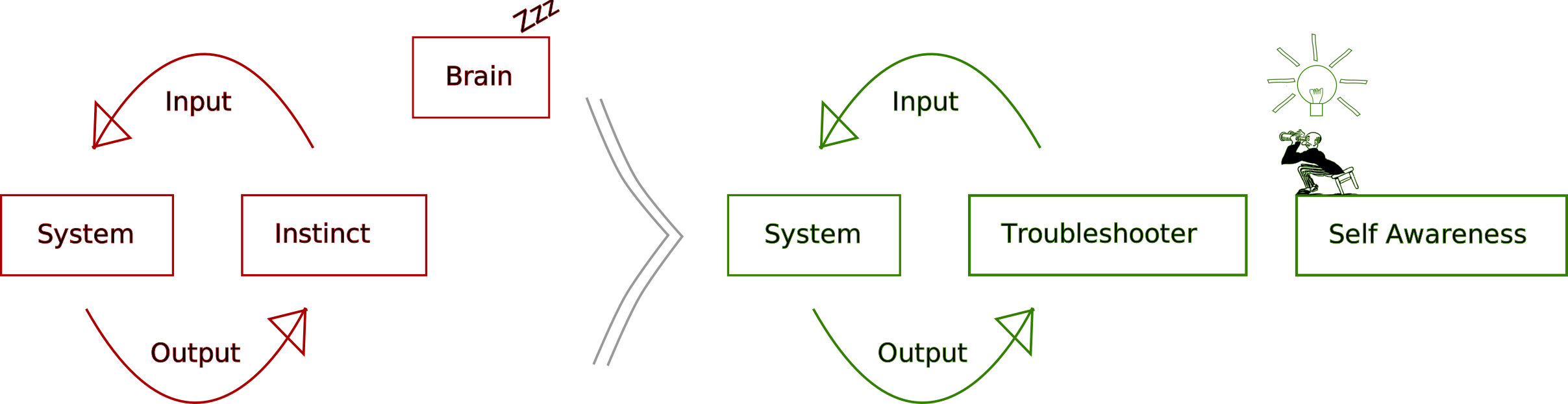
The troubleshooter is part of the system. Hence, [probe effects](https://en.wikipedia.org/wiki/Probe%5Feffect?ref=autodidacts.io) and the legendary [heisenbug](https://en.wikipedia.org/wiki/Heisenbug?ref=autodidacts.io).
### Make sure you’re tuning the right string
Anyone who’s played guitar for a while knows the visceral feeling of *realizing they’re turning the tuner of a different string than the one they’re plucking*. No wonder nothing is helping!
When trying to fix a system, before setting to work, I **do something that’s *guaranteed* to have an effect**.
If I think I know which wire to cut, I pull on it first to make sure it moves at the other end.
When I’m troubleshooting a CSS bug, I often start by setting `* {color: red !important;}`, so that I know *the code I’m writing is in the right file, and is actually getting run!*
### Determine the flows

It’s easy to spend a lot of time trying to “fix” the problem. But that’s the easy part. The hard part is understanding the *system*, and then isolating and understanding the problem.
I usually start with how the “stuff” — electricity, water, gasoline, air, force, data, sewage, or whatever it is — flows through the system, and is transformed into different stuff in the process.
What are the inputs, outputs, and transformations? Can the different types of stuff flowing through the system be grouped into semi-distinct subsystems?
In an electrical system, it’s often helpful to physically trace the wiring. In mechanics, the same applies to pipes that carry liquid or gas, or to control cables, cams, gears, chains, and other items that conduct mechanical force. In software, trace the data. In social dynamics — *good luck!*
### Observe the symptoms
What’s *supposed* to be happening here, what’s *actually* happening, and where do the two diverge?
If possible, I narrow down **which subsystem(s) are affected** based on the symptoms. If my car’s brake light isn’t working, the problem is likely electrical; if there’s an oil slick under the car, it’s probably *not* an electrical problem. If the engine won’t start, it could go either way, and more investigation is needed.
**The belief that I understand the system is often a barrier to troubleshooting.** Even if I “know the system inside out”, I’m unlikely to fully understand it. Even systems I built are composed of systems I didn’t; and even seemingly simple systems are infinitely complex. (As Carl Sagan put it: “If you wish to make an apple pie from scratch, you must first invent the universe.”)
### Isolate the problem
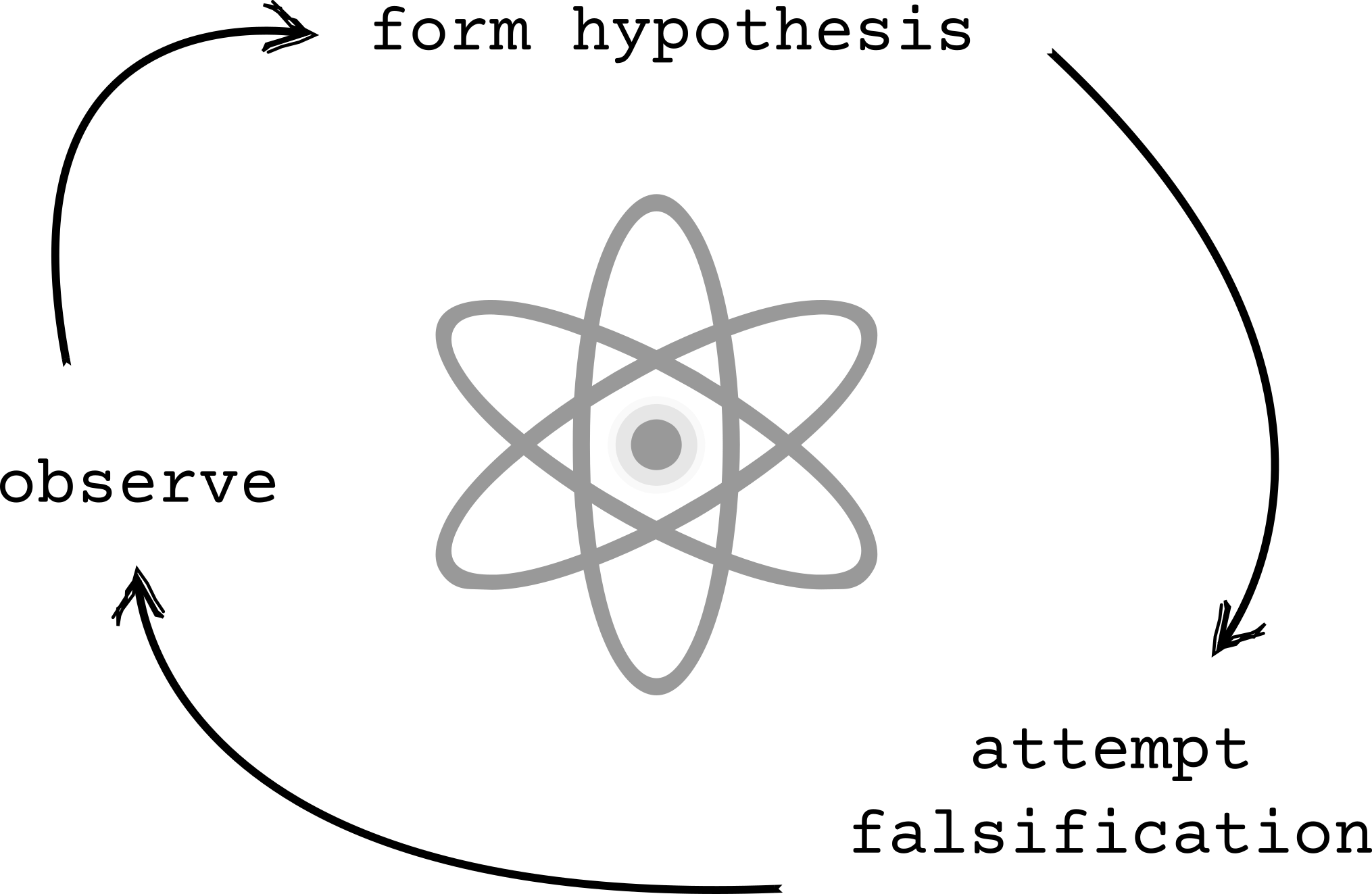
The next step is to figure out *what step* the subsystem is failing at.
My basic approach: “doing science” on the system.
1. **Form a hypothesis about the problem.** This can be an intuitive first impression from the symptoms, or a best guess from extended observation.
- **Rule out the easiest and most likely problem areas first.** Things that are meant to be serviced, have failed before, or are subject to mechanical stress. Good systems are designed to make what’s likely to break easy to service. Examples: electrical fuses & circuit breakers, belts and chains, filters, terminals and connections of all kinds, I/O devices.
- If there’s no easy way to guess which area of the system the problem lies in, **perform an informal [binary search](https://en.wikipedia.org/wiki/Binary%5Fsearch%5Falgorithm?ref=autodidacts.io).**
1. **Find the simplest way to falsify my hypothesis.** Generally, this means “cutting” the system *immediately* upstream/downstream of where I think the problem is, and testing for functionality at the cut-points.
*If I was one of the cool kids[1](https://web.archive.org/web/20201106122556/https://eyudkowsky.wpengine.com/rational/bayes) I would talk about [Bayes’ theorem](https://en.wikipedia.org/wiki/Bayes%27%5Ftheorem?ref=autodidacts.io) here. But I’m not, and none of the troubleshooters I know use Bayes’ theorem on their spark plugs.*
### Disconnect the subsystem
When possible, I disconnect the subsystem I’m debugging.
This has three benefits:
- It prevents weird interactions with the rest of the system from complicating the diagnosis (once I get the subsystem working on its own, I can connect it back together and see if it *keeps* working)
- It protects the rest of the system from my stupidity
- It often shortens the feedback loop
### Or not
If I can’t (or don’t want to) fully disconnect the pieces, another approach is to *probe* — or *cut and probe* — at different points.
If I know or can intuit the acceptable range for the parameter in question at the test-point when the system is functioning correctly, the actual value can indicate the location of the problem.
### Find good cut points
How many points can I “cut” the system at while maintaining functionality to test?
A spark plug is an example of a cut-point between subsystems.
If an engine won’t start, but I can get a spark, the problem probably isn’t in the electrical subsystem.
In additional to internal cut points, I always try to test at the interface between the system I’m responsible for and the rest of the world. This helps me figure out if “my stuff” is broken, or just getting fouled up trying to interact with “other people’s stuff” that’s broken (which it may or may not be within my power to fix). Trying to fix something that has nothing wrong with it can chew up a lot of time!
### Balance getting informed, and attempting fixes
How much effort should be put into attempts to fix the problem, and how much effort should be put into getting information about the problem?
If my intuition’s right, jumping right into fixing the problem is way faster.
But if it isn’t, systematically gathering information is more efficient in the long run.
We go into troubleshooting situations with a [prior](https://en.wikipedia.org/wiki/Prior%5Fprobability?ref=autodidacts.io) about the *hardness* of the problem we’re facing, and this informs when we try to jump in and fix the problem, and when we try to gather more information about it.
But often our “hardness prior” is *wrong*. So we need to develop some kind of meta-prior about how accurate our troubleshooting hardness prior is likely to be, based on our personal tendency, and domain expertise.
A crackshot physical troubleshooter I know with no formal training in mechanics described fixing cars alongside a trained mechanic. The mechanic would start at one end of the system and plod along checking off the official troubleshooting checklist. The troubleshooter would look at the symptoms, and jump straight to attempting a fix targeting the suspected cause. Almost every time, the troubleshooter finished first, and made the professional red-seal mechanic look dumb.
But it isn’t always so.
My older brother in software talked about how building a logging system meant he was able to figure out the problem before the other people working on it, even though he spent *days* building the logging system before attempting to fix the problem.
### Know the stakes
The stakes for troubleshooting problems can range from zero (hobby software project), to life-altering (medical diagnosis), to existential (AGI, nuclear weapons), and this should inform how the problem is approached.
So I try to ask myself:
1. What’s the worst thing that could happen? What are the risks if I screw up? And, what are the chances that I’ll screw up?
- Danger to troubleshooter: How dangerous is the system to work on? Is there high voltage, inflammable materials, toxic chemicals, jack-alls, or possible data loss involved?
- Danger to bystanders: Same as above, but factoring in the size of the blast radius, and the bystanders’ potential ignorance of danger and lack of safety equipment.
- Danger to system: How delicate is this system? Is it replaceable?
- Danger to others: What are the possible consequences of this system behaving unpredictably? Who is downstream from this system?
2. What are the comparative risks of attempting a fix, and not attempting a fix?
- If something is already dangerously broken, repairing it is comparatively safer, even if repairing it has risks of failure.
3. Who does the system belong to?
- Did I break this system? Am I responsible for fixing it?
- Am I getting paid to fix it? If so, what are my chances of success, failure, and catastrophic failure, and does the client know the risks? (I no longer do volunteer tech support for people who haven’t backed up their system.)
4. How can I reduce downside risk of this intervention?
- Generally, working more slowly and carefully (so I don’t screw up); working on a “staging” rather than “live” system; backing up the system.
Danger, in this case, has at least four components: timeframe, intensity, reach, and physicality. The most obvious dangers are immediate and physical. But as far as harm/benefit, working on critical code for a major investment bank may be in the long run as physically risky; the risk is just distributed, deferred, and invisible.
1. A hobby software project might have long-term upside or downside risk, but in the short term, tends to have few people downstream, who don’t rely on it, and aren’t particularly affected by it, physically or otherwise.
2. Car brakes are moderately dangerous to work on, but if you screw up, everyone on the highway (and everything they’re responsible for) is put at risk.
3. If my car has quit at dusk in a sketchy neighbourhood, jerry-rigging the battery might be safer than wandering around trying to find a hotel and a mechanic.
4. Making a medical diagnosis has immediate, potentially life-altering stakes for one person. Working on medical software has deferred life-altering stakes for *many*, *many* more people. Influencing foreign policy or nuclear strategy has deferred life altering stakes for some or all of the planet.
### Don’t overthink it
Don’t assume it’s complicated. Just because it’s complicated to debug doesn’t mean that the cause is complicated.
But don’t assume it’s simple, either.
### Be patient
Enough said.
### Find information *about* the system.
By definition, **a troubleshooter is out of their depth**. Good troubleshooters have to get used to being in a state of ignorance.
What information is needed, and how to get it, varies based on the details of the system and problem.
#### Knowing what search engine to use for what kind of information
Sometimes (with, say, mechanics, or failing to catch fish) I need to know someone who knows how to do it, and bring them a case of beer.
Other times, I need to know how to use libraries or manuals. (Case study: the electric windows on my mother’s Subaru stopped working. Various car people tried to fix them. I checked the fuses. But she was the one who had the brilliant thought of *reading* the manual rather than just skimming it to find out about the fuses. The child safety lock was on.)
In the modern world, I mostly need to know how to use search engines. Different search engines are useful for different purposes, and Google no longer seems to index many niche sites.
I might need an LLM because I don’t know how to phrase my question in the right terminology, search a domain-specific forum to cut the fluff, search YouTube if it’s a physical skill that’s hard to describe verbally, or directly search the documentation/manual of the system in question.
#### Knowing how to narrow the search space with advanced search criteria
Though none of them are troubleshooting-specific, here are three articles to get started if you aren’t familiar with search operators:
⇒ [How to find anything on the Internet](https://www.alec.fyi/dorking-how-to-find-anything-on-the-internet.html?ref=autodidacts.io) (Google specific, by example)
⇒ [Google Search Operators: The Complete List (44 Advanced Operators)](https://ahrefs.com/blog/google-advanced-search-operators/?ref=autodidacts.io) (Google-specific, more complete, marketing focussed)
⇒ [Internet Search Tips](https://gwern.net/search?ref=autodidacts.io) (Exhaustive, academically focussed)
#### Knowing how to widen the search space & tune out irrelevant information
Most systems emit information of many kinds, and of widely varying relevance.
In software logs, there are lines and lines of repetitive chatter, and then one line that tips me off. Usually, it will say “error” or “fail”, or mention the affected subsystem.
Similarly, engines make a lot of noise. Most of the noise is normal. The relevant data is *what changed* about the sound. When the expected noise is subtracted from total noise, what’s left? The sonic fingerprint of the problem.
Only *some parts* of the error message itself matter.
Most software error messages will turn up very little useful in Google if I paste them verbatim, because they include things *specific to my device*. I generally start with the full error message, minus obviously device-specific info. If nothing turns up, I widen my search space. I stop looking for info about the *specific version*. I stop looking for info about the *specific hardware*. I stop looking for info about the *specific software*, even, and then I find people in the forums who have a different laptop, running a different app, that shares the dependency that’s causing the error. Their fix might not work, but it might point me to what the problem is. Then I can get more data and repeat the process.
#### Learning to fish
If something needs repair, I can try to do it myself, which can be slow and inefficient. Or I can get an expert to do it, which is fast and easy. The catch with getting someone else to solve my problem: I don’t learn much.
If I have a troubleshooting problem, and I’m clueless about the domain, a highly effective approach can be to:
1. **Find a domain expert** for the type of system/problem
2. Rather than having them fix it *for* me, **get them to fix it *with* me.**
This is slower and sometimes less fun for both parties, in the short term, but a lot can be learned. And next time I might be able to do it myself.
It’s a continuum, with *watching them fix it* on one end, and fixing it myself while they watch on the other. The more hands-on I am, the slower and more frustrating it is for everybody — and the more I’m forced to learn.
### Get information *from* the system

The more information I get from the system, preferably *as the error is occurring*, the better.
I get all the information I can from the system: more output, and more specific output, from more points in the system.
In software, that means logging, or attaching a debugger to the process while it’s running.
In electronics, the first step is usually to get a multimeter, and check for the state of the system at different points.
In mechanics, which I’m not very good at, I’ve noticed my older brother generally **runs the thing with the hood open**, while watching, smelling, and listening closely.
Eric Barker writes about this in relation to people in *Plays Well With Others*. We’re bad at reading people (even when we think we aren’t), and one of the few things that helps is to interact with the person in a way that generates more information. “Getting more information from the system” is among the few scientifically-validated methods of lie detection (liars eventually contradict themselves). Relatedly: many people can talk authoritatively on complex subjects, but two or three well-chosen questions that drill into the details can separate the real experts from those who are just repeating other’s surface-level opinions to sound impressive.
When we’re debugging ourselves, the mere act of getting information from the system (journaling) sometimes mostly fixes it.
### Intuit the tolerances of the system
Sometimes, in the process of fixing things, we break stuff, accidentally or because it can’t be helped.
Different materials have different tolerances. Certain parts can incur certain kinds of damage without changing the functionality of the system. Other areas might cause the whole system to fail if they’re treated the same way.
With physical things, it takes mechanical intuition to apply the right amount of force, and understand what parts can and cannot withstand damage. A bore, or a seal, is more sensitive than the outside casing.
I recently watched (and attempted to help) my older brother rebuild a gnarly old Jabsco impeller pump: the saltwater cooling pump for a marine diesel engine.
My brother didn’t exactly know what he was doing. The pump was full of surprises. But, he managed to rebuild it.
I would have given up multiple times. Because in the process of rebuilding it, he broke it, multiple times. But the ways he broke it weren’t as important as the ways he fixed it.
The pump was press-fit together, and supposed to be worked on with a hydraulic press; but various hammers, pliers, and pieces of steel allowed him to bang it apart.
In the process:
- The impeller was destroyed (probably unavoidable, because the correct tools weren’t on hand)
- The cast piece around the shaft that held a pin in a slot broke in two when hammering the pump apart, or was already broken (not important, because it would still fulfil its function).
- The bearing seal turned out to have been put in backwards, and was destroyed (unavoidably) when it was removed; and the rebuild kit was missing the bearing seal.
- The new bearings weren’t a perfect match
- The new impeller was the wrong part number, and made a pile of bronze shavings going on (discovered too late: “that’s never coming back out in one piece.”)
He didn’t know what he was doing *specifically*, but he knew about press-fit parts, seals, bearings, and so on. So, he could recognize function from form, and treat the system accordingly. As a result, he applied far more force than I would have been comfortable using (to the point of breaking things!), and took extra care at other points (having me polish out the burrs where the seals would be seated, checking for scratches on the inner bore, etc.)
Even though something went wrong at nearly every step of the rebuild, the pump came apart, and it went back together.
### Have a good relation to the system
I’ve noticed: people who dislike their computers tend to be ineffective with computers; and people who dislike people tend not to get what they want from them, unless they’re good at hiding their feelings. It sounds wishy-washy, but I think appreciating the beauty and complexity of the system that’s misbehaving makes one a more effective troubleshooter. Treating the system as an enemy makes it one.
In my mind, an enemy is distinct from an *opponent*. Friendly competition with the system, trying to “beat it at the game”, doesn’t seem to impair troubleshooting. Opponents must be respected and understood to be beaten. It’s the “bad dog” stupid-computer-won’t-do-what-I-want mentality that’s to be avoided. Enemies, when hated, are stripped of their individuality, and become a caricature of themselves; and you cannot troubleshoot a caricature, because it does not map to the actual system.
Anecdotally, I know two local mechanics. One of them swears and bangs things and sometimes throws tools around. He is nicknamed “Angry \[Name Redacted\]”. He is the inexpensive mechanic. Another tells stories of fixing Toyotas with duct tape and women’s stockings. Everyone I know, regardless of their opinion of him, respects his skills as a mechanic. Talking to him gives the impression that he loves cars, and takes delight in working with them. He is considered the best mechanic in the area; he’s also the most expensive.
### Make do with what’s available
It helps to have the correct tools to test, disassemble, repair, and reassemble the system.
In practice, it’s usually more important to be able to improvise, and find both tools and replacement parts based not on labels or preconceptions, but on underlying form.
### Shorten the feedback loop
In order to fix a system, I need to be able to reproduce the problem. In order to get enough data about the cause of the problem to reproduce it reliably, I often need to run the system multiple times under different conditions. Then, once I can reproduce it, I often need to run the system a bunch more times, tweaking the parameters each time, trying to sus out what *aspect* of the conditions is actually triggering the problem.
Sometimes, a system will have some built-in delay or latency, making it difficult to reproduce the error without a complicated set of steps.
When this is the case, I ask, “is there any way I can shorten the feedback loop?”
In code, it might be reducing a hard-coded timeout, working on just the subcomponent (with dummy input and output), testing it locally so I’m not hitting the network, enabling hot-reloading, or automating the deployment process.
With electronics, it might be as simple as taping the multimeter to the terminals.
A somewhat pathetic example: when troubleshooting, I often find myself looking stuff up on a tiny phone with a slow connection, or going back and forth between the thing I’m fixing and the source of information about the thing I’m fixing. Propping up the manual or computer right where I’m working can be surprisingly time-saving.
### Reduce noise
Before performing an intervention, I try to reduce confounding variables and “slop” in the system.
Disconnecting the subsystems helps with this, because interactions with other subsystems can confuse the results of tests.
Shortening the feedback loop can help, because a time delay gives a chance for other variables to affect the state of the system between when the input goes in and when the output comes out.
### Write it down
Writers are fond of saying that “writing is thinking”. Here are two ways I use writing as a troubleshooting tool:
1. **Rubber duck debugging like a pro**: I can often solve my problem by drafting a forum post without posting it. The effort required to articulate the salient details of the system and the problem, without looking dumb, is higher than the effort I have usually put in at the point I decide I need help. Corollary: making a forum post without sounding like I haven’t done my homework also tends to put me over my time/energy budget for solving a seemingly-trivial problem.
2. **Behold the trail of crumbs**: I find that writing and diagramming, while helpful for many troubleshooting projects, are essential for multi-session troubleshooting projects. I overestimate how much I will remember about the context, as well as how soon I will get around to continuing the project. A troubleshooting notes file, no matter how obvious or incomplete the information in it seems at the time I write it, leaves a trail of crumbs that I can follow next time. (I have often repeated, verbatim, an entire troubleshooting process, found the problem — and then remembered I troubleshot the *exact* system, and arrived at the same conclusion, years ago; but there was some hiccup, and I failed to order or install the new part.)
### Look inside black boxes by dropping weirdly-specific things into them and watching what comes out
“Disconnect the subsystem” notwithstanding, sometimes I have to troubleshoot black-box systems. One way to do so is to feed them *very specific* input, and watch what happens. If a system fails on certain input, it can be helpful to take one of two approaches:
1. Take the conditions/input that caused it to fail, *remove* a component of the condition/input, and feed that into the system. If it still causes the problem, remove another factor (optionally, restoring the previous factor). Repeat until all that’s left is *the thing that’s really causing the problem*, or as close as I can get.
2. Take some known-okay conditions/input. Add *one* factor that was present in the failure-causing input/condition. Repeat (one by one, or additively) until the system fails.
Food allergy testing is an example of this process. My article on how [I cured my mysterious, debilitating seasonal rash with an ultra-low-carb Ketogenic diet (n=1) 🔒](https://www.autodidacts.io/cure-seasonal-heat-rash-eczema-psoriasis-dermatitis-with-low-carb-ketogenic-diet/) (paywall) was a culmination of *years* of experimentation on what factors were causing my body to go crazy in the summer heat.
### Understanding the problem
Maybe one of the widgets is fried. But *why is it fried*? Is it normal that widgets just fry on a Tuesday afternoon? Or, is there a short circuit, or water damage, or heat dissipation issues, or (as in a recent case), a susceptibility to getting knocked out by nearby radar?
If something isn’t supposed to fail, and it failed, there’s more to the story.
Before I put in a new part, I want to be confident it won’t suffer the same fate. Either the previous part was under spec, or something *else* in the system is putting it under undue strain.
### Fixing the problem
A problem that is understood is already mostly solved, unless parts are hard to come by, or hard to install.
“Fixing” something is generally a synonym for “swapping out the broken component.”
How well I understand the problem and the system determines how *large* a piece of the system needs to be replaced. “Part swapper” is a derogatory term for a bad mechanic. Generally, **the better the troubleshooter, the smaller the component replaced.**
These statements might all be true:
- This sound system is broken.
- This MP3 player is broken.
- The headphone jack on this MP3 player is broken.
- The solder joint on the headphone jack of this MP3 player is broken.
I can replace the MP3 player. I can replace the headphone jack. Or, I can reflow one solder joint. The results will be the same.
Although it’s wasteful and inelegant to replace more than necessary, a good troubleshooter also needs to know *when to give up* on getting to the root of a problem that doesn’t really matter, and settle for a more resource-efficient band-aid solution.
Sometimes I get to [the root of the problem](https://www.autodidacts.io/p/c927a61a-ca41-4672-bb6f-688c4747ae7a/), and sometimes [I don’t](https://autodidacts.io/ghost-theme-upload-admin-api-bash-curl/?ref=autodidacts.io).
### Can troubleshooting be taught?
I’ve been working on this essay, intermittently, since May 2024\. Maybe I’m kidding myself, but I seem to have gotten better at troubleshooting. The biggest change is that **now I bother**. I take on otherwise-unappealing troubleshooting problems *in order to test my theories*, regardless of whether I consider them worth my time. And because of how much time I’ve spent thinking about and talking about troubleshooting, I feel like I *should* be some kind of local expert, and want to live up to that reputation even if it exists only in my mind.
If I had the budget, I would test this scientifically. I would recruit a bunch of people. Half of them would read this essay, and the other half would read something the same length and style that wasn’t about troubleshooting. Then, both groups would try to solve Linux server troubleshooting puzzles on a site like [sadservers.com](https://sadservers.com/?ref=autodidacts.io). Which group would be more effective? If the ones who read this essay did better, the experiment could be repeated in other domains, to see how well troubleshooting skills generalize. (A more entertaining and less rigorous possibility that I considered: pitching Wired magazine for a gonzo journalism story wherein I apply the advice in this essay to a bunch of troubleshooting problems in domains I’m embarrassingly clueless about.)
### Conclusion
Once I get into the troubleshooting mindset, most things start to look like troubleshooting problems. This system-problem-solution way of seeing the world is effective in certain circumstances, but it’s not the only way of seeing the world, and it’s not the best approach for everything.
It saves a lot of time to realize when I’m dealing with a troubleshooting problem, and consciously troubleshoot it. But it’s equally important to realize not everything is a problem that needs a solution.
---
Here are some troubleshooting stories I’ve run across on the web:
- [Car allergic to vanilla ice cream](https://www.cs.cmu.edu/~wkw/humour/carproblems.txt?ref=autodidacts.io)
- [The Wi-Fi only works when it’s raining](https://predr.ag/blog/wifi-only-works-when-its-raining/?ref=autodidacts.io)
- [The case of the 500-mile email](https://www.ibiblio.org/harris/500milemail.html?ref=autodidacts.io)
- [Money Well Spent: A short Story for Engineers](https://archive.is/Zt9Sd?ref=autodidacts.io)
- [Take care editing Bash scripts](https://thomask.sdf.org/blog/2019/11/09/take-care-editing-bash-scripts.html?ref=autodidacts.io)
Happy troubleshooting!
---
When I asked a Llama3 LLM to “List all spelling, grammar, and reasoning errors in this essay”, it produced a motley list of real and hallucinated errors, including “Oversimplification of complex systems (e.g., motorcycles)”, concluding:
> Overall, while the essay attempts to provide some guidance on troubleshooting approaches, it is marred by numerous errors that detract from its clarity and effectiveness.
But perhaps *you* could help me troubleshoot this essay. Is there a key technique I’ve missed? Something I’ve included that you think is bogus? Leave a comment or [send me an email](https://www.autodidacts.io/contact).
---
*Thanks to everyone who gave feedback on early drafts of this essay, or spent hours discussing troubleshooting with me. All errors are my own.*
*Special thanks to my older brothers, for granting access to the famous licorice tin of scavenged electronic components; building Van de Graaff generators, morse code telegraphs, pneumatic spitball shooters, seaweed cannons, autonomous robots, rockets, and spot welders with me; and making it possible for me to write (rather optimistically) in my journal at age ten: “Today I lerned PHP!!!”.*
### Scroll-to-text fragment bookmarklet
URL: https://www.autodidacts.io/scroll-to-text-fragment-bookmarklet/
Last updated: 2025-01-06T19:18:23.000Z
*TL;DR I [made a thing](https://www.curiositry.com/text-fragment-linker/?ref=autodidacts.io) and think it’s cool.*
Have you ever wanted to send someone a link, not to a huge and confusingly-laid-out webpage, but to the *one sentence* that’s relevant to them?
So have I.
For technical people, this has sometimes been possible, by linking to subheadings. But many documents don’t have subheadings with IDs that can be linked to.
I read a wonderful post by Caleb Hearth, and learned that linking to specific text on the web is in fact possible:
⇒ [https://calebhearth.com/text-fragments](https://calebhearth.com/text-fragments?ref=autodidacts.io)
When is this useful? Here’s a real life example. For the past five months I’ve been working on a 5,000-word essay on troubleshooting. I wanted to send the draft to friends, but it’s so long, I wasn’t sure they’d get around to reading it. The solution? I sent them links to the exact paragraphs talking about them.
However, as Caleb bemoans, it takes a long time to write those links by hand and get them to actually work.
I wanted an easy solution. So I made one. (If you use Chrome, there is an easy solution, but it’s not as fancy as what I made).
![[Here’s a blingy GIF because it’s hard to explain this project with words.]](https://www.autodidacts.io/content/images/2025/01/scroll-to-text-fragment-bookmarklet-demo-screencast-4-1080-optimized.gif)
It’s a tiny bookmarklet that makes creating those “scroll-to-text fragment” links effortless. Installation is a breeze:
![[Huge GIFs are slow to load. Sorry.]](https://www.autodidacts.io/content/images/2025/01/scroll-to-text-fragment-linker-bookmarklet-installation-demo.gif)
The bookmarklet only handles basic usage (like Chrome's context menu). So I also created a widget that gives more fine-grained control:
![[I optimized everything that could be optimized out of this GIF, and it’s *still* several megabytes...]](https://www.autodidacts.io/content/images/2025/01/scroll-to-text-fragment-linker-widget-advanced-usage-demo.gif)
It’s open-source, and free to use. I hope you find it helpful:
⇒ [https://www.curiositry.com/text-fragment-linker/](https://www.curiositry.com/text-fragment-linker/?ref=autodidacts.io)
### How to Migrate a Discourse Forum from DigitalOcean to Linveo
URL: https://www.autodidacts.io/migrate-discourse-from-digitalocean-to-linveo/
Last updated: 2024-11-13T03:46:18.000Z
When we [launched NeuroBB in 2015](https://www.autodidacts.io/neurobb-the-eeg-bci-and-neurofeedback-discussion-forum/), as the first (and only) independent EEG, BCI, and neurofeedback discussion forum, we chose the forum software Discourse. We chose Discourse ~~not because it is easy, but because it is hard~~ because it’s *good*, despite its hefty resource requirements.
So, I have been self-hosting Discourse on DigitalOcean for the past decade, first on a $5/month 1GB droplet, then on a $12/month 2GB droplet when I ran out of disk space, then back to a $6/month 1GB droplet.
We’ve been happy with DigitalOcean, but it’s a bit pricey for a non-commercial forum. I considered migrating NeuroBB to Flarum to save on hosting, but I wasn’t willing to give up Discourse’s spam protection. (We tested out NodeBB and phpBB before settling on Discourse.) I have been shopping around for a better deal on Discourse hosting for several years now. I hoped to migrate NeuroBB to Fly.io, because I already [host a lot of stuff on Fly](https://autodidacts.io/tag/fly.io/?ref=autodidacts.io), but it turned out to be complex, and more expensive than DigitalOcean.
I recently ran across a [Bradley Taunt blogpost](https://btxx.org/posts/openbsd-linveo/?ref=autodidacts.io) on Hacker News mentioning a hosting deal from Linveo, a company I hadn’t heard of, offering AMD Ryzen 7950X KVM VPSs with 25gb NVMe disk for $15/year [on lowendtalk.com](https://lowendtalk.com/discussion/193886/linveo-com-amd-ryzen-7950x-kvm-vps-with-nvme-disk-from-15-year-now-with-10gbit-in-texas?ref=autodidacts.io).
It seemed almost too good to be true. Eventually, I fell for it, and signed up for the roomier [AMD KVM 2GB](https://billing.linveo.com/order/config/index/vps/?group%5Fid=10&pricing%5Fid=65&coupon=LET75AKVM2024&ref=autodidacts.io) VPS (using the lifetime 75% off code LET75AKVM2024 for $25/year). It’s twice the specs of our DigitalOcean droplet, and about a third the price.
I installed Discourse, and it went smoothly. So, I migrated NeuroBB to the new server. It took most of an afternoon. This is exactly how I did it, and how *you* can do it without repeating my dumb mistakes!
*Disclosure: a week after I migrated NeuroBB to Linveo, Linveo became a NeuroBB sponsor, offering us complimentary hosting for the community forum. I drafted this blogpost as I was migrating the site, before I had any affiliation with Linveo. I can’t say anything about Linveo’s support yet, because so far I haven’t needed it.*
### Prepare your DNS in advance
Before doing anything else, set the TTL (time to live) for your DNS to the minimum possible value (usually 5 minutes). And make sure to update the TTL for your nameservers if you’re changing them. Nameservers can have very high default TTL values.
**Do this well in advance of when you plan to switch over the DNS.** You have to have changed the TTL longer in advance than the longest *old* TTL. Because, as far as I can tell, the new TTL is rolled out according to the schedule set by the *old* TTL!
As you may have guessed, **I learned this the hard way.** And it’s not the first time I’ve learned this the hard way, either.
### Sign up for an account
Discourse will run on either the AMD KVM 1GB VPS for $15/USD year, or AMD KVM 2GB for $25/USD year.
The AMD KVM 1GB plan is approximately equivalent to the $6/month DigitalOcean droplet I was on before. Running Discourse on it is possible, but a bit tight. Expect to run out of disk space when upgrading, and have to manually SSH in and delete old logs and images.
The AMD KVM 2GB is approximately equivalent to the $12/month DigitalOcean droplet, and is more than adequate for a small Discourse community. I thought the extra $10/year was well worth the time and frustration it would save me on upgrades. Also, I wanted to have room to grow, and I doubted the lifetime 75% off deal would last indefinitely.
Whichever plan you choose, use the promo code `LET75AKVM2024` for the annual discount.
At the time I signed up, the Ohio and Arizona regions were sold out, so I chose the Texas datacentre.
### Create an SSH key pair
You’re going to need to be able to SSH into your server. Linveo will warn you if you haven’t uploaded an SSH key.
I created an SSH key in my `.ssh` directory with:
```
ssh-keygen -C "" -o -a 100 -t ed25519 # create a secure SSH key pair that doesn’t include username and hostname
```
I recommend naming your public and private keys descriptively. I have so many old SSH keys lying around, it gets confusing. Instead of the default `id_CYPHER`, I like to use `id_CYPHER_PROVIDER_SITE_PRODUCT`.
Paste contents of your **public** key (duh) in the provided input on the Linveo dashboard.
### Install Ubuntu on Linveo
This is point-and-click in the process of provisioning your new VPS. I used the latest Ubuntu LTS image (Ubuntu 24.04 LTS “Noble Numbat”)
I set the “server name” to `neurobb`, and the “hostname” to `neurobb.com`. It will prompt you about this.
### Install Discourse on Linveo
Okay, it’s time to install Discourse on the new server.
You can find the IP address of your new VPS on the “networking” tab of your dashboard.
SSH in with:
```
ssh root@$NEW_HOST_IP
```
Now, just follow the official Discourse cloud install instructions found [here](https://github.com/discourse/discourse/blob/main/docs/INSTALL-cloud.md?ref=autodidacts.io).
As far as I can remember, that was:
```
sudo apt install docker.io
sudo apt install git
sudo apt update && sudo apt upgrade -y && sudo reboot
sudo -s
git clone https://github.com/discourse/discourse_docker.git /var/discourse
cd /var/discourse
chmod 700 containers
```
### Update Discourse on the old server
My DigitalOcean droplet was still on Ubuntu 22.04.3 LTS.
It wasn’t necessary to upgrade the operating system, but it is recommended to update to the latest version of Discourse.
Just for good measure, I ran:
```
sudo apt update && sudo apt upgrade -y && sudo reboot
```
... on the old DigitalOcean VPS, and then upgraded Discourse with:
```
cd /var/discourse && ./launcher rebuild app
```
### Migrate your app.yml
I didn’t want to have to go through the full `./discourse-setup` process.
There were two copies of app.yml on the old VPS, `/var/discourse/app.yml` and `/var/discourse/containers/app.yml`. This may have been leftover from when I migrated DigitalOcean VPSs and Ubuntu versions. I did some research and decided that containers seemed to be where app.yml belonged, and I diffed the two files and they were identical.
Then, I copied the file from the old host to the new host with:
```
scp root@$OLD_HOST_IP:/var/discourse/containers/app.yml root@$NEW_HOST_IP:/var/discourse/containers/app.yml
```
(Notice that I’m using bash variables. That way, you can run `export NEW_HOST_IP=PUTYOURIPHERE`, and then the commands can be copy-and-pasted without editing.)
### Set the site to read-only
Navigate to [https://yoursite.com/admin/backups](https://yoursite.com/admin/backups?ref=autodidacts.io) and click the button in upper right to enable “read only” mode for the forum.
### Create a backup of the forum
You can do this from your site’s admin dashboard, or via the command line. For some reason I had trouble getting the backup off the old server when I backed up from the command line (I forget why), so I made a backup from [https://yoursite.com/admin/backups](https://yoursite.com/admin/backups?ref=autodidacts.io), then clicked the download button when it finished, and clicked the link in the email.
### Prepare the new host to receive the site export
When you’re SSH’d into the new host, run
```
mkdir -p /var/discourse/shared/standalone/backups/default
```
Tip: for this process, I had a three-way TMUX split, with an SSH session to the old DigitalOcean VPS on the left side, my local machine in the middle, and an SSH session to the new Linveo VPS on the right.
### Copy the backup to the new host
From the directory with the backup, run:
```
scp sitename-2019-02-03-042252-v20190130013015.tar.gz root@$NEW_HOST_IP:/var/discourse/shared/standalone/backups/default/
```
... replacing `sitename-2019-02-03-042252-v20190130013015.tar.gz` with the name of your backup.
### Restore the backup on the new host
On the Linveo VPS, run:
```
cd /var/discourse
./discourse-setup
./launcher rebuild app
./launcher enter app
discourse enable_restore
discourse restore sitename-2019-02-03-042252-v20190130013015.tar.gz #do not use path, even if path is correct! just filename!
exit
```
Notice that comment on the restore command? That’s important. I used `find` to locate my backup on the new host, and I passed the correct path to the restore command. *It was there*, but the restore command couldn’t find it! (And it wasn’t because I was in the Docker container. I found the backup both in and outside the docker container.) The moral of the story is to read the instructions and follow them. Discourse has its way of restoring backups, and it involves putting them a specific folder, and then just passing the *filename* to the restore command.
### Harden the new server
This is a good time to follow the advice Discourse gives on hardening your server.
Install fail2ban, set-up unattended upgrades, and do any other security hardening that you want.
### Transfer your DNS
Technically, your new site is running. I probably ran `./launcher rebuild app` a few more times just for fun.
Here’s the problem, though: Discourse is not accessible over an IP address! So there was no way of *knowing* that the new site was working.
My DNS was with DigitalOcean. I transferred all the records over to my domain registrar (by hand: though DigitalOcean allows exporting zone files, there was no way to import them).
I checked the Discourse logs. Everything looked good. So I decided to be wild and transfer over the nameservers, even though it might lead to a few minutes of downtime.
Okay. Here is where I realized what an idiot I’d been for not updating the TTL before I started! (I had set the TTL to 5 minutes for everything when I transferred the DNS, but the TTL for the *nameservers* was still very high, which I hadn’t realized!)
After transferring the nameservers to point to my registrar (which was pointing to the new VPS’s IP), and waiting a few minutes, I checked the live site, and ran:
```
dig neurobb.com
```
And it still spat out the old DigitalOcean IP. The DNS wasn’t propagating as fast as I expected.
I flushed the DNS caches on my machine, but was still suspicious that maybe I was getting a cached DNS from somewhere.
So, I tried [browserling.com](https://www.browserling.com/?ref=autodidacts.io).
It showed the new site! It was live!
It also had a message saying that email was disabled other than for staff members.
### Fix email configuration
I suddenly remembered this from the *last* time I migrated Discourse to a new server. Here’s how to fix it:
⇒ [https://meta.discourse.org/t/migration-to-new-server-outgoing-email-has-been-disabled-for-non-staff-users/242123](https://meta.discourse.org/t/migration-to-new-server-outgoing-email-has-been-disabled-for-non-staff-users/242123?ref=autodidacts.io)
But there was still an error with email.
On the new server, I ran:
```
cd /var/discourse && ./discourse-doctor
```
The doctor was incredibly helpful, and told me exactly what to do.
Following its advice, I edited my app.yml, and changed the Mailgun port from `587` to `2525`. It’s around line 53, the line that says `DISCOURSE_SMTP_PORT: 587`.
You should be able to use this line to fix it (make a backup first):
```
sed -i 's/DISCOURSE_SMTP_PORT: 587/DISCOURSE_SMTP_PORT: 2525/' /var/discourse/containers/app.yml
```
Then, rebuild:
```
cd /var/discourse && ./launcher rebuild app
```
Email worked flawlessly!
### Resources
If you’re as dumb as I was, you might find it interesting to watch the DNS propagation in semi-realtime:
⇒ [https://dnschecker.org/#A/example.com](https://dnschecker.org/?ref=autodidacts.io#A/example.com)
It took about a day for my DNS to fully propagate, as far as I recall.
The Discourse forum is the place to find help. For further reading, here are two threads I referred to for the migration process:
⇒ [https://meta.discourse.org/t/restore-a-backup-from-the-command-line/108034](https://meta.discourse.org/t/restore-a-backup-from-the-command-line/108034?ref=autodidacts.io)
⇒ [https://meta.discourse.org/t/self-hosting-migration-example-vps-to-vps/146034](https://meta.discourse.org/t/self-hosting-migration-example-vps-to-vps/146034?ref=autodidacts.io)
### You’re done!
Take a backup of the new server from Linveo’s control panel. (I also took one after installing Discourse but before transferring the site, in case I botched the transfer and had to restart.)
Once you’re comfortable with the stability of the new server, shut down the old one.
I hope this helps someone migrate their forum in one hour instead of four, without going grey waiting for their DNS to propagate.
### Days Are Easily Made
URL: https://www.autodidacts.io/how-to-make-someones-day/
Last updated: 2024-10-06T19:53:15.000Z
Days, it turns out, are rather easily made.
The time required varies, but trends closer to making the bed, or making a cup of tea, than to making Ravioli. (If you are crazy good-looking and smile at people who aren’t when you pass them on the street, it can be much quicker.)
The effort required is approximately equivalent to taking out the trash. And as with taking out the trash, most of the effort is getting around to it.
Making someone’s day is heartbreakingly easy. Because, as Nathan Glass points out, and in this case it’s especially true, [the competition just isn’t very good](https://nathanglass.substack.com/p/the-competition-is-worse-than-you). Often, there’s *no* competition. It’s sad, but it’s true: just consciously trying to make someone happy puts you, automatically, at the very front of a very small pack — quite possibly, just you — of people trying to make that specific person’s day.
With just a little bit of industry experience, the odds of success are overwhelming.
Days can be made with:
- Flowers
- Invites for coffee
- Real listening
- The washing of dishes
- Hugs
- Thank you emails
- Snacks
- Handwritten cards
You might think that people who are X already know they are X, so there’s no reason to tell them they’re X, and besides they probably get so many people complimenting and thanking them for being X that it’s tiresome.
Nope!
People who are X and know they are X, as far as I can tell, still love being told they are X, especially if the compliment is sincere or novel.
(Ridiculously famous people may be exhausted by the volume of fan mail and compliments, but the people who you *consider* famous might not feel famous, or get many nice letters.)
I get a lot of comments on my hair. I can’t take much credit, since I don’t even brush regularly. Yet old women regularly make my day with a sincere compliment about my hair. Even simple compliments, by letting us experience another’s wonder and appreciation, remind us to feel *lucky*, and therefore [grateful](https://www.autodidacts.io/tag/gratitude/), for what we already have.
Making someone’s day is easy and underpriced in the current social marketplace, because many days are not going well. [\[1\]](#fn1)
Things you can easily provide Things the person likes Day made
A millionaire founder’s day can be made by a Twitter DM from a complete nobody.
A parent’s day can be made with one phone call.
A child’s day can be made by a really good game of Legos, or a trip to the beach.
A clerk’s day can be made by treating them like a human being, rather than an extension of the store.
An artist’s day—week, month—can be made by telling them what they made mattered to you.
Just about anybody’s day can be made with a bouquet.
Your day can be made — by making someone’s day.
We carry all the sincere compliments we have received in little chests in our hearts (or is it the other way round?) for the rest of our lives.
---
1. Days, on average, are easy to make; this doesn’t necessarily mean you will be able to make a specific person’s specific day, though it’s usually worth trying. Multiple factors affect the supply and demand of made days:
1. Supply: how many people are trying to make this specific person’s day on this specific day? And, how much time and resources do you have available, relative to the total being applied to the problem?
2. Demand: how badly does this person’s day need to be made? The worse a day is going, the easier it is for a small kindness to be the highlight of the day.
3. Relative currency strength: how does the other person perceive the status differential? Can you use a currency that you have lots of and they’re short on, even if they’re higher status overall? (Giving materially if the person is poor, for example, and emotionally if they are rich.)
[↩︎](#fnref1)
### Autodidacts Newsletter #23
URL: https://www.autodidacts.io/autodidacts-newsletter-23-2/
Last updated: 2024-10-03T02:08:57.000Z
Hello friends,
Below are four new posts and six old ones.
1. [How to Get the Most Out of a Conference](https://www.autodidacts.io/conference-tips/) (Extroverting 101)
2. [Implementing Elegant Timing](https://www.autodidacts.io/elegant-timing/) (in which Immanuel gets stuck behind a very old man on the sidewalk)
3. [The Joy of Selective Attention](https://www.autodidacts.io/selective-attention/) (Henrik Karlsson tweeted “good post!” which made me proud, because I think he’s cool.)
4. [The One-Hour Principle](https://www.autodidacts.io/the-one-hour-principle/) (*more* good life advice from Immanuel)
5. [Holistic Perfectionism](https://www.autodidacts.io/holistic-perfectionism/) (this one went viral)
6. [How to use an Aeropress without it blowing up in your face](https://www.autodidacts.io/how-to-use-an-aeropress-without-it-blowing-up-in-your-face/) (a random practical tip for applying pressure to resistance that’s likely to give way)
7. [Towards Universal Keybindings](https://www.autodidacts.io/universal-keybindings/) (for the technically inclined, a plea for standardization)
8. [How to Deploy a Ghost Theme using the Admin API + Bash + cURL](https://www.autodidacts.io/ghost-theme-upload-admin-api-bash-curl/) (if your eyes just glazed over at that title we don’t blame you. It’s a Bash script, if you’re into that kind of thing.)
9. [Treating Everything as Practice ](https://www.autodidacts.io/treating-everything-as-practice/)(Immanuel on putting up with people like me.)
10. [My Favourite Ways to Avoid Spending Money 🔒](https://www.autodidacts.io/how-to-spend-less-money/) *(paid members only; worth the price or your money back)*
**To celebrate our approaching tenth anniversary**, everyone who signs up as an [Autodidacts supporter](https://autodidacts.io/?ref=autodidacts.io#/portal/) in the next month gets a gorgeous [leather-bound refillable pocket notebook](https://www.autodidacts.io/best-pocket-notebooks/) ($80 value) hand-made by Immanuel!

Thanks for reading,
The Autodidacts
But wait, we have postscripts!
**A note to our deeply-appreciated paid members,** who are not only supporting this site (and meaning that we get to sometimes eat frozen raspberries and hazelnut butter while we write articles) but also covering the hosting costs for the world’s only independent EEG, BCI, and Neurofeedback forum: we had a hiccup with Stripe, our payment processor. After three days of frantic emailing, everything is under control, and if we did our job right, you didn’t even notice. But if you did notice anything not working right with your paid membership, let us know.
**This month, we also celebrate the blog’s first bot attack**. Fortunately, the attack was almost embarrassingly unsophisticated, and we seem to have won.
### Autodidacts Newsletter #23
URL: https://www.autodidacts.io/autodidacts-newsletter-23/
Last updated: 2024-09-30T03:12:08.000Z
Hello friends,
Below are four new posts and six old ones.
1. [How to Get the Most Out of a Conference](https://www.autodidacts.io/conference-tips/) (Extroverting 101)
2. [Implementing Elegant Timing](https://www.autodidacts.io/elegant-timing/) (in which Immanuel gets stuck behind a very old man on the sidewalk)
3. [The Joy of Selective Attention](https://www.autodidacts.io/selective-attention/) (Henrik Karlsson tweeted “good post!” which made me proud, because I think he’s cool.)
4. [The One-Hour Principle](https://www.autodidacts.io/the-one-hour-principle/) (*more* good life advice from Immanuel)
5. [Holistic Perfectionism](https://www.autodidacts.io/holistic-perfectionism/) (this one went viral)
6. [How to use an Aeropress without it blowing up in your face](https://www.autodidacts.io/how-to-use-an-aeropress-without-it-blowing-up-in-your-face/) (a random practical tip for applying pressure to resistance that’s likely to give way)
7. [Towards Universal Keybindings](https://www.autodidacts.io/universal-keybindings/) (for the technically inclined, a plea for standardization)
8. [How to Deploy a Ghost Theme using the Admin API + Bash + cURL](https://www.autodidacts.io/ghost-theme-upload-admin-api-bash-curl/) (if your eyes just glazed over at that title we don’t blame you. It’s a Bash script, if you’re into that kind of thing.)
9. [Treating Everything as Practice ](https://www.autodidacts.io/treating-everything-as-practice/)(Immanuel on putting up with people like me.)
10. [My Favourite Ways to Avoid Spending Money 🔒](https://www.autodidacts.io/how-to-spend-less-money/) *(paid members only; worth the price or your money back)*
**To celebrate our approaching tenth anniversary**, everyone who signs up as an [Autodidacts supporter](https://autodidacts.io/?ref=autodidacts.io#/portal/) in the next month gets a gorgeous [leather-bound refillable pocket notebook](https://www.autodidacts.io/best-pocket-notebooks/) ($80 value) hand-made by Immanuel!

Thanks for reading,
The Autodidacts
But wait, we have postscripts!
**A note to our deeply-appreciated paid members,** who are not only supporting this site (and meaning that we get to sometimes eat frozen raspberries and hazelnut butter while we write articles) but also covering the hosting costs for the world’s only independent EEG, BCI, and Neurofeedback forum: we had a hiccup with Stripe, our payment processor. After three days of frantic emailing, everything is under control, and if we did our job right, you didn’t even notice. But if you did notice anything not working right with your paid membership, let us know.
**This month, we also celebrate the blog’s first bot attack**. Fortunately, the attack was almost embarrassingly unsophisticated, and we seem to have won.
### How to Get the Most Out of a Conference
URL: https://www.autodidacts.io/conference-tips/
Last updated: 2024-09-30T02:36:45.000Z
Conferences can be hit-and-miss. It’s easy to go through the motions on autopilot and find the experience lacklustre. Earlier on this summer, I attended one that started out lacklustre, but then became memorable, and I realized there’s a lot one can do to influence the outcome. Adam, the lurking third autodidact, has spent a good portion of the last six years going to *lots* of conferences, and has made something of a study of the process. Here are his brain pickings on the topic, combined with my own.
## #1: Be bold early
The sooner I go beyond my comfort zone and start initiating conversations with people, asking questions, etc, the better. Managing to do this early means I’ve gotten over my hesitation to initiate interactions. This makes the rest of the event more interesting and enjoyable.
At the beginning of a conference, everyone is open and looking out for who is new and interesting. This is a good time to jump in confidently with both feet, and meet as many people as possible. It’s easier for things to unfold in interesting ways if I make connections early. As the conference goes on, people tend to hang out with the people they’ve already met, so it’s harder to break into new groups and get to know people.
In my experience, there’s often a split second of least resistant when meeting someone new. This is the moment of an interaction where it’s natural to strike up a conversation or introduce myself. If taken, this often leads to ongoing interactions in a fun and natural way, but if I hesitate due to timidness, that moment of least resistance passes and often doesn’t re-present itself. I can still strike up a conversation with this person, but it’s less natural and can seem forced.
## #2: Do your homework
Most people don’t, so this immediately makes you the smartest person in the room.\*
Even prosaic knowledge, like where the different sessions happen and who is leading them, and how to get to the nearest coffee shop, makes you useful to those around you.
*\*= some conditions apply*
## #3: Ask questions in sessions
This is a great trick for making people aware of your existence, and makes it easier to meet people afterwards, because they’ll already recognize you. It also tends to be more fun for the presenters if the audience is engaged.
Tip: sit near the front in plenary sessions, because otherwise the presenter might not notice when you put your hand up with a question and will just call on people who are near the front.
## #4: Put yourself in an open, curious mindset
Put yourself in an open, curious mindset and wander around meeting people, especially at the beginning. This tends to lead to meeting superconnectors who will then superconnect you to the whole conference ecosystem, leading to interesting stuff.
## #5: Follow your nose (and the interesting people)
When you go to a conference, be prepared to think and act fast: with so much going on, decisions often have to be made on the fly with limited information.
On the first evening of an event I was at, I received three different dinner invites. I hadn’t been expecting any of them, and wasn’t prepared to evaluate and jump, in the one- or two-minute window where the opportunity was open and presenting itself. As a result, I ended up staying on campus that night and eating almonds and canned fish out of my backpack.
In addition to following your instincts, one tactic is to follow the most connected and interesting people you’ve met so far, in hopes that they’ll end up where the spontaneous and interesting opportunities are, which they likely will, since they seem to be both magnetically attracted to them, and create them around themselves.
## #6: The most interesting parts aren’t usually in the planned sessions.
It often seems the highest value outcomes don’t come from the planned conference sessions. They come from extracurricular activities, unplanned moments, and connections that get made in and around the other activities. Try to remember this, keep some open space available, and look for these unscheduled opportunities.
## #7: Be present and alert
Conferences are coincidence magnifiers, the more present and alert you are, the more fun and interesting (and educational) they can be!
## #8: Sit with different people
Once you’ve met a group of people you’re starting to get to know and get along with, it can be easy to leave it at that, spending meals and free time hanging out with the same folks. Try to mix this up a bit, and sit with different people some of the time. This way you’ll increase your surface area.
The same applies if you’re attending the event with other people from your own organization. Spend some time with them, but also branch out for new impressions and connections.
## #9: Follow up
This habit will set you apart immediately, and give you the option for ongoing collaboration. In my experience, even if you exchange contact info with someone at a conference with the intention, on both sides, of keeping in touch, the follow-up rate is very slim.
I suggest bucking the norm and taking a few minutes when you get home to reach out via email to anyone interesting you exchanged contact info with, and with whom you’d potentially like to keep in touch. This doesn’t mean you’re tied to a long-term correspondence, but it leaves the door open for future collaboration.
## Conclusion
Let’s recap. To turn the conference dial from lacklustre to amazing:
- Be curious, positive, and kind
- Be active rather than passive
- Increase your surface area
- Lean into the awkwardness of *proactively* connecting with new people. It can lead to wonderful opportunities!
Conferences can be life changing, but like many things in life, it all depends on what you bring to it. I hope these techniques help you to get the most out of, and bring the most value to, your next conference or event!
P.S. Most of these tips also apply to life in general.
*Thanks to Manda Aufochs Gillespie and my fellow autodidacts for conference-going tips, and helpful feedback on early drafts of this post.*
### Implementing Elegant Timing
URL: https://www.autodidacts.io/elegant-timing/
Last updated: 2024-09-11T20:20:48.000Z
This morning I got stuck in the slow lane behind an old man when I was walking down the sidewalk on my way to a Zoom meeting at my neighbourhood coffee shop. Rather than speeding up and hurrying past him, thoughts on my meeting, I did the opposite: slowed down and walked behind him. Enjoying the moment. And hanging to the right side of the sidewalk in case others wanted to pass.
I had the option to do this because I had timing buffer in my morning schedule. I had planned to check my email and do some admin tasks before heading out, but had opted not to. This change had meant I could do things at their elegant and natural pace, rather than rushing from one task to the next in a frazzle. By reducing what I was trying to fit in by 10%, it had made the other 90% of my morning relaxing and enjoyable rather than hectic and stressful.
#### **WHAT IS ELEGANT TIMING?**
I consider elegant timing to be action cycles, projects, and flows that interact elegantly and gently with each other, yourself, and the humans around you rather than being rigidly tied to the clock. This often correlates with being late, but it doesn’t have to. Instead, I believe it can be intentionally correlated with being *early*. This is of personal interest to me, because I’m a big fan of elegant timing, but I’m not *at all* a fan of being late.
#### **HOW IT WORKS:**
There are two key tactics that get combined and applied with a dose of self-control.
**Learn to identify the elegant, natural, starting and ending points of an action cycle, visit, project, or meeting**. In my experience, all action cycles have these, especially ones that involve other people. The key is to notice them, and be prepared to take advantage of their natural ebb and flow. This reduces resistance, makes things less jarring, and in general seems gentler and more respectful to all involved.
**Try to run *ahead* of the clock, by default.** This gives you the opportunity to proactively transition between engagements at the natural, elegant, human-centric points, rather than at whatever more abrupt point the clock and schedule might dictate. If these are working correctly, you can do this and *still* be on time for things. This can be a magical experience. And one that doesn’t go unnoticed by those around you.
**The third ingredient is self-control.** If not always easy to implement, this is all pretty straightforward thus far. Where the self-control part comes in is having the restraint not to initiate new action cycles in the necessary gaps, that are going to run longer than the time slot you’ve got, and therefor eat up your necessary time buffer.
#### **KNOWING WHEN TO BREAK THE RULES**
As with most good policies, there are times when the right course of action is to ignore it. Some of the times when I tend to throw elegant timing by the wayside: intense and high-value creative action cycles, and unavoidable timing crunches.
Creative action cycles tend to have their own flow and rhythm, and it’s sometimes difficult to get it to mesh with anything else. Because of this, it’s important to weigh the pros and cons on the fly, and decide when to let them run, and when to reign them in, to play nice with those around you, and other duties. If the project is important, and it’s going well, sometimes it’s good to let it take priority and run over-time. If there are other people who are going to be seriously miffed about your absence, or there are things you genuinely need to attend to, sometimes it’s necessary to reign it in.
Timing crunches are best avoided in the planning phase, but sometimes they seem to be unavoidable. When this is the case, I try to keep a positive outlook, and walk the line between efficiency and gentleness.
### How to use an Aeropress without it blowing up in your face
URL: https://www.autodidacts.io/how-to-use-an-aeropress-without-it-blowing-up-in-your-face/
Last updated: 2024-09-05T18:40:14.000Z
If you’ve ever splattered your face, shirt, counter, and ceiling with coffee and grounds when trying to operate an [Aeropress](https://en.wikipedia.org/wiki/AeroPress?ref=autodidacts.io) coffee maker, this is how to prevent it.
Blowouts happen when it takes so much force to push the water through the coffee grounds that the seal around the plunger breaks, and the coffee takes the path of lower resistance, and ends up in your face rather than in your cup.
Sometimes, this is because the plunger is old and worn, and the seal isn't as good as it used to be. But this is usually just one contributing factor.
More likely it’s the result of using too much grounds, grinding the coffee too fine — or both.
However, I like my coffee strong and espresso-like, so I stubbornly over-grind and over-load my Aeropress even though I know it increases the probability of excitement.
Fortunately, there’s a solution. **Instead of thinking of it as putting downward pressure on the coffee, think of yourself as resisting upward pressure from the compressed air and water.**
If you press down “through” the Aeropress toward the cup, counter, or centre of the earth, that means when the resistance disappears (ie, the seal breaks) the plunger will move rapidly to its terminus and blow coffee everywhere.
Instead, press the plunger maybe a half-centimetre farther down. Think of that as the “goal”. When you have reached the goal, **hold the plunger in place, keeping it from coming back up**. Pretend to compress the *air*, and let the compressed air force the water through the coffee while you hold still. When the resistance reduces, repeat.
This means if — or rather, *when* — the seal around the plunger breaks, there is a fixed amount of built-up pressure. It might spritz a wee bit of coffee and grounds up the side of the plunger, but there won't be enough pressure to decorate the ceiling.
(Note: this Jedi mind trick works any time you are putting pressure on resistance that may suddenly disappear.)
I brace both hands and plunger against my chest, with the intent that all three remain still if the seal breaks. Even with this trick, I clear the counter around the Aeropress, and keep my face out of the blast zone.
Most blowouts happen at the start of the plunge, because that's often when a) the seal is partly dry, b) there are coffee grounds breaking the seal, c) there’s an air pocket between the plunger and the grounds slurry, and d) the plunger is most likely to be crooked. You can often hear a hiss when the seal is about the break. Start slow and gentle, and then increase pressure at the end.
I hope this helps someone.
### Treating Everything as Practice
URL: https://www.autodidacts.io/treating-everything-as-practice/
Last updated: 2024-08-12T20:18:12.000Z
No matter our position or situation, life will throw challenges our way. These can either knock us off our stride and make us sulk, or be an opportunity to grow.
Depending on my attitude, the same situation can shift between the “this is a super annoying nuisance” category and the “ooh, this is an interesting challenge” category.
Without changing anything about the actual circumstance, only my perspective on it, I can shift from being resentful, to relishing it as an opportunity to challenge myself against it.
What makes the difference?
I find the key to this is to look at life as a fun and interesting challenge, where the goal of the game is to respond as well as I possibly can to each situation that comes up. Points are earned for good strategy, execution, self-control, and poise.
### **The Lay of** the **Land**
Here are some of the common water-hazards we might encounter. Identified in advance, we can be better prepared to respond to them in an effective rather than reactive way.
- **Challenging people.** We have so many interactions with different people throughout the average week, there are bound to be some that prove challenging. Maybe it’s someone we consider is being unreasonable, provoking, or just plain annoying. All of these are opportunities for practice and improvement in how one plays their hand of *life*. The tricky part is remembering about this game in the heat of the moment. Remembering to step back and follow my strategic plans for these circumstances. But, when I can remind myself “*Aha! Here’s another chance to practice and improve at this part of the game*” then I can treat it as a fun challenge rather than a personal insult. Can I just let this person’s annoyances blow right through me, as if I was a screen door, and smile beneficently all the while? Solid win. Can I listen to them patiently and compassionately as they tell me their woes, but avoid taking their burdens onto myself? Solid win. Can I stop myself from responding when someone snaps at me, and instead just smile kindly? Solid win. In fact, this one is double points because it not only avoids getting back at someone, but it actively de-escalates the situation and, if successful, leaves everyone feeling better afterwards.
- **Unexpected circumstances.** Sometimes, for the avid planners among us, a logistical curveball can be one of the most challenging buffets to our poise. This can be something like a delayed bus or flight leading to cascading timing challenges, a vehicle breakdown, or a delayed or un-punctual team-member. Just like the *Challenging People* water hazard, when you can remember your goal of treating everything as practice, these situations can turn from annoying nuisance into valuable lesson module. Not to be shunned, but instead to be relished, studied, and responded to.
- **No-win situations.** Ick. These are more rare, but can be a doozie: unavoidable conflicts, clashing ideals, failed plans. One thing that can help is analyzing the situation thoroughly enough that you can come to the conclusion that it is indeed no-win. This can ease the burden of not being able to find a good solution, and let you redirect your energy to remaining calm, optimistic, and positive, even though things are actively going sideways. Once you know there’s nothing to be done about it, or that the ball is clearly not in your court, logic dictates that energy is better spent wiping up the mess, and making a note of how to do better next time, rather than fretting over the spilt-milk.
### Methods
- **Remembering It's a Game.** In my experience, this is key. The simple act of remembering to approach the situation like a game can shift the perspective on it significantly. Maybe even pretending it’s a test, or a specific level/quest on some adventure-themed computer game, and that my goal is to calmly beat the challenge, proving my worthiness to move onto the next level.
- **Focusing on My Sphere of Control**. There are so many possible things that can be fretted over. I try to remember to strictly save my fretting for things that are actually in my court to address. This doesn't mean to turn a blind eye to everything else, or ignore the problems with the world around me, it just means to avoid getting all riled up about things I'm not actually going to be changing.
- **Welcoming All Feedback.** Welcoming all feedback, and even actively seeking it out, can be quite challenging, but also a terrific, advanced-level, tactic. It's easy to rebut feedback, or be defensive, finding fault with the opposing view, or writing it off as uneducated. This, however, wastes the opportunity to learn from the critical perspective. I try to remind myself that all feedback is valuable. No matter how critical it is, or how unwelcome. The more I can learn from the opposing views, the better I can learn to navigate them. Also, giving people the easy opportunity to voice their thoughts on my work has a double benefit: along with letting me learn from their perspective, it also gives them an easy opportunity to divest themselves of their thoughts on the topic in a (hopefully) constructive way, rather than holding them in and letting them fester, or possibly venting to other people.
- **Letting the Chaos Swirl But Not Enter**. Some situations seem to be unavoidably fraught with confusion and chaos. Sometimes overcoming at this kind of challenge requires being *in-but-not-of* the chaos that surrounds you. Again, this doesn't mean physically removing yourself from the situation, or shirking your duties, but simply doing the right thing, and whatever the situation calls for, to the very best of your abilities, without letting yourself get flapped and scattered by the flapping and scattered circumstance. In practical terms, this can mean:
- **Avoiding raising my voice**, even if the situation gets heated. I’ve found the single most effective way of getting others to quiet down is simply to speak softly myself.
- **Avoiding running**, or moving too quickly, and remembering that doing things with care and attention is generally the most efficient and best approach in the long-term, even if time is tight. Motion does not necessarily equate with progress, especially if someone is flustered.
- **Resisting the urge to broadcast** or externalize my tension or panic. If I’m stressed or tense about something, it’s easy to start taking it out on my surroundings, and broadcasting my anxiety – oversharing what I’m doing, how tight on time I am, et cetera. This really doesn’t help, in my experience, and only makes life less enjoyable for those around me, whose problem it isn’t, but who might get dragged into it, or be forced to participate in my tension vicariously, if I broadcast my lack of calm.
- **Forgoing pointless badmouthing.** A lot of airtime and psychic energy can get wasted on non-constructive complaining about other people. The more you avoid doing this, the more you’ll probably notice how much time other people spend doing it, and how annoying it is. I try to find a more interesting and useful topic to divert the conversation to instead, and practice my strategic segues :)
- **Take Notes**. Taking notes on situations, and things I’ve learned, is one of the best ways I’ve found to improve my responses to different circumstances, and try to remember what I’ve learned, and what to do differently the next time I find myself in a similar situation.
## Conclusion
These are some of the things I try to remember when life throws challenges my way. I find they can help shift my perspective from reactionary or resentful, to one that’s more positive, constructive, and poised. I hope they might do the same for you.
### The Joy of Selective Attention
URL: https://www.autodidacts.io/selective-attention/
Last updated: 2024-08-05T16:56:38.000Z
Reality is detailed, and attention is finite. As I get older, I find myself noticing less. I think this is partly because adults are socialized not to stare, and to pretend like they know what’s going on.
Children are not embarrassed by gawking. And they learn much faster than adults. I think there may be a connection here. Wonder and curiosity require open-mouthed attention, and are incompatible with looking slick.
So I have tried to cultivate conscious noticing. When I enter a room, I look at all the corners of the ceiling. I try to determine if anything is different than last time, if it’s somewhere I’ve been before.
But my old brain is like a brittle, saturated sponge. The details of the surroundings aren’t vacuumed up the way they used to be.
My brain seems to chunk experience into various categories, and then label them “boring”. Even when I look around, it’s hard to *see* things.
But there is a way to disable this chunking mechanism: pay attention to a single thread of reality.
The other day, as I was getting out of the shower and thinking about this essay, I admired all the different shades of white and cream and grey paint in the bathroom, which I had never noticed before.
My brain had chunked my surroundings, but not by colour.
My favourite way to employ this is with recorded music, as a way to learn from and find joy in songs I’ve listened to over and over.
Sometimes, I’ll listen to the whole sonic and emotional gestalt. Other times, I will concentrate entirely on the narrative. Or the rhyme scheme. Or the subtleties of the singer’s enunciation (an underrated aspect of good music, in my opinion). Or the harmonies and backing vocals. Or the chord structure. Or the bass. Or the drums. Or the synthesizers. Or the arrangements and dynamics, and how the producer has engineered the energy of the song. Or the little weird sounds that you don’t really notice unless you listen for them.
When I try to listen to everything, I can’t give anything the attention it deserves.
Even after listening to *No Woman, No Cry* countless times — to the lyrics, and the grit in Marley’s voice, and that iconic ringing feedback that gives a sense of the scale of the venue — I had *never heard* Aston Barrett’s “bump. ba-da-bump. ba-dump-bump-bump. bump bump” bass line, and realized how much it contributed to the total effect. (And I’m a bass player.)
Don’t miss the trees for the forest.
### Towards Universal Keybindings
URL: https://www.autodidacts.io/universal-keybindings/
Last updated: 2024-06-25T22:01:55.000Z
Keyboard people invest time upfront memorizing keybindings, in order to save time in the long run. At least, that’s the theory. In practice, it’s more like this:

What if we crowdsourced the *optimal* set of universal default keybindings — and made them available in every app? Imagine all the people just *getting things done* in multiple programs, without retraining their muscle memory!
This is not a merely academic suggestion. I migrated from Bluefish and Geany to Sublime Text. It was good, but closed-source, so I switched to Atom. GitHub got bought by Microsoft, and axed Atom. So I learned Vim, and used VSCode (codium version, because Microsoft) for things that Vim was bad at. Now I use Helix for both code and prose. I’m trying out Emacs on the side, and fall back on Vim when necessary. At the same time, I switched from Unity, to Gnome, to i3, to Sway, to Xfce, to Cinnamon.
I’m tired.
**Does every text editor *have* to have different default keybindings for the same basic operations?!** Take ... opening a file:
| Text Editor | Default (fuzzy) pick file keybinding |
| --------------- | ------------------------------------ |
| VSCode | Ctrl+p |
| Helix | Space+f |
| FZF | Ctrl+t |
| Emacs | C-x C-f |
| Vim | :e or :Ex |
| Most other apps | Ctrl+o |
And then there’s save: a quick grep for :w in my text files would find many matches. And while I’ve never *intentionally* used the [software flow control](https://en.wikipedia.org/wiki/Software%5Fflow%5Fcontrol?ref=autodidacts.io) XOFF Pause transmission signal (Ctrl+s), I’ve sent it many times.
---
Every app makes their decisions for a reason. They’re trying to create a cohesive, efficient experience *within that one app*, and avoid conflicts.
But what if we created a cohesive, efficient experience, and avoided conflicts, **across all apps!** Wouldn’t it be glorious?!
My proposal:
1. **Create a voting website** with an entry for each keybinding, and each semi-universal action, and let people vote for the best pairings of keybinding + action.
- From the page for Ctrl+p, people could vote between “Fuzzy Open”, “Print”, and “Preferences”, or nominate some other action. And on the page for “Fuzzy Open”, people could vote between Ctrl+p, Ctrl+t, Space+f, :Ex, C-x C-f, etc.
2. Spread it across the internet and **wait for a consensus to emerge**. Write blog posts arguing for this mapping or that mapping (taking into account all the *other* mappings). Optionally, write an opt-in app that crunches stats on people’s real-life usage, so the ergonomics of the keybindings for the most-used actions could be prioritized.
3. **Write an app** that can convert the winning universal keymap into a keymap for *any* program that supports remapping. (There might be a *few* keys that need to be remapped for a specific app, but it would be few enough it’d be easy to remember.) Also: allow users to override the universal keymap, and export their personal-universal keymap and load it into all their apps.
4. Encourge apps new and old to adopt the Universal Keybindings, but know that even if they don’t, *you* can have **one set of keybindings that you learn for life**.
5. Suddenly discover that you’re able to remember people’s names.
### Perfectionism is optimizing at the wrong scale
URL: https://www.autodidacts.io/holistic-perfectionism/
Last updated: 2025-12-26T07:07:17.000Z
At the risk of stating the obvious even more obviously than I usually do: **sometimes the perfect approach involves tolerating imperfection**.
Imperfection?! Yes. Specifically, the more macroscopic one’s view becomes, the more microscopic imperfections may need to be tolerated — if they don’t matter to the goal, or the effort required means it’s a trade-off with something else that would make the whole *more* perfect.
This is why perfectionism can be a flaw as well as a virtue. [Precision is expensive](https://chriswestover.com/tolerances-and-us/?ref=autodidacts.io). A perfection-mindset should be applied to the end goal. Assuming limited resources, it isn’t always possible to do everything — let alone do everything right. Applying a perfection mindset to subtasks can come at the cost of perfection at the project- or life-scale.
How do we zoom out and remember this? And when *is* aiming for perfection the best approach?
The perils of perfectionism have been [thoroughly discussed](https://arunkprasad.com/log/unlearning-perfectionism/?ref=autodidacts.io) — but so have the benefits of [doing things properly](https://www.autodidacts.io/why-its-worth-doing-things-properly/), and [superlinear returns](https://paulgraham.com/superlinear.html?ref=autodidacts.io).
As far as I can tell, regardless of domain, Quality is almost always rewarded in the long term. Excellent work generally gets better pay and is more satisfying, and excellent character accrues good friends and reputation.
So the question becomes, [what game are you trying to win?](https://www.autodidacts.io/what-game-are-you-playing/) My current answer is, briefly, “life.”
And I know that means tradeoffs.
**How do I choose what game to play?**
That’s beyond the scope of this essay, and a big topic. But I try to take into account:
1. How much good does it produce for others?
2. How good would it be for me?
3. How good would I be at it, and how much value can I create for a given amount of effort?
**How do I choose & play subgames to win at the top level game?**
Apply the above at each level, with “effect on outcome of top level game” as the first consideration.
**What approaches can we take to triage the irrelevant?**
- **Triage nothing.** Attempting to triage nothing usually results in triaging timeliness, or if there's a deadline, quality (or quality of life).
- **Triage quality**. We can try to do everything, but at a lower grade.
- **Triage timeliness**. We can try to do everything well, let timelines slide, and possibly never finish.
- **Triage projects**. It’s possible to do a few things well.
- **Triage features**. It’s possible to do the *minimal* version of more projects, instead of doing a few projects thoroughly.
- **Triage rest of life**. We can temporarily take on more by drawing down some other area of our life, like sleep, health, or relationships. It can feel like free energy at the time, but it's more like credit card debt: it must be repaid at a later date, with interest.
**Timing**
Sometimes optimizing at all scales is a bad idea because of a shortage of lifetime resources, like energy and money. But more often the problem with perfectionism is that it results in *missing the timing*.
> “Perfect at the wrong time is worse than good enough at the right time” — [Immanuel](https://www.autodidacts.io/author/immanuel/)
Opportunities open and close. Often there isn’t time to do a *great* job of a time-sensitive project, but there is enough time to get a *good enough* version of a time sensitive project into the world while the world still needs it.
“Perfectionist” is often a euphemism for “someone who doesn’t understand that timeliness is part of perfection”.
---
So, what matters to you?
Are the actions you’re taking leading to it happening?
How are you sticking to your priority, knowing some things will be left undone?
*♫♫ Nobody said it was easy / No one ever said it would be this hard♫♫*
### The One-Hour Principle
URL: https://www.autodidacts.io/the-one-hour-principle/
Last updated: 2024-08-12T19:27:41.000Z

maybe I should quit while I’m behind
I play the violin. I started when I was about six, but didn’t get serious until I was nine, when my parents gave me a new instrument as a birthday gift that was sized for my hands, and wasn’t a hand-me-down from my older brother. I was very excited, and worked hard to get good enough to join the family Celtic band, eventually gaining a toe-hold and performing with my siblings and father at local events, markets, and dances.
I love the instrument, and still play it almost every day. But it can also be tricky. The violin is a hard instrument to play well, and man, if you’re out of practice, things can get screechy. Sometimes I think I’m pretty decent, and other times I think I suck. Occasionally, when I haven’t played for a while and have fallen out of practice, and pick it up, I’ve been really discouraged, and my inner monologue has started promoting the terrible idea of quitting.
But I’ve noticed that these thoughts go away once I’ve gotten back into practice — as long as I don’t let myself get discouraged and stop before that happens. As a result of these observations, I've developed the One-Hour Principle.
What is it? Simply that I don’t let myself come to a critical or discouraged evaluation of my skill/work in a certain area until I’ve been working on it, focussedly, for at least an hour. I find this is generally long enough to get into the flow, iron out the wrinkles, and give a much more accurate impression of where I’m actually at than when I pick up something, immediately come to the conclusion that I suck, and decide to quit.
One example of this is when I’m out busking. Often it will take a while to get rolling. At the beginning, I sometimes feel stupid. Sometimes nobody puts any tips in for the first bit. At this point, my internal monologue often comes up with other things for me to go and do, instead of standing there playing music, feeling stupid, and not making any money. Luckily, I’ve had enough practice to become an expert at ignoring this bad advice. My policy: stick with it for an hour, and then decide. And it works. Time and time again. I get into the flow, people show up, they enjoy the music. It’s fun. I’m glad to be there.

no longer fooled into quitting after the first 15 minutes
My violin is a bit like a mirror. It seems to amplify and reflect back the effort I put into it. When I put in a good chunk of time each day, my playing progresses, the instrument sounds good, and I can make pretty good money performing on the street. And, most importantly, it’s fun. When I don’t put in the effort to practice, it’s quite a different story.
### How to Deploy a Ghost Theme using the Admin API + Bash + cURL
URL: https://www.autodidacts.io/ghost-theme-upload-admin-api-bash-curl/
Last updated: 2024-04-24T01:03:23.000Z
Figuring out how to upload a Ghost theme using the Admin API from Bash *shouldn't* have required heroic effort. Embarrassingly, it did.
[↓ Jump to the script ↓](#script)
I cobbled a script together from the Ghost docs and the inevitable [forum posts](https://forum.ghost.org/t/uploading-a-theme-via-the-admin-api/12249?ref=autodidacts.io). However, the [Bash JSON Web Token (JWT) example](https://ghost.org/docs/admin-api/?ref=autodidacts.io#token-generation-examples) in the Admin API documentation produced a malformed JWT.
All that was needed, in the end, was *one* more trim command added to the pipeline in the base64\_url\_encode function: `| tr -d '\n'`. However, because of the width of my terminal window, general ignorance of the technology involved, and human stupidity, it took me two days of intermittent tinkering to discover that there was a *linebreak* in the token that I’d validated (successfully!) with an online service.
Anytime it takes me longer than it should to figure something out, I write a blog post about it, because I *know* someone else is following the same dead-end forum posts I did!
In addition to the bugfix to the example JWT, my script duct-tapes all the parts together into a working whole (fingers crossed!), and adds a slick interface for choosing which theme to deploy to which site.
My list of themes is hard-coded in the script (there are quite a few), along with an array of sites and their current API keys. When I pick a theme and a site, the API key is automatically pulled in.
$THEME, $SITE\_URL, and $KEY can also be provided as environment variables (allowing the script to be run non-interactively).
After generating the token and getting the necessary user input, the script enters the directory where the themes live (you might have Ghost installed somewhere else, in which case change that path), zips the selected theme, ignoring .git and other stuff that isn’t needed, names it DATE-theme.zip, sends an authenticated cURL Admin API request to upload the theme, and then a second to activate it.
Once the script is set up, the whole deployment process literally takes *seconds*.
Why didn’t I do this earlier?! Wait, now I remember...
Enjoy!
*As always, my bash scripts are provided for use at your own risk — which might be considerable!*
[Support me! Yay!](https://creativemarket.com/Curiositry/3192652-weblog-%E2%80%94-old-school-ghost-5.0-theme?ref=autodidacts.io) • [Support me *and* Ghost!](https://account.ghost.org/signup?via=curiositry&ref=autodidacts.io) • [Support me](https://creativemarket.com/Curiositry/1037280-Laminim-%E2%80%94-Ghost-5-Theme-for-Bloggers?ref=autodidacts.io) • [Support this blog ♥ get $90 worth of paid themes for $5](#/portal) • Why not [donate to Wikipedia](https://donate.wikimedia./?ref=autodidacts.io) while you’re at it!
```bash
#!/bin/bash
set -x # print each command before it's run
set -e # exit on error
# THEME=""
# SITE_URL=""
# KEY=""
API_VERSION="v3.0"
THEME_DIR="/var/www/ghost/content/themes"
declare -A sites
sites["http://localhost:2368"]="PASTE_API_KEY_HERE"
sites["https://example.com"]="PASTE_API_KEY_HERE"
if [ -z ${THEME+x} ]; then
SELECTED_THEME=$(fzf << EOF
golden-pro
weblog
laminim
undefined
casper
source
webcomic
standalone
EOF
)
export THEME=$SELECTED_THEME
fi
if [ -z ${SITE_URL+x} ]; then
SELECTED_SITE=$(fzf << EOF
http://localhost:2368
https://example.com
EOF
)
export SITE_URL=$SELECTED_SITE
export KEY=${sites["$SELECTED_SITE"]}
fi
echo "Deploying $THEME to $SITE_URL"
# Split the key into ID and SECRET
TMPIFS=$IFS
IFS=':' read ID SECRET <<< "$KEY"
IFS=$TMPIFS
# Prepare header and payload
NOW=$(date +'%s')
FIVE_MINS=$(($NOW + 300))
HEADER="{\"alg\": \"HS256\",\"typ\": \"JWT\", \"kid\": \"$ID\"}"
PAYLOAD="{\"iat\":$NOW,\"exp\":$FIVE_MINS,\"aud\": \"/admin/\"}"
# Helper function for performing base64 URL encoding
base64_url_encode() {
declare input=${1:-$(
### How to write Manjaro disk image to an SD card
```bash
sudo xzcat '/home/pine/Manjaro-ARM-kde-plasma-pbpro-23.02.img.xz' | sudo dd of=/dev/mmcblk1 bs=1M status=progress conv=fsync
```
### How I tried and failed to fix the issues with Pacman
```bash
killall gpg-agent # (didn’t work)
sudo pkill gpg-agent
sudo rm -rf /etc/pacman.d/gnupg/
sudo pacman-key --init
sudo pacman-key --populate archlinux
sudo pacman -Sc
sudo pacman -Sy archlinux-keyring && sudo pacman -Su
```
### How I updated the keyboard firmware, which *significantly* improved touchpad performance
I carefully followed the instructions in README to compile and use this keyboard firmware updater:
[https://github.com/dragan-simic/pinebook-pro-keyboard-updater](https://github.com/dragan-simic/pinebook-pro-keyboard-updater?ref=autodidacts.io)
It worked, and improved fine movements of touchpad.
NOTE: my usb keyboard did not work at the Tow Boot stage. Therefor, I had to open the case and switch off the eMMC. Thankfully, the USB keyboard worked to login and issue the remaining commands; otherwise I would have been hooped.
### Attempts to connect to a 4K monitor over USB-C
I have an Asus VG289Q 4K monitor. It will talk to a Dell XPS 15 running Ubuntu via a Baseus JoyStar USB-C hub (though only at 30Hz). I have not been able to connect to the monitor using that hub from the Pinebook. On NetBSD, the hub doesn’t even light up. On Manjaro, the hub works for ethernet, but the HDMI signal does not reach the monitor. I have tried flipping the USB-C cable over, as some have suggested. I also ran across mention of running `sudo pacman -Syyu linux-pinebookpro linux-pinebookpro-headers`, however I get “target not found” errors for those packages.
I know that people have successfully run 4k monitors with the PineBook Pro, including, I believe, the model I have. A Baseus USB-C hub is listed as “good” in the [hardware compatibility table](https://wiki.pine64.org/wiki/Pinebook%5FPro%5FHardware%5FAccessory%5FCompatibility?ref=autodidacts.io#USB%5FC%5Falternate%5Fmode%5FDP). I’ve read that Manjaro used to distribute a [patched](https://github.com/megous/linux?ref=autodidacts.io) kernel (5.7?), and then dropped the patch for the 5.8 kernel (?), which broke 4k monitor support (which relies on USB-C DisplayPort Alt Mode), and the fix never made it to mainline.
I’ve given up, for now.
### Performance tuning
I followed some of the tips in [this article](https://haydenjames.io/pinebook-pro-my-first-impressions-and-setup-tips/?ref=autodidacts.io); specifically, setting `swappiness`, `vfs_cache_pressure`, `dirty_ratio`, and `dirty_background_ratio` to the recommended values.
However, rather than in a single file as described (`/etc/sysctl.conf`), those setting are now set with individual configuration files in /etc/sysctl.d/. So I made a file for each parameter, putting `vm.swappiness=100` in `/etc/sysctl.d/swappiness.conf`, and so forth.
## Regarding OpenBSD on the Pinebook Pro
Installing OpenBSD on the Pinebook Pro can’t be done without using a UART serial console:
[https://tomscii.sig7.se/2022/02/Guide-to-OpenBSD-on-the-PinebookPro](https://tomscii.sig7.se/2022/02/Guide-to-OpenBSD-on-the-PinebookPro?ref=autodidacts.io)
... or getting into some heavy and experimental patching:
[https://tomscii.sig7.se/2022/03/Patches-for-OpenBSD-on-the-PinebookPro](https://tomscii.sig7.se/2022/03/Patches-for-OpenBSD-on-the-PinebookPro?ref=autodidacts.io)
## Installing NetBSD
Well, if we can’t have nice things, maybe we can at least have semi-nice things? I decided to try to install some other BSD, and settled on NetBSD.
- Download from: [https://nycdn.netbsd.org/pub/arm/](https://nycdn.netbsd.org/pub/arm/?ref=autodidacts.io)
- Replace xzcat with gunzip -c, and the same `dd` command used to write the Manjaro installer to the eMMC works:
```bash
gunzip -c /path/to/installer.img.gz | sudo dd of=/dev/mmcblk1 bs=1M status=progress conv=fsync
```
I went away, and when I came back, it was installed, and at login. Hit enter, type `startx`, and we’re golden!
How to use it was another question...
### Using NetBSD
Enable ethernet:
```bash
ifconfig
```
... will print out various things. In my case, there was “lo” and “cdce0”:
```bash
ifconfig cdce0 up
```
... Internet connection established! (I tested it with `dig autodidacts.io`; you might want to use a site with higher uptime...)
Wifi drivers are not available for the Pinebook Pro.
Also, the USB 3 port on the left side does not seem to work on NetBSD.
### Installing packages:
```bash
vi /root/.profile
```
As I recall, I uncommented the “PKG\_SRC...” line, but that didn't do anything, so then I ran `export PKG_SRC=` with the value from the line in `/root/.profile`. (only works with http?)
How to upgrade NetBSD system (can be quite slow, if it’s been a while):
```
pkgin update
pkgin upgrade
```
Add some useful apps:
```
pkg_add vim git firefox helix zoxide gnome-terminal bash nushell fzf pkgin nautilus cryptsetup pandoc
```
Unsolved:
- There was a warning about Firefox security, and something about a timestamp, which I never got to the bottom of. Firefox was too heavy anyway.
- Copy and paste works in gnome terminal, but not in uxterm.
- I was able to compile whisper.cpp speech-to-text on NetBSD and batch-transcribe audio overnight using the medium model. I was not able to get SDL2 support working for real-time streaming transcription (even though I think I installed the right SDL2 packages).
- I tried to install the following apps, and found them not available: `which`, `locate`, `kupfer`, `gnome-do`, `albert`, `lshw`, `lsblk`, `nyxt`, `ulauncher`.
Further reading: [https://wiki.netbsd.org/laptops/](https://wiki.netbsd.org/laptops/?ref=autodidacts.io)
### XFCE on NetBSD
Install it with:
```
pkgin install xfce4 xfce4-extras
```
(I also installed the cpugraph and system load plugins, and some others.)
Start it with:
```
startxfce4
```
It seems to basically work!
### How to mount a USB drive
```bash
# Figure out which drive to mount. In this case, I’m searching for info about an ADATA thumbdrive:
dmesg | grep ADATA
# The above command revealed that it was /dev/sd0. “a” is the partition? I just guessed that part and it worked.
mount_msdos /dev/sd0a /mnt
# When you’re done, unmount drive with:
umount /dev/sd0a
```
But what about if you're using an encrypted drive? In that case, you’ll need to `pkg_add cryptsetup` (included in the above list of programs to install), then:
```bash
cryptsetup luksOpen /dev/sdb1 luks_device
mount /dev/mapper/luks_device /mnt
```
I never got this to work AFAIK.
### How to set backlight brightness:
```bash
sysctl hw.pwmbacklight0
# hw.pwmbacklight0.levels = 0 30 40 50 60 70 80 90 100
hw.pwmbacklight0.level = 80
```
### Default shell?
The default shell, strangely, is `sh`, rather than `bash`. sh doesn’t seem to have Ctrl+R reverse history search, which I *depend* upon for rapid use of the command line.
So, one of the first things I did was to install bash, and, just for kicks, nushell (which I’d tried before). I run `nu` every time I open a terminal, since I haven’t bothered to set the default shell yet.
### First impression of NetBSD
Let me just say, I liked NetBSD as soon as it booted (after all, it *had* booted), even though I didn’t know how to get it to do anything. When I’d briefly experimented with OpenBSD on a ThinkPad, the install process was confusing, and nothing much worked.
To be very untechnical, NetBSD felt *small and light and stable*. If Manjaro was a very smart, powerful person who was overcaffeinated and under-rested and having a very bad hair day … NetBSD was an aging but good-natured accountant, quietly and placidly adding sums by hand over its spectacles, while sipping tea. NetBSD isn’t fast — but it doesn’t hang when you ask it to do something that taxes the hardware specs (like, in this case, opening Firefox). It just does it *very slowly*. And I like that a lot.
That said, it’s not for those who want an out-of-the box experience and nice GUIs. Wifi does not work, and I haven’t found a way to get it to. Screen brightness keys don’t work. Suspend does not work (it turns off the screen, that’s all, when the lid is closed).
## Conclusion
The Pinebook Pro offers appealing hardware at a very low price. However, the combination of Arm architecture, underpowered specs, and poor software support for the hardware make it frustrating to get things working, or be productive in any way.
But it’s usable for writing text, and a fun way to learn about different Linux & BSD operating systems.
---
**CONTENTS**
- [Hardware & first impressions](#)
- [What works out of the box](#what-works-out-of-the-box)
- [What I like](#what-i-like)
- [The rough edges](#the-rough-edges)
- [How I tried to erase the SPI](#how-i-tried-to-erase-the-spi)
- [Write Tow Boot installer to SD card](#write-tow-boot-installer-to-sd-card)
- [Manjaro](#useful-things-i-installed-right-away)
- [Useful things I installed right away](#useful-things-i-installed-right-away)
- [Install sway & optional dependencies](#install-sway-optional-dependencies)
- [Overclocking?!](#overclocking)
- [How to update your Manjaro system](#how-to-update-your-manjaro-system)
- [How I overwrote the eMMC (but not as securely as I’d like)](#how-i-overwrote-the-emmc-but-not-as-securely-as-i’d-like)
- [How I flashed an installer to the eMMC](#how-i-flashed-an-installer-to-the-emmc)
- [Run GUI apps with sudo in Wayland](#run-gui-apps-with-sudo-in-wayland)
- [How to write Manjaro disk image to an SD card](#how-to-write-manjaro-disk-image-to-an-sd-card)
- [How I tried and failed to fix the issues with Pacman](#how-i-tried-and-failed-to-fix-the-issues-with-pacman)
- [How I updated the keyboard firmware, which *significantly* improved touchpad performance](#how-i-updated-the-keyboard-firmware-which-significantly-improved-touchpad-performance)
- [Attempts to connect to a 4K monitor over USB-C](#attempts-to-connect-to-a-4k-monitor-over-usb-c)
- [Performance tuning](#performance-tuning)
- [Regarding OpenBSD on the Pinebook Pro](#regarding-openbsd-on-the-pinebook-pro)
- [NetBSD](#installing-netbsd)
- [Installing NetBSD](#installing-netbsd)
- [Using NetBSD](#using-netbsd)
- [Installing packages](#installing-packages)
- [XFCE on NetBSD](#xfce-on-netbsd)
- [How to mount a USB drive](#how-to-mount-a-usb-drive)
- [How to set backlight brightness](#how-to-set-backlight-brightness)
- [Default shell?](#default-shell)
- [First impression of NetBSD](#first-impression-of-netbsd)
- [Conclusion](#conclusion)
---
1. Upon close examination, my rationale for the purchase could be reduced to\*gollum voice\* *We wants it, we needs it* \*gollum voice\* … [↩︎](#fnref1)
2. It’s [not the first time](https://www.autodidacts.io/switching-to-sway-wayland-from-i3-x11-ubuntu/) something like this has happened. But, I’m getting wise in my old age, and after spending the better part of two days tinkering with it, I set a 1-hour daily Pinebook troubleshooting limit. [↩︎](#fnref2)
### Things I don’t know how to do
URL: https://www.autodidacts.io/intractable/
Last updated: 2025-11-29T03:28:39.000Z
I propose a new standard for the blogosphere, along the lines of Derek Sivers’s “[Now](https://nownownow.com/about?ref=autodidacts.io)” page: the **Things I don’t know how to do** list.
### Criteria:
1. Maintain a more or less up-to-date list of things that you don’t know how to do, and would like to learn.
- These should be things that you have *tried* to learn how to do, and failed: things that are small enough to be achievable, but not the kind of thing that can be solved easily with a search engine.
- Optionally, include information about how hard you’ve worked on the problem already, and what solutions you tried that didn’t work.
2. Ideally, put a link in the footer of your site to the page. I propose the interrobang (**‽**), since it’s not widely used, and conveys the curiosity and frustration of unsolved problems that *should* be solvable but have so far been uncooperative.
3. When one of the problems is solved, strike out the question and add the solution, or a link to the solution. (It’s occasionally permissible to remove answered questions that make the blogger look really dumb.)
4. Optionally, include a list of expertise that you could share with anyone who helps you solve one of the problems
5. I propose the page title “Things I don’t know how to do”, and the URL `/intractable`.
### Why bother?
The people reading blogs know all kinds of things the blogger doesn’t. Blogs have high surface area. By maintaining a list, the blogger opens up the possibility of being helped.
But it also gives a low friction way for readers to get in touch with bloggers. It creates a passive way of helping each other solve obscure but tractable problems, and meet other friendly internet citizens.
### I’ll start:
- Fall asleep in less than ten minutes, when not sleep-deprived. (I have tried 4-7-8 breathing, and the 2-minute military relaxation techniques, as well as following as much as possible of the usual advice on “sleep hygiene”.)
- Connect a USB keyboard to a Kobo e-reader, or use it as an external monitor (connected over USB, rather than through the internet), without supermassive headache (I have done a lot of Googling, and started an [Ask HN thread](https://news.ycombinator.com/item?id=35577144&ref=autodidacts.io).)
- See what LibreOffice Calc formula or function is slowing down the worksheet. (I have Googled this, but not done thorough research.)
- Reliably prevent nosebleeds (I’ve tried: Vitamin C, Calendula.)
- Find any rigorous research on optimizing handwriting speed, legibility, and comfort. (I have Googled, and started an [Ask HN thread](https://news.ycombinator.com/item?id=33698130&ref=autodidacts.io).)
- Find a local LLM-based tool that can accurately categorize/tag Firefox bookmarks.
- Find a free video tutorial series teaching intermediate-level Waltz steps.
- View waveform/stem of audio files in VLC or MPV (or better yet, in Nautilus!), the way that phone audio recorders show it (allowing you to easily skip to the salient section, and get a visual overview of the track.)
- Find a website for verbose, idiot-proof, almost page-by-page user-contributed summaries of (fiction) books and short stories. (I often find myself frustrated that I have obviously missed the point of some obscure science fiction story, and Google it, finding *reviews*, but no blow-by-blow plot explainer. An obvious example: I remain embarrassingly clueless about the symbolism in *Voyage to Arcturus*.)
- Discover a chemical that reverses the bleaching effect Hydrogen Peroxide has on [Diamine Registrars Blue-Black](https://www.stylo.ca/en/show-product/26780.html?ref=autodidacts.io) waterproof iron gall fountain pen ink.
- Find any Danish literary magazines that pay writers and accept fiction submissions in English.
### My skills
**» Click to expand**
I *might* be able to help with problems related to **the topics covered on this blog**: Linux, the command line, writing fiction & non-fiction, music & music theory, distance running, philosophy, DIY neuroscience, chemistry, spreadsheets, memory enhancement, health & nutrition, electronics troubleshooting, web design, et cetera.
A few things I know about, but haven’t written about yet, include how to:
- ~~Cure an intractable seasonal rash with diet~~: ([I cured my mysterious, debilitating seasonal rash with an ultra-low-carb Ketogenic diet](https://www.autodidacts.io/cure-seasonal-heat-rash-eczema-psoriasis-dermatitis-with-low-carb-ketogenic-diet/))
- Use rsync to backup ereaders, or keep an MP3 player synched with music on a laptop
- ~~Run NetBSD on the Pinebook Pro~~ ([Tinkering with Manjaro and NetBSD on the Pinebook Pro: a crumbs-in-the-forest tutorial & review](https://www.autodidacts.io/pinebook-pro-linux-bsd-laptop-review-tutorial/))
- Use Linux/BSD, Fish, Helix, and other obscure and potentially-productivity-reducing niche tech, and do most things from the command line
- Place in a 10k, [enjoy running a half marathon](https://www.autodidacts.io/learn-to-enjoy-running/), survive a 50k.
- Forage Chantrelles, Oyster Mushrooms, Hedgehog Mushrooms, Shaggy Mane, Winter Chantrelles, Turkey Tail, and more.
- Write songs, and perform them in front of audiences without feeling overly frightened
- Use Regex with mischievous delight
- Publish short fiction in magazines
- Make a highly-satisfying submissions tracking & cover-letter-generating spreadsheet
- Use the Nashville Number System
- Bulk transcribe audio memos with Whisper.cpp
- Get people to read my blog posts
- Negotiate
- Live life without a smartphone
And here are some notes I have written for ~~[grug](https://grugbrain.dev/?ref=autodidacts.io)~~ myself which I can share:
Ignore the spelling.
### Join the club!
If you start a “Things I don’t know how to do” list on your blog, please [email me the link](https://autodidacts.io/contact/?ref=autodidacts.io) or drop it in the comments below so I can read it — and look for anything I can help with.
### Autodidacts Newsletter #20
URL: https://www.autodidacts.io/autodidacts-newsletter-20/
Last updated: 2023-10-24T20:31:34.000Z
*Six months since our last newsletter, we’re back with four new posts.*
**Wise counsel from someone who everyone wants to hire:**
[The Art of Resisting PromotionThe default course is: as soon as you’re doing a job well, you get encouraged to switch to a different job. This new job will likely be similar to what you’ve just been doing, but slightly larger, more complex, higher status, more flashy, and higher pay. And higherThe AutodidactsImmanuel](https://www.autodidacts.io/resisting-promotion/)
**Free advice on learning Spanish in the laziest possible way:**
[80/20 Spanish leaning tipsI have tried several methods of learning Spanish that didn’t work: \* Spanish in 30 days (book & CD combo) \* Duolingo \* Memorizing vocabulary with Anki \* Listening to Language Transfer Complete Spanish \* Listening to Spanish music & watching Spanish films \* “Spanish days” with fellow learners…The AutodidactsCuriositry](https://www.autodidacts.io/80-20-spanish-learning-tips/)
**And two more intensely-boring tech tutorials:**
[Link to segment of a YouTube video with a set stop time using “end” URL query parameterSometimes, you just want to link to a specific segment of a YouTube video. Deep-linking to a specific start time in a YouTube video is fairly common — but sometimes specifying an end-time is as (or more!) important. After much fruitless Googling, I’ve found a way to do this: 1.The AutodidactsCuriositry](https://www.autodidacts.io/link-to-segment-of-youtube-video-with-set-stop-time-using-end-url-query-parameter/)
[Using Rsync to Copy Files Off Your Fly.io VM’s Persistent VolumeThis is yet another small companion piece to my Ghost on Fly tutorials. In my last tutorial in the series, I showed how to back up your Ghost blog hosted on Fly.io over SFTP. SFTP does the job, but transferring all those images and files every time is aThe AutodidactsCuriositry](https://www.autodidacts.io/backup-ghost-on-fly-with-rsync/)
*In case you missed it, these two posts were sent as stand-alone newsletters:*
[Useful keyboard shortcuts I learned too lateI’ve been using computers for a long time, and for most of that time, I’ve considered myself a power user — the kind of person who bothers to use keyboard shortcuts in the first place, runs Linux, and knows a bit about programming and the command line. Of courseThe AutodidactsCuriositry](https://www.autodidacts.io/useful-keyboard-shortcuts/)
[How to reduce smartphone screentimeYesterday evening I was laying by the fire and reading a book. It was my first evening off in a while; I had shut down my computer before heading for dinner, and I was thoroughly enjoying myself. At one point, after finishing the section I was reading, I remembered aboutThe AutodidactsImmanuel](https://www.autodidacts.io/how-to-make-your-smartphone-boring/)
### 80/20 Spanish
URL: https://www.autodidacts.io/80-20-spanish-learning-tips/
Last updated: 2025-05-15T20:15:26.000Z
I have tried several methods of learning Spanish that didn’t work:
- Spanish in 30 days (book & CD combo)
- Duolingo
- Memorizing vocabulary with Anki
- Listening to Language Transfer Complete Spanish
- Listening to Spanish music & watching Spanish films
- “Spanish days” with fellow learners, on which we only spoke Spanish amongst ourselves
- Reading Spanish easy-readers
- Reading Jorge Luis Borges in Spanish, alongside an English translation
Recently, I realized that I didn’t need to Learn Spanish. I just needed to learn the \~20% of Spanish, following the [Pareto Principle](https://en.wikipedia.org/wiki/Pareto%5Fprinciple?ref=autodidacts.io), that would let me communicate 80% of what I was trying to communicate.
I still don’t Know Spanish, but I’ve made more progress in the past few weeks than I did in years of half-hearted study, and here a few things I’ve noticed:
- Nothing replaces having a native Spanish speaker you can talk to, who you enjoy talking to, and who doesn’t mind being on the receiving end of your painfully horrible Spanish.
- It seems like no-one would accept this bargain, but Spanish speakers seem surprisingly tolerant, and, if you make a good effort, might even find blunders you consider tragic, amusing. If they’re a recent arrival, you could trade English for Spanish.
- Many learning resources cram you full of vocabulary words (Duolingo is *el Elephante* in the room), which makes you feel like you Know Spanish, but prove useless for being able to speak and understand Spanish in real life. In my experience, **nouns are the easy part**. They’re often guessable, and they aren’t foxy shapeshifters the way verbs are. Learn a small amount of vocabulary for the things you know you’ll often need to speak about, and let the rest take care of itself.
- Learn the power verbs (in all their conjugations). Tener, tomar, ir, venir, hablar, hacer, poder, querer and others are used *all the time*. Many of them are also irregular. You can often fake it till you make it with nouns; not so much with verbs, because of the complications of conjugation.
- I recommended taking time to grok the two sets of little words (I/she/he/they/we/it and me/her/him/them/us/it) early on — earlier than most courses teach them — because they’re used all the time, they’re crucial for understanding what’s said, and they go in seriously weird places in the sentence.
- If you don’t have the vocabulary to say what you want to say, instead of reaching for the dictionary, *use the vocabulary you have* to *describe* the word you don’t have. A limited vocabulary can describe remarkably complex things, given enough time and a bit of creativity. (If you’re trying to say “the thing under the table” but don’t know *bajo*, you can say “the thing that is not over the table”; instead of “house”, you can say “the thing you live in”.)
- For getting your meaning across, the present tense is usually enough, combined with time-specifiers, if you don’t mind sounding stupid. Not minding sounding stupid vastly simplifies everything during the learning phase. Once you can speak and be understood, it’s much easier to learn to speak correctly.
- All the methods I used probably helped, but they didn’t get me fluent. What *does* seem to be getting me fluent is the combination of conversation with Spanish speakers, Language Transfer taken seriously, and reading Borges. (Though Borges’ *El Aleph* is way above my skill level, I wanted to read it badly enough it remained interesting even when read agonizingly slowly.)
- Language Transfer is an incredible resource, but it’s useless unless you actually engage with it the way recommended in the introduction. Say every word that the student does, out loud, ideally before they do. You have the same information they do, and can figure it out.
- Don’t forget that the (always) silent **h**, double **l** (y sound), **ñ** with the y sound, trying-to-get-an-insect-out-of-throat **g**, soft b for **v**, and literal vowel pronunciation can trip you up *and make you not recognize spoken words* that you actually know from reading, and vice versa.
- Everything makes much more sense once you understand vowel-splitting, and stress (which Language Transfer will teach you).
- Try writing letters back and forth with fellow learners **without using the dictionary or Google Translate**. It’s easy to reach for an aid, but I suspect you learn much faster without it. What I’ve been doing is writing back and forth in Spanish, and putting my proximate translation for the last letter above my next letter. Only once my letter or approximate translation is finished do I use Translate to see what I missed, and whether my letter means what I think it does.
- Spanish is spoken fast, and the words run together into an unintelligible river. (Particularly, articles get stuck onto the verb without breathing room.) I have no solution for this.
Good luck!
---
**Resources & further reading**:
- [Language Transfer Complete Spanish](https://www.languagetransfer.org/free-courses-1?ref=autodidacts.io#complete-spanish) (Spanish for the engineering-minded. This blew my mind, and is the best Spanish-learning resource I've found. Plus, it’s free. But it only works if you do...)
- [DeepL Translator](https://www.deepl.com/translator?ref=autodidacts.io) (purported to be more accurate than Google Translate)
- [Libre Translate](https://libretranslate.com/?ref=autodidacts.io) (open-source Google Translate alternative)
- [Spanish Checker](https://spanishchecker.com/en/?ref=autodidacts.io) (Spanish grammar checker. Since I’m not good at Spanish grammar, I don’t know how accurate it is.)
- [Deliberate Spanish](https://www.deliberatespanish.com/?ref=autodidacts.io) (I was subscribed for a while, but it was too advanced at the time.)
- [Spanish](https://ankiweb.net/shared/decks?search=spanish&ref=autodidacts.io) decks for [Anki](ihttps://apps.ankiweb.net/) spaced-repetition flashcard software.
- [Duolingo](https://duolingo.com/?ref=autodidacts.io) (fun & easy, but I did the complete Spanish course and still couldn’t carry on a conversation. It did get me part way there, though.)
- [LibreLingo](https://librelingo.app/?ref=autodidacts.io) (open-source, work-in-progress Duolingo alternative)
- [Extra Spanish](https://www.youtube.com/watch?v=f%5F2FylE2U88&list=PLM45RE%5FYsqS7IZCz%5FXnP2cqg9G22Vttfn&ref=autodidacts.io) (a very dumb TV show for learning languages)
- [Mango Languages](https://mangolanguages.com/?ref=autodidacts.io) (Duolingo competitor that I get free access to through my local library.)
- [Compare Language Apps](https://web.archive.org/web/20230919185629/http://comparelanguageapps.com/) (The effectiveness of 15 language apps, compared)
### How to Backup Ghost on Fly.io with Rsync
URL: https://www.autodidacts.io/backup-ghost-on-fly-with-rsync/
Last updated: 2024-12-05T21:45:19.000Z
*This is [yet](https://autodidacts.io/things-ive-learned-self-hosting-ghost-on-fly-io-free-tier/?ref=autodidacts.io) [another](https://autodidacts.io/update-ghost-site-on-fly/?ref=autodidacts.io) small companion piece to my Ghost on Fly tutorials.*

In my last tutorial in the series, I showed how to [back up your Ghost blog hosted on Fly.io over SFTP](https://autodidacts.io/backup-ghost-on-fly-sftp/?ref=autodidacts.io).
SFTP does the job, but transferring *all* those images and files every time is a waste of bandwidth — and pig-slow.
[Rsync](https://en.wikipedia.org/wiki/Rsync?ref=autodidacts.io) is an amazing command line file synchronization utility, and a *much* better tool for the job.
It took me a while to figure out how to `scp` file to and from Fly VM persistent volumes. Once I’d figured that out[\[1\]](https://community.fly.io/t/how-to-copy-files-off-a-vm/1651/24?u=curiositry&ref=autodidacts.io), swapping `scp` for `rsync` was simple.
**Here’s how to back up your blog in seconds, rather than minutes, without sending eight years worth of uploads over the wire each time.**
In one terminal, run:
```bash
flyctl proxy 10022:22
```
In another, SSH in:
```bash
fly ssh console
```
Install `rsync` on the remote (which is running Alpine Linux, if you followed my tutorial):
```bash
apk add rsync
```
Back on your local machine, run:
```bash
ssh-agent bash
ssh-keygen -f "/home/$USER/.ssh/known_hosts" -R "[localhost]:10022"
flyctl ssh issue --agent
```
After that, run the backup! To rsync Ghost’s content files from the persistent volume:
```bash
rsync -aviz -e 'ssh -p 10022' root@localhost:/var/lib/ghost/content/ .
```
[I’m using the \-a (--archive) flag with \-z (--compress), with \-v (--verbose) \-i (--itemize-changes)](https://explainshell.com/explain?cmd=rsync+-aviz+-e+%27ssh+-p+10022%27+root%40localhost%3A%2Fvar%2Flib%2Fghost%2Fcontent%2F+.&ref=autodidacts.io).
It probably doesn’t hurt to run it with the `--dry-run` flag first, to make sure everything’s working as expected. 😇
---
In the unlikely event that you found this tutorial so helpful and thrilling that you’d like to support me, you can sign up for Ghost(Pro) with my [referral link](https://ghost.org/?via=curiositry&ref=autodidacts.io), or buy one of my [premium](https://creativemarket.com/Curiositry/3192652-weblog-%E2%80%94-old-school-ghost-blog-theme?ref=autodidacts.io) [themes](https://creativemarket.com/Curiositry/1037280-Laminim-%E2%80%94-Ghost-Theme-for-Bloggers?ref=autodidacts.io) Or, if you’re like me, host your blog [for](https://www.autodidacts.io/host-a-ghost-blog-free-on-fly-io/) [free](https://www.autodidacts.io/host-ghost-mysql8-on-fly-io-free-tier/) using one of my [free](https://github.com/curiositry/undefined-ghost-theme?ref=autodidacts.io) [themes](https://mnml.curiositry.com/?ref=autodidacts.io) instead, while thinking grateful thoughts.
### Useful keyboard shortcuts I learned too late
URL: https://www.autodidacts.io/useful-keyboard-shortcuts/
Last updated: 2024-02-10T06:04:45.000Z
I’ve been using computers for a long time, and for most of that time, I’ve considered myself a power user — the kind of person who bothers to use keyboard shortcuts in the first place, runs Linux, and knows a bit about programming and the command line.
Of course self-described power users know and use the really useful, really basic shortcuts.[\[1\]](#fn1) Usually, they also know many slightly more obscure but still vital app- and OS\-specific shortcuts.[\[2\]](#fn2)
But in the past year or so, I’ve learned a handful of shortcuts I now use *every day*, which I never knew about, and which are available in almost every application:
1. **Navigate by word** with ctrl+arrowkey. If you’re navigating text using the arrow keys, holding down control makes each key-press move by a whole *word* rather than a character. (This sentence is editable: click on it to try navigating around without having to open your text editor.)
2. **Delete by word** with ctrl+backspace. This works in most apps.[\[3\]](#fn3) It’s useful in file rename dialogues (to remove the extension, date, or version number). It’s also useful for quickly changing the extension (or other fragments) of URLs, since it treats control characters including periods, slashes, hashes, and hyphens as word boundaries. Ctrl+delete deletes by word going forward from the cursor.
3. **Select by word** with ctrl+shift+arrowkey. (I only discovered that one just now, and don’t yet use it habitually.)
4. **Type to focus** If you start typing in Firefox’s bookmarking UI, you can quickly find and select the folder you’re looking for in the claustrophobic 1.25″ x 2.75″ folder-picker (yes, I measured it), even though no search option is evident. This also works in drop-down menus.
Here are a few others, which I learned fairly early, but not as early as I should have. I expect you know them, but if you don’t:
- Ctrl+w \= close tab in most apps. (Ctrl+Shift+T reopens last closed tab in some apps.)
- Ctrl+; \= insert date in some apps, such as Excel (I [made it global](https://www.autodidacts.io/switching-to-sway-wayland-from-i3-x11-ubuntu/#morefunwithsegmentationfaults), since I [use it all the time](https://www.autodidacts.io/save-the-date/).)
- / \= quick-find search in many apps (ctrl+f for full-fledged search where available).
- Ctrl+k \= insert link in many rich text editors (Wordpress, Ghost, Thunderbird, Office, Ghost, etc).
- Shift+Enter \= insert line-break (in text messages, tweets) without sending.
I hope one of these was new to you, and saves you more time than it took to read this post.
---
1. Ctrl+c, ctrl+v, ctrl+x, ctrl+a, ctrl+z, ctrl+y, ctrl+p, f5, f11, alt+tab, alt+backtick, and so forth. [↩︎](#fnref1)
2. Ctrl+l to focus the URL bar; f2 to rename file; super or ctrl+spacebar to summon launcher; spacebar to play/pause video; common email shortcuts (ctrl+r to reply, m to mark as unread, ctrl+enter to send, and so forth); ctrl+alt+delete & ctrl+Alt+PrtSc+REISUB; and so on. [↩︎](#fnref2)
3. In terminal, use ctrl+w instead (another one I learned surprisingly late). Alt+d deletes forward from cursor. [↩︎](#fnref3)
### The Art of Resisting Promotion
URL: https://www.autodidacts.io/resisting-promotion/
Last updated: 2023-10-24T03:15:24.000Z
The default course is: as soon as you’re doing a job well, you get encouraged to switch to a different job. This new job will likely be similar to what you’ve just been doing, but slightly larger, more complex, higher status, more flashy, and higher pay. And higher pressure.
This can seem like a tantalizing upgrade — and sometimes it is, especially for the ambitious climbers out there — but sometimes it isn’t. Sometimes this new job is actually less fun than the one you had been doing, and had finally gotten good at. Sometimes it takes ten to twenty percent more of your time and attention, which is exactly the time you would otherwise use to rest, restore, and work on creative projects. Those vital few minutes needed to defrag, kick it back, and feel like you’re not constantly behind on everything.
In addition to that, it’s usually slightly different duties. These can be a fun challenge and a welcome respite, if you were bored with your previous duties. Or it can be frustrating. Sometimes — this seems to often be the case with management promotions — the skillsets required to do the new job well are slightly different from what you had already developed, and sometimes even conflicting with your creative passion or aptitude. For example, a programmer who is good at programming and enjoys it, but gets promoted to a team-lead for a programming project — since they obviously know what they are doing and produce good work — but doesn’t actually enjoy managing other people and isn’t necessarily very good at it. What they’re good at, and enjoy, is programming, which they no longer get to do.
(A related phenomenon is what I call Creative Off-Ramping; where musicians end up turning into music teachers, or performers end up turning into sound techs, but this is slightly different and I’ll leave it for another article.)
For many years I volunteered as a stage-hand at a local music festival. It was usually one of my favourite parts of the summer. The excitement, sense of duty, and all the live music was incredible. A couple of times, I helped out as the assistant stage manager. This was fun and exciting, too. And slightly higher pressure than just being a stage-hand. At one point, noticing that our stage had been running smoothly, our coordinator asked if any of us would like to take on being the stage-manager. I considered this carefully. It would be exciting, I would feel important, it would be a great thing to put on my resume. But I decided it wasn’t worth it. And I’m so glad I did. Declining this tantalizing offer meant I could enjoy the rest of the festival more. It meant I wasn’t tied to that stage all the time, and could walk around and enjoy the music. And most of all, it meant I could still work at that stage, do my best, feel like I was actually doing a decent job and more or less knew what I was doing, but I could also relax a little knowing I was not where the buck stops if something went sideways.
Another time I made a similar choice, and was glad I did, was when I was involved with a local radio station. I’d been into music for years, and had started a show with a friend. Shortly after that, the station manager was ready to retire. I was petitioned to switch from just helping host one of the shows, to be the paid station manager. A job I felt in no way qualified for, and which wasn’t lined up with my life goals and passions. It was nonetheless interesting, probably because of the importance involved, and the fact that the other staff for some reason thought I’d be a good fit for the job. I gratefully declined the offer, stating that I was honoured they had thought of me, but I’d prefer to remain an artist creating content for the station rather than managing it. I’m glad I did.
On several occasions during my restaurant days, I was asked to step from cook to kitchen manager. Or from barista to front of house manager. On both occasions I considered this. But I liked cooking, and I liked making coffees, and I liked being able to occasionally say “No, I’m busy that afternoon” when the manger messaged me asking if I could fill in a dropped shift. Staying as a staff member rather than a manager gave me more freedom. Slightly less pay, but much more freedom. On a couple of occasions, I agreed to fill in for the kitchen manager and front of house manager. This was an interesting experience and it worked out well: I got to try doing the job, in a way that was helpful to the business because they needed someone while the normal manager was away, and I got to learn about how it worked, feel the importance of the position for a few weeks, and then I got to step back.
So I try and remind myself (and encourage you to also!) to think twice before accepting a promotion. If you’re an honest, reliable, hard-working person, you will probably be offered promotions on a regular basis; promotions of many different kinds, in many different areas of life. Some of them will be worth taking, but others won’t. Perhaps the majority won’t, even if they seem like an interesting opportunity. And the people offering them can be quite compelling with their sales pitches!
Whatever kind of promotion it is — work, volunteer, other — I try to ask myself: will this be better or worse lined up with my goals and aims? Will it be more fun, or less fun than the job I’m currently doing? Are my skills a good match for it, even though it would be a logical progression from the point of view of the person offering it? Is the added importance worth the added responsibility? Even though money is useful stuff, I try to avoid making these decisions based on the pay. The people I’ll be working with, how the job aligns with my values, and whether it’s something I enjoy doing, I’ve realized, are far more relevant to my long-term happiness than a modest increase in pay or prestige.
### How to Make Your Smartphone Boring
URL: https://www.autodidacts.io/how-to-make-your-smartphone-boring/
Last updated: 2024-01-20T04:09:01.000Z
Yesterday evening I was laying by the fire and reading a book. It was my first evening off in a while; I had shut down my computer before heading for dinner, and I was thoroughly enjoying myself. At one point, after finishing the section I was reading, I remembered about a message I had to send, regarding a meeting the following morning. My phone was nearby so I grabbed it and sent the message. After doing what I had picked it up to do, I swiped around aimlessly a bit, navigating back and forth between the various home screens. Looking, subconsciously, for something interesting to look at or do on it. After about 10 or 15 seconds of finding nothing, I put the phone down, resumed my cozy position by the fire, and continued the book I was reading.
I didn’t think much of this little vignette at the time, but later on I realized something: my project had succeeded.
## The Project: Making My Smartphone Boring
### Background
I believe technology *can* be a useful tool when used properly, and I don’t want to be an unfoundedly grouchy luddite codger. However, I also believe technology has the (intentionally engineered) tendency to reel us in, and entice us to become more reliant on it, and spend far more time using it, than is in our best interest.
For a while I didn’t have a smartphone. Then I had one for a bit and then sold it. Then I got one, but kept changing my number. I did these things intentionally. Because I didn’t want to become reliant on having a smartphone. And I saw that once people got a phone, they almost never got rid of it. In fact, they often couldn’t even *consider* the idea of getting rid of it. I didn’t want to end up in this trap.
For my current job as a tour manager of a small folk-music band, having a phone of some kind is kind of important, and a smartphone is more efficient for typing. So for now, I’ve got a phone. It’s shiny and fast and has a nice camera. And it does its job well. However, I’ve made a gradual project of avoiding having it do things that are *not* its job. And one of the main things that’s definitely not its job, is enticing me into spending time on things that I’d prefer not to spend my time on.
Below are some of the tactics I’ve used to do this. I know there are a lot of people out there who are experimenting with becoming less tied-in with technology, and I’ve found some of your accounts inspiring. I hope these things I’ve found effective might be helpful to some of you who are aiming for a more mindful relationship with devices — aiming to make use of the benefits they can offer, without becoming sucked in by their ever-increasing allure to our attention.
I’ve noticed that smartphones are very good at doing their job. And even better at doing things that are not their job. What someone considers their smartphone’s legitimate job is varies from person to person. Likely, some of my tactics will work for you, and some won’t. That’s fine. Feel free to pick whichever ones make sense to you, and ignore the rest. Keep in mind, however, that you may encounter the urge to leave more things available than necessary “just in case you end up needing them” Surely having the Twitter and Instagram apps installed on my phone is part of my job as tour manager, right? Nope. It’s not. I’ve gradually discovered that, and I’m glad I have.
### Things I’ve Decided Are In My Smartphone’s Job Description
- Making and receiving **phone calls**
- Sending and receiving **text messages**
- Enabling **2 factor authentication** (the rise of which I’m not at all pleased about. What if I lost my phone? Or accidentally dropped it into the ocean? I don’t like the idea of being reliant on a device which can be easily lost, stolen, or simply cease to function)
- **Depositing cheques**
- **Listening to music** (this is getting to be a bit of a grey zone. I do like having Spotify, and have about 10,000 tracks synced for offline listening, but I’d also like to get a simple mp3 player for phone-free music listening)
- **Google Maps** (this is also a bit edge case, as I like to be able to get places without it. To this end, I often will look up the suggested route before I head out and try to memorize it rather than using turn-by-turn navigation.)
- **Looking things up**. This is also on the wane in my case. I do still look things up occasionally, but try to avoid it on mobile and either write it down in my notebook and do it when I’m on my computer, or if it’s an article, send it to my pocket account to be read along with other articles on my eReader (which I sync about once a week)
- **Taking pictures**
### Things I’ve Decided Are *Not* in my Smartphone’s Job Description
- **Encouraging me to waste time and energy** on things that I don’t want to waste time and energy on
- **Processing email** (yes it’s very handy having email setup on your phone, but it’s much slower than typing on a good laptop keyboard, and can be very intrusive. Especially if you haven’t (gasp) **disabled notifications!** One middleground I’ve found workable is to have email setup on my phone, but make sure both notifications and autosync are turned off. This means I can access or send messages if neccessary. but don’t get dragged into them by default.)
- **Browsing social media**
- **Playing games**
- **Reading news**
- **Watching YouTube videos**
- **Using it while I’m walking**, at meals, or conversing with others. These are things I’ve decided are dangerous, unhealthy, and disrespectful respectively. And not worth doing, even though technically they could save me a few minutes here or there. One exception is talking to people on the phone while walking. This is the good version of multi-tasking, in my opinion.
### Thought Experiment Digression: What if I Dropped My Phone Overboard
I used to live on a sailboat. And when you live on a sailboat, things sometimes fall overboard. Even if you’re careful. Pot lid, diving mask, deck bucket, pocket knife, shoes, sunglasses. There’s a partial list of my boat-life casualties. Some of them can be rescued if you strip off your shirt and heroically dive in after them, but others can’t. Pocket knife? Gone like the wind into the deep dark black. No recovery. Never coming back.
Phones are heavy, small, and sleek. If I were to drop mine overboard, it’d be gone in less than a second. So far, this hasn’t happened to me, but it *did* happen to my uncle (during his son’s wedding, no less!). I like to use this as a thought experiment: what would happen if I lost my phone without recourse. Would I be fine? Would I be stranded somewhere without my airline or bus ticket? If I had locked my phone in the car, could I get into the concert? Would I be lost without Google Maps? This is a helpful reality check. I’d like to make sure that I’d be okay if something unexpected happened to my phone — and almost even *expect* something unexpected will happen to my phone at some point, in a Stoic sort of a way, so I’m reminded not to be too reliant on it, and don’t get totally tripped up when and if it does happen.
### Tactics
Some of these things might seem redundant. At least, they used to seem redundant to me, when I saw them as advice on the internet before I actually tried doing them. After trying them, however, they no longer seem redundant. They work.
- **Uninstall apps.** Instagram, TikTok, Twitter. No ands, ifs, or buts. If necessary, I can always make posts or browse feeds on my computer. But the thing is, I don’t. These apps are designed specifically for mobile, and specifically to be sticky like honey for our attention. They’re so pretty, and so well designed, and so engaging. And *this* is what means we waste time using them despite their detrimental effects on our physical wellbeing, happiness, and mental health. Yes, I’d like to read @julz\_petersen’s tweets the minute she posts them, but no, it’s not worth the wasted hours of byproduct browsing and incessant notifications. Which brings us to the next most important thing…
- **Disable notifications.** All notifications. App icon badges, push notifications, blinking light notifications. All must go. Incoming and missed call notifications can’t seem to be turned off, so you’ll still be able to see when someone calls you on your **telephone**. And the one exception I’ve made to disabling all notifications is for my messaging apps: Signal, Telegram, and SMS. I could probably even disable notifications for two out of three of these, and just keep SMS; but a lot of my friends primarily use Signal for digital communication, and I want to notice when they try to reach me.
- **Keep it in a Device Hangout.** One of the most successful things I’ve tried recently is simply to store my telephone in a specific place, rather than always carrying it around with me or leaving it laying around where I can easily get distracted by it. This location should be accessible when you need to use it for approved activities, but **out of sight**. I like to keep mine in the top drawer of my desk. I can take it other places if necessary, but that’s where it lives and goes back to; easily available when I need it, but out of sight. If I’m taking it other places in the house (often to listen to music or take pictures), I try and put it on Airplane Mode first.
- **Dial back your phone plan.** I’ve spent a lot of time dealing with cellphone providers, and I’ve learned *they will try to sell you a *way* bigger phone plan than you need*, pretty much every time — with great conviction! They’ll push you towards more data, faster speeds, newer phones, and more expensive plans, regardless of your needs. Do your research in advance and stand your ground. **Get the minimum plan you can get by with, rather than the best one you can afford.** This has compounding results. My current phone plan costs me exactly **$8.96 a month**. It gives me more than enough minutes, unlimited SMS, but only a microscopic 250mb of data. This is *annoying*, but fine. It means I can use Google Maps, send as many Signal messages as I’d like, and make the occasional Google search. But it’s not enough to watch *any* YouTube videos (which would garburate a month’s data in minutes). But I’ve decided that watching YouTube videos is not currently in my phone’s job description. I do occasionally need to purchase extra data — usually if I’m on a trip somewhere — but I’ve calculated the price, and found that even though it would be convenient to get the next plan up which has more data (1GB per month rather than 250mb) and is cheaper per GB, it wouldn’t actually be more affordable.
- **Keep it on vibrate or even silent** most of the time. This does make it harder for people to get through to me (see below), but it has many benefits, and makes my phone way less of an attention suck.
Note: Some of these things will, necessarily, make it slightly harder for people to get through to you. My philosophy about this: try to be prompt, friendly, and helpful with my communications but also do them on my own terms. I try and respond to all messages and emails at least once a day, but I don’t consider I need to be reachable by email or text at all hours of the day. I usually answer the phone when I notice it ringing, but not always.

$25 well spent
- **Get a wrist watch.** A lot of people use their phone to check the time. The problem with this is, what if there’s a notification on the screen when you go to check the time? Or a new message icon. Immediately, whatever you were doing can get derailed. I picked up a second-hand analog wrist watch at the local jeweller a few weeks ago. It’s delightful. Finally, I can keep track of time without looking at my phone. I do, however, double-check on occasion as it doesn’t quite run “like clockwork”, and has lost a few minutes at unexpected intervals...
- **Turn off autosync**. This may seem counterintuitive, especially if you have a shiny new smartphone and lots of data to burn, but try it. The results are amazing. Email, weather, news, Spotify. Everything you can possibly get away with. The only things I still have autosync enabled for are pretty much SMS, messages, and phone calls (I’m not sure there’s an option to turn these ones off).
- **Enable data saver**. This will restrict your phone from fooling around in the background too much. It saves data, saves battery, and leads to less distractions.
### Results
These changes have made my smartphone about 90% less interesting, without reducing its functionality. They have meant that when I go to do something actually useful on my phone, I can do it and get out — without getting trapped by apps greedily vying for my attention. It also means that when I’m looking for entertainment, I look elsewhere. Usually to a book, walk, or in-person social interaction. Because at this point my phone is simply quite boring. It’s back to the category of an efficient and useful tool. Another side benefit of these tactics is the reduction in cost. In *case* I didn’t mention it already, my phone plan now costs me less than $8.96 CAD per month.
### Link to segment of a YouTube video with a set stop time using "end" URL query parameter
URL: https://www.autodidacts.io/link-to-segment-of-youtube-video-with-set-stop-time-using-end-url-query-parameter/
Last updated: 2024-09-11T23:04:42.000Z
Sometimes, you just want to link to a specific *segment* of a YouTube video. Deep-linking to a specific start time in a YouTube video is fairly common — but sometimes specifying an end-time is as (or more!) important.
After much fruitless Googling, I’ve found a way to do this:
1. Use the embed URL ([https://youtube.com/embed/ID](https://youtube.com/embed/ID?ref=autodidacts.io)) rather than the watch URL ([https://youtube.com/watch?v=ID](https://youtube.com/watch?v=ID&ref=autodidacts.io) or [https://youtube.com/watch/ID](https://youtube.com/watch/ID?ref=autodidacts.io))
2. Specify the start time, end time, or both, using the URL parameters `start` and `end`. The units are seconds. I haven't figured out a way to use other units but it might be possible.
Here are seven seconds from the middle of a Joel Spolsky talk:
[https://www.youtube.com/watch?v=JxBg4sMusIg?start=41&end=48](https://www.youtube.com/watch?v=JxBg4sMusIg?start=41&end=48&ref=autodidacts.io)
(When you use embed URLs as links, it’s just the video — no sidebars or comments. In my view, that's a good thing.)
Here’s an actual embed of the above embed URL, so you can see the query parameters at work without leaving the page:
Here’s the same video, starting one minute in:
[https://www.youtube.com/watch?v=JxBg4sMusIg?start=60](https://www.youtube.com/watch?v=JxBg4sMusIg?start=60&ref=autodidacts.io)
Here’s just the first minute of the talk:
[https://www.youtube.com/watch?v=JxBg4sMusIg?end=60](https://www.youtube.com/watch?v=JxBg4sMusIg?end=60&ref=autodidacts.io)
\[For those who aren’t familiar with [URL query strings](https://en.wikipedia.org/wiki/Query%5Fstring?ref=autodidacts.io): a question mark goes after the URL and before the first query parameter, and additional key-value pairs are separated with an ampersand.\]
I’d run across mention of YouTube allowing one to link to a segment of a video using `?start=30&end=60` (or in some cases `stop` rather than `end`) in various articles, but **these parameters don’t work on the watch URL**. When sharing a regular YouTube link, `start=30` turns into `t=30s` and the `stop` or `end` parameter gets thrown out.
At first, I assumed YouTube had removed this useful functionality. But [the docs for the embedded player still mentioned the end parameter](https://developers.google.com/youtube/player%5Fparameters?csw=1&ref=autodidacts.io#end), so I tried using them on the embed URL when not embedded — and it worked!
I hope this helps anyone who has the same question I had.
### Autodidacts Newsletter #19
URL: https://www.autodidacts.io/autodidacts-newsletter-19/
Last updated: 2023-01-25T21:36:08.000Z
For the past year or more, one of the Autodidacts has been thinking way too much about the philosophy of profanity — and has just finished a somewhat excessive exploration of the topic. Behold, “Swearing is Dumb” (except when it isn’t):
[Swearing is DumbA caveat before we get started: this essay will hopefully apply to people at least vaguely like me; it may not apply to people from different cultural backgrounds. These days swearing seems almost ubiquitous, especially among my generation, and especially on the internet. Let’s stop and ponder:…The AutodidactsCuriositry](https://www.autodidacts.io/swearing-is-dumb/)
And even more philosophical navel-gazing:
[Thinking You Are a Genius is a HandicapThinking you’re a genius can be quite a handicap. People who believe they’re geniuses tend to be obnoxious to be around — especially if their belief is unfounded, which it often is. And having a negative impact on other people has a negative impact on oneself. The relational drawbacksThe AutodidactsCuriositry](https://www.autodidacts.io/thinking-you-are-a-genius/)
As promised, we have two [extremely](https://www.autodidacts.io/backup-ghost-on-fly-sftp/) [dull](https://www.autodidacts.io/update-ghost-site-on-fly/) tech articles. I spend so much time trying to keep this blog running on the cheap, I have to share what I’ve learned to recoup the losses. Don’t worry, the Ghost on Fly tutorial infestation will be brought under control eventually…
We don’t have any new neuroscience content, and haven’t for some time. But we do have a neuroscience *question.*
**Has anyone used EEG to study the differences between writing with your right hand, and writing with your left hand?**
One of the Autodidacts (right-handed) has taught himself to scrawl cursive backwards with his non-dominant hand, which makes the brain hurt.
A few curious facts:
1. The right hemisphere controls the left side of the body, and the left hemisphere controls the right side of the body. We think. Mostly?
2. Pop science claims the right hemisphere of the brain tends to be more creative and visual, and the left hemisphere more verbal and logical. (This idea seems to derive from [Roger W. Sperry](https://en.wikipedia.org/wiki/Roger%5FWolcott%5FSperry?ref=autodidacts.io)’s research, and may well be fake news (Nielsen *et al,* 2013).)
3. There are some [bizarre experiments](https://en.wikipedia.org/wiki/Split-brain?ref=autodidacts.io) on people with severed corpus callosums.
4. Leonardo da Vinci is believed to have been left-handed, and wrote from right to left. He is also generally considered to have been a creative genius.
So, was the fact he wrote and drew mainly with his left hand (though he was likely ambidextrous) a coincidence?
(*More n=1 speculation by random bloggers... yay, just what we needed!*)
I’m curious:
1. Does any objective measure indicate that left-handed people are more creative?
2. Can a right-handed person *become* more creative by using their left hand, and placing their work in their left visual field? Does that change the *content or style* of what is written?
3. Finally, does ambidexterity have creative benefits?
*~~For good measure, I’m typing the final paragraphs of this newsletter with my right eye closed. I’ll edit it with my left eye closed.~~ (Edit: It isn’t the left eye that feeds into the right hemisphere; it’s the left half of the visual field of both eyes. No wonder this didn’t work…)*
Cursory investigation surfaces a few not particularly stunning studies (C.W.N.F. Che Wan Fadzal *et al,* 2012; Sardesai *et al*, 2016*)* that show EEG changes between writing with the right and left hand; but the electrodes used were right over the motor cortex, so that’s not surprising. What about the rest of the brain? What about the difference between left-handed writing by right-handed people, and left-handed writing by left-handed people? Many questions remain unanswered. (Of course, if the whole left-brain right-brain dichotomy is bunk, all this thinking aloud is barrelling toward a dead end…)
**If you have thoughts or research to share — hit reply!** I don’t want to re-invent the wheel — or geocentrism.
That’s all for now.
The Autodidacts
### Everything is a Rabbit Hole
URL: https://www.autodidacts.io/everything-is-a-rabbit-hole/
Last updated: 2024-08-12T19:27:57.000Z
Everything is connected. It’s a truism because it’s true. To move a physical thing, everything touching it must move also … and then the neighbours of the neighbours must make way … and the *neighbours* of the neighbours of the neighbours. It goes on.
(Thus, reductive science is at best an approximation of the truth; at worst, actively misleading.)
Newtonian physics is useful, but it isn’t *true* in all cases. Einsteinian physics is less useful day-to-day, but more true (as far as we can tell).
Ideas behave a bit like matter. You can’t really think or write about one idea without, to some degree, thinking or writing about all ideas. (See [Opinions are Optional](https://autodidacts.io/opinions-are-optional/?ref=autodidacts.io) for more on this theme.)
A good scientific paper is like Einsteinian physics, or quantum theory: a more accurate, but less useful, description of reality.
Blog posts and essays are more like Newtonian physics. They’re effective because they don’t try to cover every edge-case. Which means, they’re not always absolutely so.
Often, what was once considered the more true, more complex representation of reality turn out, as we learn more, to be itself only an approximate, simplified version.
Both approaches, useful and true, have their merits — and it’s good to know which kind of knowledge one is aiming for. Sometimes, we need to know something *exactly*. But sometimes we just want to fire a cannon and hit the target, without spending all day doing math.
### Even More Ways Thinking You Are a Genius is a Handicap
URL: https://www.autodidacts.io/thinking-you-are-a-genius/
Last updated: 2024-01-19T07:17:10.000Z
Thinking you’re a genius can be quite a handicap. People who believe they’re geniuses tend to be obnoxious to be around — especially if their belief is unfounded, which it often is. And having a negative impact on other people has a negative impact on oneself.
The relational drawbacks of thinking you’re a genius are the most common, egregious, and discussed. But there are several additional ways thinking you’re a genius is a handicap, for strictly selfish reasons:
1. **It makes you a perfectionist.** You expect that all your output should be genius-level, since you’re a genius. Since you are incapable of actually producing genius-level output, you produce nothing, and feel sad. Everything you make sits in your drafts folder, because if you published it people would immediately catch on to the fact that you’re not actually a genius.
2. **It makes you think that everything you make is great**, even though it’s not. You dash off some sloppy work, and think it’s the next *Finnegan’s Wake*, or *On The Road*. So what nobody can figure out what you’re talking about; that’s *their* problem. Pearls before swine! The real problem here, is that thinking you’re a genius prevents you from **doing the work**. The only way to produce anything approaching genius-level work, as far as I can tell, is to put in genius-level effort. But people who think they’re geniuses think they can skip the “doing the work” step because, duh, they’re a genius and everything they come up with is brilliant.
3. **Eventually you will (probably) realize you’re not a genius**, and will have a mid-life (or, if you’re lucky, quarter-life) crisis and be terribly disappointed.
The gradually- and painfully-dawning realization that I was largely devoid of special innate genius-hood has been, perhaps, the best thing to have happen to my creative efforts. (A lingering suspicion that one *could potentially become* a semi-genius isn’t necessarily a bad thing, however, since it helps with aiming high and not giving up.)
Realizing that most of what I create is downright mediocre means that I work harder to make it at least the best I can make it, to bring it from genuinely embarrassing first draft to faintly disappointing end-product. And the other good thing about mediocrity is that my expectations of what I *should* be able to do are less delusional — which means, once in a while I actually make things and put them out into the world.
### How to Update Ghost on Fly.io to the Latest Version
URL: https://www.autodidacts.io/update-ghost-site-on-fly/
Last updated: 2023-01-13T01:21:36.000Z
*A small companion post to my [Ghost on Fly tutorials](https://www.autodidacts.io/tag/fly-io/):*
You’ve gotten your site all set up on Fly’s free tier, and it’s looking spiffy. But the Ghost developers move fast, and next thing you know there’s a new version out — and it has a feature you want, or a critical security update. How do we update a Ghost site on Fly?
As it turns out, quite simply!
1. **[Backup your site!](https://www.autodidacts.io/backup-ghost-on-fly-sftp/)** Don’t skip this step.
2. **Run `fly deploy`** from the directory containing your `fly.toml`. Or, run `fly deploy -a APPNAME` from anywhere, replacing APPNAME with (duh) your Fly app name.
What does this do? It creates a new Fly “release”. Since we’re using the community-maintained Ghost [docker image](https://hub.docker.com/%5F/ghost/?ref=autodidacts.io), when a new release is deployed, it will pull the latest image with the specified tag from the Docker Hub.
We’re using the `5-alpine` tag. This means every time we deploy, we get the latest Ghost 5 image. When Ghost 6 is released, we’ll have to update the image tag; we won’t want to automatically update to Ghost 6, since it may have breaking changes. If you want to *pin* your blog at a specific version for some reason, you can use the tag for a more-specific version number (for example, `5.29-alpine` or `5.29.0-alpine`).
Note: the Ghost Docker image is officially an unofficial way of running Ghost, and updates to the docker image generally land a few hours or days after Ghost updates are released.
If you’re running [Ghost + MySQL on Fly](https://www.autodidacts.io/host-ghost-mysql8-on-fly-io-free-tier/) (as opposed to [Ghost + SQLite](https://www.autodidacts.io/host-a-ghost-blog-free-on-fly-io/)), you’ll probably also want to `fly deploy` the latest MySQL 8 docker image to your database instance once in a while.
### How to Backup Your Ghost Site on Fly.io using SFTP
URL: https://www.autodidacts.io/backup-ghost-on-fly-sftp/
Last updated: 2023-01-13T01:13:46.000Z
This is a small companion post to my [Ghost on Fly tutorials](https://autodidacts.io/tag/fly-io?ref=autodidacts.io), covering how to keep your site backed up.
The normal way to backup a Ghost site hosted on a VPS is to run `ghost backup`. However, since we didn’t install Ghost on Fly using the Ghost CLI, the `ghost backup` command isn’t conveniently available.
So, this is how I backup my Ghost sites hosted on Fly.io.
First, following the steps outlined in Ghost’s docs page on [manual backups](https://ghost.org/docs/faq/manual-backup/?ref=autodidacts.io), export the things that can be exported from the admin panel (posts, members, routes, etc).
Then, open an SFTP shell over SSH using the Fly CLI (which you should already have installed, from when you deployed your site):
```
flyctl ssh sftp shell -r -a APPNAME
```
At the prompt, type:
```
get /var/lib/ghost/content/ GHOST-CONTENT-BACKUP-YYYY-MM-DD
```
(Obviously, change `YYYY-MM-DD` to the current date. I haven’t yet taken the time to figure it out how to automatically insert the date.)
This will create a .zip file in your current working directory with images, themes, file uploads, logs, and so forth. (You could probably ignore the logs, if you want to save space.) It will also likely include backup JSON files and routes, but I wouldn’t rely on the freshness of the data.
It takes a while, so just let it chug along. In the future, I’d like to use be using `rsync`, for speed and efficiency. (Rsync is amazing!) When I get around to getting `rsync` working with Fly, I’ll write another tutorial or update this one. In the meantime, a slow backup is better than no backup.
### Swearing is Dumb
URL: https://www.autodidacts.io/swearing-is-dumb/
Last updated: 2025-02-22T02:12:26.000Z
A caveat before we get started: this essay will hopefully apply to people at least vaguely like me; it may not apply to people from different cultural backgrounds.
These days swearing seems almost ubiquitous, especially among my generation, and especially on the internet. Let’s stop and ponder: what is the point of all this profanity?
This gigantic and meticulously reasoned\[citation needed\] essay takes an exhaustive (but hopefully not exhausting) look at swearing from *almost* first principles — and, as you may have guessed from the title, finds it lacking.
*Note: if you swear and aren’t interested in re-considering the habit, there’s no point in reading this post. It’ll probably just annoy you.*
---
### The Motives for Swearing
Swearing is a hammer used to drive many nails. Different types are used by different people for different reasons. People swear:
- **In imitation**, because those around them swore when they were growing up, and humans learn by mimicry.
- **To fit in** among peers (or people they admire) who swear.
- **To stick out** in a culture that proscribes swearing; to sound edgy and contemporary, feel like they’re ‘living dangerously’, and experience the thrill of breaking taboos. (A subset of this: people who like to perform and play the clown often combine swearing with overstatement or ridiculousness for comedic shock value.)
- **To blow off steam** (especially as a single-word expletive when something goes wrong).
- **To pack an emotional punch** and vent feelings about a particular person or thing, either directly at the target of the feelings, or to a third party.
- **To buy time**. Swear words can be used as filler (the way people use “um”, “uh”, and “like”), buying extra time while *also* sounding edgy.
- **By habit**, because by now they’ve been swearing for so long it’s become ingrained.
### The Types of Swearing
There are many shades of blue. Taxonomically, the different types of ‘bad words’ really don’t belong in a single bucket. Some are pretty much meaningless. Others are literally a *command* that the (hypothetically) *very worst possible thing* happen to someone (or something) else.
First, there are religious oaths, or curses: things that specifically are forbidden by one or more religion, or the use of religious language to express a bad wish for somebody or something.
Second, there are biological and behavioural references. Most of these are scatological or reproductive, though they can sometimes overlap with the previous category by referencing proscribed behaviour.
And then there are euphemisms, or minced oaths. These are usually ‘softened’ versions of otherwise-unacceptable words from one of the previous categories.
The words used as umbrella terms for so-called “bad” or “dirty” words — profanity, swearing, cursing, cussing, oaths, and blasphemy — have largely overlapping (and somewhat imprecise) meanings, of universally religious origin.
**Cuss** is an Americanization of **curse** (which is derived from cross). In addition to its use as an umbrella term, cursing is defined as, “To call upon divine or supernatural power to send injury upon; to imprecate evil upon; to execrate.” (Definitions cherry-picked from Webster’s 1913, conveniently accessible at [websters1913.com](https://websters1913.com/?ref=autodidacts.io))
**Oaths**, in addition to the sense “A solemn affirmation or declaration, made with a reverent appeal to God for the truth of what is affirmed.”, refers to “A careless and blasphemous use of the name of the divine Being, or anything divine or sacred”.
**Swearing** is technically largely synonymous with oath taking, when not used as an umbrella term.
**Profanity** is more general, referring to “Treating sacred things with contempt, disrespect, irreverence, or undue familiarity.”
**Blasphemy** is more heavyweight and specifically religious: “An indignity offered to God in words, writing, or signs; impiously irreverent words or signs addressed to, or used in reference to, God; speaking evil of God; also, the act of claiming the attributes or prerogatives of deity.”
There isn’t a good umbrella terms for *all* taboo words. I chose swearing as my main blanket term because that’s the word people around me use, and all the umbrella terms (cursing, swearing, cussing, and profanity) are largely interchangeable in common usage — at the same time as being imprecise and inapt if you think about it too hard.
### The Research on Swearing
A handful of recent scientific studies (and one book) are frequently trotted out in defence of swearing, and have spawned countless news stories about swearing.
You may have read about swearing:
1. being a sign of verbal fluency,
2. increasing pain tolerance, and
3. being associated with honesty.
In my opinion, the studies investigating these topics aren’t nearly as clear-cut or methodologically sound as they are made to sound in the various clickbait news articles. Let’s look at three of the oft-cited studies.
The vocabulary study ([Jay and Jay, 2015](https://mcla.edu/Assets/MCLA-Files/Academics/Undergraduate/Psychology/fluency%202015.pdf?ref=autodidacts.io)) indicates that those who can list the most swear words can also list the most non-swear words … but knowing lots of swear words is separate from how much someone *uses* swear words. The correlation isn’t surprising. Anyone who is well-read is bound to have run across just about every offensive word in common use, and a number of archaic ones besides. The study insinuates that people who know lots of swear words are verbally fluent. But I think what’s actually happening is that **you can’t become verbally fluent without learning lots of swear words**.
\[**Citizen Science Report**: I was curious, so I self-administered the CWAT as rigorously as I could. I tried to avoid reading the other parts of the study that listed example words until I had administered the test, so I didn’t make it easier for myself. I also did the swear words first, so they would be hardest. I generated 20 (\~2x avg) offensive words, even though I don't use swear words; 24 (\~1x avg) words for the animal prompt; and a mean of 29 words per A-F-S prompt (\~1.5x avg). However, I had already started this essay at the time, so swear words were more likely to be in working memory than they usually are. Another problem with my test is that (in keeping with my philosophy on the topic) I was bowdlerizing my list as I wrote, which is (as far as I can tell) slower than writing full words. To be fair, I bowdlerized words for all five prompts, so that the ratios would be consistent even if the totals were not. (A few months previously, I did it the test in a spreadsheet, only bowdlerizing swear words, and in the opposite order: I could list \~3x more swear words; over 2x A-F-S; and a hair less than 2x animals. Notice that the ratios are similar, even though the totals were higher.) So, while this supports my hypothesis, it’s very sloppy n=1 citizen science at best, and probably largely apocryphal.\]
There is the curious case of people withstanding cold better when they swear. ([Stephens, Atkins, & Kingston, 2009](https://journals.lww.com/neuroreport/Abstract/2009/08050/Swearing%5Fas%5Fa%5Fresponse%5Fto%5Fpain.4.aspx?ref=autodidacts.io)) Perhaps swearing has its place. However, the study was small (n=67), and the control wasn’t apples-to-apples, so it’s unclear if the hypoalgesic effect was the result of swearing per se. It would have made more sense if the control was one of the non-swear words from the first group, “five words you might use after hitting yourself on the thumb with a hammer”, rather than one of the “five words to describe a table”. Also, frequent swearing dilutes the effect[3](https://www.jpain.org/article/S1526-5900%2811%2900762-0/fulltext?ref=autodidacts.io). (What would the results have looked like for a control group that sang loudly, meditated, or shouted gibberish?)
Another idea is that swearing is associated with honesty. ([Feldman, Lian, Kosinski & Stillwell, 2017](https://www.ncbi.nlm.nih.gov/pmc/articles/PMC5686790/?ref=autodidacts.io)). Their research was threefold: self-reported swearing correlated with a lie scale, profanity on Facebook correlated with linguistic analysis for deception, and correlation between state-level integrity & Facebook profanity use in the US. Here’s my take. The first study (n=276) seemed weak, because *swearing was self-reported*, and people who are more honest would be more likely to be honest about how much they swear! (Also, it has the same issue as the verbal fluency study: *“\[...\] we expected that the daily usage and enjoyment of profanity would be reflected in the total number of curse words written”.* As I mentioned above, **I disagree with this assumption.** Rather than a cause, profanity might just be a *symptom* of frankness. The lie scale is clever: they used a scale where they asked unrealistic personality questions, and then took assent to indicate dishonesty. However, this would also catch self-delusion, and the particularly saintly, so it’s not perfect. The second study seemed somewhat more robust. The main weakness was that there was no measure of actual unethical behaviour or lying, only linguistic analysis techniques that had a \~67% success rate in a previous study (once again, this could be honest self-delusion.) It could also have to do with how much *control* people had over themselves and the image they project on the internet. Study three I can’t really comment on, other than to repeat what the authors said: integrity is hard to measure at the state level. In their conclusion, the authors write *“\[...\] the three studies were correlational, thus preventing us from drawing any causal conclusions. Second, the dishonesty we examined in Studies 1 and 2 was mainly about self-promoting deception to appear more desirable to others rather than blunt unethical behavior. We therefore caution that the findings should not be interpreted to mean that the more a person uses profanity, the less likely he or she will engage in more serious unethical or immoral behaviors.”*
On the flip side, there is research ([Coyne, Stockdale, Nelson, & Fraser, 2011](https://publications.aap.org/pediatrics/article-abstract/128/5/867/30917/Profanity-in-Media-Associated-With-Attitudes-and?ref=autodidacts.io)) on exposure to, and use of, profanity in children being correlated with physical and relational aggression. This is interesting, but the study is small (n=223), and was done by someone with a moral agenda that makes me leery of reading to much into it.
At this point, credible scientific evidence on both sides seems sorely lacking.
So, until more maledictology research is conducted, all we have is the irrefutable logic of random bloggers on the internet:
### The Dumbness of Swearing
First, using swear words to pack an emotional punch is almost always a bad idea. It helps no one. Not me, not my surroundings, not the person I am talking to. If something has got me all worked up, it’s much more productive to take a few deep breaths, and reason through why I am worked up, and then, if necessary, calmly explain my concern to the other person involved.
Second, there is the question of curses and religious oaths. Expressing super super bad wishes for anyone, even a super super bad (seeming) person or thing, seems like a super super bad idea, regardless of whether my “curse” has any real effect. If hell existed, and people could be condemned there, the people who deserve to be condemned there would be condemned there without my help, and the people I wanted to go there who didn’t deserve to wouldn’t be condemned even with my help — and if hell doesn’t exist, then it has no effect other than to pollute my own mind and surroundings with bad vibes about people that I probably don’t understand in the first place. If there is nothing to believe in, religious oaths are completely useless, and have no meaning, but maybe are a way to articulate and formulate bad wishes. If there is something to believe in, religious oaths are a BAD IDEA in all capitals. Pascal’s Wager rides again: take a look at the upside (none, in either case), the downside (from almost nothing, to almost everything), and how confident you can be that God doesn’t exist (not very). You can do the cost-benefit analysis yourself.
Biological references are a different animal. However, you’re still (in most cases) calling something charged, unpleasant or disgusting into your awareness every time you swear. In addition, you are potentially alienating anyone listening to you who is over the age of eighty-five, part of the religious majority (83.7% of the global population as of 2010[1](https://www.pewresearch.org/religion/2012/12/18/global-religious-landscape-exec/?ref=autodidacts.io)), or who shares the peculiar ideas of this B-list internet pundit. Perhaps most important, though, is the fact that biological references are *meaningless noise*. Try substituting the literal meaning of every swear word you use and see how copulating smart you sound.
If there’s any truth to the ideas of [sound symbolism (phonosemantics)](https://en.wikipedia.org/wiki/Sound%5Fsymbolism?ref=autodidacts.io) and [linguistic iconicity](https://en.wikipedia.org/wiki/Iconicity?ref=autodidacts.io) — ideas as old [as](https://en.wikipedia.org/wiki/True%5Fname?ref=autodidacts.io) [the](https://en.wikipedia.org/wiki/Mantra?ref=autodidacts.io) [hills](https://en.wikipedia.org/wiki/Kotodama?ref=autodidacts.io), that have [resurfaced](https://en.wikipedia.org/wiki/Bouba/kiki%5Feffect?ref=autodidacts.io) in more modest ways — euphemisms would fall close to biological references. However, if it’s about meaning, and euphemisms are meaningfully isomorphic to the curse they represent, then they would be in the same category as the curse — the same way that words, meaningless on their own, represent concepts, and concepts can get you thrown in jail or worse. (Side note: I would argue that it is *impossible* to actually censor much of anything, because humans can create isomorphisms out of thin air, without even explicitly defining what they are referencing, and then carry on their merry way saying all kinds of obscene or heretical things in the context of fiction or a parable of vegetables, and no authority can ever say definitely that they *aren’t* talking about vegetables, or knitting.)
One final note on euphemisms: they are also dumb, because they are knotweed that takes over and pollutes the language. Perfectly good words get used as euphemisms, and take on the baggage of their skeevy associations, and then they can never be used in their original legitimate meaning without dragging the garbage in with them. This is a great loss to the language. My proposed solution: use words that other people use as euphemisms *fearlessly* … in their original sense. If enough sensible people use the perfectly good words that are in danger of becoming so laden with unwanted meanings as to be unusable, it will water down the unsavoury connotations, and prevent them from completely swallowing the original meaning of the word. (My sister points out that using euphemisms in their original sense fearlessly is great in theory, but it doesn’t work so well in the real world. She has a point.)
In summary, **swearing is lazy**. Habitual swearing is for people who:
- Cannot control their emotions, or don’t want to
- Cannot think of the right word, or won’t bother
- Are slow thinkers who need to buy time
- Are afraid of being different
- Know it’s dumb, but aren’t paying attention, and do it mechanically
But these arguments haven’t quite gotten to the root of why I think swearing is dumb. **Swearing is a vehicle for a contemptuous, dismissive, arrogant *attitude* about the people and objects the swearer denigrates.**
This attitude is antithetical to the sincerity, humility, and tolerance required of good citizens and healthy societies. It is the verbal equivalent of spitting. Though one can swear without this attitude and express this attitude without swearing, because swearing is a convenient and now culturally-sanctioned way of expressing this attitude, it encourages it.
What’s the alternative? The alternative to swearing is … not swearing.
If you need the just right word, in speech or in writing, you can often come up with colourful language that is far more apt and evocative than any swear word in common usage.
I’m not advocating for censorship. I don’t even like censorship! There are exceptions to every generalization (including this one). I think it’s possible, or even likely, that for *some* people, *some* types of swearing, *some* of the time, is harmless or even justified.
### Caveats
A friend pointed out that people who have had a legitimately hard life have in some sense ’earned the right’ to strong language. I both agree and disagree. Agree, that they have “earned the right” in some sense; disagree, that it is necessarily helpful for them (or those around them) if they exercise that right.
Another possible exception is biological terms, when used as labels rather than slurs. It’s hard to argue that there’s anything *worse* about using a short Anglo-Saxon word that means the same thing as a longer Latinate word, and is more satisfying to say. I can’t figure out any reason why the words themselves are vulgar, other than that people are more likely to use them vulgarly. The only difference is the difference in current and historical usage. Whether one should avoid them, even in their literal meaning, simply because the have become associated with the disrespectful attitudes of the other people who use those words, is hard to say.
Once in a while, I run across cases where literature uses swear words in a way that do not seem replaceable or omittable without lessening the quality of the work. I can think of maybe a handful off the top of my head, from all my [reading](https://autodidacts.io/my-year-of-100-books/?ref=autodidacts.io) of salty literature.
### Caveats to the Caveats
Despite the caveats, I do not think the current culture of normalizing swearing, of just about any type, by just about anybody, at just about any time, is wise.
While I’m not advocating for censorship, I think swearing is dumb, overused, and potentially harmful. Smart people should consider whether it’s a good idea, rather than swearing just because everyone else does.
**CONTENTS**
- [The Motives for Swearing](#the-motives-for-swearing-why-people-swear)
- [The Types of Swearing](#the-types-of-swearing)
- [The Research on Swearing](#the-research-on-swearing)
- [The Dumbness of Swearing](#the-dumbness-of-swearing)
- [Caveats](#caveats)
- [Caveats to the Caveats](#caveats-to-the-caveats)
### Autodidacts Newsletter #18
URL: https://www.autodidacts.io/autodidacts-newsletter-18/
Last updated: 2023-01-08T07:01:44.000Z
To get the year off on the right foot, we have a newsletter exclusively featuring **brief philosophical essays** on living well. In-depth, nerdy essays & technical articles will resume in the next issue. *(If you’d like to opt-out of our self-help department, but stay for the technical stuff, reply with `rm -rf blithering`, and we’ll only send you newsletters that have some relevance to your interests* *:)*
In 2021, we published a sprawling post on **gratitude**, written by and for people who tend toward melancholy. Now, we have a post on gratitude from someone who’s kind of an expert on the topic, featuring some *slightly* unorthodox exercises for generating this much-sought-after state:
[GratitudeFirst presented to friends and family on New Year’s Eve, 2022 When I was young, people would often tell me how lucky I was. I agreed with them, but wasn’t sure what I was supposed to do about it. I was a pretty happy little guy, but I wasThe AutodidactsImmanuel](https://www.autodidacts.io/gratitude/)
... and a small article about **irritating people**, exploring what might be the underlying cause of friction, and how to adapt:
[How is it that people can be annoying without doing anything?How is it that people can be irritating, without doing anything? Much of the day I have spent being irritated at people for the most ridiculous reasons: the sounds people make — slurping, breathing — when they’re wearing headphones, the smugness of people eating slowly while I eat fast, the soundThe AutodidactsCuriositry](https://www.autodidacts.io/incompatible-states/)
... and a friendly reminder that**doing things fast can be self-defeating**:
[Why It’s Worth Doing Things ProperlyI like to get things done fast. I’ve gradually learned, however, that trying to get things done fast can be self-defeating. There’s a balance. If I work too fast, I make mistakes. And mistakes slow things down. A lot. They mean things have to be redone, they areThe AutodidactsImmanuel](https://www.autodidacts.io/why-its-worth-doing-things-properly/)
Happy 2023!
The Autodidacts
### Why It’s Worth Doing Things Properly
URL: https://www.autodidacts.io/why-its-worth-doing-things-properly/
Last updated: 2023-01-02T08:33:40.000Z
I like to get things done *fast*.
I’ve gradually learned, however, that trying to get things done fast can be self-defeating. There’s a balance. If I work too fast, I make mistakes. And mistakes slow things down. A lot. They mean things have to be redone, they are demoralizing, and can cause a concatenation of problems.
I find it’s often pretty easy to tell what the *proper* way to do something is — be it a graphics design, an article, a random project, or even a visit with a friend. But sometimes I talk myself out of doing it that way because of time pressure, or having other things I’d rather be working on.
But I’ve learned that, along with saving time and energy in the long run due to better quality work and fewer mistakes, doing things properly is one of the key ways to make a project enjoyable and fulfilling. As well as the satisfaction gained while working on it carefully, there’s something different about looking at the results of a project done well, and knowing you went the extra mile, rather than just doing the bare-minimum necessary.
Sometimes, efficiency is inefficient. So here’s to taking the time to do a good job of the things we choose to do, and finding joy in both the present moment while doing them — and also the long-game results of good quality, lasting work.
### Gratitude
URL: https://www.autodidacts.io/gratitude/
Last updated: 2023-02-15T19:20:44.000Z
*First presented to friends and family on New Year's Eve, 2022*
When I was young, people would often tell me how lucky I was. I agreed with them, but wasn’t sure what I was supposed to do about it. I was a pretty happy little guy, but I was never sure if that was enough. I remember sometimes asking the adults around me what I was supposed to do about my luckiness and fortunate upbringing, but I don’t remember any particularly helpful suggestions — other than to be grateful, and don’t worry. These things both made sense, so I latched onto them. In fact, gratitude seemed to be a serious buzz-word — pulled out in all kinds of circumstances. For a while, I didn’t really know what it was supposed to mean, or maybe just didn’t connect the state with the word. I gradually started to get the hang of it, though.
My siblings seemed to be pretty grateful for their upbringing, but also just a tiny bit miffed about some parts of it. I could understand this, and was even just a tiny bit miffed myself from time to time. I gradually realized, though, that I *was* incredibly lucky. And I was grateful about it. Also, I also realized that the little things I could get miffed about, were quite insignificant, when looking at the whole picture. And I *also* realized that, just because they were insignificant, didn’t mean it wasn’t possible to get seriously worked up and wigged out over them. Not just possible, but easy!
Once I realized that these types of thing were A) insignificant, when looked at in relation to the whole picture and B) still entirely possible (even easy) to get wigged out about, it seemed only logical to figure out a way to maintain an even and optimistic keel.
Gratitude is an interesting item. I discovered that sometimes it floats down on me, or wells up inside me unbidden, in response to some circumstances, known or unknown to me, and that there are also a lot of things I can do in order to rig the scales in favour of being joyful and grateful. Given the many benefits of being filled with gratitude, this seems to fall squarely into the category of skilful means.
Some techniques I’ve found effective and useful are as follows:
- Not to waste energy worrying about things I can’t change.
- Not to waste energy worrying about things I’m not going to *bother* to change
- Make sure to notice, and acknowledge, the good things that happen to me *at least* as much as the bad ones.
- Keep noticing the good things that keep happening to me, ie: waking up in the morning, definitely a good thing; having a beautiful meal to eat when I’m hungry (also a good thing), being able to walk, run, and take care of myself. All very good things, which we get reminded of as soon as we become injured. Once you start noticing them, these things are all solid, easy wins on the gratitude score-sheet.
- Keep a stack of gratitude cards in your pocket notebook and fill them out whenever you think of something you're grateful for.
Another thing I’ve found helpful is to create **gratitude check-points**. These are a series of recurring points during my day — things that happen every day — where I’ve developed the habit of pausing and being grateful for my good fortune. Having these check-points tied to a specific daily action is helpful because once the habit is established, I automatically remind myself of it when that action comes around. Some good triggers I've found are:
- Before I get out of bed in the morning
- Right before I jump into the ocean or a cold shower
- Before I take my first sip of morning tea or Yerba Mate
- Whenever I open whatever book I’m reading and have the privilege of taking the time to read it
- Before my first bite of each meal
- When I settle into bed at night
Each of these is a clean point that usually happens one or more times each day.
Another easy gratitude win I’ve found, is simply **avoiding complaining**. It can be fun to complain from time to time, or gripe about lousy things that have happened to me, but I find it rarely improves the situation, often makes it worse (or at least seem worse) and is almost always a nuisance to listen to.
There are many other things that can lead to — or assist with — feeling grateful. Some of which are in our control and many of which aren’t.
And some that don’t necessarily register as being within our control but actually are, at least to some extent. Things like being in good health, well enough rested, and in harmonious relation to those around you. Also being in a tidy and supportive physical environment. Or spending my time doing things I find enjoyable and meaningful. These are things that can seem out of my control and like they’ve been given to me or denied to me, but in fact there is much I can do to stack the deck in favour there also.
Taking responsibility for my situation is another thing that can help lead to gratitude. Then the equation becomes simple:
```
Am I happy with my situation?
↓
Yes No
↓ ↓
Good Can I change it?
↓ ↓
No Yes
↓ ↓
Good. Cheer up Am going to *bother* to change it?
↓ ↓
No Yes
↓ ↓
Good Good!
```
I’ve also had excellent results from the following gratitude exercise — developed and refined during a time when I was experiencing an extended bout of houselessness.
1. Find a spot where you can lay flat on your back, arms outstretched, palms up, undisturbed. Natural surroundings are ideal, bonus points for sunshine
2. Remove as much of your clothing as possible. For best results, and the genuine *just-me-and-the-universe* experience, full nudity is ideal. However, depending on your surroundings, social demographic, and local customs this may not be advisable.
3. Settle in, close your eyes, and focus on your surroundings, present moment, physical form and breathing.
4. Start bringing up, visually, in your minds eye, a series of all the things you can think of that you’re grateful for. Perhaps starting with things that are relatively small and concrete, and even mundane. Anything goes — the fact that I’m warm enough, that the sun is shining, that I’ve got clean air to breath, enough food to eat, good health etc. — and gradually getting larger and or grand. As each of these items comes onto my eyes closed visual field, I acknowledge it and say a silent “thanks”.
This process goes on happily — accompanied by more and more profound feelings of gratitude — until the natural action cycle concludes, other humans come across you and wonder if you’re alright, or the process gets brought to an abrupt halt by industrious biting ants taking advantage of your open-to-the-universe condition.
**FINAL BONUS EXERCISE:**
Not for the faint of heart. Highly effective, but may incur unexpected side-effects such as impoverished living circumstances, decline in competitive success, and or extreme poverty:
Realize the following items:
1. happiness comes from the inside and is mostly unrelated to money, success, or fame
2. that it’s more important to get along with those around me than it is to get what I want, or what your “fair share” would be
3. in most cases winning, dividing up, and getting my fair share are entirely optional
4. the nicer I am to the universe, the nicer it tends to be to me
5. relinquish all ambitions for glory, success, fairness, and simply grin back at the universe while receiving whatever it sends my way.
### How is it that people can be annoying without doing anything?
URL: https://www.autodidacts.io/incompatible-states/
Last updated: 2023-01-08T19:45:34.000Z
How is it that people can be irritating, without doing anything? Much of the day I have spent being irritated at people for the most ridiculous reasons: the sounds people make — slurping, breathing — when they’re wearing headphones, the smugness of people eating slowly while I eat fast, the sound of people doing bicycle crunches. All these things are legitimate activities. I can’t say so-and-so was *being annoying*, because they weren’t doing anything *specifically annoying* that I can point fingers at and say, it was YOUR fault I felt annoyed.
I think this has to do with people running at different speeds.
> “Have you ever noticed that anybody driving slower than you is an idiot, and anyone going faster than you is a maniac?” — George Carlin
Have you noticed that cheerfulness is infuriating when you’re grumpy? I have. But grumpiness is annoying when I’m cheerful. Slowness is irritating when I’m fast, and speed is obnoxious when I’m slow. Loudness is grating when I’m quiet, but silence is oppressive when I’m loud. And there’s something *peculiarly* obnoxious about saintliness in others when I’m not feeling saintly, and (to a lesser extent) lack of saintliness in others when I’m feeling saintly. What gives?
Some days, the synchromesh between myself and the universe isn’t working. There are four options that I can see.
1. **~~Try to change the other person’s behaviour.~~** I’ve tried this, and it doesn’t work. Not recommended!
2. **Shift gears to match my surroundings.** If I notice that the people around me are in a particular place on the n-dimensional Cartesian plane, and it’s bugging me, I can consciously choose to go to that place to and hang out.
3. **Engage the clutch.** Sometimes, I don’t want to match my surroundings, because the state I’m in is productive, pleasant, or useful — or I don’t have the energy (or have too much energy) to match the environment. In this case, I can attenuate the stimulus by putting on headphones or earplugs (or dark glasses, if it’s an ugly Hawaiian shirt), retreating to a quiet part of the house, going for a walk, or taking my attention off of the irritating behaviours. Or, go into the basement in the gap between dinner and dessert and write an essay on the topic of people chewing smugly.
4. **Get over it** and just not be annoyed. This is the ideal solution, but can be hard to execute in real life without studying Buddhism or Stoicism for a few decades, and being unusually saintly to begin with.
And **other people might find *my* current state equally jarring, even if I’m minding my own business**. Which behaviours are irritating is person-specific, but it’s good to remember: general broadcasting of one’s mood can be annoying to other people who are in a different, and incompatible, state.
### Autodidacts Newsletter #17
URL: https://www.autodidacts.io/autodidacts-newsletter-17/
Last updated: 2022-12-14T06:14:55.000Z
A mere month after our last newsletter, we have three new posts of ~~varying~~ excellent quality for you.
We have an in-depth article about **ethical affiliate marketing** (we tried to avoid doing *too* much virtue signalling...), including actionable steps to take, and code to use on your own blog:
[Is it possible to use affiliate links without turning into a sleazy affiliate marketer?There aren’t many good ways to monetize a blog. Ads degrade the reader’s experience; membership paywalls restrict reach; sponsorships restrict freedom. Affiliate links have the potential to be a non-destructive monetization option. In theory, affiliate links needn’t have any effect on the reader’s…The AutodidactsCuriositry](https://www.autodidacts.io/ethical-affiliate-marketing/)
We have a brand-new and somewhat cheeky article about **social interactions as prompt-completion**:
[Expectation Fields are RealMy brother expects everyone to be nice. I expect everyone is out to get me. Surprising no one, it seems like everyone my brother meets is nice, and everyone I meet is out to get me. (When we are both talking to someone, our expectations clash, and the person isThe AutodidactsCuriositry](https://www.autodidacts.io/expectation-fields/)
And finally, we have a tiny boring listicle about (not *again)* hosting Ghost on Fly!
[A few more things I’ve learned about self-hosting Ghost on Fly’s free tierFollowing on from my previous two posts on the topic, here are some additional things I’ve learned running this blog for free on Fly: 1\. You can survive a HackerNews traffic spike, without scaling. However, your access logs will pile up. One of my posts made it to #3The AutodidactsCuriositry](https://www.autodidacts.io/things-ive-learned-self-hosting-ghost-on-fly-io-free-tier/)
Thanks for reading!
### Expectation Fields
URL: https://www.autodidacts.io/expectation-fields/
Last updated: 2022-12-25T02:08:19.000Z

“My Wife and My Mother-in-Law”
My brother expects everyone to be nice. I expect everyone is out to get me. Surprising no one, it seems like everyone my brother meets is nice, and everyone I meet is out to get me.
(When we are both talking to someone, our expectations clash, and the person is in a superposition between nice and nasty, and we debate about it afterward. But my brother’s expectations are stronger than mine, so people we both talk to tend to be nice.)
Which is to say, **expectation fields are real.** With our thoughts we create the world, and all that jazz? Maybe. But it has been studied, both in the classroom, and with rodents in mazes. Students perform better if their teachers think they are gifted. Rats are faster at mazes if the experimenter thinks they’re smart rats. How weird is that?
This makes a bit more sense of why my brother likes to “expect people to be their best selves”, and act as if that was *already the default*. It’s almost like humans are actually GPT-3 robots, and their behaviour is a form of prompt completion. They receive a compliment, or see a friendly smile, and click into the script that is part of that reality: the meeting a good-looking, nice person in a near-utopian democracy script. They are greeted with mistrust and coldness and my face, and they complete the reality I am creating — the neo-noir dog-eat-dog world of chronically paranoid loner misanthropes. As Kurt Vonnegut put it, “We are what we pretend to be, so we must be careful about what we pretend to be.”
So I’m gradually learning to be like my brother, and expect good things rather than bad things. It’s a big project. (Especially since everyone’s obviously out to get me!) But the results are, well, good.
I’m not saying to meet Craigslist cellphone scammers at your house, or leave your laptop with strangers at a coffeeshop while you go to the washroom, or be *exactly* like my brother. There’s a fine line between expecting goodness and inviting disaster.
But at most first encounters, the stakes are relatively low, and leaving room for the *possibility* that the person is a good person isn’t crazy. You can always update your impression.
In fact, it’s like applying the proven-best Prisoner’s Dilemma strategy to real life. When it comes to trust, start out with tit-for-tat and see what happens. Tat-for-everything seems rational, but it’s actually a losing strategy. *“With our thoughts…”*
### Is it possible to use affiliate links without turning into a sleazy affiliate marketer?
URL: https://www.autodidacts.io/ethical-affiliate-marketing/
Last updated: 2022-12-04T05:08:43.000Z

Generated with Stable Diffusion, prompt "Drooling greedy affiliate marketer in the style of Rembrandt"
There aren’t many good ways to monetize a blog. Ads degrade the reader’s experience; membership paywalls restrict reach; sponsorships restrict freedom. Affiliate links have the potential to be a non-destructive monetization option.
In theory, affiliate links needn’t have any effect on the reader’s experience, or what the blogger writes. In practice, affiliate links create incentives to act disingenuously, which are hard to resist.
### Sleazy affiliate marketers
#### … fail to disclose the affiliate relationship
The most common thing sleazy affiliate markets do is **pretend that they’re *not* sleazy affiliate marketers**, by “accidentally” failing to disclose that they will get a commission if the reader buys products they recommend.
See that in action at otherwise-respectable publications like \[REDACTED\]. In fact, some affiliate programs’ official documentation uses sites that *don’t disclose at all* as examples and success stories!
Why is disclosure important?
1. It’s required by law.
2. It allows the reader to try to compensate for blogger’s \*cough\* potential \*cough\* bias to …
#### … encourage consumerism
Affiliate programs incentivise the blogger to encourage the reader to **buy more things**. Full stop. Even if the blogger is *already* recommending products, they encourage the blogger to recommend **more expensive** products, and cajole readers to buy them.
#### … recommend bad products
When bloggers become too focussed on affiliate revenue, they recommend products they don’t actually believe in. They also start recommending stores that have affiliate programs over competitors that don’t.
For example: most bloggers who write about books link to Amazon sales pages, rather than linking Wikipedia or local independent bookstores. (They also tend to turn every reference to a book into an Amazon affiliate link, even if they wouldn’t naturally link to the book — or necessarily even reference it.)
BookShop.org is a more-ethical Amazon competitor specifically targeting affiliate marketers. Readers are more accustomed to buying from Amazon with one click, though; so there’s an incentive to link to Amazon instead of BookShop, even if it is a worse choice.
#### … write bad content just to cram with affiliate links
Recommending lousy products is bad enough. But once a blogger starts seeing success with a particular affiliate program, they will often churn out blogposts they wouldn’t have otherwise written **just so they can fill them with affiliate links**.
Case study: I had a Ghost affiliate link I’d never figured out how to use. I had figured out how to run Ghost on Fly. I would have written the article anyway, but I remember feeling a certain motivation to write it and promote it so that I could try using my Ghost referral link. Perhaps I wouldn’t have used the adjective “shiny” to describe Ghost(Pro) if I wasn’t trying to get a juicy referral commission.
### Is it possible to resist these incentives?
In theory, it’s easy. The ethical affiliate marketer just *ignores* the alluring scent of fiat currency, and recommends **the exact things they would recommend if they weren’t using affiliate links.** In practice, it’s hard to get those sweet sweet affiliate commissions out of one’s mind when planning and writing articles.
### The ethical affiliate marketer
I can only think of one blog in the known universe that seems like a positive example of affiliate links: [The Marginalian](https://themarginalian.org/?ref=autodidacts.io), by Maria Popova.
Looking again, it isn’t a perfect example. She uses Amazon affiliate links rather than BookShop (one demerit), and the disclosure is in grey text in footer (two demerits) … and was added only after she got bad press for failing to disclose the affiliate links (three demerits).
However, the experience is seamless: she writes about books, she links to the books, she makes a living, she discloses that this is how she makes a living.
Having come up with one example, I decided it was within my power for there to be a *second* website on the internet that used affiliate links ethically: this one.
So, what does it take to do so? In my view, an ethical affiliate marketer must ...
#### … disclose all links (in a way that isn’t obnoxious)
The FTC requires disclosure; but most blogs hide their affiliate disclosure in *tiny* grey text in their footer, or worse yet in their terms.
It’s more forthright to put the disclosure next to the link, like this: [Ghost(Pro)](https://ghost.org/?via=curiositry&ref=autodidacts.io) (referral link).
However, this can be tiresome and off-putting for the reader. I don’t need the fact to be forced down my throat; I just want to *know* so I can make an informed decision.
If there are many links in one post, another approach is to put the disclosure near the first link, like this:
> Disclosure: This post includes affiliate links, meaning I will receive a commission if you decide to make a purchase based on my recommendation, at no cost to you. This helps to support the work I do and means I can continue providing this content ❤️
Here’s my idea for striking a balance between a) underplaying the affiliate disclosure by hiding it in the footer, and b) irritating the user by [putting](https://ghost.org/?via=curiositry&ref=autodidacts.io) (referral link) next to [every](https://ghost.org/?via=curiositry&ref=autodidacts.io) (referral link) single [link](https://ghost.org/?via=curiositry&ref=autodidacts.io) (referral link) in a post: put an affiliate symbol next to each affiliate link.
On this site, it looks like this: [ye old affiliate link](https://ghost.org/?via=curiositry&ref=autodidacts.io)[A](https://autodidacts.io/affiliate-disclosure?ref=autodidacts.io). See that A symbol? That’s a link to the affiliate disclosure page, or affiliate disclosure section of the article, which will...
#### … give users a way to turn off affiliate links
Some users balk at sleazy affiliate marketers. I know I view any content containing affiliate links with a certain mistrust. What would change that? A way to opt-out.
I have **never** seen a website offer a way to opt-out of affiliate links.
Here are two ways it can be done:
1. **The simple way.** Put a superscript icon next to each affiliate link, which is a non-affiliate version, like so: [Affiliate link](https://ghost.org/pricing?via=curiositry&ref=autodidacts.io)[Ā](https://ghost.org/pricing?ref=autodidacts.io).
2. **The slick way.** Put a button on the affiliate disclosure page that allows the reader to turn off affiliate links site-wide. Under the hood, this button sets a cookie, and pages with affiliate links have a JavaScript function that strips the affiliate tracking parameters out of links if that cookie is set.
I use the second approach on this blog. It took a while to set up, but it is much tidier. (Autodidacts members get free access to my snippet at the bottom of the post.)
#### … write (90% of) articles before thinking about affiliate links
Don’t think about affiliate links. Don’t plan content around affiliate links. Don’t think about how much money is in your bank account. Don’t think about pageviews. Don’t think about street cred. Just write.
Write the best post you can. ~~Write an article ranting about affiliate links, and fill it with affiliate links — you know, for *science*..~~ Write about what you care about, not what will drive traffic, or ad-impressions. Don’t write for the algorithm. Write for your readers. Don’t think about affiliate links. Don’t think about affiliate links! Don’t think about affiliate links!!!
### Praxis
Can I use affiliate links without turning into a sleazy affiliate marketer? Maybe. But, can I get *rich* using affiliate links ethically? It seems the answer is … nope.
This blog follows the examples I have recommended for ethical affiliate marketing. **The affiliate links on this blog have not made a cent.**
Perhaps there is a niche for radically honest affiliate marketers. (Some of my attempts have been comical, if nothing else.) But the niche doesn’t seem to be a lucrative one. So, my working hypothesis is that rule-abiding, ethically sound affiliate marketing tends to self-sabotage. Naturally, I’d be delighted to be proven wrong 🤑.
Thanks for reading!
---
Bonus content for ~~Autodidacts email subscribers~~ everyone (for now) ♥ Use the affiliate opt-out system I wrote for *The Autodidacts* on your own blog! Just grab the code below and follow the instructions to get it set up:
This snippet goes on your disclosure page, in your footer, or in the disclosure section of your articles.
```javascript
```
This goes in your code injection on any page that uses affiliate links. **You need to add your tracking parameters to the fragments array on line 1.**
```javascript
```
Note: I have done my best to make sure these snippets work, but they are provided with NO WARRANTY. You should probably mention on your disclosure page that you can’t guarantee the opt-out will work as designed.
### A few more things I've learned about self-hosting Ghost on Fly’s free tier
URL: https://www.autodidacts.io/things-ive-learned-self-hosting-ghost-on-fly-io-free-tier/
Last updated: 2022-11-03T22:54:30.000Z
Following on from my [previous](https://www.autodidacts.io/host-a-ghost-blog-free-on-fly-io/) two [posts](https://www.autodidacts.io/host-ghost-mysql8-on-fly-io-free-tier/) on the topic, here are some additional things I’ve learned running this blog for free on Fly:
HTTP response count & volume usage on the day of the spike.
1. **You can survive a HackerNews traffic spike, *without scaling*.** However, your access logs will pile up. [One of my posts](https://www.autodidacts.io/taxonomy-is-hard/) made it to [#3 on HN](https://news.ycombinator.com/item?id=33383598&ref=autodidacts.io) while I was sleeping, without any downtime. (In fact, average response times went down.) However, if you stayed at #1 for long you might run out of disk space.
2. **Fly forgives monthly bills under $5.** This means you can **scale to 512MB RAM on both Ghost and MySQL instances, without having to actually pay anything.** To be nice, you should probably stay at 256MB. But it's good to know you can scale up during traffic spikes (or when expecting traffic spikes) without being billed for it.
3. **Importing a large JSON file takes lots of RAM.** However, you can just scale up for a few minutes and the bill will be forgiven. I scaled up to 1GB RAM when I migrated from an out-of-date version of Ghost on Heroku to Ghost 5 on Fly, importing \~8 years of content. (Other things that seem to use a lot of RAM: saving posts too frequently, and creating bookmark cards.)
4. **The script kiddies will come for you**. So far, the amount of traffic looking for security vulnerabilities (which fortunately don't exist) has been low. But it is there. If it increases, I will have to put this blog back on Cloudflare, or configure [Fail2Ban](https://en.wikipedia.org/wiki/Fail2ban?ref=autodidacts.io).
5. **Be careful when fiddling with firewall rules.** When tinkering with `iptables`, `ufw`, and `fail2ban` trying to block an attacking IP address, I made the mistake of running `ufw enable` … which instantly froze my SSH session, took down my app, locked me out of my fly volume, and prevented me from redeploying. After frantically scrabbling to spin up a new application instance and restore from my most recent backup, my Fly app recovered. Lesson learned.
6. **Managed Ghost hosting is expensive for a reason.** If I was billing for the time it takes to run this blog for free, it would be *way* more expensive than [Ghost(Pro)](https://ghost.org/?via=curiositry&ref=autodidacts.io) (referral link) or any of the other managed hosting providers. Then again, I don't really know what I'm doing, which *might* have something to do with it...
7. **Eventually, your backup will be all you have.** In addition to the incident with `ufw enable`, one time back in 2014 I deleted my entire production database on Heroku, losing many posts permanently. Backups are important! I regularly export my blog's content as JSON, and use Fly's SFTP shell to backup my content. (Tutorial coming soon. The TL;DR version: `flyctl ssh sftp shell -a APPNAME`, then `get /var/lib/ghost/content/ GHOST-CONTENT-BACKUP-YYYY-MM-DD`.)
8. **The Fly staff are very friendly and helpful** even though I haven't paid them a cent. They’ve promptly answered every question I’ve posted to the forum, and even tweeted my blog post … which was specifically about how to run a blog on their infrastructure *without* paying them money. Just sayin’.
### Autodidacts Newsletter #16
URL: https://www.autodidacts.io/autodidacts-newsletter-16-3/
Last updated: 2022-11-07T23:45:18.000Z
_This post is for subscribers only._
### Autodidacts Newsletter #16
URL: https://www.autodidacts.io/autodidacts-newsletter-16-1/
Last updated: 2022-11-09T04:06:12.000Z
_This post is for subscribers only._
### Autodidacts Newsletter #16
URL: https://www.autodidacts.io/autodidacts-newsletter-16/
Last updated: 2022-11-09T04:08:28.000Z
*This newsletter might look a bit different: we have migrated our blog & newsletter platform into the 21st century. We hope it still works.*
We have some new handcrafted blogposts for you.
First up, we have a 2,343-word essay on … **organizing files**! The first half — which we hope will be interesting to anyone who has more than three files on their computer — covers the inherent problems with how we usually organize data, and looks at possible solutions. The second half digs into the hoary technical details of implementing the solutions in the real-world.
[Taxonomy is HardWe all have data that we need to store, and then find. Regardless of type, data tends to build up. Eventually, we need some system for organizing it into sensible categories. It turns out, this problem is harder than it seems. In this article, I’m going to be talking aboutThe AutodidactsCuriositry](https://www.autodidacts.io/taxonomy-is-hard/)
Next, we have a short article about the power of writing on the internet:
[Elon Musk could be reading this blogpostIt’s unlikely, but it’s possible. That’s the beautiful thing about writing on the internet. I have no idea who you are. You might be the Queen of Denmark. You might be the farmer who grew my porridge. Or, you might be you — the very person reading thisThe AutodidactsCuriositry](https://www.autodidacts.io/elon-musk-could-be-reading-this-blogpost/)
We also have turned on (ick!) paid memberships, and even published a members-only post. If you’re one of the people who have already signed up as a “Patron of the Arts” (thank you!) — or would like to [join that exclusive club](https://www.autodidacts.io/why-i-dont-comment-on-the-internet/#/portal) — you can read about the *other* side of writing on the internet here:
[Why I Don’t Comment on the Internet 🔒\[Members only post\] I rarely comment on the internet, even though I often have things I want to say, and would like to contribute to the communities I lurk in.The AutodidactsCuriositry](https://www.autodidacts.io/why-i-dont-comment-on-the-internet/)
If not, no pressure. We’ll probably make it fully public sometime in the future. We’re not planning to turn into one of those blogs that hoards all our articles behind a paywall.
As always, thanks for reading.
### Autodidacts Newsletter #16
URL: https://www.autodidacts.io/autodidacts-newsletter-16-4/
Last updated: 2022-11-09T04:09:31.000Z
*This newsletter might look a bit different: we have migrated our blog & newsletter platform into the 21st century. We hope it still works.*
We have some new handcrafted blogposts for you.
First up, we have a 2,343-word essay on … **organizing files**! The first half — which we hope will be interesting to anyone who has more than three files on their computer — covers the inherent problems with how we usually organize data, and looks at possible solutions. The second half digs into the hoary technical details of implementing the solutions in the real-world.
[Taxonomy is HardWe all have data that we need to store, and then find. Regardless of type, data tends to build up. Eventually, we need some system for organizing it into sensible categories. It turns out, this problem is harder than it seems. In this article, I’m going to be talking aboutThe AutodidactsCuriositry](https://www.autodidacts.io/taxonomy-is-hard/)
Next, we have a short article about the power of writing on the internet:
[Elon Musk could be reading this blogpostIt’s unlikely, but it’s possible. That’s the beautiful thing about writing on the internet. I have no idea who you are. You might be the Queen of Denmark. You might be the farmer who grew my porridge. Or, you might be you — the very person reading thisThe AutodidactsCuriositry](https://www.autodidacts.io/elon-musk-could-be-reading-this-blogpost/)
We also have turned on (ick!) paid memberships, and even published a members-only post. If you’re one of the people who have already signed up as a “Patron of the Arts” (thank you!) — or would like to [join that exclusive club](https://www.autodidacts.io/why-i-dont-comment-on-the-internet/#/portal) — you can read about the *other* side of writing on the internet here:
[Why I Don’t Comment on the Internet 🔒\[Members only post\] I rarely comment on the internet, even though I often have things I want to say, and would like to contribute to the communities I lurk in.The AutodidactsCuriositry](https://www.autodidacts.io/why-i-dont-comment-on-the-internet/)
If not, no pressure. We’ll probably make it fully public sometime in the future. We’re not planning to turn into one of those blogs that hoards all our articles behind a paywall.
As always, thanks for reading.
### Elon Musk could be reading this blogpost
URL: https://www.autodidacts.io/elon-musk-could-be-reading-this-blogpost/
Last updated: 2022-10-23T04:06:05.000Z

Generated with Stable Diffusion, prompt "Elon Musk in the style of Rembrandt"
It’s unlikely, but it’s possible. That’s the beautiful thing about writing on the internet.
I have no idea who you are. You might be the Queen of Denmark. You might be the farmer who grew my porridge. Or, you might be you — the very person reading this sentence. Nice to meet you.
I suspect the average person reading this blog is far more influential and educated than I am. The percentage of PhDs and startup founders on our email list makes me quake in my socks every time I hit send. I never even graduated from kindergarten.
The chance of Elon Musk reading this blog is low, but the chance of *someone* like him running across this blog in the eight years I've been writing is not. And it’s much higher than the chance of meeting people like that any other way.
Writing on the internet is like being in one room with almost everyone on the planet. The web isn’t as open as it used to be, but it remains, vestigially, a meritocracy. (There are exclusive clubs on the internet, but even those who belong to them visit the open web, because that's where most of the good stuff is.) And that’s pretty cool. All you have to do is get people’s interest, and then respect their time.
A blog doesn’t have to be popular for someone influential to stumble across it, or find it on the first page of search results for some obscure query. It doesn’t even have to be spelled correctly, or load fast, or look good (think of Wait But Why!).
This hypothetical reader could be the blogger’s hero. Or they could be the blogger’s least-favourite politician, or an amoral Fortune 500 CEO with a large brain. That might be an even *better* opportunity.
Even if I’m a nobody with a janky Ghost or Wordpress blog running on free-tier hosting, written late at night in my parents’ basement — if I write something that manages to change Elon’s mind even slightly on a pivotal issue, or just help him be a good person, *that could change History.* (No pressure!)
Thanks for reading, Elon. You might like my article on [Mars governance](https://www.autodidacts.io/who-will-own-mars/).
### Taxonomy is Hard
URL: https://www.autodidacts.io/taxonomy-is-hard/
Last updated: 2024-01-12T06:41:57.000Z
We all have data that we need to store, and then find. Regardless of type, data tends to build up. Eventually, we need some system for organizing it into sensible categories.
It turns out, this problem is harder than it seems.
In this article, I'm going to be talking about organizing digital files. However, most of the problems (and some of the solutions) also apply to paper files, spreadsheet tables, databases — and even physical objects.
Let's dig in.
### The Naïve Categorization System
Starting out, most of us come up with a categorization system that makes intuitive sense, following the general guideline *a place for everything and everything in its place*.
Everyone's mind works differently. The structure of people’s categorization systems tend to reflect the way their mind works. Some people have hundreds of files piled in visual heaps on the digital (or physical) desktop, and it works for them. But most of us have some kind of nested folder structure, and most people I know organize it by type or project.
Here's an example:
```
writing/
fiction/
in progress/
draft/
submitted/
published/
non-fiction/
poetry/
song lyrics/
blog/
post title/
reading/
photos/
learning/
music/
recordings/
practice and learning materials/
original music/
traditional songs and covers/
```
Obviously this is incomplete, but you get the idea. Organize things by context, in a way that makes sense, without overthinking it.
But you're probably already overthinking it, and if so, you have likely noticed several serious taxonomic flaws with the above directory structure!
### The Problems: Examples
**Exhibit A:** The `song lyrics` directory is a subdirectory of `writing`. But song lyrics also belong in the `music` directory.
**Exhibit B:** *Some* of the photos in the `photos` directory are used in the blog that's in the `writing` directory.
I can see five ways of addressing Exhibit B:
1. Move the photos that are used on the blog in the relevant post folder in the `blog` directory — and lose the convenience of having all photos in one place.
2. Make a `blog` subdirectory in `photos` with all the photos that are used on the blog — and then never know exactly which photos go with which post.
3. *Copy* the photos that are used by the blog into the relevant blog subdirectory, leaving the canonical original copy with the original filename in the `photos` directory — and then have duplicates of those photos on the filesystem.
4. Get rid of the `photos` directory altogether, and put all photos in the folder of the project they belong to.
5. Give up and bury my head in the sand.
All the options are kind of horrible. But the last one seems promising.
### The Naïve Solution: Project-Based Taxonomies
I’ve had friends recommend — and I have started to move to — a *project based* categorization system. It solves many of the problems. For example, we don't have the problem of where to put speculative poetry (`fiction`, or `poetry`?), or any of the other problems that the above brittle hierarchy exhibits. Instead, we have a folder for each project (song, story, essay, etc.) that *everything* related to that project goes in: text, photos, reference material, *everything*.
Most often, the context we are working in is single-project, so this works well. I sit down to work on project *X*, not to work on “Lists and Spreadsheets” (another directory; not kidding). I have everything I need to work on that project, right at my fingertips.
But we still have two problems: duplication of files that are used in multiple projects, and loss of convenient access to files by *type*.
### The Problems, in Abstract
1. **The re-use problem.** Data is used by multiple projects.
- Does a book review belong in `reading`, or `writing`?
2. **The interface problem.** Sometimes we want to view data by type, not by project.
- That `photos` folder, even though it causes all kinds of problems, is there for a reason: sometimes we want to look at all the photos.
3. **The mixed-quality problem.** For every project, there is data that is invaluable and crucial, as well as a bunch of cruft created along the way. Project-based taxonomies tend to mix this all together in a way that is unpleasant.
- Sometimes we want to exclude low-quality or third-party data from back-ups, due to limited space (or time).
4. **The project-boundary problem.** The boundaries of a “project” are fuzzy.
- I have an algebra rules website. I'm working on an algebra rules poster. I abandoned an algebra rules course. Are these three projects, or one?
### Symlinks to the Rescue?
We can solve two problems at once by using [symbolic links](https://en.wikipedia.org/wiki/Symbolic%5Flink?ref=autodidacts.io). We can have our avocado toast and eat it too, by having type folders *and* project folders!
```
photos
repellent-author-portrait.jpg
mangy-blogpost
symlink-to-repellent-author-portrait.jpg
navelgazing-short-story
another-symlink-to-same-repellent-author-portrait.jpg
```
Now, we have projects that contain everything we need, and we have a convenient *type-based* interface for all photos. Plus, we only store one copy of the file on disk.
Have we solved the hard problems of taxonomies yet?
Uh... not quite.
1. **Symlinks are brittle**. As soon as you re-organize the `photos` folder, or rename something further up the tree, **all the symlinks to that original .jpg break.** It sucks. Spreadsheets update references when data is moved; why can't we have nice things like that on the filesystem?
2. **Having a bajillion symlinks to one file is gross.** I don't know what it is exactly, but there's something ... *messy* about this approach. Symlinks aren’t technically duplicate files, but they feel like they are.
### Tags to the Rescue!
**Directories are hierarchical, and life is not.** The best solution I’ve come up with is to give up on directory structures and symlinks, and use *tags* for all organization.
Now, we can tag that author photo with `project:storytitle`, `project:essaytitle`, and `type:photo`. This means:
1. Zero file duplication (not even symlinks!)
2. Multiple convenient overlapping “interfaces” — just view all files tagged `project:storytitle`, or `type:photo` (you could call it `project:photos`)
3. Freedom from the tyranny of rigid directory structures. Throw all your files in one giant potpourri folder — or keep your existing broken directory structure as is. Tag-based taxonomies enhance your existing organization system, rather than replacing it. (You can use your existing directory structure to automatically apply project and type tags to your files.)
## File Tagging in the Real World
We have a promising theoretical solution to *The Hard Problem of Taxonomy*. But the software to implement it is still in diapers.
### Metadata Storage
There are several places tags for a file can be stored. None of them are a panacea.
1. **[Extended file attributes](https://en.wikipedia.org/wiki/Extended%5Ffile%5Fattributes?ref=autodidacts.io)** (called “alternate data streams” on Windows, and “named forks” on Mac) are a filesystem-level way of storing metadata. They are ‘attached’ to the file in a sense, and travel with it where extended attributes are supported, but they aren't embedded in the file itself.
- **Pros:** works with all filetypes, all major operating systems support them in some form, they travel with the file when it is moved or renamed.
- **Cons:** not many tagging tools support them, poor operating system level integration on Linux and Windows, different operating systems’ implementations are largely non-interoperable, can only store \~4kb of metadata on some filesystems, poor portability.
2. **[Sidecar files](https://en.wikipedia.org/wiki/Sidecar%5Ffile?ref=autodidacts.io).** These are typically plaintext or XML files that are [hidden](https://en.wikipedia.org/wiki/Hidden%5Ffile%5Fand%5Fhidden%5Fdirectory?ref=autodidacts.io) by default, most often stored 1:1 alongside the single file the metadata sidecar file refers to.
- **Pros:** portable, simple, no size or characterset limits for metadata contained in them.
- **Cons**: multiple competing non-interoperable formats for tag sidecar files, creates clutter, hidden files can get left behind, can easily become unlinked if the file referred to is moved or renamed.
3. **File-specific embedded metadata** such as EXIF data, ID3 tags, Vorbis comments, [IPTC](https://en.wikipedia.org/wiki/IPTC%5FInformation%5FInterchange%5FModel?ref=autodidacts.io) keywords, et cetera.
- **Pros:** travels with the file, generally well-supported by operating systems and other software, industry standard for media files.
- **Cons:** not all filetypes have a place for it, different file formats have different fields.
4. **Symbolic links.** I'm not sure if it’s ever done, but technically you could have tag directories, and then symlink files into them? It would probably be a putid approach. More often, files are tagged, and the file-tag relations are stored in a database, and symlinks are used as described below.
- **Pros:** simple.
- **Cons:** very primitive approach, breaks when files are moved.
5. **In the filename.** This is such a bad idea I don't even want to talk about it. However, who hasn’t tried it?
- **Pros:** simple, portable, widely supported.
- **Cons:** breaks your file naming system, makes your filenames horrible, limits tag length, limits characters that can be used in tags, may break spectacularly when moved to an OS with tighter constraints on allowed filenames.
6. **A database**. Rarely used on its own, though it could be. Generally, a database is used along with a virtual filesystem, with symlinks to the actual tagged files. A database is also generally required for any type of metadata that doesn't automatically travel with the file (such as sidecar files). A database is *also* generally needed to *index* tags stored in embedded metadata, or extended attributes. Storing tags *only* in a database seems like a bad idea, but pretty much any functional file tagging system is going to need some kind of database (often SQLite).
- **Pros:** you kinda need one.
- **Cons:** Fragile, not necessarily portable, needs some kind of filesystem watcher that keeps it updated.
### Operating System Support for File Tagging
Here’s the state of things:
1. **MacOS has built in, filesystem-level tagging via extended file attributes**. Tags are also stored in `.DS_Store` (a sidecar file that's already used for other things) as a fallback. These tags have first class-support in Finder and Spotlight.
2. **Windows supports tagging *some* types of files using IPTC keywords.** The file manager has support for finding things via tags, but not for managing tags or tagging files in bulk. Windows also has its own version of extended attributes (“alternate data streams”), but nothing much uses them. They’re used to to store the url of files downloaded from the internet, so that Windows can display a warning when the user tries to run them.
3. **Linux is still in the stone age when it comes to tagging.** Common Linux filesystems (including ext4 & ZFS) *support* extended attributes, but I'm not aware of any Linux distro or file manager that includes tagging features based on them (or embedded metadata, for that matter).
### Third-Party Tagging Software for Linux
Third-party tagging software for Linux includes command-line tools
[TMSU](https://tmsu.org/?ref=autodidacts.io), [SuperTag](https://amoffat.github.io/supertag/?ref=autodidacts.io), and [Tagsistant](https://www.tagsistant.net/?ref=autodidacts.io), and a cross-platform GUI app called [TagSpaces](https://www.tagspaces.org/?ref=autodidacts.io) (warning: embeds tags in filename by default!). TMSU seems to be the most robust and recently updated contender. However, most of these are built on a database + virtual filesystem + symlinks, and inherit their problems. Ick!
I don’t know why none of the options use extended attributes. They could use the [setfattr](https://man7.org/linux/man-pages/man1/setfattr.1.html?ref=autodidacts.io) & [getfattr](https://man7.org/linux/man-pages/man1/getfattr.1.html?ref=autodidacts.io) commands from the `attr` package. Likely it has to do with the fact that other apps (including core utilities like `cp`, without a specific flag) tend to destroy data stored in extended attributes, they aren't preserved by .zip compression (`tar` with `--xattrs` flag preserves them), and [not all filesystems](https://en.wikipedia.org/wiki/Comparison%5Fof%5Ffile%5Fsystems?ref=autodidacts.io#Metadata) (notably, FAT32) support them in the first place. For more on extended attributes (which seem like the most promising option) see [Extended attributes: the good, the not so good, the bad](https://www.lesbonscomptes.com/pages/extattrs.html?ref=autodidacts.io#%5Fsystem%5Fconfiguration).
It might be possible to keep symlinks from going stale with a file manager plugin that updates them when files are moved or renamed, or an indexer — but [I’ve asked](https://lobste.rs/s/u5iyme/tools%5Ffor%5Ftag%5Fbased%5Ffile%5Fmanagement?ref=autodidacts.io), and haven’t heard of any existing solution.
The more I look into TMSU, though, the more promising it looks. It doesn’t keep symlinks updated automatically, but it has a repair function that will reattach tags to files that have been moved or modified — as long they have not been both moved *and* modified! TMSU also offers [commands](https://github.com/oniony/TMSU/wiki/Tricks-and-Tips?ref=autodidacts.io#delete-a-file) for moving/renaming/deleting files while keeping tags fresh, and someone is even working on a [Nautilus extension](https://github.com/talklittle/tmsu-nautilus-rs?ref=autodidacts.io). Best of all, based on issues [#10](https://github.com/oniony/TMSU/issues/10?ref=autodidacts.io), [#86](https://github.com/oniony/TMSU/issues/86?ref=autodidacts.io), and [#160](https://github.com/oniony/TMSU/issues/160?ref=autodidacts.io), the developer seems open to the idea of supporting extended attributes, and has added them to the v0.8.0 milestone.
Further reading:
- [Git Annex metadata-driven views](https://git-annex.branchable.com/tips/metadata%5Fdriven%5Fviews/?ref=autodidacts.io)
- [Extended attributes and tag file systems](https://www.lesbonscomptes.com/pages/tagfs.html?ref=autodidacts.io)
- [tag2xattr — convert tags embedded in filename to Mac extended attributes](https://github.com/rrottmann/tag2xattr?ref=autodidacts.io)
- [Eiciel - Nautilus plugin to graphically edit ACL and extended attributes of files](https://rofi.roger-ferrer.org/eiciel/?ref=autodidacts.io)
- [Recoll - fulltext document search app that supports extended attributes](https://www.lesbonscomptes.com/recoll/pages/index-recoll.html?ref=autodidacts.io)
- [HyperTag - newish CLI tagging tool with ML-powered semantic search (no longer actively updated)](https://github.com/Ravn-Tech/HyperTag?ref=autodidacts.io)
- [Dantalian - file tagging with hard links (no longer actively updated)](https://darkfeline.github.io/dantalian/?ref=autodidacts.io)
- [Immutag - experimental tag-based, content-addressed distributed file manager (work in progress)](https://github.com/immutag/immutag?ref=autodidacts.io)
- [Bibliothecula- document organizer with tags and full-text-search (archived)](https://epilys.github.io/bibliothecula/?ref=autodidacts.io)
### (In)conclusion
While we wait for better software (or go build it!), we can go ahead and use something like TMSU to tag files — and keep our existing (imperfect, but more reliable) directory structure as a fall-back.
What are the limitations of tag-based organization? I have only just started moving my data to tag-based systems, so I can't say how well it works at scale. Tags have worked well in the few areas where I have been using them. From my reading, a common complaint is that tags get out of hand, and end up with duplicates and general inconsistency — requiring labour-intensive maintenance.
When I mentioned the problem of inconsistent tags to my brother — who has been using embedded-metadata tags for decades as a professional photographer — he patted me on the back and said, “Young man, you are at the start of a very long journey.”
**CONTENTS**
- [Taxonomy is Hard](#)
- [The Naïve Categorization System](#thenavecategorizationsystem)
- [The Problems: Examples](#theproblemsexamples)
- [The Naïve Solution: Project-Based Taxonomies](#thenavesolutionprojectbasedtaxonomies)
- [The Problems, in Abstract](#theproblemsinabstract)
- [Symlinks to the Rescue?](#symlinkstotherescue)
- [Tags to the Rescue!](#tagstotherescue)
- [File Tagging in the Real World](#filetaggingintherealworld)
- [Metadata Storage](#metadatastorage)
- [Operating System Support for File Tagging](#operatingsystemsupportforfiletagging)
- [Third-Party Tagging Software for Linux](#thirdpartytaggingsoftwareforlinux)
- [(In)conclusion](#inconclusion)
### Why I Don’t Comment on the Internet 🔒
URL: https://www.autodidacts.io/why-i-dont-comment-on-the-internet/
Last updated: 2024-02-08T06:49:08.000Z
[Members only post] I rarely comment on the internet, even though I often have things I want to say, and would like to contribute to the communities I lurk in.
_This post is for subscribers only._
### Host a Ghost 6.0 Site on Fly.io Free Tier In 2 Minutes — MySQL 8 edition
URL: https://www.autodidacts.io/host-ghost-mysql8-on-fly-io-free-tier/
Last updated: 2025-09-06T22:34:01.000Z

Not long ago, I wrote a post on how to [deploy a Ghost blog on Fly.io](https://www.autodidacts.io/host-a-ghost-blog-free-on-fly-io/) without paying a dime. Shortly after, Ghost removed support for SQLite in production, in favour of MySQL.
However, hosting Ghost + MySQL 8 on Fly turned out to be a bit gnarly. MySQL 8 requires \~2GB of RAM, and Fly's free tier has 256MB. MySQL wouldn't even start. And I couldn't find *anybody* who had gotten it running successfully.
*Note: instead of repeating myself, I'll let you read [my previous post](https://www.autodidacts.io/host-a-ghost-blog-free-on-fly-io/) (if you haven't yet) for background on Ghost, Fly, and why any of this is even relevant. If you just want to play around with Ghost, that tutorial still works for running Ghost in development mode on Fly's free tier.*
After much fruitless MySQL tuning, always getting the dreaded OOM (out of memory) error, I [asked for help](https://community.fly.io/t/new-instance-automatically-restarted-and-lost-all-contents/6782/8?u=curiositry&ref=autodidacts.io) on the Fly forum — and Fly’s Chris Fidao and Will Jordan came up with a solution that got MySQL 8 running on the free tier with \~5MB of memory to spare. (They have also helpfully updated the [MySQL tutorial in the fly docs](https://fly.io/docs/app-guides/mysql-on-fly/?ref=autodidacts.io) with the instructions for how to stay within the free tier's memory limits, which will be useful for people trying to run Wordpress or other LAMP applications on Fly.)
I have created a new version of the one-shot **copy-and-pastable install command** from my last post. This updated script spins up an application instance with Ghost 6, and a database instance with MySQL 8 with the necessary performance tweaks. No need to futz around manually editing config files; you'll be up and running in minutes:
```bash
# Prompt for app name
echo -n "Enter App Name: " && \
read appname && \
echo -n "Enter MYSQL password: " && \
read mysqlpassword && \
echo -n "Enter MYSQL Root password: " && \
read mysqlrootpassword && \
# Heredoc wrapper for tidyness (starting now, because we can't seem to prompt for input within heredoc)
bash << EOF
# Uncomment following line for debugging (prints each command before running)
set -x
# Check if Fly CLI is installed, and install it if it isn't
# Inspect script first if you are leery of pipe-to-bash
command -v flyctl >/dev/null 2>&1 || { echo >&2 "Fly CLI required and not found. Installing..."; curl -L https://fly.io/install.sh | sh; }
# This will open a browser, where you can enter a username and password, and your credit card (which is required even for free tier, for fraud prevention).
flyctl auth signup
# Create a directory for the project and enter it, since the next command will output a file
mkdir ghost-flyio && cd ghost-flyio
# Create an app -- using Ghost docker image, Seattle region, and app name prompted for earlier -- but don't deploy it
flyctl launch --name $appname --image=ghost:6-alpine --vm-memory 512 --region sea --no-deploy --org personal
# Provision a volume for Ghost's content
# Size can be up to 3GB and still fit in the free plan, but 1GB will be enough for starters.
flyctl volumes create ghost_data --region sea --size 1 --auto-confirm
# Install sed (stream editor), if it isn't already installed
command -v sed >/dev/null 2>&1 || { echo >&2 "sed (Stream EDitor) required and not found. Installing..."; sudo apt install sed; }
# Update the port to Ghost's default (2368)
sed -i 's/internal_port = 8080/internal_port = 2368/g' fly.toml
sed -i 's/min_machines_running = 0/min_machines_running = 1/g' fly.toml
# Append info about where to find the persistent storage to fly.toml
cat >> fly.toml << BLOCK
[mounts]
source="ghost_data"
destination="/var/lib/ghost/content"
BLOCK
# Set Ghost url
flyctl secrets set url=https://$appname.fly.dev
# Spin up a second instance for our database server
mkdir ghost-flyio-mysql && cd ghost-flyio-mysql
# Create an app for our mysql
flyctl launch --name ${appname}-mysql --image=mysql:8 --vm-memory 512 --region sea --no-deploy --org personal
# Create a persistent volume for our MYSQL data
fly volumes create mysql_data --size 2 --region sea --auto-confirm
fly secrets set MYSQL_PASSWORD=$mysqlpassword MYSQL_ROOT_PASSWORD=$mysqlrootpassword
# Add our database credentials to the Ghost instance
fly secrets set database__client=mysql -a $appname
fly secrets set database__connection__host=${appname}-mysql.internal -a $appname
fly secrets set database__connection__user=ghost -a $appname
fly secrets set database__connection__password=$mysqlpassword -a $appname
fly secrets set database__connection__database=ghost -a $appname
fly secrets set database__connection__port=3306 -a $appname
fly secrets set NODE_ENV=production
cat > fly.toml << BLOCK2
app = "$appname-mysql"
primary_region = 'sea'
[build]
image = 'mysql:8'
[env]
MYSQL_DATABASE = 'ghost'
MYSQL_USER = 'ghost'
[processes]
app = '--datadir /data/mysql --mysql-native-password=ON --performance-schema=OFF --innodb-buffer-pool-size 64M'
[[mounts]]
source = 'mysql_data'
destination = '/data'
[http_service]
internal_port = 8080
force_https = true
auto_stop_machines = 'stop'
auto_start_machines = true
min_machines_running = 1
processes = ['app']
[[vm]]
memory = '512mb'
cpu_kind = 'shared'
cpus = 1
BLOCK2
# Note: if you aren't trying to stay within the free tier, you might want to remove the performance schema and buffer pool size flags above.
# sed -i 's/min_machines_running = 0/min_machines_running = 1/g' fly.toml
# Deploy MySQL server.
# If you aren't trying to stay within the free tier, uncomment this to give the MYSQL VM 2GB of ram
# fly scale memory 2048
flyctl deploy
cd ../
# Deploy Ghost application server
flyctl deploy
# Boom! We're airborne.
# End our bash Heredoc
EOF
```
This blog is running Ghost 6 + MySQL 8 in production on Fly’s free tier, using the configuration described in this article.
\[**Shameless plug**\] once you have your blog up and running, you might want to grab one of my downright gorgeous\[citation needed\] Ghost themes: [Weblog](https://creativemarket.com/Curiositry/3192652?ref=autodidacts.io) (premium), [MNML](https://github.com/curiositry/mnml-ghost-theme?ref=autodidacts.io) (free & open source), [Laminim](https://creativemarket.com/Curiositry/1037280?ref=autodidacts.io) (premium), or [Undefined](https://github.com/curiositry/undefined-ghost-theme?ref=autodidacts.io) (free & open source).Or, if you just want to support us, you can … [use our referral link to sign up for the paid Ghost(Pro) hosting that our tutorials make unnecessary?](https://ghost.org/pricing/?via=curiositry&ref=autodidacts.io) Seems legit!
### Ghost Private Draft URLs Leaked via Outlink Referrer Header
URL: https://www.autodidacts.io/ghost-private-draft-urls-leaked-via-outlink-referrer-header/
Last updated: 2022-09-09T14:22:46.000Z
\[**Update September 9th 2022:* I contacted the Ghost security team on August 22nd, before publishing this article. Yesterday, I received a response from Ghost's CTO & co-founder; [her fix](https://github.com/TryGhost/Ghost/commit/7084217d3df39fbf6f3cba302c63414282882873?ref=autodidacts.io) is in Ghost v5.14.0, released today.*
---
Here I am writing a sensitive article in the safety of my blog’s admin panel. I throw in a link to **dodgysite.com** that I am ranting about. Reading through the preview, I click on the link to dodgysite.com to make sure I typed it right.
**Dodgy site now has access to my draft post.**
Here’s an example. Say the dodgy site I’m linking to is [https://algebrarules.com](https://algebrarules.com/?ref=autodidacts.io).
I run algebrarules.com, and have access to the analytics dashboard. Analytics tell you what website referred people to your site. In this case, the friendly people over at *The Autodidacts* are talking about my website. Cool! I wonder what post they mentioned it in. Oh, there’s the URL:

Click on it, and boom! I’m reading *The Autodidacts*’ draft exposé blogpost on what incompetent, thumbsucking mathematical nincompoops the people at algebrarules.com are… which was *not* meant to be shared straight to the algebrarules.com analytics dashboard!
**This issue affects all versions of Ghost I have tested between v0.11.11 and v5.11.0**. But it likely isn’t unique to Ghost. Private preview URLs that do not require a password are very handy, and many apps use these types of links.
### Mitigation
The easy fix: **don’t click on outlinks in the preview of your draft post.** ([Unless you're using Firefox 87+](https://blog.mozilla.org/security/2021/03/22/firefox-87-trims-http-referrers-by-default-to-protect-user-privacy/?ref=autodidacts.io).) You *can* safely click on outlinks when you're previewing it from the admin panel, which will expose your blog URL but not the draft link.
However, this means you can’t send draft blogposts around without potentially exposing the draft URL to the sites linked to. (*Usually* outlinks are to trustworthy sites you like and want to be friends with. But not always!)
For a more robust fix, use HTML links in your draft posts with the **rel="noreferrer"** attribute:
```markup
algebra rules
```
I have tested it, and it seems to work for preventing leakage of the draft post URL and the site URL. You will probably want to use search and replace to remove `rel="noreferrer"` before your publish your post.
**Ghost and other platforms should add `` to the `` of pages with secret URLs.**
Until then, drop back to HTML for all your links, and add `rel=noreferrer` manually — or, if that sounds too much like work, paste this snippet into your blog’s code injection:
```javascript
```
*[Wait But Why](https://waitbutwhy.com/?ref=autodidacts.io) once linked to this blog; a fact I discovered by looking at my analytics. Wait But Why has also had issues with their draft posts being publicly shared before they were ready, for street cred. I assure you I am innocent — but I think I can guess how their draft URL was discovered…*
### My strategies for using technology without being used by it
URL: https://www.autodidacts.io/intentional-computing/
Last updated: 2022-10-21T20:52:03.000Z
### Or, “*How to stop clicking on clickbait headlines like this one, and actually get some work done instead.*”
I have used many tricks over the years to keep control over the fraught combination of internet and monkey-mind — everything from blocking distracting websites, to keeping track of how I spend each 15-minute block of time in a gigantic paper spreadsheet.
Intentional computing means shaping my digital environment in a way that maximizes productivity and happiness. I use the word “intentional” because my default mode seems to be “reactive” or “consumptive” computing, where I’m more like a lab rat pressing the dopamine lever than a conscious agent using the world’s most powerful multi-tool for beneficial purposes.
In this article, I will share some of the most effective techniques I’ve found.
But first...
### Animal Farm: A Jeremiad
\[If already know about the ickyness of the attention economy, you can [skip this section](#puttingtheinternetinitsplace).\]
The internet is big business, even though it seems like everything is free. The gatekeepers of the modern mainstream internet — the companies who have a near-monopoly on content discovery, and therefore control the bulk of traffic to other websites — are *advertising* companies. Advertising is about controlling attention. When \~$521,020,000,000 US dollars[\[1\]](#fn1) are spent controlling where we put our attention, it creates strong incentives. These incentives are often user hostile.
I think our conception of what “the internet” is is a bit out of date. We think of it as a “communication system” or as a “tool”, and then wonder why we waste so much time using this tool, this glorified telegraph, and get so little value from most of the time and energy we spend using it.
The internet is not really a tool.
The internet is a farm.
We are not the farmers.
We are the animals.
We are being farmed for our attention.
We are kept in digital pens, fed digital food, and our attention is harvested like wool or milk.
And *that* is why we often feel we are being wielded by our tools, rather than wielding them.
As my brother put it, the internet is “basically the Matrix”.
---
So, how do we escape?
# Putting the Internet in Its Place
### Working with the weather
Time is not fungible, because how much energy I have — and what kind of energy I have — fluctuates dramatically over the course of the day.
Using the computer at the wrong times of day can be wasteful and useless.
If I feel over-caffeinated and full of beans and ready to take on the world, that can be a great time to fire up the mainframe and tackle a big project — or just burn through the unread messages plugging up my inbox.
However, if I feel full of beans with the kind of energy it takes to write a poem, or make big life decisions well, or run through the rain laughing, that is (in my experience) a very bad time to surf the internet, or even start up my computer (unless it is *required* to write that poem, or work on the world-beautifying idea).
Curiously, another very poor time for computing is when I’m tired, headachey, or bored. I may think this is a great time for doing drudge-work. Sometimes it is. But more often, I find myself restlessly flitting from distraction to distraction. I don’t need entertainment that makes me feel even more drained; I need a break. Sometimes a good movie or article fits the bill, but having a nap, lying in the sun and doing nothing, hanging out with a friend, or reading a book are typically *far* more restorative activities, which are more fun and productive in the long run than seeking easy entertainment.
With this in mind, I find that *in general* it is best to avoid using the internet at all in the first few hours of the day, and after dinner. I also generally take a break from the internet and digital devices on Sunday. The effect of these digital-free-zones on quality-of-life is remarkable.
Pro-tip: put your router on a timer, so it automatically shuts off a few hours before bedtime.
### Media diet
**Fun fact: 6 corporations control \~90% of what Americans read, watch, and listen to.* See [The Monopoly on Your Mind](https://rebeccastrong.substack.com/p/big-media-big-conflicts-of-interest) and these [pretty](https://archive.ph/pCYME/40fe90504d5ce97fa76c95352e79271acc697be7.jpg?ref=autodidacts.io) ([depressing](https://www.webfx.com/wp-content/uploads/2021/10/the-6-companies-that-own-almost-all-media-infographic3.jpg?ref=autodidacts.io)) infographics for more about the illusion of choice. And remember: journalists at all these publications have to be careful not to tread on the toes of their parent company or any of its advertising partners.*
Reading news often seems to do more harm than good, so I try to limit my media consumption to sources that have a track-record of being useful, accurate, interesting, and outrage-free.
I avoid visiting news websites. One of my principles is that news should come to me, without grabbing my attention. [RSS lets me do that](https://www.autodidacts.io/what-is-rss/). I don’t miss anything, but I also don’t feel any pressure to read articles before they disappear off the frontpage. They wait for me, safe in a box on the internet, without calling for attention with little red “unread” badges.
I also subscribe to a handful of newsletters that introduce serendipity from beyond my filter-bubble. I have set up an email filter that moves all newsletters (anything that contains the word “unsubscribe”, with exceptions) into a newsletters folder, and marks them as read.
Every Monday, I check my newsletters folder and RSS reader, skim the headlines and articles, and send the items I want to spend my limited time on earth reading to my Kobo e-reader, where I can read them at leisure.
I have this luxury because my work is not tied to the 24-hour news cycle, and I don't live in a war zone. Also, the people *around* me keep close track of local news and world events, so I hear about any real “news” almost in real-time — even when I'm offline.
It’s hard to concentrate on long-form text on a computer that I could be doing all kinds of other (more useful or more interesting) things on instead; and prolonged reading on a glowing screen causes eye strain. Reading articles on a black and white, single-purpose, offline e-reader addresses both problems — and it also means I’m not bombarded with tantalizing links (*up next! this just in! breaking news!*) to clickbait articles I haven’t consciously chosen to read.
It is only since I implemented this weekly news-reading cycle that I became aware of the scale of the destructive effect news-consumption seems to produce on me. I am regularly cross and depressed on Monday and Tuesday, and often into Wednesday and Thursday. By the weekend, I have recovered. Then the cycle repeats.
Based on emotional state alone, it seems I should quit the news altogether. However, in each week’s reading, I inevitably run across ideas that percolate and ferment and recombine in my mind, and end up forming the germ of some new project, story, or song. And mild news-induced blues on at the start of the week seems like an acceptable price to pay for the creative dividend my reading cycle produces once the impressions are digested.
### Using computers faster means using computers less
That’s my theory, anyway. It’s hard to tell how much time one should spend on the computer learning (ha ha) how to spend less time on the computer. But learning keystrokes for the things I do multiple times a day helps me compute faster, which makes for less screen-time overall (and less chance of repetitive strain injury).
If I’m scouring the menus for an item I’ve used recently, I take a few seconds to try to memorize the keystroke. That way, by the time I’ve done it a handful of times, I can do it without a prolonged hunt-and-peck operation.
In the future, I plan to write an entire article about using computers faster, covering other things that have massively boosted my computing effectiveness, such as a [launcher](https://albertlauncher.github.io/?ref=autodidacts.io) (for opening apps and finding files in a few keystrokes), ultra-rapidly navigating directories with [Zoxide](https://github.com/ajeetdsouza/zoxide?ref=autodidacts.io), and using [fuzzy search](https://github.com/junegunn/fzf?ref=autodidacts.io) everywhere.
# Staying Focussed
### The pre-registered task list
Once I start my computer and connect to the internet, countless things come up that want my attention, making it hard to stick to my priorities. So, I:
1. Get a sticky note.
2. Write down why I am opening my computer, with a list of tasks, in the order I am going to do them.
3. Do the things on the sticky note, in the order I wrote them, and don’t do anything else.
If needed, I can close my computer and write a new sticky note (or add/delete/re-order tasks) based on new information that has come in. However, it’s rarely necessary — and that *tiny* bit of friction to mission creep and flighty task-switching makes a big difference.
I’m using an informal version of this technique as I write this. I’d wasted most of the morning on distractions and fleeting urgencies, and needed to get some actual work done. So, I brought my computer away from internet access, decided I was going to work on one thing and one thing only (writing), opened a blank workspace, opened a single-speed text editor (Vim), went full-screen, and started writing. The moment I started working on the top item on my to-do list, restlessness, ennui, and fatigue disappeared. And since my environment was free from temptation, I kept writing for an hour straight, and wrote the first draft of the essay you are reading.
Sometimes, I use a random interval timer (such as [Awakening Bell](https://awakeningbell.org/?ref=autodidacts.io)) to remind me if I’ve fallen off the wagon.
### Parkinson’s law
When I sit down to work on my computer, I have a finite amount of time to do what needs to be done. But this slips my mind when I’m reading about the guy who used OpenCV to sort two metric tonnes of second hand Lego he bought online[\[2\]](#fn2).
When I have a hard, short deadline (my laptop running out of battery is a classic one, or when I'm madly trying to finish something before I run out of internet) my focus and productivity feel like they're turned up to 11\. But this time pressure can be artificially created!
I run the command `shutdown +60` when I start up my computer. (This command should work on Linux and MacOS; [MacOS](https://support.apple.com/en-ca/guide/mac-help/mchl40376151/mac?ref=autodidacts.io) and [Windows](https://www.onmsft.com/how-to/how-to-schedule-a-shutdown-in-windows-10?ref=autodidacts.io#method-2-scheduling-shutdowns-with-task-scheduler) also support scheduled shutdowns without using the command line.)
This makes it much easier to remember to get to work on what I’m supposed to do and finish the job, because I know that in 60 minutes my computer will decide I have done enough, and shut itself down.
This command is best paired with `set 55 minute timer` in DuckDuckGo, or similar. If I'm actually working, and I’m close to finishing, I can extend my arbitrary deadline with:
```
shutdown -c && shutdown +15
```
### Blocking dopaminergic sites
Many websites and apps are *designed* to be addictive. But I can make visiting my personal catnip patch more onerous by adding the addictive URLs to my `/etc/hosts` file … and redirecting them to the black-hole loopback address. Deliberate friction to the rescue! Here’s an example:
```
127.0.0.1 news.ycombinator.com
127.0.0.1 lobste.rs
127.0.0.1 twitter.com
127.0.0.1 reddit.com
```
If I *need* to go to one of those sites for legitimate research, I can just comment out that line of the hosts file, which takes seconds. But those seconds give me time to realize that I don’t actually need to visit the website — I was just bored, and scratching where it itched.
*Too technical? I've heard good things about [ColdTurkey](https://getcoldturkey.com/?ref=autodidacts.io) and [Rescue Time](https://www.rescuetime.com/?ref=autodidacts.io).*
### Nudging
Nudging is the opposite of deliberate friction. A simple way to encourage preferred behaviour is to set apps I *should* use to auto-start. I have mostly done this with Anki spaced-repetition flashcard software — but it could be a text editor, IDE, or other app that makes jumping straight into study or deep work the default.
### Exercise before email
My brother has used a trick for minimizing compulsive email-checking — or at least using the urge to check email to get ripped — by only allowing himself to check his email after doing a New York Times [7-minute workout](https://www.nytimes.com/interactive/projects/well/workouts/?ref=autodidacts.io). A new workout is required each time he checks his email.
### Bauble attenuation
Colourful, shiny baubles are more interesting than dull monochrome objects. Websites, apps, and advertisements use colour to steer user behaviour. One way to disincentive wasting time on the internet is to make it more boring, by turning everything into a faded photograph from 1936.
On Linux, I can do that with the [Desaturate All plugin](https://github.com/laerne/desaturate%5Fall?ref=autodidacts.io) (Gnome) or [this little shell script](https://github.com/bubbleguuum/toggle-monitor-grayscale?ref=autodidacts.io) (Xorg, Wayland). Mac has [colour filters](https://www.howtogeek.com/449389/how-to-enable-grayscale-on-your-mac/?ref=autodidacts.io) in the system settings. Windows 10 has a convenient built-in [keyboard shortcut for toggling greyscale](https://www.laptopmag.com/articles/disable-enable-grayscale-mode-windows-10?ref=autodidacts.io).
*Note: the combination of SwayWM, Wayland, and my laptop panel doesn’t support any of these methods. Instead, I crank the colour temperature in my Redshift configuration file way down into the sunset hues, which has a similar effect.*
### A focussed environment
The first thing anyone tells you about reducing digital distractions is to turn off notifications, and delete social media apps from your phone.
Fun fact: As of 2022, the average time spent on social media per day (for internet users age 16-64, worldwide) is **two hours and twenty-seven minutes**.[\[3\]](#fn3) That’s **894 hours 15 minutes** per year, or **37.26** 24-hour days per year — 10.21% of their existence.
I hide toolbars by reflex, which reduces clutter and distractions, and increases the amount of screen real estate I have available. It also forces me to learn keystrokes.
When I'm gearing up for in-depth work on a particular project, I often close *all* tabs and apps that aren't needed for that project (or, at the very least, deport them to an out-of-sight-out-of-mind workspace).
### Multifailing
Multitasking *feels* productive, but often turns out to be all motion and no progress.[\[4\]](#fn4) In my youth, I considered myself an expert multitasker. Now, I always try to work on one thing at a time; even listening to music while I work hampers my focus.[\[5\]](#fn5)
As far as I can tell, multitasking is only possible when the faculties used for each task are non-overlapping (generally, a very simple physical activity combined with a passive intellectual activity) — and even that kind of multitasking can reduce the overall quality of the experience.
### The observer effect
As anyone who has studied physics knows, things change when observed. I have discovered that when I time what I'm doing — or when I fill out a log of what I did in each 15 minute increment of the day — it changes what I spend my time on. My main takeaway from my giant paper time-log spreadsheet was that I was spending my time about how I expected, with a bit more transition time than I'd realized. But this doesn't necessarily mean I spend my time how I think I spend my time *when I'm not logging.* It might just mean I become more productive and focussed (and therefore meet my expectations) when I am logging how I spend my time.
I have experimented with Pomodoro timers. The effect is halfway between the gentle nudge of logging and the looming time pressure of setting my computer to automatically power off. There are many free Pomodoro timers; [Another Pomodoro](https://another-pomodoro.app/timer/?ref=autodidacts.io) is my current favourite.
Some time trackers give the option to set reminders to take a break, look out the window, breath, and stretch.
### Ad-blocker
The internet, without an ad-blocker, bears an uncanny resemblance to a dumpster fire. In my filter bubble, ad-blockers are standard-issue; but I am routinely surprised by how many people don’t use them. I use uBlock Origin. It seems like I haven’t seen an ad in years.
If you don't already have a good ad-blocker, and were only going to remember **one sentence** from this two-thousand word article … remember “Install uBlock Origin!”
### Conclusion
From what I can tell, about 98% of what is on the internet is fool’s gold. I hope this article helps you to use computers without the computers using you, so you can get what you need to do on computers done — and then shut the computer down, and really live.
---
**CONTENTS**
- [Introduction](#)
- [Animal Farm: A Jeremiad](#animalfarmajeremiad)
- [Putting the Internet in Its Place](#puttingtheinternetinitsplace)
- [Working with the weather](#workingwiththeweather)
- [Media diet](#mediadiet)
- [Using computers faster means using computers less](#usingcomputersfastermeansusingcomputersless)
- [Staying Focussed](#stayingfocussed)
- [The pre-registered task list](#thepreregisteredtasklist)
- [Parkinson’s law](#parkinsonslaw)
- [Blocking dopaminergic sites](#blockingdopaminergicsites)
- [Nudging](#nudging)
- [Exercise before email](#exercisebeforeemail)
- [Bauble attenuation](#baubleattenuation)
- [A focussed environment](#afocussedenvironment)
- [Multifailing](#multifailing)
- [The observer effect](#theobservereffect)
- [Ad-blocker](#adblocker)
- [Conclusion](#conclusion)
---
1. [https://www.statista.com/statistics/237974/online-advertising-spending-worldwide/](https://www.statista.com/statistics/237974/online-advertising-spending-worldwide/?ref=autodidacts.io) [↩︎](#fnref1)
2. [https://jacquesmattheij.com/sorting-two-metric-tons-of-lego/](https://jacquesmattheij.com/sorting-two-metric-tons-of-lego/?ref=autodidacts.io) [↩︎](#fnref2)
3. [https://www.statista.com/statistics/433871/daily-social-media-usage-worldwide/](https://www.statista.com/statistics/433871/daily-social-media-usage-worldwide/?ref=autodidacts.io) [↩︎](#fnref3)
4. The [Wikipedia entry on human multitasking](https://en.wikipedia.org/wiki/Human%5Fmultitasking?ref=autodidacts.io) is a tolerable overview of the research. This [possibly out-of-date New Atlantis essay](https://www.thenewatlantis.com/publications/the-myth-of-multitasking?ref=autodidacts.io) gives a more readable, if less rigorous, introduction to the topic. [↩︎](#fnref4)
5. Ironically, a full-on rock ‘n’ roll jam is in progress in the adjacent room as I write this. [↩︎](#fnref5)
### What is RSS?
URL: https://www.autodidacts.io/what-is-rss/
Last updated: 2023-10-05T01:19:50.000Z
*Note: this is an introductory article for people who have not heard about of RSS before. If you are a programmer and already know everything, you might get bored and fall asleep.*
**RSS is a way of following websites.**
RSS is short for *Really Simple Syndication*, or *Rich Site Summary*.
“RSS feeds” let you subscribe to blogs, news websites, and more, and get all their new posts — without giving them your email address and cluttering your inbox.
Here is an example. The blog you are reading right now has an RSS feed: [https://autodidacts.io/rss/](https://autodidacts.io/rss/?ref=autodidacts.io).
If you go to that URL, you will see a lot of gobbledygook. **That’s what an RSS feed is.** It is gobbledygook text that describes (in a very particular way) what new things have been posted on a site lately.
For an RSS feed to be useful, you need an **RSS feed reader** (sometimes also called a [news aggregator](https://en.wikipedia.org/wiki/News%5Faggregator?ref=autodidacts.io)). Feed readers can be applications that run on your computer, or web applications that you visit in your browser.
You could [pick one](https://commafeed.com/?ref=autodidacts.io) from [this list](https://alternativeto.net/category/books--news/rss-feed-reader/?ref=autodidacts.io) of options.
Once you have one, and have subscribed to some feeds, it might look like this:

## Why is RSS nifty?
1. RSS feeds generally don’t have much advertisements, tracking, and other bloat.
2. If you follow a site or person on social media, the social media company will show you **some but not all** of the things they post, at the capricious whim of the social media company’s algorithms. If you follow a person or site with RSS, you will see **all their posts**.
3. New posts come to you. You don’t have to go check a website to see if they have posted anything new, over and over again, only to discover that they haven’t. When they finally do, the new post will appear in your RSS reader within *moments*.
4. RSS lets you skim the headlines, or read whole articles right in your feed reader, or click and read the articles on the actual website. (Note: some publishers only let you read an excerpt of the article in your RSS reader.)
5. RSS lets you follow lots of people and sites without getting overwhelmed, because it lets you organize the sites you follow with folders and tags, subscribe to specific *sections* of a website (i.e, [autodidacts.io/tag/tech/rss/](https://autodidacts.io/tag/tech/rss/?ref=autodidacts.io)) and automatically filter out stuff that doesn’t interest you — all while leaving *you* in control of what you see and don’t see.
6. RSS isn’t owned by anyone. It’s an open standard. Nobody can just decide to shut it down. It has existed for 23 years, and it’s not going anywhere soon.
## How do I find the RSS feed for a website?
Often, there’s a little icon like this, that says “RSS” next to it:

(You’ll notice one of those in the menu of this website, if you look closely.)
Some sites have a feed, but don’t tell you about it. The good news is that the feed can often be guessed. If the website was “example.com”, these are the most likely places to find its feed:
1. example.com/rss
- example.com/feed
- example.com/rss.xml
- example.com/rss2.xml
- example.com/feed.xml
- example.com/atom
- example.com/atom.xml
*Note: to make things more confusing, some sites provide their feed in a different format, called an “Atom feed”. RSS feeds and Atom feeds are very very similar, and most feed readers support both. The only people who care about the difference are the programmers who make the feed readers and blogging platforms.*
## Why is this article confusing?
Probably because the person writing it just isn’t very smart. But maybe the person writing it will sound smarter when he [replies to your email](https://www.autodidacts.io/contact) asking him to explain the particularly muddled parts of his article.
### Did you know Kobo e-readers have a built-in image viewer?
URL: https://www.autodidacts.io/kobo-ereaders-have-a-built-in-image-viewer/
Last updated: 2022-07-25T17:05:42.000Z
Today I discovered, by accident, that Kobo e-readers have a feature I’ve wished they had for years: an image viewer.
**Double tap on an image** in a book or Pocket article to open a full-screen image viewer that lets you zoom, pan, and rotate.
This is the only place I know of where the Kobo interface uses a double-tap — usually, it’s a single tap, a swipe, or a long press — which is probably why I never noticed the feature before.
[The Universe Tim And Eric Mind Blown GIF](https://tenor.com/view/the-universe-tim-and-eric-mind-blown-mind-blown-meme-mind-explosion-mind-explosion-meme-gif-18002878?ref=autodidacts.io)from [The Universe Tim And Eric GIFs](https://tenor.com/search/the+universe+tim+and+eric-gifs?ref=autodidacts.io)
### Overthunk Note-taking Workflows
URL: https://www.autodidacts.io/notetaking-workflows/
Last updated: 2022-10-01T22:45:14.000Z
For some people, making a note is simple: pencil, paper, done! For others, it isn’t:
*Which* notebook? (*Tick-a-tick-a-tick-a*)
At the front or the back? (*Tick-a-tick-a-tick-a*)
Pencil or pen?? (*Tick-a-tick-a-tick-a*)
*Which* pen? (*Tick-a-tick-a-tick-a*)
Wait, what was I trying to write down again … ?
That’s where a systematic note-taking workflow comes in, allowing you to sail undaunted into the most turbulent informational storm.

### THE POCKET NOTEBOOK
The all-essential pocket notebook is the kitchen sink, the melting pot, the lobby.
I have a custom-made leather-bound pocket notebook that travels with me pretty much everywhere I go, but there are [lots of good options out there](https://www.autodidacts.io/best-pocket-notebooks/).
The pocket notebook gets daily to-do lists, reminders, and transient data, and serves as a spot to jot down any information or ideas I encounter throughout the day: phone numbers, project ideas, notes to self, people’s names, and so forth. These all go down on the first few pages and then get transferred out/recycled at the end of the day or every few days. This ensures I always have a clean slate for ideas and notes, don’t need to use space archiving boring to-do lists, and that the important information I accumulate makes its way to the correct location (other notebooks, or computer) where I’ll be able to find it when needed.
I write the names of new people I’ve met that month, and any other medium-term data I need a safe spot for in the back few pages.
### THE TRAVELER’S NOTEBOOK
After ogling them for a few months, I eventually got one of the famous [Traveler’s Notebooks.](https://www.jetpens.com/TRAVELER-S-COMPANY-TRAVELER-S-notebook-Starter-Kit-Regular-Size-Brown-Leather/pd/13623?ref=autodidacts.io) They’re an ~~outrageous~~ hefty initial investment, but the refills are ~~sort of~~ economical, and made with lovely high-grade paper that’s a joy to write on. It lives in my backpack and I use it mostly for article first-drafts, birthday cards, long-form notes, and letters. The refills are held together with two staples which are easy to unbend, remove the pages I’ve written on, and then re-bend. (Pro-tip: you can re-order the pages while you’re at it!)
None of the products in this article are sponsored, or posted with affiliate links. We've simply provided the links to our favourite items in an effort to make it simpler for anyone interested in learning more about, or purchasing, one.
### THE GOAL BOOK
I use a [Rhodia A5](https://www.jetpens.com/Rhodia-Rhodiarama-Softcover-Notebook-A5-Dot-Grid-Black/pd/21178?ref=autodidacts.io) notebook for my monthly and yearly goals, plans, accomplishments, and habit tracker. I try to sit down at the beginning of each month to look over my list from the previous month, fill out my list of accomplishments, and make plans and goals for the coming month. Then at the end of each day I fill in my one-line log for that day, as well as my habit-tracker grid with 3–6 things I’ve decided to do/work on every day that month.
### THE LEARNING BOOK
Also a Rhodia A5, this is what I take to courses, workshops, and lessons. Each session gets a page or chunk of pages with the date, subject, and teacher written at the top. On these I write salient notes on whatever topic I’m studying: statistics, quotes, references, and key points. This book gets filled out front to back with no gaps, and I keep it semi-handy for reference. It’s also where I take notes on whatever books I’m reading.
### VOCATION-SPECIFIC NOTEBOOKS
This one would be dictated by one’s line of work. I have a [Moleskin Art Collection](https://www.moleskine.com/en-ca/shop/notebooks/art-collection/music/music-notebook-black-9788862933100.html?ref=autodidacts.io) hardcover, which I’m rather fond of, and use for songwriting and music notation.
### THE OLD-FASHIONED JOURNAL
For the last \~15 years, my siblings and I have all used these [Lee Valley Journals](https://www.leevalley.com/en-ca/shop/home/office/stationery/32477-everymans-journal?item=49L0795&ref=autodidacts.io). They’re bulky to travel with, but other than that they’re excellent. They last about a year at one page per day (more if your entries are more terse or less frequent), and it’s fun to have a collection of journals going back decades that all match.
### THE LISTS BOOK
The final addition to my notebook canon is the lists book, a repurposed [reporter-format Rhodia A5](https://www.jetpens.com/Rhodia-Webnotepad-A5-5.5-x-8.3-Dot-Grid-Black/pd/20845?ref=autodidacts.io). It had nice covers with lots of life left in them when I finished up the pages, so I removed the binding, punched the back cover, and installed some thick sheets of my own with the same removable twine binding strategy that I use for my pocket notebook. In this I keep a collection of long-running lists that I don’t need to access too often, but gradually add to and then refer to when it’s time for action. The thick paper means I use pencil and can erase and re-write many times without issue, and the twine binding means I can remove, add, and re-arrange pages.
**A Note on Pens**: I've tried pretty much everything I could find in the sub-$50 range, and here's what I've settled on: The [Pilot Metropolitan, medium, italic](https://www.jetpens.com/Pilot-Metropolitan-Fountain-Pen-Black-Plain-Medium-Italic-Nib/pd/19271?ref=autodidacts.io) with [Noodlers Black](https://www.jetpens.com/Noodler-s-Black-Ink-3-oz-Bottle/pd/3277?ref=autodidacts.io) ink, and the [Zebra 701](https://www.jetpens.com/Zebra-M-701-Stainless-Steel-Mechanical-Pencil-0.7-mm/pd/7090?ref=autodidacts.io) mechanical pencil with [Pentel 0.7mm 2B](https://www.jetpens.com/Pentel-Ain-Stein-Lead-0.7-mm-2B/pd/5940?ref=autodidacts.io) leads. These make a trusty pair that travel with me everywhere. I've been using them both solidly for five years, and they seem to be on track to last indefinitely. The bulk refillable ink and leads make for high-quality writing at an incredibly low cost.
### CONCLUSION

That’s my current notebook usage scheme, in all its gritty details. As with most things in life, it will probably continue to change and evolve, but for the moment it’s working well. I hope you’ve found it interesting and or helpful. Don’t hesitate to leave a comment with questions, suggestions, or a description of your (way better) system!
### Opinions Are Optional
URL: https://www.autodidacts.io/opinions-are-optional/
Last updated: 2024-04-05T06:42:20.000Z
I have a new opinion: I don’t need to have an opinion.
Having an educated opinion on a topic is a big investment. Many topics aren’t worth that investment. Not because they’re irrelevant, necessarily; just that they aren’t relevant to me, right now.
Everything is connected to everything else. Having an opinion is like computing an orbit. I have to work out from the thing itself, factoring in everything that affects it, until I have a model that matches reality close enough. The hardest part is figuring out where to stop, knowing that every distant star exerts some minuscule force.
Since I can’t have an educated opinion about everything, it’s tempting to hastily form (or borrow) opinions on topics I don’t have time to properly consider or research myself.
I might calculate a rough orbit that factors in only large, nearby celestial bodies. If I’m lucky, I will be able to get away with using such heuristics — for a while. But in the long run, calculating orbits this way is a recipe for making more craters in the moon. Because as soon as I try to figure out something *else* that that thing affects, my small errors are amplified, becoming more consequential with each extrapolation, until my entire worldview is as out-of-touch with reality as a rock ‘n’ roll drummer on mushrooms.
It’s nice to feel like I know what’s going on, but it’s also very dangerous. It is often better, in my opinion, to admit ignorance right at the beginning; to wrap the entire question in yellow caution tape, so I don’t construct a teetering edifice of thought based on erroneous assumptions; to just say, *I have no idea*.
### How to get your "How to get your blog post on the front page of HN" blog post on the front page of HN
URL: https://www.autodidacts.io/how-to-win-the-internet/
Last updated: 2024-03-24T21:34:27.000Z
I once got a blogpost on frontpage of HackerNews. Therefore, I am kind of a leading expert on how to get blogposts on frontpage of HackerNews. In this post I will humbly share my secret recipe for winning the internet.
1. **Write blogpost.** Blogpost must be very awesome. Only best blogposts make frontpage of HackerNews. My post was of course very best awesome blogpost, which is why my blogpost made front page of HackerNews.
- **Brainstorm clickbait title that doesn’t seem like clickbait.** Try "Seven Lessons in Humility from A Leading Expert", or "Everything Sucks", or "Your Framework is More Stupid Than My Framework". Remember, HackerNews readers are very very smart, and can smell marketing from miles away: growth-hackers must approach from downwind.
- **Pick your timing.** Timing is everything. Submit your blogpost ten arcseconds after the full moon on Walpurgis Night or expect total failure. This is the most likely time to get on frontpage of HackerNews, according to Science.
- **Submit.** After much trial and error I followed my system exactly and submitted my blogpost at Unix time 1654138437 from my Commodore 64 running DOS. As expected, my blogpost was loved by everyone and made very top of HackerNews. I was very surprised and delighted that my blogpost unexpectedly made very top of HackerNews. What luck! #blessed
- **Profit!** Capture leads. Make sales. Convert like crazy with ultra-tapered funnel. Make splashpage for HN users offering 24 karat bitcoins in exchange for upvotes. Write followup post about getting banned from HackerNews and submit that to Hacker News too.
- **Postmortem**. I grew my growth-hacking list by 8.96 million subscribers, with a 1000% conversion rate. I expected to do better but that’s still epic growth of my popular newsletter.
Here is pretty graph of how many people read and loved my post:

Here is picture of my server literally on fire:

Here is heroic action shot of me scaling my Kubernetes:

Photo: Maritime New Zealand

Here is a famous person’s tweet about my blogpost:
> It was okay. — @marktwain
Lots of insightful discussion on HackerNews:

- **Conclusion** If you’re wondering how I got my blogpost on frontpage of HackerNews, so am I. IDK, luck? I honestly have no idea. But if you follow my five-step plan exactly you too can get your blogpost on very top of world-famous link aggregator!!!
I’m not allowed to ask you to upvote my submission (hint hint) but don’t forget to comment and subscribe, okay? And if you want to load-test your lexical parser (and possibly turn your brain into a puddle resembling my server after I went totally viral on HackerNews) stay tuned for my upcoming viral exploding harpoon blogpost, *How to get your "How to get your "How to get your blog post on the front page of HN" blog post on the front page of HN" blog post on the frontpage of HN*.
### Host a Ghost 6.0 Blog for Free on Fly.io In 1 Minute — SQLite edition
URL: https://www.autodidacts.io/host-a-ghost-blog-free-on-fly-io/
Last updated: 2025-08-05T18:28:36.000Z

Ghost is one of the fastest-growing publishing platforms. However, for those looking to dip their toes in the water, one aspect can be off-putting: the shiny [Ghost(Pro) hosting](https://ghost.org/pricing/?via=curiositry&ref=autodidacts.io) (referral link) starts at $11/month or $108/year — $300/year a year if you want to use your own theme — and even if you self-host on a VPS that will set you back around $5/month or $60 a year. [\[1\]](#fn1)
For years, I have hosted this blog on Heroku’s free tier. It was a bit involved to get set up, and the [in-depth tutorial I wrote](https://www.autodidacts.io/host-a-ghost-blog-on-heroku/) still gets traffic. However, when Ghost phased out PostgreSQL support, and Heroku changed their free tier, it became much more difficult.[\[2\]](#fn2)
A little while ago, I ran across [Fly.io](https://fly.io/?ref=autodidacts.io) on HackerNews[\[3\]](#fn3). It looked like it could run Ghost, and has a generous free tier. When it came time to find a better home for my Ghost blogs, I decided to give it a shot. There are several [good](https://favadi.com/host-a-ghost-blog-on-fly-io-for-free/?ref=autodidacts.io) [tutorials](https://egoist.sh/deploy-ghost-on-fly?ref=autodidacts.io) out there, and the process only took about half an hour. I was happy. But what if the process took *30 seconds* instead of 30 minutes?
Here is a **single copy-and-pasteable command**[\[4\]](#fn4) that will spin up a fully functional Ghost blog on Fly.io in less than two minutes[\[5\]](#fn5):
```bash
# Prompt for app name
read -p "Enter App Name: " appname /dev/null 2>&1 || { echo >&2 "Fly CLI required and not found. Installing..."; curl -L https://fly.io/install.sh | sh; }
# This will open a browser, where you can enter a username and password, and your credit card (which is required even for free tier, for fraud prevention).
flyctl auth signup
# Create a directory for the project and enter it, since the next command will output a file
mkdir ghost-flyio && cd ghost-flyio
# Create an app -- using Ghost Dockerfile, Seattle region, and app name prompted for earlier -- but don't deploy it
flyctl launch --name $appname --image=ghost:6-alpine --region sea --no-deploy --org personal
# Provision a volume for Ghost's content and SQLite Database.
# Size can be up to 3GB and still fit in the free plan, but 1GB will be enough for starters.
flyctl volumes create ghost_data --region sea --size 1 -a $appname --auto-confirm
# Install sed (stream editor), if it isn't already installed
command -v sed >/dev/null 2>&1 || { echo >&2 "sed (Stream EDitor) required and not found. Installing..."; sudo apt install sed; }
# Update the port to Ghost's default (2368)
sed -i 's/internal_port = 8080/internal_port = 2368/g' fly.toml
# Append info about where to find the persistent storage to fly.toml
cat >> fly.toml << BLOCK
[mounts]
source="ghost_data"
destination="/var/lib/ghost/content"
BLOCK
# Set Ghost url
flyctl secrets set url=https://$appname.fly.dev
# Since we're using SQLite, we need to set ghost to run in development mode
flyctl secrets set -a $appname NODE_ENV=development
# Put the SQLite DB somewhere where it doesn't get overwritten on redeploy...
fly secrets set database__connection__filename=/var/lib/ghost/content/data/ghost-dev.db
# Boom! We're airborne.
flyctl deploy
# End our bash Heredoc
EOF
```
\[**Shameless plug**\] once you have your blog up and running, you might want to grab one of my downright gorgeous\[citation needed\] Ghost themes: [Weblog](https://creativemarket.com/Curiositry/3192652-weblog-%E2%80%94-old-school-ghost-5.0-theme?ref=autodidacts.io) (premium), [MNML](https://github.com/curiositry/mnml-ghost-theme?ref=autodidacts.io) (free & open source), [Laminim](https://creativemarket.com/Curiositry/1037280-Laminim-%E2%80%94-Ghost-5-Theme-for-Bloggers?ref=autodidacts.io) (premium), or [Undefined](https://github.com/curiositry/undefined-ghost-theme?ref=autodidacts.io) (free & open source).
---
1. Assuming you don't already have a VPS with free capacity, and the patience to get Ghost configured alongside whatever else you have on it. (When I had space on an AWS T2 instance I needed for other reasons, I ran a Ghost blog on it using [Dokku](https://dokku.com/?ref=autodidacts.io). It was not worth the hassle. However, [Coolify](https://coolify.io/?ref=autodidacts.io) looks like a promising self-hosted Heroku/Netlify alternative.) [↩︎](#fnref1)
2. I’m grandfathered in on the original 750 dyno-hour free tier, which is how I can keep this blog running on Heroku for free. [↩︎](#fnref2)
3. Via their [Free Postgres databases for small projects](https://fly.io/blog/free-postgres/?ref=autodidacts.io) blogpost ([HN discussion](https://news.ycombinator.com/item?id=30018197&ref=autodidacts.io)) [↩︎](#fnref3)
4. Okay, okay, calling it a "single command" is maybe stretching it. [↩︎](#fnref4)
5. If you already have a Fly.io account, you can be done in about thirty seconds — depending on region, current load, and your typing reflexes. [↩︎](#fnref5)
### What Game Are You Playing?
URL: https://www.autodidacts.io/what-game-are-you-playing/
Last updated: 2024-01-20T04:10:31.000Z
Brad, a top footballer, sits in the bleachers watching the game. He cannot believe his eyes. He has come to watch his friend Edgar play, and Edgar is the worst football player he has ever seen. He stands around, chewing gum. When he runs at all, he runs like a chicken. He ignores the rules of the game, but somehow gets away with it. If Edgar has a strategy at all, it obviously sucks. He hasn’t made a single touchdown. *How could he be so STUPID!!!* Brad thinks, and gets up and leaves. He does not want to be associated with a player so bad that it’s almost like he’s not even trying to win. After Brad leaves the stadium, Edgar hits a home run, winning the game.
Have you been Brad?
I know I have. When I was a boy, I was a real nerd. I immersed myself in chemistry, astronomy, electrical engineering, programming, and other STEM fields. And it happened that many of the people around me when I was growing up did not share my interest in science. I was quick to think that they were stupid. But what was really stupid was judging people by their performance *at a game they weren’t even playing*. It can seem like the game I’m playing is The Game. It’s not. There are many games. There are many games *more difficult* than the Science game, or the Logic game. More relevant, too. There’s the *being kind* game. There’s the *making money* game. There’s the *making art* game. There’s the *self-knowledge and self-control* games. These were just a few of the games that other people were playing, that I hadn’t even learned the rules of.
For the past five years, I have been playing catch up in the games that the people around me were playing while I was playing the science game. The people I grew up around, especially the women who were least impressed with the science game, turn out not to be stupid at all, and to be far ahead of me in more enduring games, such as the *understanding others* game, the *fathoming reality* game, and the *being a good person* game. I’m the skinny little runt who’s just glad to get to play.
My sixteen-year-old nephew already knows more mathematics than I ever knew. And that’s great. I like watching that game from the bleachers, and seeing people play it well. And I don’t have to feel left behind, because it’s not the game I’m playing right now.
### Self Governance 101: The Legislative Branch
URL: https://www.autodidacts.io/government-of-self/
Last updated: 2023-05-07T18:20:14.000Z
For years, I’ve had a folder on my computer titled *Notes for Next Time*. When I think of ways I could do a better job of something the next time around, I try to write them down so I'll remember when it's time for action later on. These can be as simple as how many litres of water I use per day when I go on my annual canoe camping trip (something that turns out to be surprisingly hard to remember a year later, when I'm packing my gear and trying to figure out how many water jugs to wash out), or as comprehensive as a personal financial policy, or hierarchy of priorities.
I find these notes helpful. Just writing down what I learned makes it more likely I will remember it, and it's nice to be able to think I'm continually upping my game — feeling like I learned something from a less than ideal circumstance, and might be able to handle it better the next time it comes around.
Creating these guidelines for myself can also help reduce [decision paralysis](https://procrastination.com/blog/9/decision-paralysis-overthinking-choices?ref=autodidacts.io), and improve (and speed up) my choices overall. It's easier to choose the high road when I'm still at arms length from the extra self-discipline it will involve. And if I can make one good decision that dictates a hundred trickle-down good decisions without any extra effort, I'll take it!
I use a series of text files, stored in a folder on my computer and labelled with the date and subject. Usually I fill them with thoughts first jotted down in my [pocket notebook](https://www.autodidacts.io/best-pocket-notebooks/). Specific topics get their own files; *Employment Evaluation List*, *Travel Notes for Next Time*, *Project Ideas*, *Things to do When Covid is Over*, and so forth. More general things to remember and guidelines for how I want to be as a person go into a catch-all file titled *Notes to Self*.
Personal policies such as these are (by definition!) highly personal, and therefor, best developed by none-other than your own awesome self. But to give you the general idea, here are some personal policies I've found helpful. Keep in mind these are policies and not *laws*. This means they can be overridden from time to time if necessary, but I've found that they hold true about 98% of the time.
- Don't eat when I'm already full *(seems like a silly no-brainer, but I've found it's both surprisingly hard, and has wide-ranging benefits)*.
- Don't borrow money or go into debt.
- Be minimal with my purchases and belongings, but when I do need something, try to get a top-quality, durable version of it (used, when possible).
- Pursue excellence, not recognition.
- Get enough sleep.
- Don't get drunk.
- Try to be simple, positive, and supportive in my communications with others.
- Take care of my health.
These are all things I can decide once, and generate countless trickle-down good results. And along with generating good results, each of these decisions *reduces* the number of decisions I have to make.
I hope this post stirs your thoughts on the topic of the legislative branch of the Government of Self. Let me know what personal policies you've found most useful in the comments!
### Introducing BCIBox v2: The Open-Source OpenBCI Enclosure, Reëngineered
URL: https://www.autodidacts.io/bcibox-v2-open-source-openbci-enclosure-redesigned/
Last updated: 2025-06-24T22:31:40.000Z
We are delighted to announce that the [BCIBox open-source OpenBCI enclosure](https://www.autodidacts.io/bcibox-open-source-openbci-enclosure/) is back by popular demand, completely redesigned to be fully compatible with OpenBCI Cyton, Ganglion, WiFi shield, and Daisy Module!
#### Video Introduction
**[→ For more in-depth information, check out our original write-up about the BCIBox project](https://www.autodidacts.io/bcibox-open-source-openbci-enclosure/)**.
The re-design has been in the works for a long time. In addition to supporting an expanded range of OpenBCI boards and configurations, it offers rapid access to the battery bay and pin-headers of your OpenBCI. [Like V1, it is **open hardware**](https://github.com/TheAutodidacts/BCIBox?ref=autodidacts.io).
Don’t fancy sourcing the parts yourself? We've got you covered:
### The BCIBox v2

Following supply-chain shortages during the pandemic, we are working with new manufacturing partners, and have an initial run of v2 BCIBox kits **available for sale pre-assembled for a limited time**. $45 with FREE shipping.

*SOLD OUT. Email us to get on the waitlist for the next batch.*
### Gratitude, for Pessimists
URL: https://www.autodidacts.io/in-search-of-gratitude/
Last updated: 2022-11-24T20:18:43.000Z
**In the grand scheme of things, I am one lucky cove.** So are you. The fact that you are reading this article means you have internet, an expensive and mind-bogglingly complex piece of electronic equipment, eyesight (or a screen reader), a fairly high degree of literacy — and, most telling of all, free time to bring all these skills and devices to bear on this blog post.
We are both somewhere near the top of Maslow’s hierarchy of needs.
Yet somehow my mind constantly manages to drift to the negative things in life, and ruminate, and brood, and dig and dig itself into a ghastly deep pit of despair.
A little while ago I was ruminating on my penchant for rumination, and decided that I would be a lot happier and healthier if I spent less time thinking about problems — especially problems that I have little control over, like the emerging global dystopia — and more time appreciating what I have, and all the things that *haven’t* gone wrong. And less time and emotional energy worrying about problems means more time and energy to effectively address them.
## The Bootstrap Virtue
Some say courage is the mother of all virtues. Maybe so. But gratitude is also a force-multiplier. Genuine gratitude not only makes one happier and longer-living, it also tends to make one nicer to be around. Negative attitudes like feeling entitled and put-upon can’t get traction when you’re feeling grateful.
The question is, how does an ungrateful wretch voluntarily generate gratefulness?
## Gratitude Journaling
The first thing people talk about when they talk about gratitude is ‘gratitude journaling’. I had been aware of gratitude journaling for some time, but had never tried it for more than a few days. But for the past month I have added a new section at the end of my daily journal entry: “Today I’m grateful for”.
I usually list 3-7 items. Sometimes they’re sweeping and philosophical, and sometimes they’re oddly specific, like seeing a bull sea lion swim by a few feet from the beach. When I’m feeling cheerful, they tend to be grand things about life, philosophy, and people I care about. When I’m grumpy, it’s easier to start with smaller things, like a good book or what I ate for dinner.
My only rules:
1. I try to avoid repeating things that I know I have mentioned before;
2. I try to list things that I’m *actually* viscerally grateful for at the time (like the song I’m listening to) rather than things that I know I *should* be grateful for, like “breathing”, or “life”; and
3. Back-handed gratitude doesn’t count (*I’m so glad I’m not stupid and nasty like so-and-so*).
Does it work? I think it does. If I’m feeling sour at the end of the day, I have to get over it to write my list. This starts a virtuous cycle: it’s easier to sleep when you’re feeling peaceful, and good sleep gets the next day off to a better start. Also, knowing that I’ll have to come up with three things I’m grateful for in the evening helps me notice when something nifty happens during the day.
## Positive Rumination
The Stoics are proponents of “negative visualization”. I think it has its place, and its benefits. But what about positive visualization? Here’s a technique that my mother, one of the happiest and most grateful people I know, recommended: **every time something nice happens, spend ten seconds dwelling on it** and really appreciating it.
You won’t believe how long ten seconds is until you try this exercise.
## Breathing
I am not the first one to notice that paying attention to breathing produces a change in state: the Buddhists have been at it for centuries. Try focusing on your breathing for a moment and see what you notice. I find that it tends to make me calmer and more clear-headed, and generally increases my sense of well-being almost instantly.
## The Funeral Exercise
If you have the stomach for it, this is, in my experience, **the most direct shortcut to gratitude.** Lie on your back and imagine that it’s your funeral. Pick a time, either close to the present or when you’re old; each has its own benefits. Imagine who would be there, and what they might say. Imagine them placing flowers on the casket you’re lying in.
If you’re like me, after a brief dip into the depths of sorrow, you’ll burst up through the surface into intense gratitude for *just being alive.* Being a human being can be hard, but being is *way* cooler and more interesting than non-being.
This thought experiment has several potent corollaries:
1. By changing the set-point for your expectations from ‘massively successful internet celebrity’ to ‘dead person’, you find that life — even a difficult life — is profoundly worth living.
2. When you imagine your funeral, you (hopefully) imagine people being there. If you think of yourself as a friendless loner, you have just called your own bluff. Anyone who would care about you when you’re dead probably cares about you as much or more right now, while you’re living.
Want to really lay it on thick? Listen to evocative music while doing this exercise. I like to do this lying on my back, eyes closed. I prefer instrumental music. Music with lyrics can work, but tends to intrude on the contemplation. For this exercise, I find Oliver Schroer[\[1\]](https://www.youtube.com/watch?v=KuY3pdQDpD0&ref=autodidacts.io) to be about the right mix of beautiful and poignant. I hesitate to recommend them, but movie soundtracks can also work.
## Starfish Mode
I am a big fan of gritty Stoic exercises like the one above. My brother (who tends to be more grateful than I am) has gentler techniques. Here’s one that he suggested:
1. Go outside;
2. Find a patch of sand, grass, or moss (preferably in the sun);
3. Lie on your back with your arms out; and
4. Think about nice things that you’re grateful for!
That’s it: basically, gratitude journaling in your head, with physiological support. But it works.
## The Marvel Non-Cinematic Universe
Wonder and gratitude are closely related. In fact, Robert Emmons defines gratitude as “a sense of wonder, thankfulness, and appreciation for life.”
As we grow old, and start to think we know how the world works, fewer things provoke wonder. *It’s just a big machine, nothing magical about it.* We think we know how the world works — because we don’t think hard enough. But what *is* matter? Where did the universe come from? What is consciousness?!
Go far enough in any direction, and you reach unknowing. And often, when we find what the mind can’t fathom, we find wonder.
### Get High, The Old-Fashioned Way
Gazing at flowers and stars, reading Borges or Ted Chiang, following an ant ... sources of wonder are all around. Mind-games can short-circuit the intellect, bringing about a second childhood while the brain reboots. But perhaps the simplest and most timeless road to awe leads up the nearest mountain.
Going outside to find gratitude inside is a bit primitive. But if you have a height of land nearby, it’s like an emotional multi-vitamin. The climb gives a chance to clear the mind. Exercise is a natural mood-booster. Nature is all around, and the calming and restorative effects of nature are well-documented. Finally, there’s the view. It’s probably beautiful, but it also gives the sense how *small* man-made things are compared to the rest of the landscape. (More on that later.)
If climbing isn’t practical, ferry sun decks offer the combination of wind, height, and wide-open horizons — no mountaineering skills needed.
## Perspective
It’s easy to get worked up about things, but getting worked up is only feasible if the things I could get worked up about seem significant. Worrying can make the objects of worry take on absurd significance, in a vicious cycle. This significance is often completely unwarranted. So, a shortcut to gratitude is to put everything in perspective. There are a couple ways of doing this.
### Contemplate People Who Have a Harder Lot in Life
Sometimes it seems like I have a hard lot in life. Hardship is relative, though. And when I read *Narrative of the Life of Frederick Douglass*, Helen Keller’s autobiography, *Man’s Search for Meaning*, and other books by and about people who could legitimately claim to have had a hard lot in life, I realize that complaining about the hardships in my life is downright laughable.
### Contemplate (Ancient) Civilizations That Totally Sucked
When civilization seems to be falling apart at the seams, it can be useful to read the Ancient Greeks and Romans. We have a long way to go, and it may be true that civilization is regressing — but I’m sure glad I’m not living under Nero or Domitian!
### Contemplate People Who Were “Successful”, but Miserable
If you’re ambitious, read biographies of people who “made it” financially, socially, or artistically, but lived miserable sordid lives despite their material success. Seeing the other part of the picture helps me feel grateful for my relatively obscure existence, which lets me avoid the significant downsides of wealth and fame.
### Contemplate the Scale of Time
It turns out my entire lifetime could be missed by a cosmic eyeblink. Any problem small enough for *me* to notice is probably *way* below the galactic threshold for “spilt milk”.
### Contemplate The Scale of the Cosmos

Let’s take a look at just the Sun and VY Canis Majoris:

I feel very small. And that gives me an idea of how small my problems are in the grand scheme of things!
And to end on a lighter note, here is Jérôme Lalande, who included the first known observation of VY Canis Majoris in his star catalogue, in 1801\. Now, I may be an ugly cuss, but I am grateful to Monsieur Lalande for blowing most of our aesthetic shortcomings right out of the water:

### How to learn to enjoy running (and survive a half-marathon)
URL: https://www.autodidacts.io/learn-to-enjoy-running/
Last updated: 2024-01-14T20:15:24.000Z

Running used to be excruciating. I would get halfway down the lane by my house… and then have to stop, wheezing and gasping, with burning lungs and aching legs.
Now, I enjoy it, and often run 10 to 25 kilometres for fun, and because it's good for the health. (I’ve heard runners have a 25%–40% reduced risk of premature mortality, and live approximately 3 years longer than non-runners.[\[1\]](https://lib.dr.iastate.edu/cgi/viewcontent.cgi?article=1083&context=kin%5Fpubs&ref=autodidacts.io))
I am not a professional athlete, and don’t plan to become one. I’m not a running coach, and have never had one. However, I have been running consistently for two years, without a single serious injury. This month, I ran 175 kilometres (and lost my first race).
In this article, I will give some tips that helped me learn to enjoy running, increase my stamina, and not get hurt.
## Read *Spark* by John J. Ratey and Eric Hagerman

This book sparked my feeble first attempts to learn to run. I found it *slightly* obnoxious — but it sure was motivational! The only thing I retained was that exercise makes you 20% smarter, but I have deployed this factoid more times than I can count. (Also: exercise helps prevent every major disease known to humanity, including diabetes, alzheimer’s, heart disease, cancer, and mental health issues.)
## Read *Born to Run* by Christopher McDougall

I started Born to Run when I started training (a bit late) for a half-marathon. At first, the casual, journalistic prose grated on me. However, the stories are wild enough that it eventually faded to the background. Any time I am feeling like a clod galumphing along with aching joints, or feel like quitting early, I remember the Rarámuri, running insane distances in leather sandals with smiles on their faces. *Light, smooth, and easy.*
## Run on trails
I started enjoying running when I switched to trail running. Running on pavement made my feet hurt, and becomes monotonous and semi-hypnotic. When I’m running on winding trails, with roots and rocks and puddles and low-hanging branches, I *have* to pay attention. If I zone-out the way I tend to on the road, I fall on my face. The irregular stride, frequent turns, and occasional jumps prevent feeling that you're pounding away on the same set of muscles and joints. I find it much more natural, and easier to feel like I’m in the flow, moving fluidly. Plus, the soft loam is easier on the feet and joints. (If you have to run on the road, try running on the margin.)
## Don't lace your shoes too tight
For years I laced my shoes nice and tight so that I wouldn't hurt myself or have to retie while on the hoof … and my feet always hurt. I thought this was just what running felt like. But it turns out it's what having your feet crushed laterally by too-tight shoes feels like. Slow learner!
## Don’t be precious
There are *always* reasons not to run, so you have to learn to ignore them. Running in the rain is fun once you get started. I have run in downpours, snow, and thunderstorms — and never caught a cold. The day before my first race, I woke up to the sound of a downpour, with a tweaked back, after having only gotten two hours of sleep due to mosquito-induced insomnia.
## Warm up and cool down properly
I didn't use to warm up at all. Now, I always warm up by walking for 5-10 minutes. I find I can run *far* longer, faster, and less painfully if I start by walking until I feel limber.
I walk for 5-10 minutes at the end to cool down, and then stretch. The general advice seems to be to do “dynamic” warmups before a run (jumping jacks, high-stepping, touching toes, lunges, walking, etc) and “static” stretches afterwards: strangely, doing static stretches before a run makes you *more* likely to get injured.
Fun fact: one time, I came back from a 24-kilometre trail run all creaky in the joints — and played three games of table tennis. When I was done, not an ache remained.
## Experiment with your stride
I’ve always liked to lope along with a long stride. However, *Born to Run* recommends taking small steps and keeping your feet under your torso. Recently, I tried it — and started going faster, with less effort!
I haven’t yet fully adapted to this form, and can’t maintain it for long runs. It reduces the stress on my feet and knees from pounding the pavement, but eventually my muscles and hips get sore. However, by alternating between short and long stride, I can spread the stress evenly, and run longer and faster.
## Go slowly
I find it embarrassing to run slowly. But in the long run, the only way to run fast is to go slow, so I don't hurt myself, or get tuckered after just a few minutes.
## Walk
Don't be afraid to stop running and walk until you feel like running again. You can have a lot more fun, and go much farther this way. (Some pros even walk in races.)
## Socialize
Sometimes, it's nice to run alone, or run in silence. But I have noticed that when running with friends and having an engaging discussion, the miles fly by without it feeling like *work*.
## The farther you run, the farther you can run
**Training works.** It’s astonishing how quickly you can build up endurance, if you run regularly. Running distances that would have been agonizing, or even unimaginable, can seem like a breeze just a few months later. And at 25 kilometres, I’m just getting started: there are people who run 500 *miles*.
## Conclusion

---
**The day before yesterday, I ran my first race: a half-marathon.**
I started training late, and pretty much ignored the official training regime. I didn't do speedwork, I didn't practice hills, I didn't track metrics, and I didn't taper. I ran the full course three times leading up to the race, which is not recommended, and wore worn-out *Merrell Vapor Glove 4* ‘barefoot’ shoes.
I ran it in a pack with two of my brothers. We walked the hills, stuck together, and had a blast. We didn't win, but we *survived*, and that was all we were aiming to do. We shaved 20 minutes off our training record, and lost honourably at 5th place.
Running is an acquired taste. I hope this article helps you learn to enjoy it.
### 5 Best Pocket Notebooks (and how to make your own that beats them all)
URL: https://www.autodidacts.io/best-pocket-notebooks/
Last updated: 2022-04-21T19:13:18.000Z

Here at Autodidacts.io live three avid list-writers and note-takers. When you spend 90% of your waking hours in the company of an object, it's nice if you like it. I've done a good bit of research into the best (and worst) options out there for the everything-pocket-notebook, and present my findings here.
**NOTE**: We have not been sponsored by any of the companies in this post. Opinions are purely based on our own use and preferences, and the purchase links in this article are *not* affiliate links: they're where we buy the notebooks, included for your convenience.
## My Criteria for an Excellent Pocket Notebook
#### Must-Haves
- Tough enough to last for at least a month in my back pocket without falling apart or looking shabby.
- Classy enough not to be a disgrace when pulled out in any situation (business meetings, hackathons, social gatherings)
- Removable pages so notes can be transferred out at the end of the day and archived/recycled. This might seem unnecessary, but try it for a while and I think you'll agree it's amazingly empowering to have a completely fresh slate at the start of the day.
- Fountain pen friendly recycled paper
- Fits nicely in a back-pocket
- Affordable enough not to break the bank when you have a brilliant (and long-winded) idea.
#### Nice-to-Haves
- Dot grid paper
- Refillable pages
- Leather cover
- Reporter format
## The Contenders
After extensive testing and searching, here are my top five options.
**Rhodia No.13 ($3)**

These were my go-to pocket notebooks for several years. They're excellent in many ways: affordable, good quality French-made paper, tear-away pages, lots of writing room but small enough to cram in a back pocket. I probably went through a good 20 or 30 of these over the years I was using them. I eventually looked elsewhere for two reasons: they poke out of my pocket by about an inch which looks odd and means they tend to fall out when I'm sitting down or riding my bike; and I came to find the black plastic covers, although durable and effective, to be less-than-charming. I also wanted to switch to dot grid pages rather than ruled.
[https://www.jetpens.com/Rhodia-Pad-No.-13-A6-Lined-Black/pd/12626](https://www.jetpens.com/Rhodia-Pad-No.-13-A6-Lined-Black/pd/12626?ref=autodidacts.io)
**Field Notes ($4.50)**

This is my brother's pocket notebook of choice. They are classy, minimal, and nondescript. The forty-eight 3.5×5.5 inch dot-grid pages are slim in the pocket. My main reason for not adopting them was the lack of reporter format and tear-away pages.
[https://www.jetpens.com/Field-Notes-Pitch-Black-Memo-Books-3.5-x-5.5-48-Pages-Dot-Grid-Pack-of-3/pd/11185](https://www.jetpens.com/Field-Notes-Pitch-Black-Memo-Books-3.5-x-5.5-48-Pages-Dot-Grid-Pack-of-3/pd/11185?ref=autodidacts.io)
**Traveler’s Notebook ($50)**

These notebooks are somewhat legendary and have a cult-like following. They have many wonderful features: perfect size for the back pocket; beautiful leather cover with simple construction; and refills that come in plain, dot grid, or lined paper as well as various specialty options.
The initial investment is hefty, but refills are $4.20 and the cover should last for decades. The only drawbacks of this notebook for me are that it doesn't come in reporter format or have tear-away pages. Other than that, this may be the best option out there for the serious (or seriously style-conscious) note-taker.
[https://www.jetpens.com/TRAVELER-S-COMPANY-TRAVELER-S-notebook-Starter-Kit-Regular-Size-Camel-Leather/pd/15935](https://www.jetpens.com/TRAVELER-S-COMPANY-TRAVELER-S-notebook-Starter-Kit-Regular-Size-Camel-Leather/pd/15935?ref=autodidacts.io)
**Rite in the Rain ($4.95)**

Some of the more rugged folks I know use these Rite in the Rain all-weather pocket notebooks. Their unique feature is waterproof paper. They're also just the right size for the pocket, have a durable plastic cover, and are available in reporter format and side-bound. They come in a variety of sizes and colours. The waterproof paper doesn't work so well with fountain pens, but is good with pencil or ballpoint. They're made in Tacoma, Washington.
[https://www.riteintherain.com/4x6-top-spiral-notebook](https://www.riteintherain.com/4x6-top-spiral-notebook?ref=autodidacts.io)
**Moleskine Cahier Journal ($4)**

These are a simple and affordable pocket notebook. Nice size, unassuming design, slim in the pocket. They come in grid, plain, or ruled paper in a variety of different colours.
[https://us.moleskine.com/cahier-journal-brown/p0408](https://us.moleskine.com/cahier-journal-brown/p0408?ref=autodidacts.io)
## Option #6
For probably 99% of the note-taking public, one of the above options should hit the spot nicely. If you're like me, however, and didn't find any of them *quite* right, I invite you to take the notebook hunt to the next level: **build your own**.
!\[Version 0.5 of the Pocket Pad\] ([https://i.imgur.com/mdcIbyr.jpg](https://i.imgur.com/mdcIbyr.jpg?ref=autodidacts.io))
After about a decade of looking for, testing, and using the various options out there, I haven't found a single notebook that matches my criteria for the *ideal* pocket pad.
I eventually decided to have a whack at designing and building one myself, hoping to create the perfect affordable, sustainable, versatile, elegant constant companion for a life of learning, creativity, and ideas.
## Introducing the D.I.Y Pocket Pad
**The Creative Commons Pocket Notebook**

**Design and Features:**
- Sized to cram in as much writing room as possible without sticking out of your back pocket
- High-quality dot-grid paper that can be easily reloaded (or re-arranged!) with a ~~primitive~~ simple twine and punch binding strategy
- Super durable (and cool looking) leather cover
- Zero plastic waste and 100% recycled paper
- Tear-away pages
- Reporter format for on-the-go notation
- Lays flat open for max writing area
Experiment with the design, and make it your own! Cover material can be whatever you choose; leather is classy, durable, and less prone to sliding up out of the pocket, but recycled plastic, rubber, or vinyl could work well also. Cardstock reinforced with Gaffer's tape is what I used for the first several months. This worked surprisingly well, and was great for while I was fine-tuning the size, but it did gradually start to decompose on me.
Here's the file I use for refills. Each sheet gets printed on standard 8.5×11 Letter paper, then cut along the trim marks into four separate sheets. The grey dots get punched for the binding with a 4mm punch. I've been planning to get an offset run of these refills printed and trimmed, but in the meantime have been printing them myself as I tweak and finalize the design. Printing and trimming myself, the cost works out to only about 50¢ for each 40-sheet refill.
The cover material is cut to a rectangle of 4 3/16" by 11". The holes for binding should be located at 4 3/4" from the bottom and 1 2/16" in from the side.

The binding is simply a 7-inch piece of twine that gets threaded through the punched holes in the paper, down through the back cover of the notebook, and back up the other hole in the paper and tied. I've secured the ends of mine with letter sealing wax to keep it from fraying. I thought I might have to secure the pages with more loops of string to keep them from wandering, but that's turned out not to have been necessary. The single loop has worked perfectly for me during the 8 months I've been using and testing it.

I hope you enjoyed this article. If you'd be interested in a more detailed build tutorial, or have a favourite pocket notebook that we've missed, leave a comment below.
Not friends with a leather punch? We've got you covered:
### PocketPad

We've decided to make a tiny run of these notebooks. They come fully assembled and ready to go, feature super affordable recycled paper refills (three for $10), and a lifetime warranty. Handmade in Canada. $80 with FREE world-wide shipping.

**Resources and Further Reading**
The Pocket Notebooks of 20 Famous Men: [https://www.artofmanliness.com/articles/the-pocket-notebooks-of-20-famous-men/](https://www.artofmanliness.com/articles/the-pocket-notebooks-of-20-famous-men/?ref=autodidacts.io)
Our favourite online sources for pens, pencils, paper, and ink: [https://www.jetpens.com/](https://www.jetpens.com/?ref=autodidacts.io) & [https://www.wonderpens.ca/](https://www.wonderpens.ca/?ref=autodidacts.io)
Our favourite local Vancouver shops: [Paper-ya](http://paper-ya.com/?ref=autodidacts.io) (Granville Island) & [Vancouver Pen Shop](https://www.facebook.com/vanpenshop/)
### Save the Date
URL: https://www.autodidacts.io/save-the-date/
Last updated: 2020-09-01T11:13:48.000Z
Here’s a small piece of advice, which I would like to have learned earlier: **save the date.**
Put the date in filenames, but don’t stop there! Put it on everything: journal entries, food in the fridge, every document you write, and each box you send to the storage unit.
Always use a consistent date format. If you choose an all-numeric format, I recommend the international date format YYYY-MM-DD ([ISO\_8601](https://en.wikipedia.org/wiki/ISO%5F8601?ref=autodidacts.io)) for all the obvious reasons.
The advice can be expanded to **save more metadata* about the things you work on*. For example, keep text files documenting progress on projects big and small, including all the dead-end paths you took — so you don’t go down them twice.
The date is the fundamental piece of metadata. It helps you sort things, find things, and remember things. It only takes a few seconds to write down. It can save hours.
### Zen and the Art of Yak Shaving: Switching From i3 to Sway on Ubuntu 20.04
URL: https://www.autodidacts.io/switching-to-sway-wayland-from-i3-x11-ubuntu/
Last updated: 2024-02-08T06:50:17.000Z
When I upgraded from Ubuntu 18.04 to 20.04 LTS, I finally took the plunge and switched from the i3 window manager on X11 to [Sway](https://swaywm.org/?ref=autodidacts.io), an *almost* drop-in Wayland replacement. Here's my experience of the transition.
## Here be Dragons

Tiling window managers are not for the faint of heart. On top of that, Wayland and Sway are newer technologies than X11 and i3, and in my experience less likely to *just work*™. But for those of you who:
1. Already have a keyboard-driven workflow, or want to switch to one,
2. Want to be able to customize your desktop environment and workflow endlessly (in both senses of the word), and
3. Aren't afraid of building (most) packages from source
… this article might make the switch from i3 to Sway slightly quicker and more pleasant!
## Installing Sway
Sway is at last in the Ubuntu repos, and installing it is as easy as:
```
sudo apt install sway
```
The version in the repositories worked alright, but it had two bugs that had been fixed in the master branch: it failed to refocus the keyboard on the *previous* window after interacting with a popup, and it crashed when [wtype](#wtype) was run (due to [an issue with virtual keyboard grouping](https://github.com/swaywm/sway/pull/5204?ref=autodidacts.io)). After procrastinating as long as I could, I built Sway 1.5 rc2 from source, which resolved both issues.
## Waybar
I spent a while hacking away at a custom statusline script, with underwhelming results. Eventually I abandoned it and installed Waybar, a more full-featured Sway bar written in C++:
```
sudo apt install waybar
```
I didn’t manage to find the FontAwesome package that it depends on, but that was just as well, because I didn’t want the icons anyway. I just edited my Waybar config, and removed all the icons that didn’t display properly.
Other than that, I left the Waybar config mostly default, only removing the stuff I didn't need, and adding a more usable time and date widget. I also removed the garish background colours on the different widgets. The end result, while far from gorgeous, is functional and non-offensive:

### Making Waybar Space-Efficient
In my i3 config, I had `mod+n` bound to toggle i3bar visibility:
```
bindsym $mod+n bar mode toggle
```
To replicate that with Sway and Waybar:
```
bindsym $mod+n exec killall -SIGUSR1 waybar
```
## Launcher Woes
My entire workflow revolves around my app launcher, which I use to launch apps (duh), find files, calculate things, control my system, and occasionally run commands. I used Gnome Do, which is blazingly fast, and supports fuzzy search. I summon Do with ctrl+spacebar, and then have access to pretty much everything I have used even remotely recently with 2-5 keypresses.
Sadly, Gnome Do hasn't been updated or maintained since 2009\. It still worked on Ubuntu 18.04 on X11, but to my great disappointment it is not in the Ubuntu 20.04 repositories. Also, it is an X app.
### Albert

In the past, I have also tried Synapse, Albert, Kupfer, Rofi, and dmenu. Albert does not support Wayland, and I have had trouble getting it to even work previously, but it’s also one of the more powerful and actively maintained, and is the closest thing to a drop-in replacement for Gnome Do. I read about people running it on Wayland, even though it doesn’t officially support it, so I decided to give it a shot.
Getting to work turned out to be more arduous than expected, and involved a lot of time head-scratching about why it was having segmentation faults. I eventually got it working by installing the `wayland-crash-fix` branch of johanhelsing's fork in lieu of the official version. Here is the script that I cobbled together to successfully install it:
```language-bash
#!/bin/bash
pwd=$PWD
sudo apt update
sudo apt install --no-install-recommends -y cmake g++ libmuparser-dev libqt5charts5-dev libqalculate-dev libqt5svg5-dev libqt5x11extras5-dev python3-dev qtbase5-dev qtdeclarative5-dev unzip virtualbox wget libqt5sql5-sqlite
# git clone https://github.com/albertlauncher/albert.git
git clone -b wayland-crash-fix https://github.com/johanhelsing/albert/ wayland-crash-fix
# cd $pwd/albert
cd $pwd/wayland-crash-fix
git clone https://github.com/albertlauncher/plugins.git
# cd $pwd/albert/plugins/python
cd $pwd/wayland-crash-fix/plugins/python
git clone https://github.com/pybind/pybind11.git
mkdir $pwd/albert-build
cd $pwd/albert-build
# cmake ../albert -DCMAKE_INSTALL_PREFIX=/usr -DCMAKE_BUILD_TYPE=Debug
cmake ../wayland-crash-fix -DCMAKE_INSTALL_PREFIX=/usr -DCMAKE_BUILD_TYPE=Debug
make
sudo make install
```
However, once installed, you're still not quite done. To get it not to crash (segfault) when summoned, it you have to set the following environment variables somewhere where Albert can find them: `QT_QPA_PLATFORM=xcb` and `DISPLAY=:0`. To start Albert on boot, I have the following in my Sway config:
```
exec sh -c "export QT_QPA_PLATFORM=\"xcb\" && export DISPLAY=:0 && /usr/bin/albert"
```
And to set the hotkey:
```
bindsym ctrl+space exec '/usr/bin/albert toggle'
```
Caveat: while Albert now works on Wayland, can find my files, and is fast to summon, it still isn't as good as Gnome Do. It is quite slow to start up, which means I have to launch the first few apps I use with dmenu, while waiting for it; it is strangely slow to open some files (LibreOffice files); and when indexing a lot of files, it is a real memory hog: when idle, it can sit on up to *\~680MB* of RAM. This sucks, but since it took so long to get it working *at all*, and I don't have any usable alternative, I'm willing to live with it for now. If I start doing something that's going to hog a lot of RAM, I quit Albert, and drop back to dmenu.
### Kupfer

Rocking the Windows 98 look
After writing the above section about Albert, I Googled Kupfer to make sure I had the spelling right. I couldn't remember what exactly I had disliked about it when I tried it years ago, but I noticed that it was in the Ubuntu repositories. I thought it was a KDE app (it isn’t), so I assumed it would crash on Wayland like most things do, but installed it anyway just in case it worked:
```
sudo apt install kupfer
```
To my surprise, it launched without incident. No environment variables, no coddling, no building from branches of forks of the source code. It just *ran* on Wayland. To my even greater surprise, it found this file without having to manually add folders to its index, and then add exclusions so that it wouldn't slow down my computer indexing too many files. However, Kupfer doesn’t seem quite a snappy as Albert, and its quirks are different: after using it for a few days, I switched back to my baling-twine-and-elastic build of Albert.
**Note:** *Though it is in the Ubuntu 20.04 repositories, the last Kupfer release was over three years ago, so it may not be a long term solution — but then again, I cheerfully used Gnome Do for* ten years *after its last release in 2009.*
## More fun with Segmentation Faults
One of my favourite i3 shortcuts was this hideous line:
```
bindsym control+semicolon exec date '+%Y-%m-%d' | tr -d "\n" | xsel -i -b && xdotool sleep 0.5 key "ctrl+v"
```
This was a hacky way to put the current date on the clipboard and paste it. (I tried less hacky ways and they didn't work; but at the time I wrote this snippet I barely knew what a pipe was…) Porting this tiny snippet over to Wayland took more time than anything else in my config.
### ydotool
My first attempt, after some initial fiddling with `wl-copy` and `wl-paste` from `wl-clipboard` — notice the ominous first letter of `xsel` — involved [ydotool](https://github.com/ReimuNotMoe/ydotool?ref=autodidacts.io), the Wayland equivalent of xdotool.
To install ydotool I had to build it from source, which was fairly straightforward using the provided instructions. Its dependencies? Less so. I installed libevdevPlus from a [.deb](https://github.com/YukiWorkshop/libevdevPlus/releases?ref=autodidacts.io), and did the same for [libuInputPlus](https://github.com/YukiWorkshop/libuInputPlus/releases?ref=autodidacts.io). However, the latest version of ydotool (which I was hoping wouldn't segfault) required newer versions of these dependencies, which had to be built from source. I didn’t find any instructions, so I used the commands listed in the GitLab Continuous Integration YAML files. I also had to install the following:
```
sudo apt install libboost-program-options-dev
```
However, when I tried to use ydotool for my snippet, I discovered that a) the daemon segfaults mysteriously, and b) it needs to be run as root. So the only way to get it to work (adding it to sudoers, or modifying the permissions of `/dev/uinput`) would have kind of nullified the main (only?) benefit of Wayland: security.
In the end, none of it got me closer to my goal, but it did mean that I had a working and up-to-date version of ydotool, in case I ever need it. (The daemon is another story, and a very unpleasant one, too!)
### wtype
After making a fool of myself on the #sway IRC channel, and getting help from the helpful danschick and emersion, I ended up with the following snippet:
```
bindsym control+semicolon exec sh -c "wtype `date '+%Y-%m-%d'`"
```
As mentioned above, there is a bug in the version of Sway that's available in the Ubuntu repos — which has now been fixed in master — which causes [wtype](https://github.com/atx/wtype?ref=autodidacts.io) [to crash Wayland windows](https://github.com/atx/wtype/issues/6?ref=autodidacts.io) as soon as it is run. But if you build Sway from the master branch, this snippet works, and is the most correct, secure, Wayland equivalent of the monstrosity above.
To install wtype, which must be built from source, like so many other Wayland things:
```language-bash
git clone https://github.com/atx/wtype
cd wtype-master
sudo apt install meson
meson build
ninja -C build
sudo ninja -C build install
```
There is, unfortunately, one remaining caveat: [it only works on Wayland windows](https://github.com/atx/wtype/issues/1?ref=autodidacts.io). If you hit the keybinding when an Xwayland window is focused, it will produce gibberish. This is the result not of a bug in wtype, but a limitation of X. The silver lining is that if incentivises getting other apps (like Firefox) to run natively on Wayland, rather than running them on Xwayland. (Firefox works pretty well, if you set the necessary environment variables: `MOZ_ENABLE_WAYLAND=1` and `GDK_BACKEND=wayland`.)
## Screenshots
If you're used to hitting the print screen button and having something happen, think again. Wayland / Sway doesn't have that built in. However, it's easy to set up. I installed the necessary tools with:
```
sudo apt install slurp grim notify-send jq wl-clipboard
```
Then, grab the `grimshot` script from [https://github.com/swaywm/sway/blob/master/contrib/grimshot](https://github.com/swaywm/sway/blob/master/contrib/grimshot?ref=autodidacts.io) and put it in `~/.config/sway/grimshot`. Then you can put a line in your sway config like this:
```
bindsym Print exec sh -c "env XDG_RUNTIME_DIR=$XDG_RUNTIME_DIR SWAYSOCK=$SWAYSOCK bash ~/.config/sway/grimshot copy active"
```
This puts a screenshot of the active window on the clipboard. (If you want obnoxiously cheerful audio feedback, add this to the end of the command: `&& aplay /usr/share/sounds/sound-icons/trumpet-12.wav`)
I thought of binding other more sophisticated screenshot stuff to other combinations of Print Screen on control or shift, but for now I just have that one binding, and in the event I want to grab an area of the screen (and it’s not a browser window) I run grimshot from the command line. I also didn't want to be to silently and automatically saving screenshots on a single keypress, since I never get around to sorting screenshots that I save. A bit of friction can be a good thing!
## Swaylock
You will probably want to install Swaylock and Swayidle with:
```
sudo apt install swaylock swayidle
```
I have mine setup like so in my Sway config:
```
exec swayidle -w \
timeout 300 'swaylock -f -c 000000' \
timeout 600 'swaymsg "output * dpms off"' \
resume 'swaymsg "output * dpms on"' \
before-sleep 'swaylock -f -c 000000'
```
(As far as I recall I just uncommented the example snippet.)
Swaylock is … delightfully minimal, but works as expected — and doesn't force you to focus a field before typing, which is a major plus.
## Input configuration
If you're like me, natural scrolling is a must. I enabled that with this snippet:
```
input "2:14:SynPS/2_Synaptics_TouchPad" {
dwt enabled
tap enabled
natural_scroll enabled
middle_emulation enabled
}
```
This snippet is in the default Sway config. I just uncommented it and changed `2:14` to what I got when I ran `swaymsg -t get_inputs` (in my case, `2:7`).
## $SWAYSOCK
I had issues with the $SWAYSOCK environment variable not being set / available. I have the following line in my `.bashrc`, which seems to have fixed the problem:
```
export SWAYSOCK=/run/user/$(id -u)/sway-ipc.$(id -u).$(pgrep -x sway).sock
```
## Install Redshift on Wayland
My favourite screen colour temperature adjustment tool doesn’t work out of the box on Wayland. But there's a fork which does. To install it, I ran:
```language-bash
sudo apt install autopoint autoconf intltool libtool
git clone -b wayland https://github.com/minus7/redshift.git
cd redshift
./bootstrap
./configure
make
sudo make install
```
And then added the following to my Sway config:
```
exec redshift-gtk
```
It turned out that this didn't actually work. It would start, but wouldn't adjust the colour temperature successfully. Now, I have this line:
```
exec redshift -m wayland
```
I still haven't gotten the applet (redshift-gtk) to work on Wayland, but that's not a huge deal.
## Wayland Clipboard Support in Vim
If you’re used to copying to the system clipboard from Vim, you will notice that `"+y` doesn't work under Wayland. I put the following snippet in my `.vimrc` to use `wl-copy` to replicate this functionality:
```
" Wayland Clipboard Support
xnoremap "+y y:call system("wl-copy", @")
nnoremap "+p :let @"=substitute(system("wl-paste --no-newline"), '', '', 'g')p
nnoremap "*p :let @"=substitute(system("wl-paste --no-newline --primary"), '', '', 'g')p
```
Note: `wl-clipboard` must be installed for this snippet to work.
## Making it possible to run graphical applications with sudo
If you’re used to running `sudo gedit` or `sudo nautilus` on Ubuntu, you will discover that these fail on Wayland. Here's the solution I ended up using:
Create a file called wsudo.sh (or some such) wherever you store your little utility scripts. Paste the following into it, courtesy of [this Reddit thread](https://www.reddit.com/r/Fedora/comments/5eb633/solution%5Frunning%5Fgraphical%5Fapp%5Fwith%5Fsudo%5Fin/?ref=autodidacts.io):
```language-bash
#!/bin/bash
#small script to enable root access to x-windows system
xhost +SI:localuser:root
sudo $1
#disable root access after application terminates
xhost -SI:localuser:root
#print access status to allow verification that root access was removed
xhost
```
Make it executable with `chmod +x /path/to/wsudo.sh`.
Then, make an alias for it in your `.bashrc` like so: `alias wsudo='bash /path/to/wsudo.sh'`
And reload your bashrc with `source ~/.bashrc`
Now, you can run graphical apps with `wsudo`, the way you used to using regular sudo.
## More Fun Keybindings
Here are a few other snippets from my config:
```language-bash
# Make Alt+F4 work like usual
bindsym Mod1+F4 kill
# Maps over to Windows nicely, which means that I don't look incompetent when I try to use a PC :)
# Split has been mapped to $mod+s, since I never really used stacked layout.
bindsym $mod+e exec nautilus --new-window
# Reload the Sway configuration file with the same keybinding I had in i3
bindsym $mod+Shift+r reload
# Make Lenovo ThinkPad T430 audio buttons work
bindsym XF86AudioRaiseVolume exec "amixer -q sset Master,0 1+ unmute"
bindsym XF86AudioLowerVolume exec "amixer -q sset Master,0 1- unmute"
bindsym XF86AudioMute exec "amixer -q sset Master,0 toggle && amixer -q sset Speaker,0 toggle"
bindsym XF86AudioMicMute exec "amixer set Capture toggle"
# 1. Set right alt as the compose key, so I can type em-dashes, ellipses, and special characters
# 2. Disable caps lock so it can be used for window switching
input * {
xkb_options compose:ralt,caps:none
}
# Alt tab script
# from: https://gist.github.com/SidharthArya/f4d80c246793eb61be0ae928c9184406
# remember to chmod +x ~/.config/sway/alttab
# Keycode 66 is caps lock. Caps lock is disabled up above, so we have to use the keycode instead of the name
bindcode 66 exec swaymsg [con_id=$(swaymsg -t get_tree | ~/.config/sway/alttab t)] focus
# Keep normal Alt+Tab behaviour since I haven't retrained my fingers to use caps lock exclusively.
bindsym Mod1+tab exec swaymsg [con_id=$(swaymsg -t get_tree | ~/.config/sway/alttab t)] focus
bindsym Mod1+shift+tab exec swaymsg [con_id=$(swaymsg -t get_tree | ~/.config/sway/alttab f)] focus
```
## Conclusion
[xkcd #963](https://xkcd.com/963/?ref=autodidacts.io)
When I switched, I knew absolutely nothing about Wayland other than the most obvious hand-wavey stuff — despite being a long-time Linux user. I have now been using Sway for three months, and have no plans to switch back.
Even now, I know vanishingly little about Wayland internals and other Sway things that haven’t directly caused an error that I had to debug. This guide, therefore, is more like a series of tree blazes made by a half-delerious explorer than the precise work of a cartographer. While I wouldn’t necessarily *recommend* the blind-adventurer approach that I took, it has its charms.
### Disorder of Operations
URL: https://www.autodidacts.io/disorder-of-operations/
Last updated: 2023-10-18T22:21:23.000Z
Yesterday morning I saw, for the first time[\[1\]](#fn1), a math problem trending on Twitter:
$$8 ÷ 2(2+2) = \\color{#990000} \\textbf{?}$$
As the co-founder of [algebrarules.com](https://algebrarules.com/?ref=autodidacts.io), I have received several emails about this stupidly-simple looking math problem in the past few days.
The correct solution[\[2\]](#fn2)[\[3\]](#fn3) is $\\color{#990000} \\mathbf{16}$. But many people (the *majority* of people, according to [unreliable social media polls](https://twitter.com/neworIean/status/1156297121118605312?ref=autodidacts.io)) and even some [cheap Casio calculators](https://pbs.twimg.com/media/EAv9QjeUYAAPfRa?format=jpg&name=4096x4096&ref=autodidacts.io), get $\\color{#990000} \\mathbf{1}$. Why?
There are a number of reasons why this problem creates so much confusion — and was, most likely, *created* to create such confusion — all of them involving Order of Operations. Most of them, fortunately, are the result of confused people, rather than actual mathematical ambiguity. But there’s a bit of that as well.
1. **Acronyms**: [Mashable says](https://mashable.com/article/math-equation-divides-twitter/?ref=autodidacts.io) the confusion is caused by the fact that order of operations acronyms used in different parts of the world — PEMDAS (USA), BEDMAS (CA & NZ), BODMAS/BIDMAS (UK & many other English-speaking countries) — put multiplication and division in different order.
But the order of multiplication and division *in the acronym* doesn’t matter, because **multiplication and division have equal priority, and are done *left to right*.**[\[4\]](#fn4) (Same goes for addition and subtraction. ) That’s how they can be reversed in some acronyms. *PEMDAS, BODMAS, BEDMAS all mean the same thing, despite the difference in order.* Confusion arises because the acronyms don’t make the *groupings* clear. Follow the acronyms to the “letter”, without knowing this, you will get the wrong result.
2. **Notational conventions are a work-in-progress.** Further confusion arises because as late as the early 20th century, some textbooks had multiplication take precedence over division.
3. **Divisive division**. Another source of confusion arises from the different ways of denoting division: using an Obelus (8 ÷ 2) , slash (8/2), fraction slash (8⁄2) or fraction line ($\\frac{8}{2}$). **These will all evaluate to the same thing in a modern calculator.** However, they each lead to a different intuitive grouping of elements. Historically, the Obelus was sometimes used to mean you should divide by the entire product on the right of the symbol.[\[5\]](#fn5) In addition, the fraction line *forces you* to group elements in a less ambiguous way than the other symbols.
4. **Implied Multiplication.** In at least a handful of respected academic journals[\[6\]](#fn6), textbooks[\[7\]](#fn7), and lectures[\[8\]](#fn8), multiplication denoted by juxtaposition (also known as [implied multiplication](https://en.wikipedia.org/wiki/Multiplication?ref=autodidacts.io#Implicit)) is interpreted as having higher precedence than division. This makes sense intuitively, but most decent calculators have no truck for it, and doggedly follow the left-to-right order for division and multiplication.
## Step by step solution
First, do the stuff in parentheses.
$$8 ÷ 2(\\color{#990000}2+2\\color{#444444}) = 8 ÷ 2(\\color{#990000}4\\color{#444444})$$
There’s no argument about that.
Some people get confused here by the fact that there’s still a set of parentheses, and think that they affect the multiplication. They don’t. Everything that is *in* the parentheses has already been done, so we can remove them.
Now we have:
$$\\color{#dd4814}8 ÷ 2\\color{#444444} \\times \\color{#990000}4$$
Apply PE**M/D**AS, **starting from the left**, with the division, gives:
$$\\color{#dd4814}4 \\color{#444444} \\times \\color{#990000}4$$
And we have: $$\\mathbf{16}$$
All the confusion would be solved by coming up with a better mnemonic for order of operations and using *more* parentheses. (Hey, people say Lisp is a beautiful language!)
$$8 ÷ 2(2+2) = 16 + \\text{confusion}$$
$$(8 ÷ 2)(2+2) = 16$$
$$8 ÷ (2(2+2)) = 1$$
But, lest we forget, this is a problem of mathematical *notation convention*, not mathematical truth. Whoever cooked up this little doozy and loosed it on the internet (again) is probably howling with laughter.
---
1. It turns out that an almost identical problem — $48/2(9+3)$ — made the rounds of the internet eight years ago. [↩︎](#fnref1)
2. [wolframalpha.com/input/?i=8 ÷ 2(2+2)](https://www.wolframalpha.com/input/?i=8+%C3%B7+2%282%2B2%29&ref=autodidacts.io) [↩︎](#fnref2)
3. [google.com/search?q=8 ÷ 2(2+2)](https://www.google.com/search?q=8%20%C3%B7%202%282%2B2%29&ref=autodidacts.io) [↩︎](#fnref3)
4. [*Order of Operations* on Wikipedia](https://en.wikipedia.org/wiki/Order%5Fof%5Foperations?ref=autodidacts.io#Mnemonics) [↩︎](#fnref4)
5. [https://www.jstor.org/stable/2972726?seq=1#page\_scan\_tab\_contents](https://www.jstor.org/stable/2972726?seq=1&ref=autodidacts.io#page%5Fscan%5Ftab%5Fcontents) [↩︎](#fnref5)
6. [https://cdn.journals.aps.org/files/styleguide-pr.pdf](https://cdn.journals.aps.org/files/styleguide-pr.pdf?ref=autodidacts.io) [↩︎](#fnref6)
7. [https://en.wikipedia.org/wiki/Course\_of\_Theoretical\_Physics](https://en.wikipedia.org/wiki/Course%5Fof%5FTheoretical%5FPhysics?ref=autodidacts.io) [↩︎](#fnref7)
8. [http://www.feynmanlectures.caltech.edu/I\_06.html](http://www.feynmanlectures.caltech.edu/I%5F06.html?ref=autodidacts.io) [↩︎](#fnref8)
### Revision Checklist for Essays & Short Stories
URL: https://www.autodidacts.io/revision-checklist-for-essays-and-short-stories/
Last updated: 2022-10-21T21:28:15.000Z
I don’t like revising. By the time I’ve finished writing a story or essay, I’ve seen each sentence so often my eyes cross and glaze over when I try to reread and revise it for the nth time. The result? My draft-to-publication ratio is about 300:1.
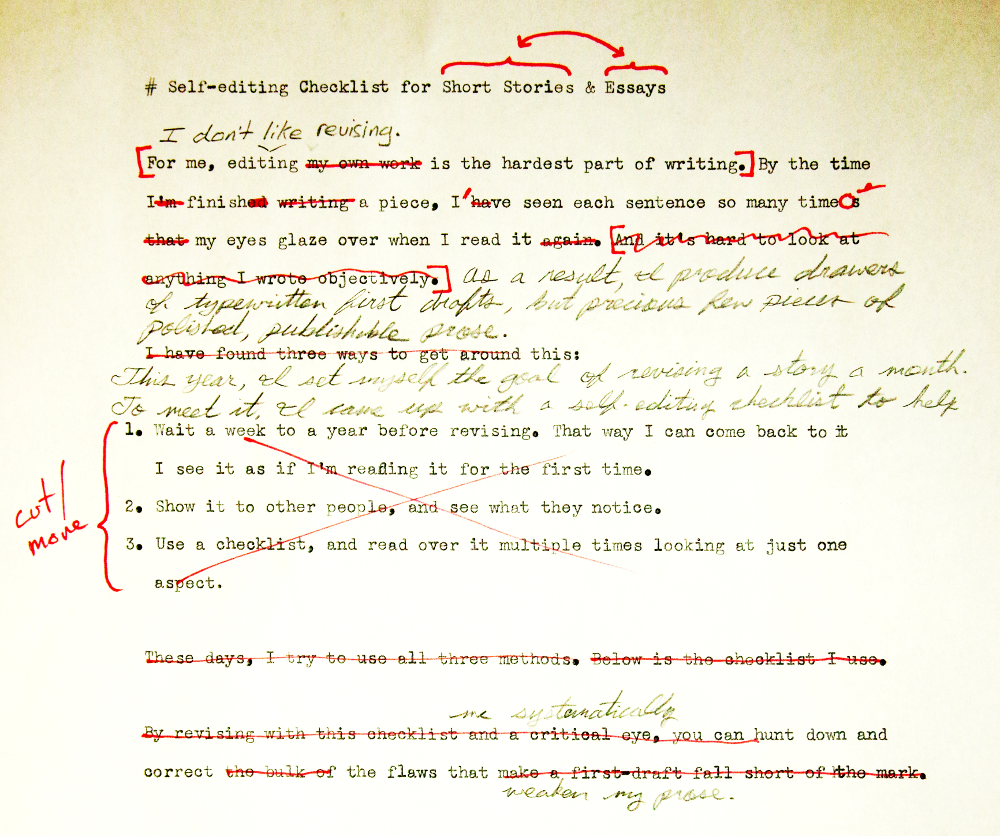
**3 WAYS to USE THE CHECKLIST**
INTERACTIVE ONLINE VERSION
— or —
[ DOWNLOAD AS PLAIN TEXT](https://cdn.autodidacts.io/misc/revision-checklist/revision-checklist-for-essays-and-short-stories.txt?ref=autodidacts.io)
[ SEND CHECKLIST TO PRINTER](javascript:window.print%28%29) Note: Your revision progress will be saved in your browser’s storage for when you come back.
This year I set myself the goal of revising a story each month. To meet it, I needed a strategy for tackling intimidating revisions; a map showing how to get from first to final draft.
I searched for revision and self-editing checklists online, but didn’t find any that seemed sensible. So I wrote my own. Then, I decided to get a bit meta and use the checklist to revise the checklist, and publish it here for the benefit of my fellow shirkers.
## The Self-Editing Checklist
Revision Progress
← go back to article
## Content
- **Don’t waste the reader’s precious time on earth, or yours.** Why did you write the piece? Is what you’re trying to say worth saying? Does the piece say what you are trying to say. If you’re investing effort revising the piece, you’ve already ticked off this checkbox.
- **Make sure the piece has a positive emotional and/or intellectual effect on the reader**. If you write horror, you may *want* to strike discord in the reader’s heartstrings — but even if the *content* isn’t positive, the *piece* should benefit the reader in some way. Otherwise, why would they bother to read it?
- **Double check your logic:** implausibility loses readers faster than you can say *Hack Robinson*.
- **Non-fiction**: check that your assumptions about the subject are correct, and that your conclusions follow logically from the starting point.
- **Fiction**: check for plot holes, bad science (real or invented), handy coincidences that move the plot while the characters sit around and watch, and characters doing things that are out of character to move the plot.
- **Check that the facts are, in fact, factual.** It saves a lot of embarrassment later on.
- **Make it as easy as possible for the reader to understand what you’re saying**, and do your best to counter the effects of the [“Curse of Knowledge”](https://en.wikipedia.org/wiki/Curse%5Fof%5Fknowledge?ref=autodidacts.io).
- **Make sure the piece is complete** and gets across what you’re trying to communicate.
- **… and that the opening pulls the reader in**, arouses their curiosity, and makes them want to know more.
- **… and that the ending is strong**, and pulls in and resolves as many narrative threads as possible.
## Structure
- **Make sure the piece flows well**, and scene (fiction) or section (nonfiction) transitions are smooth and logical.
- **Put first things first** so that the reader knows all they need to know to understand what they’re reading.
- **Adjust paragraph and sentence length** to match the pace of the content.
- **Cut needless words, sentences, paragraphs, and sections.**
## Style
- **Match tone to content.**
- **Match pronouns to content**: Is it a personal narrative (*I* did this, *I* thought that)? A sermon (*you* should do this, *you* should do that)? A sermon masquerading as objective analysis (*one* should do this, *one* should think that)? As you have probably noticed, this is a sermon.
- **Don’t be a showoff.** Showing off — whether with big words, excessive intellectualism, or beautiful but superfluous prose — gets in the way of good writing. Show off by *not* showing off, and, instead, getting straight to the point.
- **Towel off your attitudes.** Logic is more persuasive that ranting.
- **Cut the parts that you’d be embarrassed to read aloud to your mother.** Mother doesn’t have to *agree* with it, or even like it, but it shouldn’t embarrass *you* to read it to her. By writing even the most controversial pieces in such a way that you wouldn’t be embarrassed to read them aloud to your mother, you’ll probably reach a wider, *classier* audience.
- **Make sure the tone isn’t too dry or too wet.** The Buddhist idea of *The Middle Way* applies to writing, too. Neither stiff nor overly jocular, neither brusque nor logorrheic, good style is often almost indistinguishable from no style at all.
- **Read it aloud, and rewrite the parts that sound unnatural.**
## Polish
- **Prefer short, strong, precise words** you know the exact meaning of. (Also: If you use a word the reader may not know without defining it, try to make it possible to infer its meaning from context.)
- **Use passive voice deliberately.**
- **Make sure modifiers serve a purpose.** (Adjectives, adverbs, qualifiers, etc.)
- **Tone down the superlatives and exclamation marks!** They are most often used as crutches to keep weak sentences from falling flat. If what you write is true, and your sentences are strong, you shouldn’t need to ram your point home.
- **Use spell-check**. Defiantly a god idea.
- **Run it through a grammar-checker** such as [LanguageTool](https://languagetool.org/?ref=autodidacts.io) (free, open-source) or [Grammarly](https://grammarly.com/?ref=autodidacts.io) (paid).
- **Consider using a “prose linter”** such as [ProseLint](http://proselint.com/?ref=autodidacts.io) (free & open-source, available online and as an editor plugin), [Write Good](https://github.com/btford/write-good?ref=autodidacts.io) (free & open-source, available as an editor plugin), Hemingway Editor (freemium, available online and as a desktop app), or similar.
- **Format the piece** for its intended destination. Check the submission guidelines for the publication(s) you’re planning to submit to. Using real em-dashes (—) instead of hyphens (--) and “smart” quotes rather than "straight" quotes is a nice touch.
- **Show it to at least five friends, and incorporate useful feedback in your next revision.** Early readers are precious; thank them and make them a cup of tea.
## How to use this checklist

I usually show the piece to other people and ask for feedback, and take notes of their suggestions. Next, I make a “revision plan” that lists the problems beta readers (and myself) have unearthed, along with possible solutions. Then, after waiting a week (or a year) in order see the piece anew, I read through it and update the revision plan as necessary. Finally, I make a cup of coffee — or several, depending on the length of the piece — and work through the piece, referring to my revision notes and this checklist.
The structural changes in the first two sections of the checklist often require significant additions, cuts, and rewriting. Make them early in the revision to avoid cutting prose you’ve already buffed-and-polished. I refer to the second section throughout the revision, but wait to start the third section until I’m done with most of the rewriting and rejigging.
## Make it your own
You’re unique, just like everybody else. So here’s a plain-text version of the checklist you can customize for what you write and how you revise: [revision-checklist.txt](https://cdn.autodidacts.io/misc/revision-checklist/revision-checklist-for-essays-and-short-stories.txt?ref=autodidacts.io). Make it your own! And when you’re done, jump in the comments and let me know what you changed.
Now print your piece (after clearing the paper jam at tray 1), open the checklist, and get to work! Put that writerly scowl on your brow; cap and uncap your pen so you can hear that tremendously-satisfying click; make some illegible scritches; crumple the marked-up manuscript and hurl it across the room, just missing the garbage can; pick it up off the floor and beleaguer it some more; come up with a hilarious pun; revel in your incomparable wit for a few minutes, then come back to your senses and cut it. Type in your edits, send “\[TITLE\] final FINAL.doc” to the printer, and repeat … and repeat. *Happy editing!*
### Neurofeedback and the Transformation of Consciousness: An Interview with Biocybernaut’s James Hardt
URL: https://www.autodidacts.io/biocybernaut-neurofeedback-interview-with-james-hardt/
Last updated: 2022-10-01T22:45:16.000Z
The [Biocybernaut Institute](http://www.biocybernaut.com/?ref=autodidacts.io) offers perhaps the world's most elite and exclusive neurofeedback training. According to their website, a one-week intensive can boost IQ and creativity, create beneficial personality changes, and “expand your awareness more than 20 years of zen meditation.” The cost? $15,000 or more.

An acoustically isolated neurofeedback training chamber at the Biocybernaut Institute
My initial view of Biocybernaut was sceptical. I couldn't find much research-grade evidence of such extraordinary results. There are plenty of cheaper ways to improve your state of mind, I thought. Who would bother with a $15k program that might or might not work?
It turns out, quite a few people. One of them is a Swedish friend of mine, who also happens to be the Scandinavian memory sports champion and an avid proponent of anything that will expand his already expansive mental capacities. He took the training and reported interesting results. Other celebrity personal optimizers also have good things to say about Biocybernaut, such as [Tony Robbins](http://www.businessinsider.com/tony-robbins-neurofeedback-for-efficiency-creativity-2017-3?ref=autodidacts.io), MindValley's [Vishen Lakhiani](https://blog.mindvalley.com/studying-brain-with-meditation/?ref=autodidacts.io), and the meditation mogul [Bill Harris](http://www.centerpointe.com/now-thats-a-good-question/?ref=autodidacts.io). I decided to look into it further.
I contacted Biocybernaut’s founder, Dr. James Hardt. He kindly agreed to an interview, and offered that one of his staff trainers could give me a tour of the Victoria training centre.
This post is the result of my interview, tour, and online research. Whatever your views on the Biocybernaut training or business model, there is no doubt that James and the Biocybernaut team have pioneered some very interesting approaches to in-depth neurofeedback. For anyone interested in this field, it's worth a look.
#### Allergy Warning: May Contain Fringe Content
If you suffer from woophobia, parts of this post may cause rolled eyeballs, snorts of derision, or — in extreme cases — gastrointestinal distress.
We sympathize, but bear with us. If you, like us, are interested in exploring the potential of neurofeedback to promote improved states and traits of consciousness, then the perspective of one of its most well-established practitioners is worth some attention (even if you do have to pop a few antacids along the way).
## The Biocybernaut Protocol
Biocybernaut’s Victoria training centre is outside the city on a winding country road. On arrival I met Linda, a senior trainer at the centre.
Linda gave me the tour. First stop was the meeting room, with a large monitor for reviewing EEG recordings embedded in a conference table. Next was the debriefing room, with four individually-curtained couches for trainees to relax in during post-session debriefings. We passed through the control room, where Biocybernaut’s technicians monitor real-time video, audio, and EEG signals from the training chambers on a massive bank of monitors, which looked as though it might be equipped to manage a small space expedition. Then, we headed for the chambers. Each feedback chamber is a small, acoustically-treated room with purple velvet covering all four walls and the ceiling. The rooms each include a chair, a desk with a computer monitor and peripherals, an infra-red video camera, a wall-mounted EEG amplifier and electrode leads, and four small speakers, each mounted on an extendible bracket attached to a corner of the room.
Biocybernaut staff and publicity materials make it clear that the company’s training is not only neurofeedback. Each neurofeedback session is accompanied by an automated mood scale assessment and followed by coaching on forgiveness and other techniques for overcoming the emotional obstacles that — according to James Hardt — invariably impede a trainee’s progress to the desired brain conditions if not addressed during the training.
Biocybernaut uses custom-built 4, 8, or 12 channel EEG amplifiers. There are several levels of training available, but every trainee has to start with the basic offering: Alpha One, a one-week course targeting enhanced alpha amplitude across four electrode sites at right and left occipital and right and left central locations. More advanced courses include additional electrode sites and slightly different training protocols. For this post, we'll focus on the Alpha One training, which includes two feedback sessions per day, interspersed with debriefings, mood scale measurements, resting, and coaching from trainers.
Each session is broken into 2-minute segments. During the segment, the alpha amplitude at a given cortical site controls the volume of an organ tone from the speaker in the corresponding quadrant of the chamber. An increase in alpha amplitude at the front right electrode leads to an increase in the feedback tone from the front right speaker, etc. The protocol uses an “integrated alpha” measure of amplitude: the band pass filtered EEG signal is squared and then integrated over a short time window to give the alpha power measurement used for feedback.

The control room. When training, monitors show brainwaves and infrared camera feeds from the neurofeedback chambers. Desk mics and speakers also provide a two-way audio link between technicians and trainees.
After each 2-minute segment the screen lights up with six large, coloured numerals. Four numbers show the alpha score for each quadrant. A green number indicates the score is the highest of that session so far. Blue means the score has increased, but not broken the session record, and white indicates the score has diminished. Two other numbers indicate the level of “hemi-coherence” between the hemispheres. According to James Hardt, hemi-coherence measures overall the synchrony of alpha amplitude changes in the two hemispheres, rather than the more familiar measure of coherence as the phase synchrony at different electrode sites.
## Interview with Dr. James Hardt

Dr. James Hardt
James Hardt received an undergraduate degree in physics from the Carnegie Institute, and a masters and PhD in psychology from Carnegie Mellon. He owns [several patents for neurofeedback hardware, software, and training methods](https://patents.google.com/?inventor=James+Hardt&ref=autodidacts.io), and has a fair number of [academic publication credits](https://scholar.google.ca/scholar?q=JV+Hardt&ref=autodidacts.io). His [bio](http://www.biocybernaut.com/partners/?ref=autodidacts.io) and [full CV](http://cdn2.hubspot.net/hubfs/2414356/Biocybernaut%5FInstitute%5FAug%5F2016/PDF/Curriculum-Vitae.pdf?ref=autodidacts.io) are on the Biocybernaut website, though only five of the thirty patents mentioned there are listed in Google's patent search.
I spoke on the phone with James Hardt last spring. The transcript below has been edited for clarity and length.
**Biocybernaut training is unique in that it’s done in a relatively short, intense time period rather than spreading it out over months or years. Why is that?**
In learning theory there are two different approaches. One is massed practice, and the other is distributed practice. Some things are not amenable to distributed practice. We’re wanting to produce transformation, and if trainees came one day a week for seven weeks there is no way they would get anything like the results that they get. And a comparable example of transformation would be an aeroplane. If it’s sitting on the runway, it is a ground vehicle. If it does certain things, it can have a transformation into an aerial vehicle. So what does it do? It applies power; it applies power continuously. Now, let’s say you taxi for a hundred feet and then stop. And then sometime later, you taxi under full power for another hundred feet, and stop. And then a little while later, you taxi for another hundred feet under full power, and stop. You would get to the end of the runway and this transformation we call flight would not have happened.
**How would you describe the transformation that you’re aiming for in the training?**
In Buddhism, there are over 150 levels of consciousness, called attainment levels. These go from an egoic, selfish, angry, self-centred sort of consciousness into a more expanded consciousness where one can take the perspectives of others. In the course of the training, my goal is to help people become more conscious. I learned early on in my work that most people have emotional traumas; that some are conscious and some are unconscious, and these create glass ceilings where they cannot rise in consciousness because of the unaddressed trauma. So I’ve developed a computerized mood scale system that allows the detection of unconscious negative emotions, and unconscious positive emotions, which, when brought to the surface, in interviews with a skilled trainer, can provide focal points for a forgiveness process. Trainees can go in and deal with these traumas through forgiveness, which then frees them, and frees their conscious and their unconscious minds, so that they are then available for growth of consciousness.
**I was going to ask you about the psychological or emotional component and how that works with what you’re doing as EEG neurofeedback. It’s interesting that you mention a scale of mood or emotion.**
We use three different mood scales. I started with existing ones, but then I’ve modified them, changed the words, and added things, so they are unique to Biocybernaut. In the regular trainings, people take this at the beginning and end of the day. The mood scales are scored so we can know whether anxiety, depression, hostility or whatever went up or down. It covers a range from energetic to not so energetic and from positive emotions to negative emotions. There are 21 different moods that get measured, but each one of them is the result of how people responded to scores of different emotional words. A word pops up on the screen and you push a button — zero, not at all; one, a little; two, moderately; three, quite a bit; four, extremely — indicating how much you feel that. The next mood scale’s done right after the enhancement training — theta enhancement, alpha enhancement, whatever — and there you reply how did you feel at your moments of highest Alpha, or highest Theta, or highest Delta. Since your brainwaves are being measured as you’re doing the mood scales the computer is able to give an assessment of the accuracy of each one of your answers.
**You’re recording answers in tandem with the brainwaves of the trainee while they are answering the questions?**
Exactly. If the computer doubts the accuracy of an answer — let’s say the word is “angry” and the person puts zero — if there’s at least a 68% chance that answer is wrong then the person gets one standard deviation or one sigma. If there’s a 95% chance that answer is wrong the person will be given two sigmas. If there’s a 99.7% chance the answer is wrong the person gets three sigmas and these are reported to the people in an interview at the end of the day.
Let’s say the person said no to “angry” — in fact I remember one time I had a CEO of a billion dollar company in training and on the word “angry” he put “no”, but he got five sigma. That would be a 99.999999% chance that his answer was wrong. So I asked him, “is there anything you’re angry about?” He yelled at me, “no!”, and I realized this is a very angry guy. He’s married so I’m thinking: well, maybe I could work around this and ask what his wife would say if I asked her if he was angry about anything. Well, the guy figures out where I'm going and even before I asked the question about his wife he again loudly and angrily yelled “no.” He was in total denial, and we went through his mood scales very quickly.
There were three other people in the training and as we went through their mood scales we might come to a word which they had denied and I’d ask them about it and they’d stop and they sniff a little and a tear would come out and run down their cheek, and I’d say “Okay, well what’s going on there?” Then they would tell the story. It would be some trauma and there would be a perpetrator and I’d say “Okay, now that person needs to go on your forgiveness list.” There would be a bit of a relief, just from getting it out. This happened with three other people. I didn’t say anything, and the next morning he comes in, and he’s still in this too-tight-with-the-collar white shirt, three-piece suit — he’s the CEO of a billion dollar company — and he whips out of his pocket and unfolds a long list, which is all the things and all the people he’s angry about. He had done the work overnight. It was detected by the mood scale. He said “no” to angry, and the computer went “uhh, I don’t think so; five sigmas”.
**So you have a method of correlating what you’re reading as EEG to a scale of emotion?**
Well, what I’ve found is that it is wisest to say nothing about how this works.

Biocybernaut's debriefing room
**Okay. Have you tried using GSR or heart rate variability coherence measures as an augmentation of EEG-based metrics for emotional state?**
The first time I went to India I went with brainwave technology, of course, but I also took a whole bunch of other measures including GSR and respiratory and muscle tension and temperature. I would put all these sensors on these yogis and they would start to meditate and usually within three or four minutes the GSR would be completely flat, providing zero information. And muscle tension would be flat, respiration would be shallow and stable, but then for hours the brain waves would keep deepening, deepening, deepening.
I know that Scientology uses a primitive GSR device to detect emotionality — the auditor asks people questions and then looks at the GSR readings. To my sense that is incomplete feedback because your signals go, not to you, but to the auditor who chooses whether or not to report to you what you just did. Of course there would be a time delay. We know that feedback is effective to the extent that is three things: one, accurate; two, immediate; and three, reasonably aesthetic. If your signal goes into the brain of an auditor who then thinks about it, and maybe asks you a question, you’re going to have a delay of more than a quarter of a second which is about the maximum that you can have in order to have accurate feedback.
**So you’re using just the EEG for making those correlations with the subject’s emotion, or at least determining whether what they’re reporting is accurate?**
In my university work I also recorded abdominal and thoracic respiration, heartbeat, galvanic skin response, frontalis muscle tension, [photoplethysmogram](https://en.wikipedia.org/wiki/Photoplethysmogram?ref=autodidacts.io) at the finger (the time delay between the pulse arrival at the finger and the heartbeat correlates with blood pressure, so we could have real-time measures of blood pressure), and we also had [alveolar CO2](http://www.pathwaymedicine.org/alveolar-carbon-dioxide?ref=autodidacts.io), which was assessed on a breath-by-breath basis.
At one point, with the help of an undergraduate assistant provided by the Fetzer foundation, I took my polygraph records and spread them out and we measured four parameters of the breath: the duration of the inspiration phase; the duration of the expiration phase; the duration of the post-expiratory pause, if there was one; and the amplitude. With these four respiratory parameters, and knowing the person’s personality type — which of course we did because we gave personality tests to everyone before they got in the chamber — I could very accurately describe what drugs the person had used in the last twenty-four hours.
When I published this work I got a beautiful embossed letter of invitation from the National Security Agency to come and set up one of their polygraph labs. At the time I was running two companies, and I had a big university research project, and I would have had to dishonour pledges to investors and granting agencies, so I most respectfully and most appreciatively declined that invitation. But, yes, there are other parameters and a lot of information can be derived from them.
**But it’s not essential to the work that you’re doing with the training?**
It is not. And in fact at one point in May of 2007 Drunvalo Melchizedek, a world-famous spiritual teacher, came and did the training with his wife, Claudette. And at the end of that he said, “Jim, you know of all the people around the world who do my teachings, 95% do not get the fullness of my teachings, and it’s always for the same reason: emotional traumas.” And he added, “I’ve never found anything as good as the Biocybernaut training for getting rid of emotional traumas.”
I’ve had psychiatrists whose patients I had trained come to me and do the training because they said: I cannot understand how you can produce better results in seven days than I’ve been able to working with this patient for twenty years.
**There’s some magic combination of the neurofeedback plus the emotional trauma work that allows people to move forward?**
Yes. You know the work of Dr. David Hawkins?
**No.**
You must become familiar with him. I think his first book was *Power Versus Force,* and he has a number of books. He had the biggest psychiatry practice in the country, in New York City I believe, and then he started to become enlightened. He went into a cabin in the woods and then came back as a spiritual teacher. He wrote a book called [Letting Go: The Pathway of Surrender](https://www.goodreads.com/book/show/16098910-letting-go?ref=autodidacts.io). He says that the goals of psychotherapy and of letting go are quite different. If you do psychotherapy and you end up with some jealousy and some greed and some ego and some anger and some bitterness, it’s okay as long as they’re sort of moderate and they don’t get on other people too often. But the goal of letting go is complete liberation of the soul. The goals are different, the methods are different, and the work that we do with the forgiveness process is much closer to the work of David Hawkins. It’s unlike psychology or psychiatry. Our intention is not to heal, our intention is not to do therapy; our intention is to liberate the soul. On the way we discover negative emotions, traumas, and so on, and we teach the trainees how to do forgiveness. They do the work. It doesn’t require any drugs.
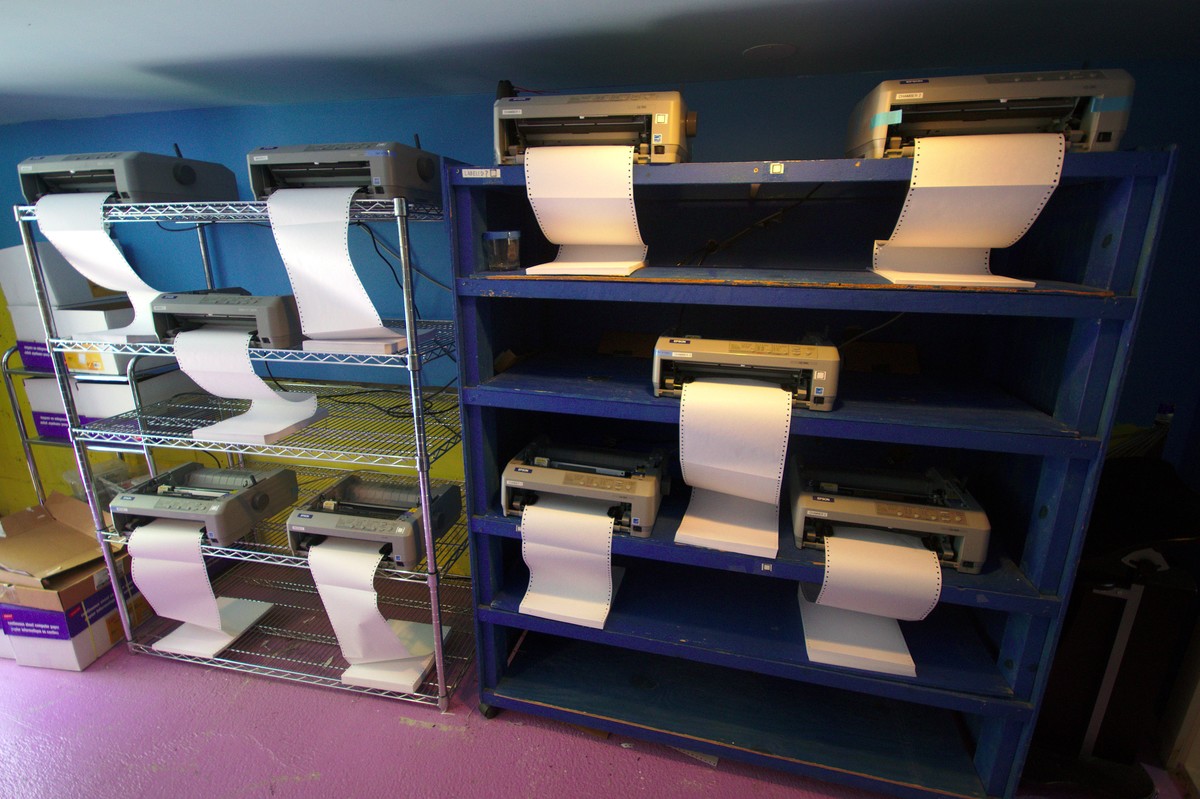
A bank of vintage continuous-feed printers next to the control room prints trainees' EEGs in hard copy during training.
**And through that process your trainees can change their consciousness, or experience altered states of various kinds?**
Yes. In my work in the university — University of California San Francisco and before that Carnegie Mellon University where I took my PhD — I would give personality tests to the people, initially students, before the training and then on the seventh day or the eighth day after the start. One test that I would give routinely is the MMPI, or [Minnesota Multiphasic Personality Inventory](https://en.wikipedia.org/wiki/Minnesota%5FMultiphasic%5FPersonality%5FInventory?ref=autodidacts.io). There’s 566 true/false questions — maybe a little dated now, but the accuracy of it is profound. If you give the MMPI profile to a psychiatrist or clinical psychologist they can look at it and know the pathology of the person, and talk to him like they’ve known him for years. I’ve seen this happen with people I've trained. I took the profiles to a clinical psychologist and they read the person very accurately.
In before and after tests, the person might be in the 98th or 99th percentile of schizophrenia or paranoia or depression or anxiety in the before test, and seven days later they’re smack dab in the middle of the normal zone. This is astonishing to psychiatrists who have never seen this kind of movement even over the course of twenty-year therapies. In fact psychiatry has — I don’t know about now, but it used to believe — that personality dimensions were stable over the adult lifespan, and let’s not talk about changing core dimensions of personality. If you’re willing to do twenty years of psychotherapy you might be able to tinker at the margins a little bit with some of these issues or characteristics, but they weren’t even willing to discuss changing core dimensions of personality. Then other people came along, studying brainwaves on multiple personalities like in the books [Sybil](https://en.wikipedia.org/wiki/Sybil%5F%28Schreiber%5Fbook%29?ref=autodidacts.io) or [Three Faces of Eve](https://en.wikipedia.org/wiki/The%5FThree%5FFaces%5Fof%5FEve?ref=autodidacts.io), and there would be really interesting things. Sarah would be allergic to orange juice but if Alice or Bill — different personalities in the same body — were active, the body could drink all the orange juice it wanted, with no adverse effects. A biologist would have trouble with this, but a psycho-biologist of course would be “yeah, that’s cool.”
I’ve worked with multiple personalities. One woman had twelve alters and she was so disturbed that the only way she could do the training was if her psychologist was in the training with her. As she did the forgiveness work the various alters that were circling would come in and rejoin the core personality, to the utter jaw dropping astonishment of her psychologist who was sitting in the chair next to her. At the end of the week this twelve-person-alter multiple personality was one integrated human being, and for years afterwards she would call me on Mother’s Day to thank me for having given birth to the integrated person that she now was.
**When you’re watching somebody go through the training, how much can you tell about what they’re subjectively experiencing by seeing their EEG?**
That’s not a question that I would want to answer for the record. I can say one thing, though. When people come in on day one, the first time in the chamber after they do their morning mood scales they do an eyes open, an eyes closed, and a white noise baseline. If in those first eyes closed and white noise baselines, their Alpha does not exceed a certain level, I know that that person has attempted suicide or seriously contemplated it. We then double the gain on that person, so the signal is big enough to be meaningfully detected and processed by the computer. As it is, we have to amplify the brainwave signals about a hundred thousand times in order for them to be intelligently processed by the computers.
**In [one of your case studies](http://cdn2.hubspot.net/hubfs/2414356/Biocybernaut%5FInstitute%5FAug%5F2016/PDF/1%5FIntensive-Trainings-in-Alpha-and-Beta-Feedback1.pdf?t=1513801542404&ref=autodidacts.io) you mention that you did feedback with two people simultaneously, with feedback from one hemisphere of one person being received by the second person and vice versa, between two family members.**
The story that you probably want to reference was when I trained two Army intelligence officers in 1983\. Lieutenant Colonel James McLaughlin who was interesting because he had had a near death experience in Vietnam and he was being studied by the Institute of Noetic Sciences; and another army intelligence officer named Lieutenant Colonel John B. Alexander. With the funding provided by Army intelligence these two officers came and did the regular Alpha One training for a week, and then they did the Alpha one shared, where they both went into the chamber at the same time and they each had feedback on their own and each other’s brain activity.
Now, I cautioned them, I said you are likely to have telepathic experiences with each other when you’re doing shared feedback. Now, because they had high security clearances and I had none they would not allow me to do shared feedback with them but they did a week of the alpha one shared feedback, and they did in fact have telepathic experiences. John Alexander wrote a book which is a cult classic called the [Warrior's Edge](https://www.amazon.com/Warriors-Edge-John-B-Alexander/dp/0688088899/ref=sr%5F1%5F1?ie=UTF8&qid=1515193602&sr=8-1&keywords=John+Alexander+Warrior%27s+Edge&ref=autodidacts.io). In there he dedicated an entire chapter to describing their two weeks at Biocybernaut, and he confirmed that they did have secrets slip between them. So, we have it on the authority of US Army intelligence that the Biocybernaut Alpha training does produce telepathic exchanges.
It’s very common in shared feedback, and it’s a marvellous tool for relationship therapy as well as getting scientific or sports teams to be on the same wavelength.
**Is shared feedback something that you regularly offer?**
Oh yes, we do. As a precondition to do shared feedback of the Alpha One level you have to have done Alpha feedback solo so you know what you’re doing.
Plus, it’s expected before you get into the community swimming pool that you take a shower. Before you link minds with somebody else it’s probably a good idea to do some cleansing of the anger and the fear and the sadness.

The soundproof door to training chamber #2
**What’s your perspective on binaural beats or other entrainment techniques for changing brainwaves?**
Are you familiar with the problem that ecologists face of invasive species? You’ll get a little clam picked up in a ship in the Hong Kong harbour and when it pumps its bilge tanks in the Great Lakes the clam goes out. There are no natural enemies, and pretty soon it’s destroying ecosystems, clogging intakes for city water and power plants and things like that. Or, you get a big African toad on an island and pretty soon all the ground-dwelling birds are gone because it’s eaten all the eggs. Invasive species are a huge problem in ecology. Well, in the same way I look at entrainment as producing invasive frequencies. Your brain has a whole lot of frequencies and they are multiply co-evolved and they’re stable. If you, from the outside, introduce some foreign invasive frequency you can devastate the ecosystem and it may not be apparent for a while.
I am strongly opposed to entrainment, unless it is a very very very special form of entrainment which is described in a [patent that I had issued on Christmas Day several years ago](https://patents.google.com/patent/US20150342493A1/en?ref=autodidacts.io), where you do a fast Fourier transform on the brain activity and determine what frequency was the dominant frequency in the last half second. And since it’s not an invasive frequency — it was the dominant frequency in the last half a second — I would then be comfortable training with entrainment at that frequency. Then of course you would sample, and if the frequency shifted in the next half second you would have to shift your entrainment frequency so as not to be introducing invasive frequencies into this marvellous soup of frequencies that is in your brain.
**Are you experimenting with that in your training, or in your development of the training?**
We have a new technology coming out that’s called the Dream System which will enable this.
**From what you’ve said, it sounds like transformation is not really on the map that is used by psychotherapy. Is there a map that you’ve found actually encompasses the range of consciousness and experience that your trainees go through?**
Well one — I don’t know if you’d call it a map — one list of emotions that we find very helpful has apathy at the bottom; sadness and depression above that; anger above that; fear above that, and joy at the top. Let’s say somebody has anger that they’re not acknowledging, that they’re trying to suppress, or are not even conscious of. What will express in that person is sadness or depression. On the other hand, if a person has fear they’re not willing to acknowledge or deal with, what shows up is anger. So there’s a ladder, a work up. I tell people in the training, when you get in touch with something you’re really really afraid of, we celebrate that because when in the safety of the chamber you explore into the face of your greatest fears it will always be your fastest growth path, and it will take you inexorably to the step above, which is joy.
Once you get to joy, then there’s a whole range of states of consciousness that become available. For example, we know the brain waves of people who can see angels, and they’re trainable. One time I had a San Francisco Forty Niner in training who did not have that pattern, and on day five he developed that pattern. When he came out of the chamber he was so frightened that it took half an hour of coaxing to get him to talk about it, because three angels had appeared in the chamber and said to him, “You’re not living a very good life…” and he’s like, “aaaghh!” Which he wasn’t — he was living a pretty naughty life. Out of this encounter he stopped doing all drugs, and he even stopped drinking coffee.
And then, we know the brain wave patterns of kundalini, and that also is trainable. We have had a number of people who have had their first ever kundalini experience in my chambers, including Bill Harris who runs Centerpointe Technology, headquartered in Portland. His training was March 23rd of 2005, at my then California centre, and he had his first ever kundalini awakening. He subsequently wrote about us and encouraged people to come. He sent probably 150 people to our training.
**That’s quite a few.**
At fifteen thousand dollars each.
**That takes me to another question I was going to ask. There’s a lot of interest in neurofeedback and meditation. From what we’ve done with the NeuroBB forum and our blog and people we’ve talked to, it seems like many people are struggling to find a combination of hardware and software and a training protocol that has more capacity than the off-the-shelf consumer devices like the Muse headset. What would you recommend to people who don’t have the time or resources to come to your training programs but are looking for something heading in that direction?**
Well, in my Victoria centre I met with a couple that is interested in funding the development of a Biocybernaut-approved portable unit. Alice just finish training with people in Germany yesterday and one of them is wealthy and interested in funding development of a portable unit. So, one of these will be coming along at some point.
Before I ever designed a training system I got all of the papers that had ever been written on alpha brainwaves going back to the original founding paper by Hans Berger in 1918\. I read his original papers in German, and I was fully aware of the physiology, the natural reactivity of alpha and what would make it come and go.
So, when I designed equipment, I patented the qualities which would be needed to make an effective brainwave feedback system. If those characteristics are not incorporated then the system is going to be suboptimal and in some cases people say “well, this doesn’t work.” I’ve always striven for how to optimize, so I don’t have anything other than meditation to recommend. We have meditation, and we have the Biocybernaut training and I would not be comfortable recommending anything in between.
**But at some point it’s likely that a home training unit will be available?**
Absolutely, and it could be pretty quickly depending on the funding. You know, money shortens time.
**To move forward, what’s needed? What would be needed to expand what you’re doing to make it more available or to broaden the impact?**
Well it’s interesting, because it’s the three M's: money, management, and marketing.
**Have you ever considered any kind of an Open Source model for your program?**
No.
**Would that undermine its effectiveness?**
Well, one of the things it would do is it would invite protocol drift. The protocol has been optimized. I’ve done millions of dollars worth of funded research to support the effectiveness of the protocols, and even the most minor modifications can undermine the effectiveness. If it’s open source and somebody says “Oh well let’s change this, oh well let’s try that or you know let’s play music during the time that the people are doing their feedback or….” No. No thank you.
**So you’d like to preserve the quality of what you’ve developed.**
Absolutely. That’s the purpose of patents — so that other people can license the technology but then they can use it only in the prescribed ways.
**Right. And have you seen … I’m just thinking, is there some way to bring this out into the world a little bit more rapidly?**
Money, management, and marketing. I know how to create training centres where a thousand people could train at one time. Now, it wouldn’t be as powerful or as effective as the training that we do now because you wouldn’t have the third pillar which is the transformational perspective of the trainer. You can have the ergonomic technology, you could have the optimized training protocols but absent a trainer the productivity, the effectiveness is going to be massively reduced. But, on the other hand, there would be some benefit, and many of the people who did it in a forum like that would go “Wow! This is great. I’d like to do it right. Now let me get to a centre where they have a skilled trainer.”
I’ll give you an example: one of my engineers who helps with hardware and software development had a complete system set up in his laboratory. Unbeknownst to me he gave someone — who was pretty messed up — one hundred sessions of the training with my technology. He didn’t have the mood scales; he didn’t have the debriefings by the skilled trainer; he didn’t have any input from any kind of trainer at all. The result was that absolutely nothing happened. The guy didn’t change at all. One hundred sessions with my technology! But not my protocols, and not one of my trainers.
So, when we release a portable unit we will certainly tell this story and we will caution people that the results will vary from person to person, and in fact there may not be much result because you’re doing this without a trainer. Now, hopefully, we can have some videos made and there can be maybe an extra program people can sign up for so after a session their data could be uploaded, and then a skilled person could look at it and they could have a telephone consultation, but none of this would be like real time. Right now when people come out of the chambers they go immediately to the debriefing room and begin debriefing. If an astronaut comes back from a mission and four days later you debrief him, there’s going to be a lot of detail lost.
I can make the training very cheap, but — guess what — it’s not going to be as effective.
**I imagine there’s a certain benefit in terms of the motivation and determination of your trainees, that they have paid a certain amount for the opportunity.**
Oh, absolutely. I can remember one time back when I was actually paying people to do the training — a dollar a day because I had a small grant from the university and it covered bus fare and things like that. In those days the wires were showing, and the racks of equipment were right by where the person would be sitting to get their electrodes put on, and this college student looked at the all the wires and all the technology and his eyes got big and his jaw dropped and he was very impressed. Then he went in the chamber, folded his arms, jutted out his jaw and said: OK, do it to me. And of course nothing happened. Because this is not a “do it to you” technology. It’s not like entrainment. It’s like a mirror for your mind, and you can stand in front of a mirror all day and the mirror is not going to *make* you smile, it’s not going to *make* you frown. But if you are an actor in a play and you need to practice your smile your frown, a mirror is a perfect feedback device to use for that.
Feedback requires the trainee to actively participate and pay attention to the results. At the same time that you’re hearing feedback tones increase or decrease, you have to simultaneously be tracking the ever-changing content of your consciousness. When there’s a change in the feedback tone you have to notice what change you just made in your consciousness. Maybe you went from thinking about the concept of love to having a little bit of a *feeling* of love; huge difference in terms of the brainwaves involved.
**That introspective aspect is important, it sounds like.**
It’s essential. That’s one of the roles of the trainer, to coach the person in *how* to listen to the tones and *how* to pay attention to the ever-flowing changes of their awareness.

Comfy chairs line the hallway outside the Biocybernaut Institute's training chambers
**Assuming that you get the necessary funding, and the three Ms move forward, how quickly do you think you will be building out your capacity? Will we be seeing this as sort of a basic service available to everyone and in a few decades, do you think?**
With a hundred and forty million dollars I can open sixty centres around the world in three years, and if we increase that a little bit — to maybe two hundred million dollars — we could probably double that, a hundred and twenty centres around the world in three years. Money speeds things up, and with money you can *buy* the management and you can *buy* the marketing, so the first M is money. When that is available in some quantity then we’re going to see an amazing acceleration of the distribution of this technology for the awakening of humanity.
**And does that seem to be moving forward? Sounds like you’re getting interest in investing.**
Well, we’ve had two enquiries in the last ten days. Somebody wants to sponsor a portable unit. The invitation to go on Shark Tank is also a way to interest people in coming aboard, providing funding.
**It will be exciting to see what results from that.**
Absolutely. And other sources — you know, the Business Insider has hugely increased the number of people contacting us for training and it led to the invitation on Shark Tank. Tomorrow I’m speaking to someone from Business Insider, it looks like they’re going to do a second report on Biocybernaut.
**It sounds like the press is building.**
It seems to be. The time is now. And when it skyrockets and explodes everybody will go, “Wow! That was like an overnight wonder!” and I’ll go, “yeah, it was a forty-year overnight wonder!”
**Most of them are, I think.**
Yes.
**To go back to a technical question that I missed, are you using completely custom hardware and software?**
Yes
**You’re building your own amplifiers?**
Absolutely. We buy our gold electrodes from Grass Instruments, and at some point when somebody has a dry electrode system that is sufficiently accurate (which none of them are to date, because none of them are willing to publish examples of their raw EEG), then we’ll license that from them but that’s really a minor thing; no, we make our own amplifiers, and the software has been under continuous development since 1977.
**That’s a while**
It’s many hundreds of thousands of lines of code.
**I’m guessing it’s in a low-level language like C, if it started in the seventies?**
It was originally written in assembly.
**Okay, even more low-level**
Yeah, exactly, and then translated it’s now running in C++.
**Here is a bigger picture question: I think many people see that human culture or Western society is in difficulty in one way or another, or in many ways. And a lot of that can be traced back, one way or another, to personalities of individuals and their traits, behaviours, etc. What is the potential, do you think, for the type of training that you’re doing — or other types of feedback training — to have a beneficial impact on society?**
I think it’s the way through to salvation. The corporate goal of Biocybernaut is to usher in an enduring golden age for all humanity.
**That’s a big mission.**
Yeah. That’s why I get up every morning.
**Sounds like a good reason to get up in the morning! Alright, well thank you so much for taking the time to answer all of these questions.**
### How to avoid making an idiot of yourself
URL: https://www.autodidacts.io/how-to-avoid-making-an-idiot-of-yourself/
Last updated: 2025-09-04T02:08:20.000Z
Intelligence[\*](#typesofintelligence) — as far as I can tell — is a variable, not a constant. It fluctuates, the same way a healthy person’s heart-rate varies over time. Graph it, and it looks like this:
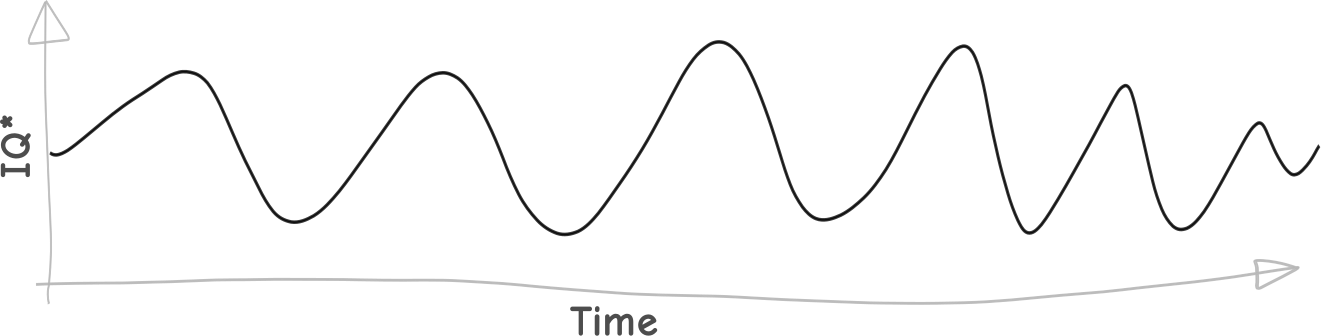
It wouldn’t be a steady sine-wave like the one above. It might be a square wave, a sawtooth wave, a triangle wave, or, most likely, some kind of combo frankenwave. But sine waves are easy to draw and will get the point across. And the point is that even when there’s nothing drastic going on, it has a natural rhythm. So let’s look at that wave again:
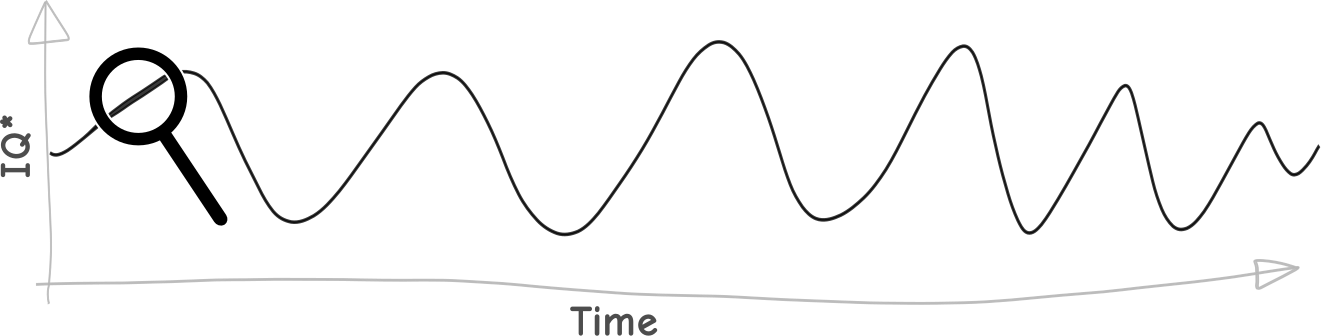
Call that a day. Let’s zoom in:

That’s an hour. It looks about the same, because what we were initially looking at was a compound wave.
At any given moment, we’re somewhere on this sinuous curve. And *where* we are on the curve when we make important decisions is, well, important.
For example: **what effect does our place on the curve have on our creative output?**
Let’s say we make something. Maybe it’s an essay, like this one. Maybe it’s a drawing. Here we are when we make it:

We put it out into the world. Oops. A little later, we see it in context:

For this example, the scale of our graph doesn’t matter. It could be a day, a week, a month, a year; the result would be the same.
If we’d had the perspective we have now, we might not have been in such a hurry to publish the essay or post the tweetstorm. We might, instead, have done a bit more editing. But we didn’t have the perspective we have now. At the time, it just looked like this:

It’s like graphing quadratics:
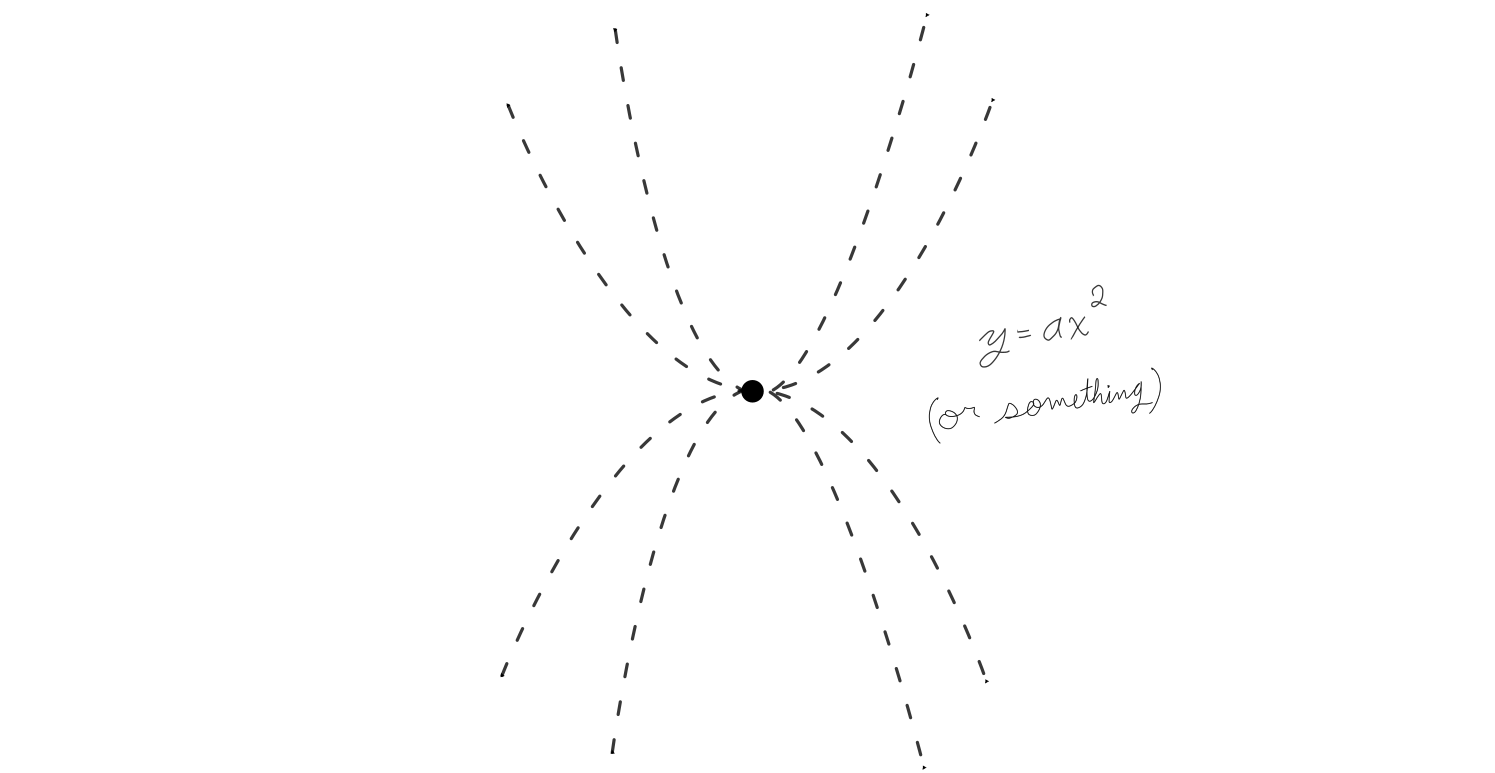
If we act — if we say, do, make, or publish things — when we’re at rock bottom, there’s a good chance we’ll regret it once we’re further up the curve. We need some kind of checksum. We need perspective, and here are two ways to get it.
## Option 1: Wait
If we wait long enough, we can use dead-reckoning to see if we’re going up or going down. If we get out our slide-rules and compasses, sharpen our pencils, and end up with something that looks like this:

… then let’s not trumpet about it just yet. But if it looks like *this*:

Then we think, *Hot diggity! I was really onto something!* And we pursue the idea further, and try to get back to the place we got it from.
## Option 2: Get feedback
Everybody has a sine wave like this. Everybody has ups and downs[\[1\]](#fn1). But not all of these sine waves are in phase: when I’m having a bummer, somebody else is probably having a moment of inspiration, and vice versa.
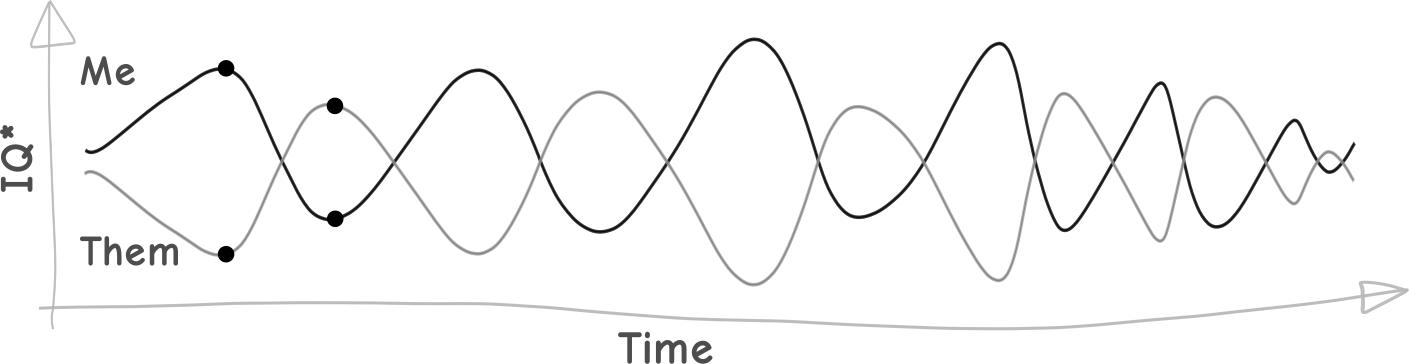
If we make something that stinks and show it to them, there’s a good chance that they’ll be higher on the curve than we are; rarely do the waves synchronize so perfectly that we hit rock bottom simultaneously. Thus, the world will be saved from the products of our worst moments. With this single checksum, we’ve gone from this:

To this:

Quite an improvement to the average quality of our output. But add more advisors and look what happens:

If we show stuff to enough people, at any given point *someone* is going to be doing better than us, and be able to point out problems we’ve overlooked. It’s much easier to have someone point Waldo out than to find him yourself.
### Intelligence?!
Intelligence is a slippery word. What, exactly, *is* intelligence? We’re still trying to figure that out. According to Wikipedia:
> Intelligence has been defined in many different ways including as one's capacity for logic, understanding, self-awareness, learning, emotional knowledge, planning, creativity, and problem solving.
If you were to graph the different types of intelligence individually, it would look like a great big hairball.

But different tasks require different types of intelligence. If you’re doing math, logic is handy; if you’re writing a novel, creativity is in high demand. So we can think of “the sine wave of intelligence” I’ve been talking about as the fluctuations of the *type of intelligence needed for the task at hand*. Or, if we’re doing something that requires multiple types of intelligence — such as solving algebra equations in your head while performing an interpretive dance — the average level of *all* the intelligences needed for the task at hand.
There’s one thing I still want to mention: **Mentors.** They look like this:
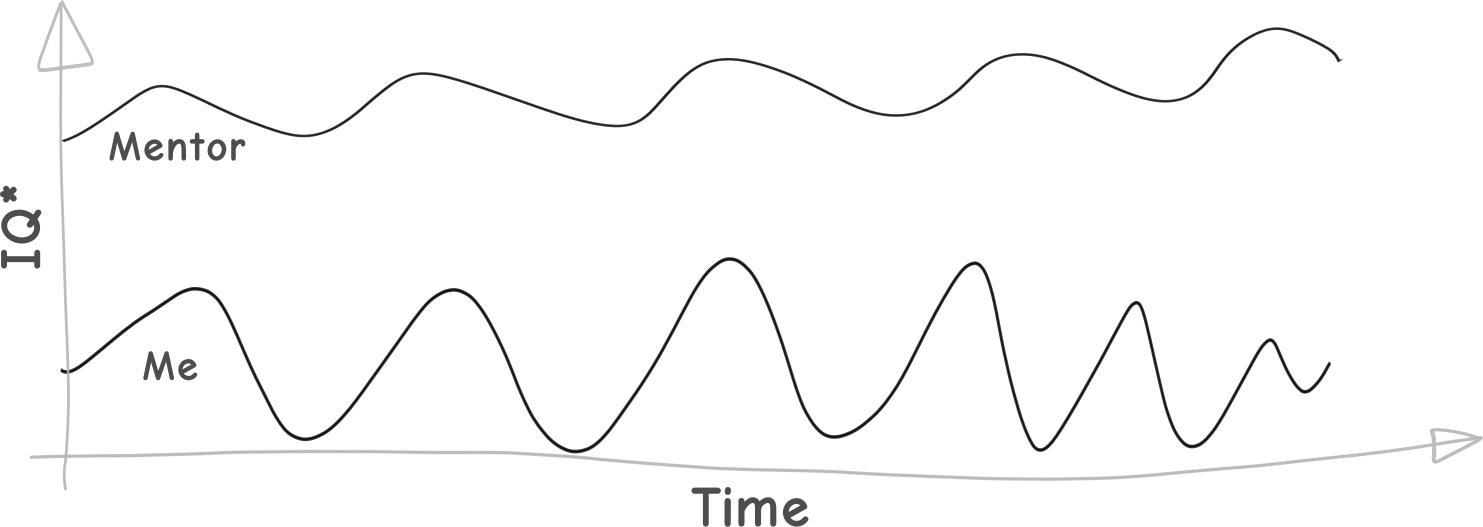
They can raise my entire sine wave, by pointing to points that aren’t even on the map[\[2\]](#fn2):
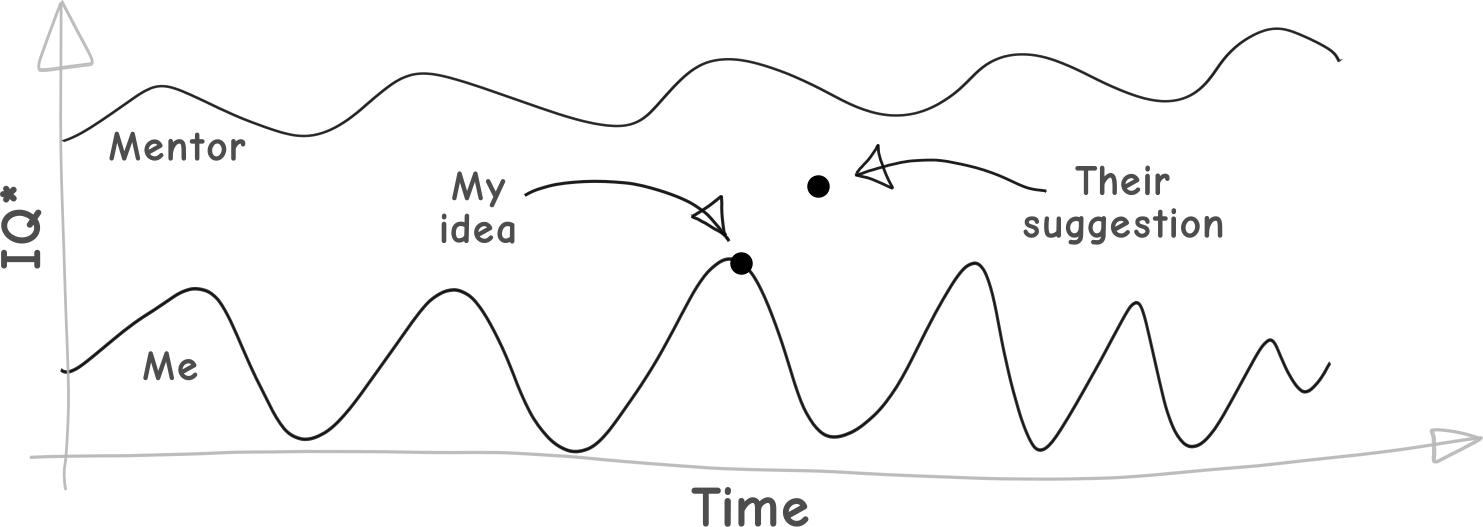
So I try to get feedback from a dozen or so people before going public. Or, barring that, I sleep on it and work on something else in the meantime. If it’s worth publishing, it will be worth publishing tomorrow.
That’s the *One Weird Trick for not Making an Idiot of Yourself*, discovered by a stay-at-home blogger in B.C., Canada.

---
1. Cue *Those Magnificent Men in their Flying Machines* [theme song](https://www.youtube.com/watch?v=UPgS26ZhqZs&ref=autodidacts.io). [↩︎](#fnref1)
2. In case you hadn’t noticed, this is where the sine wave metaphor breaks down. [↩︎](#fnref2)
### Who will own Mars?
URL: https://www.autodidacts.io/who-will-own-mars/
Last updated: 2024-01-20T04:10:11.000Z
Elon Musk is planning to colonize Mars. If he succeeds, it could be one of the most important changes in human history. And, based on the surprising success of his previous ventures — including Zip2, PayPal, Tesla Motors, and SolarCity — it might be foolish to dismiss Musk’s plan.

There has been a lot of hype about Mars, beginning with the Schiaparelli’s illusory observation of Mars “canali” (mistranslated from Italian to the English as “canals”[\[1\]](#fn1)) in 1877 and culminating in the media hyperventilation over Musk announcing, at the 67th International Astronautical Congress in Guadalajara, Mexico, his plan to send cargo to Mars in three years and colonists in ten.[\[2\]](#fn2)
Schiaparelli’s map of Mars
The prospect of my generation reaching Mars has fired up the popular imagination about interplanetary spaceflight in a way not seen since the Sputnik and Apollo missions six decades ago.
Everyone’s excited about rockets to Mars, and each SpaceX launch brings that dream closer to reality[\[3\]](#fn3). Musk and others are putting a lot of money and brainpower on the technical problem of getting people to Mars. Less sensational topics, such as *surviving* on Mars, receive less attention — but plenty of money and serious thought, because there’s no way to get around them.[\[4\]](#fn4)
But there’s another important question which isn’t getting much attention:
**Who will own Mars, and how will it be governed?**
Does Mars belong to the people who get there first? To the highest bidder? To all the people of Earth?
Does Mars belong to Earth, or does Mars belong to Mars? Does it belong to the Sun? To the Martian microbiome, if there is one? (What are the indigenous rights of microbes, I wonder?)
Who will be in charge of Mars once the colonists arrive? If Mars turns out to have valuable resources, who gets them? And if a Mars colony is to govern itself, what kind of government would it have?
The Mars colonization project is driven by the ultra rich. And those who want to stake their claim on Mars may rather the rest of us didn’t think too much about the little problem of who owns the planet next door, and why.
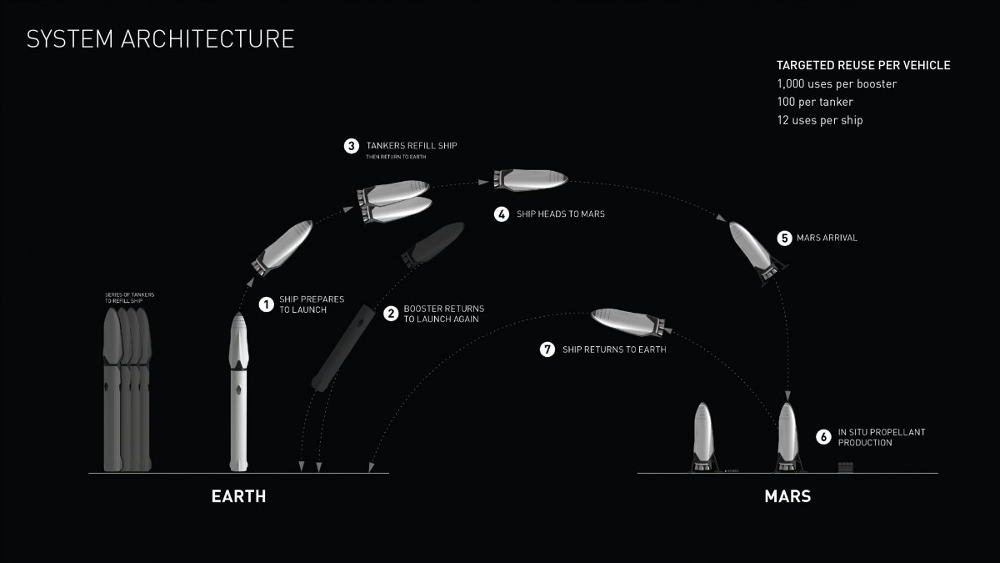
Architecture of the SpaceX Interplanetary Transport System.
Compared to most tech entrepreneurs, or most billionaires, Elon Musk seems to be doing a lot of good — he’s been pioneering (and funding) electric transportation, clean energy, and more prudent approaches to AI research. Now, he wants to backup the human race. But others in the same club may not be so altruistic — and may put business interests, such as mining Martian resources, ahead of good governance.
When it comes to governance of a Martian colony, the first question is this: will Mars be controlled from Earth, or from Mars? Initially, running Mars from Mars will probably be impractical. There will be too few people, they’ll still be dependent on Earth, and they’ll have their hands full surviving.
Earth-based control of the Martian colony could run the gamut from first-come-first-served resource extraction, to some kind of bureaucratic transitional governing body dispensing resource and settlement rights, to a more carefully regulated “commons.”
But, immediately upon the establishment of a stable colony, the interests of the Martian settlers will begin to diverge from those of their terrestrial bosses, just as they have in Earth’s colonial past. To *not* put in a plan for transition to self-government would be to risk disgruntlement, and, eventually, revolt.
Yet, a self-governing planetary neighbour presents its own challenges. There are plenty of scenarios that could lead to a “rogue colony” of one kind or another that would be, if not a military threat in the short term, at least an annoying and potentially inconvenient political situation.
And then there’s the form of governance, regardless of where it’s controlled from. We have all the options that we’ve tried here on Earth (such as monarchy, theocracy, dictatorship, plutocracy, and representative democracy), few of which we’d want to repeat, as well as possibilities we haven’t yet imagined.
Let’s plot a few of the possibilities to get a better look at them:
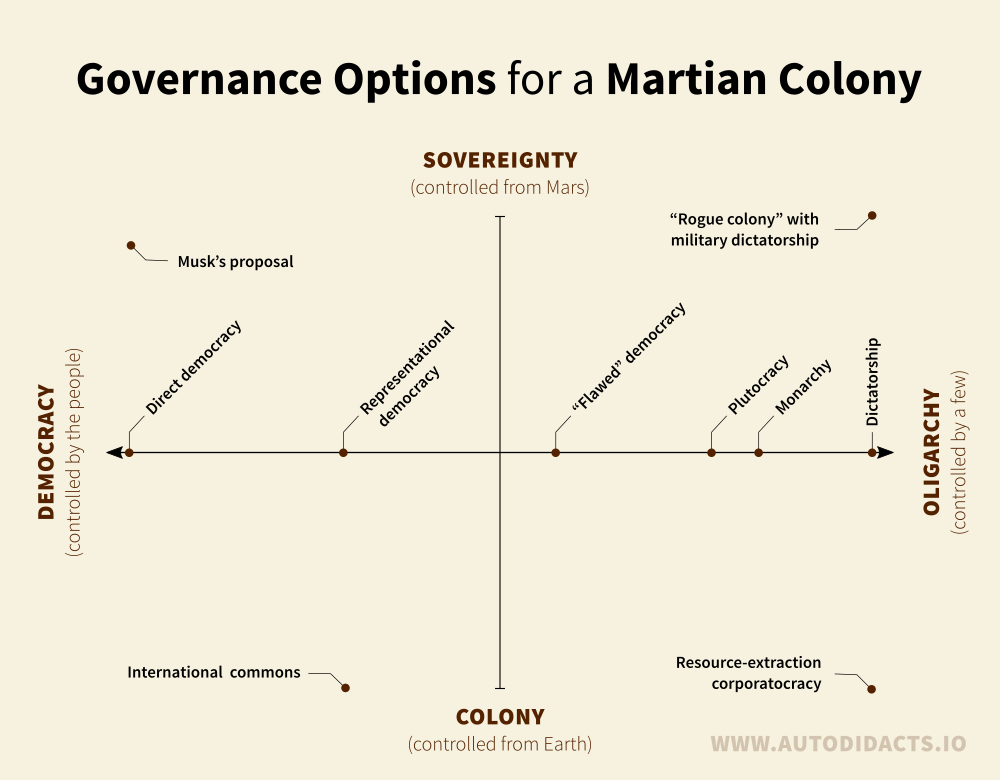
In the lower left we have Mars as an international commons — neutral territory shared by all Earth’s nation-states. Antarctica is the closest analogue I’m aware of here on earth, and it’s not that close. (When we discovered it, we didn’t know it was loaded with natural resources, and I suspect this fact, along with the fact that it’s an unwelcoming hunk of ice, made it possible to put such peaceful and ecologically-responsible treaties in place. The same can’t be said for Mars.)
Musk has mentioned some sort of internet-facilitated [direct democracy](https://en.wikipedia.org/wiki/Direct%5Fdemocracy?ref=autodidacts.io)[\[5\]](#fn5). A direct democracy could be a way to mitigate some of the weaknesses of human nature without altering human nature itself. Whoever goes to Mars will bring themselves with: their entire cultural inheritance (beliefs, prejudices, and so forth) will go along for the ride, and so will human nature. That’s the problem: wherever we go, there we are. But as far as politics goes — and it only goes so far — direct democracy may be as good an option as any.
We have a long history of bad governance, war, corruption, injustice, and inequality. We’ve run through the laundry list of possible political problems more than once. If we don’t re-think our approach to governance *before* we colonize Mars, we risk repeating the most sordid parts of our history here on Earth, and Mars inheriting our intellectual, moral, and political diseases.

A 1906 plate from H.G. Wells’s *War of the Worlds.*
Musk proposes Mars as a “backup” for humanity, but, despite the apparent prudence of the idea, a second planet full of humans also doubles the chance of planetary-scale catastrophe. These concerns may seem too far-fetched and too far-future to be worth worrying about, but I think they’re worth considering because the choices being made now will have major ramifications for a Martian future. We’re having plenty of trouble here on Earth. Inter*planetary* conflict — human or microbial — is the last thing we need[\[6\]](#fn6).
| Situation: | Options for conflict: | Options for interplanetary conflict: |
| -------------------- | --------------------- | ------------------------------------ |
| Humans stay on Earth | way too many | \~0 |
| Humans colonize Mars | way too many × 2 | \~1 |
This is the fear-based, reactionary reason for figuring out Martian governance. There’s another profoundly *hopeful* reason: Mars could be an opportunity to get governance right. For once, we can do what it takes without bloodshed or revolution, because nothing needs to be overturned.
Maybe we need a new political system. Maybe the solution is a lie detector, an empathy test. Maybe it’s mandatory meditation. Maybe the solution is a new self-improvement webinar that would keep the less altruistic aspects of human nature in check. Maybe we need to build A.E Van Vogt’s Games Machine.
When the question first occurred to me, I figured I’d be able to come up with a solution. The more I thought, the more thorny the issue became: it is now clear, to my great disappointment, that I don’t know how to govern Mars. But I think it’s our collective responsibility to try to ensure, in whatever way we can, that Mars is governed well. We’re members of the human race, and the human race is trying to colonize Mars: a lot is at stake in how this project works out. Which is why the rest of us should do what we can, even if the closest we’ll get to governing Mars is thinking about it, talking about it — or writing an essay and casting it adrift in some internet backwater.
When it comes down to it, I think many of the problems we’ve had on Earth are due to human nature. But our societies reward some aspects of human nature, and ignore others. Maybe we can change ourselves from the outside in. Maybe we need to change the world from the inside out. Maybe we need to do both.

Image of Mars from the Viking Orbiter (1998). Photo credit: [NASA/JPL/USGS](http://photojournal.jpl.nasa.gov/catalog/?IDNumber=pia00407&ref=autodidacts.io)
---
*Thanks for reading. If you have a question, an essay, or a grammatical axe to grind, leave a comment below. If you can say it in under 140 characters, you can find me [on twitter](http://twitter.com/curiositry?ref=autodidacts.io). [Send me an email](http://autodidacts.io/contact?ref=autodidacts.io) if you want to talk without (too much of) the world watching.*
---
1. A more accurate translation of Schiaparelli’s “canali” would be “channels”, or maybe “grooves”. [According to Popular Mechanics](http://www.popularmechanics.com/space/moon-mars/a17529/a-short-history-of-martian-canals-and-mars-fever/?ref=autodidacts.io):
> Schiaparelli's canals went viral because of a mistranslation. Instead of its literal meaning of marks or grooves, “canali” in English became “canals,” suggestive of water, life, and intelligent intervention in the Martian landscape.
My own investigation involved the internet: Google translate (English → Italian) [translates “canals” to “canali”](https://translate.google.com/?ref=autodidacts.io#en/it/canals). But switch the direction (Italian → English) and Google [translates “canali” to “channels”](https://translate.google.com/?ref=autodidacts.io#it/en/canali) — as do Bing & Yandex. [↩︎](#fnref1)
2. You can watch Musk’s full 2016 IAC presentation at [spacex.com/mars](http://www.spacex.com/mars?ref=autodidacts.io). [↩︎](#fnref2)
3. With the exception of the Falcon 9 that blew up on the launchpad. [Initial talk of sabotage](https://www.washingtonpost.com/business/economy/implication-of-sabotage-adds-intrigue-to-spacex-investigation/2016/09/30/5bb60514-874c-11e6-a3ef-f35afb41797f%5Fstory.html?ref=autodidacts.io) has been dismissed, and the incident has been traced to [a breach in the cryogenic helium system of the second stage liquid oxygen tank](http://www.spacex.com/news/2016/09/01/anomaly-updates?ref=autodidacts.io). That said: *had* it been sabotage, there could be other delays to the Mars colonization project… [↩︎](#fnref3)
4. There is still a lot of work to be done on this project, or course. Most of the experiments I’m aware of, including [Biosphere 2](https://en.wikipedia.org/wiki/Biosphere%5F2?ref=autodidacts.io) and [BIOS-3](https://en.wikipedia.org/wiki/BIOS-3?ref=autodidacts.io), while not abject failures, have fallen short of the mark. There have been many partial simulations of the Martian environment, some of them fairly long, but long-term closed-ecosystem experiments have (understandably) been few and far between. However, I may have missed other more promising efforts. [↩︎](#fnref4)
5. More on that in The Verge’s article, *[Elon Musk thinks the best government for Mars is a direct democracy](http://www.theverge.com/2016/6/2/11837590/elon-musk-mars-government-direct-democracy-law-code-conference?ref=autodidacts.io)* (He has talked about his ideas in other interviews, as well.) [↩︎](#fnref5)
6. I’m not trying to fear-monger: interplanetary war is not likely in the short or medium term. But that doesn’t mean we can safely ignore it.
The stage on which interplanetary relations will be played out in the future is being assembled as I write this. The structure of the initial private-public partnership will have a huge effect on future relations between planets. And what are the possible consequences of heavy resource extraction in the early colonial days? Would it increase the probability of unpleasant interplanetary relations in the future — whether in the form of an independence revolt on Mars, or a full on war (and the first seems more likely)?
I’m no expert, but given that almost every nation state on earth has fought with its neighbours at some point in its history, with devastating consequences for both, is it wise to assume the rules of power and politics will have magically changed by the time a Martian colony reaches independence? I don’t think so.
[↩︎](#fnref6)
### Pandoc for Writers
URL: https://www.autodidacts.io/convert-markdown-to-standard-manuscript-format-odts-docs-and-pdfs-with-pandoc/
Last updated: 2017-10-01T15:21:55.000Z
In this tutorial I’ll show how to convert manuscripts written in markdown into a variety of industry-standard formats, automatically, using Pandoc.
## Why bother?
I write short-stories and essays in markdown, but many magazines and literary journals only accept manuscripts as Word documents or PDFs, which forces me to convert my source text into a myriad of (often obsolete) formats every time I want to submit to one of these journals.
To do this, I would upload my markdown to whatever document converter app was the top Google result of the day and then fuss over the formatting of the resulting document to get it to comply to the standard manuscript guidelines. But I’d inevitably make little changes while formatting the manuscript, and then bigger revisions, and pretty soon I was at the 36th draft, with my editing history split between markdown and Word — making diffing and version control impossible.
By automating this process, my manuscripts can stay in Markdown, and I can have a manuscript ready to submit to any journal in seconds.
Despite the fact that spending time automating things is more interesting than spending time doing them, as all nerds know and ignore, and as explained by the [xkcd #1319](https://xkcd.com/1319/?ref=autodidacts.io), it does not necessarily follow that automating things is any net savings … for the person doing it:
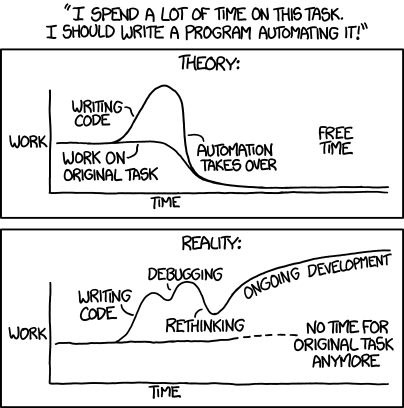
xkcd #1319, “Automation”
But making use of the automated workflows poor gullible nerds like me have come up with *is* a legitimate laboursaving device; and since I’ve already wasted more time automating it that I would have ever spent converting manuscripts — even if I churned out pieces as fast as Issac Asimov — the only way I can make up for my lost time is by saving yours.
## What is Pandoc?
[Pandoc](http://pandoc.org/?ref=autodidacts.io) is an open-source document conversion supertool — the gas-powered 94-tool Swiss army knife of the document conversion world. It can do just about anything, but good luck getting it to do *anything* other than the simplest conversions when you’re getting started.
Actually, it’s a Haskell library for converting from one markup format to another, and a command-line tool that uses this library. In this article, when I say Pandoc I’m referring to the command-line tool.
It’s easy to set up Pandoc and start converting stuff using its default settings. But using Pandoc like this isn’t much of an improvement over the above-mentioned online conversion apps, when it comes to converting and formatting manuscripts. So I set out to get Pandoc to convert my markdown into Open Document files, and put it into standard manuscript format at the same time.
It took a while to figure out, because I couldn’t find anyone else who had done it; Pandoc is popular with academics and web journalists, but so far few straight-up “writers” haven’t adopted it.
## Step 1: Know your goal
You’re reading this article, so you’re probably already familiar with the standard manuscript format for non-fiction and short-stories. If you’re not, head over to William Shunn’s [excellent page](http://www.shunn.net/format/story.html?ref=autodidacts.io) on the topic.
## Step 2: Install Pandoc
On Ubuntu Linux, you can install Pandoc by opening a terminal window and running:
```
sudo apt install pandoc
```
I use Linux, so this article is Linux-first; however, this is the only step that will be much different if you’re using a different OS. If you’re using Mac or Windows, take a look at the official Pandoc [installation instructions](http://pandoc.org/installing.html?ref=autodidacts.io) for your system.
## Step 3: Test Pandoc
Let’s make sure everything’s hunky dory with a simple conversion test. Write some markdown and save it in your home folder as "pandoc-test.md".
Open up a terminal and make sure Pandoc installed properly with `pandoc --version`.
Time for action! Convert your test document to Open Office format with:
```
pandoc -s pandoc-test.md --output pandoc-test.odt
```
What does this do? First, it calls Pandoc. Next we have `-s`, which means "standalone" — telling it to convert the whole document, with the necessary headers, rather than part of a document — followed by the input file. Then we have the `--output` flag followed by the file we want it to create. In this example, Pandoc automatically detects that you want to convert Markdown to an Open/Libre Office document, by looking at the file extensions of the input and output files. You can also set these manually using the `-f` and `-t` flags; for this example, we could set them manually with `-f markdown -t odt`. (So if you wanted to mess with someone you could run `pandoc -s document.md --output document.docx -f markdown -t odt`)
## Step 4: Download the reference document
Pandoc cribs the styling for the output document from a reference document. The default styling for Office documents isn’t very attractive, and it isn’t manuscript-formatted, so I created a customized reference document. Here it is:
[Download reference.odt](http://cdn.autodidacts.io/misc/pandoc/reference.odt?ref=autodidacts.io)
This document shows Pandoc how to style the output. I made it by taking a document that Pandoc had generated (this recommended over creating one from scratch, to make sure it’s compatible) and adjusted the global styles for the body text, headings, and document header. When Pandoc uses it as a reference for conversion, it throws the content out but inherits the reference document’s global styles.
Place reference.odt where Pandoc goes looking for reference documents: in a folder called `.pandoc` in your home directory. If this hidden folder doesn’t exist, create it. The full path should be `~/.pandoc/reference.odt`.
If you’re curious, this is what the reference document tells Pandoc about how to properly format your manuscript:
1. Set all margins to 1 inch.
2. Make the body text double-spaced.
3. Set the document font to monospace.
4. Set the font size to 12 point.
5. Remove space between paragraphs, and indent the first line of each paragraph by half an inch.
6. Add a header on the first page for contact information and word count.
7. Center all section headers, and set them in 12 point type.
8. Add page headers to all subsequent pages that say "Lastname / Title / Page #". (The page number is auto-generated.)
## Step 5: Edit the template
Replace placeholder name, address, email, and phone number on the first page with your contact information. On page two, replace "Lastname" (in the header) with your name. You’ll only need to do this once.
## Step 6: Try it out
Open terminal and navigate to the directory where you stashed your manuscript. Assuming your manuscript is imaginatively titled “manuscript.md”, run the following:
```
pandoc -s manuscript.md --output manuscript.odt
```
Open manuscript.odt and savour the formatting!
## Step 7: What you still need to do manually
Go to "File" > "Properties…", and edit the document title; it will be automatically inserted into the header. Alternately, you can skip such trickery, and insert the title of the piece manually into the header of the second page. Make sure not to forget, though: you wouldn’t want to send it out titled “Title”!
Read through the manuscript to make sure that everything looks right, and that the auto-generated word count in the top right corner of the first page is correct. If you like, type "END" after the last paragraph, centred in the middle of the page.
## Making Word documents
Some literary magazines are stuck in 1993, and only accept Word documents. Thanks to Pandoc, writers don’t have to remain in the past to submit work these magazines. The steps for converting markdown to a manuscript-formatted Word document are pretty much the same as the above:
1. Download this handy [reference.docx](http://cdn.autodidacts.io/misc/pandoc/reference.docx?ref=autodidacts.io), customize it with your contact information, put it in your .pandoc directory.
2. Run Pandoc with `pandoc -s manuscript.md --output manuscript.docx`
3. Make the any necessary adjustments, and send it off!
## Making PDFs
Pandoc can generate nice PDFs, but it’s easier to export a PDF from the Office document than to set up a Pandoc template for auto-generating PDFs; even automation has its limits.
You can do it in two clicks:
1. Click the red "export as PDF" button in the toolbar (or go to "File" > "Export PDF")
2. Click “Save”.
And you’re done!
## Conclusion
This is only the beginning of what Pandoc can do. Here are some other goodies:
- **You don’t have to start with markdown.** You can pass other formats to Pandoc and get the same manuscript output. You can even throw a Word document set in Comic Sans at Pandoc, and have it convert it into a Shunn-compliant manuscript. More realistically, you can convert back and forth between Microsoft Word and Open Document formats, depending on which Office suite is your tool of choice — or even convert HTML to manuscript format, if you’re submitting something that you previously published on the web.
- **Pandoc can automatically convert "dumb" quotes into “smart” quotes**, as well as turning fake em-dashes -- the kind made with two hyphens -- into real em-dashes (—), and turning three periods (...) into a genuine honest-to-goodness ellipse … and all you need to do to enable this feature is add the `--smart` flag to your Pandoc command.
- **Automate all the things.** Want to convert a manuscript to multiple formats in one go? I made a little bash script to automate the task for you: [format\_manuscripts.sh](https://gist.github.com/curiositry/27c7be05f315a7efb406f85fa503366f?ref=autodidacts.io). Run it from within the directory that contains your markdown source (`bash format_manuscripts.sh -f="Your Filename"`) and it will create a directory for formatted manuscripts and generate .ODT and .DOCX manuscripts. Plus, it opens the manuscripts for editing so you can make sure they’re ready to go.
- **You can even make eBooks.** The best thing about this workflow is that it leaves your original manuscript untouched. You can convert to as many formats as you want without loosing backward compatibility. What to double-dip and turn all those old blog posts and essays into an eBook? Just run them through Pandoc again.
Now that you’ve got the basics, take a look at the Pandoc documentation for the full menu. If you have any questions or suggestions, leave a comment below or hit me up [on Twitter](http://twitter.com/curiositry?ref=autodidacts.io). *Thanks for reading!*
### Introducing: BCIBox, an open source enclosure for the OpenBCI
URL: https://www.autodidacts.io/bcibox-open-source-openbci-enclosure/
Last updated: 2022-10-01T22:45:59.000Z
The [OpenBCI](http://openbci.com/?ref=autodidacts.io) is a pleasantly affordable, refreshingly open source biosignal amplifier with [high-quality](https://hal.inria.fr/hal-01328427/document?ref=autodidacts.io) multi-channel output, an [excellent user community](http://openbci.com/community/people/william-croft/?ref=autodidacts.io), and a hackable design that have made it a go-to widget for neuro-geeks from [Montreal](https://www.youtube.com/watch?v=GzDMsRdx7jM&ref=autodidacts.io) to [Peru](http://www.frontiersin.org/10.3389/conf.fnhum.2016.220.00007/event%5Fabstract?ref=autodidacts.io) and many places in between.

The bare OpenBCI board
We’ve been [experimenting](http://www.autodidacts.io/binaural-beat-openbci-eeg-experiment/) and [tinkering](https://github.com/curiositry/EEGrunt?ref=autodidacts.io) with the OpenBCI since its first Kickstarter release. We think it’s *bellisimo*, but there’s one problem: the OpenBCI comes as a bare circuit board. This is fine if you’re using the nifty [Ultracortex headset](http://shop.openbci.com/collections/frontpage/products/ultracortex-mark-iv?variant=23280716611&ref=autodidacts.io), which includes a mount for the OpenBCI board. If you’re short an Ultracortex, though, or are doing other kinds of experiments like sleep tracking, EKG, EMG, EOG, or using a conventional EEG cap, the OpenBCI’s bare-board minimalism can be problematic. Once the electrodes are attached to someone’s head, it’s hard to find a safe, reliable place to put the OpenBCI and its battery pack within range of the electrode wires, and the board’s exposed circuits are vulnerable to electrostatic discharge, dust, moisture, and shorts from metallic objects or smears of conductive electrode paste. This makes storing and using the OpenBCI more challenging than ideal.
For the past year, we’ve been experimenting with a solution to this. Today we’re excited to release the **BCIBox**, an open source enclosure for the OpenBCI.
**2022 Update!** We have released a brand-new & improved version of the BCIBox! [Check out BCIBox v2 →](https://www.autodidacts.io/bcibox-v2-open-source-openbci-enclosure-redesigned/)

The BCIBox has a 3D-printed frame capped with top and bottom panels of laser-cut acrylic. Openings allow access to the OpenBCI’s SD card, power switch, electrode connector, and prog/reset buttons. The box fits both the original 8-bit and 32-bit OpenBCI boards and the new OpenBCI Ganglion[\[1\]](#fn1).



Beneath the board is a space for a velcro-attached lipo battery, and the bottom panel twists off for easy access to the battery and power connector (the box can also be used with the OpenBCI’s default AA battery pack attached beneath it, or with a lipo and boost converter inside). Neck lanyard and lapel clip attachment points help keep the BCI conveniently secured when in use.
Like the OpenBCI itself, the box is **open hardware**. The CAD files for printing and cutting the parts are [available on GitHub](https://github.com/TheAutodidacts/BCIBox?ref=autodidacts.io), and build instructions are below. If you don’t have access to a 3D printer or laser cutter, or you’d like to save yourself the hassle of pulling together all the pieces (or you’d like to support our tinkering adventures by buying our *first ever* Autodidacts product!) you can **[purchase a complete kit with all parts included for $45](#orderbutton)**.
Read on for instructions on building the BCIBox and using it with your OpenBCI.

#### Ganglion header access
If you need to access the Ganglion's extra headers, we have a special version of the BCIBox lid with openings for all headers and the input select switches. If you're ordering a kit, [let us know by email](http://autodidacts.io/contact?ref=autodidacts.io) if you'd like this version of the lid.
## Getting Started with the BCIBox
For DIY builders, head over to our [GitHub repo](https://github.com/TheAutodidacts/BCIBox?ref=autodidacts.io) to grab the CAD files for the laser cut parts and the STL files for the 3D printed components.
In addition to the acrylic and printed parts, you will need:
- 4 pan head machine screws (#6, 1 3/4" long)
- 4 #6 acorn nuts
- 3 inches of clear acrylic soft tubing (1/8" ID, 1/4" OD) for board standoffs
Optional parts (also included in the kit):
- Adhesive-backed rubber feet to keep the box stable and prevent it from sliding
- Adhesive-backed velcro to attach a lipo battery, AA battery pack, and lapel/pocket clip
- Lanyard string (can be used to hang the BCI around your neck if you’re short a pocket)
### The BCIBox Kit

To get all the printed & laser cut pieces, pre-assembled in one tidy package, you can order the box here ($45 + FREE shipping):

**Note: We are no longer manufacturing V1 boxes. Clicking the order button gets you a shiny new v2 BCIBox.**
## Printing and cutting (if you have a kit, [skip these steps](#assemblethebox))
#### Print the sides of the enclosure
Print the enclosure sides from the STL file (BCIBox\_printed\_enclosure.stl). We used PLA filament, but other types should work fine as well.
#### Laser cut the top and bottom pieces
Laser cut the acrylic from the SVG file (**BCIBox\_acrylic\_layout.svg**). We use 1/8" acrylic for this. Other thicknesses would work, but the length of the screws would need to be adjusted accordingly.
#### Slice the stand-offs
Using an exacto knife or other cutting tool (some paper cutters work for this), slice off from the acrylic tube:
- 4 slices 1/8" (3 mm) long
- 4 slices 7/16" (11 mm) long
## Assemble the box
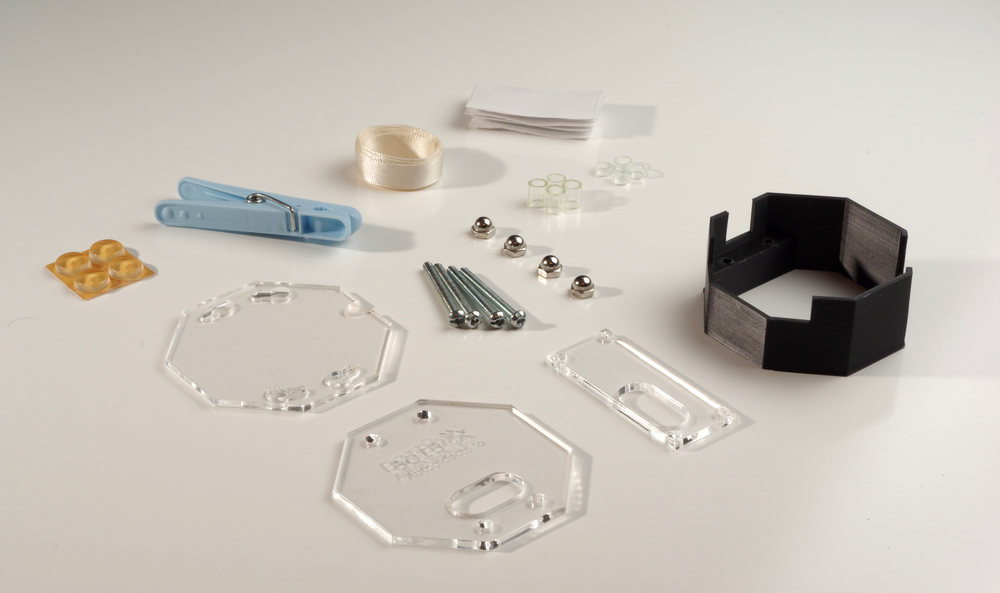
Thread the four screws through the holes in the 3D printed piece, from the bottom. These screws will cut their own threads into the PLA, so it takes a bit of force to get them through the first time. Don’t screw them in all the way, but leave about a 1/4" gap between the screw heads and the PLA. Once all four screws are threaded through this far, slip the bottom acrylic piece over the screw heads, and turn it clockwise. The acrylic should click into place.


Snug the screws up to the acrylic, but don’t make them too tight. The acrylic should still be able to be removed without loosening the screws. Flip the box over so it’s upright.
Turn the BCIBox so the largest cutout in the PLA is facing toward you. Place the acrylic battery support piece onto the screws, making sure it’s oriented so that the hole for the OpenBCI power jack is to the left. Place one of the four short (1/8") acrylic tubing standoffs onto each of the screws.

Remove the standoffs from your OpenBCI by pinching each standoff’s clip end where it protrudes from the top of the OpenBCI board. Store these in a safe spot so you can reuse them if you need to use the OpenBCI without the box in the future.
Place the OpenBCI board onto the BCIBox screws, with the electrode connector facing toward you. Put the remaining four acrylic tubing standoffs onto the screws, and then put on the top panel (oriented so the hole for button access is above the pushbuttons on the OpenBCI board). Put on the four acorn nuts and tighten them gently.


## Power up!
There are two ways of powering your newly-clothed OpenBCI: the AA battery pack that comes with the OpenBCI, or a light-weight lipo pack that will fit right inside the case.


To use the AA pack, pop off the BCIBox’s bottom cover and plug your battery pack’s JST connector into the socket on the bottom of the OpenBCI board. (The connector has to be in line with the socket before it will go in. Use a pair of needle-nosed pliers or a pencil to get it lined up if necessary.) Put the bottom cover back on, running the power wire through the notch in the edge of the bottom cover. If you’re not using an extender for the battery wire and you want the battery pack to stay with the OpenBCI, you can use some adhesive-backed velcro (supplied with the kit) to attach the battery pack to the bottom of the BCIBox. This will keep it in place while still allowing you to remove the pack as needed.


If you’re using a lipo battery (we’ve found [this inexpensive 3.7v one-cell lipo from Adafruit](https://www.adafruit.com/products/1578?ref=autodidacts.io) works quite well for the 32-bit board), attach one side of a piece of adhesive-backed velcro to the battery support acrylic in the BCIBox, and the other side to your lipo. Plug the lipo into the OpenBCI, connect the velcro, and snap the bottom cover back onto the BCIBox.
For 8-bit boards that don’t run on a one-cell lipo directly, you can use [a boost converter](https://www.adafruit.com/products/1944?ref=autodidacts.io) to increase the output voltage from the lipo. Aside from boosting the voltage to power the 8-bit board, the boost converter also works as a USB charger for the lipo. Both the boost converter and the lipo fit into the box. We recommend attaching the converter and battery to each other using elastic bands, velcro, or adhesive tape, and then velcroing them into the box as with the lipo above.
#### Rubber feet
If you’re not attaching an AA pack to the bottom of the BCIBox, you’ll want to add some rubber feet. These prevent the screws from scratching any sensitive surfaces, and help keep the box from sliding around. The kit comes with four rubber feet. Pull them off of their backing, and stick them onto the bottom panel, as far apart from each other as possible without obstructing the screw holes.
## Holding the BCI-In-A-Box
We wanted to make the OpenBCI as user-friendly as possible with this box. Here are a couple of tips for holding the box and BCI close to your head for best results:
- **Pocket** The simplest way to keep track of your BCI when it’s in use and enclosed in a BCIBox is to pop it into a breast pocket.
- **Lanyard attachment** If you don’t have a suitable pocket, you can attach a lanyard to the BCIBox that will allow you to hang the BCI around your neck. To do this, we recommend tying a piece of thin ribbon or string into a loop. Put one end of the loop in through the switch port in the side of box, then up and out through the button access hole in the top panel. Run one end of the loop through the other end and tighten it up so that you’ve tied a “[cow hitch](https://en.wikipedia.org/wiki/Cow%5Fhitch?ref=autodidacts.io)” around the edge of the top panel. Put the ribbon over your head (of course, this is best done *before* your head has electrodes on it!).


- **Lapel clip** Another technique for securing the BCI is to use a piece of adhesive-backed velcro to attach the box to a clothes peg (supplied with the kit). Cut a short slice of velcro, peel off the backing and stick the velcro to the clothes peg and the bottom of the BCIBox. Clip the peg to your shirt collar or, in the case of a button-down shirt, to the front of the shirt between two buttons. This can also be used to attach the BCIBox to an armband.
## Conclusion

The 360° view
We hope the BCIBox will make the wonderful technology of the OpenBCI even more accessible for neuroenthusiasts, researchers, and tinkerers!
If you haven’t already, head over to the [BCIBox GitHub repo](https://github.com/TheAutodidacts/BCIBox?ref=autodidacts.io) to grab the manufacturing files, or order the ready-to-assemble kit for $35 USD by **clicking this unsightly orange Paypal button**:

**Note: we’re working on v2 of the BCIBox, and are not taking new orders for v1 boxes. If you’d like to preorder our next version, send us an email at [info@autodidacts.io](mailto:info@autodidacts.io)**
If you have any questions about the build, suggestions about how we should improve the design in the future, or just want to share a photo of your enclosure, leave a comment below, send us and email, track us down on twitter, or open an issue on the [BCIBox GitHub project](https://github.com/TheAutodidacts/BCIBox?ref=autodidacts.io).
*Thanks for reading!*
---
1. The first BCIBox version had some issues accommodating the taller headers and slightly different power port location on the Ganglion. This has been fixed in more recent versions, though the photos in this article still show the original version. [↩︎](#fnref1)
### Host a Free Ghost Blog on Heroku — updated!
URL: https://www.autodidacts.io/host-a-ghost-blog-on-heroku/
Last updated: 2017-10-01T15:21:02.000Z

[**Ghost**](http://ghost.org/?ref=autodidacts.io) is a free, open-source, and beautiful piece of software that allows you to write and publish your own blog — while keeping out of the way.
[**Heroku**](http://heroku.com/?ref=autodidacts.io) is a Platform as a Service (PaaS) that helps you build, run, and scale apps. It’s *‘Cloud computing designed and built for developers.’*
This tutorial is **continually updated** to work with the latest version of Ghost — currently v0.11.11\. (It was published in 2014, for one of the first public releases of Ghost.) — *July 27th, 2017*
Both are rather popular these days, and when a developer decides to use Ghost, the first thing that may occur to them is to deploy it to Heroku. That’s what I did; however, Ghost does not officially support Heroku, at least, not yet. Some additional setup is required.
Ghost has excellent documentation for installation on supported platforms, and there are a number of other guides specifically describing how to get Ghost to play nice with Heroku. But at the time when I first started using Ghost I was unfamiliar with most of the NodeJS ecosystem, and new to Heroku as well. I was up late into the night troubleshooting, and had to cross-reference most of the guides written on the subject to get all the necessary steps. I am going to try to collect everything you need into one concise guide. Let’s get started!
---
## Outline
The rough steps we’ll take in this guide:
1. [Install Ghost Locally](#installghostlocally) (as per the official instructions)
2. [Setup Heroku](#setupheroku)
- Sign up for a free Heroku account (if you don’t have one)
- Install Heroku toolbelt & login to heroku
3. [Initialize](#initialize)
- Add a .gitignore file
- Initialize empty git repository
- Create heroku app
4. [Setup PostgreSQL Database](#setuppostgresqldatabase)
- Add Heroku PostgreSQL addon
- Promote your new Postgres Database
- Set database credentials as environment variables (for security)
5. [Configure Ghost for Heroku + PostgreSQL](#configureghostforheroku)
- Create Procfile
- Update production configuration in config.js
6. [Deploy](#deploy)
7. [Troubleshooting](#troubleshooting)
8. [Extras](#extras)
- Install classy theme
- Set up mail (with Mandrill)
9. [Conclusion + comments](#conclusion)
## Install Ghost Locally
Follow the official [Ghost Installation Guide](http://support.ghost.org/installation/?ref=autodidacts.io) to get the latest version of Ghost running on your computer.
*Note: it isn’t mentioned in the Linux install documentation that you have to rename `config.example.js` to `config.js` for Ghost to run. You can do that manually or use the command `mv config.example.js config.js`.*
When you’re done, you should have an brand new Ghost blog running at `127.0.0.1:2368`. It will look about like this:

## Setup Heroku
If you haven’t used Heroku before, sign up for a free account at [Heroku.com](http://heroku.com/?ref=autodidacts.io).
#### Install Heroku Toolbelt
Head over to [https://toolbelt.heroku.com/](https://toolbelt.heroku.com/?ref=autodidacts.io) and install the Heroku Toolbelt. It is available for Mac, Windows, and Linux, and includes everything you need to get started with Heroku.
#### Login to Heroku
Enter into the command line:
```
heroku login
```
… and login with your Heroku username and password.
## Initialize!
Next, we’ll initialize a Git repository and Heroku application. Move into your blog’s directory with the command:
```
cd /path/to/ghost
```
Replacing `path/to/ghost` with the path to where you downloaded, extracted, and installed Ghost.
#### Add a .gitignore
The `node_modules` folder is huge. It’s not needed on the server and you don’t want to have to upload that many files every time you deploy. Create a `.gitignore` file and add `node-modules` to the list. On Linux you can do that by running:
```
sudo echo node_modules > .gitignore
```
Run `git status` to make sure `node_modules` isn’t listed anywhere.
#### Initialize Git Repository
Heroku uses Git, so we’ll need to initialize a repository with the commands:
```
git init
git add --all
git commit -m "Initial Commit"
```
#### Create Heroku App
With the command:
```
heroku create your-app-name
```
Note that `your-app-name` becomes your free herokuapp.com subdomain; in my case I ran `heroku create mnml` which put my app at [http://mnml.herokuapp.com](http://mnml.herokuapp.com/?ref=autodidacts.io)
## Set up PostgreSQL Database
Ghost uses SQLite by default, which is a file based database: the Heroku filesystem in ephemeral, meaning that it wipes all files at each deployment. So we need to setup a Heroku PostgreSQL database and then configure Ghost to work with it.
**Add the PostgreSQL Heroku add-on** with the command:
```
heroku addons:add heroku-postgresql:dev
```
This command will output something like `Attached as HEROKU_POSTGRESQL_TEAL_URL`
Remember the colour (in my case, `TEAL`), because it will be used in the next step.
Note: you may need to specify which app year are adding the Postgres addon to, making the command:
```
heroku addons:add heroku-postgresql:dev --app your-app-name
```
#### Promote the Database
```
heroku pg:promote HEROKU_POSTGRESQL_TEAL
```
Change `TEAL` to whatever colour was output in the last step.
#### Set Heroku Config
Head over to [Heroku Postgres Dashboard](https://postgres.heroku.com/databases?ref=autodidacts.io) and click on the database you just created. Then run the following commands with the connection information from your database dashboard:
```language-bash
heroku config:set POSTGRES_DATABASE=
heroku config:set POSTGRES_HOST=
heroku config:set POSTGRES_PASSWORD=
heroku config:set POSTGRES_USER=
heroku config:set MY_URL=http://your-url.com
heroku config:set NODE_ENV=production
```
(You can run all these at once; I’ve just put them as individual commands for clarity.)
## Configure Ghost for Heroku
#### Create Procfile
Heroku needs a `Procfile` to configure which processes to run. Create the file in the root directory of your ghost install called `Procfile` and add `web: NODE_ENV=production node index.js` to the first line. On linux, you can do that with:
```
echo "web: NODE_ENV=production node index.js" > Procfile
```
This specifies that Heroku will run ghost in production rather than development mode, which means that it will use the Postgres database we’re about to add to the production section of config.js, rather than SQLite, which the local development copy will still use.
#### Update Production Configuration in Config.js
Open `config.js` (in the root directory of your Ghost install) in your preferred text editor.
On line 50 of the default Config.js file you’ll find ` production: {` . This is the section we need to edit.
Change line 51:
```
url: 'http://my-ghost-blog.com',
```
… to your url. It will be whatever you specified as your app name when you ran `heroku create` followed by `.herokuapp.com` . In my case I specified `mnml` as my app name, so my url will be:
```
url: 'http://mnml.herokuapp.com',
```
Right below that line, add:
```
fileStorage: false,
```
so that you won’t accidentally upload images and have Heroku delete them.
Next, update the database connection from:
```
database: {
client: 'sqlite3',
connection: {
filename: path.join(__dirname, '/content/data/ghost.db')
},
debug: false
},
```
to
```
database: {
client: 'postgres',
connection: {
host: process.env.POSTGRES_HOST,
user: process.env.POSTGRES_USER,
password: process.env.POSTGRES_PASSWORD,
database: process.env.POSTGRES_DATABASE,
port: '5432'
},
debug: false
},
```
And the server section from:
```
server: {
host: '127.0.0.1',
port: '2368'
}
```
to:
```
server: {
host: '0.0.0.0',
port: process.env.PORT
}
```
## Deploy!
Everything should be in order. Add, commit, and deploy your changes with:
```
git add --all
git commit -m "Configured Ghost for Heroku + Postgres"
git push heroku master
```
BINGO! Your app is live! After setting up your blog name and user account — as shown below — you’ll be ready to go.
{<4>}
{<5>}
\* The above images may or may not show the latest Ghost version; I won’t have time to update them with each release, but they show roughly what you’ll see when Ghost is installed.
## Troubleshooting
This is web development: there’s a good chance that your blog isn’t actually live yet.
If you deployed `git push heroku master`, but your app crashed and gave an ugly, unhelpful message:
{<6>}
The solution will most likely lie in the Heroku logs. Get them with the command:
```
heroku logs
```
#### Fixing Nodemailer / xmlbuilder issue
Nodemailer was updated as of Ghost v0.5.5, and comes with a new dependency, `aws-sdk`. When installing or upgrading recent versions of Ghost, the `aws-sdk` dependency threw errors about the `xmlbuilder` module when I tried to deploy to Heroku. If you have this problem, you can fix it by opening `package.json` and updating the line:
```
"nodemailer": "0.7.1",
```
to
```
"nodemailer": "0.6.5",
```
and re-deploying.
#### Other possible issues
- You get 750 free ‘dynamo hours’ per month with a (free) Heroku account — that is, hosting for one free app with one dynamo and few extra bells and whistles. I had to use my personal Heroku account for this demo, since the joint account hosting this blog was already … hosting this blog (for free)!
- Make sure the folder permissions on your Ghost folder are lenient, or be prepared to run most commands as superuser.
- For some reason I had to append a lot of Heroku commands with `-a my-app`, which I didn’t need to do when I set up Autodidacts.io. It may have been the result of having another (idle) test app on the same account.
**If you have an issue and can’t figure out what’s wrong, post the error from the Heroku logs and any relevant details in the comments and I’ll try to help out!**
## Extras
This will get you a functional but bare-bones install of ghost. Here are a few other things you may want to do while you’re at it:
#### Install a handsome Theme
The default Ghost theme is Casper. There’s nothing wrong with it, but it’s a fairly bland and quite overused. If you want to class things up a bit you can install a fresh theme.
Naturally, I would recommend one of the themes I designed:
**[MNML](http://github.com/curiositry/mnml-ghost-theme?ref=autodidacts.io)** is the free & open-source theme Ghost theme installed on the demo site for this tutorial:

**[Laminim](https://creativemarket.com/Curiositry/1037280-Laminim-%E2%80%94-Ghost-Theme-for-Bloggers?ref=autodidacts.io)** is a clean, well-crafted, fully featured premium Ghost theme for bloggers and wordsmiths. Laminim is the theme running here on The Autodidacts:

Copy (or clone) the theme of your choice into `PATH/TO/GHOST/content/themes` (replacing "PATH/TO/GHOST" with the path to your ghost directory) and activate the theme from your blog’s admin panel under the General settings tab.
For mnml, you would clone it — assuming you are in the root of your Ghost directory — with the commands:
```
cd content/themes
git clone https://github.com/curiositry/mnml-ghost-theme
```
Or you could download the .zip below and copy it into the `themes` folder.
[download mnml](https://github.com/curiositry/mnml/archive/master.zip?ref=autodidacts.io)
Also, you can find (shameless plug) other nice Ghost themes on the open-source [Ghost Themes Directory](http://ghost-themes.github.io/?ref=autodidacts.io) (yes, I built that…)
**A note of caution:** Ghost now lets you upload themes from the admin panel of your blog. *This does not work on heroku*, because Heroku’s filesystem is ephemeral. It will all work fine for a few hours and then Heroku will silently delete your theme and you’ll be up a creek. **If you’re using a custom theme you need to `git push` it to heroku.**
#### Set up mail
Configuring email for Ghost means that you can invite other users and recover your password. I used Mandrill. If you sign up for a mandrill account and change the mail section of config.js to look like this:
```
mail: {
transport: 'SMTP',
host: 'smtp.mandrillapp.com',
options: {
service: 'Mandrill',
auth: {
user: process.env.MANDRILL_USERNAME,
pass: process.env.MANDRILL_APIKEY
}
}
},
```
and then set environment variables to your Mandrill credentials. The process is very similar with other transactional mail services such as [Mailgun](http://mailgun.com/?ref=autodidacts.io) and [PostMark](http://postmarkapp.com/?ref=autodidacts.io).
## Upgrading (Ghost 0.11.11)
A new version of Ghost was released recently, and some may wish to upgrade their Heroku installs. Here’s how to do it:
#### Download Ghost 0.11.11
Download Ghost v0.11.11 from [https://ghost.org/download](https://ghost.org/download?ref=autodidacts.io) and extract the .zip file.
#### Delete files
Delete the entire `core` folder, as well as `index.js` and `package.json` in the root of your blog’s directory.
#### Copy over new files
Copy the `core` directory, as well as `index.js` and `package.json` from where you downloaded Ghost 0.11.11 to your blog’s directory.
#### Test it locally
Make sure it works locally by running:
```
npm install --production
npm start
```
and navigating to [http://localhost:2368](http://localhost:2368/?ref=autodidacts.io). See a ghost blog? Good.
#### Update themes
If you’re using the default ghost theme, Casper, delete the `casper` folder from `content/themes/` and replace it with the one included in the Ghost 0.11.11 download.
If you have a swanky custom theme installed — say, [Laminim](https://creativemarket.com/Curiositry/1037280-Laminim-%E2%80%94-Ghost-Theme-for-Bloggers?ref=autodidacts.io) or [MNML](https://github.com/curiositry/mnml-ghost-theme?ref=autodidacts.io), for instance — update that as well.
#### Deploy
```
git add --all
git commit -m "Update Ghost to v0.11.11 and updated themes"
git push heroku master
```
## Conclusion
I hope this helps make the process of deploying Ghost to Heroku easier to understand and implement.
You can see the site I deployed while writing this (it’s a demo of my [free theme](https://github.com/curiositry/mnml-ghost-theme?ref=autodidacts.io) at [mnml.herokuapp.com](http://mnml.herokuapp.com/?ref=autodidacts.io). This blog is also running on Heroku (and sporting my [premium Ghost theme](https://creativemarket.com/Curiositry/1037280-Laminim-%E2%80%94-Ghost-Theme-for-Bloggers?ref=autodidacts.io)), and it has survived traffic surges from HackerNews and Reddit without a hiccup — and without having to scale.
If you have any questions or suggestions, leave a comment below, find me on [Twitter](http://twitter.com/curiositry?ref=autodidacts.io), or send [a message](http://autodidacts.io/contact?ref=autodidacts.io) — I may be able to help. *Thanks for reading!*
### How to Start a Project: An Infocomic
URL: https://www.autodidacts.io/how-to-start-a-project/
Last updated: 2017-10-01T15:23:25.000Z
Here at the autodidacts we have a sophisticated workflow for turning our project ideas into reality. It’s so arcane it deserves its own branch of historiography, but we settled for an infographic:
[  ](http://cdn.autodidacts.io/img/autodidacts/infographics/how-to-start-a-project.png?ref=autodidacts.io)
---
This infographic started as a three-man drawing game (aka “napkin diagram”) over coffee. After going through almost every step it describes over the last year, it has finally escaped from Schrödinger’s Kennel. (We haven’t bought a domain name yet, but give it time; schrödingerskennel.com is hard to resist…)
What circuitous path do *your* ideas take from concept to reality? Let us know in the comments! And sign up to our [little email club](http://autodidacts.io/subscribe?ref=autodidacts.io) to get strange infographics, thoughtful essays, and hand-crafted code delivered to you every month or so.
### Convert media files like a geek: a guide to video transcoding with Avconv
URL: https://www.autodidacts.io/convert-media-files-like-a-geek-a-guide-to-video-transcoding-with-avconv-ffmpeg/
Last updated: 2023-01-17T21:08:53.000Z
Avconv is a powerful audio and video converter with a mind-bending number of possible configurations and uses. For those of you who took one look at the 7 page [table of contents](https://libav.org/avconv.html?ref=autodidacts.io) and threw your hands in the air, here’s a straightforward introduction and some handy conversion snippets.

---
### What is Avconv?
Avconv is a command-line tool for transcoding multimedia files. It stands on its own, but it’s part of the bigger [Libav](https://libav.org/index.html?ref=autodidacts.io) project, a set of free & open-source libraries for dealing with multimedia formats of all sorts.
The Libav project was forked from the [FFmpeg](https://en.wikipedia.org/wiki/FFmpeg?ref=autodidacts.io) codebase in 2011\. There have been many debates about the fork, and comparisons between the two projects, the politics of which I won’t go into here. This tutorial is written and tested for Avconv, but most of the commands will work with FFMpeg as well — just replace “avconv” with “ffmpeg”.
### Install Avconv
**Note:** This tutorial is written with Linux users in mind, and some of the commands may be different on other operating systems. If you’re interested in a tutorial for Windows or Mac, please leave a comment on this post and I’ll see what I can do.
Open up terminal by hitting Ctrl \+ Alt \+ T and type the following:
```
sudo apt-get install ffmpeg libav-tools
```
When prompted, enter your password, and confirm installation (by hitting Y and then Enter). That’s all there is to installing Avconv!
### The Basics
Here’s the basic command format:
```
avconv [options] [[infile options] -i infile] [[outfile options] outfile]
```
A simple example conversion script would look like this:
```
avconv -i GOPR7617.MP4 -qscale:v 2 GOPR7617-converted.OGG
```
If that looks a bit confusing, let me explain.
`Avconv` is called at the beginning. Next are the input commands followed by `-i` and path to the input file. Then we have the output options (a simple video quality setting in the example) and the output file to be created. This will run the script in the current folder and output the new file there with the name that you specified — in this case, “GOPR7617-converted.OGG”.
### Essential Avconv parameters
**Video quality**: Set the video quality of the output file with `-qscale:v`, followed by an integer between 1 and 31 (1 = best, 31 = worst). To output the highest possible quality, you’d use `-qscale:v 1`.
**Framerate**: Set the output framerate with `-r`. To set the output framerate to 30 fps (frames per second) you would put `-r 30` in the outfile options section.
**Video and Audio codecs**: Tell avconv what codecs to use with `-c:v` for video and `-c:a` for audio. For example, `-c:v mpeg2video -c:a mp2` would let avconv know you want it to encode the video with the mpeg2video codec and the audio with the mp2 codec.
### Useful Avconv Conversion Snippets
Here are some handy Avconv snippets for the common media conversions:
**Create an Image Sequence from Video**
For this snippet, replace \[INPUT\] with the filename of your target clip. Avconv will then convert the video into a sequence of PNGs. The “%04d” means it will automatically give the images four digit iterated filenames.
```
avconv -i [INPUT] %04d.png
```
**Trim a Video File**
This is a useful way to trim off the unwanted section of a video file without going through the import and export process of opening it with an editor, and without even needing to re-encode it.
With Avconv there is one parameter for setting the “in point” and one for the “out point”. You can use just an “in point”, just an ”out point”, or you can use both, depending on what part of the video you’d like to keep and what part you’d like to ditch. For example, if you shot a performance by your favourite band, but they were having difficulties getting their act together and started late, which meant your video clip had a long section of frazzled musicians plugging in wires and testing their mics rather than actually playing music, you might want to trim off that beginning part of the clip and get straight to the action.
To do this you use the -ss parameter to set the “in point”. After -ss you put the time (in hours:minutes:seconds) that you would like the clip to start at. For example:
```
-ss 00:10:00
```
would trim the first 10 minutes off the clip, leaving the rest intact.
`-t` is what you use to set the “end point”. If you have a 10 minute video clip, but only want to keep the first 5 minutes of it, you’d put:
```
-t 00:05:00
```
which would trim off the last five minutes of the clip.
If there’s a clip you’d like only the middle section of, you can use both commands together, like this:
```
-ss 00:05:10 -t 00:10:00
```
For the rest of the script call the program at the beginning with:
```
avconv
```
Show it what the target clip is with:
```
-i [clip name and file extension]
```
copy all the values of the original video clip with:
```
-codec copy
```
and specify the output clip with a filename and an extension that resembles the original but isn’t the same. In my case I used the same filename but added a “-converted” onto the end of it before the file extension. Make sure you include the file extension of the target clip otherwise the command will not work.
```
avconv -i FM180050.AVI -ss 00:05:10 -t 00:10:00 -codec copy FM180050-converted.AVI
```
**Convert Entire Folder with Avconv’s For Loop**
There’s a simple command for running Avconv on everything in a target folder which has the specified file extension, and outputting the converted files with an auto-generated filename that matches the input files. This is useful for converting a whole folder of video files to some specific output format. You can do this with the following snippet:
```
for i in *.AVI; do avconv -i "$i" [OUTPUT SETTINGS] $(basename "$i" ".AVI").mp4 ; done
```
**Record Screencast with avconv**
```
avconv -f x11grab -r 25 -s 1920x1080 -i :0.0 -vcodec libx264 -threads 4 $HOME/output.avi
```
Now let’s explain the command:
`avconv -f x11grab` is the default command to capture video from the X server.
`-r 25` is the frame rate you want, you may change it if you like.
`-s 1920×1080` is your system’s screen resolution, change it to your current system resolution, it’s very important to do this.
`-i :0.0` is where we want to set our recording start point, leave it like this.
`-vcodec libx264` is the video codec that we’re using to record the desktop.
`-threads 4` is the number of threads, you may change it as well if you like.
`$HOME/output` is the destination path where you want to save the file.
`.avi` is the video format, you may change it to “flv”, “mp4”, “wmv”, “mov”, “mkv”.
After you enter the command, the recording will start automatically as a process running from the terminal, in order to stop it, hit Ctrl \+ C inside the terminal window.
One of our code-savvy readers has written a little bash script in order to use this screencast snippet via a custom keyboard shortcut. We’ve posted it here in case you’d like to try it out. It doesn’t record audio so you’ll need to do that separately.
- **Step 1:**
Save the following three lines to /home/your-username/screencast.sh (or somewhere else):
```
#!/bin/bash
time=`date +%Y-%m-%d_%H-%M-%S`
ffmpeg -f x11grab -r 30 -s 1600x900 -i :0.0 -c:v mpeg2video -pix_fmt yuv422p $HOME/screencast-$time.mp4
```
- **Step 2:**
Open system settings > Keyboard > Shortcuts > Custom shortcuts > +
Enter `gnome-terminal -x /home/your-username/screencast.sh` in the command field.
- **Step 3:**
Double click the shortcut and assign a keybinding (I used Ctrl \+ Shift \+ R)
**To record a screen cast**
Hit Ctrl \+ Shift \+ R to start recording (a terminal window will open which you will have to minimize). When you’re done, open the terminal window and hit q to stop recording. There will then be a full resolution Lightworks compatible screencast in your home folder.
**Capture System Audio**
With this command you can record high-quality MP3 or WAV files of whatever audio is running through your system. This is handy for all sorts of things such as web casting¸ Skype calls¸ and video tutorials.
**Note:** Recording copyrighted material — such as music from Spotify or YouTube videos — with this technique would violate their Terms of Service, and likely be illegal as well. Therefore we don’t recommend you use it for this.
First run this command to list all the available input sources for the audio.
```
pactl list sources | grep Name:
```
It should return a result that looks something like this:
```
Name: alsa_output.pci-0000_00_1b.0.analog-stereo.monitor
Name: alsa_input.pci-0000_00_1b.0.analog-stereo
```
Then record audio with avconv by using the exact device name after the `-i` switch. If you'd like to record system audio, chose the alsa output device, and if you'd like to record audio from your microphone, choose the alsa input device. In my case the command would be:
```
avconv -f alsa -ac 2 -ar 48000 -f pulse -i alsa_output.pci-0000_00_1b.0.analog-stereo.monitor -acodec libvorbis -aq 6 out3.ogg
```
Replace the device ID with your own audio device and leave all the rest the same.
To stop the recording¸ hit Ctrl \+ C.
**Extract Audio from a Video**
This command lets you strip the audio tracks off a video and save them as an ogg vorbis file.
avconv -i INPUT-film.mp4 -qscale:v 2 -acodec libvorbis -r 30 OUTPUT.ogg
### Lightworks
[Lightworks](https://www.lwks.com/?ref=autodidacts.io) is a cross platform non-linear video editor. It’s the best option I’ve found for Linux, but it has some drawbacks. It’s transitioning to open source, and the codec support is still fairly limited. This means it’s pretty picky about what types of files it will deal with. Here are the scripts I run my files through before and after editing to get around this.
**Lightworks/HTML5 conversion profile.** I run this profile on Lightworks exports before uploading to web, when I’m going to use them with the default HTML5 video player.
```
avconv -stats -i [INPUT] -qscale 20 -vcodec libtheora -acodec libvorbis -r 30 output.ogg
```
**Lightworks Input and Frame Rate Change.** This converts media files to an audio and video codec that’s compatible with Lightworks.
```
avconv -i FM170692.AVI -c:v mpeg2video -pix_fmt yuv422p -g:v 1 -q:v 1 -qmin:v 1 -c:a mp2 -ac 2 -r 30 -r:a 48000 -b:a 384k output.mp4
```
**Looped Lightworks Input and Frame Rate Conversion.** This command is good for converting files from many different types and codecs into the Lightworks compatable mp4 format and ensuring the frame rate is at 30fps.
```
for i in *.AVI; do avconv -i "$i" -c:v mpeg2video -g:v 1 -q:v 1 -qmin:v 1 -r 30 -c:a mp2 -ac 2 -b:a 384k $(basename "$i" ".AVI")_30fps.mp4; done
```
### Useful References
Here are a few other useful tutorials on the subject:
1. [Converting video/audio using avconv](http://www.roxlu.com/2013/002/converting-video-audio-using-avconv?ref=autodidacts.io)
- [AVCONV/FFMPEG Parameters](http://entermediasoftware.com/views/learningcenter/wiki/FFMPEG%5FParameters.html?ref=autodidacts.io)
- [Useful FFmpeg Commands](http://www.labnol.org/internet/useful-ffmpeg-commands/28490/?ref=autodidacts.io)
- [Convert Videos For Import Into Lightworks With Avconv](http://www.dototot.com/convert-videos-for-import-into-lightworks-with-avconv/?ref=autodidacts.io)
Once you’ve got a hang of the basics, it might be worth taking a look at the more in-depth avconv command documentation mentioned earlier, to learn about avconv’s more exotic capabilities. And there’s always the avconv manpage (`man avconv`), if you want to learn avconv the hard way.
### Conclusion
I hope this tutorial has been helpful for others trying to wrap their heads around Avconv. If you have any questions or suggestions, [send me an email](https://www.autodidacts.io/contact/) or leave a comment below. *Thanks for reading!*
### EEGrunt update: Analyze heart rate and HRV with Python
URL: https://www.autodidacts.io/analyze-ecg-heart-rate-and-hrv-with-python-and-eegrunt/
Last updated: 2017-10-01T15:23:00.000Z
A year ago we released [EEGrunt](http://github.com/curiositry/EEGrunt?ref=autodidacts.io) and wrote an [announcement](http://www.autodidacts.io/eegrunt-open-source-python-eeg-analysis-utilities/) post here on The Autodidacts, which included a brief overview of what EEGrunt was good for and a quick getting-started tutorial.

EEGrunt is a collection of Python EEG analysis tools, with functions for reading EEG data from CSV files, converting and filtering it in various ways[\[1\]](#fn1), and finally generating pretty and informative visualizations[\[2\]](#fn2).
To celebrate EEGrunt's first birthday, we decided to spruce it up a bit by adding tools for [Electrocardiography](https://en.wikipedia.org/wiki/Electrocardiography?ref=autodidacts.io) (recording electrical signals from the heart) and computing interesting things like heart rate variability ([HRV](https://en.wikipedia.org/wiki/Heart%5Frate%5Fvariability?ref=autodidacts.io)).
#### DISCLAIMER
We’ve done our best to ensure that the information in this article is accurate, the biases apparent, and the logical holes labelled with appropriate quantities of caution tape. But this blogpost was produced in a nutty facility and may contain allergens and/or shell fragments. Please chew carefully.
## Analysing Electrocardiography data with EEGrunt
### Collect some data
The first thing you need to make rabbit stew is the rabbit, as Bugs Bunny once informed Wile E. Coyote; the first thing you need to analyze ECG data is ECG data.
For this tutorial, we’ll be using ECG data recorded with an [OpenBCI](http://openbci.com/?ref=autodidacts.io) board and an electrode on each wrist. There are many tutorials on how to do this, but in our typically unbiased way we’re going to suggest that you follow our wonderful [tutorial on using the OpenBCI to record a basic ECG (electrocardiogram)](http://www.autodidacts.io/getting-started-with-openbci-a-tutorial-on-testing-troubleshooting-and-recording-ekg/).
Once you’ve got your ECG data in hand, [download the current EEGrunt code from the repo](https://github.com/curiositry/EEGrunt/archive/master.zip?ref=autodidacts.io). If you use git, you can clone it with:
```
git clone https://github.com/curiositry/EEGrunt.git
```
If you haven't used EEGrunt before, you might want to follow our original [EEGrunt tutorial](http://www.autodidacts.io/eegrunt-open-source-python-eeg-analysis-utilities/) to get EEGrunt installed and test it with the included sample data. When you have EEGrunt running, you’re ready to get to the heart of the matter!
### Git the beat on
First, open the file called `analyze_ecg_channel.py` from the EEGrunt directory.
Change the `filename` and `path` variables to match the location of your recorded ECG data. For example, if your data is in a folder called ecg in the EEGrunt data directory, the line in `analyze_ecg_channel.py` would look like:
```
filename = 'your-ecg-data.txt'
```
**Time to do some analysis!**
If you’re one of those people who doesn’t dig reading the docs until you’ve already found out why you might *need* to read the docs, you can go ahead and run
```
cd /path/to/EEGrunt
python analyze_ecg_channel.py
```
and see what happens. Otherwise — or once you’ve done that — read on!
### Does your data need a trim?

If your ECG data includes spikes from adjusting electrodes or interference at the beginning or end of the session, it won’t produce accurate ECG plots. To deal with this, we added a function for trimming data which just cuts the specified number of seconds off the start and end. Make sure to run it on your ECG data if the signal plot shows artefacts near the beginning or end, to ensure you get accurate heart rate and HRV data:
```
EEG.trim_data(secondsToCutOffBeginning,secondsToCutOffEnd)
```
### Calculating heart rate
The next step is the `plot_heart_rate()` function[\[3\]](#fn3). Running this will generate a plot of heart rate in BPM over the session, which should look something like this:
At the top of the plot is the average heart rate for the entire session.
To calculate the data for this plot, `plot_heart_rate()` calls a lower level function, `get_rr_intervals()`, which does the fun stuff to extract heart rate from the ECG recording.
It does this using a crude algorithm that [Adam](http://www.autodidacts.io/author/adam/) cooked up during a protracted head scratching session. (In other words, if it breaks you can talk to him about it, since that’s what I’d do anyway.)
For anyone interested in the technical details, `get_rr_intervals()` first smooths the signal to remove higher-frequency components, then extracts the differences between consecutive samples using Numpy's diff() function. The differences are a rough measure of the rate of change in the signal, which will (with smoothing) be greatest during the slope leading to the R peak in the heartbeat. To detect these peaks, we then calculate a threshold value from the average of the absolute values of the differences, which is multiplied by a constant factor that can be adjusted if necessary. When the differences exceed the threshold, a heart beat is counted. See below for a plot that shows some of this visually.
### Heart rate variability (HRV)
There are many ways to define and measure HRV (as the [Wikipedia article on the topic](https://en.wikipedia.org/wiki/Heart%5Frate%5Fvariability?ref=autodidacts.io) makes clear). We have used the simplest of them: the standard deviation of R-R intervals. This is calculated over the length of the whole recording to give a value for overall variation, as well as over a rolling window to give a profile of changes in HRV over the session.
#### Anhalten!
If you’re using HRV for clinical purposes, you should use one of the many commercial HRV analysis tools available, not EEGrunt. Clinical HRV analysis typically includes filtering to remove “extra” heartbeats and simulate skipped beats. The filtered “N-N” (normal beat to normal beat) intervals are then used to calculate an HRV value that’s not affected by anomalous beats. This script runs on the raw R-R intervals.
This line in `analyze_ecg_channel.py` sets the length of the standard deviation window in seconds:
```
EEG.hrv_window_length = 10
```
Once that’s set, `EEG.plot_hrv()` generates a plot of HRV over the session, which should look something like this:
HRV for the session as a whole appears near the top of the plot.
### The algorithm introspection plot
If anything doesn’t look quite right with the heart rate or HRV plots, you can run `EEG.plot_rr_intervals()` to see visualizations of some of the intermediate steps in the process. This shows a plot of the R-R interval duration for each heartbeat, a plot of the original ECG signal, and a third plot showing the sample-to-sample differences calculated in `get_rr_intervals()`.
If you’re running this on Ubuntu linux, your plots will probably open in PyPlot’s plot viewer. Using the plot viewer’s magnify tool you can zoom in on a particular area of interest and the plot will reshape itself accordingly:
In this example, the blue line is the original ECG signal, after smoothing. The green line is the sample-to-sample differences in the smoothed ECG signal. Note that even though the secondary peaks in this section of recording are higher than the R peaks, because the rate of change leading to the R peaks is greater, the diff plot is highest leading to the R peaks (which is what we want). The orange line is the threshold. As long as this line is clipping the R peak spikes on the diff line and nothing else, heart rate detection is working properly. The red line is the R-R interval. Each time a beat is detected, the time since the last beat is recorded as the R-R interval.
If you see spikes or troughs in R-R intervals plot that aren’t being caused by artefacts in the EEG signal, try adjusting the threshold factor by setting a slightly lower or higher value for `EEG.ecg_threshold_factor` in `analyze_ecg_channel.py` (the default for this value is 6, which has worked well on the samples we have tried so far).
## Conclusion
We hope this little update to EEGrunt will give you a head-start on DIY ECG analysis. Once you have a hang of the basics, take a look at some of the scientific literature on the topic, or just read the Wikipedia pages on ECG, heart rate, and heart rate variability — it’s a fascinating area of study, and there’s still lots to discover.
If you’re a signal processing wizard and have suggestions for how to tune up EEGrunt to do a better job of ECG analysis, please leave a comment below or send a [tweet](http://twitter.com/Autodidacts%5Fio?ref=autodidacts.io) or [email](http://autodidacts.io/contact?ref=autodidacts.io) our way. Or, better yet, submit a pull request over on the [GitHub repository](http://github.com/curiositry/EEGrunt?ref=autodidacts.io).
If you have any questions, comments, or corrections, let us know below. Otherwise, go grab the [EEGrunt code from GitHub](http://github.com/curiositry/EEGrunt?ref=autodidacts.io) and dive in! *Thanks for reading.*
---
---
1. EEGrunt has bandpass, notch, and highpass filters for cleaning up powerline interference, OpenBCI’s DC offset, and zeroing in on the frequency band you want to analyze. [↩︎](#fnref1)
2. … including signal plots, amplitude trend graphs, spectrograms, and FFT (fast-fouier transform) graphs, etc. [↩︎](#fnref2)
3. The purpose of this footnote is to demonstrate that we know this is technically a *method* of the EEGrunt object, not a function. [↩︎](#fnref3)
### What I learned by reading 100 books in a year
URL: https://www.autodidacts.io/my-year-of-100-books/
Last updated: 2024-01-12T06:41:52.000Z

Mark Twain said, “there comes a time in every rightly constructed boy’s life when he has a raging desire to go somewhere and dig for hidden treasure.” As the youngest brother of a large family, I have an aversion to physical digging akin to that of Joe Hamilton[\[1\]](#fn1), but the instinct remains, and I harness it by digging into books.
Last year I set out on a hair-brained excavating project: I decided to read 100 books in 365 days. Like any young whippersnapper, I like to test my limits. The 100 book challenge seemed like a way to do so while glimpsing cultures, eras, and parts of the world I hadn’t experienced first-hand, and possibly filling some gaps in my meandering education.
What follows is a report from my digging. It’s partly an exhibition of my shovel collection, partly a campfire yarn about the old coins and pottery shards I’ve dug up, and partly a half-finished treasure map. In other words, it’s a chance to ~~brag~~ share what I learned.
**A note about footnotes:** this article is equipped with footnotes and other safety features. Click these little numbered orange pills to see them → \[^1\]
**CONTENTS**
1. [Introduction](#)
- [Beggars Can’t be Choosy](#beggarscantbechoosy)
- [An Ideological Centrifuge](#anideologicalcentrifuge)
- [Guiltless Pleasures](#guiltlesspleasures)
- [ A Digression on Speed-reading](#iclassfafaclockofaspiniadigressiononspeedreading)
- [A Sidebar for Nerds: There’s an App for That](#readb)
2. [The Aftermath: Post-Literary Stress Disorder](#theaftermath)
- [Books I Enjoyed](#booksienjoyed)
- [Books that Annoyed Me](#booksthatannoyedme)
- [The Census Bureau](#thecensusbureau)
3. [The Big List](#thebiglist)
4. [Conclusion](#conclusion)
### Beggars Can’t be Choosy
I had grand plans for a carefully groomed reading list of cultured and intelligent books designed for maximum mental fattening, but it didn’t happen.

Instead, I followed random whims, or I read what I had on hand because I’d found it cheap in some used bookstore or ordered it from the library for some reason I couldn’t remember. I ended up having about 10 books checked out from the library at a time, and about 50 on hold. To supplement that, I read a large number of eBooks, most of which I got for free on [Project Gutenberg](https://gutenberg.org/?ref=autodidacts.io).
The books that I knew would be worth reading I bought straight out. The problem was, I ended up travelling for four months, and I didn’t have room to pack 40 books, so I left them on my shelf and read eBooks instead. This skewed the list even further, since the books that I *didn’t* have room for were the ones I’d *specifically bought to make me look intelligent.* Oops.
Most of my so-called “educational” reading I do on the Internet: I do research for specific projects, binge-read Wikipedia, and follow various [moderately](https://www.brainpickings.org/?ref=autodidacts.io) [intelligent](http://www.scottaaronson.com/blog?ref=autodidacts.io) [blogs](http://waitbutwhy.com/?ref=autodidacts.io). My fragrantly-blossoming career as a writer gives me an excuse to read a lot of books in the name of Research, but other than that, when I read books, I usually read them for my own enjoyment and to get a better picture of the world.
You may notice my reading list is mostly devoid of contemporary fiction. There are two reasons for that. First, I have a low opinion of contemporary best-sellers. Second, I can get the bestsellers of yore for free on Project Gutenberg. Better yet, these free books are robustly curated: nobody spends hours digitizing and proofreading worthless books[\[2\]](#fn2). By the time both the author and 50 years have passed, at which point a work becomes public domain in Canada, the chaff has already composted into the ground.
### An Ideological Centrifuge
One of my goals was to expose myself to diverse and challenging ideas. To that aim, I tried to avoid only reading books I naturally agree with.
My list was biased both by choice and happenstance, but I did read books from a wide variety of genres and ideologies: I read *The God Delusion*, and I read *Genesis*; I read Thich Nhat Hanh and E. O. Wilson; I read Lao Tzu’s *Tao Te Ching* and Niccolò Machiavelli’s *The Prince*; Seneca’s *On the Shortness of Life* and Heller’s *Catch-22*. And I’m glad I did.
Wise authors of a given worldview or religion often seem to have more in common with the brightest adherents of wildly divergent worldviews than they do with the dogmatists and fear-mongers of their own creed or ideology. Thus, books from the wise authors of opposing philosophies topped my *best of the year* list, while other books from each school of thought huddled together at the bottom.
### Guiltless Pleasures
I don’t believe in guilty pleasures. For a pleasure to be guilty, it means that you know it’s against your better judgment, but your poor judgment prevails and you read and enjoy it anyway. I refuse to admit to such a degree of psychological dichotomy — but I must say I read a lot of George Bernard Shaw plays.

“When a thing is funny, search it carefully for a hidden truth.” — George Bernard Shaw
My unwillingness to admit to guilty pleasures doesn’t rule out literary vacations. When I’m tired, I read science fiction and comedies of manners. For whatever reason, I find it much easier to read and get value from a philosophically dense but engaging play or novel, than to read and get value from a book that has smaller ideas but more difficult prose. Sometimes, I was too tired to grapple with a thick and dry book, but still had the brain power to appreciate Wodehouse’s priceless sense of humour or deliriously ponder the existential questions posed by a Phillip K. Dick novel. When my brain wasn’t firing on all cylinders, the call of the Wilde gave me a chance to procrastinate on reading *On the Shortness of Life* or escape from the *Heart of Darkness*. My five go-to authors were P.G. Wodehouse (7 books), Phillip K. Dick (6 books), Orson Scott Card (5 books), Oscar Wilde (4 books), and George Bernard Shaw (4 books)
Escaping reality isn’t always a bad thing. For example, according to [Adam Grant’s TED talk](http://www.ted.com/talks/adam%5Fgrant%5Fthe%5Fsurprising%5Fhabits%5Fof%5Foriginal%5Fthinkers?language=en&ref=autodidacts.io), when you start a project, put it aside for a while and do something else — like procrastinators do all the time — and then come back to it later and finish it, the project often benefits: while you were seemingly distracted with other things, your subconscious was still mulling the project over and generating new ideas.
> “The people who wait until the last minute are so busy goofing off that they don't have any new ideas. And on the flip side, the people who race in are in such a frenzy of anxiety that they don't have original thoughts either.” — [Adam Grant](http://www.ted.com/talks/adam%5Fgrant%5Fthe%5Fsurprising%5Fhabits%5Fof%5Foriginal%5Fthinkers/transcript?ref=autodidacts.io#t-217120)
The point is, while it’s obvious that some “escapist” fiction is a distraction at best and an addiction at worst, other books that draw you into a different world can be benign or even beneficial. While I’m engrossed in a book by Wodehouse or Wilde (and reaping all the physiological benefits of frequent laughing-fits), I can feel like I’m resting, but the ideas that I’ve been wrestling with from a previous book or a different project will be bubbling along in my subconscious; or I can dive into a science fiction novel, and forget about everything else, but find, when I finish, that all kinds of metaphysical questions have remained behind.
### A Digression on Speed-reading
I’m not one of the famous speed-readers — including a disproportionate number of American presidents — who could read thousands of words per minute. I’ve never studied speed reading, but I do read quickly — faster than most college professors, according to the tests I’ve taken.
The average reading speeds for different groups are approximately as follows:
| Demographic group | Average Reading Speed |
| ---------------------------- | --------------------- |
| Third-grade students | 150wpm |
| Eighth-grade students | 250wpm |
| Average college student | 450wpm |
| Average “high level exec” | 575wpm |
| Average college professor | 675wpm |
| Speed readers | 1,500wpm |
| World speed reading champion | 4,700wpm |
By the way, reading quickly is a pain when you’re a writer. You don’t notice typos when you’re reading fast, and if you read fast habitually, you will tend to look like a slob when you sned out emils that you didnt read craefully.
I was exposed to good books from a young age, without any pressure to learn to read early, or to read any particular book or genre. Because I could read what I wanted when I wanted, reading was fun. The result: I ended up a bibliophile. And over time, by reading a lot, and reading faster, I have raised the threshold of reading-difficulty at which books are enjoyable, and gradually expanded my taste in books beyond 1950s science fiction and chemistry manuals.
I don’t know why I read as fast as I do, but I suspect it’s because I do a lot of it. Reading is an unnatural cognitive process[\[3\]](#fn3). Reading more makes for more effective reading: the job description of a college professors has a lot to do with reading things, and college professors have the highest-averaging natural reading speed of any group. In any case, it’s not too surprising that reading 7.9 million words made my brain get a little faster at doing it: if I flipped that many burgers I’d probably be able to turn them like greased lightning.

You can spot a speed-reader by the slight but unmistakably smug curvature of the mouth.
At the start of the year, my reading speed, according to [this test](http://www.readingsoft.com/?ref=autodidacts.io), was 628 WPM at 82% comprehension, which isn’t that great. Sometime in the middle of the year, I took Staples’ [little test](http://www.staples.com/sbd/cre/marketing/technology-research-centers/ereaders/speed-reader/?ref=autodidacts.io), which said I could read 718wpm at 100% comprehension. By Nov 2015, I could read 950wpm at 100% comprehension. Now, when I take the staples test I get about 860wpm at 100% comprehension.
These scores make me feel quite good about myself, of course — but I think they’re mostly irrelevant, for two reasons.
First, you can’t speed read literature. Speed reading is of little use when the point of a book is in the *experience of reading itself*, and in understanding how the author and characters *think*, and see the world.[\[4\]](#fn4)
Theoretically, I could read *To Kill A Mockingbird* in 2 hours and 5 minutes, instead of the average of 7 hours and 56 minutes. But what would be the point? The book is lyrical, and if I was going to read it in 2 hours I might as well go read the [Wikipedia entry](https://en.wikipedia.org/wiki/To%5FKill%5Fa%5FMockingbird?ref=autodidacts.io) (13 mins) and call it good.
Second, there’s some doubt whether “speed reading” is even possible. Critics[\[5\]](#fn5) claim that speed-reading defies the laws of biology, and that self-proclaimed speed-readers are either lying about how fast they read, or they are just really just good at skimming text and extracting the information they’re looking for without fully *reading* it.
Though speed-reading has its proponents, I think the more skeptical view of speed-reading critics — who don’t have anything to prove, or any product or course to sell — is likely closer to reality. In any case, reading as fast as I do is extremely handy for reading dumbed-down business books, staying on top of my twitter feed, and adding to my stacks of neat-little-factoids-to-pull-out-in-conversation; but I doubt I read any of the hundred books at above five hundred words per minute.
**I may read faster than average, but that doesn’t mean I *think* faster than average.**
### A Sidebar for Nerds: There’s an App for That
Since age 12, when I started reading fiction, I’ve kept track of what I read in a spreadsheet. At first, I just put the title of the book and the date I read it. Gradually, I started adding more context, like my rating, between one and five, the genre, whether it was a book I bought, a library book, or an eBook, and so on.
At the start of my hundred books challenge, I started keeping track of the following details:
| ISBN | Title | Author | Rating | Date Read | Format | Tags | Review |
| ----------- | ----------- | -------- | ------ | ---------- | ------ | --------- | ----------------------------------------- |
| 00000011101 | How 2 Think | Some Guy | 5/5 | 2015-01-01 | eBook | Self-Help | Really needed this…I feel better already! |
As the year wore on, my inner tinkerer started fidgeting. Spreadsheets aren’t cool, and I’d been daydreaming about a JSON library format for a while. Eventually, my programming genes got the better of me. I decided this was the perfect chance to learn the trendiest JavaScript framework in the world, MeteorJS, which is built on NodeJS, which is built on V8 Javascript. That’s three layers of trendy abstraction, and I couldn’t resist.

Screenshot of my ReaDB books at the end of 2015.
So I built ReaDB. It started as a weekend hack to import my spreadsheet into a database (a MongoDB database, because it’s super trendy and hard to figure out) and pull data from the Google Books API.
Ahh, but then the mission creep crept in. Pretty soon I got delusional, and imagined building a GoodReads replacement. ReaDB ended up in an awkward place somewhere between a glorified spreadsheet and The Personal Library App to end all Personal Library Apps.
Anyway, I delayed writing this post for several months because I wanted to show off my trendy new full-stack JavaScript app at the same time. Eventually, ReaDB was basically ready. Meteor even sent me a t-shirt for my efforts.
But then, just when I was about to unveil it to the world, the Meteor Development Group did something super annoying: they decided to [shut down the free hosting they had promised would never go away](https://forums.meteor.com/t/meteor-com-free-hosting-ends-march-25-2016/19308/140?u=omphalosskeptic&ref=autodidacts.io) … with only two weeks notice.
Unfortunately, I don’t have the resources to pay $25/month to host an instance of ReaDB. However, if you’re feeling enterprising, you can grab the [ReaDB source code](https://github.com/curiositry/ReaDB?ref=autodidacts.io) from GitHub and host it or run it on your own computer.
Anyway, long story short, **there’s an app for that.**
**UPDATE:* Psst! I now have a demo instance hosted on Heroku. I wouldn’t trust too much data to it, since the hosting isn’t production grade, but if you want to [give it spin](http://readb.herokuapp.com/?ref=autodidacts.io), I won’t say anything…*
## The Aftermath: Post-Literary Stress Disorder

Has someone been posting secretly drawn caricatures of me reading to the Open Clip Art library?
Reading 100 books in 365 days wasn’t as hard as I expected.[\[6\]](#fn6) Most of the time, it didn’t seem like I was reading much more than I usually do; therefore, most of the time, it didn’t seem like *work*. Of course, occasionally I fell far behind my quota, and didn’t know if it was still within reach. For a few days, as I scrabbled to catch up, I’d have to stay up reading until my eyes were watery and bloodshot[\[7\]](#fn7) — but overall it wasn’t a problem.
It was a lot of reading. When January 2016 rolled around, I only finished one book. One. Single. Book. And it was a puny little Marx Brothers biography. I was exhausted.
I didn’t cheat: I didn’t quit any books half-way through or skim over the boring chapters, and the books I didn’t manage to finish I didn’t put on the list. And I actually read 122 books, not 100\. At the beginning of the year I did some rather loose math (my favourite kind) and decided to set my monthly quota to ten books (rather than 8.33) to provide a slight buffer if I fell behind. It also made it easier to remember: even though I knew it would put me twenty books over my goal, the “ten books per month” figure stuck in my head, so I ended up reading 122 books.
Thanks to my clever little subconscious, as each month progressed, the books I picked got smaller and smaller until I was practically reading pamphlets. Then, to make up for it, I would start the next month with some long and boring intellectual book that would push the rest of the month’s reading into the last half of the month — causing the process to repeat ad nauseum.
**Next time, I would pick a better selection of books.** I am neither proud nor ashamed of the list I happened to read last year as a whole, but some months had a low signal-to-noise ratio. Reading a specific (and barely reachable) number of books in a certain timeframe pushed both my book selection criteria and my approach to reading toward quantity, not quality. I shied away from fat books that I wanted to read because I knew they would make it a stretch to read my full quota for the month. I didn’t slow down and think about some books as much as I should have.
---
**What did I learn?** “Reading” a “book” isn’t as black and white as it seems. One book can change my life, while the next just becomes another drop of knowledge in the murky waters of my mind, and unlikely to ever surface again. What I learn from a book, and experience reading it, depends on what I’ve *already* learned and experienced. The effect of a book is dependent on when, how, and why it’s read — the context is the key.
I remember more of what I read; I used to remember concepts, plots, and characters — but retaining dates, figures, and other details was a lost cause. For better or worse, my memory for names and places and obscure factoids seems much stickier. That said, I didn’t run any tests on memory before the challenge, so this is a purely subjective experience of personal growth, and therefore profoundly suspect.
### Books I Enjoyed
You can’t judge books by their covers; sometimes, you can’t even judge them by what’s between the covers. Good books can be like apples and oranges that weigh the same amount, cost the same amount, and taste utterly different. Here are a few of my favourite books from the year:
**Reader’s Choice Award: A Guide to the Good life, By William B. Irving**

If only we could be as Tranquil as a marble statue…
Before my year of books, when asked for a book recommendation, I’d usually suggest David James Duncan’s novel *The River Why*. When I was asked for a non-fiction recommendation, I’d hem and haw while I fished around in the silty depths of my memory. Now, I recommend *A Guide to the Good Life*, by William B. Irvine. I recommend it to everyone, and often the title exits my mouth before they’re even finished asking.
*A Guide to the Good Life* is probably the best book I read in 2015\. The author, William B. Irvine, is a Philosophy professor who decided to apply the Stoic philosophy to his life.
Stoicism bears an uncanny similarity to my own operational philosophy. Irvine presents the Stoic ideas with clear prose and occasional humour. This isn’t armchair philosophy, either: it’s simple and direct, and deals specifically with how to apply stoic ideas, and use them as the basis for a sound Philosophy of Life.
Irvine talked about the concept of *tranquility*, popular with the later Roman stoics, at length. Personally, I don’t find tranquility a compelling state to aim for. Fortunately, Stoicism is one of the more modular philosophies, and stoic techniques are applicable even if you don’t subscribe to the entire stoic ideology.
Though it stands on its own, this book is a great jumping-off point for the works of Greek and Roman stoics. After reading *A Guide to the Good Life*, I moved on to Marcus Aurelius’ *Meditations* and Seneca’s *On The Shortness of Life*.
Or, you could just read about [Stoicism on Wikipedia](https://en.wikipedia.org/wiki/Stoicism?ref=autodidacts.io).
---
*A Guide to the Good Life* stood out on the shelf, but it was not the only one. Here are some other books that I found entertaining, elucidating, or otherwise exceptional.

**Best non-fiction book: The Shallows, by Nicholas Carr.** Not all my reviews are lucid. I didn’t intend to publish them — they are just notes I jotted down in the spreadsheet cell when I added the book to my list, intended to remind me of my general takeaway, and they don’t always reflect well on my cognitive abilities. With that preface, here is what I had to say about The Shallows: *“The best kind of science book: neither dumbed down nor fattened on jargon, The Shallows takes on a broad swath of our intellectual history and weaves it into a compelling argument. Long and wide ranging, but sufficiently intelligent to be worthwhile.”*
Carr addresses the bifurcation between the scattershot hypertasking made possible, and almost unavoidable, by the internet, and the slower, more linear, and perhaps deeper thinking that is encouraged by books, which brought us to the information age but may soon be lost. This is particularly relevant to me, since I’m in the crossover generation between the two: I use the internet every day, and am no stranger to multithreaded processing, but I also read books and write, which require undistracted linear thought. I’ve experienced the benefits and drawbacks of each method, and it was interesting to read Carr’s perspective. How *The Shallows* is written makes it clear Carr knows how to think slowly and carefully. Both of us are wary of, but very much caught up in, the intellectual revolution — or apocalypse, as the case may be — that’s unfolding.
Runner up: Man’s Search for Meaning, by Viktor E. Frankl.
**Best skeptical book: The God Delusion, by Richard Dawkins.** *“Articulate, and worth reading even if he’s wrong. Dawkins makes a number of excellent points about religion, and his belligerent, intelligent, and humorous style of rhetoric is persuasive. (Probably partly wrong, at least in his doggedness about it and idolization of how much science knows.)”*
In addition to his points about religion, evolution, Occam’s Razor, and so on, I found Dawkins’s almost religious sense of wonder notable. Of course, when you get to the edges of science things do get pretty wondrous. Alan Lightman, a non-crusading atheist, shows a similar sense of wonder at the world in *The Accidental Universe*, and so do countless other scientists. But I didn’t expect to find it in Dawkins, so it came as a pleasant surprise.
Runner up: The Meaning of Human Existence, by Edward O. Wilson
**Best self-help book: The Art of Communicating, by Thích Nhất Hạnh.** Labelling this “self-help” seems like an insult to Thích Nhất Hạnh, but I’ve already used the other categories it would fall under. *“I am partial to Hạnh — both his advice on living well, and the straight-talking way in which he imparts it — and, in my opinion, The Art of Communicating, like most of his work, is excellent. Straightforward, actionable, and a joy to read.”*
Runner up: How to Eat, by Thích Nhất Hạnh.

**Best religious book: The Tao Te Ching, by Lao Tzu (translated by Stephen Mitchell).** Rumour has it Stephen Mitchell took significant liberties with his translation. I had no other translations to compare it to, and it may be more Stephen Mitchell than Lao Tzu, but it worked for me. *“Wise words. The concepts seem like strikingly familiar; it’s as if my songs and essays are intuitive plagiarisms of the Tao Te Ching. An interesting take on religion without God … exactly.”*
Runner up: Awareness, by Anthony de Mello.

**Best Comedy: Something New, by P.G. Wodehouse.** In my mind “entertainment”, “British humour”, and “literary escapism” are synonymous with “the works of Sir Pelham Grenville Wodehouse” (see my section on guiltless pleasures, above). *It’s P.G. Wodehouse — what more can be said? P.G. Wodehouse is of the rare breed of British humourists who can make almost always make me laugh aloud in the middle of the night, and Something New shows his skills admirably.”*
Runner up: The Importance of Being Ernest, by Oscar Wilde.
**Best Reference Book: The Elements of Style, by William Strunk, Jr., and E.B. White.** This was my only re-reading. I thought I could use to refresh my memory.[\[8\]](#fn8) While writing this article I read Geoffrey K. Pullum’s raging but lucid denouncement of the Elements of Style, provocatively titled [50 Years of Stupid Grammar Advice](http://chronicle.com/article/50-Years-of-Stupid-Grammar/25497?ref=autodidacts.io). Pullum’s right: Strunk and White is quite black and white, and not even always right. But I know of no replacement for the little book. Despite its dogmatism, it was useful the first time I read it, I do not regret re-reading it, and I have no doubt there’s still more to learn if I decide to read it again. In other words, the very short review I jotted down in a spreadsheet cell remains true: *“Concise, useful, and entertaining — the writer’s gruff uncle.”*
Runner up: The Art of Public Speaking, by Dale Carnegie and J. Berg Esenwein.

**Best Book of Essays: Some Remarks, by Neal Stephenson.** I thoroughly enjoyed Neal Stephenson’s brilliantly didactic epic science fiction novel Anathem. Since I didn’t have time to read one of his \~1000 page novels, and already had a lot of science fiction on my list, I was pleased to see Some Remarks on the library shelf, and even more pleased when I read it. *“A diverse but well-crafted collection of essays broken in the middle by a 100+ page article, originally published in WIRED, about transatlantic cables. His obvious enthusiasm for the obscure and abstruse is infectious.”*
Runner up: Zen in the Art of Writing, by Ray Bradbury.

**Best Science Fiction Novel: Childhood’s End, by Arthur C. Clarke.** *“Science fiction has been called ‘the literature of ideas’, and Clarke brings it back to its roots: the writing doesn’t get in the way, and the plot explores some vital part of humanity’s (or the universe’s) present and future. Childhood’s End explores ambition, both personal and racial, and the stagnation that results when that ambition is neutered — topics I find fascinating. Why do I want to be what I am, and more? Why do I want humanity to be humanity, and more? When is change the only constant? Why does humanity seem* different *somehow?”*
Runner up: either Xenocide or Children of the Mind, by Orson Scott Card.
**Best Novel: The Brothers K, by David James Duncan.** I neglected to write a review of this book, but I clearly recall that it was a sprawling work of beautiful, broken, and absolutely uproarious genius.
### Books that Annoyed Me
I didn’t expect to agree with everything I read, nor to enjoy the prose of every author I picked up. And I didn’t. But a handful of books struck me as rotten in all eleven dimensions. Tastes vary, so you can take these with a grain of salt and come to your own conclusions about the cultivation of my palate. These four aren’t the worst books I read in 2015, but they’re the ones I wrote the worst reviews of.
- **Shantaram, by Gregory David Roberts.** *“\[…\] This bottomless Bollywood-noir novel chronicles the descent of a morally-numb escaped-convict as he crawls back into the gutter in Bombay, with the help of a Mafia Don whose foolosophy is neatly tailored to allow the clinically depraved to see themselves as heroes. The prose sounds like it has taken as many beatings as the protagoonist; it’s amazing it can move at all given how purple it is. \[…\]”*
1. **The Giver, by Lois Lowry.** *“Fascinating concept; frustrating execution: The prose isn’t painful, but it’s about as deep as a tide pool, and Lowry builds her clever premise into a mountain of … snow.”*
2. **Fiction Writer’s Workshop, by Josip Novakovich.** *“A largely inchoate attempt to instruct the reader in the art of dialogue and story, using examples that range from woodpecker food to dialogue so juicy and sentimental you’d need a mop to clean it up. A few useful tips about listening, but for the most part irritating and self-indulgent. Did not resonate.”*
3. **The Essence of Buddhism, by E. Haldeman-Julius.** I have nothing against Buddhism, and other Buddhist writings are among my favourite volumes. This one is not. *“An incoherent and hypocritical little collection of Buddhist scraps and quotations. Unsatisfactory.”*
> Books are like mirrors: if a fool looks in, you cannot expect a genius to look out. ― J.K. Rowling
### The Census Bureau
I read 122 books in 2015\. Some of them were small — right on the edge of what counts as a book — and some of them were large: The average length was 262 pages (65,500 words). Since I read 122, I could remove the 22 shortest books and have a more respectable list. If I had read the same number of pages, but only 100 books, the books would have averaged a more satisfactory 319.64 pages.
According to the somewhat dubious[\[9\]](#fn9) statistics crunched by my library management app, I read a total about 31,964 pages of text, or 7,991,000 words.
Charting the total number of books, number of non-fiction books, and number of fiction books I read each month of the year. Looks like I was feeling serious in August and October, and frivolous in July and December\[^6\]. As you can see I made a push to finish a lot of books that I had been reading slowly in November, so I would have finished them within the year.
## The Big List

| Title | Author | Rating | Date Read |
| ----------------------------------------------------------------------------------- | ------------------------------------------------------------------------- | ------ | ---------- |
| Something New | P.G. Wodehouse | 5 | 2014-01-04 |
| Do Androids Dream of Electric Sheep? | Philip K. Dick | 4 | 2015-01-21 |
| Dr. Jekyll and Mr. Hyde | Robert Louis Stevenson | 3 | 2015-01-24 |
| Xenocide | Orson Scott Card | 6 | 2015-01-28 |
| The Importance of Being Ernest | Oscar Wilde | 6 | 2015-01-30 |
| Proust and the Squid | Marian Wolf | 3 | 2015-01-05 |
| Not Always So | Shunryu Suzuki | 3 | 2014-01-11 |
| Driving Mr. Albert | Michael Paterniti | 4 | 2014-01-13 |
| The Last Lecture | Randy Pauche | 4 | 2014-01-15 |
| The World as I See It | Einstein | 4 | 2015-01-18 |
| A Modest Proposal | Jonathan Swift | 2 | 2015-01-22 |
| The Alchemist | Paulo Coelho | 3 | 2015-02-05 |
| Children of the Mind | Orson Scott Card | 6 | 2015-02-12 |
| Breakfast At Tiffany’s, and Three Stories | Truman Capote | 4 | 2015-02-22 |
| Laughing Gas | P.G. Wodehouse | 5 | 2015-02-23 |
| How to Live Safely in a Science Fictional Universe | Charles Yu | 4 | 2015-02-25 |
| The Writer’s Gym | Eliza Clark | 3 | 2015-02-03 |
| Some Remarks | Neal Stephenson | 5 | 2015-02-10 |
| David and Goliath | Malcolm Gladwell | 5 | 2015-02-16 |
| Zen in the Art of Writing | Ray Bradbury | 6 | 2015-02-20 |
| The Art of the Very Short Story | Charlie Close | 1 | 2015-02-27 |
| Meetings with Remarkable Men | G.I. Gurdjieff | 3 | 2015-03-06 |
| The Art of Communication | Thich Nhat Hanh | 6 | 2015-03-09 |
| The Elements of Style | William Strunk Jr., E.B. White | 6 | 2015-03-23 |
| A Primate’s Memoir | Robert M. Sapolsky | 5 | 2015-03-27 |
| What Every Body is Saying | Joe Navarro | 3 | 2015-03-28 |
| The Brothers K | David James Duncan | 6 | 2015-03-13 |
| Childhood’s End | Arthur C. Clarke | 5 | 2015-03-16 |
| Lord of the Flies | William Golding | 2 | 2015-03-20 |
| Nine Stories | J.D. Salinger | 4 | 2015-03-29 |
| The Man Upstairs, and other stories | P.G. Wodehouse | 6 | 2015-03-30 |
| A Reading Diary | Alberto Manguel | 3 | 2015-04-03 |
| Awareness | Anthony de Mello | 7 | 2015-04-12 |
| The Exploits of the Incomparable Mulla Nasrudin | Idries Shah | 5 | 2015-04-14 |
| A City of Words | Alberto Manguel | 4 | 2015-04-19 |
| A Guide to the Good Life: The Ancient Art of Stoic Joy | William B. Irvine | 7 | 2015-04-25 |
| The Girl on the Boat | P.G. Wodehouse | 5 | 2015-04-06 |
| A Tale for the Time Being | Ruth Ozeki | 4 | 2015-04-16 |
| The Illustrated Man | Ray Bradbury | 5 | 2015-04-23 |
| Raise High the Roof Beam, Carpenters & Seymour: An Introduction | J.D. Salinger | 5 | 2015-04-25 |
| Flow My Tears, The Policeman Said | Philip K. Dick | 5 | 2015-04-29 |
| Writing Down the Bones | Natalie Goldberg | 3 | 2015-05-19 |
| My Story as Told By Water | David James Duncan | 5 | 2015-05-30 |
| Becoming a Writer | Dorothea Brande | 4 | 2015-05-31 |
| Context | Cory Doctorow | 5 | 2015-05-29 |
| Catch-22 | Joseph Heller | 5 | 2015-05-12 |
| A Damsel in Distress | P.G. Wodehouse | 4 | 2015-05-18 |
| Oryx and Crake | Margaret Atwood | 2 | 2015-05-22 |
| The Year of the Flood | Margaret Atwood | 2 | 2015-05-29 |
| Downward to the Earth | Robert Silverberg | 3 | 2015-06-01 |
| The Adventures of Sally | P.G. Wodehouse | 3 | 2015-06-06 |
| Madd Addam | Margaret Atwood | 3 | 2015-06-10 |
| Ubik | Philip K. Dick | 5 | 2015-06-26 |
| Spin | Claire Burge | 3 | 2015-06-30 |
| On the Move: A Life | Oliver Sacks | 4 | 2015-06-12 |
| Spunk and Bite | Arthur Plotnik | 4 | 2015-06-14 |
| Irrationally Yours | Dan Ariely | 3 | 2015-06-16 |
| A Moveable Feast | Ernest Hemingway | 3 | 2015-06-19 |
| Bird by Bird | Anne Lamont | 3 | 2015-06-26 |
| Man and Superman | George Bernard Shaw | 5 | 2015-07-06 |
| Candide | Voltaire | 3 | 2015-07-07 |
| Arcadian Adventures with the Idle Rich | Stephen Leacock | 5 | 2015-07-19 |
| Three for Tomorrow | Robert Silverberg, Roger Zelazny, James Blish, Arthur C. Clarke (Forward) | 3 | 2015-07-22 |
| Pygmalion | George Bernard Shaw | 5 | 2015-07-25 |
| The Gondoliers | W. S. Gilbert, Arthur Sullivan | 3 | 2015-07-29 |
| Writing Tools | Roy Peter Clarke | 5 | 2015-07-11 |
| The Meaning of Human Existence | Edward O. Wilson | 5 | 2015-07-13 |
| The Life Changing Magic of Tidying Up | Marie Kondo | 3 | 2015-07-22 |
| Further Fables for our Time | James Thurber | 3 | 2015-07-29 |
| Mike | P.G. Wodehouse | 3 | 2015-08-11 |
| To Kill a Mockingbird | Harper Lee | 5 | 2015-08-17 |
| The Da Vinci Code | Dan Brown | 4 | 2015-08-19 |
| Man’s Search for Meaning | Viktor E. Frankl | 5 | 2015-08-02 |
| The God Delusion | Richard Dawkins | 4 | 2015-08-11 |
| Face: A Time Code | Ruth L. Ozeki | 3 | 2015-08-24 |
| How to Rap | Paul Edwards | 3 | 2015-08-26 |
| Zen Flesh, Zen Bones | Paul Reps, Nyogen Senzaki | 3 | 2015-08-29 |
| How to Eat | Thich Nhat Hanh | 5 | 2015-08-31 |
| The Tao Te Ching | Lao Tzu, Stephen Mitchell | 7 | 2015-08-31 |
| Juno and the Paycock | Sean O’Casey | 1 | 2015-09-01 |
| The Simulacra | Philip K. Dick | 3 | 2015-09-03 |
| A Good Year | Peter Mayle | 4 | 2015-09-15 |
| A Stranger in a Strange Land | Robert A. Heinlein | 4 | 2015-09-28 |
| Heart of Darkness | Joseph Conrad | 2 | 2015-09-28 |
| Amish Proverbs | Suzanne Woods Fisher | 5 | 2015-09-10 |
| The Shallows: What the Internet Is Doing to Our Brains | Nicholas Carr | 6 | 2015-09-11 |
| The Naked Ape | Desmond Morris | 5 | 2015-09-13 |
| Be Free Where You Are | Thich Nhat Hanh, Sister Chan Kh"ng" | 5 | 2015-09-18 |
| The Handmaid’s Tale | Margaret Atwood | 3 | 2015-10-07 |
| Ender’s Shadow | Orson Scott Card | 4 | 2015-10-26 |
| I Hope I Shall Arrive Soon | Philip K. Dick | 5 | 2015-10-28 |
| The Giver | Lois Lowry | 3 | 2015-10-29 |
| The Book of Genesis | Anonymous | | 2015-10-11 |
| Outlines of Mormon philosophy | Lycurgus Arnold Wilson | 4 | 2015-10-12 |
| How to Speak and Write Correctly | Joseph Devlin | 4 | 2015-10-20 |
| The Prince | Niccolò Machiavelli | 3 | 2015-10-30 |
| Rework | Jason Fried, David Heinemeier Hansson | 4 | 2015-10-31 |
| Fiction Writer’s Workshop | Josip Novakovich | 2 | 2015-11-01 |
| The Essence of Buddhism | E. Haldeman-Julius | 2 | 2015-11-03 |
| The Story of My Life | Helen Keller | 5 | 2015-11-10 |
| Narrative of the life of Frederick Douglass, an American slave. Written by himself. | Frederick Douglass | 4 | 2015-11-17 |
| The Problems of Philosophy | Bertrand Russell | 7 | 2015-11-21 |
| A Room of One’s Own | Virginia Woolf | 6 | 2015-11-22 |
| Arms and the Man | George Bernard Shaw | 4 | 2015-11-27 |
| The Stars My Destination | Alfred Bester | 4 | 2015-11-28 |
| Lady Windermere’s Fan | Oscar Wilde | 4 | 2015-11-28 |
| Now Wait for Last Year | Philip K. Dick | 4 | 2015-11-04 |
| The Martian Chronicles | Ray Bradbury | 2 | 2015-11-11 |
| The Happy Prince, and other Stories | Oscar Wilde | 5 | 2015-11-11 |
| An Ideal Husband | Oscar Wilde | 5 | 2015-11-13 |
| Starship Troopers | Robert A. Heinlein | 4 | 2015-11-18 |
| Shadow of Hegemon | Orson Scott Card | 3 | 2015-12-07 |
| Shadow Puppets | Orson Scott Card | 3 | 2015-12-08 |
| Shantaram | Gregory David Roberts | 1 | 2015-12-15 |
| The Great Gatsby | F. Scott Fitzgerald | 5 | 2015-12-16 |
| You Never Can Tell | George Bernard Shaw | 3 | 2015-12-18 |
| A Portrait of the Artist as a Young Man | James Joyce | 5 | 2015-12-25 |
| The Odyssey | Homer | 3 | 2015-12-23 |
| Faust | Johann Wolfgang von Goethe | 4 | 2015-12-31 |
| The Autobiography of Benjamin Franklin | Benjamin Franklin | 5 | 2015-12-08 |
| On the Shortness of Life | Seneca | 6 | 2015-12-19 |
| The Art of Public Speaking | Dale Carnegie, J. Berg Esenwein | 7 | 2015-12-20 |
## Conclusion

An Aristottler
What’s next? This year, I’m reading just one large or difficult book a month. 2016 is my Year of Tomes. If I stick to my list — which I doubt I will — the year’s tomes will be a fairly even mix of classics, big history, scripture, and philosophy. The roster consists of works feared, worshipped, or both.
This should let me take my time, take notes, and ensure that how deeply I think about what I read is limited by lack, not of time, but of mental faculty. Of course, I’m not going to limit myself to 12 books, but I plan to spend the bulk of my reading time tackling a few voluminous volumes, rather than frittering it away on whims and fancies.
A book is like a little rip in space-time that lets me peer through into another time, another place, another mind. If the author has mastered the craft, I can step through the portal for a few hours and explore the wonders the strange land has in store, wonders that cannot be found when I step out of my door. Travel, as Flaubert said out, lets you *see what a tiny place you occupy in the world*. This is remains true for the journeys I take without moving my feet.
In any case, I consider my 100 books experiment a success. Illusory though it may be, I get the impression that I learned more about the world — and, in the process, myself — in the last year than I would have if I hadn’t embarked on a year of books. In any case, I’ve successfully reinforced the stereotype that autodidacts are bookish nerds with large ears and small social lives[\[10\]](#fn10).
---
*Congratulations: You made it through 6,000-odd words about how many words I read last year! If you have any questions, wisecracks, or pedantic comments, send an [email](http://autodidacts.io/contact?ref=autodidacts.io) or [tweet](http://twitter.com/Curiositry?ref=autodidacts.io) in my direction, or leave your thoughts in the comments below. Thanks for reading!*
---
#### Foot\-in-mouth notes:
---
1. “He early discovered that a smiling helplessness was his best protection from work. His brothers were tough workers, all of them. It was easier to do Joe's work than to make him do it. His mother and father thought him a poet because he wasn't good at anything else. And they so impressed him with this that he wrote glib verses to prove it.” — John Steinbeck, *East of Eden*. [↩︎](#fnref1)
2. Some exceptions apply, of course. The [*Development of the Digestive Canal of the American Alligator*](http://www.gutenberg.org/ebooks/22327?ref=autodidacts.io), by A. M. Reese, comes to mind. [↩︎](#fnref2)
3. Basically, because written language is a fairly recent invention, it isn’t a skill we’re pre-wired for. We have to cobble together a bunch of different skills. We don’t even have any dedicated hardware (or wetware) for reading: compared to vision and speech, which have sections of the brain dedicated to them, and are mostly localized to their little area, reading and written language are homeless. Because we aren’t built for it, and it uses a bunch of resource-intensive cognitive processes spread out over almost all of the brain (including the areas used for visual processing and spoken language), reading is slower to learn and less automatic than other complicated things we do, like walking, running, and talking.
[↩︎](#fnref3)
4. Earlier I touched on the mind altering properties of good science fiction, but I think almost *all* good literature alters the mind. I think this is why we read literature, whether or not we’ve consciously considered the effect it has. We’re unlikely to learn any practical skills by reading literature: we don’t learn how to drive a team of huskies by reading about it in Jack London, or how to grow beans by reading Walden. It’s doubtful if we even learn mushy social or psychological skills from reading literature. But that doesn’t mean we learn nothing.
My worldview, speech, writing, and ideas are shaped by what I’m exposed to. Friends and books are two of the principle influences on my mental landscape.
> A man’s bookcase will tell you everything you'll ever need to know about him.” — Walter Mosley
Since books have such an influence on my thinking, I think it’s worth thinking about how they influence me.
A book can affect my state in a several of ways. The *texture* of the prose itself has an effect. By texture, I’m referring the feel of the prose, not the shape of the story — word choice, syntax, and a hundred other little details make up the overall feel of a piece of text. This feel, or texture, is entirely separate from the text’s meaning, though ideally it complements and reinforces the message. Books by a given author can have different textures, though they will likely also have similarities. How does this so-called *texture* — at first glance but a stylistic façade, divorced from the content itself — affect me? It rubs off, and affects how I think. If I read a lot of Victorian novels, I start to think in the language of a Victorian novel. If I read Hemingway, my speech, my writing, and even my thoughts start to sound like Papa.
The characterization in a book is also important: the characters, and how they think, affect my character, and how I think. If I identify with a character, and most authors try to make it so readers will be able to identify with one or more of the characters in a book, I can get into the character’s headspace. When I identify with a character, I’ll start to internalize the character’s dialogue and internal monologue — I’ll start to think, or even act, like the character.
Finally, I’ll tend to take on the spin a book gives to its subject, the shade of the author’s opinion, even if I consciously fight it — the assumptions embedded in the plot and the prose can slip into my own thought and writing unnoticed. Christian values are embedded in much of the classic literature of the occident, because so many of the authors of the western canon were steeped in Christianity, or steeped in the work of previous generations, who were Christian, and wove Christianity into their work deliberately or unconsciously. I think the same is true of literature from other times, from other cultures: the religion, philosophy, or worldview that has achieved cultural dominance will form the foundation of the literary canon, and it will also creep into the works of the heterodoxy, because even if they reject it later on, they will have been steeped in its assumptions growing up. It applies to the web, too: the articles from different corners of the internet will have wildly different assumptions built into them. But the nuances of intellectual inheritance deserve their own essay, and this footnote has gotten too big for its shoes.
So, why can’t I speed read literature? Speed reading is like compressing an image: you might be able to tell that it’s a cat, and that it’s a Tabby — but can you tell if it’s smirking, or what texture its fur is? When I speed read, I’m extracting things from a text rather than immersing myself in it. I’m searching for meaning, for facts, for ideas. I can usually grasp the plot and concepts, and feel at least the coarse texture of the words, but the subtleties of meaning — the niceties of word choice and style, the less stubbornly persistent allusions, and, hence, much of the emotional content — are lost. These details are too fine-grained, and they fail to push through the threshold of conscious awareness when I’m reading at speed.
[↩︎](#fnref4)
5. Scott H. Young, who previously endorsed speed-reading, wrote an article called [I Was Wrong About Speed Reading](https://www.scotthyoung.com/blog/2015/01/19/speed-reading-redo/?ref=autodidacts.io), which brings a good dose of disillusioned realism to the topic. [The Atlantic](http://www.theatlantic.com/health/archive/2014/03/is-speed-reading-possible/284326/?ref=autodidacts.io), [Lifehacker](http://lifehacker.com/the-truth-about-speed-reading-1542508398?ref=autodidacts.io), and [WIRED](http://www.wired.com/2015/09/big-question-speed-reading-actually-possible/?ref=autodidacts.io) have also published reasonably well-thought-out pieces criticizing the myths and marketing that surround speed-reading. [↩︎](#fnref5)
6. In the process of writing this post, I discovered that all kinds of people have done all kinds of versions of this challenge and I’m just the last tenderfoot on a well-blazed trail. Maybe I should become a [lorite](http://anathem.wikia.com/wiki/Lorite?ref=autodidacts.io). [↩︎](#fnref6)
7. My state was not unlike poor Quixote: “Finally, from so little sleeping and so much reading, his brain dried up and he went completely out of his mind.” ― Miguel de Cervantes Saavedra, Don Quixote. *(Another translation renders the quote: “In short, he became so absorbed in his books that he spent his nights from sunset to sunrise, and his days from dawn to dark, poring over them; and what with little sleep and much reading his brains got so dry that he lost his wits.”)* [↩︎](#fnref7)
8. I red it first wen I was like thirteen or somthing and anyways I dont think I relly under stood it’s meening the 1st time but I defiantly got lots more out off it this time round. (Sorry, I couldn’t resist.) [↩︎](#fnref8)
9. ReaDB gets the page-count for a given book by querying the Google Book API and using the page count for the best match. Rare books, books that have the title or author misspelled, or have the wrong ISBN, can have the wrong page count, so the statistics can be inaccurate, especially if the user hasn’t looked through their library to make sure that the metadata is correct and matches the books they read. [↩︎](#fnref9)
10. On the other hand, if *“books are the quietest and most constant of friends,”* as Charles W. Eliot avows, my social life must be blooming. [↩︎](#fnref10)
### How to: get your Epson Perfection 3490 scanner working on Ubuntu Linux
URL: https://www.autodidacts.io/how-to-get-epson-perfection-3490-flatbed-scanner-working-on-ubuntu-linux/
Last updated: 2022-10-01T22:45:17.000Z
If you’re a regular Autodidacts reader, the probability that you have the same boxy Epson scanner as I do and are trying to get it working on Linux is close to zero. **You can ignore this post.**
In this brief tutorial, I’ll explain how to install the correct Linux firmware for the Epson Perfection 3490.
If you arrived here from a Google search, you have probably been wading through ancient forum posts in the lonely, stagnant backwaters of the internet trying to get this obscure flatbed scanner working on Ubuntu. You’re in luck: that’s exactly what this post is all about!

The Epsom Perfection 3490 Flatbed Scanner Eschews Ubuntu
I got my Epson Perfection 3490 for free, to replace a CanoScan with a clinical allergy to Linux. My new acquisition didn’t work any better. After hours trawling through forum[\[1\]](#fn1) threads[\[2\]](#fn2) about Linux support for the scanner in question, I found a file called `Esfw52.bin`, managed to get it in the right place, and **the scanner worked.**
I wrote a four line tutorial and gave it and a copy of `Esfw52.bin` to another Linux user. After upgrading my computer from an Asus U56e to a Lenovo ThinkPad, and upgrading Ubuntu 14.04 to 16.04, I had to dig up my little “tutorial” and repeat the process. I am now writing a slightly more helpful tutorial for anyone else who’s tried to use this scanner on Linux, and for myself when I upgrade my system again.
### The Tutorial
This tutorial has been tested with Ubuntu 16.04 LTS on a Lenovo Thinkpad T430, on Ubuntu 15.04 on a Toshiba Portégé, and on Ubuntu 14.04 LTS on an Asus U56e BBL5\. It should work on most modern computers running a recent release of Ubuntu.
- First, you’ll need to install [SANE](https://en.wikipedia.org/wiki/Scanner%5FAccess%5FNow%5FEasy?ref=autodidacts.io) (which stands for *Scanner Access Now Easy*, if you’re wondering), a popular Linux scanner backend that lets you use all kinds of different scanners with all kinds of scanning apps. You can install it with the following command:
```
sudo apt-get install sane
```
- Make a directory called **snapscan** in **/usr/share/sane** .
```
sudo mkdir /usr/share/sane/snapscan/
```
- Download the firmware bianary **Esfw52.bin**. You can download the copy I used by clicking here — [↓ Esfw52.bin](http://cdn.autodidacts.io/misc/Esfw52.bin?ref=autodidacts.io) — or if you don't trust me you can find it elsewhere on the internet by searching for the filename.
- Move the file to **/usr/share/sane/snapscan/Esfw52.bin**.
```
sudo mv ~/Downloads/Esfw52.bin /usr/share/sane/snapscan/
```
- Change permissions of the firmware file:
```
sudo chmod 775 /usr/share/sane/snapscan/Esfw52.bin
```
- Open your snapscan configuration file:
```
sudo gedit /etc/sane.d/snapscan.conf
```
- Change the line near the top that says "firmware /usr/share/sane/snapscan/your-firmwarefile.bin" to say "firmware /usr/share/sane/snapscan/Esfw52.bin". Save and quit.
- Open **/etc/default/saned** (the defaults for the saned initialization script) in a text editor:
```
sudo gedit /etc/default/saned
```
and change the line that says **RUN=no** to say **RUN=yes**. Save and quit.
Boom! Your scanner should now *just work™*. Open Simple Scan, which comes with Ubuntu, and test it. If you encounter problems, leave a comment below and I’ll see if I can help. *Thanks for reading!*
---
---
1. [http://ubuntuforums.org/showthread.php?t=917383](http://ubuntuforums.org/showthread.php?t=917383&ref=autodidacts.io) [↩︎](#fnref1)
2. [http://www.linuxquestions.org/questions/linux-hardware-18/getting-epson-3490-scanner-to-work-4175521983/](http://www.linuxquestions.org/questions/linux-hardware-18/getting-epson-3490-scanner-to-work-4175521983/?ref=autodidacts.io) [↩︎](#fnref2)
### Neurotech Hardware Roundup 2016
URL: https://www.autodidacts.io/neurotech-hardware-roundup-eeg-bci-tdcs-neurofeedback/
Last updated: 2018-03-13T13:37:01.000Z
These are exciting times for citizen neuroscientists. In the last few years, all kinds of new EEG systems have appeared. When we first started looking into low-cost EEG hardware, we only found a handful of options — the OpenEEG project, the Emotiv EPOC, and Neurosky’s MindWave. Now, it’s hard to keep track of all the hardware to choose from, and harder still to decide which system is best for a particular use.

The state of the art, obviously.
Inspired by a long discussion of [affordable *and* easy to use Neurofeedback hardware/software](http://neurobb.com/t/is-there-really-no-affordable-user-friendly-neurofeedback-hardware-software-out-there/?ref=autodidacts.io) combinations over on [NeuroBB](http://neurobb.com/?ref=autodidacts.io), I decided to collect all the sub-$1,000 EEG hardware I could find into one post.
#### Contents
1. [Introduction](#)
- [ This Fascinating Table of Contents](#contents)
- [Disclaimer](#disclaimer)
- [OpenBCI: The Open Source Brain-computer Interface for Makers](#openbcitheopensourcebraincomputerinterfaceformakers)
- [OpenBCI Ganglion: Biosensing for Everybody](#openbciganglionbiosensingforeverybody)
- [Ultracortex: The open-source 3D printed EEG headset](#ultracortextheopensource3dprintedeegheadset)
- [OpenEEG: Low-Cost, Open-Source, DIY EEG Signal Acquisition Hardware](#openeeglowcostopensourcediyeegsignalacquisitionhardware)
- [Muse: The Brain-sensing Headband](#musethebrainsensingheadband)
- [Neurosky MindWave: Affordable, hackable EEG headset](#neuroskymindwaveaffordablehackableeegheadset)
- [Emotiv: Dry and Wet electrode Gaming Headsets](#emotivdryandwetelectrodegamingheadsets)
- [Emotiv EPOC/EPOC+](#emotivepocepoc)
- [Emotiv Insight](#emotivinsight)
- [Versus: Dry-electrode neurofeedback headset for peak performance](#versusdryelectrodeneurofeedbackheadsetforpeakperformance)
- [Melon: Neurofeedback headband](#melonneurofeedbackheadband)
- [iFocusBand: another neurofeedback headband](#ifocusbandanotherneurofeedbackheadband)
- [Other Devices](#otherdevices)
- [Postscript: tDCS and Other Things I’m Afraid Of](#postscripttdcsotherthingsimafraidof)
- [The OpenBCI tDCS Shield](#theopenbcitdcsshield)
- [Focus: Electrical Brain Stimulators](#focuselectricalbrainstimulators)
- [Thync: tDCS + TENS Stimulation](#thynctdcstensstimulation)
- [Halo Sport: Neurostimulation for Elite Athletes](#halosportneurostimulationforeliteathletes)
- [The Brain Stimulator: Affordable tDCS devices](#thebrainstimulatoraffordabletdcsdevices)
- [Conclusion](#conclusion)
#### Disclaimer
Aside from the OpenBCI and Emotiv EPOC, I have not personally tested any of these systems. This post should not be considered an endorsement, merely a list of some of the available options, some of which I wasn't aware of until recently.
The list is roughly ordered by my personal assessment of the device's likely usefulness to readers, weighted by preference for open source, tinkerer-friendly designs and helpful, active user communities. Comments regarding any of these devices or others that I might have missed are most welcome.
### OpenBCI: The Open Source Brain-computer Interface for Makers

OpenBCI Board
The [OpenBCI](http://openbci.com/?ref=autodidacts.io) is an open-source biosignals acquisition board that can handle EEG, EMG, and ECG signals with low noise and good sample rate.
The OpenBCI’s learning curve is steeper than that of many other devices in this list, but it is also more flexible and powerful. The OpenBCI’s 100% open-source hardware and software invites tinkering, and there is an active online user community to share ideas and help out newcomers.
The original OpenBCI has **8** channels and costs **\~$499.99**, but can be expanded to **16** channels with a Daisy Chain Module that brings the total cost to **$899.99**. It ships with gold cup electrodes and 10–20 conductive paste, as well as an adapter cable for use with “touch-proof” electrodes; it is also compatible with dry / active electrodes.
This month OpenBCI wrapped up a second Kickstarter Campaign for a cheaper board with fewer channels, and a 3d-printable dry-electrode headset:
#### OpenBCI Ganglion: Biosensing for Everybody

OpenBCI Ganglion (prototype)
The OpenBCI Ganglion has **4** channels and costs **$99**. It ships with the same gold-cup electrodes and 10–20 paste as the original OpenBCI. It also has many of the same features — same form-factor, same software, and a micro SD card slot for logging data — but the Ganglion uses a Simblee bluetooth module rather than a Gazelle module, has half as many channels, and is less than a quarter the price.
The Simblee bluetooth module will allow the Ganglion to stream data directly to a smartphone over BLE.
#### Ultracortex: The open-source 3D printed EEG headset

OpenBCI Ultracortex
The Ultracortex is an open-source, 3D printed headset that holds EEG electrodes at configurable 10–20 system locations. The Ultracortex is compatible with the original OpenBCI as well as the OpenBCI Ganglion, and could probably be used with other EEG systems as well.
The Ultracortex IV can be bought fully assembled for **$599.99**. An unassembled Ultracortex kit is available for **$399**, and a print-it-yourself version for **$299**. You can also build your own Ultracortex from scratch much more inexpensively if you have a 3D printer, plenty of patience, and are willing to source the parts yourself.
**Further reading:**
- [Twitter](http://twitter.com/openbci?ref=autodidacts.io) • [Official Docs](http://docs.openbci.com/?ref=autodidacts.io)
- [Original Kickstarter Campaign](https://www.kickstarter.com/projects/openbci/openbci-an-open-source-brain-computer-interface-fo?ref=users) • [Current Kickstarter Campaign](https://www.kickstarter.com/projects/openbci/openbci-biosensing-for-everybody/description?ref=autodidacts.io)
- [Company Forum](http://openbci.com/forum?ref=autodidacts.io) • [OpenBCI discussion on NeuroBB](http://neurobb.com/tags/openbci?ref=autodidacts.io) • [OpenBCI Community page](http://openbci.com/community/?ref=autodidacts.io)
- [The Autodidacts](http://autodidacts.io/tag/openbci?ref=autodidacts.io) LOL • [EEG Hacker](http://eeghacker.blogspot.ca/?ref=autodidacts.io)
### OpenEEG: Low-Cost, Open-Source, DIY EEG Signal Acquisition Hardware

OpenEEG “Modular EEG” Analog Amplifier Board (photo credit: [OpenEEG project](http://openeeg.sf.net/?ref=autodidacts.io))
The [OpenEEG project](http://openeeg.sourceforge.net/?ref=autodidacts.io) (it’s not a commercial company, but a group of enthusiasts) has released plans for several DIY EEG acquisition boards. They are all open-source hardware, and are compatible with a number of open-source software suites including OpenViBE, BrainBay, BioEra, and [others](http://openeeg.sourceforge.net/doc/sw/?ref=autodidacts.io). The most popular OpenEEG board at this point is the ModularEEG.
The cost of the OpenEEG varies, because it is a DIY project, but assembled boards can be bought from Omilex for **\~$60–110**. According to OpenEEG’s website, a complete ModularEEG system, with electrodes and all, typically costs $200–400\. The ModularEEG is a **two-channel** system, and is compatible with wide range of electrodes.
**Further reading:**
- [Mailing List](https://lists.sourceforge.net/lists/listinfo/openeeg-list?ref=autodidacts.io)
### Muse: The Brain-sensing Headband

Muse Headset
Interaxon’s *[Muse](http://choosemuse.com/?ref=autodidacts.io)* is an easy-to-use brain-sensing headband that has apps for concentration and meditation training. It sends data over bluetooth and is compatible with recent versions of iOS, Android, Mac OS, Windows, and Ubuntu Linux.
The Muse headband costs **$299**, has **4 channels** — two on the forehead and two on the back of the head at 10–20 system locations AF3, AF4, TP9, and TP10\. The reference electrode is at AFz.
Though not open source, Muse does offer an open SDK that allows access to raw data as well as data that has been processed to some extent on the headset itself. This, plus its user-friendly headband design (with low-fuss dry electrodes that avoid hairy regions) has made it a favorite among hackers and members of the art-tech avant garde.
**Further reading:**
- [Muse Blog](https://www.choosemuse.com/blog/?ref=autodidacts.io)
- [Muse discussion on NeuroBB](http://neurobb.com/tags/muse?ref=autodidacts.io)
### Neurosky MindWave: Affordable, hackable EEG headset
Neurosky MindWave Headset
The [Neurosky](http://neurosky.com/?ref=autodidacts.io) Mindwave is low-cost consumer EEG headset that comes with a wide range of apps for meditation and concentration. The Mindwave uses a 2.4Gz RF link to send EEG data to Windows or Mac apps; the Mindwave Mobile uses a Bluetooth link to send EEG data to iOS or Android apps. The raw EEG data is unencrypted, and the MindWave also does some processing onboard and sends computed data, including:
- Amplitude in each EEG band (Delta, Theta, Alpha, Beta, and Gamma)
- Output from NeuroSky proprietary *eSense meters* for “Attention” and “Meditation”.
- EEG/ECG signal quality data.
The NeuroSky MindWave costs **$79–99** and records **1 channel** of EEG data using a dry passive electrode on the forehead (FP1) and a reference electrode clipped onto the left earlobe. The MindWave uses a 12bit ADC; the data sample rate is 512Hz.
**Further reading:**
- [Neurosky Hacks Page](http://developer.neurosky.com/docs/doku.php?id=projects&ref=autodidacts.io)
- [SparkFun blog post on hacking the MindWave Mobile](https://learn.sparkfun.com/tutorials/hackers-in-residence---hacking-mindwave-mobile?ref=autodidacts.io) • [Marion Le Borgne’s MindWave hack to control a toy robot](https://www.youtube.com/watch?v=zlUZ6bhUcBk&ref=autodidacts.io)
### Emotiv: Dry and Wet electrode Gaming Headsets
[Emotiv](http://emotiv.com/?ref=autodidacts.io) makes two reasonably affordable consumer gaming headsets, the Emotiv EPOC and the Emotiv Insight.
#### Emotiv EPOC/EPOC+
Emotiv EPOC (14 channel saline electrode gaming headset)
The [Emotiv EPOC](https://emotiv.com/epoc.php?ref=autodidacts.io) (launched 2009) sells for **$399**, and the EPOC+ (launched in 2015) sells for **$499**, but the data from the headset is encrypted, and you are not allowed you to access your raw EEG data without buying the **$799** Developer SDK. The EPOC has 14 wet electrodes that use saline soaked felt pads, and two reference electrodes. It transmits encrypted EEG data over Bluetooth to a USB dongle. The Analog-Digital converter in the EPOC has 16 bit resolution.
Shortly after the EPOC was launched, and Emotiv's Tan Le did an [impressive demo on TED with the help of a conveniently bald assistant](http://www.ted.com/talks/tan%5Fle%5Fa%5Fheadset%5Fthat%5Freads%5Fyour%5Fbrainwaves?ref=autodidacts.io), an engineer by the name of [Cody Brocious](https://github.com/daeken?ref=autodidacts.io) cracked the EPOC's relatively weak encryption and posted an [open-source driver that allows access to raw data](https://github.com/qdot/emokit?ref=autodidacts.io). This code sat in a proof-of-concept state for several years (during which [certain amateurs](http://autodidacts.io/author/adam?ref=autodidacts.io) unsuccessfully attempted to make it do something useful like connect to OpenViBE). It was then taken up by [Kyle Machulis](https://github.com/qdot?ref=autodidacts.io) and developed further, though as far as I know there is still not a way to connect the Emokit driver to OpenViBE or other analysis software.
#### Emotiv Insight

Emotiv Insight (5 channel dry-electrode headset)
The newer [Emotiv Insight](https://emotiv.com/insight.php?ref=autodidacts.io) (funded with a [Kickstarter campaign](https://www.kickstarter.com/projects/tanttle/emotiv-insight-optimize-your-brain-fitness-and-per/description?ref=autodidacts.io)) starts at **$358.95** and has five dry electrodes at 10–20 locations AF3, AF4, T7, T8, and Pz. The insight has 14 bit ADC resolution, and transmits data over Bluetooth Low-energy 4.0 at 128 samples/second per channel
Emotiv’s software runs on Windows, Mac, iOS, Android, and Linux.
**Further reading:**
- [Emotiv Discussions on NeuroBB](https://neurobb.com/tags/emotiv?ref=autodidacts.io)
### Versus: Dry-electrode neurofeedback headset for peak performance

Versus dry-electrode neurofeedback headset with headphones
The [Versus](http://getversus.com/?ref=autodidacts.io) is a unique consumer EEG headset designed for athletic peak-performance neurofeedback training. It has integrated headphones for audio feedback.
The versus costs **$399.95** and has five dry electrodes at 10–20 locations CZ, C3, C4, FZ, and PZ, with one ear-clip reference electrode. It transmits data over Bluetooth Low-energy 4.0.
Versus was recently the topic of some [discussion and reports on NeuroBB](https://neurobb.com/t/is-there-really-no-affordable-user-friendly-neurofeedback-hardware-software-out-there/75/36?ref=autodidacts.io).
### Melon: Neurofeedback headband

Melon headband
The [Melon headband](http://thinkmelon.com/?ref=autodidacts.io) is a slim EEG headset for focus neurofeedback. The Melon costs **$149**, has 4 dry electrodes, and transmits data over Bluetooth Low-energy 4.0.
The Melon is currently out of stock, and their website states that they’re “back in the lab crafting new things.”
### iFocusBand: another neurofeedback headband

iFocusBand headband
[iFocusBand](http://www.ifocusband.com/?ref=autodidacts.io) is a neoprene headband with three flexible woven electrodes and a 2-channel EEG amplifier. It’s targeted primarily at sports performance focus training, comes with a smart phone app, and costs **$500**. Technical information is difficult to find on the company's website, but based on their very brief [SDK pdf](http://media.wix.com/ugd/04adcb%5F0bba3b8595bb49dcb127658ac301e9d2.pdf?ref=autodidacts.io), it appears to record at 256 samples/second and transmit data via Bluetooth.
### Other Devices
Here are three interesting products that didn’t get fully funded, or have experienced unexpected delays and haven’t yet shipped to the public.
1. [Kickstarter backers](https://www.kickstarter.com/projects/1861630723/take-control-of-your-sleep-with-kokoon-eeg-headpho/description?ref=autodidacts.io) pledged 1.9 million dollars to bring [**Kokoon**](http://kokoon.io/?ref=autodidacts.io)’s EEG sleep headphones to the masses. Their goal was $100,000\. Kokoon’s headset provides calming audio and and detects your sleep cycles. The Kokoon ranges from **$219** to **$349** for the developer edition.
2. [**Narbis**](http://narbis.com/?ref=autodidacts.io) ran a [Kickstarter campaign](https://www.kickstarter.com/projects/dgreco/narbis-neurofeedback-glasses-that-train-your-brain?ref=nav%5Fsearch) for a pair of neurofeedback glasses that used the tint of the lenses as a neurofeedback modality for focus. The Narbis has 1–2 channels and uses dry electrodes at 660 samples/second with a 24bit ADC. Data is sent over Bluetooth 4.0, and the Narbis is compatible with Windows, Mac, iOS, and Android operating systems. The Kickstarter campaign fell short of its goal — nerdy-looking neurofeedback glasses that blank out when you get distracted seem like a bit of a niche product — but their website indicates that they’re still working on the headset. Despite my skepticism of Narbis’ industrial design, I have to give them credit for being very straightforward about their [tech specs](http://narbis.com/tech-specs/?ref=autodidacts.io), right down to schematics.
3. [**The Aurora EEG dream mask**](https://iwinks.org/?ref=autodidacts.io) was [successfully funded on Kickstarter](https://www.kickstarter.com/projects/iwinks/the-aurora-dream-enhancing-headband/description?ref=autodidacts.io) in Dec 2013, but they failed to ship to their backers on schedule. An update on November 12th, 2015 said that mass production of the dream mask had begun. The Aurora is available for pre-order on their website for **$299**.
## Postscript: tDCS & Other Things I’m Afraid Of
The devices I've covered so far are all designed to capture electricity coming *out* of your brain. Neurotech doesn't end there, though; a growing number of devices are available to put electricity *into* your brain. This is known as neurostimulation, and most of the devices use a version called *Transcranial Direct-current Stimulation*. Says Wikipedia:
> Transcranial direct current stimulation (tDCS) is a form of neurostimulation which uses constant, low current delivered to the brain area of interest via electrodes on the scalp. — Wikipedia
The [Wikipedia article](https://en.wikipedia.org/wiki/Transcranial%5Fdirect-current%5Fstimulation?ref=autodidacts.io) is skeptical, but although it claims that “Studies on healthy adults have failed to find evidence of cognitive improvements”, it also states that “there are no known risks of tDCS at this time” — and if that’s so, it shouldn’t hurt to test it out yourself with the proper safety precautions.
I haven’t tried neurostimulation in general, or these devices in particular, myself; I can’t say much about them other than that they exist, and I’m keeping a watchful eye on them.
#### The OpenBCI tDCS Shield

OpenBCI tDCS shield prototype
Funded by a stretch goal on OpenBCI’s Kickstarter campaign for the Ganglion and Ultracortex, the [OpenBCI tDCS shield is now available for pre-order](http://shop.openbci.com/collections/frontpage/products/tdcs-shield?ref=autodidacts.io) for **$49.99**. If you’re into experimenting with tDCS and like the freedom (and occasional frusteration) of open-source, this seem like a good way to try it out.
It stacks onto either the original OpenBCI or Ganglion board — it can’t run on its own. The OpenBCI+tDCS combination opens up the interesting possibility for simultaneous neurostimulation and EEG recording. The tDCS sheild will also be compatible with the Ultracortex, by using adapters for the tDCS electrodes.
Like the OpenBCI, OpenBCI Ganglion, and Ultracortex, the tDCS sheild is open-hardware, so you can modify it if you dare. Its operating voltage is 12v, and its constant-current output is adjustable, manually or digitally, from 0–2mA.
#### Focus: Electrical Brain Stimulators

Focus Go Flow
[Focus](http://www.foc.us/?ref=autodidacts.io)’s line of neurostimulation devices starts with the ~~amazingly cheap~~ [Go Flow](http://world.foc.us/focus-go-flow-tdcs-brain-stimulator/?ref=autodidacts.io), at $~~14.99~~ $149.99 — a tiny widget that snaps onto a 9 volt battery and provides transcranial direct current stimulation, which can be adjusted from 5 minutes at 0.5mA to 35 minutes at 2mA. The current and time can’t be set independently.
Their flagship product is the [Focus v2](http://world.foc.us/v2/?ref=autodidacts.io), which they bill as “The Worlds Most Advanced Electrical Brain Stimulator”. The Focus v2 supports a plethora of different types of neurostimulation: tDCS, or transcranial Direct-Current Stimulation; tACS, or transcranial Alternating-Current Stimulation; tPCS, or transcranial Pulsed-Current Stimulation; and tRNS, or transcranial Random Noise Stimulation. It even has a double-blind *sham* mode! The Focus v2 has apps for Mac, Linux, and Windows, and mobile, and sells for **$299**.

Focus v2 in charging dock
I’m much more likely to trust the claims of companies that have a good signal-to-noise ratio between legit science and marketing-speak. If they tell you what their product does and how it works, and their marketing is backed up by data, I appreciate it.
The Focus scores fairly well on all of these counts. The hardware isn’t open-source, but their Android app is, and they’re at least upfront about the types of stimulation their devices provide, including power, voltage, and frequency. You can find all that fun stuff over on their [FAQ page](http://help.foc.us/?ref=autodidacts.io).
#### Thync: tDCS + TENS Stimulation

Thync (with electrodes)
[Thync](http://thync.com/?ref=autodidacts.io) supports both tDCS and TENS. To learn more about TENS, I turned to Wikipedia:
> A typical battery-operated TENS unit is able to modulate pulse width, frequency and intensity. Generally TENS is applied at high frequency (>50 Hz) with an intensity below motor contraction (sensory intensity) or low frequency (<10 Hz) with an intensity that produces motor contraction. While the use of TENS has proved effective in clinical studies, there is controversy over which conditions the device should be used to treat.
Wikipedia discusses applications of TENS for pain relief in various areas of the body, but how TENS relates to Thync seems unclear.
Thync’s website goes easy on the science and technology behind their device, opting instead for enticing marketing copy. Such as this quote, which I just couldn’t pass up:
> **Proven Science**
>
> A soothing neck massage, a splash of cold water, a kiss from the one you love. Each action influences peripheral nerves in your head and face, signaling brain regions to change the way you feel. Thync works using the same pathways by delivering low-level electrical pulses to these nerves.
A cursory Google search didn’t reveal anything more concrete. I asked a Thync representative if they could answer some questions about the technical details of their product — like what frequency, voltage, and amplitude it applies to the old grey matter, and what nerves they stimulate with TENS — but haven’t yet received a response. If anyone knows more about the Thync’s technical specs, let me know.
The Thync costs **$199**, and has iOS and Android apps, which it communicates with via Bluetooth.
#### Halo Sport: Neurostimulation for Elite Athletes

Halo Sport
Halo Neuroscience made a splash on the internet recently when they announced the [Halo Sport](https://www.haloneuro.com/?ref=autodidacts.io) after a long period of R&D. The **$549** price-point is pretty Elite, too, but the design is quite sleek. The Halo uses conductive foam electrodes which specifically target the motor cortex.
The [science page](https://www.haloneuro.com/science?ref=autodidacts.io) seems to have been the subject of [homeopathic dilution](https://en.wikipedia.org/wiki/Homeopathic%5Fdilutions?ref=autodidacts.io) (aside from some in-house research papers). But, after a brief discussion on Product Hunt, their CTO posted an [epic comment](https://www.producthunt.com/tech/halo-sport?ref=autodidacts.io#comment-232858) elaborating on the tech behind the Halo, which some suggested should be turned into their science page.
The Halo provides a constant-current to the motor cortex, at under 2mA. It is capable of providing up to 36 volts, but operates at about 10v when the electrodes have good contact. The part of the motor cortex that controls your hand is approximately at 10–20 locations C3 and C4, and the lower-body motor cortex is located under the vertex, Cz. The Halo targets these three locations. In addition, he states that the Halo can produce “both a sustained current (like tDCS) and what you would call a pulsed current” though the frequency and other details of the pulse are not mentioned. In another post the pulse frequency is said to be “less than 1000 Hz”.
#### The Brain Stimulator: Affordable tDCS devices
[The Brain Stimulator](http://thebrainstimulator.net/?ref=autodidacts.io) offers simple, affordable tDCS devices. The devices have two current levels, 1mA and 2mA, with a current variance of ± 0.1mA. They run on 9v batteries, allowing around 150 hours of continuous use.
Neurolectrics Inc, the bootstrapped company behind The Brain Stimulator, was founded by JD Leadam, who built tDCS devices in his garage and sold them on eBay while a student in college. They have since expanded, and received significant press coverage, but still have that DIY flair. They have interesting info on their [research page](https://thebrainstimulator.net/research/?ref=autodidacts.io) and in their [FAQ](https://thebrainstimulator.net/faq/?ref=autodidacts.io).
Their basic [2nd generation tDCS stimulator](http://thebrainstimulator.net/product/travel-model-v2-tdcs-device/?ref=autodidacts.io) costs **$64.95**. Their advanced version ($115–120) includes an electrode headband, electrodes, leads, and everything to get up and running other than a 9v battery. The deluxe package ($165.00) comes with two headbands, one of which has adjustable electrode locations, and includes a battery, carry pouch, and all the bells and whistles.

[The Brain Stimulator](http://thebrainstimulator.net/product/travel-model-v2-tdcs-device/?ref=autodidacts.io) (v2)

Under the hood
The [deluxe package](http://thebrainstimulator.net/product/travel-model-v2-deluxe-tdcs-kit/?ref=autodidacts.io)
---
I’m a bit of a Luddite when it comes to tDCS. I’m sorry if the sarcasm has crept into my impartial reportage of the field — my brain’s working fine now and I’d like to know more about what’s going on in there before I do any zapping. That said, I’m excited to see what *others* do with tDCS, and may join in the fun in the future, when I’m done being a skeptical bystander.
To finish up the neurostimulation section, here’s a random plug for a blog I don’t read: [DIY tDCS](http://www.diytdcs.com/?ref=autodidacts.io), which looks like it has some good info about … DIY tDCS!
## Conclusion

Yes, I’m finishing an Autodidacts.io article on *neuroscience* with an animated jif: this is what the internet does to you, people.
I hope this article has given you a decent overview of some of the accessible EEG hardware systems and neurostimulation devices available today. As you can see, there are plenty of options for budding neuro-enthusiasts to choose from.
I’ve tried to be fair to all the companies represented. I’m biased toward open source and DIY friendly devices, and companies that are straightforward about the technical details of what they’re selling. If you have personal experience with one of the devices and think I misrepresented it, let me know.
If you know of a device I’ve missed, or any pertinent details I’ve left out, let me know in the comments below, [send a tweet in my direction](http://twitter.com/curiositry?ref=autodidacts.io), or yack about it over on [NeuroBB](http://neurobb.com/?ref=autodidacts.io). *Thanks for reading!*
### Free Will ≈ Determinism, F.A.P.P.
URL: https://www.autodidacts.io/free-will-and-determinism/
Last updated: 2016-06-09T23:44:01.000Z
Free will is a topic as old as the hills. We all act as though we’ve got it, but established science gives this slim probability. Trouble is, if we admit that it doesn’t exist, what are we left with? What about laws, and morals, and personal responsibility? If we decide our perception of free will is wrong, moral and judicial havoc would ensue, obviously.
Or would it? If the tacit assumption of free will were gone tomorrow, what would really change? The answer, I think, is almost nothing. This is because the social mechanisms that we think of as consequences of good or bad behaviour are as much the cause of that behaviour as the result of it.

Consider speeding tickets. The point of speeding tickets is not the satisfaction of punishing miscreant drivers. The point is to prevent people from speeding in the first place. Now, supposing there’s no free will; speeding or not is strictly determined by genetic and environmental conditions. Should we waive the speeding ticket, then, because the driver is not ‘personally responsible’, being a completely deterministic humanoid robot that is merely taking in impressions and reacting to existing conditions outside and inside its own brain? No. Because one of those conditions is the possibility of getting caught and having to pay for it.
Another of those conditions is the social cost of speeding and endangering other people’s lives. Morals are more complex than laws, but, in this case, not by much. Human moral instincts can be plausibly traced to evolutionary history, because they tend to promote our ability to work together by bringing social sanction against antisocial behaviour. Following the still-controversial but nevertheless intuitively simple and [mathematically demonstrable](http://courses.washington.edu/ccab/Nowak%20etal%20-%20evolution%20of%20eusociality%20-%20Nature%202010.pdf?ref=autodidacts.io) logic of [group selection](http://web.archive.org/web/20090226134728/http://evolution.binghamton.edu/dswilson/resources/publicationms%5Fresources/DSW02.pdf), early humans had a better chance of surviving and spreading their genes and cultural habits if they had a set of innate rules that would automatically encourage contributing to the collective good, punishing cheaters and freeloaders, caring for children, and sharing food and skills.
We are all immensely fortunate that these particular features of evolutionary adaptation also tend to encourage more pleasant behaviour, by and large. Morals, too, would be changed little in a deterministic world. Free will or no free will, it is still an advantage to be kind to your neighbour, do your share of work, and generally try to get along with people, and it is still beneficial to have social mechanisms that encourage these things.
So does the question of free will matter? Certainly. Just not when it comes to morals and justice. Systems of morals and justice exist to guide behaviour in beneficial ways, and to the extent that they succeed at this, free will is irrelevant. To the extent that they fail at it, we are better off without them. Our relationship to anti-social behaviour may be much *more* effective, and more compassionate, if we gave up the extremely naive notion of free choice that we currently assume — a notion which has already been made obsolete by experimental evidence of just how much of our behaviour is directed by unconscious, autonomous parts of ourselves.
Physics has an acronym that captures the question of practical relevance nicely: FAPP, or For All Practical Purposes. Quantum mechanics works very well, FAPP, despite the [gaping ontological discontinuity](https://en.wikipedia.org/wiki/Measurement%5Fproblem?ref=autodidacts.io) in its basement. Thanks to this, physicists can get on with calculating things rather than sitting around all day scratching their heads over the measurement problem and eventually giving up and becoming professional philosophers (as [some of them](https://en.wikipedia.org/wiki/David%5FChalmers?ref=autodidacts.io), in fact, do).
What about the *non-practical* purposes? Like the foundations of quantum mechanics, free will is a deeply interesting subject of great non-practical import. There are huge contradictions between a strictly materialist view of reality (in the narrow sense that is usually used in scientific dialogue) and free will, but there is also a strong possibility that this strictly materialist view will have to be adjusted to make way for a fully rational understanding of consciousness. And free will, of a limited sort, just might find a way in there at the same time.
### Easy as Py: EEG data analysis with EEGrunt
URL: https://www.autodidacts.io/eegrunt-open-source-python-eeg-analysis-utilities/
Last updated: 2016-09-20T11:33:41.000Z
If you’ve read previous articles on this blog, you know that we have a hankering for amateur neuroscience and have been doing some EEG experiments with the [OpenBCI](http://autodidacts.io/tag/OpenBCI?ref=autodidacts.io).

At first, we used the OpenBCI app. Next we experimented with BrainBay and OpenViBE, two popular applications for real-time EEG processing and display. However, we ran into a variety of shortcomings with these VPL applications, and when it came time to analyze the data from our [Binaural Beats experiment](http://www.autodidacts.io/binaural-beat-openbci-eeg-experiment/), we knew we needed a more flexible and capable solution.
The talented Chip Audette, after switching from MATLAB to Python for his EEG experiments, helpfully open-sourced [IPython notebooks](https://github.com/chipaudette/EEGHacker/?ref=autodidacts.io) from a number of his experiments. For the analysis of the first binaural beats trial we ran, Adam used pieces of Chip’s code to make an IPython notebook for our experiment. However, both Chip’s and our initial notebooks were experiment-specific and did not easily lend themselves to reuse.
Knowing that we would be doing more experiments in the future, and that when we posted the results our experiment it was important to make it easy for others to replicate, I took the code out of IPython and worked on making it more modular, adaptable, and easy to use.
#### The Big Fat Disclaimer
Like most topics we write about, we’re not EEG analysis or signal processing experts or professionals. We’ve done our best to make sure the code we post does what it’s supposed to do and words we write say what they’re supposed to say, but we don’t have a bevy of editors, fact checkers and code-auditers going over the things we make. **Our code may behave more randomly than math.random() !** If you find errors in our code or prose, please let us know.
## What is EEGrunt?!
**EEGrunt is a collection of Python EEG analysis utilities for OpenBCI and Muse.**
The EEGrunt class has methods for data filtering, processing, and plotting, and can be included in your own Python scripts. The imaginatively titled demo script, `analyze_data.py`, includes example code for most of EEGrunt's current functionality — loading data from Muse or OpenBCI, filtering, and generating plots and spectrograms.
**Update (September 2016):** *EEGrunt can now analyze ECG (electrocardiography) data as well, and plot heart rate and heart rate variability. We’ve posted a new tutorial to get you started: *[EEGrunt update: Analyze heart rate and HRV with Python](http://www.autodidacts.io/analyze-ecg-heart-rate-and-hrv-with-python-and-eegrunt/).**
## Getting Started with EEGrunt
First, [download EEGrunt](https://github.com/curiositry/EEGrunt/archive/master.zip?ref=autodidacts.io). Or, if you use git, clone it with:
```
git clone https://github.com/curiositry/EEGrunt.git
```
### Install Dependencies
Installing dependencies can be a hassle, so I put all EEGrunt’s dependencies in one bash script which should *Just Work™* (at least on linux systems):
```
sudo bash install_linux_dependencies.sh
```
There’s a good chance this will work on Mac and other unix like systems, too. If you’re using Windows, [Anaconda](https://store.continuum.io/cshop/anaconda/?ref=autodidacts.io) seems to be the recommended way to get up and running with scientific python.
If you have any issues with this step, send a tweet, email, or carrier pigeon my way and I’ll see what I can do.
### Load some Data
Open `analyze_data.py` with your favourite text editor (be that Vim, Emacs, Notepad, or maybe … Microsoft Word?). There are three things you need to specify for EEGrunt to work: the device the data was recorded with, the path to where your data is stored, and the filename of the data.
The first \~27 lines of `analyze_data.py` look like this by default:
```language-python
import EEGrunt
# Required settings
# Data source. Options:
# 'openbci' for data recorded with OBCI GUI;
# 'openbci-openvibe' for OBCI data recorded with OpenViBE's csv writer
# 'muse' for data from Muse headset
source = 'openbci'
# Path to EEG data file
path = 'data/'
# EEG data file name
filename = 'eegrunt-obci-ovibe-test-data.csv'
# Session title (used in plots and such)
session_title = "OpenBCI EEGrunt Test Data"
# Initialize
EEG = EEGrunt.EEGrunt(path, filename, source, session_title)
# Here we can set some additional properties
# The 'plot' property determines whether plots are displayed or saved.
# Possible values are 'show' and 'save'
EEG.plot = 'save'
```
It should be reasonably self explanatory. Currently, EEGrunt supports three values for `source`: `openbci`, for OpenBCI data recorded with the OpenBCI GUI (csv data, .txt file extension); `openbci-openvibe`, for OpenBCI data recorded with OpenViBE (.csv file extension); and `muse`, for data from the Muse headset, in .csv format. **Set the `source` variable to match the device you used to record your data.**
The path variable is set to `data/` be default. Either create a directory in EEGrunt called data and place your recordings in it, or edit the path variable to point to where you’ve stockpiled your EEG recordings.
Set the `filename` variable to the name of the data file you want to analyze.
Optionally, set the `session_title` variable (to something like “OpenBCI data from OpenViBE SSVEP Session”). This is used in the labels of some of the plots, but is not essential, it if it’s not provided the plots will be labelled with the device and data filename.
### Crunch some numbers
Run the script with:
```
python analyze_data.py
```
It should let you know more-or-less what’s going on — printing the filtering and plotting it’s doing to the console. By default, analyze\_data.py does the following:

Example of what EEGrunt should print to the console.
1. Imports EEGrunt
2. Sets basic variables (path, filename, etc.)
3. Creates an EEGrunt object called EEG
4. Sets some optional settings variables
5. Calls EEGrunt’s `load_data()` function
6. Loops through the channels array, and for each channel:
- Sets channel data with load\_channel() function
- Filters out 60Hz mains interference and runs a 1Hz highpass filter to remove DC components of the signal
- Calculates spectrum data for the channel and stores it for future use
- Makes a spectrogram of the channel
- Plots amplitude over time for a particular frequency range (alpha, or 8–12Hz, by default)
- Creates a power spectrum plot (average power at each frequency)
7. Exits gracefully (if all goes well)
By default the plots will show as they’re generated, and the next one will only be processed once you’ve closed the current plot: set `EEG.plot = 'save'` and it will do just that — saving the whole batch in the plots folder for future enjoyment.
The demo script, analyze\_data.py, is intended as an example of the things you can do with EEGrunt: edit it to suit your needs.
## Conclusion
Highly attractive \[citation needed\] EEGrunt spectrogram of the included test data.
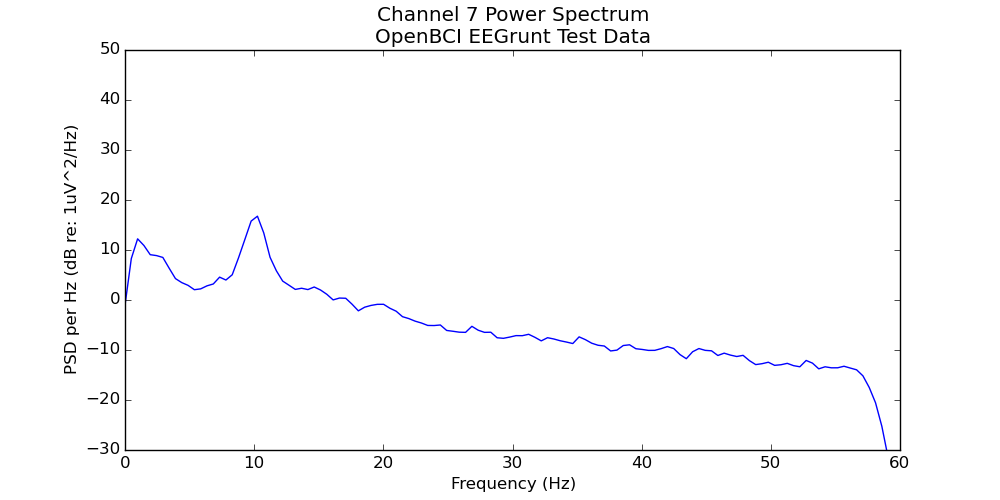
Power spectrum plot of test data included with EEGrunt.
Once you’ve gotten going, you can write your own methods for EEGrunt (and submit a pull request to have them included), try out the other plotting functions, use the bandpass filter, or adjust the more detailed settings in EEGrunt’s init function.
If you have any issues, leave a comment below, submit an issue [on github](http://github.com/curiositry/EEGrunt?ref=autodidacts.io), ask a question on [NeuroBB](http://neurobb.com/?ref=autodidacts.io), or reach out on [Twitter](http://twitter.com/curiositry?ref=autodidacts.io). *Thanks for reading!*
### Announcing NeuroBB: The EEG, BCI, and Neurofeedback Forum
URL: https://www.autodidacts.io/neurobb-the-eeg-bci-and-neurofeedback-discussion-forum/
Last updated: 2022-10-01T22:45:17.000Z
Today we’re delighted to launch our latest project into the world. After months of development, we present [NeuroBB — The EEG, BCI, and Neurofeedback Discussion Forum](http://neurobb.com/?ref=autodidacts).

Brain-computer interfaces have evolved to the point where (mostly) normal people can use them. Affordable, DIY-friendly EEG systems like the [OpenBCI](http://www.openbci.com/?ref=autodidacts.io) and [OpenEEG](http://openeeg.sourceforge.net/?ref=autodidacts.io) have opened up the world of neuroscience, BCI, and neurofeedback to a growing community of enthusiasts. At the same time, inexpensive consumer devices by Emotiv, NeuroSky, and Muse are bringing biopotential measurement to the masses, and projects like [eeg64](http://www.eeg64.com/?ref=autodidacts.io) and [Open Ephys](http://www.open-ephys.org/?ref=autodidacts.io) are pushing open-source tools into the arena of professional research.
Until now, this burgeoning enthusiast community has had no brand-independent forum for discussion. Company forums have essential information and helpful, experienced members. But, with discussions scattered across dozens of product-specific forums, it's harder than it should be for questions and answers, amateurs and professionals, and students and mentors to find each other and share ideas.
### Enter NeuroBB
[NeuroBB](http://neurobb.com/?ref=autodidacts.io) is a brand-neutral forum for discussing EEG, BCI, and neurofeedback. It's a place where you can ask and answer questions, discuss the field, and exchange ideas with a helpful community of fellow neuro-enthusiasts and researchers.
We’re starting with an open format of just a few categories, and expect to organize the forum’s content further as we discover where the discussions lead and what topics the community is most interested in.
NeuroBB.com Screenshot. Doesn’t that look enticing?!
### Discourse: An open-source forum app that rocks
We’ve been around the block when it comes to open-source discussion forum software. We’ve tried PhpBB, TikiWiki, and a variety of Wordpress plugins. Before launching NeuroBB, we spent numerous hours breaking and repairing NodeBB, a promising but still-unreliable NodeJS forum app. In the end we settled on [Discourse](http://discourse.org/?ref=autodidacts.io). We’ve been happy ever since.
Discourse is built by the people behind [StackExchange](http://stackexchange.com/?ref=autodidacts.io), who know a thing or two about discussion software and how to build online communities. Aside from its resource-piggy RoR backend, it has everything going for it: an Ajax interface that’s lighting-fast and intuitive, post threading, sophisticated community moderation, topic summaries, @mentions, spam protection that actually works, and lots more.
### Come check it out!
Create a free account (or sign in with Google, GitHub, or Twitter) and start learning, sharing, and connecting with neuro-savvy folks. Compare hardware and software options, talk about your setup, and get advice from other people in the field. **Got a question that needs answering? [Jump right in!](http://neurobb.com/?ref=autodidacts)**
### Do Binaural Beats Really Affect Brainwaves?
URL: https://www.autodidacts.io/binaural-beat-openbci-eeg-experiment/
Last updated: 2024-08-12T19:29:18.000Z
Can you use audio recordings to entrain your brainwaves, alter your consciousness, and “meditate deeper than a zen monk”? In this post we set out to shed light on that question with a fairly simple open-source EEG experiment.
[Binaural beats](https://en.wikipedia.org/wiki/Binaural%5Fbeats?ref=autodidacts.io) consist of two audio tones of slightly different frequencies, one played into each ear. If the frequency difference is right, this *[beat frequency](https://en.wikipedia.org/wiki/Beat%5F%28acoustics%29?ref=autodidacts.io)* can be heard as a strange pulsing sound inside your head. Products from [The Munroe Institute](https://www.monroeinstitute.org/?ref=autodidacts.io), the [Centrepointe Institute](http://www.centerpointe.com/?ref=autodidacts.io), and other companies purportedly use binaural beats to entrain brain waves and alter consciousness.
Ever since we first got the Emotiv EPOC consumer EEG headset a few years ago, we’ve wanted to test this claim and measure what effect binaural beats actually have on brainwaves. Unfortunately, without proper recording or analysis capacity, our tests with the EPOC were inconclusive.
Now that we have an [OpenBCI](http://openbci.com/?ref=autodidacts.io) system we decided to do a more careful experiment. This short post summarizes the experiment and the results. We’ll go into more detail about the experiment setup and analysis in future posts.
#### Warning: Here Be Amateurs
We aim for high-quality science, but we’re not EEG experts or professional researchers. There may be bugs in our code, glitches in our mathematics, shorts in our circuits, or flies in our ointments. Results are not guaranteed, but our [EEG data](http://curiositry.github.io/assets/misc/eeg-data/openbci-binaural/Binaural-input-record-[2015.05.29-17.00.35].csv?ref=autodidacts.io) and [analysis](http://github.com/curiositry/EEGrunt?ref=autodidacts.io) files are available for independent experimentation, replication, and interrogation. Please let us know what you find!
### Experiment Overview
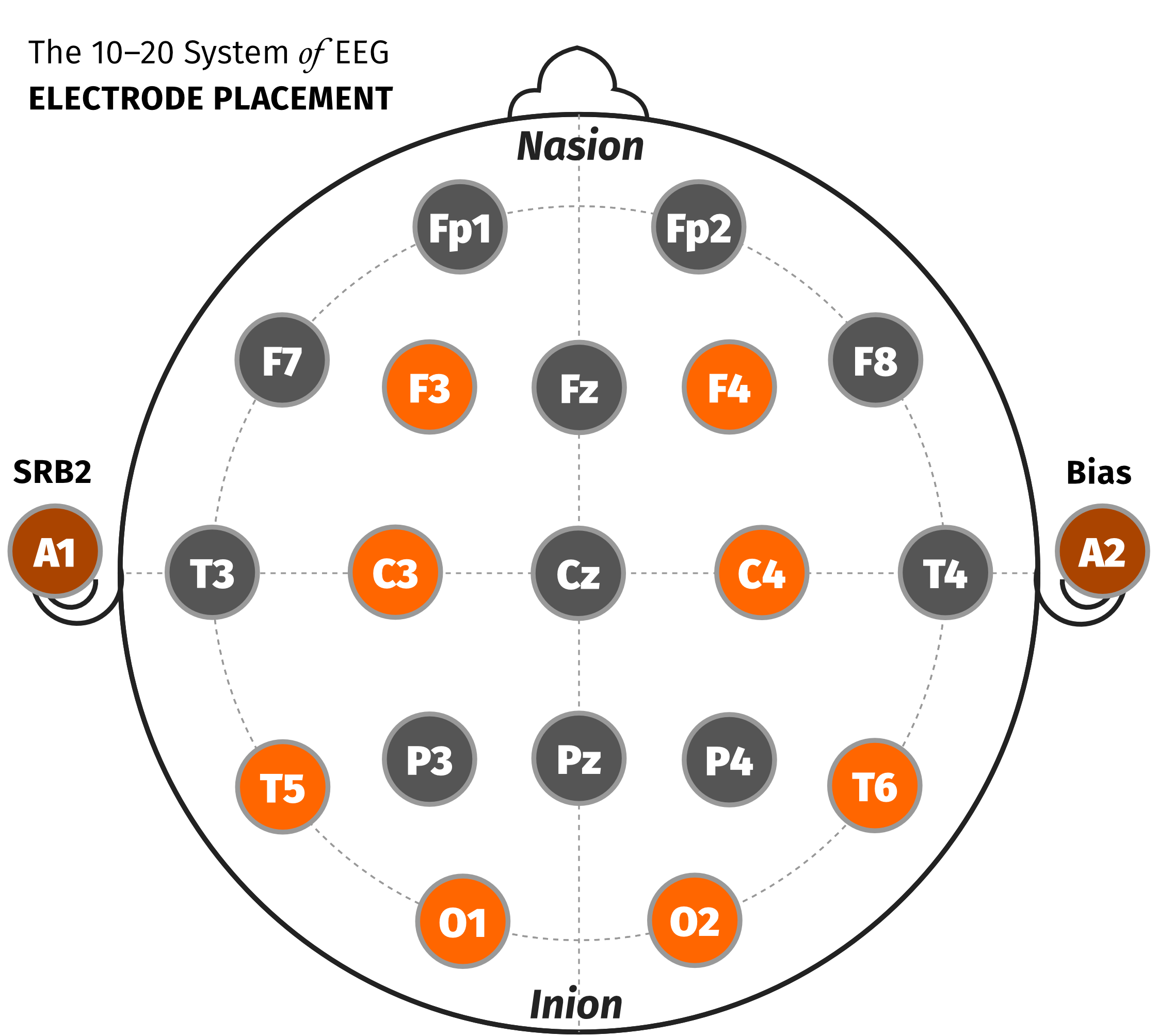
The 10–20 locations we used for our experiment are highlighted orange
Our EEG acquisition hardware consisted of an OpenBCI board (32bit model), used with passive gold-cup electrodes and Ten20 brand conductive paste. We used electrode positions F3, F4, C3, C4, T5, T6, O1, and O2, highlighted in the diagram at right. We used the OpenBCI’s reference electrode SRB2 on the left mastoid (earlobe), and Bias on the right.
The experiment data was recorded in OpenViBE, using a Python script in OpenViBE to control the [SBaGen binaural beat audio generating program](http://uazu.net/sbagen/?ref=autodidacts.io).
Audio was played to the subject on Sony MDR-7506 headphones. We used pink noise for the control segments, and pink noise with 17 Hz binaural beats for the trial segments. We picked 17 Hz because it is an area of the spectrum that doesn’t usually have any prominent activity going on, making it easier to spot any effects caused by the binaural beats.
The experiment ran in the following sequence:
- 30 seconds of silence
1. **Control 1:** Five minutes of pink noise
2. **Trial 1:** Five minutes of 17 Hz binaural beats
3. **Control 2:** Five minutes of pink noise
4. **Trial 2:** Five minutes of 17 Hz binaural beats
EEG data was recorded into a CSV file, and then analyzed in python using the Numpy and Matplotlib scientific computing libraries. We started from [William Audette](http://eeghacker.blogspot.ca/?ref=autodidacts.io)’s very helpful MIT-licensed [ASSR analysis IPython notebook](http://nbviewer.ipython.org/github/chipaudette/EEGHacker/blob/master/Data/2015-01-24%20Auditory%20Steady%20State/exploreData.ipynb?ref=autodidacts.io). Once we had some of the bugs worked out of our code, we moved most of the code out of IPython and into a normal Python file, which now lives on GitHub under the title [EEGrunt](http://github.com/curiositry/EEGrunt?ref=autodidacts.io).
### Results
Here is a spectrogram of the entire session, from channel 8:
Spectrogram of all control and trial segments, from channel 8.
In the spectrogram, there is no visible change between trial and control segments at the 17 Hz target frequency.
To get a better quantitative look at this, we averaged the channel’s spectrum over each segment, and then displayed each segment as a separate plot on the same chart. If the binaural beats were having an effect, at 17 Hz we should see a difference between the trial plots (orange lines) and the control plots (grey lines). But, here’s what the chart looks like:
The orange lines are trial runs, the gray lines are the control sections. Not much difference …
We generated similar plots for the other channels, with similar results.
### Conclusions
In our experiment, the binaural beats did not produce **any significant entrainment of the subject’s brainwaves.** Although somewhat of an anticlimax, this is an interesting result.
In addition to 17 Hz, we tried a similar trial on a different subject at a target frequency of 8 Hz, also without a noticeable result.
Does this mean that binaural beats really have no effect on brain waves, and the folks promoting them are peddling pseudo science? Maybe, but not necessarily.
Our experiments to date have a number of limitations:
- **Trial length** — we used five minute trial and control segments. This seemed like a reasonable time for an effect to become visible but it’s possible that, for some reason, more time is required.
- **Frequency** — we tried trials at 8 Hz and 17 Hz. Again, it seems likely an effect would be visible at these frequencies, but we can’t rule out the possibility that binaural beats could be somehow frequency-specific.
- **Subject selection** — we’ve done this experiment on two subjects, but perhaps the effect of binaural beats is strongly dependent on the individual. In this case, tests with more subjects would be needed to determine if there was an effect or not.
We plan to contact some of the many commercial binaural beats vendors for comment.
Do you know of similar experiments, possible bugs, or improvements that we should make to the experiment design? **Please let us know in the comments!**
If you are an EEG researcher, you could also download [our data](http://curiositry.github.io/assets/misc/eeg-data/openbci-binaural/Binaural-input-record-%5B2015.05.29-17.00.35%5D.csv?ref=autodidacts.io) and [Python scripts](https://github.com/curiositry/EEGrunt?ref=autodidacts.io), or try replicating this experiment with your own setup and let us know what you find.
### Human Nature: Good, Bad, and Important
URL: https://www.autodidacts.io/human-nature-good-bad-and-important/
Last updated: 2016-06-09T23:44:36.000Z
Are humans nice, or are they nasty? It depends who you ask. For centuries, debate has raged across political and scientific lines over whether the fundamental nature of humans is selfish, greedy, competitive, and cruel, or altruistic, co-operative, and philanthropic.

The debate tends to fall along political lines. Those optimistic about human nature — often political liberals — point to the co-operative advantages that early humans gained from living together, sharing resources, and caring for one another; pessimists — typically political conservatives — point out that these small bands were often at war with each other. Liberals notice that the biological building blocks from which our organisms are made — cells — originated through collaboration between bacteria, and that we are ourselves co-operative colonies of specialized cells; conservatives counter that those early coalitions of bacteria flourished because they were able to eat their competitors. Conservatives look at nature and see red in tooth and claw; liberals look at nature and see paradise. Liberals call the sacrifices a mother makes for her children altruism; Scientific conservatives call them furthering her selfish genes. Conservatives look at the internet and see hackers, scams, and online predators; liberals look at the same internet and see Wikipedia, open source software, and [1,000,000 free guitar lessons on YouTube](http://www.youtube.com/results?search%5Fquery=%22guitar+lesson%22&ref=autodidacts.io).
They are both right: humans are nice, and they're nasty, and — like all human traits — these two attributes are unevenly distributed. The highly politicized controversy over whether we're more fundamentally brutes that have been civilized or civil creatures that have been brutalized misses a much more practically important question: given what we know of human nature, what sort of systems will bring out the good and reduce the impact of the bad?
Regardless of how selfish the fundamental motives that underlie human behaviour may be, there are ways of channelling these motives toward behaviour that is collectively beneficial, rather than harmful.
As [Alex Pentland's MIT team](http://web.media.mit.edu/~sandy/?ref=autodidacts.io) has discovered, our innate desire for social acceptance can be leveraged through *social incentives* into positive change, both personal and societal; our co-operative, altruistic sides can be brought out through well-designed structures like Wikipedia or online forums that capitalize on the often-neglected but deep-seated drive to contribute something meaningful to a community of some sort, even if it is distributed across the planet ([Daniel Pink has a few things to say about this](http://www.youtube.com/watch?v=u6XAPnuFjJc&ref=autodidacts.io)); co-ops and sharing networks give an outlet for altruism, while also satisfying our stinginess and helping protect our shared resources from cheaters and freeloaders. Our tendencies towards patriotism and parochialism can be harnessed in support of local economies that use resources – especially fossil fuels – more efficiently. Competition can motivate excellence, especially when applied with care, and in the right context that keeps it productive rather than destructive.
Much research has been done into the quirks of human psychology and evolutionary proclivities in the past hundred years or so. Armed with this detailed knowledge about our natures, could we intentionally design large-scale ways to make human nature work for, rather than against, the best interests of our species? Could we work with human nature not just in broad strokes, but down to the details?
We know far, far more today about our psychological mechanics than the people who put in place our systems of government, our economic frameworks, and our judicial system. Could we carefully tailor these systems, so that they were more in tune with our natures? Could we, for example, make adjustments to our political systems so that they provided a habitat that was less hospitable to greed, corruption, and destructive partisanship? Could we tweak the judicial system so that it provides maximum deterrent for bad behaviour at minimal societal cost? Could we use the mammoth intelligence gathering tools of the marketing industry to encourage behaviour change that would save the planet?
All of these things are fundamentally psychological problems. What makes a politician decide whether to serve his party or his people, when the two disagree? What makes a would-be criminal hesitate before pulling the trigger, and what doesn't? Upon what scale does a corporate executive weigh the risk to future generations vs. next quarter's stock price? Empirical psychology has a lot to say about these questions, but until that knowledge gets turned into policy, we have gained nothing by it.
An empirical look at human history shows that where effort has been made to improve the world, the world has — slowly, grudgingly, and haltingly – improved. Democracy, the Magna Carta, women's suffrage, human and civil rights: all of these are the results of efforts to make the world a better place. The efforts that work are the efforts that take human nature into account in all its good and bad diversity. Idealism, while perhaps contrary to the trend of history, when applied with knowledge of human nature in mind, is more effective than pessimism.
With an accelerated pace of technical and social change, and thus the accelerated speed with which society approaches the unintended consequences of this change, we are badly in need of a more methodical approach to managing human nature. It's time we quit dickering over who's right and who's wrong and focus on more effective ways to steward our collective society. The future is fraught with both peril and potential, and unless we work with rather than against our innate tendencies, we may not have much of a society left to argue over.
### Meet WobbleCam, the DIY Glidecam
URL: https://www.autodidacts.io/meet-wobblecam-diy-glidecam/
Last updated: 2016-06-09T23:42:13.000Z
**Glidecams are agitatingly expensive but equally sweet.** They’re the mechanical heroes of independent film, giving amateurs access to the gorgeous motion shots of pro cinema. Despite their cost, they *look* like they'd be relatively easy to make...
After a couple of days in the shop with an equal number of brothers, I can say the commercial versions are probably worth every penny of the \~$500 price-tag. But at the same time, so is ours — and it only cost us about $5.
I humbly present our (almost) pro grade DIY Glidecam, affectionately dubbed The WobbleCam.
It's made from four sets of scooter bearings (with the wheels still attached), PVC pipe, a scooter headstock, aluminium pipe, aluminium plate, and various nuts and bolts. It's calibrated to balance our Pentax DSLRs right now, but the modular counter-weights and extendible lower arm mean you can adjust it for many different types of camera.



### Use BrainBay + OpenBCI on Linux with Wine
URL: https://www.autodidacts.io/use-openbci-with-brainbay-on-ubuntu-linux-and-wine/
Last updated: 2022-10-01T22:45:18.000Z
The OpenBCI Processing application supports basic filtering and configuration, but options for manipulating the data further are scarce. When my OpenBCI arrived, I started looking around at the other software options.
Python and MATLAB are popular with other OpenBCI users for recording data and processing, and though I’ll probably use Python in the long run, but I wanted to be able to do the basics without getting tangled up in writing my own software.
Using proprietary, closed-source software with an *Open Brain-Computer Interface* seemed like it would defeat the point of having an open brain-computer interface in the first place. This leaves two well-respected, open-source software suites to pick from: [OpenViBE](http://openvibe.inria.fr/?ref=autodidacts.io) and [BrainBay](http://www.shifz.org/brainbay/?ref=autodidacts.io).
### OpenViBE
The official OpenBCI driver for OpenViBE is still in development, with no official release date, and OpenViBE can’t read the data recorded by the OpenBCI Processing application. There are currently two solutions to this.
[Adam](http://autodidacts.io/author/adam?ref=autodidacts.io) wrote a Python [OpenBCI to OpenViBE-compatible CSV converter](http://www.autodidacts.io/using-recorded-openbci-data-in-openvibe/) script so we can use OpenViBE on OpenBCI data, and [Jérémy Frey](http://jfrey.info/?ref=autodidacts.io)’s [fork of the OpenBCI Python repo](https://github.com/jfrey-xx/OpenBCI%5FPython?ref=autodidacts.io) has a script that lets you stream live OpenBCI data to the OpenViBE acquisition server.
### BrainBay
BrainBay on Linux: Spectrogram displaying alpha (7.5–12.5hz) activity from OpenBCI electrode over the Occipital lobe (position O2), at the back of the head.
BrainBay is an open-source bio- and neurofeedback application developed by Christoph Veigl and Jeremy Wilkerson for use with [OpenEEG](http://openeeg.sourceforge.net/?ref=autodidacts.io) hardware. It works with a wide range of hardware, including OpenBCI, can write and read .edf and .gdf files, and offers plenty of options for data processing.
BrainBay is windows software: Wine comes to the rescue. Wine, for those who haven’t used it before, is a free & open-source ‘compatibility layer’ that lets you run Windows applications on Linux, Mac, and other Unix-like operating systems.
### BrainBay on Linux
For this tutorial I’m running BrainBay on Ubuntu, and using a 32bit OpenBCI board from the first manufacturing run (Most of the instructions will work on other Linux distributions, or even on Mac.) This tutorial should work with the 8bit board as well, but I have the 32bit version so I can’t test it myself.
#### Download and Setup Software
- Download the latest BrainBay executable from the GitHub releases page, which is updated more frequently than the BrainBay website. At the time of writing, that’s [Setup\_BrainBay-1\_9\_3.exe](https://github.com/ChrisVeigl/BrainBay/releases/download/v1.9.3/Setup%5FBrainBay-1%5F9%5F3.exe?ref=autodidacts.io)
- Install Wine. You can either do this by searching for “wine” in the Ubuntu software centre, and installing the top result, or by running the command `sudo apt-get install wine` in a terminal. If you’re on a different OS, check their [website](http://winehq.org/?ref=autodidacts.io) for installation instructions.
- The FTDI drivers that come with Ubuntu work fine with the OpenBCI. If you’re running a different operating system, you may need to install the official [FTDI drivers](http://www.ftdichip.com/Drivers/VCP.htm?ref=autodidacts.io)
#### Setup COM port
- Find what COM port your OpenBCI dongle is using:
- Run the command `dmesg | grep tty`
- Plug in your OpenBCI bluetooth dongle
- Run the command again, and look for that last line, which wasn’t there the first time you ran it. It should look something like `[25300.423205] usb 2-1.1: FTDI USB Serial Device converter now attached to ttyUSB0`. In my case, the port was `ttyUSB0` (a common result for Ubuntu).
- Symlink the COM port to Wine’s virtual COM port with the command: `ln -s /dev/ttyUSB0 ~/.wine/dosdevices/com1`. Replace `ttyUSB0` with the correct COM port if you got a different result. This allows Wine to access the USB bluetooth dongle.
#### Run BrainBay
- Run the BrainBay installer with Wine. You can either right click on the .exe you downloaded and select “Open With” → “Wine Windows Program Loader” from the menu, or run the command: `wine Setup_BrainBay-1_9_3.exe` from in the same directory as the installer. This will run a Windows-esq installation wizard that’s pretty self explanatory. When you launch BrainBay, you should be greeted by a screen about like this:
#### Use BrainBay
Now that BrainBay’s running on Linux, it’s time to start gathering data with it. EKG is easy to measure, so lets start with that. Here’s how to get data from your OpenBCI into BrainBay:
1. The Configuration File: BrainBay uses a configuration file to describe the ‘design’, which includes the data source(es), filters, algorithms, and display widgets, the settings of each ‘block’ (source, filter or display), and how all the blocks are connected.
BrainBay will start with an empty ‘design’. You can load designs from the BrainBay configurations folder, but they’re not set up for OpenBCI. Instead, I recommend you download this basic [OpenBCI BrainBay Configuration](http://neurobb.com/t/the-brainbay-design-thread-share-your-best-con-files/25/2?u=omphalosskeptic&ref=autodidacts.io) file. It has the following widgets:
- An input source, (the 8 Channel OpenBCI)
- A 1–50 Hz [BandPass](http://wikipedia.org/wiki/Bandpass?ref=autodidacts.io) filter. This removes the OpenBCI’s DC offset, and the upper portion of the Gamma band. A 1–50 Hz Bandpass is applied by default in the OpenBCI Processing app.
- A 59-61 Hz Bandstop filter, which cuts out interference from AC house wiring. I know, the band stop should cover this, but for some reason when I removed it I got all kinds of interference. So I put it back.
- An oscilloscope to graph the signal, with the gain adjusted to be reasonable for EKG.
2. Configure input source: Right click on the input block (an 8 channel OpenBCI). Set the COM port to COM1 (this is the virtual COM port you symlinked to the real COM port your dongle is plugged into), then click “Connect/Disconnect”. You should see a check appear in the “connected” checkbox .
3. Hook your OpenBCI up to measure your heart’s electrical activity, follow the steps outlined in my previous article on [recording EKG with the OpenBCI](http://www.autodidacts.io/getting-started-with-openbci-a-tutorial-on-testing-troubleshooting-and-recording-ekg/) … *skipping any steps relating to software*, since we’re now using BrainBay instead of the OpenBCI processing app.
4. Start the data stream: Press the F7 key, or the play button at the bottom of the screen, to start streaming data from your OpenBCI.
5. Stare in mesmerized wonder at your electrocardiogram. Your heart-rate may be a little faster than normal with the excitement.
A basic EKG recorded with OpenBCI and the design linked above.
BrainBay displaying an 8 Channel OpenBCI EEG session.
### Smart Rat Trap Project in Make Magazine
URL: https://www.autodidacts.io/arduino-smart-rat-trap-in-make-magazine/
Last updated: 2015-06-22T14:35:24.000Z
Issue 43 of Make Magazine features a build tutorial of our **Smart Rat Trap** project. It was great working with Keith Hammond and the team at Make getting the project in print! You can read the article in Make Magazine, or on the [Smart Rat Trap Project Page](http://makezine.com/projects/smart-rat-trap/?ref=autodidacts.io) on their website; the [Arduino code](http://github.com/photosynthesis/make-smart-rat-trap?ref=autodidacts.io) is available on GitHub.
#### Arduino + Desperation = 21st Century Rodent Control
> We live on a small island with a large population of rats. Since we’re opposed to capital punishment of uninvited guests, even furry ones, we try to catch them with live traps when they sneak inside. After years of failed attempts with store-bought traps, we realized we had to make a trap as clever as the rats.
>
> Rather than an enclosed cage, which they seem to avoid, we used a suspended basket that leaves an unobstructed view at rat eye level. The cage is suspended by two neodymium magnets. When an infrared proximity sensor detects a rat below, it triggers two electromagnets that repel the suspension magnets, dropping the cage over the rat.
>
> Over several years (and rats), the trap has gradually improved. The sensitivity is recalibrated every 10 minutes in software running on an Arduino. An RGB LED indicates trap status, a buzzer sounds the alarm when something gets caught, and a handle makes it easy to carry.
\-----
{<3>}
**Caught!** Trespassing rat enjoys RatBot v3.0’s comfortable peninterary.
---
{<4>}
**Errant Rodent Monarch** escorted back to homeland in an electric palequin — the second prototype.
### Using Recorded OpenBCI Data in OpenViBE
URL: https://www.autodidacts.io/using-recorded-openbci-data-in-openvibe/
Last updated: 2015-06-22T14:34:47.000Z
[OpenViBE](http://openvibe.inria.fr/?ref=autodidacts.io) is a open source EEG software suite. Somewhat like BrainBay, it has a visual scenario designer that allows you to manipulate your EEG data and apply all sorts of processing algorithms, filters, and much more. Sadly, it does not (yet) have a driver to acquire streaming data from the OpenBCI. It is apparently possible to get live OpenBCI signals into OpenViBE using [this technique](http://openbci.com/forum/index.php?p=/discussion/251/processing-library-to-communicate-with-openvibe&ref=autodidacts.io), but it's technically intricate.
Even without a driver, however, we can still use OpenViBE for analyzing signals recorded from the OpenBCI, at least in principle. The OpenBCI records data in CSV format, and OpenViBE includes a “box” that can read in CSV data.
In practice there are a few complications. OpenViBE’s CSV reader requires time-stamped samples, but the OpenBCI data doesn't include a time stamp, only a one-byte sample ID (which loops every 256 samples). The CSV fields are also ordered slightly differently, and include incompatible headers.
For an initial test, I tweaked a chunk of OpenBCI CSV data in OpenOffice Calc, and then read it into OpenViBE. This worked, but is impractical with multi-megabyte CSV files of hour-long EEG sessions.
### Python to the rescue
To automate the process I wrote a simple python script that reads in OpenBCI CSV data, does the necessary conversions, and writes a OpenViBE-compatible CSV output.
This script is quite rough-and-ready, so there’s no guarantee it will work in all cases. Feel free to modify and improve, or make suggestions in the comments.
[ convert\_obci\_csv\_to\_openvibe.py](https://gist.github.com/Photosynthesis/4230ef417eba250a86f4?ref=autodidacts.io)
### A few notes:
- The script takes any CSV files found in the input directory, converts them, and writes them to the output directory. Input and output directories are specified (relative to the script location) in the config section of the script.
- The script will only work properly with a CSV that includes columns for 8 EEG channels.
- The OpenViBE CSV reader box is listed as “unstable”, so it will only show up in OpenViBE if you have "show unstable" checked in the box list, or have edited the appropriate config value.
- You will probably need a filter to remove drift from the signals (at least I did). This can be done with OpenViBE's “Temporal Filter” box. I used a Butterworth band-pass filter from 1-50hz, but any low-cut or band-pass filter that eliminates DC drift should work.
Once you have the OpenBCI data in OpenViBE, you can also use OpenViBE’s file writer boxes to convert it to GDF or other formats.
*UPDATE: The original posted version of this script was applying an erroneous conversion factor to the EEG data, based on my reading of the OpenBCI [data format docs](http://docs.openbci.com/software/02-OpenBCI%5FStreaming%5FData%5FFormat?ref=autodidacts.io). Many thanks to OpenBCI forum member [wjcroft](http://openbci.com/forum/index.php?p=/profile/570/wjcroft&ref=autodidacts.io) for pointing out this error.*
### Getting Started with OpenBCI
URL: https://www.autodidacts.io/getting-started-with-openbci-a-tutorial-on-testing-troubleshooting-and-recording-ekg/
Last updated: 2022-10-01T22:45:18.000Z
In October, I pre-ordered an OpenBCI, billed as the *open-source brain-computer interface for makers*. It arrived a few days ago, and after some technical hurdles, I’ve completed my initial tests.

What follows is a tutorial on setting up and testing your OpenBCI. The official documentation is still a work in progress, and I had to do a lot of troubleshooting to get my OpenBCI functional and tested; I hope this article helps you get yours running with less headache.
I’ve made this tutorial as clear but comprehensive as I can, but it doesn’t cover everything. Before you start, it’s good to have basic knowledge of the [command line](http://en.wikipedia.org/wiki/Command-line%5Finterface?ref=autodidacts.io) if you’re using Linux (this [command line crash course](http://cli.learncodethehardway.org/book/?ref=autodidacts.io) may help); however, if the stereotypes of Linux users are true, you probably already know all about it. (A non-hostile relation to computers and their many idiosyncrasies will be useful as well, or perhaps a PhD in Googling and the Investigation of Obscure Errors…)
For those who’ve been reading my \[Background on the Brain series\](http://www.autodidacts.io/tag/background-on-the-brain/): don’t worry, the series is still vital. I’m interrupting myself because I think this post will be more interesting and immediate for most of the neuronuts out there, and also because I lost most of the Background on the Brain post I was about to publish in a technical glitch, and it will take some time to re-write it.
### Table of Contents
1. Introduction (you’re past that, thankfully)
2. Table of Contents ( *you are here*)
3. [What Is The Openbci Again?!](#whatistheopenbciagain)
- [The Different OpenBCI Boards](#thedifferentopenbciboards)
1. [Download and Install the Software](#downloadandinstallthesoftware)
- [Getting the OpenBCI Software Working on Linux](#gettingtheopenbcisoftwareworkingonlinux)
1. [Test the Data Link](#testthedatalink)
2. [Hook Things Up](#hookingthingsup)
- [Connect Electrodes to the OpenBCI](#connectelectrodestotheopenbci)
- [Apply Conductive “10–20” Paste to Electrodes](#applyconductive1020pastetoelectrodes)
- [Apply Electrodes to Wrists and Secure](#applyelectrodestowristsandsecure)
- [Power](#power)
1. [Start the Session](#startthesession)
2. [The Data](#thedata)
- [Issues](#issues)
1. [Clean Up](#cleanup)
2. [Conclusion](#conclusion)
### What is the OpenBCI again?!
The OpenBCI is a device that lets (mostly) ordinary artists, tinkerers, or neuroscience researchers measure the electrical activity of their muscles, heart, and brain.
The OpenBCI bridges the gap between three previous categories of brain-computer interfaces: Consumer devices, such as the [Emotiv](http://en.wikipedia.org/wiki/Emotiv%5FSystems?ref=autodidacts.io), [NeuroSky](http://en.wikipedia.org/wiki/NeuroSky?ref=autodidacts.io), and Muse headsets, homebrew designs, such as the [OpenEEG](http://openeeg.sourceforge.net/doc/?ref=autodidacts.io) project, for more confident engineers, and systems for research or clinical use, which cost thousands of dollars.
The OpenBCI arrives pre-assembled and tested, and is relatively straightforward for someone without previous BCI experience to get started with — no soldering, hair-tearing, or midnight coding sessions need apply. I should note, though, that it’s not *quite* as gentle of a learning curve as I was led to expect: it’s not plug ‘n play and it’s fairly complex for a beginner, so there’s a lot to learn.
The OpenBCI’s software and hardware are [open-source](http://wikipedia.org/wiki/Open%5Fsource?ref=autodidacts.io), which gives tinkerers huge flexibility in how they use it. The hardware can be modified and improved, just like homebuilt systems. You can use the OpenBCI’s app, connect the board to a wide variety of existing processing and display software suites, or, if you’re feeling ambitions, write custom software for your needs.
Finally, the OpenBCI’s output is far closer to clinical or research grade than most consumer or amateur systems: It has an excellent sample-rate (250 Hz), works with well-established processing and display software, and can be used with any electrodes with industry-standard “touchproof” connectors, so you aren’t stuck with the type it comes with.
You can learn more about the OpenBCI from their [website](http://openbci.com/?ref=autodidacts.io), and [the page](https://www.kickstarter.com/projects/openbci/openbci-an-open-source-brain-computer-interface-fo?ref=autodidacts.io) from their successful Kickstarter crowd-funding campaign. If you don’t have an OpenBCI, boards from the first manufacturing run are still available on their website.
##### The 8bit and 32bit boards: What’s the Difference
There are two models of the basic OpenBCI board. Both use a Texas Instruments’ IC designed for biopotential measurements, the ADS1299, but they have different microcontrollers on board: one uses the 8bit “[Arduino](http://en.wikipedia.org/wiki/Arduino?ref=autodidacts.io)\-compatible” ATMega 328P chip, while the other uses a 32bit ChipKIT [PIC](http://en.wikipedia.org/wiki/PIC%5Fmicrocontroller?ref=autodidacts.io) chip.
**Which should you choose?** In most cases, it probably doesn’t matter. If you’ve used Arduino before, the 8bit would be a good choice. Also, the Arduino community is quite active and helpful. The 32bit version is more powerful, which means that it can do more processing on the signal before it’s sent over bluetooth. If you plan on doing a lot of with tinkering with the code running on the OpenBCI itself, the 32bit version may be a better choice.
For this tutorial, I’m using a 32bit OpenBCI from the first manufacturing run, and installing the software on Linux. However, most of it will work fine with the 8bit version, as the setup is almost identical. I’ll note where I know there’s a difference.
### Download and Install the Software
Download the latest version of the software for your operating system from the [OpenBCI Downloads Page](http://openbci.com/index.php/downloads?ref=autodidacts.io).
Follow the installation instructions on the [OpenBCI Docs Page](http://docs.openbci.com/?ref=autodidacts.io) for your operating system. I had trouble with bugs in the official Linux software, and it took me a while to get it working. If the official instructions don’t work for you either, try the steps below.
##### Getting the OpenBCI Software Working on Linux
The official OpenBCI GUI (graphical user interface) is written in Processing, which I didn’t have much experience with. It turns out one of the libraries bundled with the software is out of date (at the time of writing), and in order for it to be allowed to connect to the serial port, the application has to be run “as root” to be given the necessary security privileges. **Here’s how I got it running.**
- Download the .zip of the Linux application and extract it into your home folder.
- Download the updated version of the jSSC library. I used jSSC version 2.6.0, which you can download [here](https://java-simple-serial-connector.googlecode.com/files/jSSC-2.6.0-Release.zip?ref=autodidacts.io). When the download finishes, extract the .zip file.
- Install a *Java Runtime Environment* — a program that runs programs written in Java — if you don’t already have one. You can do this from the software center if you’re on Ubuntu, or with the terminal command `sudo apt-get install default-jre`.
- Open the OpenBCI app folder (called `application.linux64` unless you renamed it) and navigate into the `lib` folder. Move or delete the file named `jssc.jar`. This is the out-of-date library.
- Replace the file you just deleted from `application.linux64/lib` with the file called `jssc.jar` in the folder `jSSC-2.6.0-Release` that you just downloaded and extracted.
- Start the OpenBCI application with sufficient privileges to access the serial port. Assuming that you extracted the OpenBCI software into your home folder, this can be done with the command: `cd ~/application.linux64 && sudo bash OpenBCI_GUI`.
- Select “SYNTHETIC (algorithmic)” from the list of data sources, and click “Start System”. This starts the display using pre-generated test or “dummy” data that’s included with the program, and is a good first test. After it has initialized, you should see the test data being displayed similarly to the photo below:
### Test the Data Link
1. Plug the bluetooth dongle that came with your OpenBCI into a USB port, making sure the dongle’s switch is at the position lablled “GPIO6” (slid toward the computer), as opposed to the “RESET” postion. Its blue indicator light should turn on.
2. With the battery pack plugged in, slide the switch on the OpenBCI to “PC”. It should also have a blue indicator light when it’s turned on. (Note: I’d read that the blue indicator is supposed to flash three times when you turn it on, but this is only for the 8bit boards)
3. Launch the OpenBCI GUI with root privileges again, with the terminal command `cd ~/application.linux64 && sudo bash OpenBCI_GUI`
4. Select “LIVE (From OpenBCI)” from the list of data sources.
5. Select the correct port for your OpenBCI from the serial/com port list. In my case, after updating jSSC, there was only one, and it was called `/dev/ttyUSB0`.
6. For this test, select “Do not write to SD…” under “WRITE TO SD (Y/N)”. Leave the channel count at 8, and change the log file name if you feel like it. At this point the settings screen should look roughly like this: 
7. Click “Start System”, and after the GUI has initialized, “Start Data Stream.”
You should see fairly random data, and when you run your fingers across the electrodes see wild spikes in activity. If you do, the link is working, and we can proceed to the EKG test. When the dongle ↔ OpenBCI board link is active, you’ll see a red indicator on the dongle as well as the blue power light.
### Hooking Things Up
For the initial test of an EEG (Electroencephalograph, a device that measures electrical activity in the brain) it’s good to use a strong signal that you’ll recognize if everything’s working. Measuring EKG activity — electrical activity of the heart — is a popular first test, because it has a recognizable pattern and a strong signal. Electrical activity from the heart can be 20–50 times more powerful than from the brain: a typical adult EEG signal is around 10–100 µV, while a healthy EKG signal can be up to a few millivolts.
A full medical Electrocardiogram uses twelve electrodes on the chest, arms, and legs to measure the activity of the different cardiac muscles. The basic EKG we’ll use to test the OpenBCI only needs two electrodes.
#### Connect Electrodes to the OpenBCI

The OpenBCI’s electrode cables are colour coded, and in the software each channel is colour coded as well, which makes it easy to keep track of one signal from the electrode, to the board, and to the software. Channel 1 is grey, channel 2 is purple, channel 3 is blue, channel 4 is green, channel 5 is yellow, channel 6 is orange, channel 7 is red, channel 8 is brown, “SRB” is white, and “BIAS” is black.
The BIAS pin is similar to a ground pin, but it also inserts interference waveforms that cancel out noise. The SRB pin is the default “reference” that other channels can be compared to.
For this test I’m using channel 1 and SRB, so I used the electrodes with the white and grey wires. I recommend taping the remaining electrodes together to keep them out of the way.
Orient the board you can read the text printed on it. Plug the white electrode’s female connector into the first pin from the left, which is labelled **SRB**. There are two layers of pins; plug it into **the pin closest to the circuit board.** Both are labelled SRB, but the upper is **SRB1**, and the lower is **SRB2**: **SRB2** is the default “reference pin” for the OpenBCI’s inputs, so that’s the one to use.
Plug the grey electrode’s connector into next pin over from SRB2 (also use the lower pin), which is labelled **N1P**. You can learn more about the two layers of pins and what they’re for on the [OpenBCI docs page](http://docs.openbci.com/?ref=autodidacts.io).
#### Apply Conductive “10–20” Paste to Electrodes
Clear measurements of electrical activity from internal organs like the brain, heart, and muscles require an excellent electrical connection between the electrodes and skin — the highest resistance link in the signal chain. This is facilitated by cleaning (and sometimes lightly abrading) the skin where the electrodes will be placed, and applying conductive paste to the electrodes to form a flexible connection between the metal and skin.

Additionally, the surface of EEG electrodes are typically made of silver and silver salts, gold, platinum, or other materials with good electrical conductance.
I washed my wrists and lightly abraded them with a dry cloth, though this is optional for an EKG since the signal is quite strong. It’s good to have a small mound of 10–20 paste — even though it’s expensive — or it will settle into the electrode cup without improving the connection.
#### Apply Electrodes To Wrists and Secure


Press the electrode with the grey cable onto the inside of your left wrist, and the white to the same location on your right wrist. By convention, the positive electrode goes on the left wrist and the reference electrode on the right. If you swap them, the signal will appear inverted.
It’s handy to have someone around to help when you hook things up so you don’t dislodge electrodes, especially if you’re trying to take pictures of the process once you’re connected!
I recommend securing the electrodes in some way — unless you can sit completely still and have someone else (who knows what they’re doing!) run the test from this point on.
For the first test I used elastic bands, which didn’t work particularly well; for the second, I used electrical tape, leaving half of each electrode uncovered so I could check the connection. If you use my method, be careful not to cut off your circulation. Velcro may be a better method of securing the electrodes, but tape worked well enough for this test.
#### Power
Load the provided battery pack with AAs and plug it into the power port on the underside of the OpenBCI. Although it’d be more convenient to use a power supply, it’s strongly recommended against for safety reasons.

The OpenBCI board and electrodes have no physical connection to any other device. Traditionally, BCIs used mains (110–240v AC) power, but had multiple stages of isolation to prevent mains voltage from reaching the electrodes even if there was a failure in one part of the system.
If the isolation was faulty — which could be caused by an accident, and or faulty design, construction, or materials — high-voltage alternating current would be delivered to the electrodes, and take the path of least resistance to ground: through the brain. **This would be extremely dangerous!**
For that reason, most modern EEG devices are completely isolated from all sources of high voltage, instead using batteries for power and wireless or bluetooth for data transmission. It isn’t *technically* necessary if the circuit is properly constructed and in good condition, but when I have electrodes on my head it’s a fail-safe I’m glad to have.
### Start the Session
Follow the [same steps](#testthedatalink) you used to test the connection at the beginning to start the data stream — plug in the dongle, turn on the OpenBCI, launch the GUI as root, select the correct serial port and settings, and click start system.
Before you start the data stream, turn off the unused channels and set the gain for EKG. On the far left of the screen there are eight coloured, numbered boxes representing the channels. Click on the bottom seven to deactivate them. The buttons will turn grey. This can also be done with keystrokes: pressing keys 2, 3, 4, 5, 6, 7 will turn off those channels, holding down shift and pressing them again turns them back on.
Click the "Chan Set" button at the top of the display area, and set up the channel we’re going to be using: **Channel 1**. Set the “PDA gain” to **8x**, input type to “normal”, BIAS to “don’t include” (since we’re only using two electrodes), SRB2 to “On”, and SRB1 to “No”. The screen should look roughly like this screenshot:
You’re done. Go back to the “EEG Data” tab, and click the “Start Data Stream” button. **You’re now recording a basic electrocardiogram!**
### The Data
It takes few seconds for the signal to settle out to anything meaningful. Adjust the electrodes as necessary. Although I’m not experienced with EKG, from what I could tell my signal was quite good for such a basic setup.
After the initial run, I put a Micro SD card into the OpenBCI and restarted the GUI, this time setting it to log data to make sure writing to a SD card worked. This seemed to work without any issue, producing two 16MB text files, though I haven’t done any processing on the data yet.
Try slightly tensing muscles in your hands or arms to see what EMG (muscle activity) looks like when it’s contaminating the EKG signal. When I tensed my arm muscles, the signal looked like the image at right.
I found I could change my heart rate in quite a short time by changing my breathing. Compare the screenshot below — which, just visually, appears to be in the neighbourhood of 120 beats per minute — to the screenshot at the start of this section, when I was breathing slow and deeply, which I’d estimate at around 60 or 70bpm.
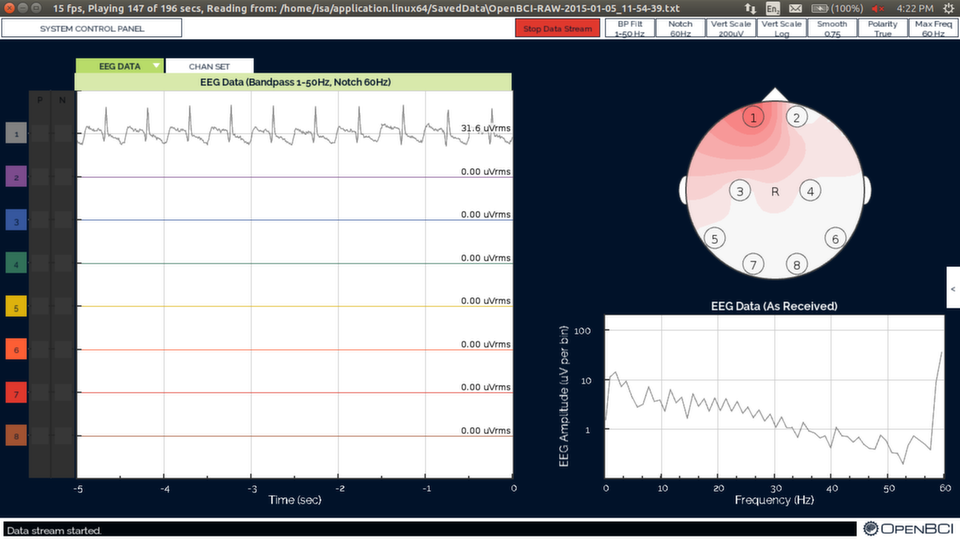
#### Issues
A few times during my tests, the signal would go crazy, and the GUI would log `OpenBCI_ADS1299:` errors to the terminal saying `apparent sampleIndex jump from Serial data`. The problem seems to be from corrupted/missing packets in the serial data; unfortunately, I haven’t managed to track down the cause.
### Clean Up

When you’re done, clean the conductive paste from the electrodes to prevent them from corroding: Dunk the electrodes you used in near-boiling water a few times, making sure that the paste is all dissolved, then dry them and put them away. Leaving them soaking isn’t recommended, as the dissolved paste can damage the connection between the lead and electrode.
Wipe the leftover paste from your wrists while you’re at it; the container doesn’t say what’s in it, and it’s probably not good for you.
### Conclusion
Hopefully this will help you take your initial OpenBCI recordings and minimize time spent dealing with technical issues.
Next up: brainwaves! I’ll probably start with the easiest type to measure, alpha (7.5–12.5 Hz) activity over the occipital lobe (the back of the head), and publish my results, or perhaps a tutorial, here. Subscribe to our [RSS feed](http://www.autodidacts.io/rss/) of leave your email below to be notified when upcoming articles and tutorials are published!
If you have any questions, suggestions, or have noticed errors, just leave a comment below and I’ll do my best to help out. You can also use the [contact page](http://autodidacts.io/contact/?ref=autodidacts.io), if that’s more your thing. *Thanks for reading!*
### The Regional Brain
URL: https://www.autodidacts.io/openbci-background-on-the-brain-regions-lobes-and-terms-for-location/
Last updated: 2022-10-01T22:45:19.000Z
In this article I’m going to introduce the regions of the brain, the scientific terms for location, and the lobes that produce EEG signals that can be measured with a non-invasive device such as the OpenBCI.
This is the third post of my **Background on the Brain** series, which aims to help give amateurs the necessary background information to experiment effectively with the OpenBCI or a similar device. The previous two articles give my reasons for writing the series, and introduce the OpenBCI and some fundamentals of the brain. You can find them here:
- [OpenBCI: Background on the Brain](http://www.autodidacts.io/openbci-background-on-the-brain/)
- [OpenBCI Brain Basics: Structure and Biology](http://www.autodidacts.io/openbci-brain-basics-neurons-structure-and-biology/)
### Mastering Anatomical Terms for Location
It’s useful to understand the terms used to describe direction and locations in the skull, specifically the braincase or *neurocranium*.
The use of French, Greek, and Latin roots in scientific literature can be traced back several centuries, and originated for a good reason: If an English scientist wrote *toward the front of the head*, a German scientist would scratch their head. Using Latin as the universal language of science, they could write *anterior*, and any scientist would understand. Of course, with Latin use in decline, the ingrained scientific terms sound *more* obscure to the common ear.
To start, let’s tackle the scientific terms for a few regions of the brain that we’ll be learning more about. The terms used for relative position include:
- Forward and Back:
- **Anterior:** toward the *front* of the head
- **Posterior:** toward the *back* of the head
- **Vertex:** central position
- Up and Down:
- **Dorsal:** toward the *top* of the head
- **Ventral:** toward the *bottom* of the head
- **Superior:** closer to the *top* (dorsal)
- **Inferior:** closer to the *bottom* (ventral)
- Right and Left:
- **Medial:** the mid-line of the head, running front to back
- **Lateral Left:** on the left side of the head
- **Lateral Right:** on the right side of the head
### The Lobes of the Brain
The Cerebrum — mentioned in the last article as part of the forebrain, and described as the cap of a mushroom in the brain’s overall structure — makes up more than half of the brain’s total weight. The cerebrum controls all voluntary actions in the body with the assistance of the [cerebellum](http://wikipedia.org/?ref=autodidacts.io), the tightly folded area at the back of the skull that’s responsible for coördinating movement. The cerebrum, mainly responsible for ‘high-level’ processing and decision making, has many connections to instinctive areas of the brain.
LoFi diagram of the main brain lobes
The cerebrum can be divided by basic anatomy into four regions: the frontal, occipital, temporal, and parietal lobes. The names of many brain regions are anatomical — for example, cerebellum is ‘little brain’ in Latin, and it resembles a small brain. At the time different parts of the brain were being named, their functions were not well understood. Naming them after anatomical characteristics (or who discovered them) was simple. Each of the four lobes is named after the bone that it’s under, so the imaginatively named frontal lobe sits under the frontal bone.
The lobes are divided by fissures. The central fissure separates the parietal lobe from the frontal lobe, the parieto-occipital fissure separates the parietal and occipital lobes, and the lateral fissure (also called the sylvian fissure) separates the parietal and temporal lobes. Additionally, the entire brain is divided into two hemispheres by the *medial longitudinal fissure* mentioned in the last article.
Note: The division between the right and the left hemisphere of the brain means each lobe can also be thought of as a pair or (mirrored) lobes, one in each hemisphere.
- The **Frontal Lobe** is the most popularized lobe of the brain: the frontal lobe is often called the brain’s CEO, and everyone likes to read about celebrities. It’s belived to play a large part in executive planning, attention, character, social awareness, and motivation — making decisions, then delegating what areas of the brain carry out the selected task.
- The **Occipital Lobe** is also well represented in popular literature, as the optic nerve runs from the eyes to the occipital lobe, where most of the visual processing is performed. The occipital lobe plays a key role in reading, writing, and spelling, as well as just about anything else involving object recognition, colour, and identification. When the eyes are closed, alpha waves from the occipital lobe are the strongest signal that can be picked up by an EEG. Measuring alpha activity with electrodes over the occipital lobe is a common first EEG measurement: the signal is easy to pick up, and you can see whether the eyes are open or closed from the EEG recording.
- The **Parietal Lobe** is where inputs *other* than sight and sound are routed to and processed. Called *somatosensory* inputs, these include touch and temperature. The parietal lobe sits like a saddle at the back of the brain, behind the frontal lobe, and above and slightly forward of the occipital lobe. The name comes from the parietal bone, the section of the skull that the parietal lobe is under.
- The **Temporal Lobe** is below the lateral fissure. It processes auditory input, including speech and language. The temporal lobe contains the hippocampus, and plays a key role in the formation of long-term memory.
### The Cerebral Cortex
**Cortex** means the outermost layer of an organ in anatomy, and comes from the Latin for bark, rind, shell, or husk. The human *cerebral cortex* is the outermost layer of the brain, typically 2–4 millimetres thick, and is part of the cerebrum. The outer layer of the cerebellum is called the cerebellar cortex. The motor cortex and the prefrontal cortex are smaller areas within the cerebral cortex.
Notice the white and grey matter in this cross-section of the brain. *Image from Atlas of the Human Brain in Section, 2nd ed., by Melville Roberts, Joseph Hanaway, and D. Kent Morest*
The cerebral cortex is of special interest because it is mainly *grey matter*. When you look at the cross-section of the brain, the outer layer appears grey, while inner regions are pinkish white, and called *white matter.* The colour difference is caused by the ratio between cell bodies (mainly neurons) and nerve fibres (axons) in the different areas: Grey matter has more cell bodies, while white matter has more nerve fibres (axons). White matter gets its colour from the white, fatty *myelin sheath* that forms around axons.
The cerebral cortex is folded into ridges, or *Gyri*, and furrows, *Sulci*, which significantly increases its surface area.

What’s the difference between sulci and the fissures mentioned earlier? **Size.** The entire surface of the cerebral cortex is folded into small ridges and furrows, while fissures are deeper grooves that separate the lobes and divide the brain into two hemispheres.
The cerebral cortex is present only in mammals, and because it’s the outermost layer of the brain, most EEG activity that can be picked up with an OpenBCI or similar device comes from the cerebral cortex.
### Conclusion
Hopefully this article has introduced you to the terms for location in the brain, and given you a rough road map of the territory as you start experimenting with brain-computer interfaces and the OpenBCI. The next article will dive into brainwaves: what they are, where they come from, and their many varieties. You can subscribe to our [RSS feed](http://autodidacts.io/rss?ref=autodidacts.io) to get the rest of the articles in the series as they’re published.
If I’ve missed anything vital, or you have additional questions or comments, just leave a comment below and I’ll do my best to help out (or you can [contact me](http://autodidacts.io/contact?ref=autodidacts.io) directly).
### OpenBCI Brain Basics: Structure and Biology
URL: https://www.autodidacts.io/openbci-brain-basics-neurons-structure-and-biology/
Last updated: 2016-02-25T19:07:29.000Z
Understanding a little bit about what we know of the brain and how it works is a necessary step for anyone interested in brain-computer interfaces, EEG, or biofeedback. This article is an overview of some basics that make brain functions discussed later in the series easier to grasp.
This is the second article in my Background on the Brain series. If you haven’t read it, you can find the first post, [OpenBCI: Background on the Brain](http://autodidacts.io/openbci-background-on-the-brain?ref=autodidacts.io), for an overview.
#### Contents:
1. [Introduction](#)
2. [What we don’t know](#whatwedontknow)
3. [Neurons](#neurons)
4. [Cerebrospinal Fluid](#cerebrospinalfluid)
5. [The Old and the New](#theoldandthenew)
6. [The Hemispheres](#thehemispheres)
7. [Conclusion](#conclusion)
## What We Don’t Know
The brain remains to a large degree a mystery unto itself. Consider some of the things we *don’t* know about the brain: what consciousness is, for example. What’s the physical basis of subjective experience, cognition, and attention? These fundamental questions *haven’t* been answered! I recommend a look at Wikipedia’s list of [Unsolved Problems in Neuroscience](https://en.wikipedia.org/wiki/List%5Fof%5Funsolved%5Fproblems%5Fin%5Fneuroscience?ref=autodidacts.io) to keep what we don’t know in perspective. And I don’t know many things others do, so keep that in mind also.
## Neurons
Neurons, or nerve cells, are one of the most important types of cells in the brain. Neurons process and transmit information through electrical and chemical signals, and there are currently estimated to be \~86 billion of them in an average human brain. For comparison, that’s 13 *times* more neurons in your brain than there are humans on earth.
*A rather approximate and unattractive diagram of a Neuron.*
Neurons typically receive input though their dendrites (see diagram), process it in the cell body, and respond with electrochemical signals down their axon. Axons are also known of as nerve fibers, and the longest can reach a meter in length in humans — though most are far shorter.
[  ](http://bit.ly/ZLhh42?ref=autodidacts.io) A more detailed diagram of a motor neuron
**Synapses** allow a neuron to pass electrical or chemical signals to another cell. Synapses between neurons usually connect the axon of one to a dendrite of another, but there are also synapses that connect dendrites to dendrites, and axons to axons.
Chemical synapses have a small (\~20nm) gap between the axon terminals of one cell and the dendrites of another called the *synaptic cleft*. The sending (‘pre-synaptic’) cell releases *neurotransmitter* molecules into this gap, which bind to receptors on the other (‘post-synaptic’) cell. Chemical synapses can release multiple types of neurotransmitters, which can be *inhibitory* or *excitatory*.
[  ](http://curiositry.com/assets/img/autodidacts/bb2/image-of-a-mouse-neuron.png?ref=autodidacts.io) Image of a mouse neuron, made with a laser microscope. Photo Credit: Tony Pham, Baylor College of Medicine
Electrical synapses have a much smaller space of about 3.5nm between the two cells called a *gap junction*, where electrical signals pass between cells. Electrical synapses are faster, but they lack *gain*: the signal is always is the same or weaker in the receiving neuron. Neural systems that require the fastest possible response, such as defensive reflexes, often have electrical synapses. Another feature of electrical synapses: most of the time, the signals can be passed both ways, while chemical synapses are unidirectional.
#### When a Neuron Fires
A neuron may have many inputs, usually from synapses connected to its dendrites, which it must evaluate. This occurs in the cell body, or soma: generally, if the *[excitatory](http://en.wikipedia.org/wiki/Excitatory%5Fpostsynaptic%5Fpotential?ref=autodidacts.io)* inputs outweigh the *[inhibitory](http://en.wikipedia.org/wiki/Inhibitory%5Fpostsynaptic%5Fpotential?ref=autodidacts.io)* inputs (and are above a certain threshold) the neuron ‘fires’, sending a signal generated in the cell body down its axon. This “Action Potential” cascades along the axon, somewhat like a child’s line of falling dominoes.
 [Action Potential](https://commons.wikimedia.org/wiki/File:Action%5FPotential.gif?ref=autodidacts.io) illustration by Laurentaylorj. [CC BY-SA 3.0](http://creativecommons.org/licenses/by-sa/3.0?ref=autodidacts.io "Creative Commons Attribution-Share Alike 3.0")
Cells maintain a difference in voltage across their membranes, using specialized proteins to pump positively charged ions in and out of the cell. The inside of a cell has a charge of -70mv. The signal that travels down a neuron’s axon is **electrochemical**: an action potentials cause the *polarity* of the voltage difference across the nerve cell’s membrane to be temporarily reversed (see diagram), so that the inside of the cell has a positive charge. This signal moves fast, around 90 feet per second, but not nearly as fast as electricity traveling down a wire, which goes close to 186,000 miles per second.
Axons are *very* small, typically only 1–20µm (micrometers) wide, with lengths ranging from a few millimeters for many of the neurons in the brain, to up to a meter in length for the longest nerves, which connect the base of the spine to the toes.
There’s a protective shield around the run to keep anything from interfering with it once the dominoes start falling. Many axons are sheathed in layers of [Myelin](https://en.wikipedia.org/wiki/Myelin?ref=autodidacts.io), an insulating material made of protein and fatty substances, which protects them and speeds up transmission.
The dominoes aren’t the end of the story. Like any good Rube Goldberg contraption, something cool happens at the finale. When the action potential gets to the end of the axon, it triggers a horde of small chemical-filled bubbles (called vesicles) to dump their payload of about 5000 special neurotransmitter molecules out the end of the neuron.
These float out into the “synaptic cleft”. Some reach the other side — usually receptor cells on the dendrites of another neuron — where they influence whether its domino chain is knocked over or not. ❧
Specialized types neurons perform specific functions. Sensory neurons, for example, respond to sensory stimuli — touch, sound, light, etc — and transmit signals to the brain. Motor neurons receive signals from the nervous system and initiate muscle contractions and other physiological processes.
 [Image](http://commons.wikimedia.org/wiki/File:Anatomy%5Fand%5Fphysiology%5Fof%5Fanimals%5FRelation%5Fbtw%5Fsensory,%5Frelay%5F%26%5Fmotor%5Fneurons.jpg?ref=autodidacts.io) by Ruth Lawson Otago Polytechnic. [CC BY 3.0](http://creativecommons.org/licenses/by/3.0?ref=autodidacts.io)
Neurons are present in the body as well. Though the brain has higher concentration of them, there are large numbers of neurons in the spine, and in other organs such as the heart and intestines. In the spine, *Spinal Interneurons* take input from sensory neurons and relay it directly to motor neurons without sending the signal to the brain first; that’s how reflexes can be so fast, and how you can move your hand away from something that’s burning you without thinking about it: you *don’t* think about it until afterwards, if at all.
**Neural Networks** are formed by the connections between large numbers of neurons. Large numbers of neurons *firing* (transmitting signals down their axon) at once can generate ‘brainwaves’ that can be measured by an Electroencephalograph. The fifth article of the series, **Brainwave Frequency Bands**, will further explore brainwaves and their origins.
## Cerebrospinal Fluid
As well as being protected by a thick skull, the brain is suspended in **[Cerebrospinal fluid](http://wikipedia.org/wiki/Cerebrospinal%5Ffluid?ref=autodidacts.io)**, which provides further mechanical and immunological protection. Cerebrospinal fluid is often abbreviated CSF.
[  ](http://upload.wikimedia.org/wikipedia/commons/6/6d/1317%5FCFS%5FCirculation.jpg?ref=autodidacts.io) [CSF Circulation](http://commons.wikimedia.org/wiki/File:1317%5FCFS%5FCirculation.jpg?ref=autodidacts.io#mediaviewer/File:1317%5FCFS%5FCirculation.jpg) by OpenStax College. [CC BY 3.0](http://creativecommons.org/licenses/by/3.0?ref=autodidacts.io "Creative Commons Attribution 3.0")
Cerebrospinal fluid is produced at rate of about half a liter a day, and flushed 4 times per day to clean out metabolites and toxins. It’s produced in the brain by the ventricular system, a set of four interconnected cavities (ventricles). Within each ventricle is a network of cells that produce the bulk of the CSF: the [Choroid Plexus](http://en.wikipedia.org/wiki/Choroid%5Fplexus?ref=autodidacts.io). The ventricular system is connected with the central canal of the spinal cord by the third ventricle, allowing for the flow of CSF to circulate.
The lymph system is responsible for clearing waste generated in most of the body, among other things, but it doesn’t extend to the brain. In the brain, instead of the lymph fluid, it’s cerebrospinal fluid that carries metabolic toxins and waste from the brain into the bloodstream.
The brain’s dense, and it’s hard for the fluid to circulate and get the waste out. According to a TED [talk](http://www.ted.com/talks/jeff%5Filiff%5Fone%5Fmore%5Freason%5Fto%5Fget%5Fa%5Fgood%5Fnight%5Fs%5Fsleep?ref=autodidacts.io) by neuroscientist Jeffrey Iliff, sleep plays an important (and surprising) role in the process. During sleep, more space is made for cerebrospinal fluid to circulate, and CSF flow increases. Furthermore, Iliff said “we discovered … the brain cells themselves seem to shrink, opening up spaces in between them,” making room for the cerebrospinal fluid to be pumped through the brain — on the *outside* of the blood vessels — and transport the day’s ‘waste’ from inside the brain’s tissue to the bloodstream!
Another benefit of CSF: neutral buoyancy. While the brain’s mass is about 3.3 pounds, or 1500 grams, when suspended in cerebrospinal fluid the brain’s net weight is equivalent to a mass of 25 grams. Existing in neutral buoyancy means the heavy, soft brain doesn’t cut off its blood supply by its own weight, as it would if it was resting on the skull rather than being suspended in cerebrospinal fluid.
## The Old and the New
 Image courtesy of [Shmoop University](http://shmoop.com/?ref=autodidacts.io)
The brain can be considered as three sections divided by the type and complexity of their functions, with ‘higher-level’ processing farther from the brain stem. You can imagine the brain like a mushroom, where the hindbrain is the mushroom stem, with root into the spinal cord, the midbrain is the top of the stalk, and the forebrain surrounds the rest like a mushroom cap. It’s a primitive analogy, but gets the general idea of the three sections across.
!\[The Hindbrain\](http://upload.wikimedia.org/wikipedia/commons/thumb/b/b9/Gray708.svg/320px-Gray708.svg.png) The Hindbrain
---
1. **The Hindbrain** includes the upper part of the spinal cord, the brain stem, and the cerebellum. The hindbrain is believed to regulate vital functions such respiration and heart-rate. The cerebellum — latin for “little brain” — is a prominent region in the rear of the brain that contributes to coordination, precision, and accurate timing of motor control. The outer layer of the brain is folded in some areas, which greatly increases its surface area in the confined volume of the skull; the cerebellum is folded more tightly than other areas, which makes for a distinctive wrinkled appearance.
2. **The Midbrain** is located below the cerebral cortex, and above the hindbrain placing it near the center of the brain, and is associated with vision, hearing, motor control, sleep/wakefulness, and temperature regulation.
3. **The Forebrain:** is believed to have developed last in the brain’s evolution, and is the largest of the three areas. The forebrain controls voluntary movement, and enables higher intellectual functions such as speech and abstract thought, while older parts of the brain are responsible for subconscious tasks like the auto-regulation of bodily functions. The forebrain contains the Limbic system, which regulates the endocrines and is believed to play a key role in emotions, and the Cerebrum. Activity in the top layer of the Cerebrum, the Cerebral Cortex, is what’s normally picked up by an Electroencephalograph. The cerebral cortex also houses the much beloved Frontal lobes, often analogized as the brain’s chief executives.
**Other ways of dividing the brain by regions and functions will be covered later in the series.**
## The Hemispheres
The *medial longitudinal fissure* — a deep groove running down the midline, front to back, of the brain — divides it into right and left hemispheres. The two hemispheres are connected by the *corpus callosum*, a wide band of neural fibers estimated to contain 200–250 million axons.
The two hemispheres are roughly mirror images of each other at the macroscopic level, with small differences, such a slight warping of the right side, bringing it just forward of the left side, called *Yakovlevian torque*. But the cellular composition of the cerebral cortex reveals that the types of cells, neurotransmitters, and receptors are can differ noticably between the hemispheres. Some of these differences are consistent across human beings — across species, even — but there are also observable differences from individual to individual.
My favorite source of highly scientific citations, Wikipedia, has an interesting observation about the generalizations made about the ‘right brain’ and the ‘left brain’:
> Broad generalizations are often made in “pop” psychology about one side or the other having characteristic labels, such as "logical" for the left side or "creative" for the right. These labels are not supported by studies on lateralization, as lateralization does not add specialized usage from either hemisphere. Both hemispheres contribute to both kinds of processes, and experimental evidence provides little support for correlating the structural differences between the sides with such broadly-defined functional differences.
>
> The extent of any modularity, or specialization of brain function by area, remains under investigation. If a specific region of the brain, or even an entire hemisphere, is injured or destroyed, its functions can sometimes be assumed by a neighboring region in the same hemisphere or the corresponding region in the other hemisphere, depending upon the area damaged and the patient's age. When injury interferes with pathways from one area to another, alternative (indirect) connections may develop to communicate information with detached areas, despite the inefficiencies.
But there is one thing about the hemispheres that “Pop” psychology has right: **The left hemisphere of the brain controls the right half of the body, and vice versa.**
## Conclusion
I hope I’ve provided a useful overview of a few fundamentals of the brain, and that they’ll help provide a solid foundation for learning about the brain’s function on a macroscopic level. The next post will cover the terminology for location in the brain, and go over the regions of the cerrbral cortex and their functions, since the cerebral cortex generates much of the activity picked up by an Electroencephalograph such as the OpenBCI.
To hear when the next post is published (this one was somewhat delayed), you can subscribe to our [RSS feed](http://autodidacts.io/rss?ref=autodidacts.io) or follow me on [Twitter](http://twitter.com/omphalosskeptic?ref=autodidacts.io). If I have omitted something, made an error, or you have a question feel free to reach out on twitter or by [Email](http://squaresend.com/mailto:info@automathic.org?ref=autodidacts.io), or leave a comment below. Thanks for reading!
### OpenBCI: Background on the Brain
URL: https://www.autodidacts.io/openbci-background-on-the-brain/
Last updated: 2016-02-25T19:04:57.000Z
A few years ago I was given an Emotiv EPOC [headset](http://en.wikipedia.org/wiki/Emotiv%5FSystems?ref=autodidacts.io#Emotiv%5FEPOC). The EPOC is a reasonably affordable, consumer [EEG](http://wikipedia.org/wiki/EEG?ref=autodidacts.io) headset with 14 channels — essentially, a device that measures electrical activity generated inside the brain with electrodes placed on the scalp.
!\[Emotiv EPOC image from http://winlab.rutgers.edu/\~jkting/\](http://winlab.rutgers.edu/\~jkting/images/emotiv.png)
The Emotiv EPOC
At the time, it was the best device for an amateur like myself to investigate what was going on between the ears. However, my experience with the EPOC was unsatisfactory; I couldn’t access the raw data, which is encrypted, without paying $300 — almost as much as the original device — to upgrade to a ‘research’ version.
Then came the [OpenBCI](http://openbci.com/?ref=autodidacts.io). The OpenBCI is an open-source brain-computer interface that lets you access raw data. It has 8 channels by default — you can add more channels with a daisy-chain module — and can record not only EEG, but [EKG](http://wikipedia.org/wiki/EKG?ref=autodidacts.io) (electrical activity from the heart) and [EMG](http://wikipedia.org/wiki/EMG?ref=autodidacts.io) (electrical activity from muscles) as well. The OpenBCI ran a very successful Kickstarter [campaign](https://www.kickstarter.com/projects/openbci/openbci-an-open-source-brain-computer-interface-fo?ref=autodidacts.io) earlier this year.
!\[OpenBCI image\](http://curiositry.github.io/assets/img/openbci/openbci-brain-computer-interface-no-bg.png)
A v3 OpenBCI board
The OpenBCI appealed to me for many reasons. The fact that it was open-source was first on my list, as I am a strong supporter of open-source software and hardware. I would not be limited to what the manufaturer provided; if I wanted, I could improve the design, modify it, or write my own applications to process and display the data. Furthermore, the OpenBCI is based on the \[Arduino\](http://arduino.cc) microcontroller, which I’m already familiar with.
I didn’t see many drawbacks, so I placed [a pre-order for the OpenBCI](http://autodidacts.io/amateur-neuroscience?ref=autodidacts.io) . It seemed like the perfect chance to revive my interest in the brain’s inner workings, and this time not be limited by a locked-down device.
---
While I was waiting for my pre-order to ship, I started learning as much as I could about the brain and brain-computer interfaces. I wanted to know enough about the topic to start experimenting as soon as my OpenBCI board arrived.
Unfortunately, I didn’t find much on the web written for amateurs like myself.
So I decided to write the articles I wanted to read: **In this series I’ll do my best to give a brief primer on brain science for amateurs interested in brain-computer interfaces** I’ll try to provide an accessible, but — to the best of my ability - scientifically valid look at the basics of the brain for all the DIY enthusiasts, amateurs, makers, and autodidacts like myself.
The information in this series is drawn from what I’ve read from Wikipedia, blogs, *Getting Started With Neurofeedback* by John N. Demos, and in assorted academic papers, as well as a few TED talks and lectures. In the final post I’ll give a round-up of useful resources for further reading.
## Disclaimer
**I’m not an expert!** I’m not a scientist, neuroscience researcher, or clinician, and I don’t have degrees and qualifications behind my name. I’ve done my best to make sure the information in these articles accurate, but please let me know if you find errors.
**Brain-computer interfaces can be dangerous!** Make sure you know what you’re doing — not just from this series — before putting electrodes on yourself or anyone else.
## Posts in the series
1. Introduction (this post)
2. [Brain Basics](http://www.autodidacts.io/openbci-brain-basics-neurons-structure-and-biology)
3. [The Regional Brain](http://www.autodidacts.io/openbci-background-on-the-brain-regions-lobes-and-terms-for-location/) — *freshly pressed!*
4. Brainwave Frequency Bands
5. EEG Electrode Locations
6. Resources for Amateurs
Hopefully, when you’re done this series you’ll have a better understanding of what makes you tick, and, if you’re interested in experimenting with brain-computer interfaces and getting a first-hand look at what’s going on in your mind, you’ll know where to start.
I’ll update this post as future articles are published. They’ll all be tagged [Background on the Brain](http://www.autodidacts.io/tag/background-on-the-brain). You can read them as they’re released by following me on [Twitter](http://twitter.com/omphalosskeptic?ref=autodidacts.io), or by subscribing to the The Autodidacts’ [RSS Feed](http://autodidacts.io/rss?ref=autodidacts.io).
### Fortunately Erroneous: Bad science and the economics of happiness
URL: https://www.autodidacts.io/fortunately-erroneous-bad-science-and-the-economics-of-happiness/
Last updated: 2015-04-16T22:14:06.000Z
Psychology has measured many things, most of them unpleasant. But in the past few decades some psychologists have started to measure pleasant things — such as happiness — and this new academic trend is wobbling the foundations of a half-century worth of economic dogma.
Let’s begin with my favourite quote from J.S. Mill, the rather prescient home-schooled Englishman. In 1848 he wrote:
> “In contemplating any progressive movement … the mind is not satisfied with merely tracing the laws of the movement; it cannot but ask the further question, to what goal? Towards what ultimate point is society tending by its industrial progress? When the progress ceases, in what condition are we to expect that it will leave mankind?”
For free marketeers, the answer to Mill’s question was an easy one: increasing production leads to increasing consumption, which leads to increasing production, which allows increasing consumption, and so on, indefinitely and wonderfully. Whatever people want is probably what makes them happier, and people always want more things, don’t they?
As long as psychologists were content to confine their research to insanity and other low-lying areas of the mental landscape, there was no empirical counterpoint to the assumption that what people will pay for makes them happy. Since individuals make up society, what is good individually should also be good collectively, the limitless desire for material satisfaction should power the whole economic merry-go-round into a happy-ever-after land of endlessly growing production and endlessly growing consumption. This was the view of economists like Milton Friedman, and in some form the rationale for the entire trajectory of industrial society. In a word, it has been the Western idea of progress.
It is true that the human appetite for stuff seems insatiable. Things, especially expensive, flashy, big, and difficult to get things, are in perpetual demand among our odd species. There's a logic to this, but it’s rather crude. All you have to do is consider the reasons a teenage North American male, for example, might frankly give for desiring that most obvious of status symbols, a flashy car, to see why the study of status symbols tends to fall under a new and controversial academic discipline known as “evolutionary psychology.” A less obscure version of this could be studied first hand in many natural and unnatural settings, such as the chicken coop in my back yard, but that’s not the main point. Status is economically important because it helps explain how, with the help of a generous advertising budget, something that was once considered a deadly sin could be elevated to the position of an organizing principle for a whole economic system, and central to both the means and the ends of that system’s idea of progress.
Most fortunately, though, this notion of progress misses the mark in at least two ways. First, the most obvious and ecological way: it’s elementary that if you keep using up some finite thing — a planet, let's say — at an ever increasing rate, eventually it will run out, and then whatever you're using it for — civilization, let’s say — will no longer be able to function. This is the obvious way in which Freidman’s logic fails. But there's another, more subtle, more immediate, and much more encouraging error: having more stuff actually doesn’t make people happier. Once this inconvenient fact emerges from its academic incubator into the public awareness – and the number of best-selling books on the subject would indicate that this is beginning to happen – the logic of material excess becomes a sham from one end to the other.
Of course the idea that having more stuff doesn’t make people happier is not at all new. It might have been considered common sense at one time. But common sense, like other aspects of the commons, such as clean air and water, was an early casualty of the industrial revolution. Common sense could also have prevented ecological disaster too, but notions of scientific and technological progress, which began parting company from common sense somewhere around when the apple made contact with Isaac Newton’s ample coiffure, overruled such ideas as sentimental. On the subject of the environment science began to re-converge with common sense around about 1970\. Thanks largely to a few pioneers of “positive psychology,” the science of human behaviour seems to be heading for a similar convergence. Evidence from studies on “subjective well being” shows that what really makes people happy is not wealth, beyond a certain very basic level, nor is it power, or Rolls Royces, or Rolex watches. Instead, it is things like healthy relations with other humans, contact with nature, altruism, and meaningful employment – all things that are endangered by a consumption-driven society. Plato seems to have a more accurate notion of happiness than Milton Friedman or Thomas Hobbes.
Status is a zero-sum game. If no one had a car, then having a car of any kind would put one ahead. But when everyone's got a car, you have to have a different or expensive car for it to matter. Never mind that today’s junker is much more effective at doing what automobiles are designed to do than an early-model status symbol from the turn of the century. This narrow view of human motivation suited the competition-oriented mindset of 20th century business just fine. But just as the exploitative imperial regimes of the 18th century focused on the aggressive, survival-of-the-fittest aspect of evolutionary theory and ignored the equally valid cooperative and altruistic aspects, industrial society has focused on the competitive aspects of human nature, ignoring the cooperative, altruistic, and contemplative aspects. As it turns out, those aspects that have been ignored by economists are as important to what the economists claim to be producing — human well being — than the aspects they prefer to focus on.
If the economists were right, the human species could charge *en masse* over the cliff of its own extinction, along with an avalanche of unnecessary stuff, at the very apogee of satisfaction and well-being. Fortunately, they can’t. Human nature doesn't allow such a thing, and the more obvious it becomes that industrial progress alone is incapable of achieving its stated purposes in even the most ideal of cases, the more likely it is that the situation will succumb, in some measure, to that most old-fashioned virtue, and another of Plato's favourite subjects: wisdom.
### First Steps in Amateur Neuroscience
URL: https://www.autodidacts.io/amateur-neuroscience/
Last updated: 2022-10-01T22:45:19.000Z

**The button has finally been pressed. After months of waiting—and saving up—my pre-order for an [OpenBCI](http://openbci.com/?ref=autodidacts.io) board has been placed.**
The OpenBCI is an open-hardware, open-software ‘Brain Computer Interface’ capable of capturing brain activity (EEG), muscle activity (EMG), heart rate (EKG), and more.
I’m going to chronicle my work with the OpenBCI and experiments in amateur neuroscience here on Autodidacts. As soon as I get my hands on the hardware, which should be in October, I’ll start with a tutorial on getting the OpenBCI set up.

*Although I’m more familiar with Arduino, I ordered the 32bit chipKit version to have the option of using 16 electrodes in the future.*
---
I’m excited about combining combining my interests in web development, music, and writing and **using the OpenBCI map how different types of music and literature effect consciousness** as my first project. I will document the project and my findings here, so stay tuned!
(I wouldn’t feel like a proper self-important blogger if I didn’t suggest you follow me across all the social networks like a well-trained dog: so follow me on [ Twitter](http://twitter.com/omphalosskeptic?ref=autodidacts.io) to get my thoughts on the OpenBCI *instantly;* or subscribe to our [RSS feed](http://autodidacts.io/rss?ref=autodidacts.io) to be the *first* hear about *every new article* published!)
### PS/2/You: Go-anywhere digital message board
URL: https://www.autodidacts.io/ps2you-go-anywhere-digital-message-board/
Last updated: 2015-06-22T14:29:07.000Z
## 
It all started with a small LCD salvaged from an old printer. I recruited Adam for some coding and we soon had the LCD displaying text from an Arduino microcontroller. This was neat, but it was inconvenient having to plug the Arduino into a computer for reprogramming whenever we wanted to change the text.
We needed something for inputting the text, and it didn’t take long to find a PS/2 keyboard code library for Arduino — confirming our observation that anything that communicates with wires has probably been hooked up to an Arduino. I salvaged a PS/2 port from an old computer motherboard, and after some trial and error, we could plug in a common PS/2 keyboard and type messages directly into the Arduino and out to the LCD.
The LCD was so small, however, that hardly anyone noticed our witty remarks. We needed a bigger display. After looking at many appallingly priced commercial LED matrix products, we found a new and much cheaper offering:
Sure Electronics’ 8×32 display boards. They cost $9 each and you can cascade up to four into one long display. We ordered three, and by the time they’d arrived, the Arduino community had already produced a library to run them. The result is our PS/2/You system, which displays keyboard-typed messages in 2"-tall LED letters that can be read from quite a distance. You can store and switch between six different lines of text, and it automatically scrolls through lines that are too long for the display. Power comes from an AC adapter or six AA batteries for portable operation, and the whole thing is housed in a sturdy wooden frame.
The uses for this contraption are many. Plug the keyboard in and enjoy putting your wittiest “wiseclacks” on it in the safety of your home, shop, or office, or use the battery option to take it into the wide world. We like to leave the keyboard accessible so that passers by can add a riposte or two to the dialogue, but if monologue is more your thing you can always take it elsewhere. Here's another idea: drill a broomstick-sized hole in the bottom of the frame and add a removable handle so you can wander the streets digitally promoting your geekified political leanings. Score keeping at sports events, birthday greetings, advertising your wares at a farmers market, beaming cryptic messages to your neighbours across the street – the possibilities are endless!
Check out the PS/2/You build tutorial as featured on [Instructables](http://www.instructables.com/id/PS2You-Go-anywhere-LED-digital-message-board/?ref=autodidacts.io) and [Make Magazine](http://makezine.com/projects/ps2you-led-sign/?ref=autodidacts.io).