
Handy.computer is the Linux dictation app I've always wanted.
and this post is written with it.
Not too long ago, I wrote about Whispering, an open source, offline dictation app for Linux. However, what I've always wanted, and once even tried to build using Whisper C++ and shell scripts, is a dictation app that inserts the dictated text at my cursor.
Handy.computer is that app and this post is written with it.
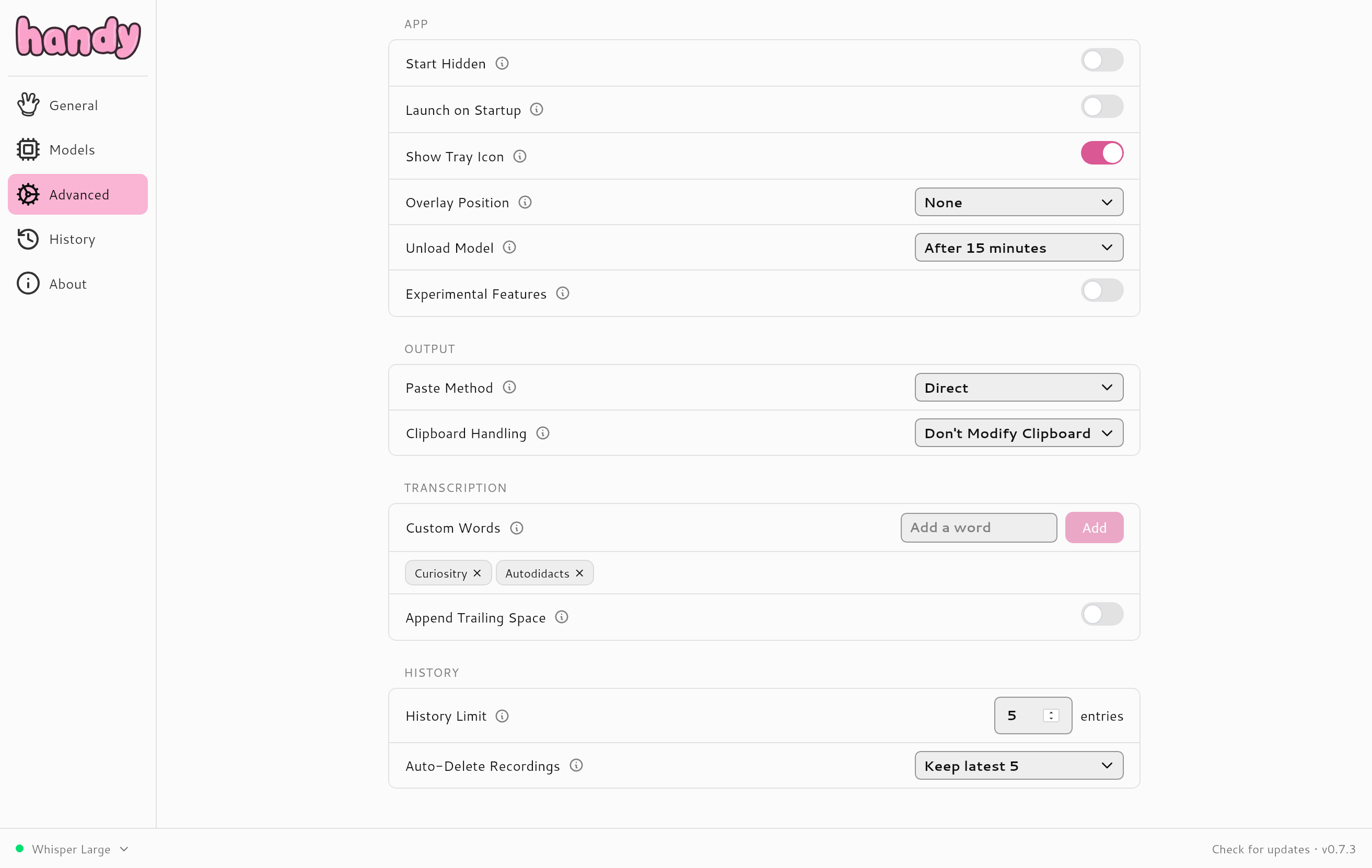
Handy is available for Windows, Mac, and Linux. It is written in Rust and supports a variety of models. I am using Whisper-Large, however, it also supports Moonshine and NVIDIA Parakeet, which are significantly faster, though slightly less accurate.
I am four paragraphs into this post, and so far I haven't made a single correction. I will list the total number of corrections at the end of this post.
so meta
Handy was a breeze to install and so far seems easy to use and stable. The main weak point that I've noticed is that the first few words of each transcription tend to get missed. I find it helps to clear my throat at the beginning of a sentence and give a few moments before I start speaking.
You have to be careful with a dictation app that automatically inserts the transcript at the cursor. After dictating the previous paragraph, I alt-tabbed to btop to check the resource usage while Whisper-Large was transcribing, and the app pasted a whole paragraph of text into the filter dialog of btop.
Handy is built with rust and tauri by CJ Pais. Learn more at Handy.computer.
The entire text up to the divider was dictated using Handy, with only 2 corrections. Handy rendered tauri "tarry", and I had to remove an extraneous "it." from the end of the title. I added the hrefs to the links, but left the text unchanged. I ran dictation a paragraph at a time, so linebreaks were added manually. The image and video were added after I finished dictation.