
OCR Typewritten Documents with a Local Vision Model (Qwen3-VL:8B + Ollama)
It’s now possible to get results better than Tesseract, without relying on cloud services
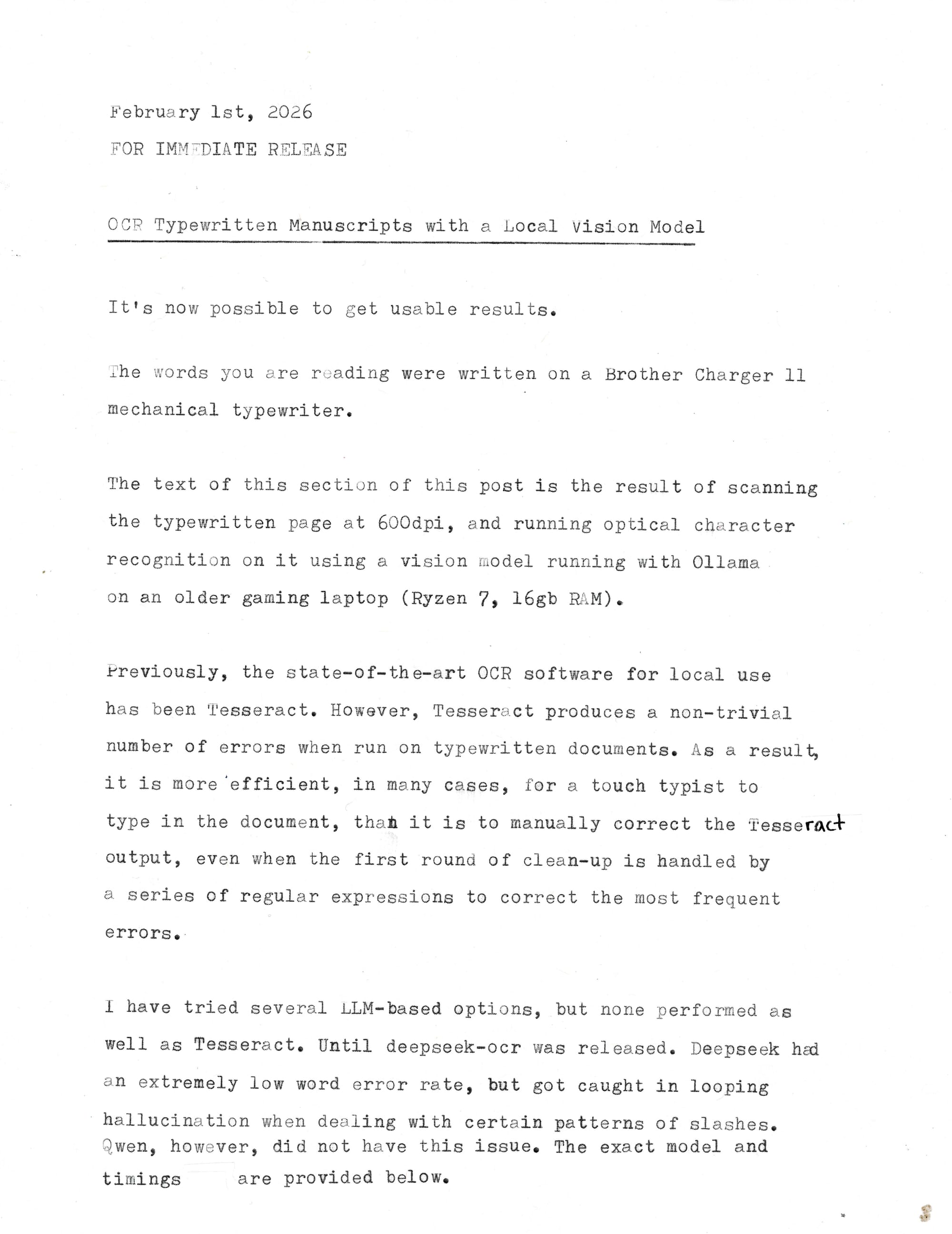
February 1st, 2026
FOR IMMEDIATE RELEASE
OCR Typewritten Manuscripts with a Local Vision Model
It's now possible to get usable results.
The words you are reading were written on a Brother Charger 11 mechanical typewriter.
The text of this section of this post is the result of scanning the typewritten page at 600dpi, and running optical character recognition on it using a vision model running with Ollama on an older gaming laptop (Ryzen 7, 16gb RAM).
Previously, the state-of-the-art OCR software for local use has been Tesseract. However, Tesseract produces a non-trivial number of errors when run on typewritten documents. As a result, it is more 'efficient, in many cases, for a touch typist to type in the document, than it is to manually correct the Tesseract output, even when the first round of clean-up is handled by a series of regular expressions to correct the most frequent errors.
I have tried several LLM-based options, but none performed as well as Tesseract. Until deepseek-ocr was released. Deepseek had an extremely low word error rate, but got caught in looping hallucination when dealing with certain patterns of slashes. Qwen, however, did not have this issue. The exact model and timings are provided below.
The command that generated the above transcript was:
time ls **.jpg | sort -n | xargs -I{} ollama run qwen3-vl --hidethinking "./{}\nOCR this document." >> output.txt
It took 5 minutes and 31.96 seconds to generate the output, running on Maximum Performance profile, with many other applications also open and using resources.
You will need to have Ollama, xargs, enough RAM to run an 8 billion parameter model (12–16gb, probably, given that 16gb is usually just enough to run 14b models), enough free disk space to pull the model (6.1gb), and either Fish shell or bash with setopt globstar. And, be willing to have the machine it’s running on get bogged down (or set a systemd memory limit, renice, etc)
You will notice that it is set up to process an entire directory of scanned images and append the output from each page into a single text file.